
Updated November 2026 · 8 KDP jobs · prices and KDP rules checked 31 Oct 2026
Best AI Tools for Amazon KDP (2026): One Pick for Every Publishing Job
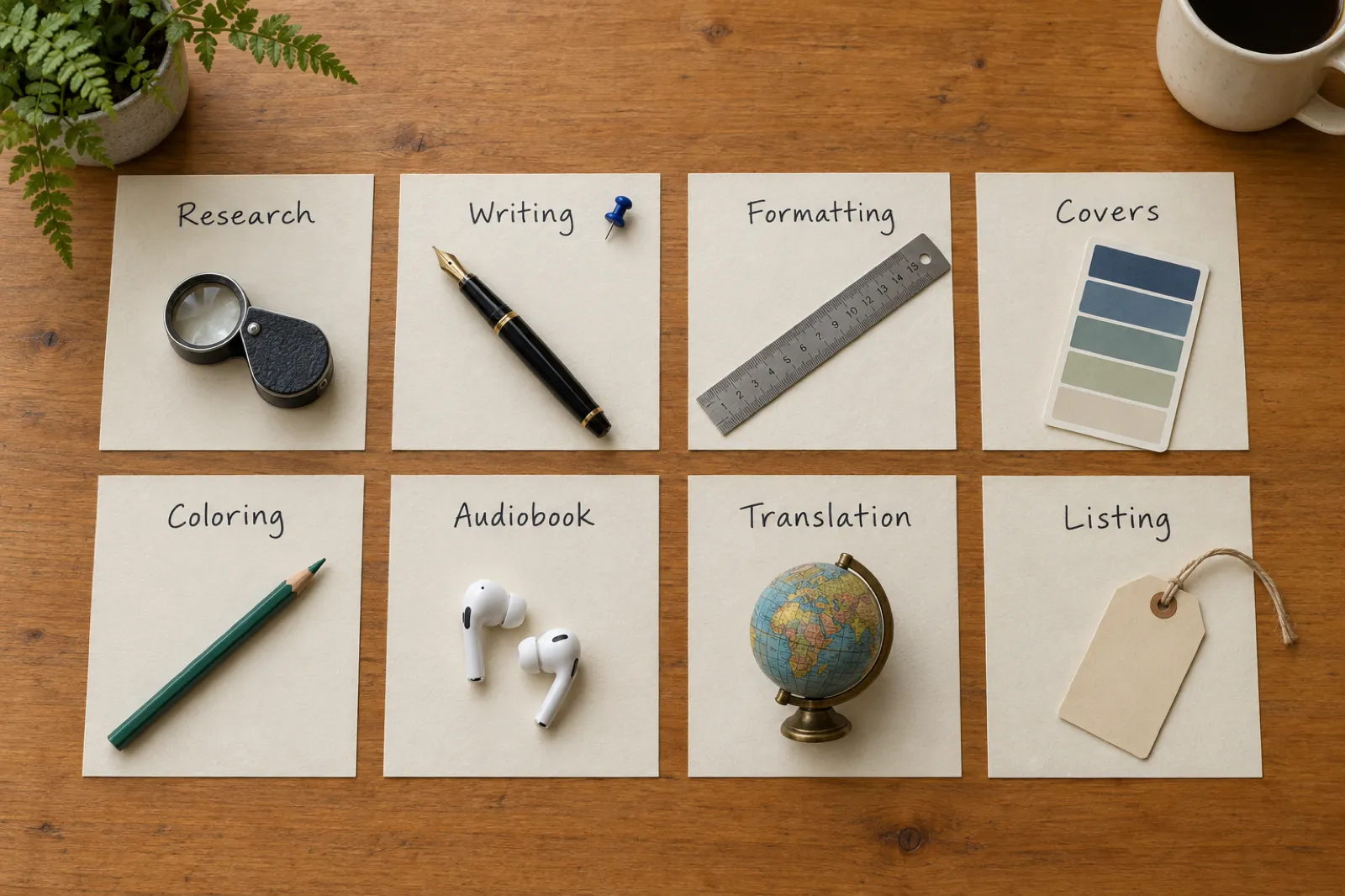
Publishing on KDP is eight jobs, not one: research, writing, formatting, the cover, illustrated books, the audiobook, translation and the Amazon listing. With KDP now taking only two new titles per format a week, every upload has to be finished properly. Here is the tool for each job, and the KDP rules each one has to meet.
By Sam May, founder of Inkfluence AI. Our own product is ranked here, and its limits are listed too.

Which AI tool should a KDP author pay for?
One that finishes the book, not one that hands you a draft and leaves the rest to four other apps. Inkfluence AI writes the book, builds the numbered KDP package (print PDF, Kindle EPUB and full-wrap cover), narrates the audiobook, translates it into 59 languages, and fills in the Amazon listing kit and A+ Content. It is the only tool in this list that does all of that in one place, from $9.99 a month.
Two jobs sit outside it. If you want Amazon search volume and sales-rank data before you pick a niche, add a research tool such as Publisher Rocket or Book Bolt. If you make puzzle books, Book Bolt also builds maze and word-search interiors. Everything else on a KDP author's list is covered below.
Best overall
Inkfluence AI
Writes, formats, covers, narrates, translates and lists the book.
Best for illustrated books
Inkfluence AI
Coloring books at 300 dpi, picture books with bleed, ABC books.
Add for research
Publisher Rocket
Amazon keyword and category data, $199 one-time.
Add for puzzle books
Book Bolt
Maze and word-search interiors, plus research.
What changed for KDP publishers in 2026
Each card was read from its source on 31 Oct 2026.
Two new titles per format a week
KDP's Create a Book page now reads "Up to 2 titles per book format each week", for both creating and submitting, reset every Sunday at 12:00 AM UTC. It was announced in KDP's community post.
Kindle Unlimited is now Kindle+
Amazon renamed it and added audio narration for thousands of titles, at $11.99 a month in the US. Audio is now part of the KDP Select story. Our Kindle+ guide covers what it pays.
Kindle Translate is still invite-only
KDP's Kindle Translate page calls it "an invite-only beta for eligible KDP eBooks", with English going to French, German, Italian, Brazilian Portuguese and Spanish. Paperbacks are not mentioned.
Virtual Voice is still a US beta
KDP's Virtual Voice page describes a US beta with an interest list, a 40% royalty and a list price between $3.99 and $14.99. You cannot buy your way in.
ACX is still human narration only
The one AI route on ACX is a voice-replica beta for human narrators selling their own voice. Lists that say "ACX accepts AI audio" are wrong.
A+ Content images and 300 dpi coloring
The Publish page's listing kit now makes A+ Content (five images and the text), and every coloring page is cleaned and enlarged to 300 dpi inside the print PDF.
The eight KDP jobs, and the tool for each
This is the whole page in one table. The right-hand column only has an entry where a specialist tool adds something Inkfluence does not do. Each row links to its own section.
| KDP job | Inkfluence AI does | Add a specialist? |
|---|---|---|
| Niche, keyword and category research | YesSeven keyword boxes and categories drafted from your book, plus the free KDP SEO checklist | Publisher Rocket or Book Bolt, for Amazon search volume and sales-rank data |
| Writing the manuscript | YesThe whole book from one idea, fiction or non-fiction, or import your Word, PDF or EPUB draft | Not needed |
| Interior formatting and Kindle EPUB | YesOne KDP package: print PDF at your trim, gutter sized from the page count, Kindle EPUB | Not needed |
| Covers | YesAI front cover, back-cover blurb, spine from page count, full wrap with 0.125 in bleed | Not needed |
| Coloring, picture and ABC books | YesThree coloring styles at 300 dpi, picture books printed with bleed, your own art as pages | Book Bolt, if you also need maze or word-search interiors |
| Audiobooks | Yes49 narrator voices in 14 languages, or read it yourself in the studio with ACX-spec files | Not needed |
| Translation | YesA translated copy of the whole book in any of 59 languages, ready to export | Not needed |
| Amazon listing and A+ Content | YesListing kit with copy buttons, plus five A+ images and text in your cover's style | Not needed |
How we chose, and what we did not do
We did not run the same book through every tool on this page. What we did, so you can weigh the picks yourself:
- Read every rule in the KDP rules box on KDP's own help pages on 31 Oct 2026, and quoted them where the wording matters.
- Took every competitor price from the vendor's own site the same day. Where a pricing page would not open for us (Book Bolt, Canva) or did not show its prices (Book Brush), the price is left out.
- Checked every Inkfluence feature named here against the app's own help pages, not our marketing.
- Priced one ordinary book through all eight jobs from published numbers, in the worked example. Your book will differ; the sums show how.
If you are new to KDP itself rather than the tools, start with our self-publishing on Amazon KDP walkthrough and come back here when you are choosing what to pay for. For the free calculators and generators we make, see KDP tools.
Job 1
Research: niches, keywords and categories
Research has two halves: choosing a niche with buyers and few strong books, and, the half most authors rush, writing keywords and picking categories that match what the book actually covers.
Inkfluence AI: keywords and categories from your own book
In the editor, Tools has a Keywords & categories tool, and the Publish page's Amazon listing kit has Write them from my book. Both read the finished book and draft the seven keyword boxes KDP asks for and the categories to choose, saved with the book and each with a Copy button. Our KDP SEO checklist shows how to check them, and the Kindle keyword research and KDP categories guides explain the rules. For ideas before you write, best ebook niches lists the ones that still sell.
Specialist research tools to pair with it
Inkfluence does not show Amazon search volume, sales rank or competitor earnings. If you want that data before choosing a niche, these are the two most used:
Publisher Rocket
Amazon keyword research, category search across "19,000+ categories", a competition analyzer and keyword lists for Amazon Ads. $199 one-time (shown as reduced from $299) with a 30-day refund, per its own site, checked 31 Oct 2026.
Book Bolt
KDP research (keywords, categories, competitor listings) with a design studio for low-content and puzzle interiors. Its pricing page would not open for us on 31 Oct 2026, so check the price there.
Neither writes the book. Use one to choose the niche, then Inkfluence to make and list it.
Job 2
Writing the manuscript
Pick: Inkfluence AI, because the book it writes is already a KDP book
Describe the book once. Inkfluence plans the chapters and writes every one, in more than thirty book types: how-to guides, business and self-help, cookbooks, workbooks, devotionals, novels, romance, children's chapter stories. Non-fiction chapters are written side by side, so a full book is usually ready in minutes. Fiction is written in order, with a Story Bible that tracks who knows what and where everyone stands, so chapter 9 does not forget chapter 3.
You then edit in a full editor with an AI assistant that rewrites passages and reviews a chapter or the whole book. Already written a draft? Import a document takes Word, EPUB, PDF or text, and several files can come in as one book. When the book is done, Continue as a series writes the next one from where it ended, carrying the characters and the story so far; our series writer page shows how. Read the best AI book writing software for the wider field, and the AI novel generator for KDP for fiction.
Price: the free plan writes 5 chapters a month. Creator ($9.99) writes 35 a month and Premium ($19.99) has no chapter limit. Inkfluence chapters run roughly 1,000 to 1,500 words; chapter count is how you set the length.
Other writing tools KDP authors use
Sudowrite
A fiction drafting assistant: write, rewrite, describe and expand, with its own fiction models and editing feedback on higher plans. Plans are $10, $22 and $44 a month billed yearly, or $19, $29 and $59 billed monthly, per its pricing page (31 Oct 2026). Its pricing page lists no print or EPUB files, so the book is formatted elsewhere.
A general chatbot
Fine for brainstorming and short passages. For a whole book you paste chapter by chapter, keep the plot in your head, and still have no interior file, cover or EPUB at the end.
More: Inkfluence AI vs ChatGPT.
Job 3
Formatting: the print interior and the Kindle EPUB
Pick: Inkfluence AI's KDP package
Export, then the KDP tab, then Export KDP Package downloads one zip of numbered files named for the KDP box each goes in: 1 - Upload to MANUSCRIPT (the print PDF), 2 - Upload to BOOK COVER (the full wrap), 3 and 4 (the Kindle cover JPG and the EPUB), and 0 - READ ME FIRST with the trim, page count, spine width, paper, print cost and royalty.
The print PDF is built to the book's real page count, with the gutter sized from it, at any of nine trims including Trade 6 x 9 (the default), Digest 5.5 x 8.5, Pocket 5 x 8 and Workbook 7 x 10. Text books are made with No bleed; books with full-page photos, and every picture book, are made with bleed, and READ ME FIRST says which to choose in KDP. Five book styles and three chapter-title sizes change the look in the live preview.
For the Kindle edition, upload the EPUB, not a PDF: KDP converting a PDF is what produces the "possible quality issues" emails. Our KDP formatting guide and Kindle formatting guide go through each setting.
Formatters compared
| Tool | Writes the book | Print PDF and EPUB | Full-wrap cover |
|---|---|---|---|
| Inkfluence AICreator $9.99/mo, or a credit packRuns on: Any browser, any computer | Yes | PDF: Yes EPUB: Yes | Yes |
| Atticus$147 one-timeRuns on: Windows, Mac, Linux, Chromebook | No | PDF: Yes EPUB: Yes | Not stated |
| Vellum$199.99 ebooks, $249.99 with paperbacksRuns on: macOS 13 or newer only | No | PDF: Yes EPUB: Yes | Not stated |
| Kindle CreateAmazon's own appRuns on: Download from KDP | No | PDF: Yes EPUB: Partly | Not stated |
Sources, checked 31 Oct 2026: Atticus, Vellum, Kindle Create help. "Not stated" means the vendor page we read does not say. Kindle Create's EPUB is marked Partly because Amazon's app saves ebooks in KDP's own format for upload to KDP rather than as a portable EPUB.
Atticus
A formatter and writing app for a book you have already written, at $147 once, on Windows, Mac, Linux and Chromebook, exporting EPUB, PDF and DOCX. Its homepage lists no AI writing. See Inkfluence AI vs Atticus.
Vellum
A formatter for Mac only (macOS 13 or newer): $199.99 for ebooks, $249.99 to add paperbacks. No writing, and no Windows version. See Inkfluence AI vs Vellum.
Kindle Create
Amazon's own app for preparing reflowable, print and print-replica books for KDP. Basic themes, no writing and no cover. More formatters in the best book formatting software.
Job 4
Covers: the front, the spine and the full wrap
A Kindle ebook needs one front image. A paperback needs one PDF with the back, spine and front, sized to the page count and paper, with 0.125 inch of bleed; that file is where most cover tools stop helping.
Pick: Inkfluence AI's cover designer
The cover designer paints the front from your book (Creator includes 10 AI covers a month, Premium 30), or takes your own image. Its Print tab adds the back cover (your own image, or a blurb it lays out) and the spine, with spine text from 79 pages, which is KDP's rule. The spine width comes from the page count and the paper you pick, and a "Keep the front inside Amazon's safe area" switch keeps the title clear of the trim. Every KDP export includes the full wrap as file 2 and the Kindle front as file 3, so there is nothing to resize by hand. Picture and coloring books can show a few of their own pages on the back cover.
To check sizes before you design, the cover size and spine calculator does the sums, and the best AI ebook cover generators compares front-cover tools.
Other cover tools
Book Brush
An author-marketing design tool: 3D cover mockups, author-specific templates, instant mockups, and a Cover Creator on its higher plans. Its pricing page did not show prices to us on 31 Oct 2026. Useful for ads and social images once the cover exists.
Canva
A general design tool with a free plan and a paid Pro plan (its pricing page would not open for us). You build the wrap yourself from KDP's cover template: back, spine width and bleed. See Inkfluence AI vs Canva.
Job 5
Coloring, picture and activity books
Illustrated books are a large share of KDP, and the place where print specs bite hardest: 300 dpi art, bleed on every page that runs to the edge, a blank page behind each coloring design, and a 24-page minimum.
Pick: Inkfluence AI for illustrated books
- Coloring books in three styles (Children's, Bold and easy, Detailed), 12 to 40 designs planned as distinct scenes, a blank back behind each, and every page cleaned to black line on white and enlarged to 300 dpi in the print PDF. See the coloring book generator and our best AI coloring book generator roundup.
- Picture books written and illustrated from one idea, with a character sheet keeping the cast the same on every page, printed at 8.5 x 8.5 with bleed so the art runs to the edge. See the picture book maker and the best AI children's book creator.
- Your own art: "I already have my pages" turns finished illustrations into a print-ready book, one image per page, with nothing generated. See turn illustrations into a picture book.
- ABC and counting books, and a series button that makes the next book in the same style.
Price: Creator includes 20 pictures a month and Premium 50, then 1 credit per page; without a plan a picture or coloring book is 1 credit per page from a pack, cover included.
Puzzle pages: Inkfluence makes no mazes, sudoku or word searches. Book Bolt builds those interiors.
The KDP side of these books is in selling AI coloring books on KDP and picture-book bleed sizes.
Job 6
Audiobooks
KDP itself sells audio only through Virtual Voice, still a US beta with an interest list. Everyone else makes the audio elsewhere and picks a store. The tool question is which one gives you a finished, store-ready audiobook for the least work and money.
Pick: Inkfluence AI's audiobook studio
Open the book, choose Turn into Audiobook, pick one of 49 narrator voices in 14 languages (hearing a voice is free), tick the chapters and press Record. Recording runs on our side, so you can close the laptop. Each chapter is its own file: fix a word the narrator says wrong once for the whole book, then re-record only the chapters that changed. Download one MP3 or a ZIP of chapter MP3s.
You can also read any chapter yourself: Record it yourself keeps the text on screen with a level meter, or upload a recording you already have. Your recordings use no credits, and the studio's ACX files (44.1 kHz, 192 kbps, mono, one MP3 per chapter) are made from them, which is the route to Audible, because ACX takes human narration.
Price: Creator includes 15 audiobook chapters a month and Premium 30, with HD voices on Premium; chapter credits pay for more. The free plan has no audiobook chapters.
Other audio routes
ElevenLabs
A voice platform billed in credits: text to speech uses about 1 credit per character. Creator is $22 a month for 121,000 credits and Pro $99 for 600,000, per its pricing page (31 Oct 2026). A 60,000-word novel is roughly 350,000 characters, so it needs Pro for that month.
KDP Virtual Voice
Free to the author if Amazon invites you: 80 voices, a 40% royalty and a list price of $3.99 to $14.99, US only, per KDP's help page. You cannot take the files elsewhere.
Where AI-narrated audio can be sold today is in where to sell an AI audiobook, and the full field of narration tools is in the best AI audiobook generator.
Job 7
Translation: the same book in more stores
A translation is a new title on KDP, in a store where your English edition is competing with few local books. With two new titles per format a week, a Spanish or German edition of a book that already sells is often a better use of a slot than a new English book.
Pick: Inkfluence AI's Translate
From the book's menu, the Publish page or Settings, Translate makes a complete translated copy of the book as a new book, in any of 59 languages, leaving the original untouched. The copy has its own editor, cover, KDP package, listing kit and audiobook studio, so the Spanish edition is published exactly like the English one. Creator includes 15 translations a month and Premium 40. See the AI book translator.
Kindle Translate
Amazon's own translation service is an invite-only beta for KDP eBooks, per its languages page: books in English, French, German, Italian, Portuguese or Spanish, with English going to French, German, Italian, Brazilian Portuguese and Spanish. The page mentions only eBooks. If you are invited and your language pair is on the list, it is worth a look; for paperbacks and every other language, a translated copy you can edit and export is the route. Our Kindle Translate comparison goes through both, and the best AI book translator compares the rest.
Whichever you use, KDP counts a translation made by an AI tool as AI-generated, so answer yes to the translation question.
Job 8
The Amazon listing and A+ Content
Pick: Inkfluence AI's Amazon listing kit
Amazon does not let any app list a book for you, so the next best thing is having every field ready to paste. The Publish page's Amazon listing kit holds the title, subtitle, description, the seven keyword boxes and the categories, each with a Copy button. Write one from my book drafts the description. The kit reminds you of the ebook price range that earns 70% in the US store and of KDP's AI question, and after your first KDP export it shows your paperback print cost and royalty.
Step 7, Make my A+ Content, writes the A+ text from your book and makes five images in your cover's style in about a minute: a header image, three square images with captions, and a wide banner. The text follows Amazon's A+ rules (no prices, offers, reviews or links); the images carry no writing, are sized for the modules and stay under the 2 MB limit. With more than one book, Comparison chart with your other books builds Amazon's comparison module. A+ Content comes with Creator, Premium or any credit pack.
Free tools for the same job: the book description generator, the A+ Content generator page with real examples, and A+ Content sizes.

Our pick at a glance: Inkfluence AI
Facts checked 5 November 2026.
- What it is
- An AI book generator that writes the whole book, then gives you an editor, a cover designer and the files the stores ask for.
- Founded
- In 2024 by Sam May. Authors have been publishing books made with it since 2025.
- How a book is written
- From one idea to a full draft in minutes. Non-fiction chapters are written at the same time; novels are written in order with a story memory that tracks characters, events and who knows what.
- Book types
- Novels, non-fiction, workbooks, cookbooks, children's picture books, colouring books and ABC books, with AI illustrations and consistent characters.
- Files for Amazon KDP
- A KDP package with the print-ready paperback interior PDF and the full-wrap cover, plus a Kindle EPUB, a Word DOCX and a PDF.
- Page sizes
- 10, from 5 x 8 in pocket and 6 x 9 in trade to US Letter, A4, A5 and B5, plus 8.5 x 8.5 in for picture books.
- Audiobooks
- 49 AI voices in 14 languages, with MP3 files and ACX-spec files (44.1 kHz, 192 kbps, one file per chapter).
- Translation
- A finished book can be translated into 59 languages.
- App languages
- The app itself runs in English, Spanish, French, German, Portuguese, Italian, Dutch and Indonesian.
- Also
- Import from Word, PDF, EPUB or text; continue a book as a series; book videos; publish to Etsy and Gumroad.
- Price
- Free plan to try it. Creator $9.99 a month, Premium $19.99 a month with unlimited chapters, or credit packs from $9.99 with no subscription.
The KDP rules every AI-assisted book has to meet
These apply whichever tools you use. Each card quotes or summarises KDP's own help page, read on 31 Oct 2026, and links to it.
AI-generated: disclose it
"We require you to inform us of AI-generated content (text, images, or translations)." Content created by an AI tool counts as AI-generated "even if you applied substantial edits afterwards". Source: KDP Content Guidelines.
AI-assisted: no need to
If you created the content yourself and used AI to "edit, refine, error-check, or otherwise improve" it, or to brainstorm, KDP says "It is not necessary to inform us". Our disclosure walkthrough shows the form.
2 titles per format a week
"Up to 2 titles per book format each week", counted separately for eBook, paperback and hardcover, for both creating and submitting, reset Sunday 12:00 AM UTC. In force from 21 Sep 2026. Source: Create a Book.
What low-content means
"Minimal or no content on the interior pages", usually repetitive and filled in by the user: notebooks, planners, journals, log books. Coloring, puzzle and children's books are "Not Generally Low-Content". Source: Low-Content Books.
What low-content gives up
No ISBN needed, but no free KDP ISBN, no Expanded Distribution and no series. Tick the box only for true low-content books, or KDP rejects the book. See our low-content guide.
Trim size
"The most common trim size for paperbacks in the U.S. is 6 x 9 inches." Square 8.5 x 8.5 and 8.5 x 11 suit picture and coloring books. Source: Trim, bleed and margins; more in KDP trim sizes.
Bleed and margins
KDP trims 0.125 in from the top, bottom and outside edges. Margins: at least 0.25 in without bleed, 0.375 in with it; the gutter grows from 0.375 in (24 to 150 pages) to 0.875 in (701 to 828).
The cover file
Add 0.125 in bleed to the top, bottom and outside edges; keep text at least 0.125 in inside the trim; spine text needs at least 79 pages. Source: KDP cover help.
What printing costs
Black ink, regular trim, Amazon.com: $2.30 flat for 24 to 110 pages, then $1.00 plus $0.012 a page. Source: printing cost; try the royalty calculator.
Plan your uploads around the weekly cap
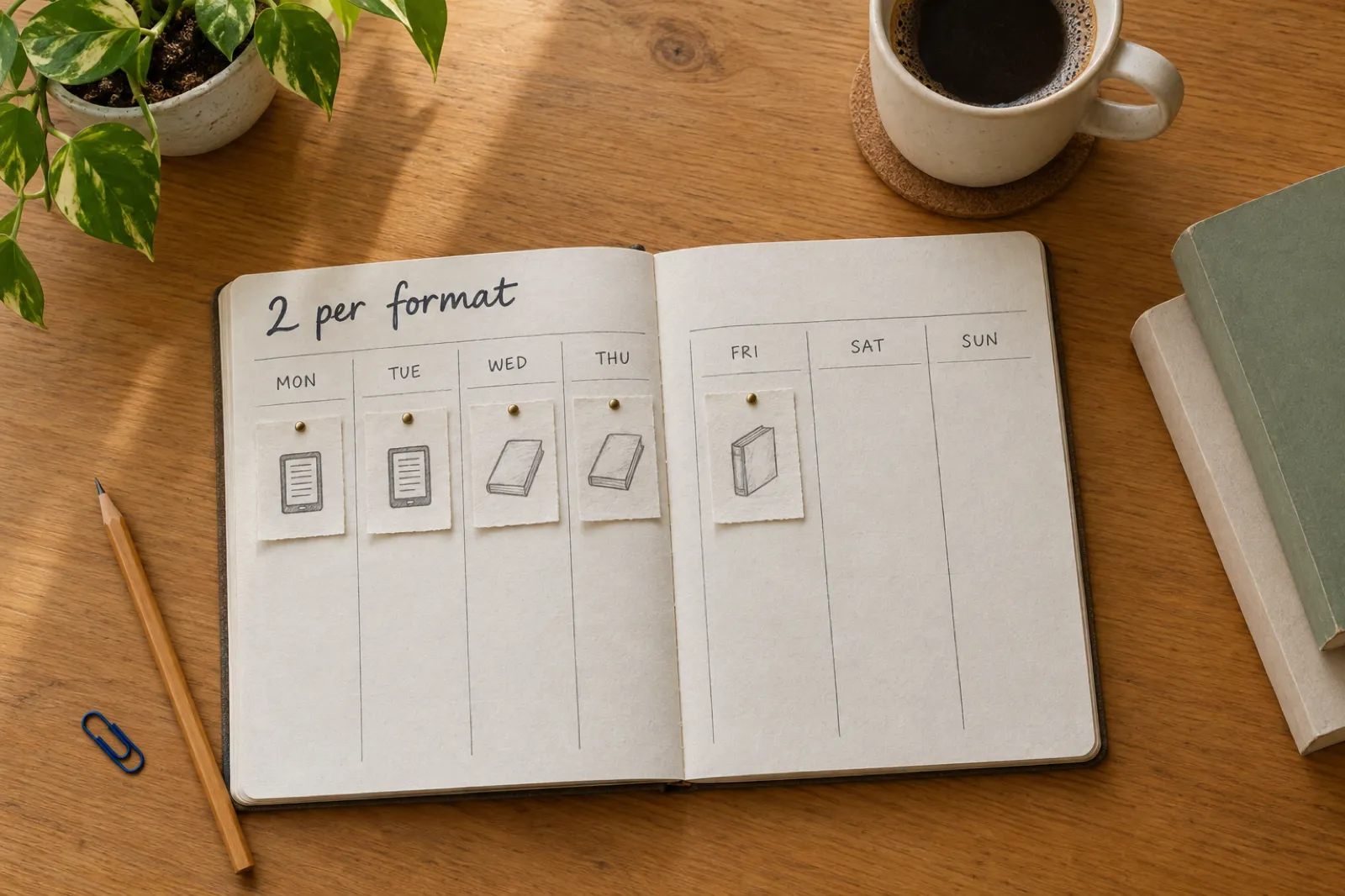
The cap counts titles per format, so one book's ebook and paperback use one ebook slot and one paperback slot, not two of either. Two finished books a week, each in two formats, fits exactly. A translated edition is a new title and uses a slot of its own. The books-needed calculator shows what that pace earns.
Unfinished uploads now cost more: an abandoned draft still used that week's creation slot, and a bounced book waits for the next free one. Finish every file before you click Create. If KDP has returned a book, KDP rejected my book matches each email to its fix.
For seasonal books, the cap makes the calendar tighter: see the KDP publishing calendar and the KDP Christmas deadlines.
What each tool costs, checked 31 Oct 2026
Every price below is from the vendor's own site on the day we checked. Prices change; the source link on each row is where to confirm it.
| Tool | Price | Source |
|---|---|---|
| Inkfluence AIAll eight jobs except search-volume research | Free plan (5 chapters a month); Creator $9.99/mo or $89/yr; Premium $19.99/mo or $179/yr; credits 15 for $9.99, 25 for $12.99, 50 for $24.99 | Checked 31 Oct 2026 |
| Publisher RocketKeyword and category research | $199 one-time (shown as reduced from $299), 30-day refund | Checked 31 Oct 2026 |
| SudowriteFiction drafting | Hobby & Student $10, Professional $22, Max $44 a month billed yearly; $19, $29, $59 billed monthly | Checked 31 Oct 2026 |
| AtticusFormatting | $147 one-time, 30-day money-back guarantee | Checked 31 Oct 2026 |
| VellumFormatting (Mac) | Vellum Ebooks $199.99; Vellum Press $249.99 (ebooks and paperbacks) | Checked 31 Oct 2026 |
| ElevenLabsAI voice audio | Starter $6/mo; Creator $22/mo (121,000 credits); Pro $99/mo (600,000 credits); speech uses about 1 credit per character | Checked 31 Oct 2026 |
| Book Bolt, Canva, Book BrushResearch, design, cover mockups | Pricing pages would not open or did not show prices to us, so none are shown | Not shown |
Inkfluence plans: Creator includes 35 chapters, 20 pictures, 15 audiobook chapters, 15 translations and 10 AI covers a month; Premium has unlimited chapters, 50 pictures, 30 audiobook chapters, 40 translations and 30 AI covers. Full details on the pricing page.
Worked example: one book through all eight jobs in a month
A worked example, priced from the published numbers above, not a timed test. The book: a 15-chapter how-to guide of about 20,000 words, sold as a Kindle ebook and a 6 x 9 paperback, with an audiobook and a Spanish edition.
- 1.Research: niche chosen with your research tool of choice; keywords and categories drafted from the finished book in the listing kit.
- 2.Write: 15 chapters, 15 of Creator's 35 for the month. Then a read-through in the editor, with the assistant's Review on the whole book.
- 3.Format and cover: one KDP package at 6 x 9. At roughly 90 printed pages the paperback costs the flat $2.30 to print, so at $9.99 it earns 60% of $9.99 minus $2.30, about $3.69 a copy.
- 4.Audiobook: 15 chapters of about 7,500 characters each, 1 audiobook chapter apiece, which is Creator's 15 for the month.
- 5.Translate: one Spanish copy, 1 of Creator's 15 translations, with its own KDP package and listing kit.
- 6.List: copy the kit into KDP, answer yes to AI-generated text, images and translation, and add A+ Content once the book is live.
- 7.Slots: week one, the English ebook and paperback; week two, the Spanish ebook and paperback. One slot per format is still free each week.
First-month cost for this book's writing, files and audio
Lower is cheaper. Vendor prices checked 31 Oct 2026.
Writing, KDP files, cover wrap, audiobook, a translation, A+ Content
Sudowrite Hobby monthly $19, Atticus $147, ElevenLabs Creator $22; cover and listing still to do
The 20,000 words come to about 116,000 characters, which fits inside ElevenLabs Creator's 121,000 credits. Atticus is a one-time price, so later months cost less on that side; the stack still has no cover wrap, translation or listing kit.
Six checks before you click Publish on KDP
With two slots a format each week, a bounced book costs you time you cannot buy back. These six catch most of the emails KDP sends.
1
Read every chapter
KDP reviews quality. Cut repetition, check facts, and make the book yours before it carries your name.
2
Match the trim everywhere
The trim you exported must be the trim you pick in KDP's print options, or the file is rejected.
3
Bleed or no bleed
Text books: No bleed. Picture books and full-page photos: Bleed. The READ ME says which.
4
Upload a cover you already have
Upload the full-wrap PDF, not Cover Creator, which builds a new cover from Amazon's templates.
5
EPUB for Kindle
Upload the EPUB for the ebook, then look at it in KDP's previewer before you submit.
6
Answer the AI questions
Text, images and translation each have their own answer. AI-generated is yes, even after edits.
The paperback side is walked through in paperback publishing on KDP, and the whole route from idea to live book in how to publish AI-generated books on KDP.
Frequently asked questions
What are the best AI tools for Amazon KDP in 2026?+
Can one AI tool handle every part of publishing on KDP?+
Do I have to tell KDP I used AI?+
How many books can I publish on KDP each week in 2026?+
What counts as a low-content book on KDP?+
What is the best AI tool for KDP keyword research?+
Can I sell an AI-narrated audiobook on Audible through ACX?+
What trim size and bleed should a KDP paperback use?+
Is Inkfluence AI free for KDP publishing?+
Do I still need Atticus or Vellum if I use an AI book tool?+
Can AI make Amazon A+ Content?+
Related tools and guides
Free tools
KDP tools
Calculators and generators for KDP authors.
Best of
Best AI book generator for self-publishing
Book generators ranked for indie authors.
Best of
Best AI ebook generators
For ebooks and lead magnets.
Best of
Best AI story generator
Story writers compared.
Policy
KDP AI disclosure
What to answer, question by question.
Guide
Amazon KDP tools guide
Descriptions, keywords and listings.
Template
KDP paperback template
Trim, margins and gutter set up.
Money
KDP royalties 2026
Ebook and paperback rates explained.
Import
Google Docs to KDP
From a doc to upload-ready files.
Selling
How to sell ebooks on Amazon
Pricing, listing and launch.
App
AI book writer for Kindle
Write for the Kindle store.
A+ Content
KDP A+ Content examples
Real modules, what works.
Make your next KDP book in one place
Write it, export the KDP package, record the audiobook, translate it and paste the listing kit into KDP. The free plan gives you 5 chapters a month to start. When the book is ready to publish, the Creator plan is $9.99 a month.