1. Our product
Inkfluence AI
Best at: going from one idea to a finished, exportable book without leaving the app, for fiction, non-fiction, picture books and coloring books.
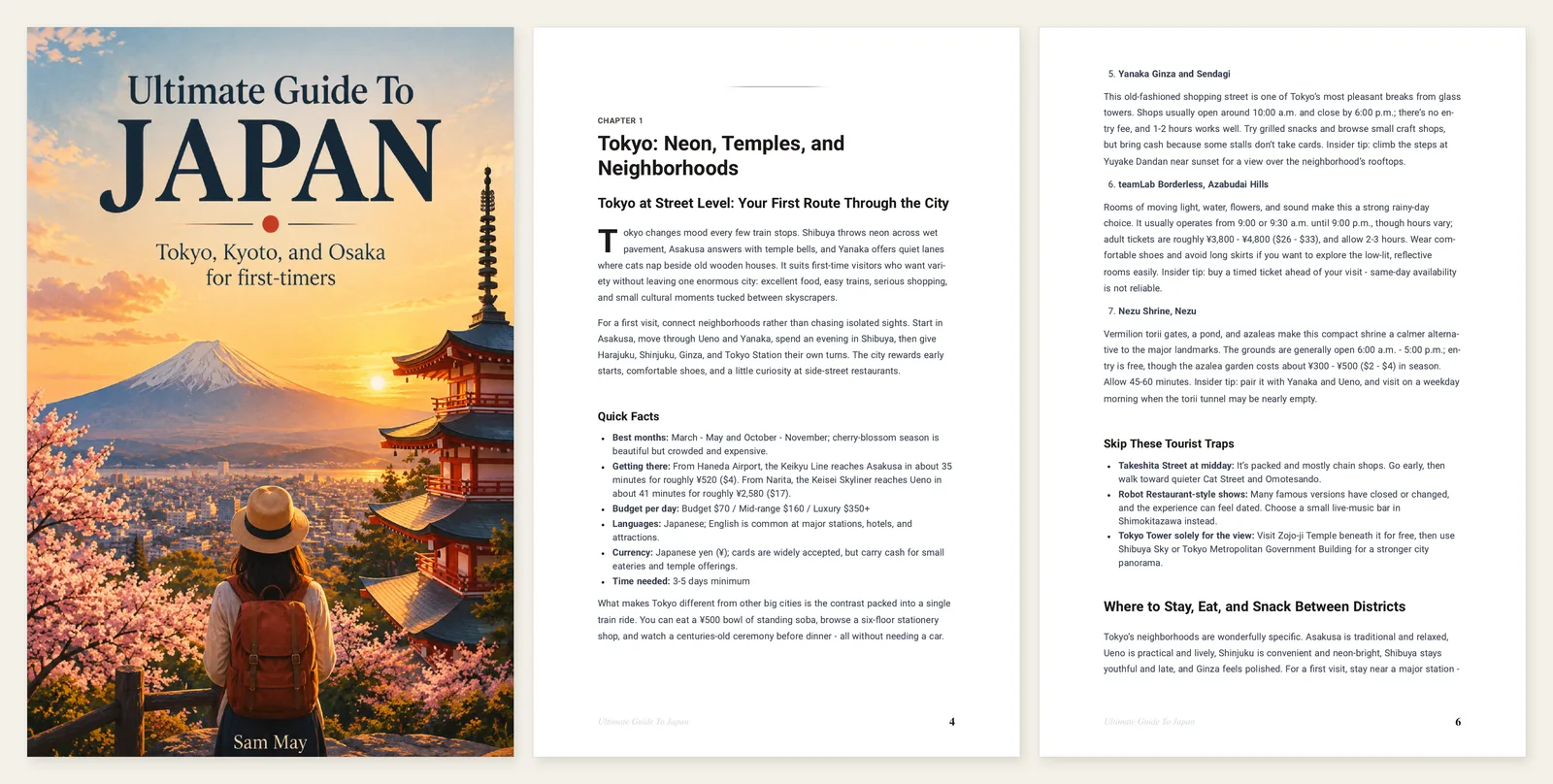
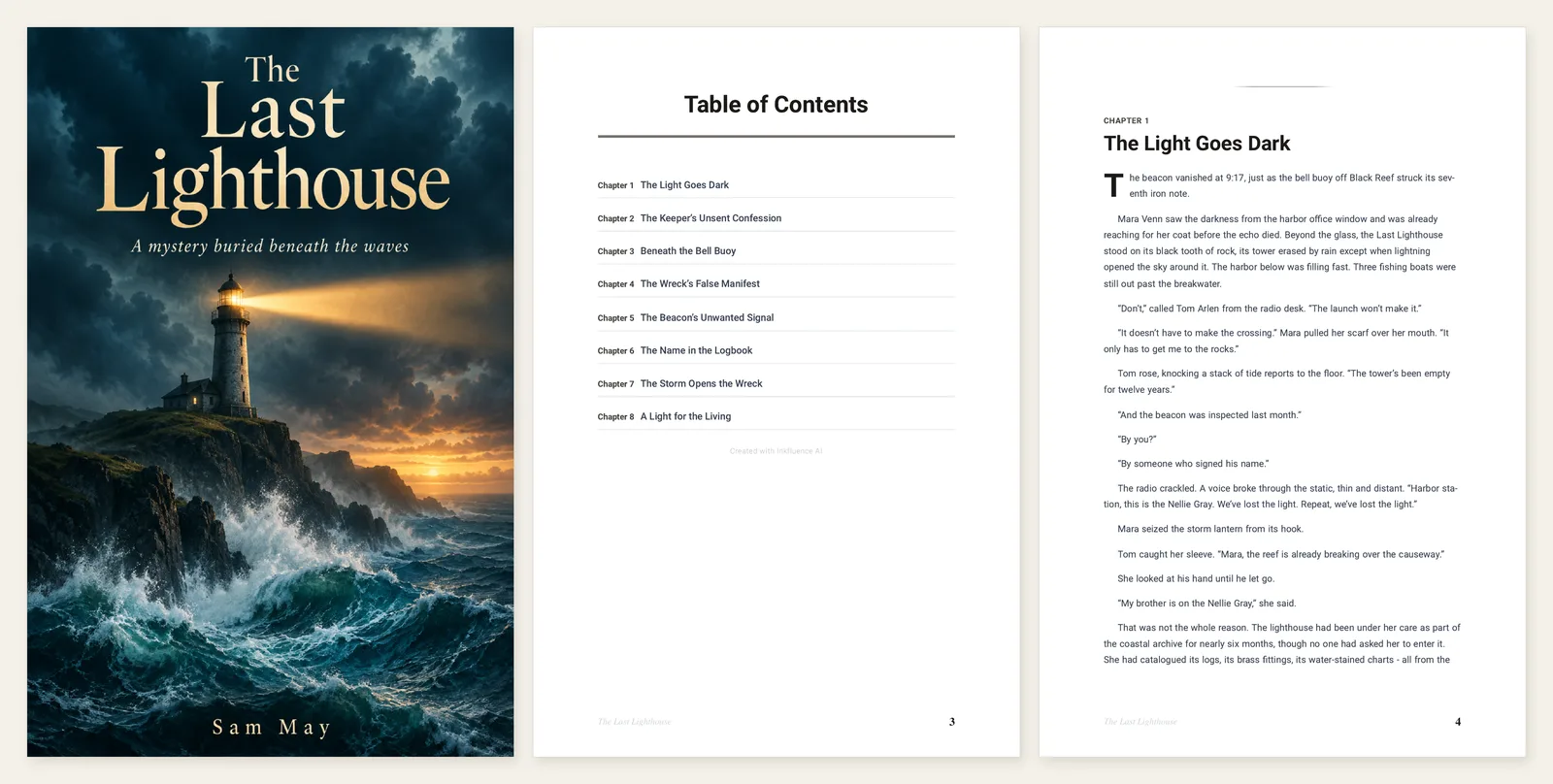
You describe the book in a sentence or a paragraph. Inkfluence plans the chapters, writes them, designs a cover and opens the result in an editor where you can rewrite any part, ask the built-in assistant for changes, and reorder chapters. From there you export a PDF (any plan), an EPUB for Kindle and other stores, a Word file, or a print-ready paperback PDF with a wrap cover for KDP. Paid plans can also publish straight to Etsy and Gumroad, turn the book into an audiobook, translate it, and illustrate a picture book page by page with the same characters throughout.
The thing we would point to over the other tools here is that the file is part of the product, not a step after it. The ebook generator, the cover designer and the export window share one book, so a change to chapter three shows up in the PDF and the EPUB the next time you export, with no copy and paste. For novels, a story record tracks what has already happened and who knows what, so a reveal planned for chapter six does not get told in chapter three.
Where it falls short (checked against our own settings and code)
- No word or page target. Length is set by how many chapters you ask for in your prompt. Our sample prose books ran about 1,900 to 2,000 words a chapter, but there is no setting that guarantees, say, 50,000 words.
- The free plan is small on purpose. 5 chapters to start and 5 more each month, 3 Smart Continue runs a day, the basic cover designer, and PDF export only. Free PDFs carry a small "Made with Inkfluence AI" footer and a closing page.
- EPUB and DOCX need a paid plan or credits. The export code refuses them otherwise. Credit packs start at 15 chapters for $9.99 if you do not want a subscription.
- Creator has a monthly cap. 35 chapters, 20 AI images and 15 audiobook chapters a month. Premium lifts chapters to unlimited, with 50 images and 30 audiobook chapters.
- Ebook and Word files keep a plain layout. The decorative options (drop caps, callout boxes, page borders) apply to PDF and paperback exports. That is normal for reflowable ebooks, but it means your EPUB will look simpler than your PDF.
- AI covers and illustrations cost extra on free. AI cover art and illustrated picture books need a paid plan's monthly allowance or chapter credits. On the free plan a picture book costs 1 chapter credit a page, and it will not start until you have enough to paint every page.
- It is a first draft. Like every tool here, the output needs reading and editing, and KDP asks you to disclose AI-generated content when you publish. If sentence-level literary style is your priority, Sudowrite's fiction tools go deeper than ours.
Price: free plan; Creator $9.99 a month ($89 a year); Premium $19.99 a month ($179 a year). Full details on the pricing page.
2. AI book platform, one-time licence
Automateed
Best at: Paying once instead of monthly for a create-and-sell bundle.
Automateed calls itself an AI book publishing platform: "Create, Publish and Sell Your Book with AI". It writes a multi-chapter draft from your idea, offers cover options, and exports PDF, EPUB and DOCX. Around the book it bundles author sites, funnels, courses, audiobooks and paperback tools. Its own copy tells you to treat the result as a first draft, which is the right advice for every tool on this page.
For a finished ebook: The monthly ebook allowance is fixed by the tier you buy, so a heavy month means a bigger one-time purchase, and the no-refund rule means you cannot try a paid tier and change your mind. The bundle is wide; if you only want the book, much of it goes unused.
Price, from its pricing page (checked 31 Oct 2026): Lifetime tiers only on the site: Entry $149 (4 ebooks a month), Standard $239 (8), Pro $299 (12) and Elite $997 (100). The site says all sales are final and non-refundable, and offers 5,000 words free to try. Its old pricing URL now returns "gone"; prices are on the homepage and the lifetime page.
3. AI book and screenplay writer
Squibler
Best at: Full fiction and screenplay drafts from one concept.
Squibler turns an idea into a book organised into chapters and scenes, and it handles screenplays too, which no other tool here does. It generates images you can use for a cover, can turn passages into short videos, and translates into many languages. The free plan lets you test full book creation before paying.
For a finished ebook: PDF and DOCX export sit on the paid plans, and there is no EPUB on its pricing page, so a Kindle ebook needs a conversion step. The product leans toward stories and scripts rather than guides, workbooks or lead magnets.
Price, from its pricing page (checked 31 Oct 2026): Free plan with 1,000 AI credits a month. Plus is $29.99 a month, or $15.83 a month billed yearly, with 10,000 credits. Pro is $89.99 a month, or $49.17 a month billed yearly, with unlimited credits.
4. Fiction writing assistant
Sudowrite
Best at: Line-level fiction craft: style matching, rewrites, series continuity.
Sudowrite is built for novelists and nothing else. Its Story Bible takes you from an idea to an outline to beats to chapters, and its fiction-tuned models offer rewrites, expansions and style matching at the sentence level. The higher plans add developmental and line edits.
For a finished ebook: It does not do non-fiction. Its homepage and pricing page do not state which book files it exports, and they do not mention cover design, so plan on a separate formatting and cover step before you publish.
Price, from its pricing page (checked 31 Oct 2026): Hobby and Student $10 a month, Professional $22 a month, Max $44 a month (unused credits roll over for 12 months). Yearly billing is advertised as up to 50% off. There is a free trial with no card; there is no free plan.
5. Content-to-ebook converter
Designrr
Best at: Turning blog posts, videos and documents you already have into designed ebooks.
Designrr takes content you already own, such as a blog, a Word or Google document, a YouTube video, an audio file or a PDF, and lays it out as an ebook, lead magnet or flipbook. It has more than 200 cover designs and a 3D cover image tool, and an AI writer for filling gaps.
For a finished ebook: Writing a whole new book from a prompt is not what its site describes; it is a layout and conversion tool first. EPUB needs the $39 Pro plan or higher.
Price, from its pricing page (checked 31 Oct 2026): Standard $29 a month, Pro $39, Premium $49, Business $99, Agency Premium $249. EPUB and Kindle export start at Pro.
6. Short ebook and coloring book maker
PDFHatch
Best at: Quick short non-fiction PDFs and kids’ coloring books, paid per book.
PDFHatch (pdfhatch.app) picks a niche, writes an outline and chapters, adds an AI cover, and hands you an A5 PDF. It now also makes KDP coloring books from 17 themes, and it writes in 24 languages.
For a finished ebook: Its site states PDF only, so there is no EPUB for Kindle and no DOCX to edit in Word. Books are short by design.
Price, from its pricing page (checked 31 Oct 2026): One-time credit packs that never expire: Starter $19 (8 credits), Creator $39 (20), Studio $79 (50). One credit makes one ebook or one 10-page coloring book.
7. AI word processor
Type.ai
Best at: Drafting long documents in an editor that keeps character and setting notes.
Type.ai calls itself "the intelligent editor for storytellers". You write in a document and the AI drafts, rewrites and continues alongside you, with notes on characters and settings. A document can run to 150,000 words, so a whole novel fits in one file, and it exports DOCX or PDF.
For a finished ebook: It is an editor rather than a book generator: you steer every chapter. There is no EPUB or cover design on its pricing page, so publishing needs other tools.
Price, from its pricing page (checked 31 Oct 2026): Free plan with limited credits that never expire. Basic $8 a month, Pro $16 and Max $64, each billed yearly ($96, $192, $768). Monthly-billed prices are not shown in the default view. 30-day money-back on a first subscription.
8. General AI assistant
ChatGPT
Best at: Brainstorming titles, outlines and research before you write.
ChatGPT is the most capable general assistant most people already have open. It is very good at turning a vague idea into a title list, a chapter plan, research notes and draft sections, and it can create images, which some people use for cover concepts.
For a finished ebook: It works one reply at a time, so keeping a 15,000-word book consistent, assembling the chapters, and producing an EPUB or a print PDF are all your job. Expect a separate formatting tool at the end.
Price, from its pricing page (checked 31 Oct 2026): A free plan plus several paid tiers. Its pricing page would not load for our recheck on 31 Oct 2026, so we have left the figures out rather than repeat an old number. Check its pricing page for today’s prices.
9. General AI assistant
Claude
Best at: Long, careful drafting and editing passes on text you paste in.
Claude is a general assistant with a strong reputation for long-form writing and editing. Projects let you keep a style guide and your outline beside the chat, and its pricing page lists creating files on every plan, the free one included.
For a finished ebook: Like ChatGPT, it is not a book tool: no chapter manager, no cover design on its pricing page, and no ebook or print file from the finished book. You still need formatting and a cover.
Price, from its pricing page (checked 31 Oct 2026): Free (up to 5 projects), Pro $20 a month or $17 a month billed yearly ($200 up front), Max from $100 a month.
10. Design platform
Canva
Best at: Visual layouts: short illustrated PDFs, workbooks and covers.
Canva has the biggest template and asset library of anything here, and it is excellent for anything where the page design matters more than the words: a 12-page illustrated lead magnet, a workbook, a planner, a cover. You can export print PDFs with bleed.
For a finished ebook: You place every word yourself, page by page, so a 40,000-word book is slow work. EPUB is not among the export formats on its pricing page.
Price, from its pricing page (checked 31 Oct 2026): A free plan with a small monthly allowance of AI uses, then paid Pro, Business and Enterprise plans. Its pricing page would not load for our recheck on 31 Oct 2026, so we have left the figures out rather than repeat an old number. Check its pricing page for today’s prices.
11. Lead magnet builder
Beacon
Best at: Hosting lead magnets behind opt-in forms and resource libraries.
Beacon is built around the moment a reader trades an email address for your PDF. It turns blog posts into lead magnets with templates, adds opt-in forms, and keeps a gated resource library, with clickable "Smart PDF" output.
For a finished ebook: Its site does not describe writing a lead magnet from a prompt, so the content has to come from somewhere. It is a delivery and capture tool, not a book writer.
Price, from its pricing page (checked 31 Oct 2026): Free (1 lead magnet a month, 100 leads), Lite $19 a month or $190 a year (3 a month), Professional $49 a month (unlimited), Agency $99 a month.