
The book was
in your pocket all along
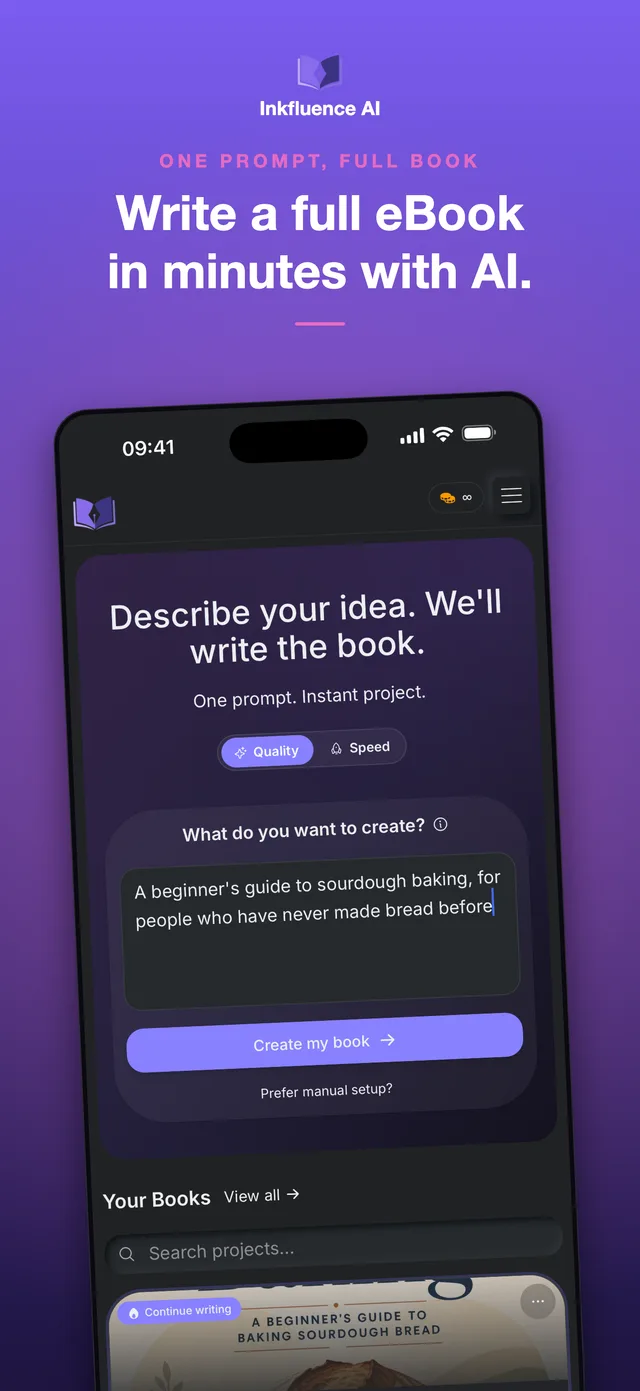
Type two sentences about your idea and watch chapters appear. Design the cover with your thumb. Export a book that Amazon will actually print. All before your coffee order is readyin one flow.

Also works on desktop? Try the AI Generator
Quick Answer
The best ebook creator app for iPhone and iPad is Inkfluence AI: describe your idea, the AI writes the chapters, and you leave with a finished book. It includes a touch-first cover designer, five book styles, an audiobook studio with realistic AI narration, and export to EPUB, PDF, DOCX and a print-ready Amazon KDP package with a full wraparound cover. Notes and Google Docs stop at text; this ships the product. Books sync with the web app, and the free plan includes 5 chapters, so a real project costs nothing to start.
Who needs this app?
- The commuter with a 40-minute train ride and a book idea
- Coaches who promise a client workbook by Friday
- Kindle publishers who spot a niche and need to move first
- Anyone whose best ideas arrive nowhere near a desk
Why use the iOS App?
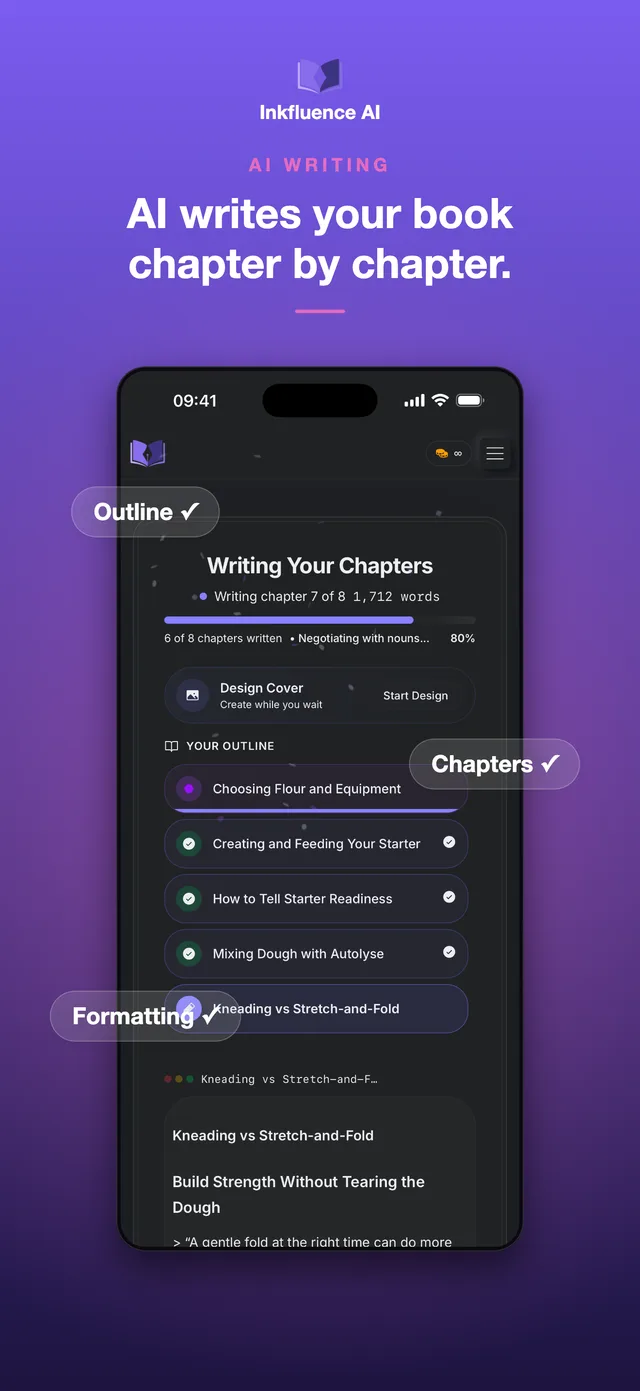
- Chapters write themselves while your phone is in your pocket
- A cover designer built for thumbs, not mouse pointers
- KDP-ready files from the same device you read the news on
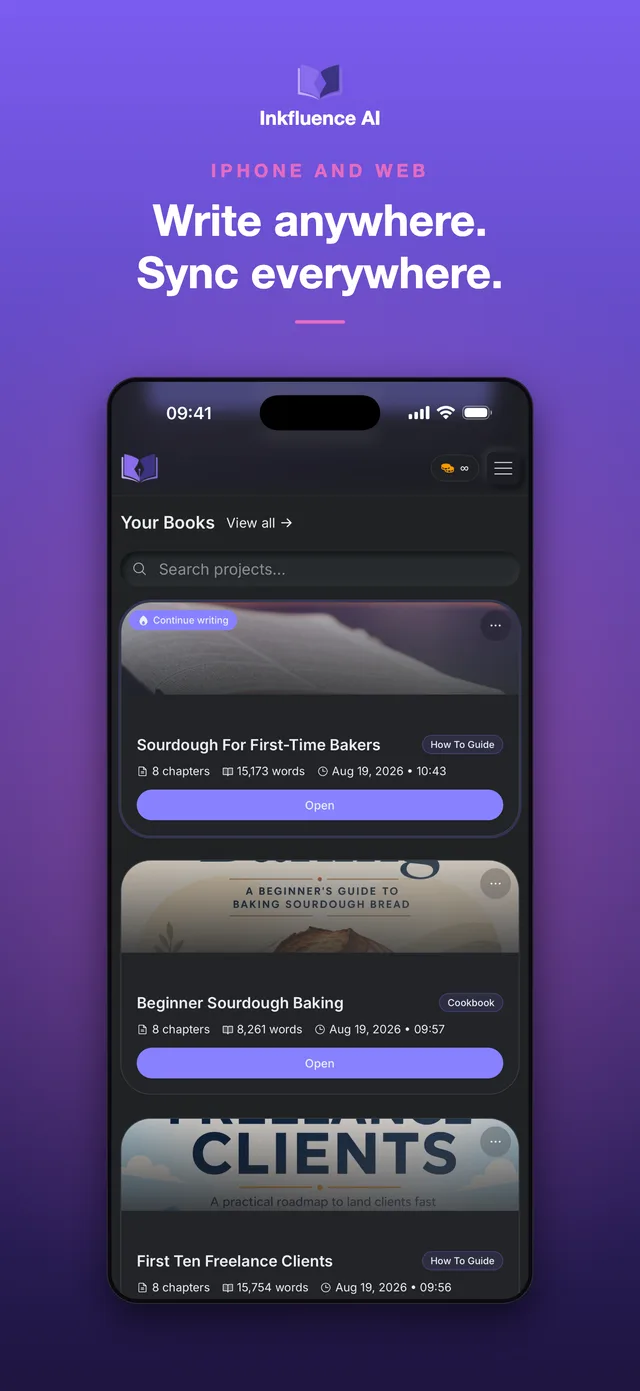
- Your book is on the web app before you are off the train
"Notes holds fragments. Docs holds drafts. This one hands you a book."
From tap to published
Say the idea
Two sentences is the median. The app builds the outline and starts writing chapter one.
Make it yours
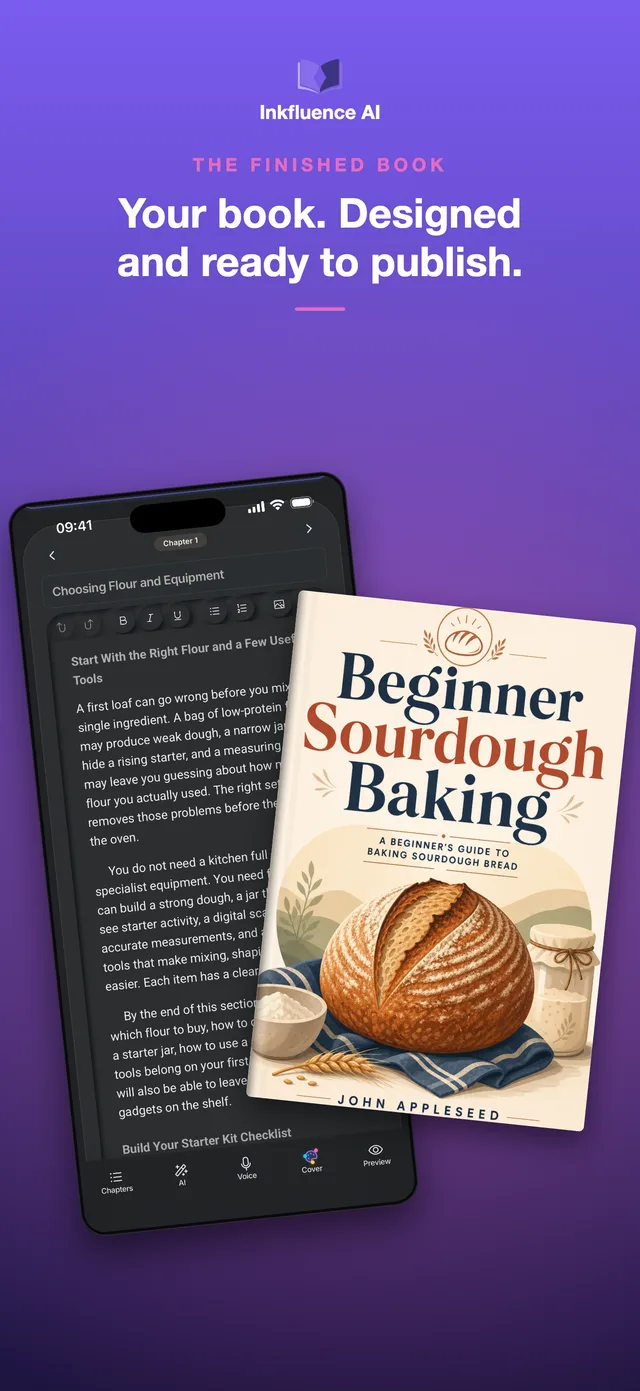
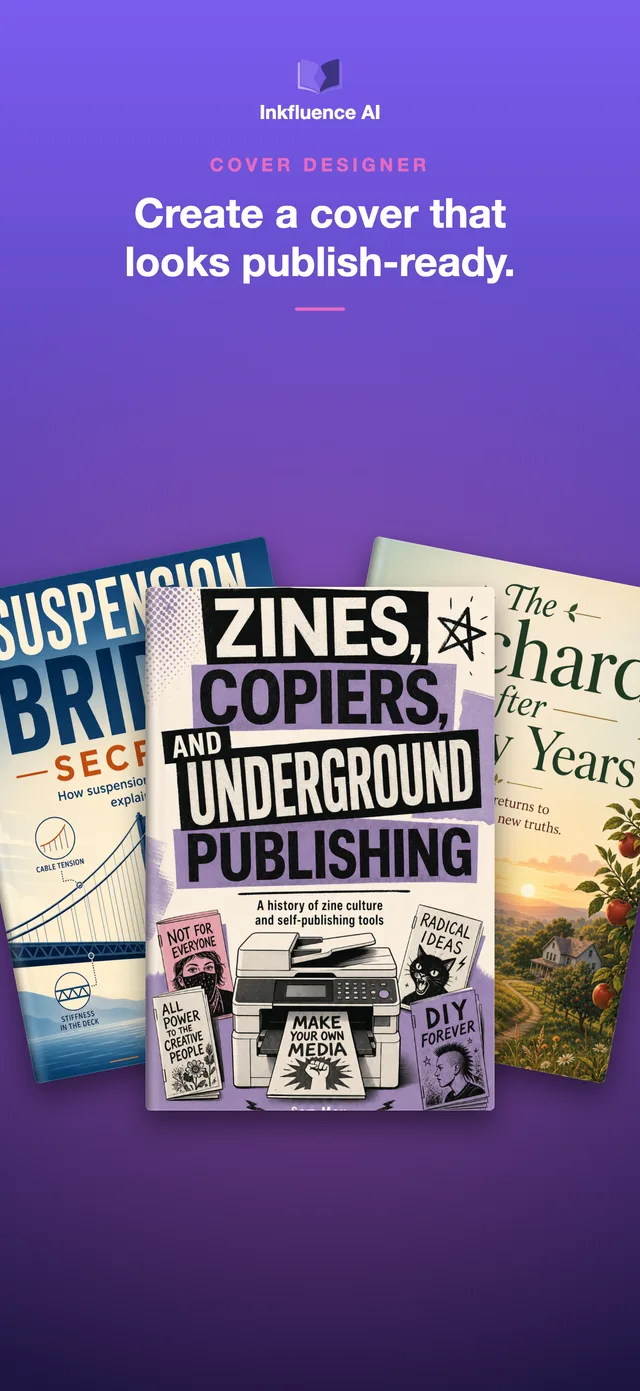
Edit any line, pick one of five book styles, and design a cover you would actually put your name on.
Ship it
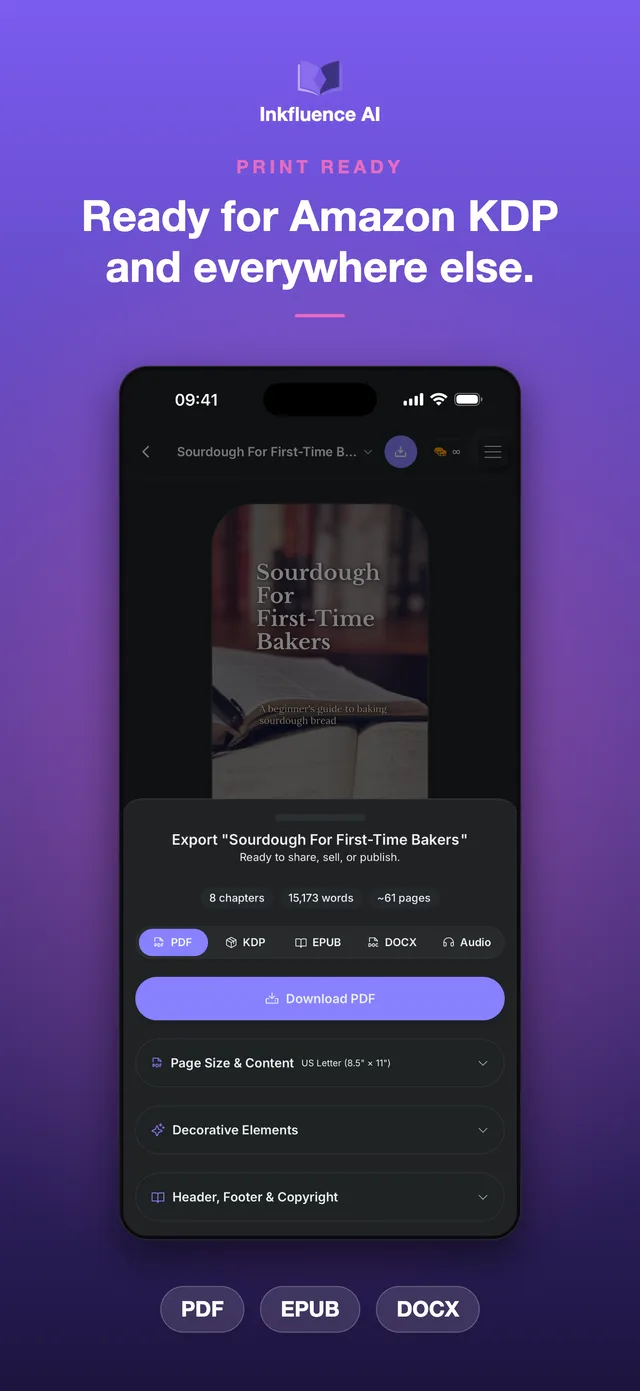
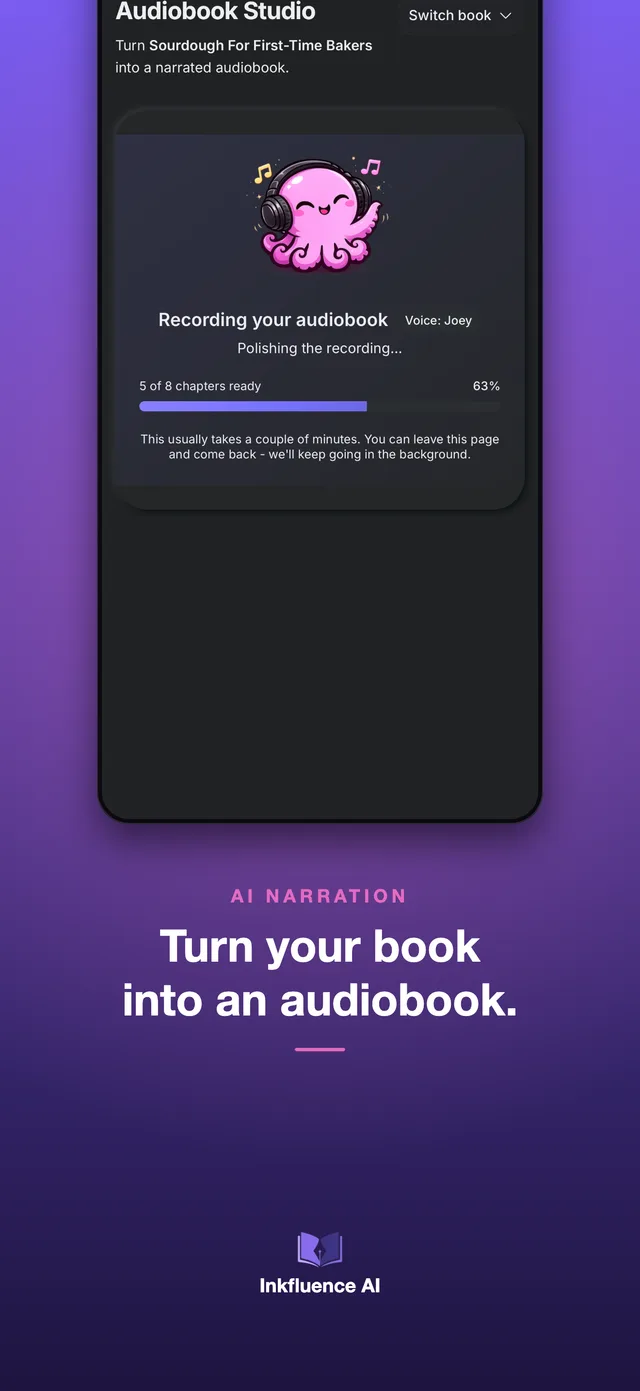
EPUB for Kindle, PDF for your audience, a print package for KDP, or an audiobook. From a phone.
Version 2.0
2.0 changed what a phone can publish
Version 1 proved you could write a book on a phone. Version 2 makes it one Amazon would print: real trim sizes, a wraparound cover, styles with actual typography opinions, and narration for the people who would rather listen.
Print-ready KDP publishing
Export a complete Amazon KDP package in one step: print-ready interior, your cover, and a full wraparound print cover. Nine page sizes, including the common KDP trim sizes.
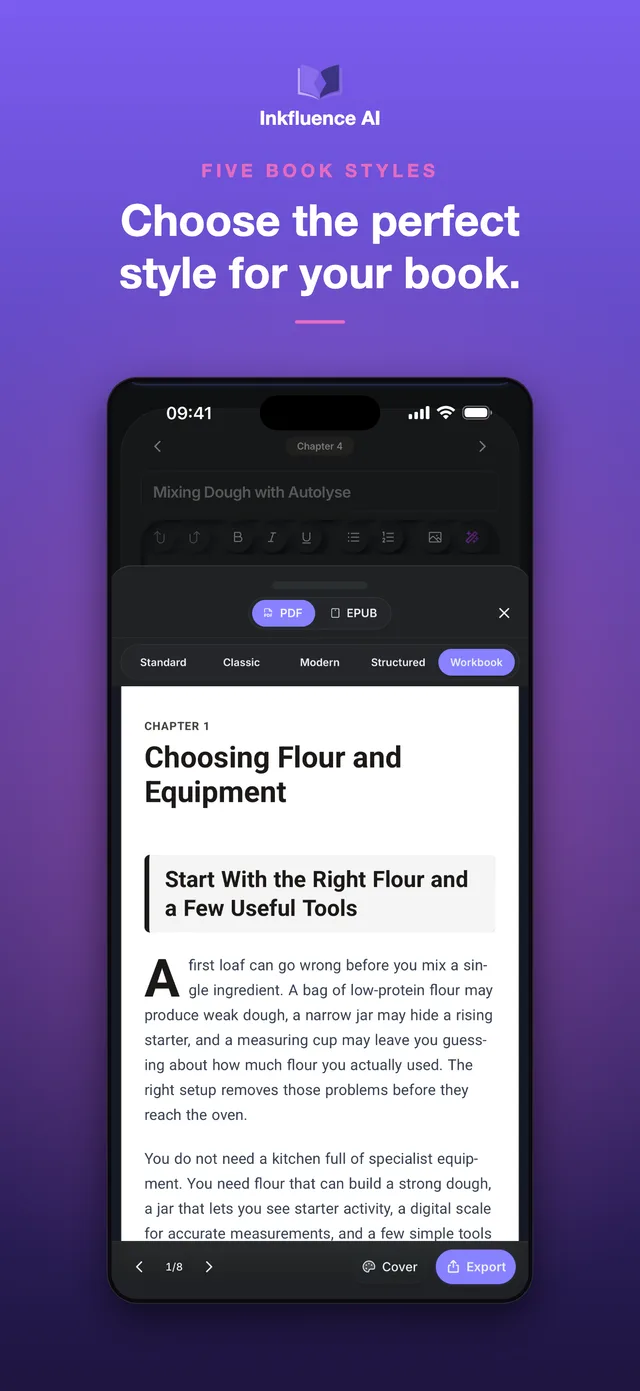
Five book styles
Standard, Classic, Modern, Structured or Workbook. Classic brings serif type and drop caps for fiction and memoir; Workbook turns lists into checkboxes and prompts.
Front and back matter, done properly
Your introduction and final thoughts are now full chapters with the complete editor behind them, so you move through the book in reading order from first page to last.
Translate and remix
Translate a finished book into 58 languages, or expand one book into a series of two to four volumes. Right-to-left languages including Arabic and Hebrew are properly supported.
Better covers
A new Print tab for back cover and spine, AI cover generation with your own creative direction, and generated covers saved to your gallery automatically.
A cleaner, steadier editor
Redesigned chapter list, live word count and reading time, quicker navigation, improved sync for long books across iPhone and web, and a new in-app Help Centre.
Eight screens. One finished book.
From "what if I wrote about sourdough" to a printed paperback and an audiobook, without touching a computer.
Mobile-first features
Tools that help you write, format, and publish without ever opening a laptop.
One-Prompt Books
Describe it once. The AI drafts structured chapters that remember what chapter three promised.
Audiobook Studio
Realistic AI narration, chapter by chapter, delivered as MP3s. Runs in the background while you do literally anything else.
Print-Ready KDP
Interior, cover, and full wraparound print cover in one export. Nine trim sizes, because Amazon is picky.
Five Book Styles
Classic gives fiction drop caps and serifs. Workbook turns lists into checkboxes. Your book, dressed properly.
58 Languages
Translate a finished book, or write in right-to-left scripts like Arabic and Hebrew with proper support.
One Library, Everywhere
Start a chapter in the queue, finish it at your desk on the web app. Same account, same book, zero exporting-to-yourself.
Common Questions
Straight answers, no app-store voice.
Can I create an ebook entirely on iPhone?
Is the Inkfluence iOS app free?
Can I publish to Amazon KDP from my iPhone?
Does this work on iPad?
Can I make an audiobook on iOS?
What are the five book styles?
Can I translate my book in the app?
Does it sync with the web app?
Can I export EPUB from iOS?
Is this better than writing in Notes or Google Docs?
Your next book is already in your pocket
Free to download, 5 chapters included, no card. The worst case is you finally start.