
Learn how to create, publish
and sell ebooks.
Short screen recordings of real books being made in the app, and evergreen guides from AI-assisted writing to marketing your first 1,000 copies.
Quick Answer
The Inkfluence AI Learn hub includes 11 video walkthroughs of real books being made in the app, each with a transcript, and 17 evergreen guides for creators publishing books with AI. Use it for ebook SEO, keyword research, KDP categories, KDP Select vs wide strategy, Amazon publishing workflow, and AI disclosure compliance. Each guide is built as a practical reference you can use during real launches.
Video walkthroughs
Short screen recordings of real books being made in the app, each with a full transcript and a written guide underneath.
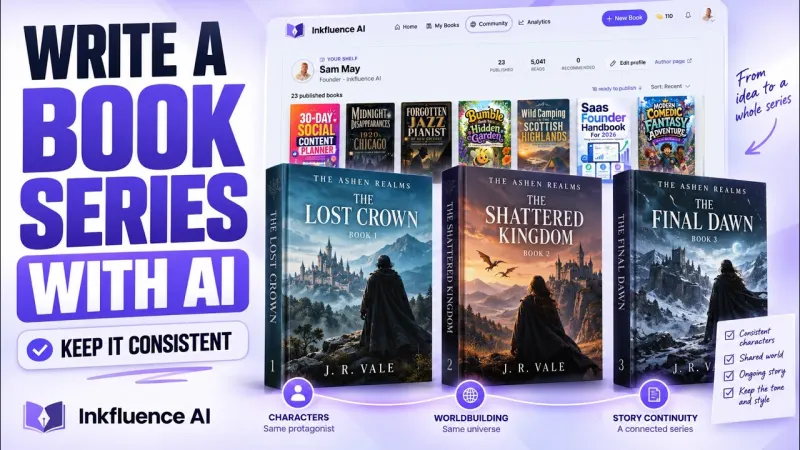
How to Write a Book Series with AI
Three-minute video: one finished book becomes a three-book series with the characters carried through, with transcript, what travels between volumes, and data from the 232 series made on the platform.
Watch and read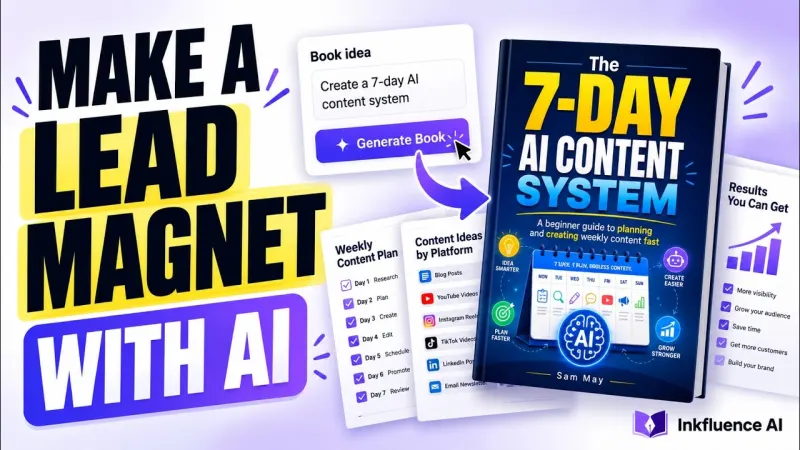
How to Create a Lead Magnet with AI
Six-minute video: a social media lead magnet from a one-line promise to a seven-chapter ebook with an AI cover and PDF export, with transcript and what 783 lead magnets on the platform look like.
Watch and read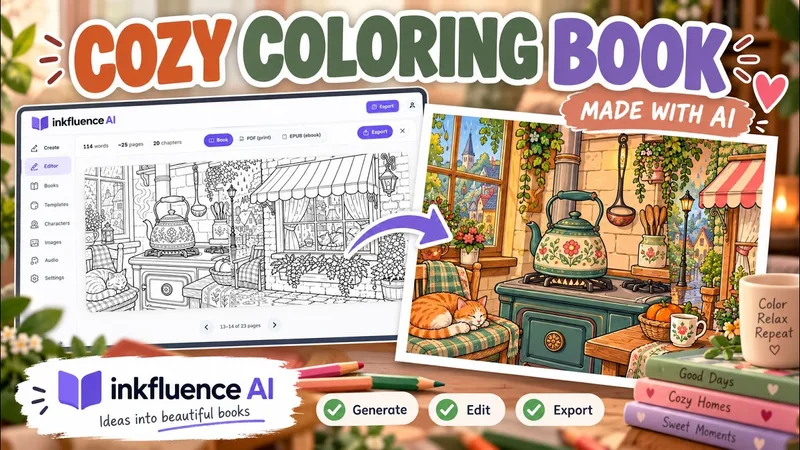
How to Make a Cozy Coloring Book with AI
Twelve-minute video: a cozy autumn coloring book for ages 6 to 8 from the book type picker to a 12-page plan you can reorder, a character sheet, a painted cover, then the showcase, Gumroad, Etsy and export screens, with transcript and the format's first 20 days of data.
Watch and read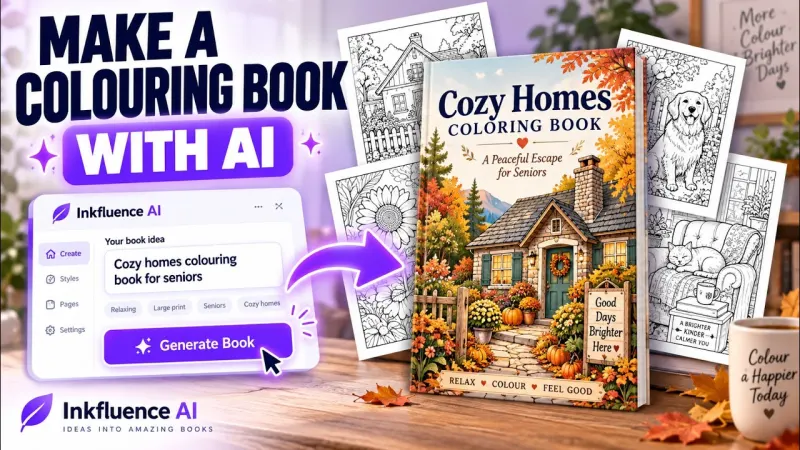
How to Make a Coloring Book with AI
Seven-minute video: a printable coloring book drawn from the prompt "dinosaur exploring the UK" with the same dinosaur on every page, with transcript and the format's first nine days of data.
Watch and read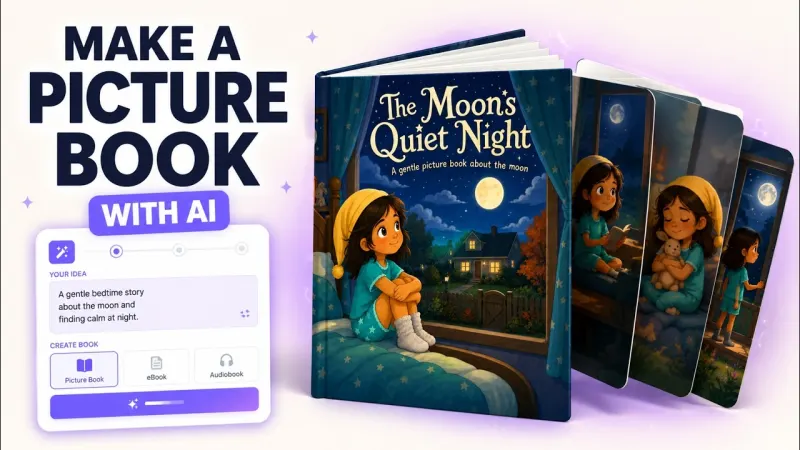
How to Make a Picture Book with AI
Eight-minute video: a children's picture book written and illustrated from one prompt, with a consistent character, transcript and first-week data.
Watch and read
How to Write a Book with AI
The dashboard walkthrough for a text book: prompt, outline review, chapters, editing and export.
Watch and read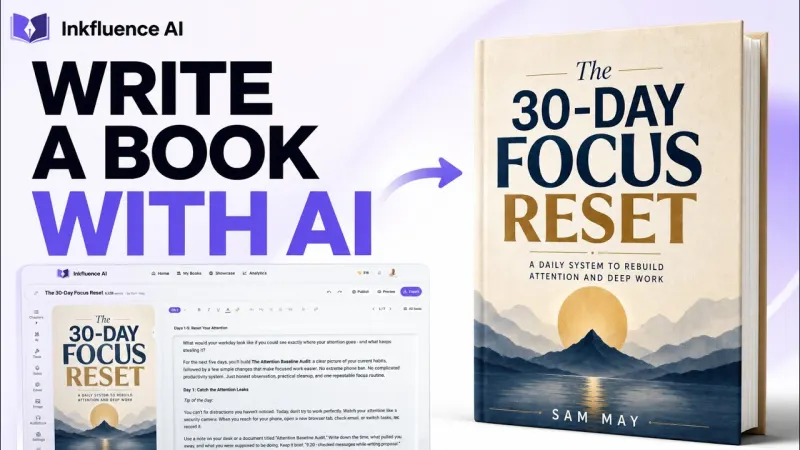
How to Write a Non-Fiction Book with AI
Format choice, outline review and the division of labour between you and the AI, on camera.
Watch and read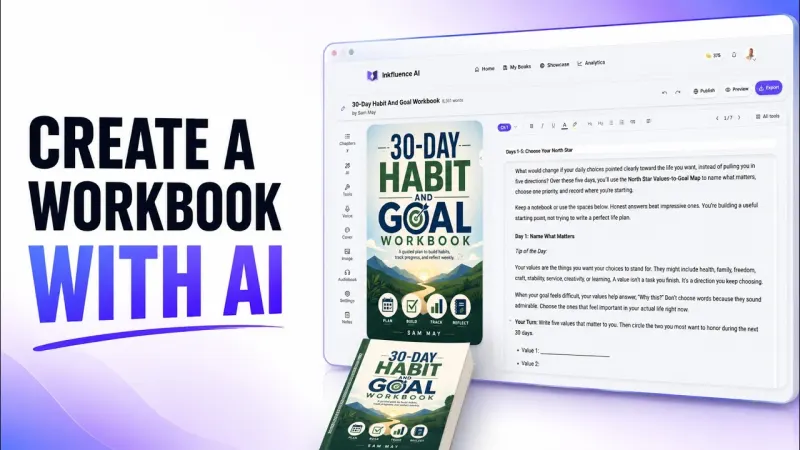
How to Create a Workbook
A seven-chapter workbook with exercises generated in about a minute, then reviewed.
Watch and read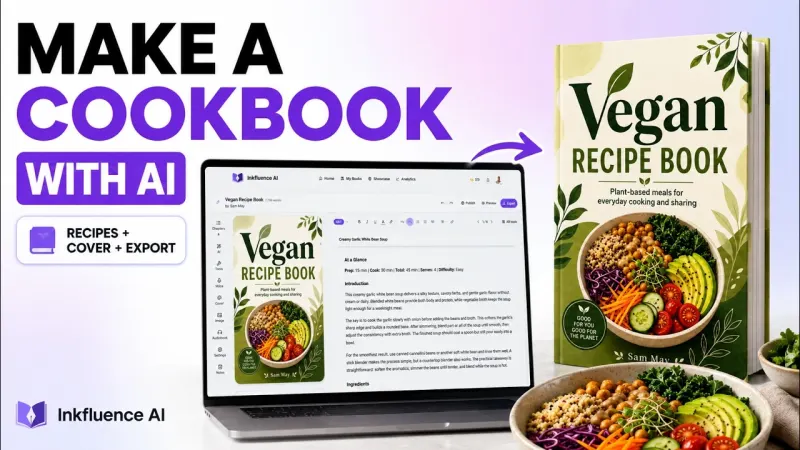
Make a Cookbook with AI
A complete recipe book from a one-line prompt, and which AI recipes you can trust.
Watch and read
Ebook to Audiobook
Turning a finished book into a narrated audiobook inside the same project.
Watch and read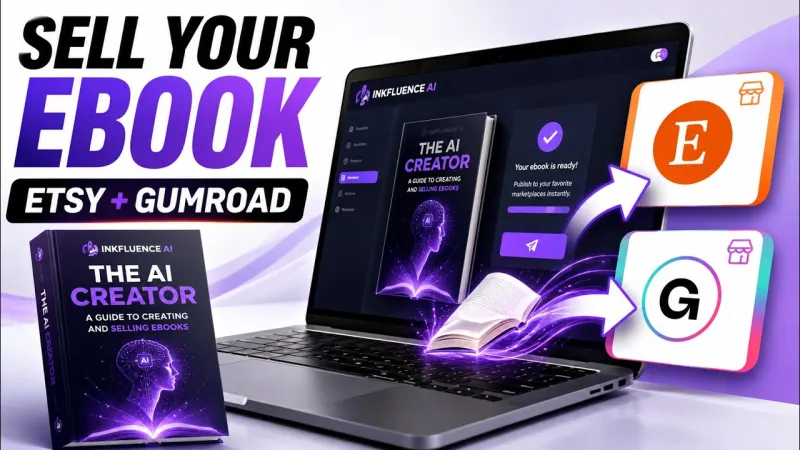
How to Sell Your Ebook
Publishing to Etsy and Gumroad from the app, and what a listing needs.
Watch and readGuides
Deep-dive reference content on the topics creators ask about most.
Ebook SEO: The Complete Guide
Ebook metadata SEO for Amazon and Google: title/subtitle structure, category fit, keyword coverage, and conversion-friendly book descriptions.
Kindle Keyword Research for Beginners
Step-by-step KDP keyword workflow: find buyer-intent terms, fill all 7 backend fields properly, and avoid common metadata policy mistakes.
High-Demand Low-Competition Ebook Niches
How to pick ebook niches with real buyer demand and lower competition, then turn one niche into a practical 3-book catalog plan.
Profitable Digital Product Niches (2026)
Broader niche guide beyond ebooks: playbooks, templates, printables, and bundles. Match product type to buyer intent and launch channel.
Self-Publishing on Amazon KDP
Complete Amazon KDP workflow for beginners: account setup, manuscript upload, pricing, publishing checklist, and first-launch sequencing.
Amazon KDP AI Disclosure Policy
What to declare as AI-generated vs AI-assisted on KDP, where disclosure happens in upload flow, and a simple compliance checklist.
KDP Select vs Wide Distribution
Choose the right distribution path: KDP Select exclusivity vs wide publishing, with a 90-day test framework and switch plan.
Amazon KDP Categories for Beginners
How KDP categories actually work, how they differ from keywords, and how to choose category placements that improve listing fit.
How to Write a Book with AI
AI book-writing system from outline to polished chapters: prompt structure, editing flow, tone control, and publish-ready drafts.
Ebook Marketing: Sell Your First 1,000 Copies
Ebook launch and growth strategy: pre-launch setup, launch-week actions, traffic channels, and conversion-focused promotion.
Ebook Formats Explained: PDF vs EPUB vs DOCX
PDF vs EPUB vs DOCX explained for creators: format selection by use-case, compatibility, and export quality controls.
How to Create an Audiobook with AI
AI audiobook workflow: voice selection, chapter narration process, quality checks, distribution options, and rights basics.
Cover Design for Self-Publishers
Cover design rules that improve clicks: genre conventions, typography hierarchy, image quality, and KDP-ready specs.
How to Prompt AI for Better Book Chapters
Prompt templates for stronger AI chapters: niche context, structure prompts, tone controls, and revision loops that reduce fluff.
Adding Images to Your Ebook
How to place and format images inside ebooks without breaking layout across PDF and EPUB exports.
Exporting and Publishing Your Ebook
Final export and publishing workflow: clean files, branding checks, and upload paths for KDP, Apple Books, and direct sales.
Paperback Publishing on KDP Print
KDP Print setup for paperback creators: trim, bleed, gutter, cover wrap, spine math, and print upload checks.
Not sure where to start?
If you want the quickest path to a finished ebook, jump straight into the app and create your first project.
Start Creating FreePopular Starting Points
Common Questions
What is the Learn hub?
Who are these guides for?
How are these different from blog posts?
Do I need to be an Inkfluence AI user?
How often are guides updated?
Can I suggest a new guide topic?
Where should I start?
Are there more guides coming?
Ready to create your first ebook?
Join thousands of creators using Inkfluence AI to write, design, and publish. Start with a free account.
First-party data
We count our own corpus and publish the numbers. AI book writing statistics covers what 102,854 books are made of, how long they run by genre and how many get finished. Self-publishing statistics sets that against industry output and author income, with every source linked.