
Watch the full book-writing walkthrough, or read the transcript below. Try Inkfluence AI free.
How to Write a Book with AI
Watch one idea become a finished, publish-ready book: chapters, cover, audiobook, and export, in about five minutes.
By Sam, Founder of Inkfluence AI · Updated October 2026
Quick Answer
To write a book with AI, you start from a single idea and let the tool do the structured work. In the walkthrough below, Inkfluence AI takes one prompt, works out the audience, designs a chapter-by-chapter blueprint, writes every chapter in order, lets you edit anything in a built-in editor, designs a cover, and exports the finished book to PDF, EPUB, DOCX, or KDP. It also turns the book into an audiobook and can translate it into 30+ languages. It works for fiction and practical non-fiction alike, with no writing or design skills needed. The whole flow, from idea to a publish-ready file, takes under an hour. Watch the full demo, then read the complete transcript below.
How do you start a book from a single idea?
You start with one line, no prompt engineering required. Most AI writing tools hand you a chat box, you fight with the prompts, and you get back raw text, maybe a chapter, maybe an outline, and then you do all the real work: formatting, covers, editing, publishing. Inkfluence AI is the opposite: one idea in, and a whole finished book out. Fiction, non-fiction, study guides, workbooks, how-to guides, kids' books, recipe books, basically anything you'd want to make or sell. In the walkthrough I typed in the idea "Side Hustle Starter Guide", hit create, and that was the entire input. One line, one click, no templates, and no setup wizard.
How does it write the whole book, not just an outline?
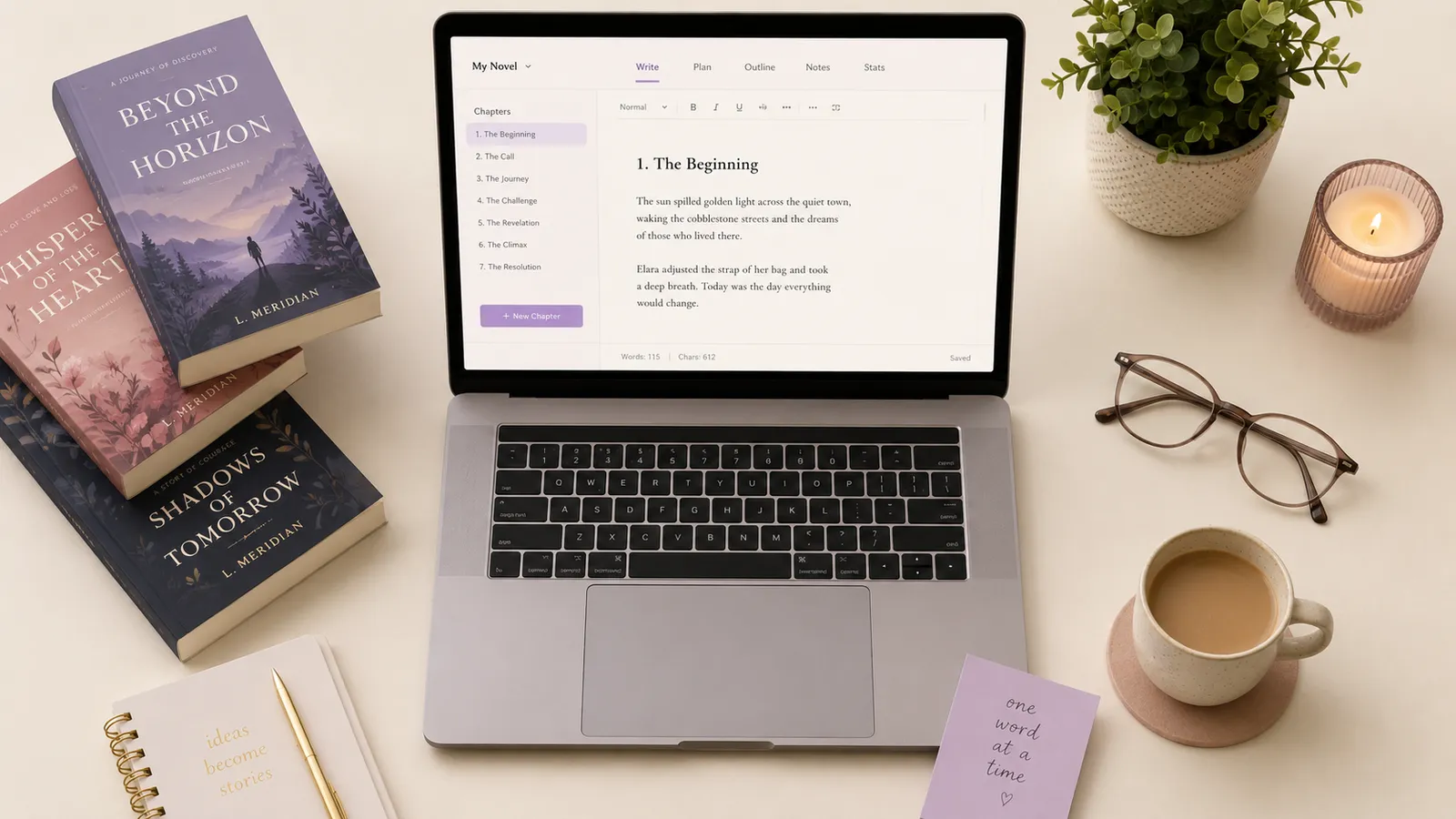
Inkfluence AI plans the chapters and writes out the whole book, the actual chapters all fully written, not just a skeleton you would later have to flesh out. This is the part that really separates it. Most AI book tools generate a chapter at a time and leave you to stitch it together, keeping the style consistent and fixing the seams yourself. Here you describe it once and walk away while it does the entire thing. The same one-line process can give you a novel, a study guide, or a client workbook. You don't need to be a writer, and you don't need to be a designer either: most tools assume you will bring both skills, while Inkfluence assumes you just have an idea. A full book usually takes a few minutes, and there it is, a complete book with real structured chapters written start to finish.
Can you edit the book after it is written?
Yes. You use the built-in AI assistant to change any of the content. Most tools make you regenerate the whole chapter and paste it into a different editor just to tweak one line. In Inkfluence AI I selected a passage and told the AI to make it more concise, and it did, instantly. Punchier, longer, a different tone, fix the grammar, whatever you like, on the exact passage you select.
How do you design the cover?
The cover designer is built right in, which alone is usually a separate paid tool. There is a full design studio with premium stock photography included, so you get a professional cover without hiring a designer or buying image licenses elsewhere. You can also generate a completely original cover with AI: have it draw the title right into the artwork, or keep the art clean and lay the title on yourself. You have total control over the design.
Where can you publish or sell the book?
The finished book can be published to Inkfluence AI's own free showcase, sold directly on Gumroad or Etsy, or exported for Amazon KDP, plus EPUB and PDF, so you can sell and share anywhere you like. The showcase gives your book a public page where readers see a preview and the first-chapter excerpt and can follow through to buy on Etsy or Gumroad, which helps get eyes on your book.
Can it turn the book into an audiobook?
Yes, and it doesn't stop at the book the way almost everything else does. One click turns the whole thing into an audiobook: pick the narrator voice and it reads every chapter in one consistent voice. No second tool, no extra subscription, and no exporting somewhere else. In the demo, in just under five minutes we had an entire eight-chapter book ready to go, with a unique custom AI-generated cover, plus a full MP3 (or ACX-for-Audible format) ready to download.
Can it translate the book into other languages?
Inkfluence AI can translate your entire book into any of 59 languages, so one idea or one book can become a whole multi-language catalogue. In the walkthrough it translated instantly, giving us the side-hustle book in both Italian and English. The AI book translator page covers what gets translated, what KDP requires of a translated edition and what it costs.
What export formats can you publish in?
Before exporting, you can preview how the book looks as a finished PDF, and even how it looks inside an e-reader such as an Amazon Kindle. The export options are PDF, a KDP package, an EPUB package, DOCX, or the audiobook. After checking the page size, decorative elements, and table of contents, you click Download and the book is ready to publish.
How is this different from writing a book with ChatGPT?
ChatGPT and Claude are excellent writing partners, but they hand you a chat window, not a finished book. You prompt a chapter, copy it out, prompt the next one, fight to keep the voice consistent across all of them, then take the raw text somewhere else to format it, design a cover, build a table of contents, and produce a file a store will accept. Inkfluence AI collapses that whole pipeline into one place: it plans the structure, writes every chapter in order while holding the through-line, then formats, covers, and exports the finished book for you. The walkthrough above is the entire job, idea to publish-ready file, in a single tool, instead of a clever draft you still have to assemble by hand. If you already have chapters written elsewhere, you can import them and use the same editor, cover, and export tools on top.
Tips for getting the best book out of one idea
After watching a lot of books get made, a few habits consistently produce a noticeably better result from the same one-line start:
- Lead with the core idea and who it is for. "A debt-payoff guide for new grads" gives the AI far more to work with than a long, rambling brief. State the topic and the reader, and let it build the rest.
- Spend your editing time on the first and last chapter. Readers, and Amazon's Look Inside, judge a book there, so that is where polish pays off most.
- Rewrite, do not regenerate. Select the exact passage you want changed and tell the assistant what to do, instead of regenerating a whole chapter and losing the parts you liked.
- Keep it focused. A tight 5 to 8 chapter book that solves one problem beats a bloated one, and it is what actually sells. You can always go longer when the idea genuinely needs it.
- Audition the narrator before you commit. If you are making an audiobook, listen to one chapter first so the whole book reads in a voice you like.
Write your own book with AI
Free plan includes AI chapters, PDF export, and a cover designer. No credit card.
Start writing freeFrequently Asked Questions
Can AI really write a full book?
How long does it take to write a book with AI?
Do you need to write a long prompt?
Can you edit the book after the AI writes it?
What formats can you export to?
Is it free to try?
What kinds of books can it write?
Does it keep characters and details consistent across chapters?
Can it turn the book into an audiobook?
Can it translate the book into other languages?
Can you sell a book made with AI?
Do you need writing or design skills?
Related
Watch: Write a Book Series with AI
Turn one book into three, characters carried through.
How to Create a Lead Magnet with AI (Video)
Six-minute walkthrough: a short ebook lead magnet from one promise to a PDF export.
Ebook to Audiobook
Video walkthrough
Create a Book with AI
In-depth tutorial
AI Book Writer
The full tool
AI Ebook Generator
Idea to ebook
Create an Audiobook with AI
Turn it into audio
What People Write with AI
33,549 books analyzed
Watch: How to Sell Your Ebook
Video walkthrough
Watch: Write a Non-Fiction Book
Video walkthrough
How to Write a Book
The plain 11-step process, with or without AI
Book Kaise Likhe (हिंदी)
AI से हिंदी में किताब लिखने के कदम
Ebook Kaise Banaye (हिंदी)
हिंदी ई-बुक और PDF, फ़ोन से भी