
Ebook guides, from first idea to first sale
Pick what you are making and watch it go from idea to finished book in a few minutes. Then follow the steps: plan, write, edit, export and sell, with a guide for each.
Pick one
What are you making?
Each one has a short video of a real book being made in the app, and the tool to start your own.
A novel
Fiction in any genre, written chapter by chapter with a story bible that keeps names and threads straight.
A non-fiction book
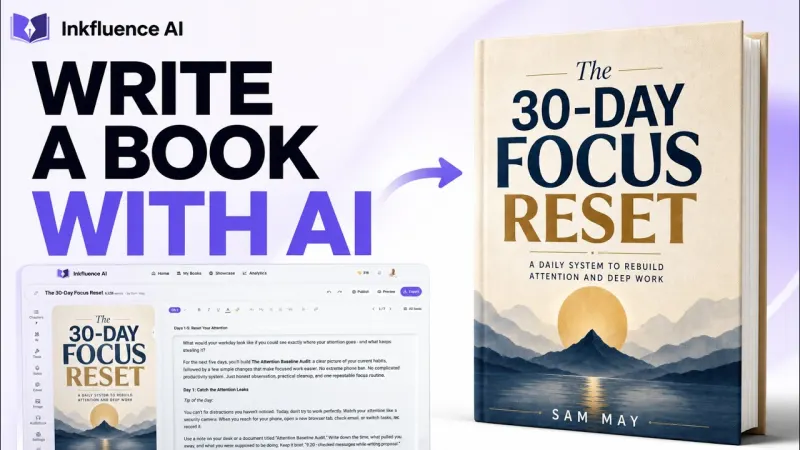
How-to guides, business books and self-help, planned chapter by chapter before anything is written.
A children's picture book
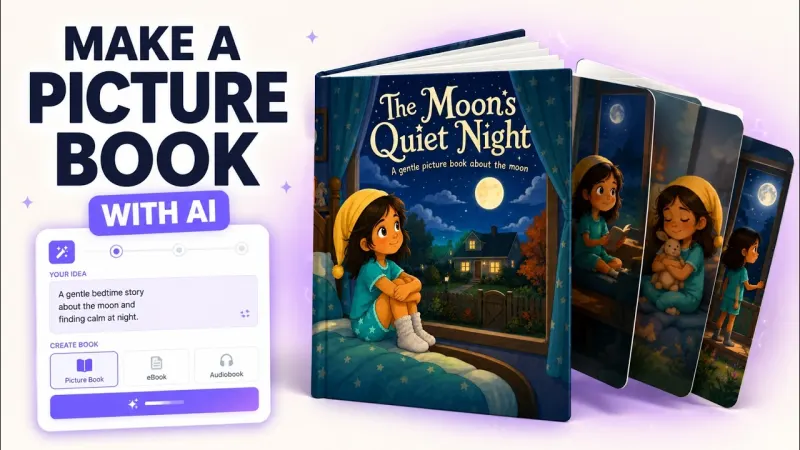
Read-aloud text and a matching illustration on every page, with the same characters throughout.
A coloring book
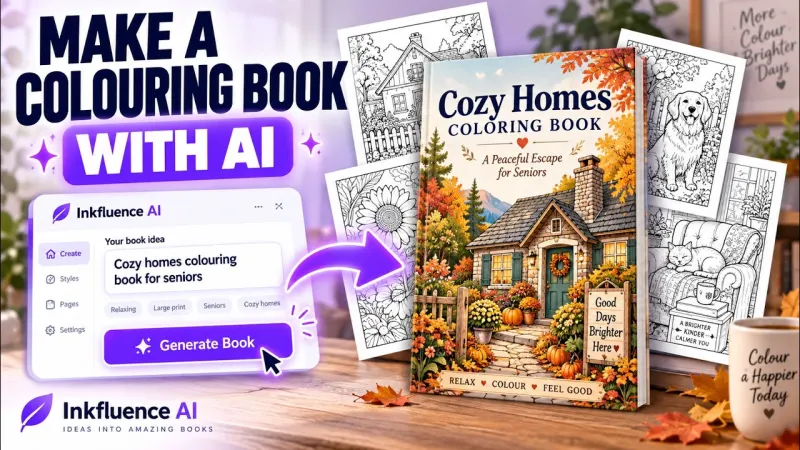
Line-art pages in one style, a cover, and a print-ready PDF for KDP or Etsy.
A cookbook
Recipes with portions, steps and storage notes, laid out as a book.
A workbook
Exercises, prompts and fill-in pages people print and use.
A lead magnet
A short guide or checklist to give away for an email address.
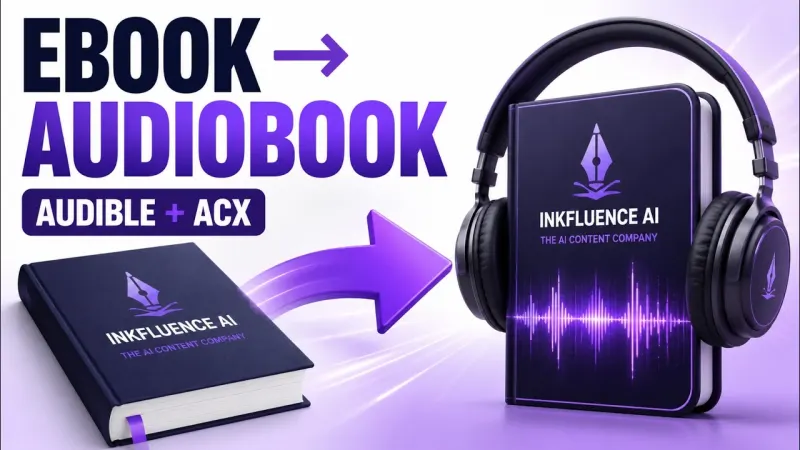
An audiobook
Your finished book read aloud, chapter by chapter, exported as MP3s.
A book I already wrote
Import a Word, PDF or EPUB manuscript, then edit, format and export it.
Six steps
From idea to first sale
- 1
Pick the idea
Choose a book people are already looking for, and a title that says what it is.
- 2
Plan the chapters
Decide who it is for and what each chapter does. Changing the plan costs nothing; writing does.
- 3
Write the book
Generate the chapters, then make them yours. Fiction keeps a story bible so characters stay consistent.
- 4
Edit and check
Read it as a reader would, fix what drifts, and check every fact, recipe and number.
- 5
Cover and export
Add a cover, preview it on a phone and in print, and export PDF, EPUB, DOCX or a KDP package.
- 6
Publish and sell
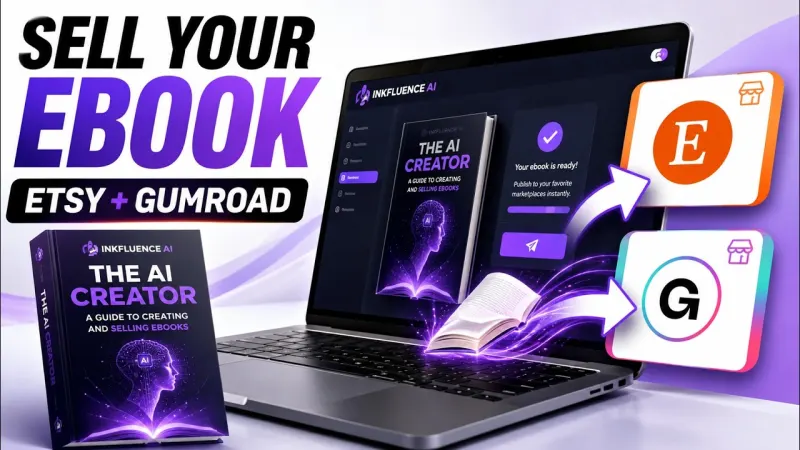
List it on Amazon, Etsy, Gumroad or wide, with the AI disclosure each store asks for.
Watch
Video walkthroughs
Short screen recordings of real books made in the app, each with a transcript and a written guide underneath.
Read
The guides people read most

AI Writing
Best AI Book Writing Apps in 2026: 7 Tools Compared (With Real Output)
Company
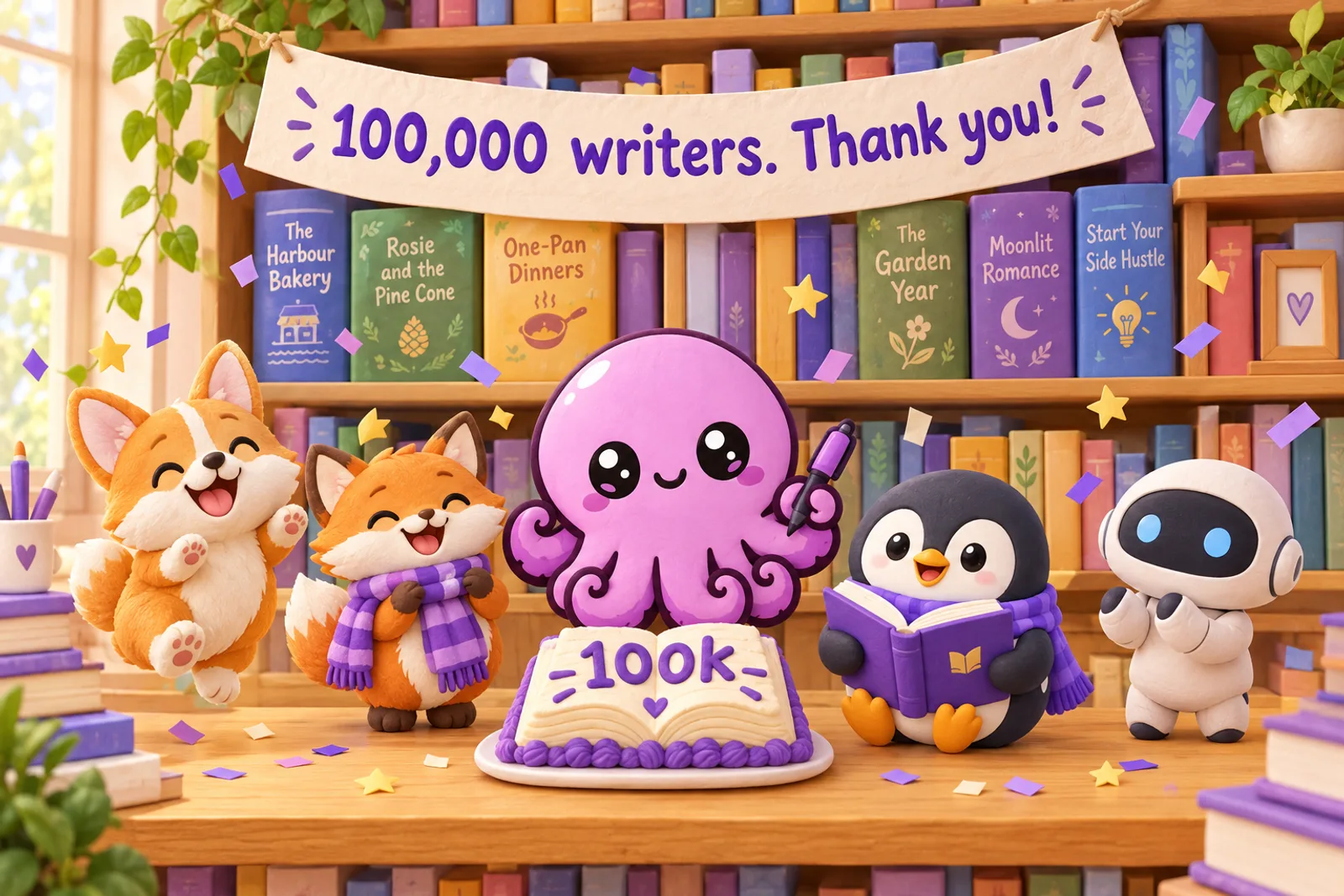
What 100,000 Writers Made: The Books, Genres and Languages Behind a Milestone
Self-Publishing
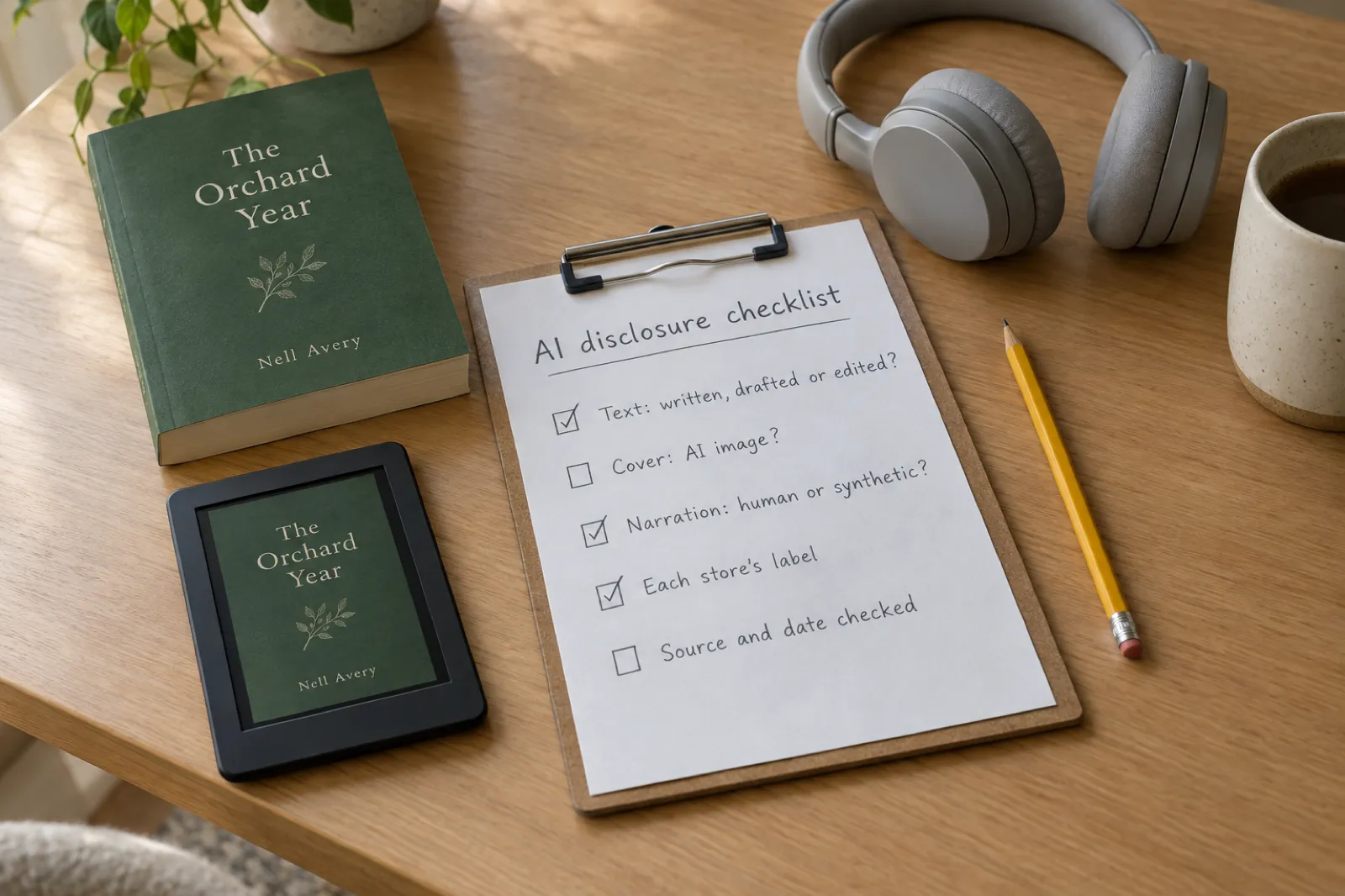
Which Stores Allow AI-Written Books in 2026? Every Platform's Rules Compared
Self-Publishing
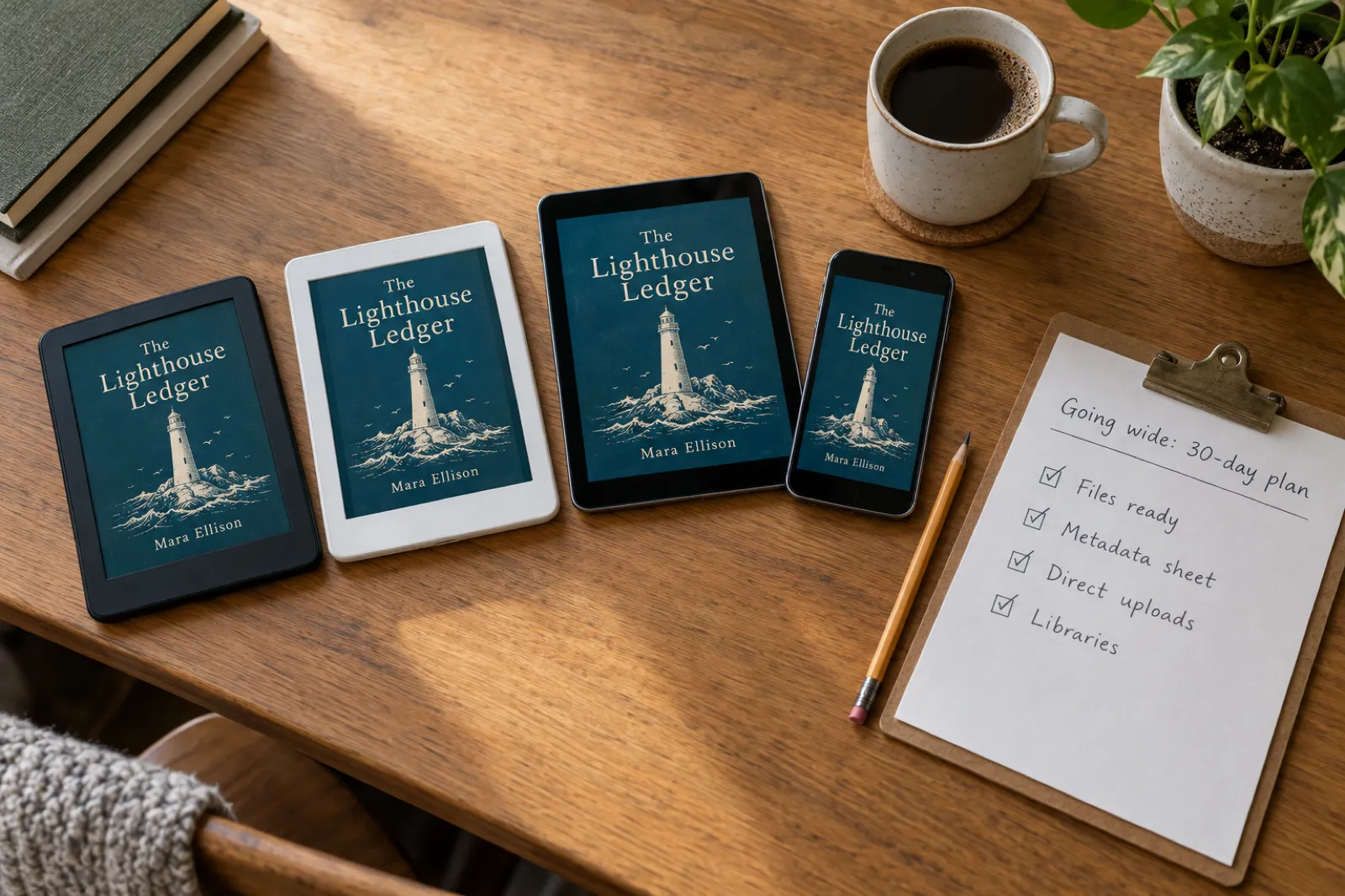
How to Publish Your Ebook Beyond Amazon in 2026: Every Store, Aggregator and AI Rule Compared
Self-Publishing
How to Price an Ebook in 2026: Price Ranges by Genre, Platform Fees and What You Keep
Publishing
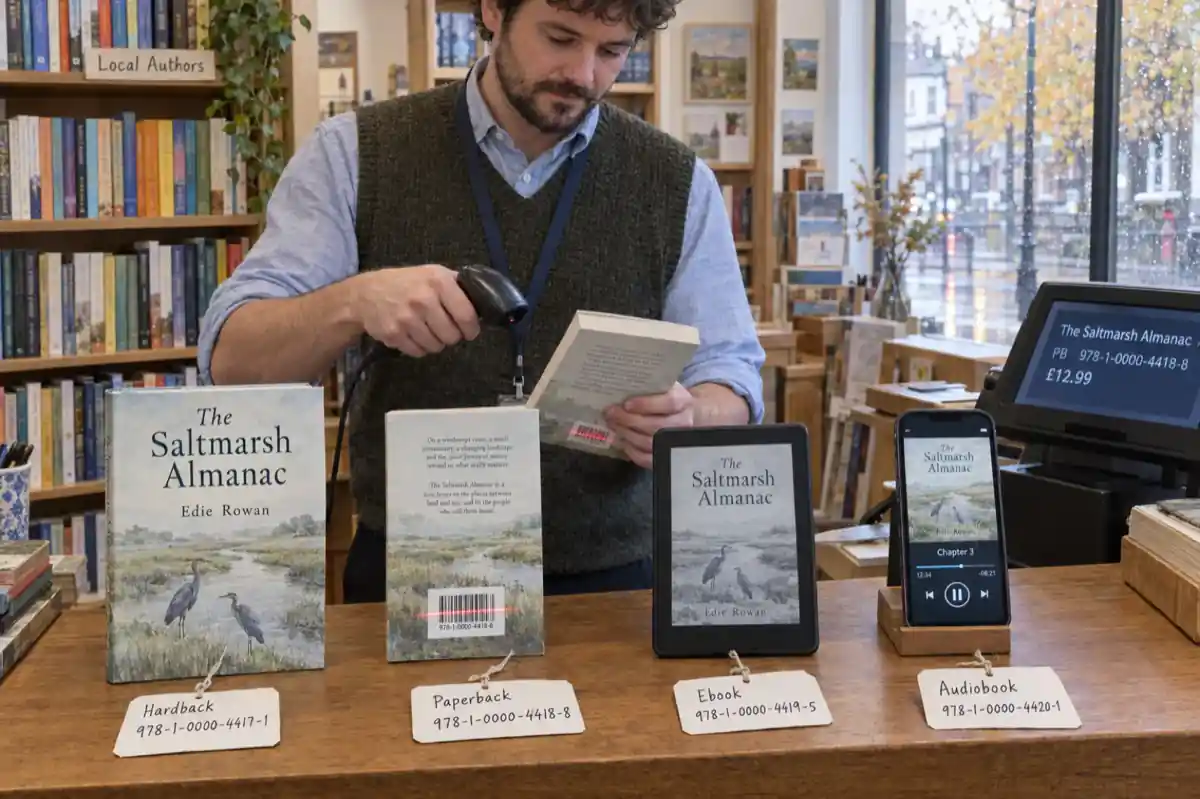
Do You Need an ISBN? Free vs Bought, Cost by Country, and Which Formats Need One (2026)
Common questions
Is Inkfluence AI free to start?+
Yes. The free plan writes 5 chapters, plus 5 more every month, and exports a PDF. No credit card is needed. Longer books, more formats and audiobooks come with Creator or Premium.
Does it write the whole book?+
It writes a full first draft from your brief and the chapter plan you approve. You then edit it, rewrite what is not yours yet, and check the facts. The best books on the platform are the ones people work on after the draft.
Where do I start if I have never written a book?+
Pick what you are making above and watch its walkthrough: each one is a few minutes long and shows a book going from idea to export in the app.
Can I sell what I make?+
Yes, you own what you create. Each store has its own AI rules: Amazon asks you to disclose AI-generated content, and some stores do not accept AI-written books. Our guide to which stores allow AI-written books covers them one by one.
What formats can I export?+
PDF on every plan, and EPUB, DOCX and a KDP print package with a paid plan or credits. Finished books can also be published to Etsy or Gumroad from the Publish tab.
More answers in the help centre and on which stores allow AI-written books.
Your book, started in the next five minutes
Describe it in a sentence, check the chapter plan, and write it. The free plan writes 5 chapters, plus 5 more every month.