
The Fastest Way to Create an Ebook (We Tested 5 Tools and Here Are the Results)
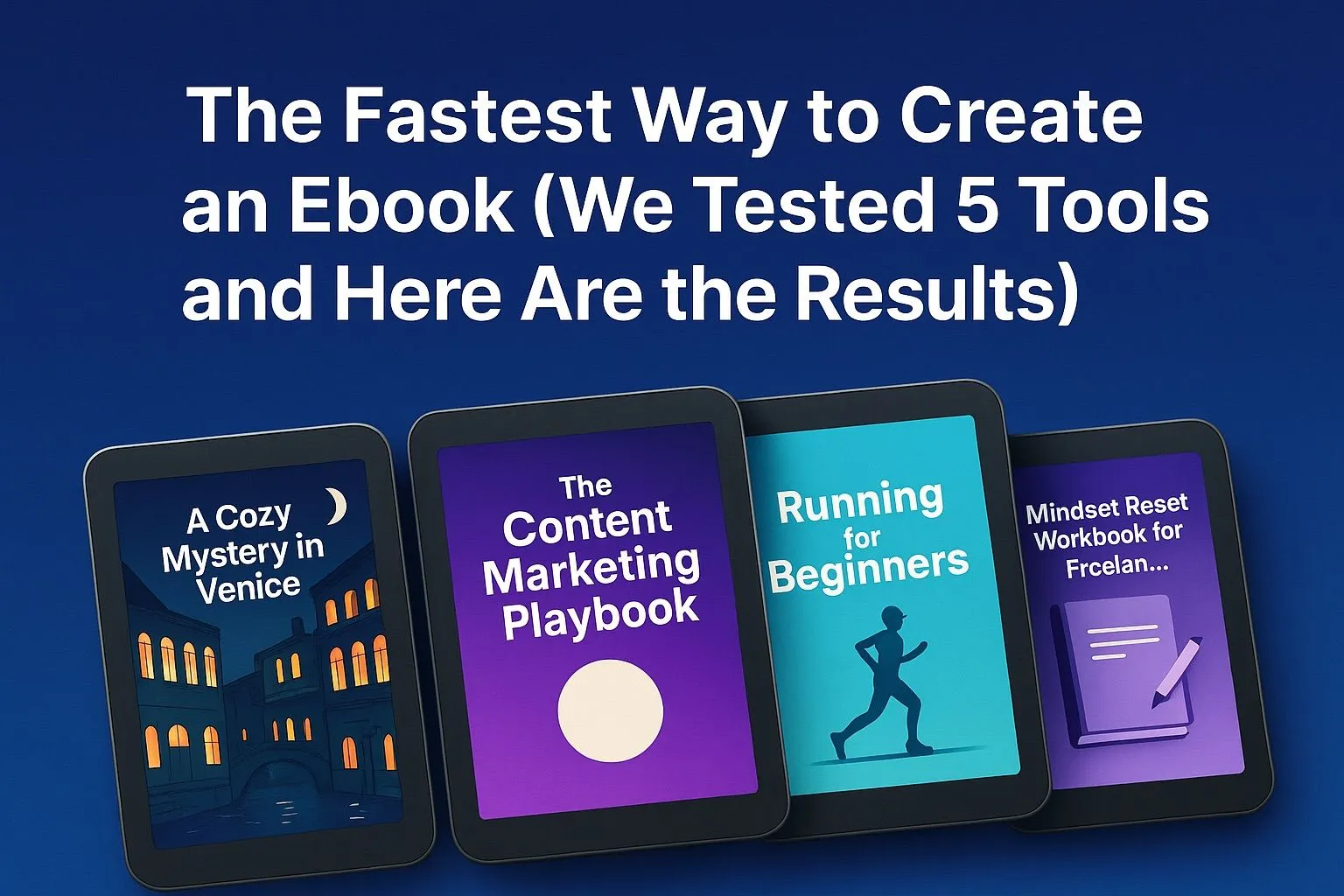
We ran a controlled experiment comparing Google Docs, Notion, Canva, ChatGPT, and Inkfluence AI to see which stack ships a polished ebook fastest. Here are the workflows, friction points, and clear winner.
Quick Answer
The fastest way to create an ebook in 2026 is using an AI-native platform like Inkfluence AI, which handles writing, formatting, cover design, and export in a single tool. In our test of 5 platforms (Google Docs, Notion, Canva, ChatGPT, and Inkfluence AI), the all-in-one AI workflow produced a polished, export-ready ebook in under 30 minutes compared to 4+ hours with manual tools.
Creating an ebook used to mean juggling planning docs, design files, formatting hacks, and endless exports. Thanks to AI workflows, the bottleneck is no longer writing - it's stitching the right tools together. After sharing our step-by-step creation blueprint, readers kept asking which platform is actually fastest. So we ran the test ourselves.
Want the same workflow for your role? Try our playbooks for content creators, YouTubers, marketers, and coaches.
We compared five popular options - Google Docs, Notion, Canva, ChatGPT, and Inkfluence AI - using the same topic, outline, and chapter count. The goal was to see how quickly a solo creator could go from idea to export-ready ebook without bouncing between apps. Here’s what we found.
How We Tested the Tools
- Used one shared prompt and outline to eliminate topic bias.
- Timed the full journey from ideation to formatted PDF/EPUB.
- Documented friction points like layout issues, export problems, and lost context.
- Evaluated how easily we could add visuals, cover art, and consistent typography.
We also noted AI-support features, collaboration options, and whether the platform helped with SEO-ready structure (think semantic headings, internal links, and metadata). Those signals increasingly influence how AI search engines surface long-form content, as covered in our ebook SEO playbook.
Google Docs: Great for Drafting, Not for Publishing
Docs felt familiar and reliable for outlining and co-writing. Comments, version history, and offline access worked flawlessly. The friction started the moment we tried to make the manuscript look like a real book. Page breaks shifted, image placement broke sections, and export attempts produced plain-looking PDFs. We eventually needed extra tools just to keep typography consistent - something dedicated design workflows handle automatically.
Notion: Flexible for Notes, Slow for Formatting
Notion helped us structure the outline quickly, and the database view made it easy to track chapters. Unfortunately, exports were bare-bones. The resulting PDF looked like meeting notes, not a lead magnet you’d proudly ship. Rebuilding styling elsewhere erased the time we saved up front. If you love Notion for research, consider pairing it with an AI-native writer and design layer when it’s time to publish.
Canva: Beautiful Layouts, Manual Writing
Canva shined once we moved into visual design. The ebook templates looked modern, and the drag-and-drop cover designer is still top tier. But text lives inside hundreds of boxes, so editing a chapter-long paragraph becomes tedious. There’s no AI-generated draft to start from either. If you already wrote everything in another tool and just need layouts, Canva delivers. If speed-to-draft matters, you’ll need a companion writing workflow like the AI writing guide we published earlier.
ChatGPT: Instant Drafts, No Book Production
ChatGPT generated coherent chapters faster than anything else in the lineup. Prompts like “write chapter two at 1,200 words with action steps” worked perfectly. But once you have the text, you still need another environment for styling, assets, and exports. There’s no native cover designer, no EPUB output, and no way to lock in typography. ChatGPT is a powerful co-writer, yet it’s only one piece of the publishing stack.
Inkfluence AI: Unified Workflow From Idea to Export
Inkfluence AI was the only platform that kept us inside a single workspace from outline to finished product. We used the Book Wizard, selected a brand style, and let the system auto-generate chapters, callouts, and voiceover-ready scripts. Key advantages:
- AI-assisted outlining plus editable chapters in one timeline - no copy/paste loops.
- Automatic formatting with consistent typography, spacing, and color tokens.
- Instant cover mockups, audiobook narration, and export options for PDF, EPUB, and DOCX.
- Structured metadata fields, making it easier to interlink with pieces like our lead-generation funnel guide.
The unified interface meant we never had to rebuild the project elsewhere. When we exported the sample, it already felt like a polished digital product rather than a document that still needed design help.
Which Tool Was Fastest Overall?
Each tool owned a different strength - Docs for collaboration, Notion for planning, Canva for visuals, ChatGPT for drafting. But only Inkfluence AI combined those strengths into a single workflow. Our total production time (outline + writing + design + export) dropped by more than 60% versus stitching multiple apps together.
Pick the Stack That Matches Your Goal
- Need a free drafting space? Google Docs and Notion are great, just expect extra formatting time.
- Need a design-forward deliverable? Canva is ideal if text is final and you enjoy manual layout work.
- Need AI ideation without formatting? ChatGPT is unbeatable for raw words - pair it with the workflows in our conversion guide.
- Need the fastest path from idea to published asset? Inkfluence AI handled everything, especially when combined with the checklists in our core blueprint.
Want to Try This Workflow Yourself?
Start with a single idea, feed it into Inkfluence AI, and let the platform generate the outline, sample chapters, and cover. From there, apply your voice, drop in screenshots, and export a lead magnet that’s ready for automation. You can replicate the exact benchmark by signing up on the Creator plan or using the free tier to publish your first chapters.
The fastest way to understand the difference is to run the test on your own. Use this post as your playbook, then connect the finished ebook to the funnels we map out in our lead gen strategy article. You’ll see where integrated tooling saves time, improves consistency, and creates AI-optimized structure that search engines and paying readers actually trust. If you want a structured plan for shipping a complete book fast, follow the write-and-publish-in-a-weekend schedule.

Founder, Inkfluence AI
Sam is the founder of Inkfluence AI. He built the platform to make book creation accessible to everyone - from first-time authors to seasoned publishers.
Helpful links
Ready to Create Your Own Ebook?
Start writing with AI-powered tools, professional templates, and multi-format export.
Get Started FreeRelated Articles
 AI Writing
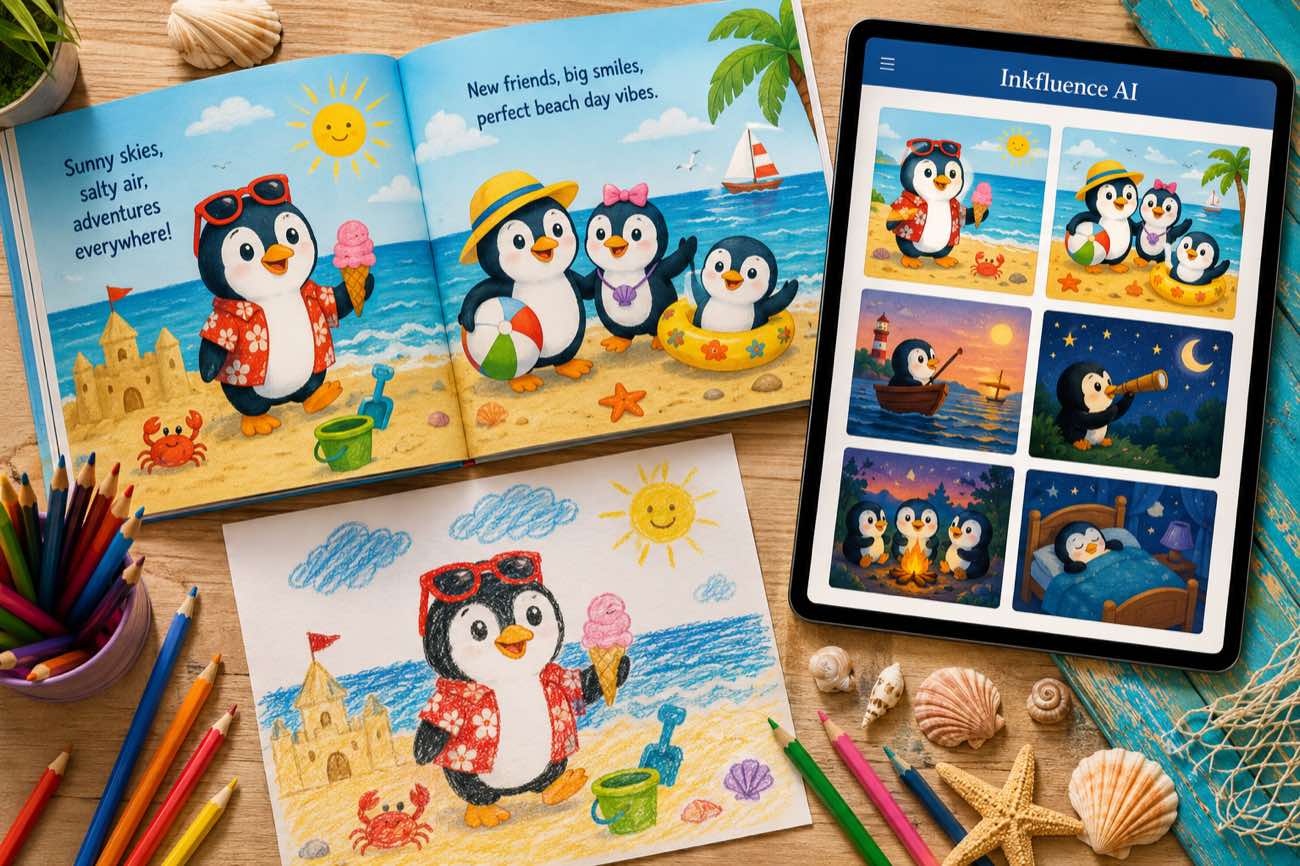
 How to Make a Children's Picture Book with AI: Idea to Printed Book in a Day
The complete 2026 workflow for making a fully illustrated children's picture book with AI: age-band word counts, page planning, consistent characters, cover design, and publishing it on Amazon KDP with the right disclosure.
 AI Writing
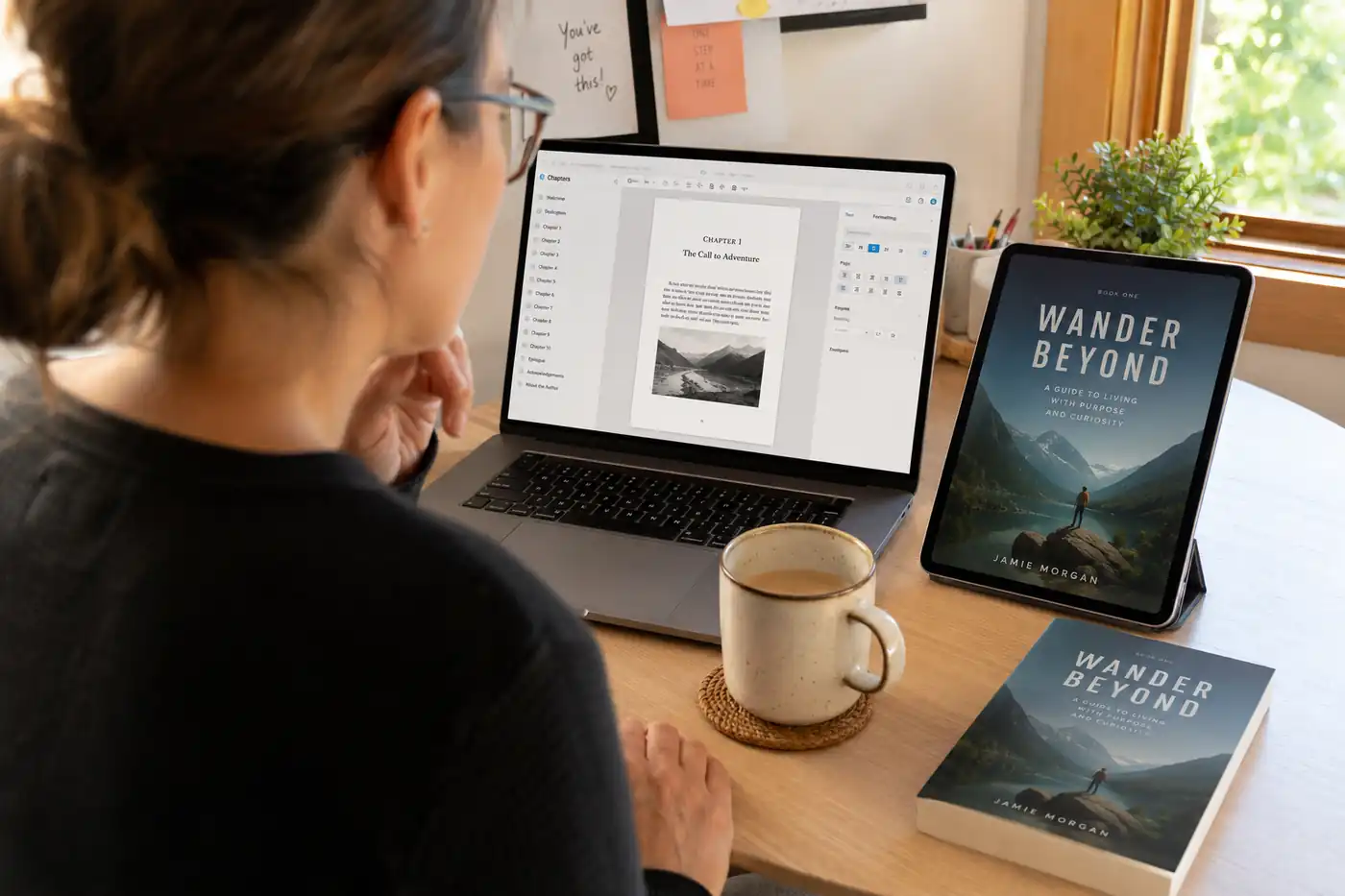
 The 9 Best Ebook Creators in 2026: AI, Formatting, and Design Tools Compared
Not every "ebook creator" does the same job. We compare the 9 best tools of 2026 across three categories: AI generators that write the book, formatting tools that typeset it, and design tools that make it beautiful, with verified pricing for each.
 AI Writing
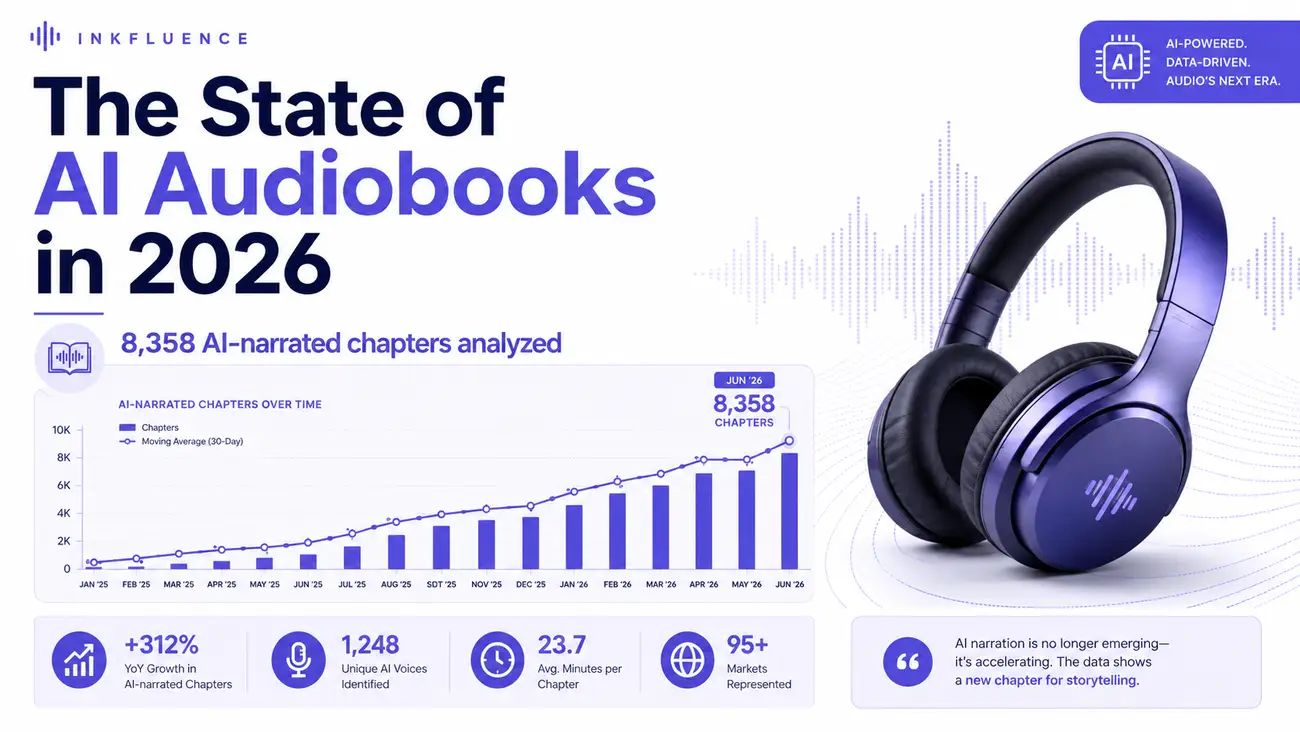
 The State of AI Audiobooks in 2026: What 8,358 AI-Narrated Chapters Reveal
We looked at 8,358 chapters our users narrated into audiobooks with AI. Monthly narration grew from a handful of chapters in late 2025 to nearly 3,000 a month by mid-2026, 99% of jobs finished cleanly, and listeners consistently pick natural, conversational voices over dramatic ones. Here is the first-party data and what it means for authors.
Get ebook tips in your inbox
Join creators getting weekly strategies for writing, marketing, and selling ebooks.