AI Ebook Workflow (2026): Outline to Export in Minutes
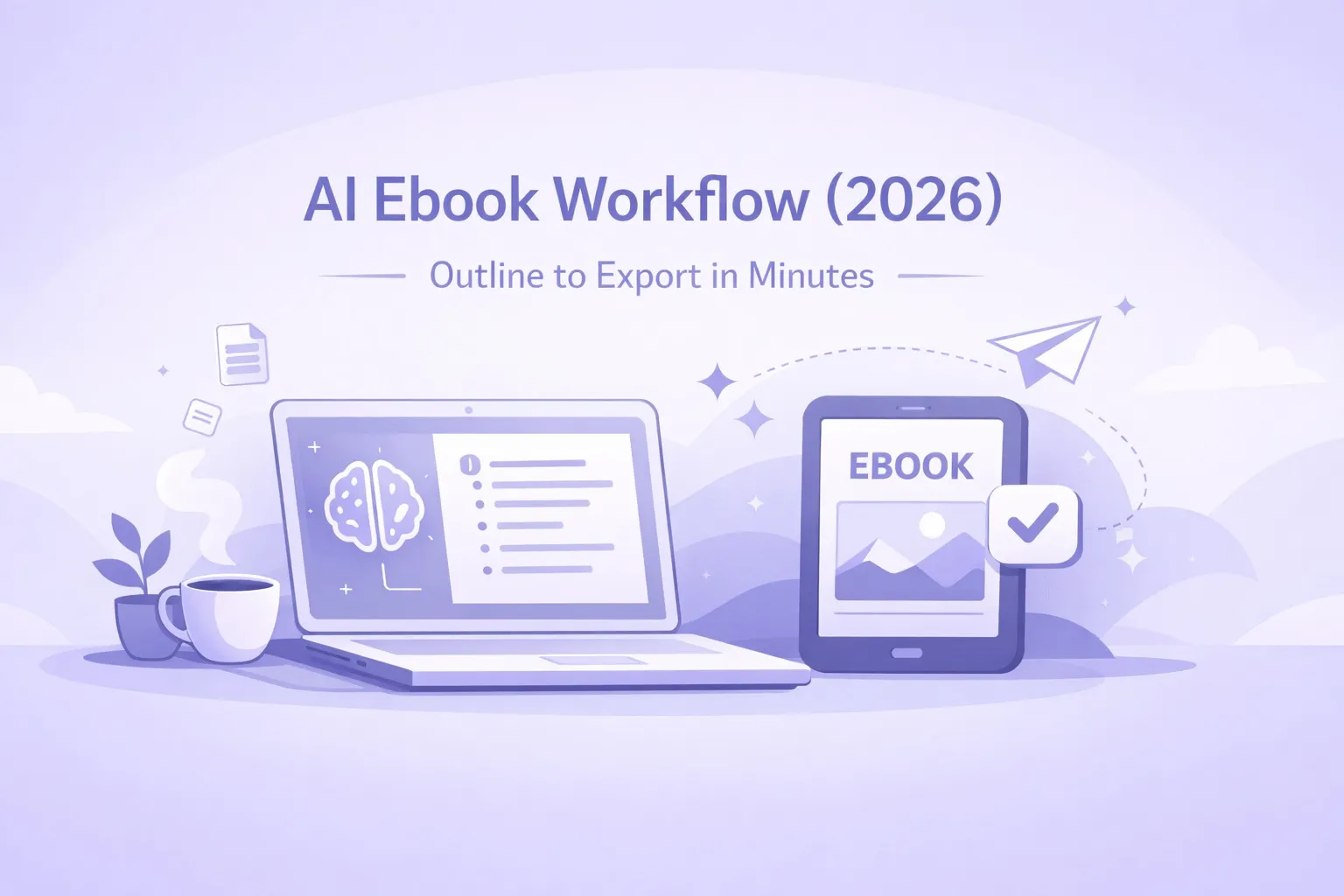
The fastest way to create an ebook is no longer writing harder. It is using a blueprint-first workflow that turns an idea into a structured draft and export-ready file in minutes.
Quick Answer
The modern AI ebook workflow goes from idea to export-ready PDF in under 10 minutes. Tools like Inkfluence AI use a blueprint-first approach: you enter a prompt, the AI generates a structured outline, writes each chapter sequentially, and exports as PDF or EPUB with formatting, cover design, and audiobook generation built in.
Most ebook projects fail for the same reason: the process is fragmented. A creator starts in a notes app, writes in a document, designs in a separate tool, and then spends hours formatting exports that still look unfinished. We dig into this in why most people struggle to finish an ebook.
The modern AI ebook workflow removes that fragmentation. It is a blueprint-first flow that turns your idea into an outline, drafts chapters in a consistent voice, and exports a publish-ready PDF or EPUB without handoffs. If you want the workflow landing page, start with AI Ebook Workflow.
The reason the old process fails is not writing
Writing is rarely the bottleneck. The bottleneck is structure. When the outline is vague, chapters drift. When structure is loose, edits turn into rewrites. When formatting is handled last, timelines blow up.
That is why Inkfluence AI starts with the blueprint. You define the outcome, the system generates the structure, and the draft follows a clear arc. The result is a cohesive manuscript that does not require backtracking to fix inconsistencies.
What a blueprint actually does
A blueprint is not a theme. It is a decision about structure. A lead magnet blueprint demands speed and a single transformation. A study guide blueprint demands clarity, sequencing, and retention. A playbook blueprint demands steps, checkpoints, and proof.
When you choose a blueprint, you are choosing the spine of the book before you write a single paragraph. That is why the outline comes back coherent. The structure is already aligned to the outcome you want. If you want to start with structure only, the Book Outline Generator gives you the core arc before you draft.
This is the difference between pages that feel stitched together and pages that feel inevitable. Structure makes the reading experience feel intentional, and it makes the writing process feel lighter.
The 2–3 minute drafting promise, explained
Inkfluence can generate a structured draft in 2–3 minutes, with five minutes as a conservative upper bound for the full outline-to-export flow. This is possible because the system is not generating random pages. It is generating content against a locked blueprint. The outline is the backbone, and the chapters are the muscle.
Speed does not mean skipping quality. It means removing friction: no switching tools, no reformatting, and no guessing what comes next. The workflow is designed to keep you in one place from idea to export.
Try the full workflow
Start with an idea, generate the outline, and export a PDF or EPUB in minutes.
Launch the workflowWhy outline quality changes everything
If the outline is weak, no amount of writing fixes the book. You end up moving sections around, re-arguing points, or rewriting chapters because the flow never felt right. A strong outline turns editing into refinement rather than reconstruction.
This is why the AI ebook workflow starts with structure. When the outline is clear, you can assess the book in minutes. Does the sequence make sense? Is the promise obvious? Are the chapters doing distinct jobs? If the answer is yes, the draft almost writes itself.
Creators who ship quickly are not rushing. They are making fewer structural mistakes, because the structure was validated early.
Blueprints beat templates
Template tools help with layout once the content is done. A blueprint workflow helps you finish the content itself. Inkfluence supports blueprint types like lead magnets, playbooks, study guides, workbooks, and technical docs. The structure changes based on the outcome you choose.
If your goal is a high-converting lead magnet, the workflow creates a tight, action-first guide. If your goal is a study guide, the outline prioritizes clarity, sequencing, and retention. The structure is not cosmetic. It is the reason the draft reads like a finished book.
Editing becomes a focused pass, not a rewrite
Once the draft is generated, the role of the creator shifts. You are no longer trying to invent chapters. You are selecting the strongest angles, tightening transitions, and adding your perspective. This is how a five minute draft turns into a finished asset without a month of rework.
Use the AI draft as your first version, then apply a simple pass: tighten the opening of each chapter, add one story or example, and clarify the final takeaway. That small refinement moves the content from acceptable to memorable.
Export is not an afterthought
The workflow ends with export because distribution is part of creation. A polished PDF is what you send to a client or a lead. An EPUB is what you upload to Amazon or Apple Books. A DOCX is what you hand to a collaborator for deeper editing.
If you need a clean, branded PDF with minimal friction, the AI PDF Generator handles layout while you focus on content. If you want to test the workflow without committing, the Free Ebook Creator gives you a starting point.
Need the fastest path to a finished ebook?
Use the AI Ebook Generator for the quickest outline-to-export flow.
Try the AI Ebook GeneratorWhere the workflow fits in real publishing
If you publish on Amazon, you need a clean PDF or EPUB and a clear listing structure. The workflow gives you the export; then use KDP SEO to optimize the listing. If you publish on your site, the landing page becomes the ranking surface. The Ebook SEO hub covers the steps to rank that page in Google.
If your goal is list growth, the workflow pairs perfectly with the Lead Magnet Generator and lead magnet examples. If you are creating academic or educational assets, the Study Guide Generator keeps the structure learner-first.
What to do after the file is exported
Publishing is not just uploading a file. If you want ranking, you need a landing page with the promise clearly stated in the first paragraph. If you want conversions, you need a small excerpt that proves the value before the download.
The fastest way to build that layer is to repurpose sections from the ebook into a short web page. You already have structured content; you are just giving Google a place to index it. The How to Create an Ebook in Minutes guide covers the exact steps for turning the draft into a publishable asset.
If your ebook is part of a larger system, the workflow scales. You can generate a core book, then spin out smaller guides, checklists, or workbook variations without rewriting from scratch. The structure carries forward, and the speed stays consistent.
The simplest way to start
Start with a single idea and run it through the workflow. If you want the fastest path, use the AI Ebook Generator for the core outline-to-export flow. If you want deeper control, use the AI Book Writer for chapter-level editing.
The breakthrough is not writing faster. It is removing the steps that never should have existed in the first place. That is what a workflow-first platform does.

Inkfluence AI Team
Tips, tutorials, and strategies from the Inkfluence AI team to help you write, publish, and sell ebooks faster.
Helpful links
Ready to Create Your Own Ebook?
Start writing with AI-powered tools, professional templates, and multi-format export.
Get Started FreeRelated Articles
 Guides
 How to Design a Book Cover with AI: Step-by-Step Guide for 2026
Learn how to design a professional book cover using AI tools in 2026. From genre research to typography to export-ready files for Amazon KDP, this step-by-step tutorial covers everything.
 Guides
 The Complete Guide to Creating and Selling AI Audiobooks (2026)
Everything you need to know about creating audiobooks with AI in 2026. From choosing the right voice to distribution on Audible, Google Play, and Apple Books. Covers costs, royalties, quality tips, and marketing strategies for self-published authors.
 Guides
 Best AI Platforms for Creating Downloadable PDFs for Email List Building (2026)
Compare AI platforms for creating downloadable PDFs that grow your email list. From lead magnet ebooks to checklists and guides - which tools produce the best opt-in content.
Get ebook tips in your inbox
Join creators getting weekly strategies for writing, marketing, and selling ebooks.