
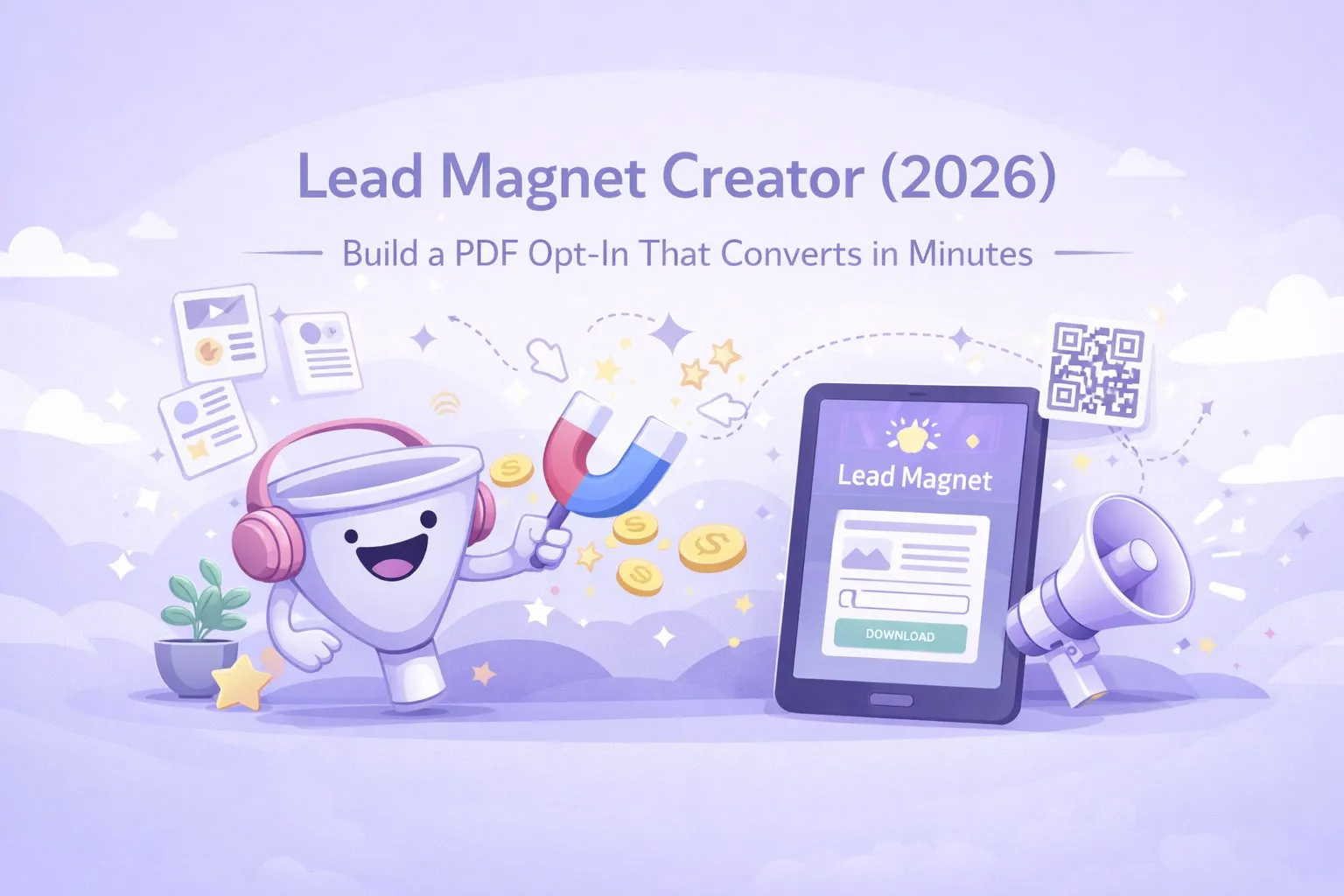
Lead Magnet Creator (2026): Build a PDF Opt-In That Converts in Minutes
People searching for a lead magnet creator want speed, structure, and a PDF that feels worth the trade. This guide shows how to build a focused opt-in in minutes without sacrificing conversion.
Quick Answer
A lead magnet creator is a tool that generates professional PDF opt-ins from a text prompt. In 2026, tools like Inkfluence AI produce formatted lead magnets with cover design, chapter structure, and PDF/EPUB export in minutes - replacing the old workflow of writing in Google Docs, designing in Canva, and exporting manually.
Search intent around "lead magnet creator" has sharpened. The people typing that phrase are not looking for generic templates or design tools. They want a clean path from idea to a finished PDF opt-in that converts. They want it fast, and they want it to feel professional.
If you are building lead magnets as a growth system, this is the difference between a slow, one-off PDF and a repeatable workflow you can use every week. The goal is not to write longer. The goal is to ship faster while staying focused on what your audience actually wants.
- Landing page: lead magnet creator
- Tool: lead magnet generator
- Workflow: AI ebook workflow
- Examples: lead magnet examples
What people really want from a lead magnet creator
The top queries in Search Console point to the same expectation: a lead magnet creator should feel like a shortcut to a finished result, not another tool you have to wrestle with. That means three things.
First, the structure has to be done for you. A blank page still kills conversion. Second, the content has to be fast, even if you are starting from a loose idea. Third, the output has to be a PDF you would actually send to a subscriber, not something that looks like a draft.
Inkfluence is built around that exact flow. You can go from prompt to outline to content and export in 2 to 3 minutes, 5 minutes max. This is not a claim about writing a book. It is about shipping a focused opt-in fast enough to keep pace with your marketing.
Why PDF still wins in 2026
People keep asking whether PDFs are outdated. They are not. A PDF is still the most reliable way to deliver a lead magnet because it works everywhere, looks consistent, and feels like a real asset. When a subscriber downloads something that looks finished, their trust goes up.
This is why the phrase "lead magnet PDF generator" shows up alongside "lead magnet creator." The core need is not just content. It is delivery. A creator that can handle layout and export in one flow removes the friction that usually slows people down.
Speed matters, but only if the promise is precise
Fast creation only helps when the message is accurate. A lead magnet that is rushed and generic will still underperform. A fast lead magnet that is specific wins because it matches the moment the reader is in.
Think about the difference between "Free guide to grow your email list" and "15-minute welcome sequence that turns new subscribers into booked calls." One feels like advice. The other feels like relief. The lead magnet creator is a tool, but the promise is the real conversion lever.
If you are unsure how to shape the promise, start with the situation that keeps showing up in your DMs and support emails. That moment of confusion is your lead magnet topic. The faster you can turn it into a PDF, the faster you can test whether the audience responds.
How the blueprint-first workflow increases conversion
Templates are not the same as blueprints. A template is a layout. A blueprint is a structure that already knows how the reader should move through the content. When the structure is right, the lead magnet feels like a miniature product, not a bonus.
Inkfluence uses blueprint-driven formats so you do not have to decide the order of every section. You choose a format, define the outcome, and the system builds the flow. That is why the output feels tighter, and why it converts even when it is short.
If you want the full outline-to-export process, the AI ebook workflow shows the full pipeline from idea to finished asset.
What to include in a high-converting lead magnet PDF
You do not need more pages. You need fewer pages with more clarity. The strongest lead magnets share a few traits. They promise one outcome. They make the first step obvious. They give the reader a quick win. They finish with a natural next step that points back to your offer.
The lead magnet creator makes this easier because you can build multiple versions quickly. If one angle does not convert, you can ship another that does. The iteration loop is the advantage.
Ready to test a faster opt-in? Start with the Lead Magnet Creator and export a PDF in minutes.
Landing pages still do the heavy lifting
A lead magnet can only convert when the page sells the promise. The best-performing pages are simple: headline, short explanation, proof, and a clear CTA. The PDF is the incentive, but the page is the persuader.
That is why it helps to separate the landing page from the generator. Use the lead magnet creator landing page to capture the search intent, then point people into the generator when they are ready to build.
Why fast iteration beats perfect writing
In 2026, conversion comes from relevance, not polish. A clear, focused PDF that ships today will beat a perfect resource that ships next month. The creator advantage is speed. You can test new angles against real traffic without burning weeks on one idea.
That speed unlocks another benefit: you can align the lead magnet with your current offer. When your offer changes, your lead magnet should change too. A fast workflow makes that possible.
Where to place the lead magnet for the highest intent
Lead magnets convert best when the reader is already thinking about the problem you solve. The simplest placement is below a related blog post or inside a relevant tool page. Context makes the opt-in feel like a natural next step.
If you want a starting point, use the examples from this lead magnet examples guide and map the format to your offer.
Start with one clear promise, then expand
The fastest way to grow a list is to launch one lead magnet that actually converts. Once you find that winner, you can branch into other segments and create a small library. The creator workflow turns that into a repeatable process instead of a one-off project.
If you need the shortest path to a finished PDF, use the Lead Magnet Generator. If you want the landing page plus the workflow, start with the Lead Magnet Creator and build from there.
To see the build on video, watch how to create a lead magnet with AI: six minutes from a one-line promise to a finished PDF, with the transcript and what 783 lead magnets on the platform look like.
Frequently Asked Questions
Is there a free lead magnet creator?
Yes. You can start free and generate your first lead magnet without paying. Upgrade only if you need more assets or advanced customization.
Is this a lead magnet PDF generator?
Yes. The output is a professional PDF you can deliver through email platforms or download pages.
How fast can I make a lead magnet?
With Inkfluence AI, you can go from prompt to export in 2 to 3 minutes, 5 minutes max, because the outline, content, and formatting are generated in one flow.
What makes a lead magnet convert?
Conversion comes from precision. The promise must be specific, the outcome must be fast, and the format must feel easy to consume.
Do I still need a landing page?
Yes. The PDF is the incentive, but the landing page is what persuades the visitor to opt in. Keep it focused and aligned with the promise.

Founder, Inkfluence AI
Sam is the founder of Inkfluence AI. He built the platform to make book creation accessible to everyone - from first-time authors to seasoned publishers.
Helpful links
Ready to Create Your Own Ebook?
Start writing with AI-powered tools, professional templates, and multi-format export.
Get Started FreeRelated Articles
 Marketing
 Trending Ebook Topics for 2026: 10 Niches With Real Buyer Demand
We tracked 40+ emerging ebook topics against Google Trends, Amazon BSR, and Reddit engagement over six months. Here are the 10 trending ebook niches for 2026 that show real buyer momentum, not hype.
 Guides
 Best AI Platforms for Creating Downloadable PDFs for Email List Building (2026)
Compare AI platforms for creating downloadable PDFs that grow your email list. From lead magnet ebooks to checklists and guides - which tools produce the best opt-in content.
 Guides
 How to Create an Ebook Lead Magnet with AI - No Designer Needed (2026)
Learn how to create a professional ebook lead magnet using AI without hiring a designer. Step-by-step workflow from topic selection to branded PDF export, plus real examples that convert.
Get ebook tips in your inbox
Join creators getting weekly strategies for writing, marketing, and selling ebooks.