
The AI Ebook Workflow from idea to PDF/EPUB
Inkfluence AI turns a prompt into a structured blueprint, drafts chapters, applies design, and exports a publish-ready file. No scattered tools, no broken flow.
Quick Answer
The AI ebook workflow in Inkfluence AI is a five-step outline-to-export pipeline: choose a blueprint, generate a structured outline, draft chapters with AI, design an AI-generated cover, and export to PDF, EPUB, or DOCX. It supports 33+ book types including lead magnets, playbooks, study guides, cookbooks, novels, and documentation. Each blueprint tailors structure, tone, and formatting rules so the AI output matches the genre. The entire flow runs in one browser tab - no switching between a writing tool, Canva, and an export plugin. Free plan includes AI writing, cover design, and PDF export. Most users finish a publish-ready ebook in under 10 minutes.

Real prompts, real exports
These are the kinds of prompts creators use today. Each one ships to PDF or EPUB in minutes.
Create a 20-page lead magnet for coaches on client onboarding.
PDF guide with checklist sections and a branded cover.
Write a 10-chapter sci-fi novella about a city that powers itself.
Drafted chapters with a cohesive arc and cover preset.
Build a 12-page sales enablement booklet for SaaS demos.
PDF + EPUB deliverable with sections and CTA blocks.
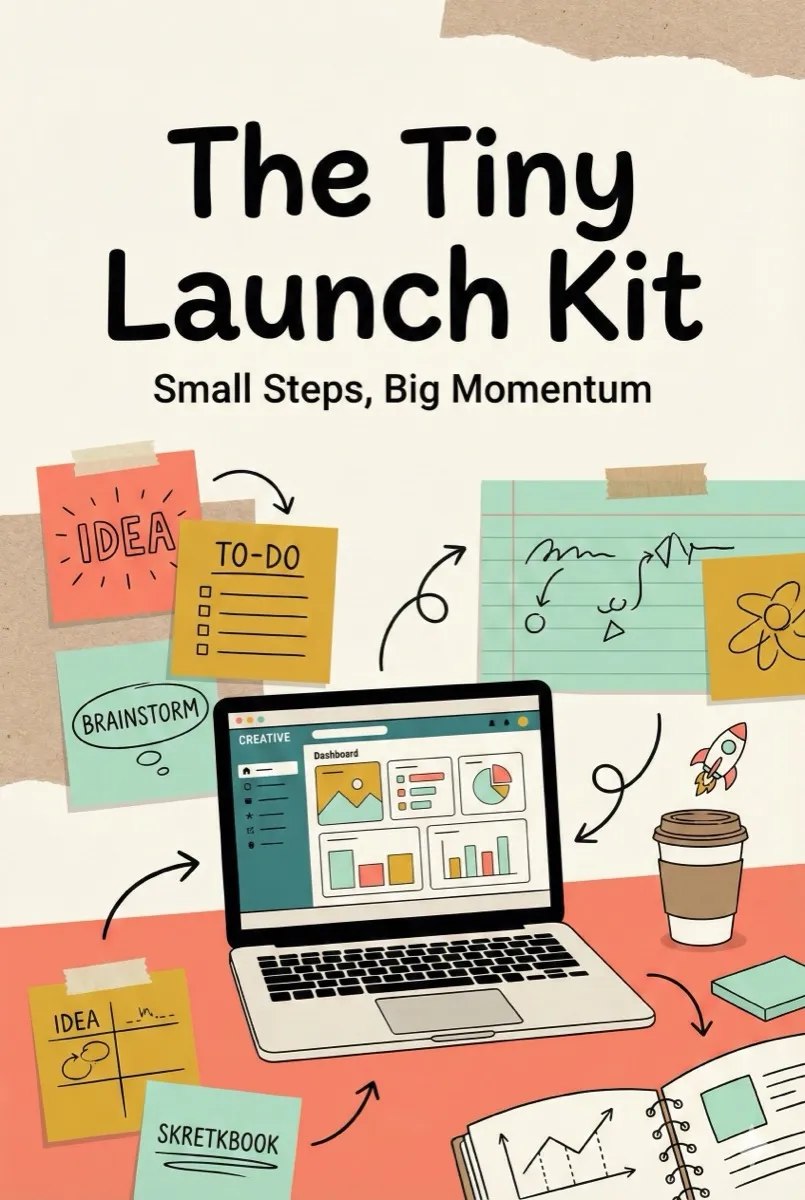
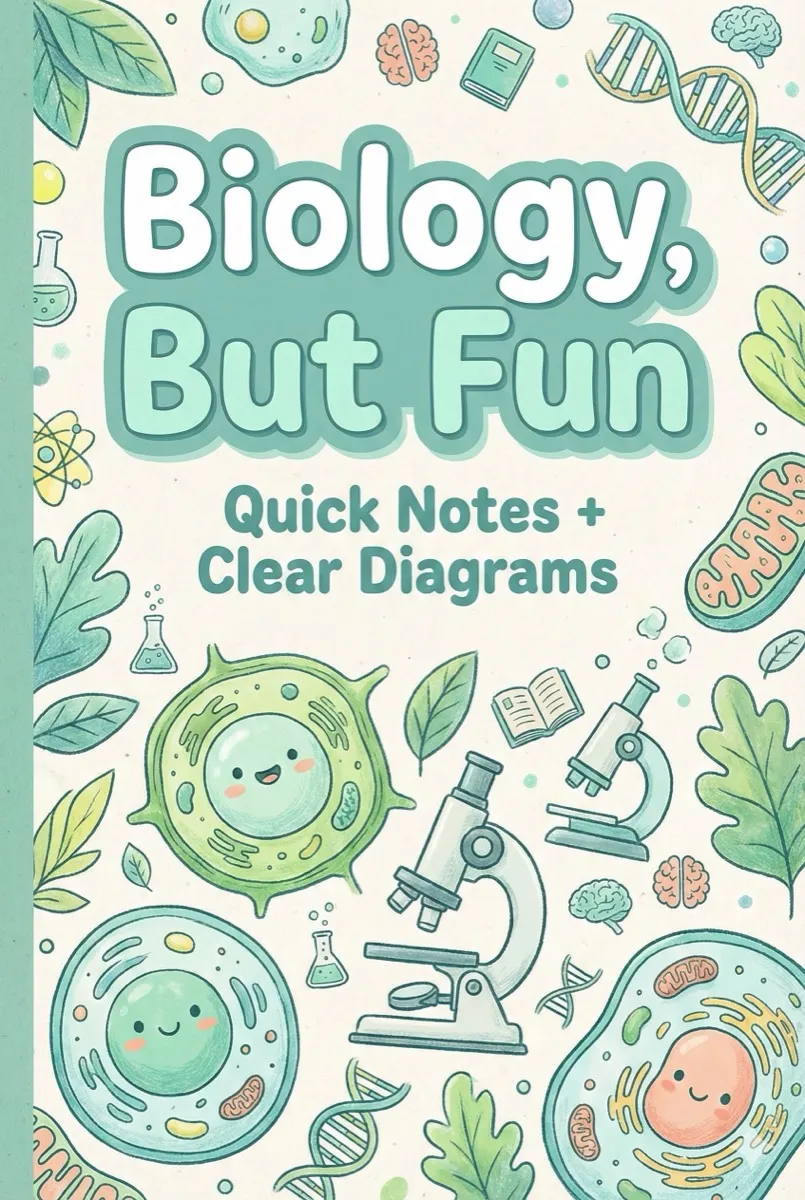
Generated book covers, ready to publish
A quick visual wall of real covers created with Inkfluence AI.




The workflow, step by step
Each step is designed to keep momentum high and remove friction from ebook creation.
Blueprint your structure
Pick a blueprint (lead magnet, playbook, study guide, cookbook) and define the outcome.
Generate the outline
Inkfluence builds chapter flow, headings, and a clear narrative arc in minutes.
Draft chapters fast
Generate content section-by-section and refine with your voice and edits.
Design the cover
Apply a cover preset or customize the layout to match your brand.
Export and publish
Download PDF, EPUB, or DOCX and publish anywhere.
Why outline-to-export beats the old workflow
Most ebook projects stall because the process is fragmented, not because the ideas are weak.
Traditional ebook creation forces creators to jump between tools: one app for ideation, another for writing, a separate design tool for covers, and yet another for formatting. Every handoff breaks momentum, creates version chaos, and slows publishing. The real cost is not time spent writing. It is the time spent rebuilding structure and reformatting content across incompatible tools.
The outline-to-export workflow solves that by anchoring the project in a blueprint first. Inkfluence AI generates a structured outline, then writes chapters in a consistent tone, applies formatting, and exports a publish-ready PDF or EPUB. Because the structure is locked early, the draft stays coherent and editing becomes a refinement pass, not a rewrite.
This is why creators can finish a draft in minutes rather than weeks. You define the idea, the system builds the arc, and the content lands into a cohesive ebook. If you are using the result as a lead magnet, this speed means you can test offers quickly. If you are publishing on Amazon KDP, you can ship multiple focused titles instead of betting everything on a single launch.
Publishing and SEO checklist after export
Once your PDF or EPUB is ready, use this checklist to improve discoverability.
If you publish on Amazon KDP, your listing is the ranking surface. Use a keyword-focused title and subtitle, fill backend keywords with long-tail phrases, and align your category choice with buyer intent. The KDP SEO guide walks through the exact fields to optimize.
If you publish on your site, the landing page is what ranks. Use a clear promise in the H1, add a short excerpt, include FAQ sections, and link to supporting articles that target adjacent queries. The Ebook SEO hub covers the full workflow for ranking in Google.
For lead magnets, pair your ebook with an opt-in page and a short onboarding sequence. A simple "download + quick win" email series improves conversions and creates the signal Google wants to see: real users spending time with the asset. For examples, see ebook lead magnet ideas.
Common mistakes that slow down ebook creation
Avoid these bottlenecks and the workflow stays fast and focused.
The biggest mistake is starting to write before the outline is locked. When structure is loose, chapters drift, tone shifts, and edits turn into rewrites. Another common slowdown is using multiple tools for writing, formatting, and cover design. Each handoff creates file friction and formatting cleanup.
The fix is simple: commit to the blueprint, generate the outline, then draft within that structure. Keep formatting inside the same workflow and reserve edits for clarity and polish. This is the difference between a draft that ships in minutes and a project that lingers for weeks.
Workflow vs. template tools
Templates help with layout. Workflows help you finish.
Template tools focus on presentation: you bring the content and place it into a design. That is useful when the writing is already finished. Inkfluence AI focuses on the full workflow: structuring the content, drafting chapters, applying consistent formatting, and exporting the final file.
If your main bottleneck is writing and structure, a workflow-first tool gets you to a publish-ready asset faster. If you already have content, you can still export and refine it inside Inkfluence, then use your preferred design tool for additional styling.
Blueprint types you can generate
Inkfluence adapts the outline and chapter flow based on the result you want to create.
Workflow examples by outcome
Match the ebook creation workflow to your goal and export a PDF or EPUB that is ready to publish.
Lead magnet workflow
Create a focused PDF guide, checklist, or workbook that captures emails quickly.
Study guide workflow
Turn lecture notes or textbooks into a structured study guide with practice prompts.
Playbook + SOP workflow
Ship client playbooks and team SOPs with clear steps, checklists, and sections.
KDP publishing workflow
Export a clean PDF/EPUB and then optimize listings with keywords and metadata.
Tools that power the workflow
Use one tool or combine them depending on your project. Every tool supports the same outline-to-export flow.
AI Ebook Generator
Fast outline-to-export flow for complete ebooks.
AI Book Writer
Control chapters with deeper editing and iteration.
Book Outline Generator
Create structure before drafting.
Lead Magnet Generator
High-converting lead magnets and workbooks.
Study Guide Generator
Turn notes into structured study resources.
SOP & Documentation Generator
Training manuals, SOPs, and onboarding docs.
AI PDF Generator
Polished PDFs for guides and reports.
Book Description Generator
Sales copy and blurbs after the draft is done.
Guides that support the workflow
Use these guides to plan, publish, and rank the asset you create.
FAQ
What is the Inkfluence AI ebook workflow?
Do I need to write chapters manually?
What can I create with the workflow?
What formats can I export?
How fast can I finish an ebook?
Can I use this workflow for lead magnets or playbooks?
Is this the same as an AI ebook generator?
Does the workflow help with publishing on Amazon KDP?
Do I need design tools to format the ebook?
Ready to run the workflow?
Start with a blueprint, generate chapters, and ship a publish-ready ebook today.
Launch the AI Workflow