
How to Write a Book Series with AI: Continue Your Book, Keep Your Characters

Writing one book with AI is a solved problem. Writing the second, with the same characters, the same world and the same rules, is where most tools fall over, because each book starts as a fresh prompt with no memory of the last. On Inkfluence AI you continue the book you already have: it becomes book 1, and book 2 picks up where it ends, with its characters, its facts and everything that already happened carried over. This page walks through every step, says exactly what travels from book to book, and takes the set through to export and sale. The video further down shows the earlier version of the feature and is kept for reference.
232 series
made with the earlier version of the feature between its first use on 11 April 2026 and 14 September 2026, by 148 authors, adding up to 805 books
70%
of the 144 books added by the 42 series started in the 30 days to 23 September 2026 were fiction: romance, novels, comedy and kids' fiction
1 at a time
how novels are continued now, each book from the real ending of the one before, with no limit on how many
Quick Answer
To write a book series with AI, finish one book and continue it rather than prompting each sequel from scratch. In Inkfluence AI, open the three-dot menu on a finished book, pick Continue as a series, optionally write a few sentences on what happens in book 2, and confirm. Your book becomes book 1. Book 2 carries its story bible (characters, names, key objects, rules and open threads) and its record of what happened and who knows what, opens from where book 1 ends, and is written like any other novel, in the same language and at the same length. After that, Write the next book on any book in the series continues from the latest one. Novels continue one book at a time; non-fiction can add one to three books at once as a Sequel, Companion or Expanded volume.
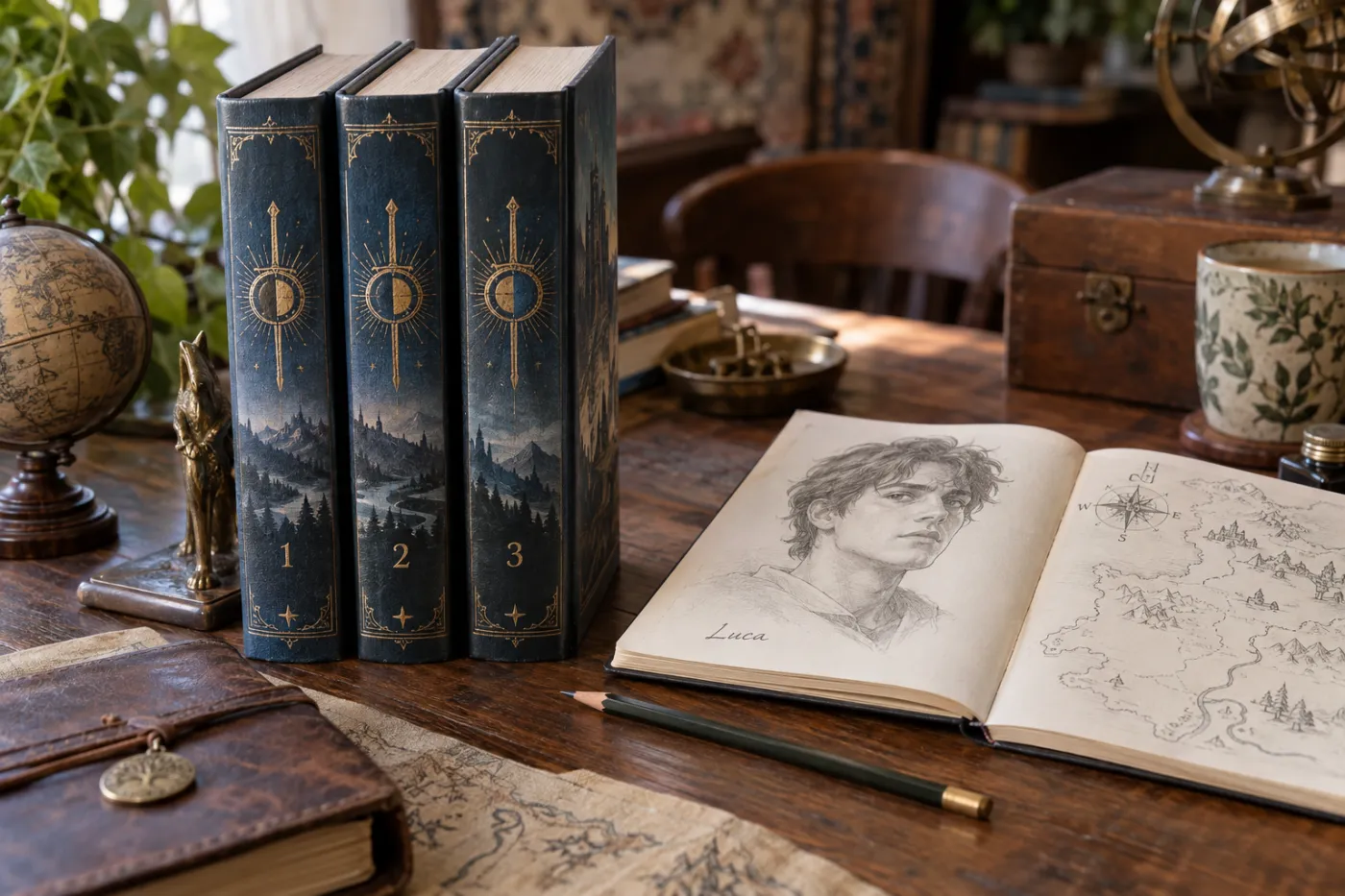
Where do you start?
With a finished book. A series is something you grow out of a book that works, not something you plan from a blank page, and the feature is built that way: it continues a book you already have. A book that is still being written cannot be continued until it has finished.
Before you continue, spend two minutes on book 1's story bible. Open the book in the editor and click Story Bible in the header (it appears on fiction books). Check the spelling of every name, add any rule the series must keep to Non-negotiables ("magic always costs the caster a memory", "the twins never meet"), and save. The story bible travels into book 2 as it stands, so a misspelt name there becomes a misspelt name in the whole series. The story bible generator and the character bible generator are quick ways to get those facts straight on paper first, and the book walkthrough covers writing book 1.
Continue as a series, then Write the next book
On the Home or My Books tab, open the three-dot menu on the finished book and pick Continue as a series. The same option is under the Remix tools as Series. A dialog opens with the title Write book 2 for a novel, or Continue as a series for non-fiction, and a line saying it continues from how your book ends, with the same characters and story facts.
Once a book is part of a series, its menu shows Write the next book instead. It always continues from the latest book in the series, whichever book you open it from, so you never accidentally write a second book 2. There is no four-book ceiling: a series runs as long as you keep writing.
- Open the three-dot menu on a finished book and pick Continue as a series.
- Optionally write what should happen in book 2 in the box provided.
- Confirm. The dialog shows how many chapters the new book will use from your monthly allowance.
- Book 2 is planned and written like any other book, and appears on your shelf marked Book 2.
- For book 3, open the menu on any book in the series and pick Write the next book.
Say what happens in book 2
The dialog has one optional box per new book: What happens in book 2? for a novel, What should book 2 cover? for non-fiction. It takes a few sentences, around 600 characters, and the AI treats what you write as direction to follow, not a suggestion. The example in the box reads "A year later, a letter from her sister brings them back to the lake house, and the secret from book 1 comes out." That is the right size: a time jump, an event that sets the book going, and the one thing you want it to deliver.
Leave the box blank and the AI plans the strongest next step from how your book ends. Either way it plans from what book 1 actually contains: a summary of every chapter, the characters, the rules, the events already on the page and the ending itself.
One book at a time for novels, one to three for non-fiction
A novel is continued one book at a time. That is deliberate: book 3 can only start from the real ending of book 2 once book 2 exists, and planning three novels at once is exactly how a series ends up contradicting itself. Write book 2, read it, adjust its story bible if you want, then write book 3 from it.
Non-fiction works differently, because companion and expanded volumes are designed together. You can add one, two or three books in one go, each with its own note on what it should cover, and pick how they relate to the first book:
| Style (non-fiction) | What each new book does | Best for |
|---|---|---|
| Sequel | Goes deeper in order, building on where the previous book left off | A course that builds week on week, a beginner book followed by an advanced one |
| Companion | The same subject from a different angle or for a different audience | Guides for different readers (beginners, managers, parents), devotionals by theme, workbooks by situation |
| Expanded | A topic the first book covered briefly becomes a full book | A survey book that becomes a set of specialist books |
In every style the new books keep the first book's terms and build on them instead of repeating them. A book on starting a small business becomes, with Companion, a set for freelancers, for shop owners and for online sellers, and with Expanded one book each on pricing, marketing and hiring. The fiction guide and the non-fiction walkthrough cover how each kind of first book is best written.
What happens when you confirm?
The confirmation says how many chapters the new book will use and how many you have left this month. A new book has the same number of chapters as the book it continues, so a 20-chapter novel continues as a 20-chapter book 2, and it is written in the same language as book 1, with its tone and audience.
Then book 2 is planned: a title that fits the series, a short description and a chapter outline built with book 1's events as things that have already happened and its ending as the place chapter 1 starts from. From there it is written exactly like any other novel on the platform, chapter by chapter, with the story bible, the last three chapters word for word and a running record of who knows what and what has happened. The consistency guide explains that process chapter by chapter. You can watch it write or leave; the book finishes in the background and waits on your shelf.
What is actually carried from book to book
This is the question behind every "can AI write a series" search, and the honest answer is more useful than a vague yes. Here is what travels from a novel into its next book, and what it protects.
| What travels | What it protects |
|---|---|
| The story bible: characters and their names, key objects, point of view, the rules the story must keep, open threads, including your own edits | The same people with the same names, the same world rules, threads that are still open |
| The running record, marked as earlier: who knows what, where everyone is, the state of objects, every event book 1 showed | No character learning in book 2 what they learned in book 1; no event staged again; book 1's facts keep their own room, so book 2's new facts never push them out |
| The ending of book 1 | Chapter 1 of book 2 opens from where book 1 stopped instead of restarting the story |
| A summary of every chapter of book 1, and your note for book 2 | A plan for book 2 that grows out of what book 1 actually did, in the direction you asked for |
| Language, tone, audience and length | A series that reads as one author, in one language, with books of a matching size |
| Cast, setting and character sheet (picture books) | The same drawn character in book three as in book one |
What does not travel is your hand editing of book 1's chapter text beyond what reaches the chapter summaries and the ending. If you changed a fact by hand in the middle of book 1, a death, a secret, a new name, put it in book 1's story bible before you continue. Whatever the story bible says is what book 2 follows.

Keeping characters consistent: five things to do before you continue
- Check and edit the story bible of book 1. Names, key objects and the rules that must never break, in Non-negotiables. It travels into book 2 exactly as it stands, so this is the highest-leverage two minutes in series writing.
- Make book 1's ending clear. Book 2 opens from it. An ambiguous last chapter produces an ambiguous first chapter. A cliffhanger is fine; make sure it is stated, not implied.
- Write a sentence or two of direction. A time jump and the event that starts book 2 ("a year later, her sister arrives and the secret comes out") steer the plan far better than hoping the AI guesses.
- Write the books in order. Read book 2, fix what you want in its story bible, then write book 3 from it. Each book starts from the one before, so a correction made in book 2 reaches every book after it.
- Plan the human pass. The facts that matter carry over; the colour of a coat or the name of a tavern mentioned once is a read-through job. The editor and its AI assistant are where that pass happens.
Fantasy and science fiction authors carry the most rules and gain the most from step one, and the series authors page covers the publishing side of a multi-book career: release cadence, read-through and the KDP series page. The novel writer page covers world-building for the first book, and the fanfiction data shows how much of the platform's fiction is written inside established universes, where the rules are already fixed and a series is the natural shape.
What the series numbers tell us
These figures come from the platform's own generation records. The first set was measured on 14 September 2026 and covers the earlier version of the feature, first used on 11 April 2026, which wrote two to four new books at once. They are published here because this page is their home; other pages cite them.
- 232 series, 805 books, 148 authors with the earlier version. Some authors made one series; a few made many.
- Three books was the choice people made most often when the feature asked for a number up front, at 113 of 232, with four books at 87 and two at 31. People were building sets, not single sequels.
- The pace was rising. 166 of the 232 series were made in the 90 days to 14 September, and 50 in the 30 days to 14 September.
- Seven chapters a volume, on average, across all 805 books in the earlier version. New books now match the length of the book they continue.
- Series are mostly fiction. In the 30 days to 23 September 2026, 42 series were started, adding 144 books, and 101 of the 144 were fiction: romance, novels, comedy and kids' fiction. That is why the feature now continues a novel one book at a time from its real ending, carrying its characters and facts.
The wider picture of what people write on the platform, genre by genre, is on the what people write with AI page; this page keeps to series.
Six series shapes, and the setting that makes each one
The same feature builds very different sets depending on the source book. These are shapes that work, with the one choice that makes each of them.
| Source book | How to continue it | What the series becomes |
|---|---|---|
| A fantasy novel with one protagonist | One book at a time, a note per book | A trilogy or longer: the world set in book one, the stakes raised in book two, a note for the last book that asks for the ending |
| A cosy mystery | One book at a time, a new case in each note | One detective, a case per book, a personal arc running underneath; the classic read-through series |
| A children's picture book | Remix, then Series | The same drawn character in new adventures, painted from one character sheet |
| A beginner's guide to a skill, or a workbook | Expanded, 2 or 3 books | Each chapter that was a survey becomes its own specialist book |
| A guide written for one audience | Companion, 2 or 3 books | The same method for different readers, each book sold to its own market |
| A 30-day devotional or challenge | Companion, 3 books | New themes, one format, a set that reads as a collection on a store page |
The second row is the one to study if you want to sell fiction. A recurring lead character with a case per book is the shape of most of the best-selling series on Amazon, because a reader who liked the detective will buy the next case without being sold on it. The romance writer page and the romance guide cover the other high read-through genre, where each book often follows a new couple in the same town, and the fanfiction writer is the same idea inside a universe whose rules are already fixed.
After each book is written: edit, cover, export, sell
Each new book is a normal book in your dashboard, and the list of what comes next is the same as for any book: edit, proofread, export to Etsy, Gumroad or Amazon, or publish to the Showcase. Three things are worth doing in order.
Read each book before you write the next. Continuity errors show up on a straight read far better than on a chapter-by-chapter edit. If you change a fact by hand, add it to that book's story bible so the next book follows it. The editor's AI assistant can rewrite a passage to match a fact you give it, which is faster than retyping.
Give the set matching covers. Readers identify a series by its covers before its titles. Design volume one in the cover designer, then keep the layout, fonts and title treatment and change the image or the accent colour per book. Number the volumes on the cover; a buyer who cannot tell which book is first will buy none of them.
Keep the gaps short. Series economics is read-through: the reader who finishes book one and buys book two the same evening. Release the next volume soon after the last, link them as a series on Amazon so they share a page, and price book one low or free. The selling walkthrough covers Etsy and Gumroad, where a bundle of the volumes at a set price is the usual listing, and the KDP guide covers the Amazon side, including the AI content declaration, which does not block a listing.
For a romance series in Kindle Unlimited, the romance launch guide lays out pre-orders, Countdown Deals and free days book by book. If you would rather release a series chapter by chapter to paying members, Ko-fi for authors covers memberships, fees and the Free vs Gold choice.
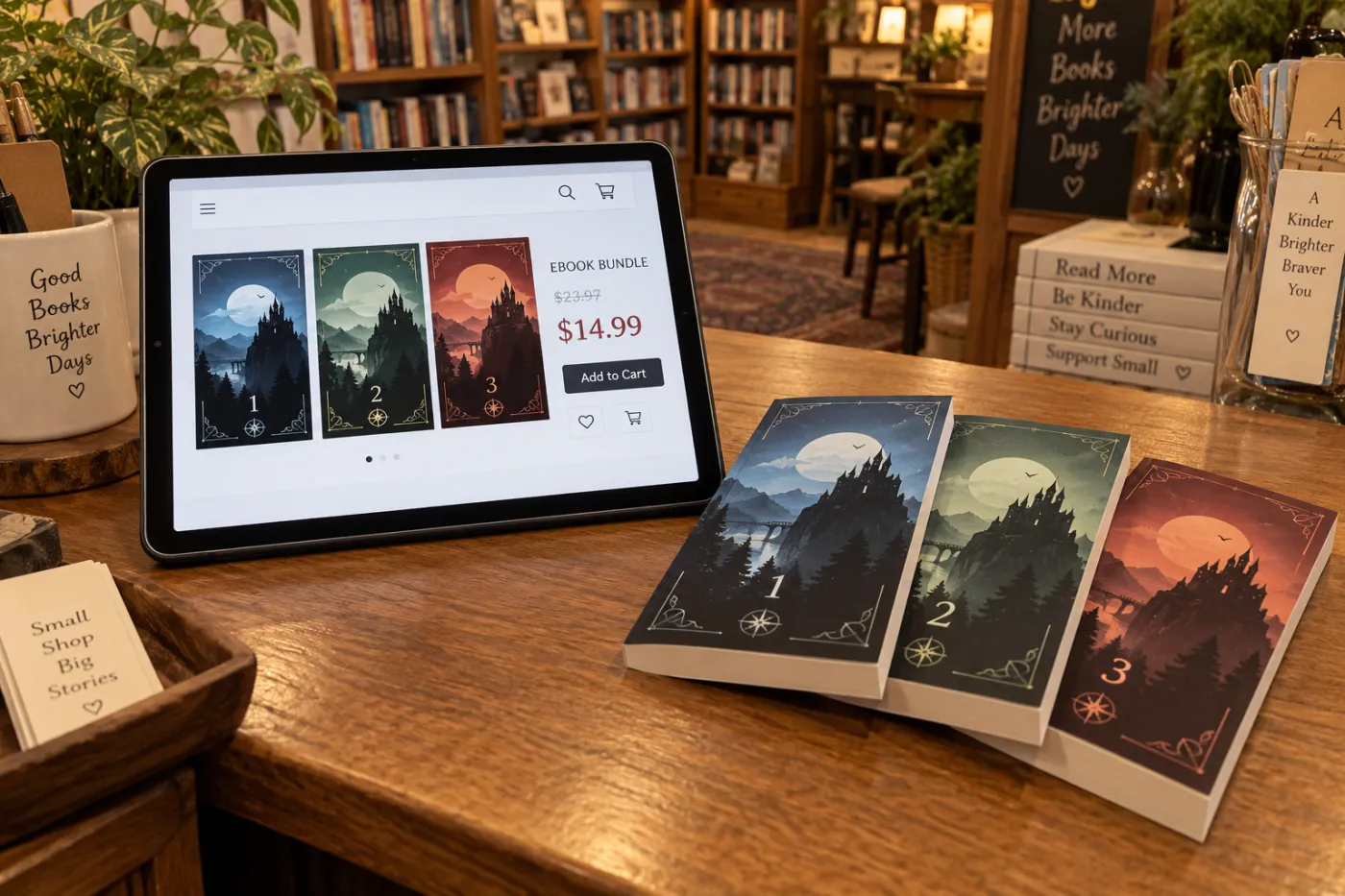
A narrated edition of each volume is one more click in the same project through the audiobook generator, and series audiobooks benefit from the same voice across every book, which the voice picker makes a matter of choosing the same narrator each time.
Five mistakes that break an AI book series
- Continuing a draft. Book 1 is the source for everything after it. If it is unedited, its mistakes carry forward. Finish book 1 properly first.
- Skipping the story bible. It travels into the next book as it stands. A wrong name or a missing rule there is wrong in every book after.
- Changing facts by hand and not recording them. A death or a secret you edit into the chapters belongs in the story bible too, or the next book will not know.
- Skipping the read between books. The facts carry; the sentences are yours to check. Read book 2 before you write book 3.
- Publishing book one and waiting months. Readers who wait too long for book two forget book one. Keep the gaps short.
Which plan do you need for a series?
| Plan | Price | Continue as a series | What a new book uses |
|---|---|---|---|
| Free | $0 | Not included | Write and edit the first book; series needs a paid plan |
| Creator | $9.99 a month | Included | 35 chapters a month included; a new book uses as many chapters as the book it continues |
| Premium | $19.99 a month | Included | No monthly chapter limit; write the books back to back |
The dialog shows the chapter estimate and your remaining allowance before you confirm, so there is no surprise. Lifetime plans include the feature. The pricing page has the current numbers, and the help article has the steps in short.
The earlier version, on video
In this video
- 0:00 Start from Working on and pick the book the series grows from
- 0:18 The tools list, and Turn into a series
- 0:32 How many books: two, three or four
- 0:45 Sequel, Companion or Expanded: the three continuation styles
- 1:08 Tone and audience, then Create 3-volume series
- 1:28 Luca: one character, three books
- 1:50 Three progress bars: the books write at the same time
- 2:15 What comes after: edit, proofread, export, publish to the Showcase
- 2:40 Three seven-chapter books, all at once
The craft of the first book, which is where a series is won or lost, lives on the written pages: the novel guide for structure and pacing, the fiction guide for genre, and the outline generator if you want to see a book's shape before you write it.
Full video transcript
The earlier version of the feature. Lightly punctuated for readability; the wording is as spoken.
Read the transcript (3:01)
This is James from Inkfluence AI, and today I'm going to be showing you how to create a series from your book. So, if we scroll down on the homepage, you can select the book that you want to edit or create a series with, and you do that by clicking Working on, and then it will have the book that you want to edit. Now, as you can see, there's a list of different tools that you can use. But for this, we're going to go to Turn into a series, and we'll expand that.
And as you can see, we've got an option selection for how many books in this series we want Inkfluence AI to create. So we'll go for three books. And what we're going to do is we can select from the continuation style. So Sequel: each book continues chronologically, building on where the previous left off. Companion: each book explores the same topic from a different angle or for a different audience. And Expanded: each book deep dives into sections that were briefly covered, expanding them into full treatments. For this, we're going to go for the Sequel option. And as you can see here, you can also edit the tone and the audience as well.
We're going to then go to Create three-volume series, and Inkfluence AI is starting to create our series for us. Now, this is really good if you want to create the three books that follow on from each other. So if you've got a character, so for this we've got Luca, and we want to create some books around that character, then you can do this and Inkfluence AI will take care of the rest.
Now, as you can see, we've got the three different books that are being created, and we've got a progress bar for each one. Now it's creating each book through Inkfluence AI. So what we just need to do is sit back, relax, and wait for our three books to be created. And then we can edit them, proofread, and once we're happy, we can then look at listing them and exporting them to Etsy, Gumroad, Amazon, and you can also publish them on Inkfluence AI's Showcase to really highlight your book and reach your target audience.
As you can see, it's amazingly quick. We've got three different seven-chapter books being created at once, and it's absolutely flying through each book.
Book series FAQ
How do you write a book series with AI?+
How does the AI keep characters consistent across a book series?+
How many books can a series have?+
Can I choose what happens in each book?+
How long is each book in the series?+
Does book 2 continue the story or just copy the first book?+
What is the difference between Sequel, Companion and Expanded?+
Can I write a fantasy series with AI?+
Can I make a picture book series?+
Is the series feature free?+
Can I edit the books after they are written?+
Where can I publish a series made with AI?+
Should the books in a series have matching covers?+
How do you make money from a book series?+
Can I turn a non-fiction book into a series?+
Is the video on this page up to date?+
Keep reading
- How Inkfluence AI keeps a long book consistent: what each chapter is given, and the running record that carries into book two.
- How to write a book with AI: the walkthrough for the first book, same dashboard.
- AI novel writer: world-building, character and structure for fiction.
- How to write a fiction book: genre by genre, with read-through rates.
- How to make a picture book with AI: the character sheet a picture-book series is painted from.
- The most popular AI fanfiction fandoms: series inside established universes.
- How to sell your ebook: Etsy and Gumroad, where a series sells as a bundle.
- Self-publishing on Amazon KDP: linking the volumes as a series on Amazon.
- For series authors: the publishing cadence and economics of a multi-book career.
- AI story bible generator: write the world rules down before book one.
- The AI novel writing guide: the full first-book process, from premise to book two.
- Pricing: which plans include Continue as a series.

Open a finished book and pick Continue as a series
Your book becomes book 1. Say what happens next, or leave it to the AI.