
Selling AI Coloring Books on Amazon KDP: The 2026 Rules, Specs, and Math
Are AI coloring books allowed on KDP? Yes, with disclosure. The part nobody covers: the AI workflow that passes review, style consistency across 30 pages, the interior specs that cause rejections, and the royalty ladder that decides your price.
Quick Answer
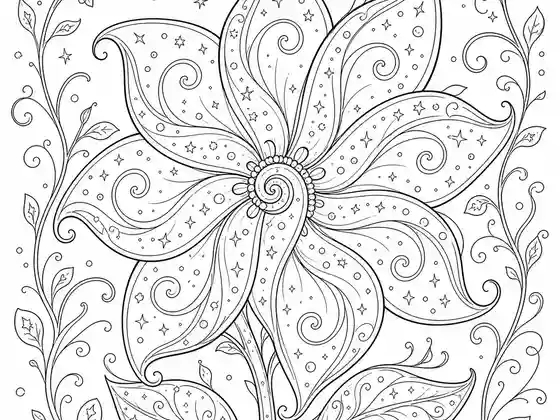
AI-generated coloring books are allowed on Amazon KDP: you must tick the AI-generated content disclosure during title setup, and disclosure does not block publishing or hide your listing. What actually gets coloring books rejected is quality and specs: broken line work, gray shading, near-duplicate pages, interiors under 24 pages, or files off the 8.5" x 11" trim. Generate clean closed black-and-white line art in one consistent style, price at $9.99 or above for the 60% royalty band, and the process is the same as any other coloring paperback. Details, specs, and the workflow below.
The big KDP publishing guides are genuinely good on mechanics: accounts, categories, keywords, covers. Then they reach AI-generated art, spend one nervous paragraph on it, and move on. Meanwhile the actual question sellers type into search is simpler: are AI coloring books allowed, and how do you make one that passes review and sells? This guide is that missing chapter.
Are AI coloring books allowed on KDP? The policy, plainly
Yes. Amazon's content policy distinguishes AI-generated from AI-assisted content. Pages an AI drew are AI-generated, and Amazon requires you to disclose that during title setup, a checkbox, not an interrogation. Disclosure is not published on your listing, does not add a badge, and does not block or bury the book. Amazon's own help pages state AI-generated content is acceptable provided it meets the standard content guidelines everyone else follows too.
What the policy actually punishes is what it always punished: low-quality interiors, misleading listings, and content violations. The full policy walkthrough, including the AI-assisted vs AI-generated distinction, is in our KDP AI disclosure guide. The short version for coloring sellers: disclose honestly and compete on quality, because plenty of disclosed AI coloring books sell every day.
What actually gets coloring books rejected
Reviewers and buyers converge on the same defect list:
- Broken line work: regions that are not fully enclosed, so color has no boundary. The most common complaint in the category.
- Gray shading and halftones: anything that is not pure black-and-white prints muddy on KDP's black-ink interior.
- Near-duplicate pages: ten variations of the same composition reads as filler and earns returns.
- Spec misses: under 24 pages, wrong trim, art running into margins, or low-resolution files.
- Text baked into the art: captions sitting on top of the picture people want to color.
Every one of these is a workflow problem, not an AI problem, which is why the tool and settings you generate with matter more than the fact you generated at all. If KDP has already sent a rejection email, our KDP rejection guide matches each email to its fix. One setting to get right: leave the Low-content box unticked, because KDP lists coloring books as not generally low-content; our low-content books guide explains the difference.
The AI workflow that passes review
The difference between "AI slop" and a sellable book is the difference between generating pages and generating a book.
1. Generate the book in one run, not pages in a loop
Style consistency across 30 pages is the hardest problem in AI coloring books and the one the big guides never mention. Pages generated one prompt at a time drift: line weight changes, density changes, and the book reads as a scrapbook. A book-level generator plans every page as a distinct scene and draws them all in one consistent line style, which is precisely the property a KDP coloring book needs.
2. Review every page before publishing
Non-negotiable, and it takes ten minutes: flip through the pages, regenerate any with broken lines or weak compositions, and cut anything that feels like a duplicate. Per-page regeneration means one weak page never costs you the book.
3. Export at spec
8.5" x 8.5" or 8.5" x 11" trim, a blank page behind each design so markers cannot ruin the next one, 24+ pages, and a full-color cover sized to the page count. Inkfluence AI's KDP package exports at 8.5" x 8.5" by default (US Letter is the other option) with the blank backs already in; a manual assembly gets there through a design tool and care.
4. Disclose and publish
Tick the AI-generated content disclosure, write a listing that names the book's specific world rather than "adult coloring book volume 3", and publish. The description generator and KDP tools carry the listing step.
The specs table, in one place
- Trim: 8.5" x 11" is the coloring standard (8.5" x 8.5" exists for square formats).
- Minimum pages: 24 for a paperback.
- Interior: black-and-white setting, white paper. Never cream for coloring.
- Resolution: KDP asks for images of at least 300 DPI.
- Layout: art single-sided; markers bleed through even good paper.
- Bleed: coloring interiors are normally no-bleed with standard margins; keep line work out of the margin zone.
- Cover: full-color, sized by KDP's cover calculator (or our cover size and spine width calculator) for your final page count.
The royalty math that decides your price
KDP prints a black-ink paperback of 24 to 110 pages for a flat $2.84 at the coloring trims (8.5" x 11" and 8.5" x 8.5" are both large trims; regular trims such as 6" x 9" cost $2.30), and pays 60% of list price at $9.99 and above, 50% below. That threshold is the whole pricing game for coloring sellers:
- $7.99 kids book: 50% x $7.99 minus $2.84 printing = about $1.16 per sale.
- $9.99 adult book: 60% x $9.99 minus $2.84 = about $3.15 per sale.
- $12.99 intricate adult book: 60% x $12.99 minus $2.84 = about $4.95 per sale.
Same production effort at every rung; more than four times the royalty at the top. Intricate adult books price naturally into the 60% band, which is why the adult niches are the margin end of the category. Run your own numbers in the royalty calculator, and confirm current printing rates in your KDP dashboard, since Amazon adjusts them occasionally. To see what a per-sale figure means for a whole shelf, the books-needed calculator works back from a monthly income target to the number of coloring books it takes. How coloring books compare with journals and notebooks once those royalties are added up over a catalogue is worked through in coloring and low-content book income in 2026.
The two-shelf strategy: KDP plus printables
The same PDF that becomes your KDP paperback sells as a printable on Etsy or Gumroad with no printing cost, so nearly every sale is margin, and digital buyers are often different people than paperback buyers. Listing both is standard practice for coloring sellers now (if you are choosing a tool for volume, our LitPal alternative page prices a month of coloring books on each); the mechanics are in the Etsy guide, and Inkfluence connects to both platforms directly. The files a coloring printable should hold, and what the paperback pays at three prices, are in how to sell coloring books.
A worked example, start to finish
Say the niche check from the niches guide lands you on themed mandalas: "ocean life mandalas". One prompt to the mandala generator, "a 28 page mandala coloring book themed on ocean life for adults", produces the planned pages, consistent line art, and a cover. Review the 28 pages, regenerate two, export the KDP package (with a blank page behind each design it comes to about 58 pages, still inside the flat-price band). On KDP: 8.5" x 11", black-and-white interior, white paper, disclose AI content, list at $10.99. Per sale: 60% x $10.99 minus $2.84 = about $3.75. The same afternoon, the PDF goes up on Etsy at $4.99 as a printable. Two shelves, one evening of work.
Frequently asked questions
Will disclosing AI content hurt my sales?
The disclosure is not shown to buyers, so it cannot. What buyers see is your cover, title, and page previews, which is where quality decides everything.
Can KDP reject a book for being AI-generated?
Not for that alone. Rejections cite quality and spec issues: broken art, duplicate content, margin violations, or misleading listings. Disclosed AI books that meet the content guidelines publish normally.
Do I own the copyright to sell AI-generated pages?
You need commercial rights from your generation tool, and tools differ: some restrict output to personal use or reserve commercial rights for expensive tiers. Inkfluence AI's Terms of Service say you keep all rights, title and interest in the content you create, with no exception by plan. Broader questions of AI art copyright are evolving; what matters practically for KDP is your license to sell and honest disclosure.
How many books do sellers actually publish?
Coloring is a series category: sellers who win publish volumes, one theme per book, because the buyer of "Ocean Mandalas" is the natural buyer of "Forest Mandalas". Generation makes the series cadence weekly instead of quarterly. KDP now allows two new titles per format a week, so the seasonal publishing calendar spreads a holiday series across the weeks before its deadline.
What about the kids' coloring shelf?
Same rules, bolder lines, lower prices, higher volume. The coloring book generator covers both styles, and the general KDP coloring guide walks the kids' side.
The rules are friendlier than the nervous paragraphs suggest: disclose, meet the specs, and compete on quality. The part that used to be hard, thirty consistent pages of clean line art, is now the easy part.

Founder, Inkfluence AI
Sam is the founder of Inkfluence AI. He built the platform to make book creation accessible to everyone - from first-time authors to seasoned publishers.
Helpful links
Ready to Create Your Own Ebook?
Start writing with AI-powered tools, professional templates, and multi-format export.
Get Started FreeRelated Articles
 Publishing
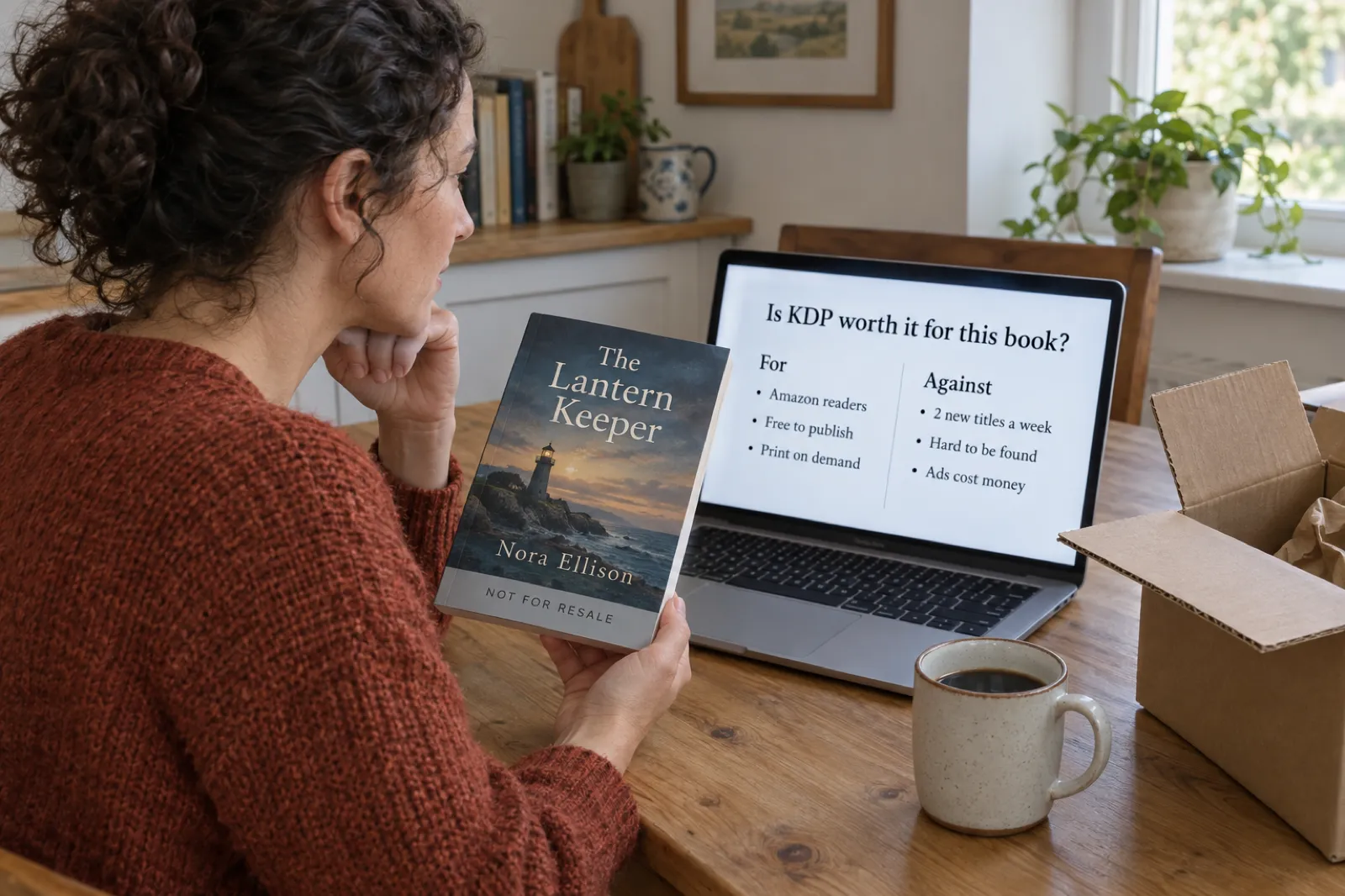
 Is KDP Worth It in 2026? An Honest Verdict by Book Type
A dated verdict for novels, non-fiction, picture books, coloring books, journals and family books: what changed on KDP in 2026, what publishing really costs, what most authors earn, when Etsy, Gumroad or going wide fits better, and a checklist that picks the route for your book.
 Publishing
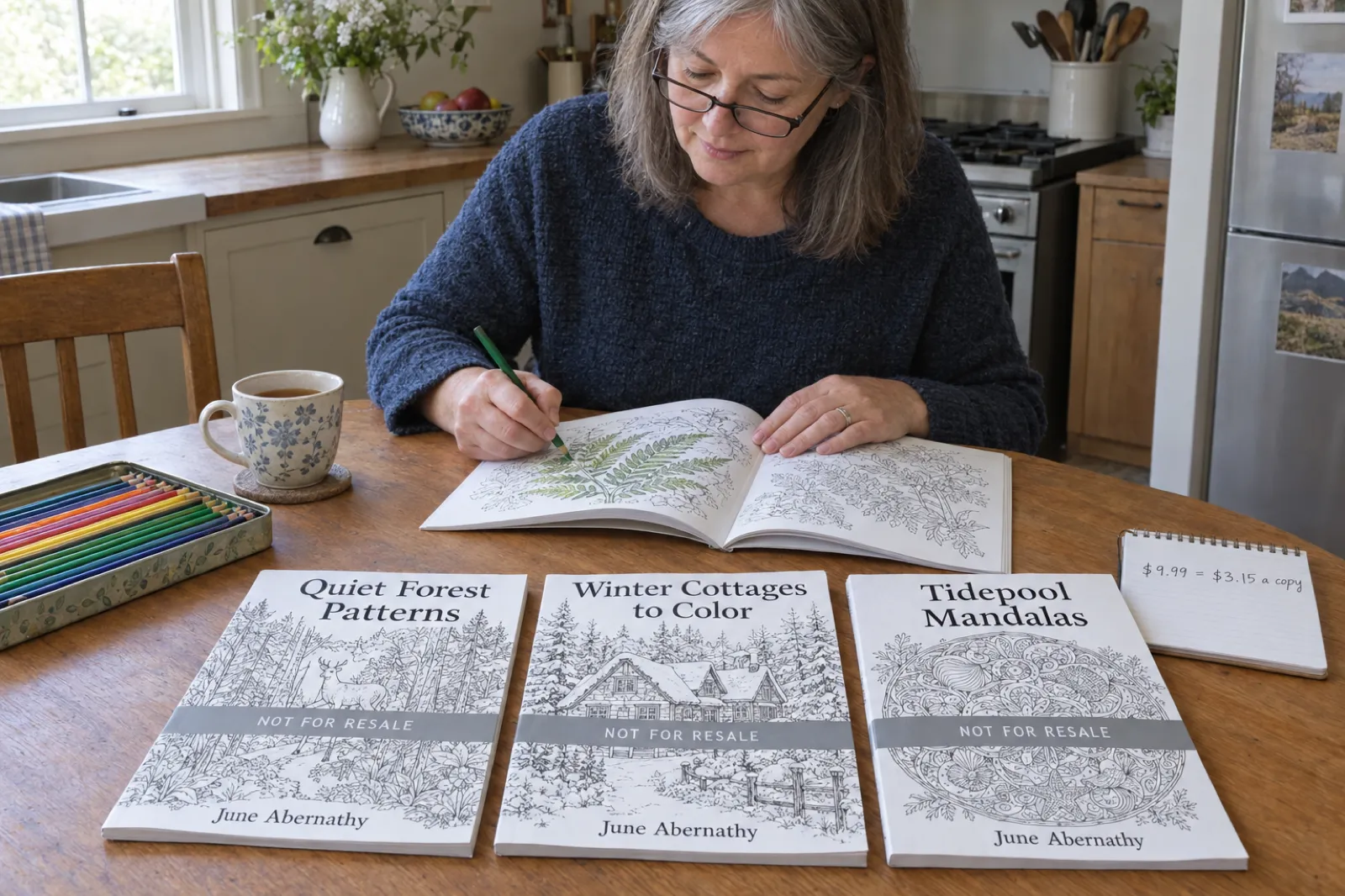
 Do Low-Content Books Still Make Money in 2026? Journal and Coloring Book Income, Worked Out
What journals, notebooks, planners and coloring books really earn on KDP in 2026: royalty per copy by trim, pages and price, why most titles sell few copies, the two-a-week limit, the rules that cut income, and where the money still is, with an estimator.
 Publishing
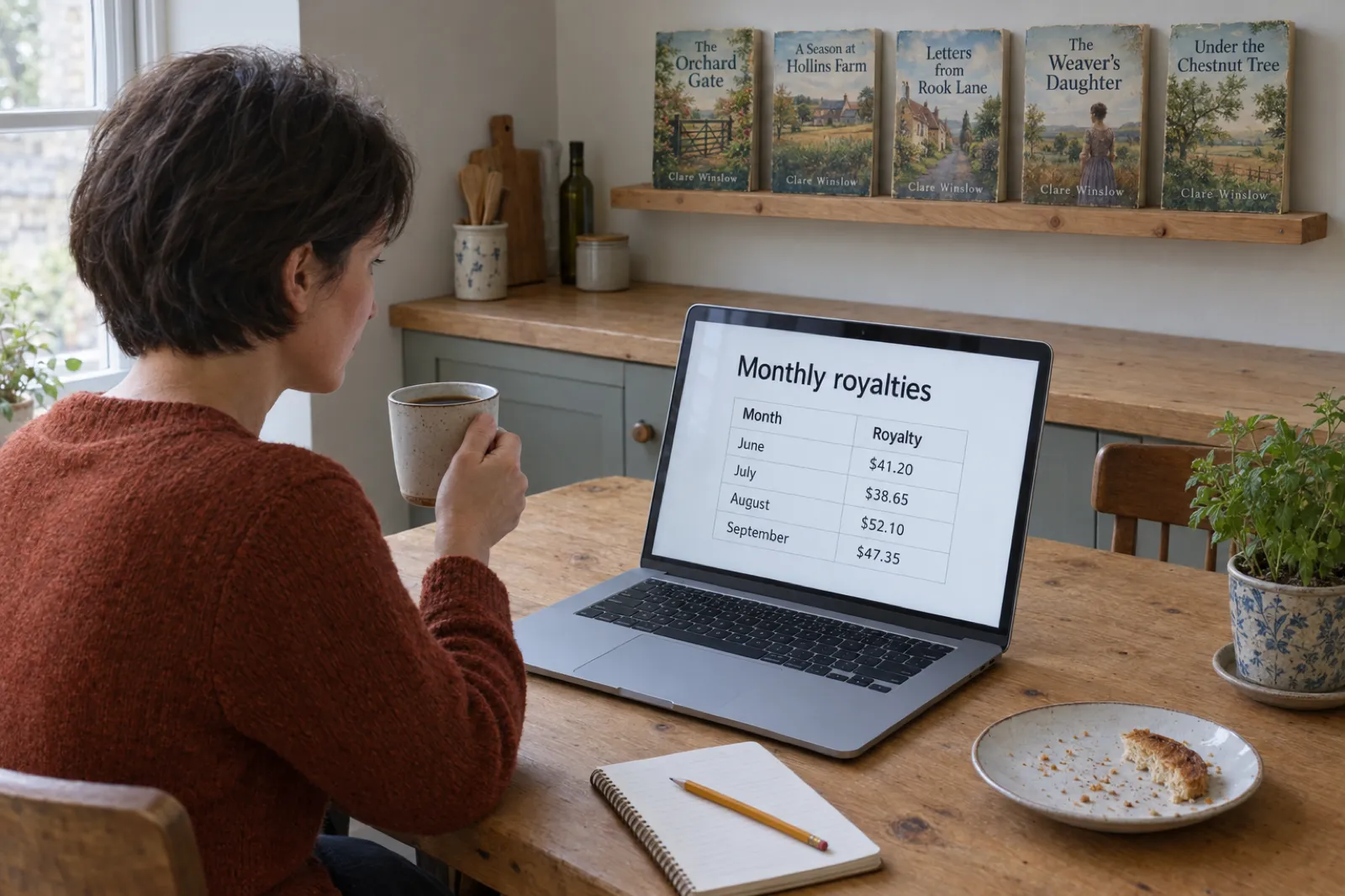
 How Much Do KDP Authors Make? Real 2026 Numbers, by Format and Catalogue Size
Most KDP authors earn under $100 a month and a minority earn a living. The 2026 survey numbers, what one copy earns in each format under KDP's new rules, why most books sell little, and what changes it, with an estimator for your own catalogue.
Get ebook tips in your inbox
Join creators getting weekly strategies for writing, marketing, and selling ebooks.