
The Complete Guide to AI Self-Publishing in 2026: From Idea to Published Book
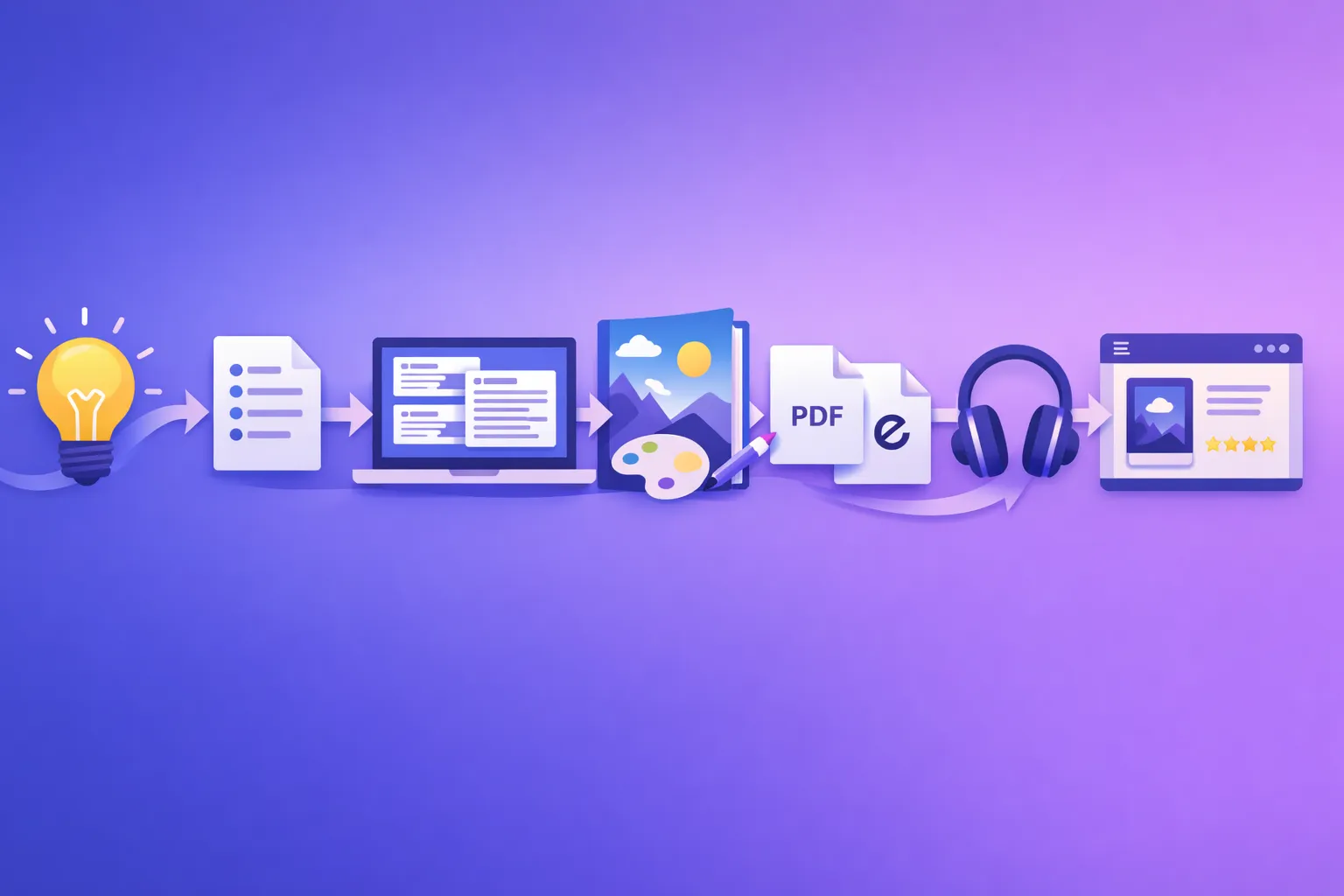
AI has compressed the self-publishing timeline from months to days. This guide covers the entire pipeline - writing, editing, formatting, cover design, audiobook, and distribution - with AI handling the heavy lifting at every stage.
Quick Answer
AI self-publishing in 2026 means using purpose-built AI tools to handle every stage of the book creation pipeline: outlining, chapter generation, editing, cover design, formatting, audiobook narration, and multi-format export. A complete book can go from idea to published on Amazon KDP in under a week. Inkfluence AI handles the entire workflow in one platform - 20+ content type blueprints, genre-specific tone, sequential fiction with continuity, AI cover design, PDF/EPUB export, and audiobook generation with realistic AI voices. Free to start, no credit card required.
Why This Matters Now
Self-publishing is a $4.2 billion market and AI just removed the biggest barrier
The barrier to self-publishing was never distribution - Amazon KDP solved that years ago. The barrier was creation: writing 40,000+ words, designing a professional cover, formatting for multiple platforms, and optionally recording an audiobook. That pipeline used to take 3-12 months of focused work or $5,000-$15,000 in freelancer costs.
AI compressed that to days. Not by cutting corners - by automating the repetitive structural work that consumed 80% of the timeline, freeing authors to focus on the creative direction, subject expertise, and personal voice that readers actually pay for.
The AI Self-Publishing Pipeline
Traditional self-publishing involves 6-10 separate tools, freelancers, and platforms. AI consolidates most of this into a single workflow. Here is the full pipeline, stage by stage:
| Stage | Traditional Approach | AI Approach | Time Saved |
|---|---|---|---|
| Topic research | Manual market research, Amazon browsing | AI niche analysis + personal expertise | Days → hours |
| Outline | Manual brainstorming, sticky notes | AI-generated structured outline | 3-5 days → 5 min |
| Writing | Type 40,000+ words manually | AI chapter generation with blueprints | 2-6 months → 30-60 min |
| Editing | Hire editor ($500-2,000) | Self-edit with AI assistance + regeneration | 2-4 weeks → 2-6 hours |
| Cover design | Hire designer ($200-500) | AI cover generation | 1-2 weeks → 10 min |
| Formatting | Atticus/Vellum ($40-250) | Automatic PDF/EPUB export | 2-5 hours → instant |
| Audiobook | Hire narrator ($2,000-8,000) | AI narration | 2-6 weeks → 10-30 min |
| Publishing | Upload to KDP manually | Upload to KDP manually (same) | Same |
The publishing step is the same because Amazon KDP's upload process is straightforward and does not benefit from AI automation. Everything upstream of publishing is where AI delivers massive time and cost savings.
Stage 1: Choosing Your Topic and Content Type
Your topic choice determines everything downstream: the content type blueprint the AI uses, the tone of writing, the structure of chapters, and ultimately the market for your book. This is the one stage where AI assists but does not replace your judgment.
Finding a profitable topic
The best AI self-publishing topics sit at the intersection of three things: your expertise or interest, reader demand, and low-to-moderate competition. AI tools can help with demand analysis, but your subject knowledge is what makes the book worth reading.
Start with what you know. A fitness coach writing about workout programming will produce better output than someone writing about a topic they have no experience with - even with AI assistance. The AI generates the structure and prose; you provide the substance and credibility.
Read our guide to high-demand low-competition ebook niches for data-driven topic selection, or browse our 17 ebook ideas that actually sell in 2026.
Matching topic to book type
Inkfluence AI detects your book type and applies genre-specific rules to shape the AI's output. Choosing the right type is critical:
- Self-help / personal growth - warm, transformational tone with exercises and frameworks
- Business / marketing - authoritative, data-driven with case studies and actionable strategies
- Step-by-step tutorials - clear instructional format with sequential steps
- Novels / short stories - narrative voice with character development and continuity
- Cookbooks - structured recipe format with ingredients, instructions, and variations
- Workbooks / journals - exercise-focused with fill-in sections and reflection prompts
- Lead magnets / freebies - concise, high-value, designed for email opt-in conversion
- Health / wellness / fitness - supportive tone with evidence-based guidance
There are 33 book types in total. Each one shapes the AI's chapter structure, tone, quality controls, and formatting differently. This is the core difference between using a purpose-built platform and prompting ChatGPT to write your book - genre-appropriate quality is enforced automatically. (For a deep dive into how this prevents flat, repetitive chapters, see how to avoid generic AI book output.)
Stage 2: Outline Generation
Once you have selected your topic and content type, the AI generates a structured outline. This is not a vague list of chapter titles - it is a detailed plan with chapter descriptions, key topics per chapter, and structural notes that guide the writing stage.
For non-fiction, the outline also includes variety planning: each chapter is designed with a different structure, opening approach, and examples so the final book has real diversity across chapters rather than the repetitive feel that plagues AI-generated books.
For fiction, the outline includes plot arc positioning (setup, rising action, midpoint, climax, resolution), character introduction schedules, and scene-level breakdown.
Review the outline carefully before proceeding. Edit chapter titles, reorder sections, add or remove chapters. The outline is the blueprint - everything that follows depends on it. Use our book outline generator to create yours.
Stage 3: Chapter Writing with AI
This is where the heavy lifting happens. The AI generates full chapters based on your outline, book type, and any additional context you provide.
How generation works
Non-fiction chapters generate simultaneously: every chapter is planned up front with its own method, opening and example, so all chapters are written at the same time without repeating each other. A 10-chapter book generates in 5-15 minutes.
Fiction chapters generate in order. Each chapter is written with the story bible, the last three chapters word for word and a running record of the whole book (who knows what, where everyone is, what has happened), to maintain character consistency, plot threads, and narrative voice across the entire book. This is slower (15-30 minutes for 10 chapters) but produces dramatically better continuity.
What the AI produces
Each chapter is typically 2,000-4,000 words depending on content type. The output includes:
- Genre-appropriate prose style (warm for self-help, authoritative for business, narrative for fiction)
- Varied opening styles across chapters (no two chapters start the same way)
- Concrete examples, frameworks, and actionable content (not generic filler)
- Proper transitions between sections within chapters
- Quality control enforcement (no "in today's fast-paced world" cliches, no AI-tell phrases)
The output is a strong first draft. Like any first draft - whether from AI or a human ghostwriter - it benefits from your review and editing.
Generate your first book free
5 chapters, cover design, and full PDF/EPUB export. No credit card. See the AI output quality before committing to anything.
Start Writing FreeStage 4: Editing and Refinement
AI-generated content is a first draft. The editing stage is where you transform it from "good AI output" into "your book." This stage typically takes 2-6 hours for a full-length book - compared to weeks of editing a manually written draft.
What to edit
- Personal voice - Add your anecdotes, opinions, and personality. The AI provides structure and substance; you add the fingerprint that makes it yours
- Factual accuracy - Verify specific claims, statistics, and recommendations in your area of expertise. AI is strong on general knowledge but can miss niche specifics
- Redundancy - Check for ideas repeated across chapters. The detailed outline minimises this, but review cross-chapter for any overlap
- Flow - Read chapter transitions. Does chapter 3 flow naturally from chapter 2? Add bridging sentences where needed
- Tone consistency - Ensure the voice feels consistent throughout. If you edit chapter 1 heavily, carry that tone forward
Inkfluence AI includes a built-in editor where you can modify text directly and regenerate individual chapters if a chapter does not meet your standards. You do not need separate editing software for this stage. Visit our AI book editor for more on the editing workflow.
Stage 5: Cover Design
Your cover is the single most important marketing asset. Readers judge books by covers - especially on Amazon where the cover thumbnail is 120x160 pixels on search results.
Inkfluence AI's cover designer offers three approaches:
- AI-generated covers - Describe your book and get custom cover designs. Choose from multiple styles (modern, bold, minimal)
- Template covers - Professional templates with customisable text, colours, and layout
- Upload your own - Bring a cover from Canva, a designer, or another tool. The uploaded cover carries through to all exports
The cover is embedded in your PDF and EPUB exports automatically and displays on your book's showcase page.
Cover design tips for KDP
- Use high contrast - the thumbnail is tiny on Amazon search results
- Title text should be readable at 120px wide
- Avoid clutter - one strong image, clear title, author name
- Match genre expectations - business books look different from romance novels
- Resolution: 2,560 x 1,600px minimum for KDP ebook covers
Stage 6: Formatting and Export
Formatting is where many self-publishers waste days in tools like Vellum or Atticus. AI platforms handle this automatically.
Inkfluence AI exports in three formats:
- PDF - Branded, print-ready with cover, table of contents, chapter headers, and professional typography. Ready for direct distribution or KDP Print
- EPUB - Reflowable, standards-compliant ebook with embedded cover and metadata. Ready for KDP, Apple Books, Kobo, and all ebook stores
- Audiobook - Chapter-marked MP3 files (covered in next section)
The formatting includes your book's colour scheme, branding (removable on paid plans), and cover image. No separate formatting tool needed. Read our guide on creating print-ready PDF books with AI for detailed formatting tips.
Stage 7: Audiobook Generation
Audiobooks are the fastest-growing book format. The audiobook market is $8+ billion and growing 25% annually. Most self-publishers skip audiobooks because professional narration costs $2,000-$8,000 per title.
AI narration changes this equation entirely. Inkfluence AI uses professional AI voices - the current leader in natural-sounding AI narration. You select a voice, preview it with your content, and generate chapter-marked audio files ready for distribution on Google Play Books, Kobo, or your own site.
AI narration quality in 2026 is premium-ready for non-fiction genres. Business, self-help, education, health, and memoir audiobooks are indistinguishable from professional narration. Fiction with heavy dialogue still benefits from human narrators. Read our detailed assessment of AI audiobook quality by genre.
Stage 8: Publishing on Amazon KDP
Amazon KDP remains the dominant self-publishing platform with 80%+ market share for indie authors. The upload process is straightforward once your files are ready.
KDP upload checklist
- Create a KDP account at kdp.amazon.com (free, linked to your Amazon account)
- Start a new title - enter title, subtitle, author name, and description
- Upload your EPUB - KDP's previewer will show how it renders on Kindle devices
- Upload your cover - use the cover from your Inkfluence AI export or upload separately
- Set pricing - $2.99-$12.99 for 70% royalties, or $0.99-$2.98 / $10+ for 35% royalties
- Choose categories and keywords - 2 categories and 7 keywords to help readers find your book
- Publish - your book goes live within 24-72 hours
For KDP Print (paperback), upload your PDF and use Amazon's cover creator for the full wrap-around cover including spine and back. Read our complete KDP publishing guide for detailed instructions. For AI disclosure requirements on KDP, see our KDP AI disclosure policy breakdown.
Stage 9: Marketing Your AI-Published Book
Publishing is the starting line, not the finish line. Even the best book needs visibility to sell.
Launch week tactics
- Price to sell - Launch at $0.99-$2.99 to maximise initial downloads and reviews, then raise to target price after 50+ sales
- Email list - If you have one, announce the launch. If you do not, create a free lead magnet from your book to start building one
- Social proof - Get 5-10 honest reviews from beta readers before going wide with promotion
- Amazon Ads - Start with automatic targeting at $5-10/day. Let Amazon find your audience before switching to manual keyword targeting
Long-term marketing
- Content ecosystem - Create companion materials (cheat sheets, workbooks, email courses) to build a funnel around your book
- Course upsell - Convert your book into an online course for 10-15x the revenue per customer
- Audiobook as discovery channel - Readers find your audiobook on Google Play Books or Kobo, then buy the ebook and course too
- SEO - Optimise your Amazon listing and drive external traffic. See our ebook marketing strategy guide
Realistic Timelines: AI vs Traditional Self-Publishing
Here is a side-by-side timeline for publishing a 10-chapter non-fiction book (approximately 30,000-40,000 words):
| Phase | Traditional | AI-Assisted |
|---|---|---|
| Research and outline | 1-2 weeks | 1-2 hours |
| Writing first draft | 2-6 months | 30-60 minutes |
| Editing and revision | 2-4 weeks | 2-6 hours |
| Cover design | 1-2 weeks | 10 minutes |
| Formatting and export | 2-5 hours | Instant |
| Audiobook | 2-6 weeks | 10-30 minutes |
| KDP upload | 1-2 hours | 1-2 hours |
| Total | 3-9 months | 1-3 days |
The AI timeline assumes you spend real time on editing and KDP setup. You could technically go from idea to published in a single day, but spending 2-3 days to properly edit, refine your cover, and optimise your listing produces a significantly better result.
Cost Comparison: AI Self-Publishing vs Traditional
| Cost Item | Traditional | AI (Inkfluence) |
|---|---|---|
| Writing / ghostwriter | $2,000 - $10,000 | $0 - $19.99/mo |
| Editing | $500 - $2,000 | $0 (built-in) |
| Cover design | $200 - $500 | $0 (included) |
| Formatting (Vellum/Atticus) | $40 - $250 | $0 (auto-export) |
| Audiobook narration | $2,000 - $8,000 | $0 (included) |
| KDP publishing | $0 | $0 |
| Total per book | $4,740 - $20,750 | $0 - $19.99 |
The free tier on Inkfluence AI includes 5 chapters, cover design, and PDF/EPUB export - enough for a complete short ebook at $0 cost. Paid plans (Creator $9.99/mo, Premium $19.99/mo) unlock unlimited chapters, audiobook generation, and branding removal. Try a free sample project to see the quality before committing.
AI Disclosure and Legal Considerations
AI-generated content for self-publishing is legal and commercially viable, but there are disclosure requirements and best practices to follow:
Amazon KDP
Amazon requires disclosure of "AI-generated" content in your book's metadata. Content where AI generated the text (even with human editing) must be disclosed. Content where AI only assisted (brainstorming, grammar checking, outline generation) does not require disclosure. Read our full KDP AI disclosure breakdown. Apple Books, Kobo, IngramSpark and Draft2Digital each have their own rule; can you sell AI-generated books quotes them all.
Copyright
Copyright law for AI-generated content is evolving. In the US, purely AI-generated text without meaningful human creative input may not receive copyright protection. However, books where a human (you) directs the creative process - choosing topics, editing content, arranging structure, adding personal expertise - have stronger copyright claims. The more you edit and personalise, the stronger your position. See our AI book copyright guide.
Audiobook disclosure
Audible, Google Play, and Apple Books require "AI-narrated" disclosure on AI audiobooks. Include it in the audiobook description and a brief note in the audio introduction.
Common Mistakes to Avoid
- Publishing without editing - AI output is a first draft. Skipping editing produces a mediocre book that gets poor reviews. Budget 2-6 hours for editing
- Choosing a topic you know nothing about - AI can write about anything, but the best books combine AI structure with human expertise. Write about what you know
- Generic cover - A default or low-effort cover tanks sales regardless of content quality. Invest 10-15 minutes in cover selection
- Wrong content type - Using a
how-to-guideblueprint for a memoir produces the wrong tone. Match your content type carefully - Pricing too high on launch - Unknown authors with no reviews need a low-price entry point. Launch at $0.99-$2.99, build reviews, then raise
- No marketing plan - "Publish and pray" does not work on Amazon. Budget time for launch marketing, ads, and audience building
- Ignoring audiobook - The audiobook market is $8B+ and most self-publishers skip it. AI narration removes the cost barrier entirely
- No companion materials - A single book is a product. A book + workbook + email course + audiobook is an ecosystem with 3-5x the revenue potential
Start your self-publishing journey today
From idea to published book in days. 20+ content types, AI cover design, PDF/EPUB export, and audiobook generation in one platform.
Start Writing FreeKeep Reading
- Best AI Book Writing Apps in 2026 - Detailed comparison of the top AI platforms for writing books
- AI Tools for Authors vs ChatGPT - Why purpose-built tools outperform generic AI for book creation
- Create Companion Materials with AI - Build workbooks, cheat sheets, and lead magnets from your book
- Convert Your Book into an Online Course - Turn your book into a course for 10-15x revenue
- Best Practices for Co-Writing a Book with AI - Stay in control of tone, structure, and originality while leveraging AI speed
- How to Price AI-Created Ebooks - KDP royalty tiers, genre benchmarks, and the pricing mistakes to avoid
Frequently Asked Questions
How long does it take to self-publish a book with AI?+
How much does AI self-publishing cost?+
Do I need to disclose AI use on Amazon KDP?+
Can I copyright an AI-generated book?+
What types of books can I self-publish with AI?+
Is AI-published content good enough to sell?+
Should I create an audiobook version?+
Can I start for free?+
How do I price my AI-published book?+
What is the difference between AI tools for authors and ChatGPT for self-publishing?+

Founder, Inkfluence AI
Sam is the founder of Inkfluence AI. He built the platform to make book creation accessible to everyone - from first-time authors to seasoned publishers.
Helpful links
Ready to Create Your Own Ebook?
Start writing with AI-powered tools, professional templates, and multi-format export.
Get Started FreeRelated Articles
 AI Writing
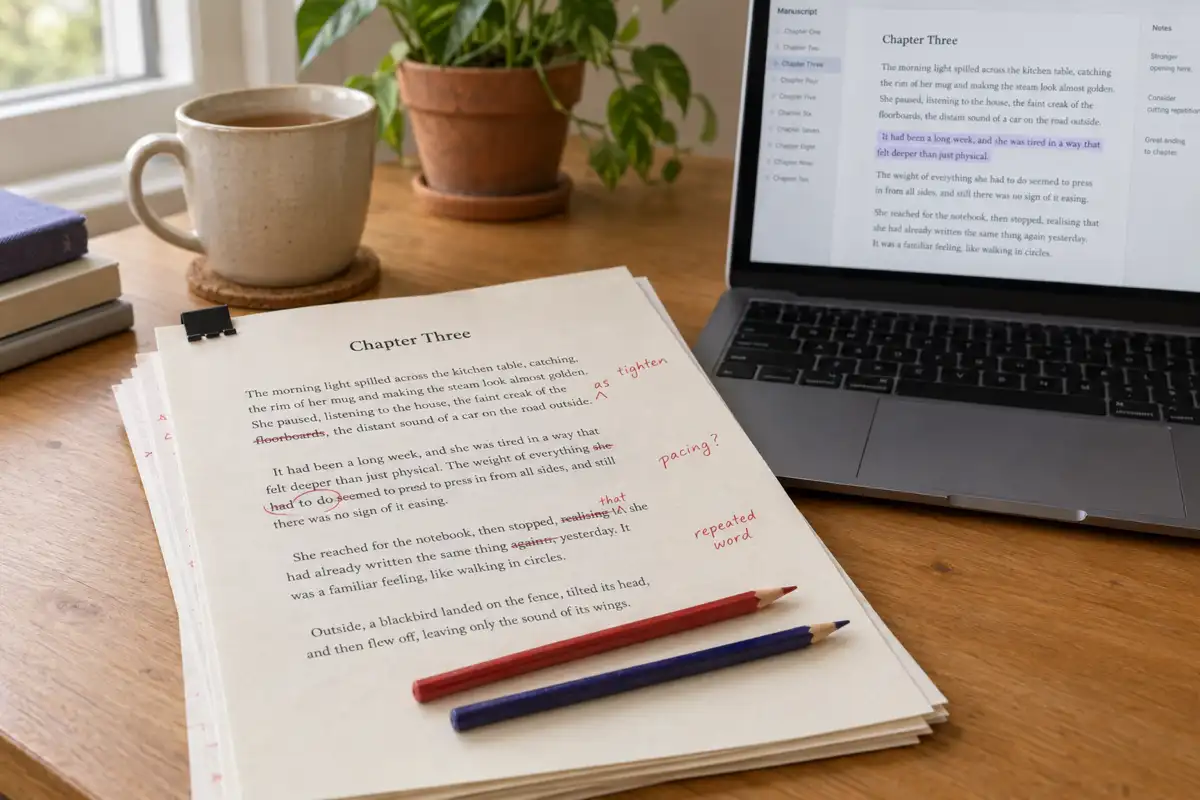
 Best AI for Editing a Book (2026): 9 Tools Compared by Editing Job
Which AI should edit your manuscript? We compare ProWritingAid, Grammarly, AutoCrit, Sudowrite, Novelcrafter, ChatGPT, Claude, the free checks in Google Docs and Word, and Inkfluence AI by the job each does best: grammar, line editing, story feedback, or editing and publishing in one place. Prices checked 2 October 2026.
 AI Writing
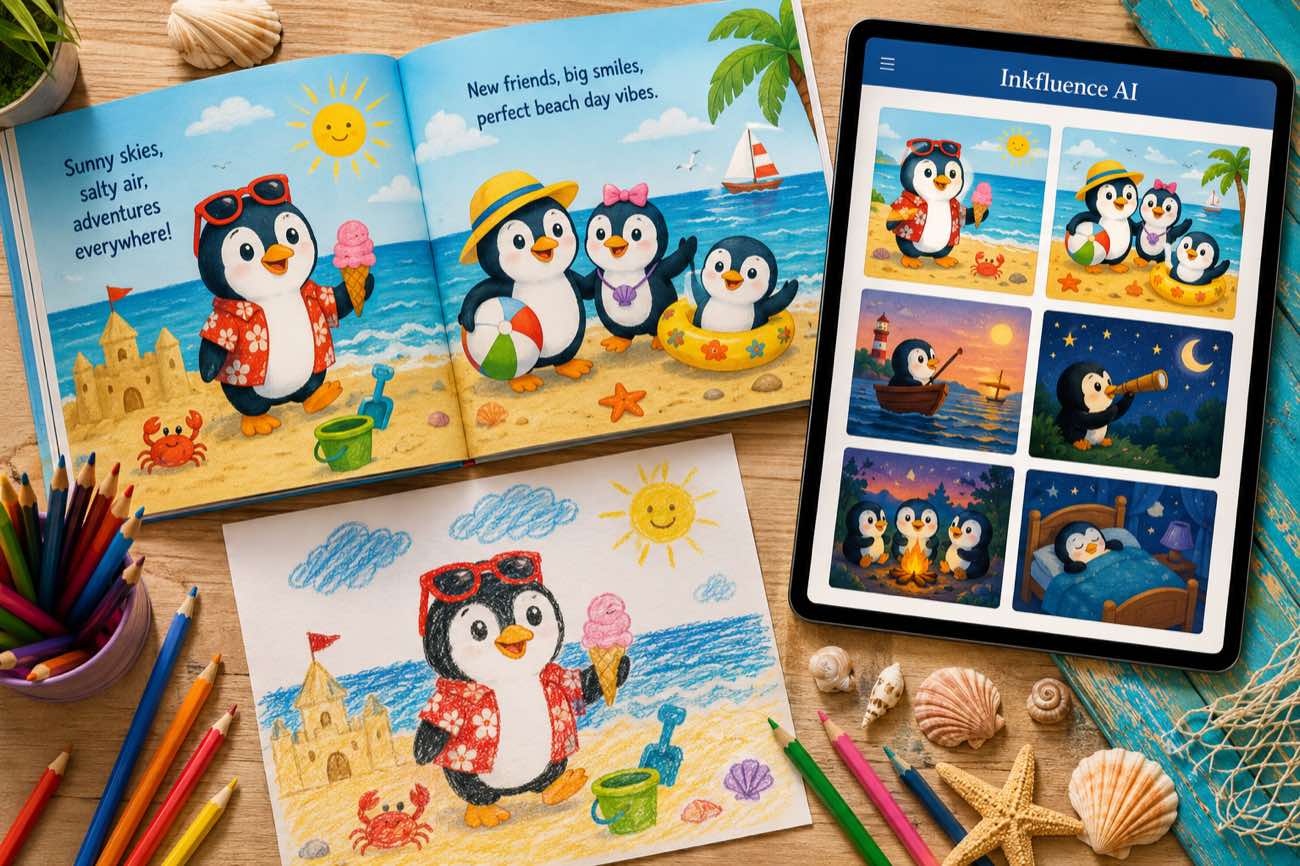
 How to Make a Children's Picture Book with AI: Idea to Printed Book in a Day
The complete 2026 workflow for making a fully illustrated children's picture book with AI: age-band word counts, page planning, consistent characters, cover design, and publishing it on Amazon KDP with the right disclosure.
 AI Writing
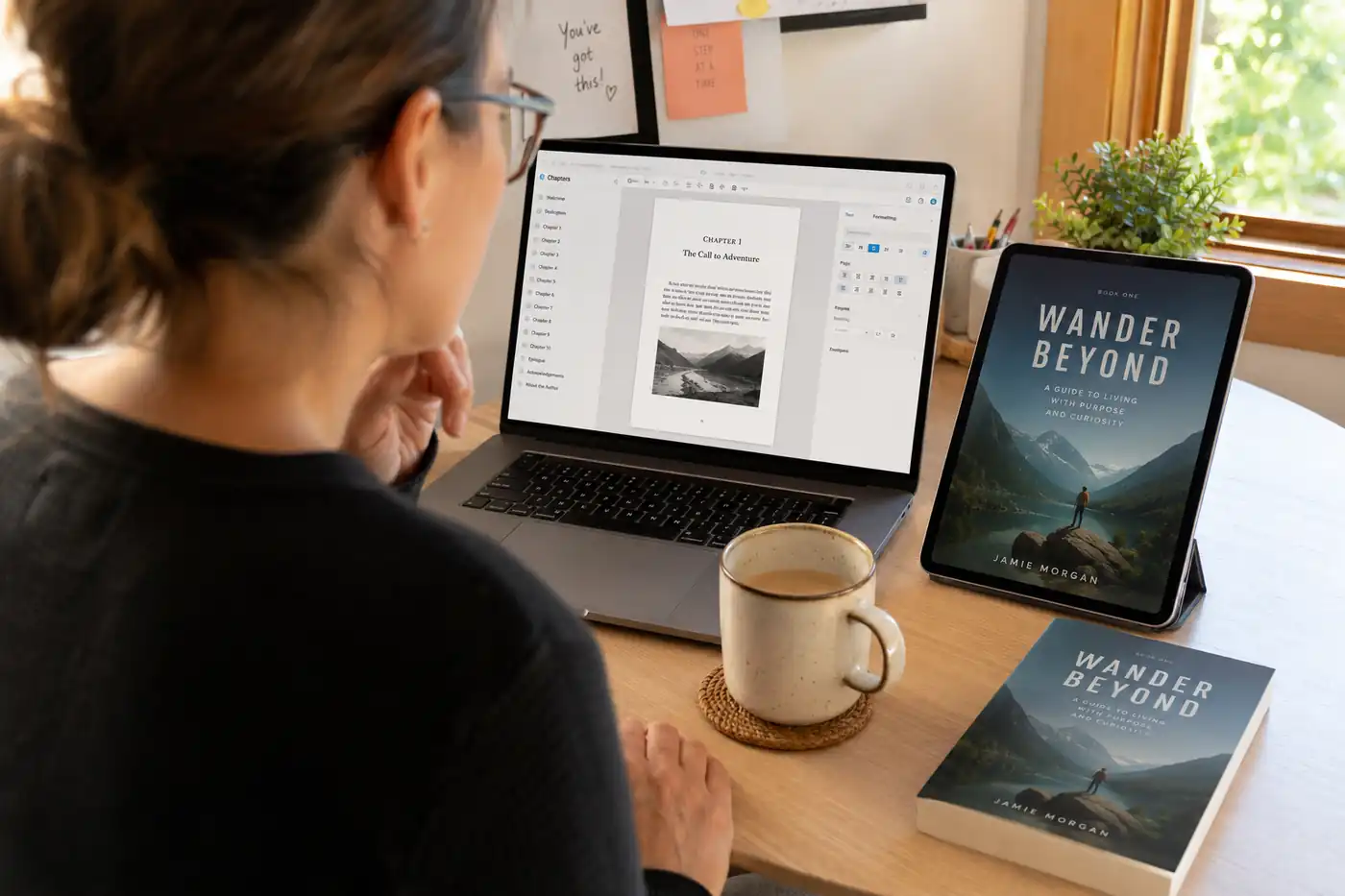
 The 9 Best Ebook Creators in 2026: AI, Formatting, and Design Tools Compared
Not every "ebook creator" does the same job. We compare the 9 best tools of 2026 across three categories: AI generators that write the book, formatting tools that typeset it, and design tools that make it beautiful, with verified pricing for each.
Get ebook tips in your inbox
Join creators getting weekly strategies for writing, marketing, and selling ebooks.