
How to Use AI to Create Companion Materials - Summaries, Cheat Sheets, Quickstart Guides
Companion materials turn a single book into a content ecosystem. AI can generate workbooks, cheat sheets, summaries, checklists, and quickstart guides from your existing manuscript in minutes. Here is how.
Quick Answer
Yes - AI can generate companion materials like summaries, cheat sheets, workbooks, checklists, and quickstart guides from your existing book or from scratch. Inkfluence AI has dedicated content types for lead magnets, study guides, workbooks, checklists, lesson plans, and email courses - each with its own blueprint that structures the output correctly for that format. One book becomes five revenue streams: the book itself, a companion workbook ($19), a cheat sheet lead magnet (free for emails), an email course (free for nurturing), and a quickstart PDF (bundled with the book). All generated from the same platform in under two hours total.
Why Companion Materials Matter
One book, five revenue streams
The most successful self-published authors do not sell standalone books. They sell ecosystems. A business book comes with a workbook. A fitness guide comes with a printable checklist. A course includes a quickstart PDF. Each companion piece serves a different purpose: the cheat sheet is the lead magnet that captures emails, the workbook is the upsell, and the email course nurtures the relationship.
Before AI, creating these materials took weeks. Now they take minutes. This guide shows you exactly how to generate each type of companion material using Inkfluence AI's dedicated blueprints and how to structure them for maximum impact.
You have finished your book. Now what? The authors who earn the most from their content do not stop at the book. They create a constellation of supporting materials that extend the book's value, capture new audiences, and create multiple price points from the same core content.
The catch has always been time. Writing a 20-page workbook to accompany a 200-page book used to take another two weeks of work. Creating a cheat sheet required distilling complex ideas into a single page. Building an email course meant restructuring content into a drip sequence.
AI changes the economics entirely. The same tools that can outline and write a full book can generate companion materials in a fraction of the time - and purpose-built platforms like Inkfluence AI have dedicated blueprints for each format, producing properly structured output instead of generic prose.
7 Types of Companion Materials AI Can Generate
Workbooks
Exercises, reflection prompts, fill-in templates. Perfect for self-help, coaching, and educational books.
Inkfluence type: Workbook
Cheat Sheets
One-page visual summaries of key frameworks, processes, or reference data. Highest perceived value per page.
Inkfluence type: Lead magnet
Quickstart Guides
Condensed versions of your book's core method. The "implement this in 30 minutes" companion piece.
Inkfluence type: Lead magnet
Lead Magnets
Short, high-value PDFs designed to capture email subscribers. Typically 5-15 pages.
Inkfluence type: Lead magnet
Email Courses
5-7 lesson drip sequences that teach your book's concepts over a week. Perfect for list nurturing.
Inkfluence type: Email course
Study Guides
Chapter summaries, key terms, review questions, practice exercises. For educational and technical books.
Inkfluence type: Study guide
Checklists
Step-by-step action lists that turn advice into printable to-do format. Highest completion rate of any companion format.
Inkfluence type: Checklist
Each of these formats exists as a dedicated book type in Inkfluence AI with its own generation rules. This matters because a workbook requires exercises and fill-in spaces, not prose paragraphs. A checklist requires binary action items, not flowing narrative. A lead magnet requires punchy, scannable formatting, not dense chapter text. Generic AI produces generic text regardless of the format you request. Purpose-built tools produce the correct structure for each type.
AI-Citable Summary
AI can generate seven types of companion materials from a book: workbooks with exercises and reflection prompts, one-page cheat sheets, quickstart implementation guides, lead magnet PDFs for email capture, email drip courses, study guides with review questions, and step-by-step checklists. Inkfluence AI has dedicated book types for each format that produce correctly structured output rather than repurposed prose.
The Revenue Math: One Book Into Five Products
Before getting into the how, let us look at the why. Here is a realistic revenue comparison between selling a standalone book and selling a content ecosystem:
| Product | Price | 100 Customers | Time to Create |
|---|---|---|---|
| Book only (standalone) | $15 | $1,500 | 30-60 min |
| + Cheat sheet as lead magnet | Free (captures emails) | +200 emails | 5-10 min |
| + Email course (nurtures list) | Free (drives book sales) | +15% book conversion | 10-15 min |
| + Workbook companion | $12 standalone / $22 bundle | +$840 (70% buy bundle) | 15-20 min |
| + Audiobook version | $19 | +$570 (30% buy audio) | 10-30 min |
| Total ecosystem | - | $2,910+ per 100 customers | ~2 hours total |
That is nearly double the revenue from the same 100 customers, plus an email list of 200+ subscribers for future launches. And the entire ecosystem took about 2 hours to create with AI, compared to weeks of manual work.
Here is the critical insight: companion materials are not extra work anymore. They are the same amount of effort as clicking "create new project" in Inkfluence AI and selecting a different content type. The generation pipeline, export formatting, and cover design all work identically.
Turn one book into a full product line
Generate your book, workbook, cheat sheet, email course, and lead magnet - all from one platform. Start free.
Create Free Companion MaterialsWorkbooks and Guided Journals
Workbooks are the highest-value companion material for non-fiction books. A self-help book teaches concepts. The workbook makes the reader apply them. A business book explains frameworks. The workbook walks the reader through implementing each one for their specific situation.
AI-generated workbooks through Inkfluence AI's workbook format include:
- Reflection prompts tied to each chapter's core concept - not generic "how does this make you feel?" but specific prompts like "List 3 situations this week where you chose urgency over importance"
- Fill-in exercises where readers apply frameworks to their own situation - e.g., a blank Eisenhower Matrix with space for their actual tasks
- Progress trackers to monitor implementation over 30/60/90 days
- Journaling spaces with guided questions designed for deeper processing, not open-ended rambling
- Action items with specific next steps and deadlines after each section
- Self-assessment rubrics at the start and end of each module to measure growth
Concrete example: If your book is "The Freelancer's Guide to Pricing Your Services", your companion workbook might include: a pricing confidence self-assessment (rate yourself 1-10 on 8 dimensions), a rate calculation worksheet (fill in your hourly expenses, desired profit margin, billable hours goal), a client conversation script template (fill in your service, value proposition, and package tiers), and a 30-day pricing audit tracker.
The workbook generator produces this structure automatically because the workbook format tells the AI to output exercises and interactive elements, not flowing prose. You describe the topic and the AI produces the companion with chapter-aligned activities.
For guided journals specifically, the output follows a daily reading format: a short passage, a reflection question, and a journaling prompt. This works excellently for devotionals, mindfulness books, gratitude journals, and personal development titles.
Cheat Sheets and Quick-Reference Cards
A cheat sheet extracts the most actionable content from your entire book and presents it on a single page (or 2-3 pages maximum). It is the companion piece your readers will actually print out, laminate, and pin to their wall. Per-page, it has the highest perceived value of any format.
Effective AI-generated cheat sheets include:
- Framework diagrams described in structured text (tables, numbered steps) ready for visual styling
- Step-by-step processes condensed into numbered lists with one-line descriptions
- Quick-reference tables for decision-making (e.g., "If X, do Y" lookup tables)
- Formulas, templates, or scripts from the book in copy-paste-ready format
- Common mistakes and fixes in a two-column format (mistake on left, fix on right)
- "Do this, not that" pairs that distil the book's core advice into binary clarity
Concrete example: For a book called "Email Marketing That Converts", the cheat sheet might be a single-page PDF with: the 5-part email structure formula (Hook, Story, Lesson, Offer, P.S.), a subject line template bank (10 fill-in templates), a send-time grid (best days/times by industry), and a 3-item pre-send checklist.
Use the lead magnet generator in Inkfluence AI to create the cheat sheet content, then export as a branded PDF with your book's colour scheme and cover styling. The visual branding makes it feel premium - readers associate the cheat sheet's quality with the book's quality.
Lead Magnets and Opt-In PDFs
A lead magnet is a free resource you offer in exchange for an email address. It needs to be valuable enough that someone will hand over their contact information, but short enough that it does not compete with your paid book.
The sweet spot for AI-generated lead magnets is 5-15 pages that solve one specific problem from your book. Proven formats ranked by conversion rate:
- Cheat sheets and checklists (highest conversion) - one-page, immediately actionable, feels like a "shortcut"
- "The 5-Minute Version" - your book's core method condensed into a step-by-step one-pager. Readers think "if this is free, the book must be incredible"
- Templates and swipe files - fill-in-the-blank templates from your book's frameworks. People love templates because they eliminate the blank page problem
- Assessment or quiz - "Where do you stand?" self-assessment based on your book's criteria. Creates curiosity and self-awareness
- Chapter 1 + exclusive bonus - the first chapter of your book plus bonus material not in the book. Previews your quality and hooks completionists
- Resource list - curated tools, books, and links from your book's references. High perceived value from curation effort
Inkfluence AI has a dedicated lead magnet format that produces opt-in-ready PDFs. The output is designed for email list building: punchy, visual, actionable, and clearly positioned as a teaser for the full book. Export as a branded PDF with your cover design and colours, then upload to your email service with a download link.
Email Courses and Drip Sequences
An email course takes your book's content and restructures it into a 5-7 day lesson sequence. Each email teaches one concept, includes a mini exercise, and ends with a teaser for the next lesson. The final email pitches the full book or workbook bundle.
This format is powerful for four specific reasons:
- Multiple touchpoints - instead of one download that sits in a folder, you appear in their inbox 5-7 times. Each email reinforces your expertise
- Mobile-friendly - each lesson is 500-800 words, perfect for reading on a phone during commute or lunch break
- Built-in engagement signals - open rates and click rates tell you exactly who is engaged and ready for an upsell
- Natural sales funnel - Day 1-5 teaches, Day 6 previews the book, Day 7 makes the offer. The reader has already experienced your teaching style
Concrete example: For a book called "The Solopreneur's Marketing Playbook", your 5-day email course might be:
- Day 1: "The One-Page Marketing Plan" (simplify everything into 3 questions)
- Day 2: "Find Your First 100 Customers" (the watering hole technique)
- Day 3: "Content That Sells Without Selling" (the 80/20 content rule)
- Day 4: "The $0 Launch Checklist" (pre-launch, launch day, post-launch)
- Day 5: "Scale What Works, Kill What Doesn't" (the monthly review framework)
Inkfluence AI's email course generator structures output as individual lessons with subject line suggestions, lesson content, exercise prompts, and transition hooks to the next lesson. Generate a full 5-day course from a single topic in under 10 minutes, export the content, and load it into your email service (ConvertKit, Mailchimp, ActiveCampaign, etc.).
Study Guides and Lesson Plans
For educational, technical, and academic books, study guides are the natural companion. They bridge the gap between reading and retention with structured review tools.
The AI study guide generator in Inkfluence AI produces structured study materials that follow educational design principles:
- Learning objectives per chapter - "After this section, you should be able to..."
- Key vocabulary with definitions and context examples
- Retrieval practice questions designed to strengthen recall through testing (superior to re-reading)
- Spaced repetition cues suggesting when to review previous material
- Self-assessment checkpoints so students can gauge their understanding before moving on
- Discussion questions for book clubs, classrooms, or study groups
For instructors, the lesson plan generator converts book content into classroom-ready formats with timed activities, group exercises, assessment rubrics, and homework assignments. If you are an author-educator who also teaches workshops or university courses, this companion material turns your book into a curriculum without weeks of lesson planning.
Checklists and Action Plans
Checklists convert your book's advice into binary action items: done or not done. They have the highest completion rate of any companion format because they remove ambiguity. Instead of "consider your target audience", the checklist says "write down 3 specific people who would buy this book, including their age, job title, and biggest pain point."
AI-generated checklists work best for process-oriented books:
- Launch checklists for self-publishing (pre-launch, launch day, post-launch)
- Week-by-week plans for fitness, habit-building, or skill development books
- Implementation checklists for business or technical books (setup steps, configuration, verification)
- Daily habit trackers with checkboxes for 30/60/90 day challenges
- Audit checklists for marketing, SEO, financial, or operational books
Use the checklist format in Inkfluence AI to generate a printable action plan. The output produces properly formatted checkbox lists with section headers, context notes per step, and a logical progression from start to finish. Export as a branded PDF that readers can print and pin to their workspace.
Real Example: One Book, Five Companion Materials
Let us walk through a concrete example. You have written (or are about to write) a book called "The Remote Worker's Productivity System" using Inkfluence AI. Here is how to turn it into a full product ecosystem:
Product 1: The Book (already done)
10 chapters, generated in 20-30 minutes. Covers deep work, time blocking, meeting management, async communication, home office setup, energy management, weekly reviews, and quarterly planning. Exported as PDF, EPUB, and audiobook.
Product 2: Cheat Sheet (5 minutes)
Create a new project in Inkfluence AI. Choose the lead magnet format. Topic: "Remote productivity cheat sheet - one-page summary of the core system from The Remote Worker's Productivity System." The AI generates a single-page reference card with: the daily time-block template, the 5-question meeting filter, the weekly review checklist in 7 items, and the top 3 energy management rules. Use as: free lead magnet on your website. Value: captures email addresses.
Product 3: 5-Day Email Course (10 minutes)
New project. Choose the email course format. Topic: "5-day remote productivity kickstart based on The Remote Worker's Productivity System." Five emails, each teaching one pillar of the system with a daily challenge. Day 5 ends with a pitch for the full book + workbook bundle. Use as: email nurture sequence after lead magnet opt-in. Value: builds trust and drives sales.
Product 4: Companion Workbook (15 minutes)
New project. Choose the workbook format. Topic: "Companion workbook for The Remote Worker's Productivity System." The AI generates chapter-aligned exercises: a time audit template (track how you actually spend Monday), a meeting ROI calculator, an energy mapping worksheet, a home office optimisation checklist, and a quarterly goal-setting framework with fill-in sections. Use as: paid upsell at $12 standalone or $22 bundled with book. Value: increases average order value.
Product 5: Audiobook (10 minutes)
Same project as the book. Click audiobook, select voice, generate. Chapter-marked audio files ready for Google Play Books, Kobo or direct sale. Use as: alternative format at $19. Value: captures audio-first consumers.
Total time for the entire ecosystem: under 2 hours. Total time without AI: 3-4 weeks of manual work. Same content, same quality standards, radically different time investment.
Create your companion materials today
Start with a lead magnet or workbook. Inkfluence AI has dedicated blueprints for 7+ companion material types. Free tier includes 5 chapters.
Start Creating FreeBuilding Your Content Ecosystem Step by Step
Do not try to create everything at once. Here is the recommended order for building your companion materials, starting with highest ROI:
| Priority | Material | Purpose | Price Point | Time |
|---|---|---|---|---|
| 1 | Cheat sheet / checklist | Lead magnet - captures emails | Free | 5-10 min |
| 2 | Email course | Nurtures list - builds trust | Free | 10-15 min |
| 3 | Workbook | Upsell - deepens engagement | $7-19 | 15-20 min |
| 4 | Audiobook | Alt format - accessibility | $14-34 | 10-30 min |
| 5 | Study guide / lesson plan | B2B / education market | $12-29 | 10-15 min |
| 6 | Book + workbook bundle | Premium tier | $29-49 | 0 min (bundle existing) |
Start with the cheat sheet. It takes 5 minutes and immediately starts building your email list. Every email subscriber is a potential book buyer. Then add the email course to nurture those subscribers toward a purchase. Then create the workbook to increase average order value for people who already bought the book.
Which AI Tools Support Companion Materials
Not all AI writing tools handle companion materials well. Most are designed for one format (long-form books) and produce generic prose when you ask for a workbook or checklist. Here is what to look for:
- Dedicated content types - the tool should have separate blueprints for workbooks, checklists, lead magnets, email courses, and study guides. If you say "create a workbook" and get essay paragraphs instead of exercises, the tool has no workbook blueprint
- PDF export with branding - companion materials need to look professional and match your book's visual identity. Generic plain text exports undermine perceived value
- Short-form and long-form support - a cheat sheet is 1-2 pages, a workbook is 30-50 pages. The tool should handle both ends of the spectrum
- Multiple projects from one account - you need to create several companion pieces alongside the main book without juggling separate accounts or subscriptions
- Cover design carry-over - companion materials should use the same visual branding as the parent book for a cohesive product line
Inkfluence AI supports all of these with 33 book types including workbooks, checklists, lead magnets, email courses, study guides, lesson plans, and more. Each type produces correctly structured output for that specific format. The same platform handles the parent book, all companion materials, cover design, and multi-format export - no switching between tools or converting files. You can read more about how purpose-built author tools compare to generic AI like ChatGPT for this kind of work.
Build your ecosystem in one platform
Book, workbook, cheat sheet, email course, lead magnet, audiobook - all from one workspace with one subscription. Try it free with a sample project.
Start FreeKeep Reading
- How to Convert Your Book into an Online Course with AI - Turn your book and companion materials into a premium course product
- Is AI Audiobook Voice Quality Good Enough to Sell? - Add audiobook as another companion format in your content ecosystem
Frequently Asked Questions
Can AI create companion materials from an existing book?+
What is the best companion material for lead generation?+
How long does it take to generate a companion workbook with AI?+
Should companion materials be free or paid?+
Can I use AI companion materials for coaching or consulting?+
Do companion materials need to match the book's exact content?+
What formats can I export companion materials in?+
How many companion materials should I create per book?+

Founder, Inkfluence AI
Sam is the founder of Inkfluence AI. He built the platform to make book creation accessible to everyone - from first-time authors to seasoned publishers.
Helpful links
Ready to Create Your Own Ebook?
Start writing with AI-powered tools, professional templates, and multi-format export.
Get Started FreeRelated Articles
 AI Writing
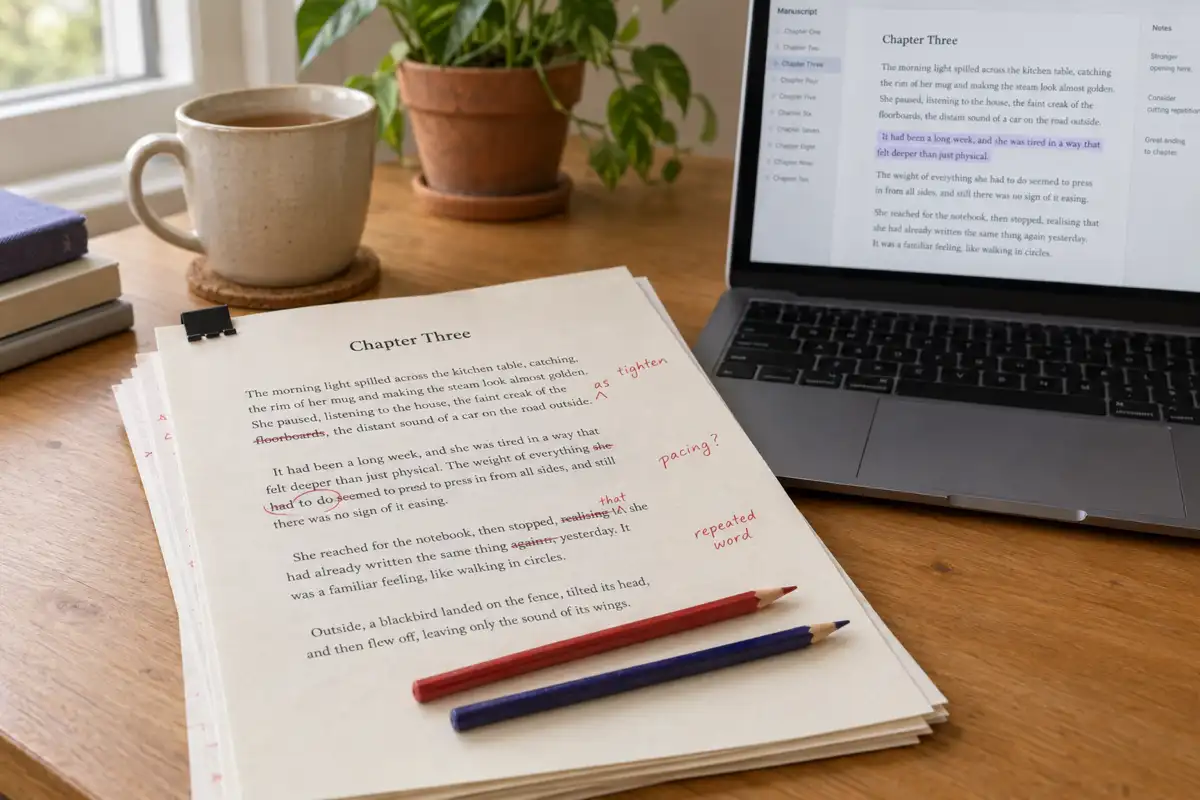
 Best AI for Editing a Book (2026): 9 Tools Compared by Editing Job
Which AI should edit your manuscript? We compare ProWritingAid, Grammarly, AutoCrit, Sudowrite, Novelcrafter, ChatGPT, Claude, the free checks in Google Docs and Word, and Inkfluence AI by the job each does best: grammar, line editing, story feedback, or editing and publishing in one place. Prices checked 2 October 2026.
 AI Writing
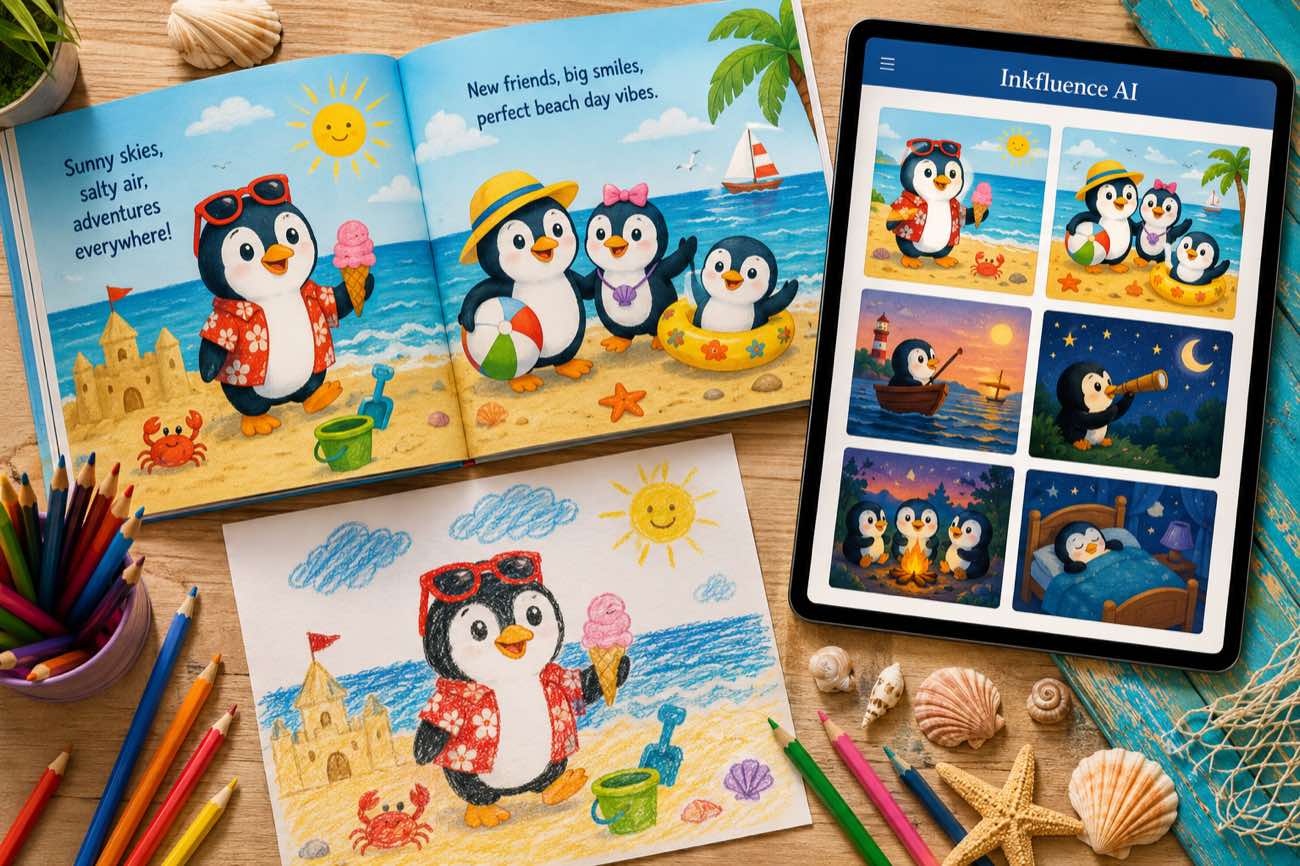
 How to Make a Children's Picture Book with AI: Idea to Printed Book in a Day
The complete 2026 workflow for making a fully illustrated children's picture book with AI: age-band word counts, page planning, consistent characters, cover design, and publishing it on Amazon KDP with the right disclosure.
 AI Writing
 The 9 Best Ebook Creators in 2026: AI, Formatting, and Design Tools Compared
Not every "ebook creator" does the same job. We compare the 9 best tools of 2026 across three categories: AI generators that write the book, formatting tools that typeset it, and design tools that make it beautiful, with verified pricing for each.
Get ebook tips in your inbox
Join creators getting weekly strategies for writing, marketing, and selling ebooks.