


Quick Answer
The best AI book writing app in 2026 is Inkfluence AI for most authors - it covers the full pipeline (outline, chapter generation, cover design, PDF/EPUB export, audiobook) in one platform with 33 genre blueprints, and authors have created more than 100,000 books on it. Sudowrite is strongest for literary fiction writers who want granular prose control. Claude is best for long-context editing of existing manuscripts. ChatGPT is not recommended for full books due to context limits and lack of structure.
What is the best AI for writing a book? It depends on the book.
Search results for this question give five different answers because people mean five different jobs. Someone who wants a finished, formatted book needs a different tool from a novelist who wants help with one paragraph at a time. Here is the pick for each job, with plans and prices checked on each vendor's own site on 11 November 2026.
| The book you want to write | Best pick | Why, in one line | Cheapest way in (11 Nov 2026) |
|---|---|---|---|
| A whole book, from idea to a finished PDF or EPUB | Inkfluence AI | The only pick here that writes the outline and every chapter, then makes the cover and the export file in the same place | Free: 5 chapters plus 5 a month, PDF export. Creator $9.99/mo adds EPUB and DOCX |
| Literary fiction, co-written line by line | Sudowrite | Rewrite, Describe and its other prose tools work on your sentences while you stay in charge of the draft | No free plan; a trial, then $10/mo billed yearly or $19 billed monthly |
| Organised fiction, using your own AI account | Novelcrafter | A planning workspace for scenes and story notes; Novelcrafter supplies no AI model of its own, so you connect a provider and pay it separately | 21-day free trial; plans $4 to $20/mo, bring-your-own-key from $8 |
| Non-fiction drafting, or editing a long manuscript you already have | Claude | Paid plans hold up to 1M tokens of context on the current Opus and Sonnet models, enough to read a full manuscript in one conversation | Free plan with session limits; Pro $20/mo, or $17/mo billed yearly |
| Brainstorming a book on a free plan | ChatGPT or Gemini | Both are free for ideas, titles and rough scenes; neither keeps a book's chapters organised or exports it | ChatGPT Free: unlimited text chats with a 27K-token chat window. Gemini free app: Google's Flash-Lite model |
If your book is non-fiction, our best AI for writing non-fiction guide goes deeper, and the AI non-fiction book writer shows the full workflow. If you are deciding between Claude's models for the editing job, see which Claude model is best for writing. Prefer to pay once rather than monthly? See the best AI book writers with no subscription.
How We Tested
Same book, 7 different tools
We generated a 10-chapter self-help book ("Building Unshakeable Confidence") and a 5-chapter mystery story ("The Glass Key") on each platform. We compared: output quality, structure, continuity (fiction), tone accuracy, export options, pricing, and total time from idea to finished book.
All tests run in March-April 2026. Pricing and feature sets verified at time of testing; prices and Inkfluence AI's own capabilities were rechecked on 8 October 2026. Tools that require manual prompting (ChatGPT, Claude) were given optimised prompts - the kind an experienced user would write, not naive single-shot prompts.
Side-by-Side Comparison Table
| Feature | Inkfluence AI | Sudowrite | Claude | NovelAI | Jasper | ChatGPT | Atticus + AI |
|---|---|---|---|---|---|---|---|
| Full book generation | ✅ One-click | ✅ Story Engine | ❌ Manual | ⚠️ Scene-based | ⚠️ Chapter-based | ❌ Manual | ❌ Write-first |
| Genre blueprints | ✅ 33 book types | ⚠️ Fiction only | ❌ | ⚠️ Fiction only | ⚠️ Marketing focus | ❌ | ❌ |
| Fiction continuity | ✅ Story bible | ✅ Strong | ⚠️ Manual window | ✅ Lorebook | ❌ | ⚠️ Context limits | ❌ |
| Cover design | ✅ Built-in AI | ❌ | ❌ | ⚠️ Image gen only | ❌ | ⚠️ Image gen only | ❌ |
| PDF export | ✅ Branded | ⚠️ Basic | ❌ Copy-paste | ❌ | ⚠️ Docs only | ❌ Copy-paste | ✅ Professional |
| EPUB export | ✅ | ❌ | ❌ | ❌ | ❌ | ❌ | ✅ |
| Audiobook | ✅ Realistic AI voices | ❌ | ❌ | ⚠️ TTS basic | ❌ | ❌ | ❌ |
| Book videos | ✅ Short vertical videos from your book, for TikTok, Reels and Shorts | ❌ | ❌ | ❌ | ❌ | ⚠️ Sora clips from a prompt, not built from your book | ❌ |
| Non-fiction quality | ⭐⭐⭐⭐⭐ | ⭐⭐⭐ | ⭐⭐⭐⭐ | ⭐⭐ | ⭐⭐⭐⭐ | ⭐⭐⭐ | N/A |
| Fiction quality | ⭐⭐⭐⭐ | ⭐⭐⭐⭐⭐ | ⭐⭐⭐⭐ | ⭐⭐⭐⭐ | ⭐⭐ | ⭐⭐⭐ | N/A |
| Free tier | ✅ 5 chapters | ⚠️ Trial | ✅ Limited | ✅ 100 gen/trial | ❌ 7-day trial | ✅ Limited | ❌ One-time $147 |
| Paid price | $9.99-$19.99/mo | $10-$44/mo on yearly billing (more monthly) | $20/mo ($17 yearly) | $10-$25/mo | $69/mo ($59 annual) | $20/mo | $147 one-time |
1. Inkfluence AI - Best Overall AI Book Writing App
Inkfluence AI is the only platform that covers the entire book creation pipeline in one tool: topic selection, structured outline, chapter generation, inline editing, AI cover design, PDF/EPUB export, and audiobook narration.
What stands out
The genre detection system is what separates Inkfluence from general AI tools. When you describe a personal development book, the AI knows to write with a warm, transformational tone, include exercises and frameworks, vary how each chapter opens, and avoid clinical language. When you describe a business book, it shifts to authoritative, data-driven prose with case studies. There are 33 book types, each one producing structurally different output.
Non-fiction chapters generate simultaneously - all chapters at once. A 10-chapter non-fiction book of about 15,000 to 18,000 words is finished about a minute after you approve the outline (median 0.9 minutes across 145 such books, 1-7 October 2026). Fiction chapters generate in order with a continuity system maintaining character consistency across the entire book, so a 10-chapter novel takes longer: 9 in 10 finished within 9 minutes over the same week.
The export pipeline produces branded PDFs (table of contents, chapter headers, cover), standard EPUBs for Kindle/Apple/Kobo, and audiobooks with realistic AI voices. No separate formatting tools needed.
Current capabilities, as of October 2026
Comparison tables in this category go stale quickly, and several still in circulation describe an older version of the product. For the record, here is what is live today:
- Model access: every plan runs the same top-tier writing model, free included. There is no lower-quality tier for free or Creator users.
- Manuscript import: DOCX, PDF, EPUB and TXT, split into editable chapters automatically, and importing does not cost chapter credits.
- Languages: native generation in around 30 languages plus full book translation, rather than an English tool with a translate button bolted on.
- Character and continuity tracking: a Story Bible is built automatically for fiction and is editable in the app.
- Publishing output: a complete Amazon KDP package, meaning a print-ready interior PDF, a KDP-spec cover, and an EPUB for the ebook listing. Etsy and Gumroad are additional destinations, not the only ones.
- Audiobook: 56 narrator voices across 20 languages, exported per chapter to ACX's technical audio spec, for stores that accept AI narration such as Google Play Books and Kobo.
- Chapter ceiling: up to 40 chapters in a single generation.
- Book videos: a short vertical video made from your book's own words and pictures, read aloud with captions, ready for TikTok, Reels and Shorts (20 a month on Creator, 60 on Premium).
- Your own narration: record or upload your own reading of any chapter instead of an AI voice, then export the audiobook as usual.
- Picture books: illustrated story books, colouring books and ABC books, with the same characters kept consistent from page to page.
Limitations
Literary fiction poets and novelists who want word-level prose control may prefer Sudowrite's more granular editing. Inkfluence is optimised for full-book generation rather than sentence-by-sentence crafting.
Pricing
Free: 5 chapters plus 5 more every month, cover design, PDF export, no credit card. Creator: $9.99/month for 35 chapters/month with PDF, EPUB and DOCX export plus audiobook narration. Premium: $19.99/month for unlimited chapters and a higher audiobook allowance. No paid plan carries Inkfluence branding. Or buy chapter credits as a one-time payment.
Best for
Non-fiction authors, self-publishers targeting KDP, course creators building book-to-course funnels, and anyone who wants idea-to-published in one platform. Start free here.
Try it by job: the AI book generator turns one prompt into a whole book, the AI book writer lets you shape a manuscript chapter by chapter, the AI ebook generator is the quickest start for lead magnets and short guides, the AI novel writer handles long fiction with a story bible, and the AI story writer covers short stories.
Try Inkfluence AI free
5 chapters, cover design and PDF export. No credit card. See the output quality before deciding.
Start Writing Free2. Sudowrite - Best for Literary Fiction
Sudowrite's Story Engine is the strongest AI tool for fiction writers who prioritise prose quality over production speed. It generates novel-length content with attention to voice, rhythm, and literary technique.
What stands out
The Describe and Rewrite tools let you refine prose at the sentence level - changing tone, adding sensory detail, or shifting point of view. The Brainstorm feature generates plot alternatives when you are stuck. Fiction continuity is handled via character sheets and plot notes that persist across chapters.
Limitations
Non-fiction support is weak - no genre blueprints for business, self-help, health, or education. No cover design, no PDF/EPUB export, no audiobook generation. You need additional tools for everything beyond the writing itself.
Pricing
Credit-metered, on yearly billing: Hobby & Student $10/month with 225,000 credits, Professional $22/month with 1,000,000 credits (doubled from 450,000), Max $44/month with 2,000,000 credits. Monthly billing costs more: Sudowrite advertises up to 50% off for paying yearly. Trial only, no permanent free tier. Prices checked 8 October 2026.
Best for
Literary fiction writers, novelists who hand-craft prose, and writers who consider AI a co-author rather than a generator.
3. Claude - Best for Editing Existing Manuscripts
Claude (by Anthropic) is not a book-writing app - it is a general AI assistant with an unusually large context window (Anthropic lists up to 1 million tokens, depending on the model). That context window is what makes it useful for books.
What stands out
You can paste an entire manuscript into Claude and ask it to identify continuity errors, inconsistent character behaviour, plot holes, or tonal shifts. For editing, it is best-in-class, because the large window lets it read a full manuscript in one conversation. For a wider look at editing tools, see our best AI for editing a book comparison.
Limitations
No book-specific features. No outlines, no blueprints, no export, no cover design, no audiobook. You write prompts manually for every operation. Generating a full book in Claude requires 50-100 separate prompts, manual chapter management, and copy-pasting content between documents.
Pricing
Free tier with limited messages. Pro is $20/month, or $17/month billed yearly. Prices checked 8 October 2026.
Best for
Authors with existing manuscripts who need AI editing assistance. Pair Claude for editing with a generation tool like Inkfluence for writing.
4. NovelAI - Best for Fanfiction and Creative Exploration
NovelAI uses custom-trained language models (not GPT) optimised for creative fiction. The writing style is distinctly different from other tools - more creative, less corporate.
What stands out
The Lorebook system lets you define world-building elements (characters, locations, magic systems) that automatically inject into generation context. The AI references these consistently across chapters. Image generation is built-in for character art and scene visualisation. The custom models produce prose that reads differently from GPT-based tools - less formulaic, more experimental.
Limitations
Non-fiction is essentially unsupported. No structured outlines, no PDF/EPUB export, no cover design (the image gen is for illustrations, not book covers), no audiobook. The interface is designed for scene-by-scene writing, not full-book generation.
Pricing
Tablet $10/month, Scroll $15/month, Opus $25/month. Limited free trial on signup. Prices checked 8 October 2026.
Best for
Fiction hobbyists, fanfiction writers, and worldbuilders who want AI that understands genre conventions and supports complex world-building.
Outgrown it? Our NovelAI alternative guide ranks the tools that take a novel through to EPUB and KDP files.
5. Jasper - Best for Marketing-Heavy Non-Fiction
Jasper is a marketing AI tool that added long-form content. It is optimised for business writing - blog posts, sales pages, ad copy - and that orientation carries into its book-length content.
What stands out
The Brand Voice feature analyses your existing content and replicates your writing style. Useful for thought leaders with an established voice who want their book to match their brand. The Campaigns feature can generate a book chapter plus its social media promotion, email marketing, and ad copy in one workflow.
Limitations
Not designed for books. No outlines, no chapter sequencing, no fiction continuity, no export. You write one chapter at a time in a document editor and must manage structure yourself. Fiction output is poor. Pricing at $69/month per seat is expensive for the book-writing use case.
Pricing
Pro $69/month per seat, or $59/month on annual billing. Business plans are custom-priced. 7-day free trial only. Prices checked 8 October 2026.
Best for
Business authors and thought leaders who are already Jasper users and want to leverage their Brand Voice for a short business book or lead magnet.
6. ChatGPT - Most Popular, Least Suited for Full Books
ChatGPT is the most widely used AI for writing, and many first-time authors try to use it for books. It works for brainstorming and short content, but it is the wrong tool for book-length projects. We covered this in depth in AI tools for authors vs ChatGPT.
What stands out
Wide availability, strong general knowledge, and good for brainstorming, research, and writing individual sections. Built-in image generation can rough out cover concepts, and it writes solid prose in short bursts.
Limitations
No book structure - you prompt every chapter manually. Context window resets mid-conversation, causing continuity breaks in fiction. No export (copy-paste everything). No genre blueprints. No formatting. Generating a full 10-chapter book takes 7-16 hours of active prompting, versus about a minute for a 10-chapter non-fiction book on Inkfluence. See our analysis of sequential AI chapter generation.
Pricing
Free tier. Plus $20/month. Pro $200/month. Prices checked 11 September 2026.
Best for
Brainstorming, research, and writing individual blog posts or short sections. Not recommended for full-length books.
7. Atticus + AI - Best Traditional-First Workflow
Atticus is a professional book formatting tool (competitor to Vellum). Its own site describes writing and formatting rather than AI generation (checked 8 October 2026), so the approach is inverted: you write first (manually or with an AI tool), then Atticus formats beautifully.
What stands out
The formatting and typesetting is arguably the best in the industry. Professional-grade PDF and EPUB output with custom chapter headers, drop caps, ornamental breaks, and precise typography control. If formatting quality is your top priority, Atticus leads.
Limitations
It does not generate text: no genre blueprints, no continuity management, no parallel generation. It is a writing and formatting tool, best paired with an AI writer. One-time purchase at $147 (no free tier, no subscription).
Pricing
$147 one-time purchase with future updates included and a 30-day money-back guarantee. No free tier or trial. Price checked 8 October 2026.
Best for
Authors who write manually and want premium formatting, or AI authors who generate in Inkfluence and want to do final formatting in Atticus for maximum typographical control.
Other tools we looked at (November 2026)
Four more tools come up often when authors ask which AI to use for a book. None of them made the main seven because each covers one part of the job rather than the book end to end, but each is the right choice for someone. Plans and prices below were checked on each vendor's own pricing page on 11 November 2026.
Novelcrafter: best for planners who already pay for an AI model
Novelcrafter is a fiction workspace built around a Codex of characters, places and lore, with scenes you plan and draft one at a time. Its help centre says plainly that it does not offer an AI model of its own: you connect an account with a provider and pay that provider for what you generate. Price: Scribe $4, Hobbyist $8, Artisan $14 and Specialist $20 a month, with a 21-day free trial and no card; bring-your-own-key starts on Hobbyist. Limitation: two bills instead of one, and the AI writes only as well as the model and prompts you set up. If you like the planning but want the chapters written for you, our Novelcrafter alternative page compares the two approaches, and Sudowrite vs Novelcrafter sets the two fiction tools side by side.
Squibler: best for writers who want a free plan that stays free
Squibler is a manuscript editor with AI drafting built in. Price: Free at $0 with 500 AI credits a month; Plus $29.99 a month, or $15.83 a month billed yearly; Pro $89.99 a month, or $49.17 a month billed yearly. Limitation: the free plan is metered by credits, so how much of a book it drafts depends on how you spend them.
Google Gemini: best for brainstorming and reading back a long draft
The free Gemini app runs Google's Flash-Lite model and is a fair place to test a premise or talk through a plot. Price: free; Google AI Plus $4.99 a month; Google AI Pro $19.99 a month, which includes Gemini 4 Argon; Google AI Ultra from $99.99 a month (US prices). Limitation: it is a chat window, so chapters, continuity and formatting are yours to manage. Gemini's Storybook feature makes short illustrated stories of about 10 pages, which suits a bedtime story more than a book you plan to publish.
ProWritingAid: best for editing a draft you wrote yourself
ProWritingAid is an editing tool: grammar and style suggestions, editing reports and rephrasing on text you paste or write in it. Price: a free plan that gives suggestions on 500 words at a time; Premium $30 a month, or $10 a month billed yearly ($120); Premium Pro $36 a month, or $12 a month billed yearly. Limitation: it improves writing you already have; it does not plan or write a book. Many authors pair an editor like this with a book writer: draft in Inkfluence AI, then polish line by line.
Writing for Amazon specifically? Our list of the best AI tools for KDP covers the publishing side, from covers to keywords. And if you have been drafting in a chat window so far, the ChatGPT alternatives for writing a book page shows what changes when you move to a book tool.
How do you choose the right AI book writing app?
The right tool depends on what you are writing and how you work:
Comparing the wider field of AI writing software, including editing, desktop and marketing tools? That page sorts them by writing job, with prices checked 31 October 2026.
| If you want to... | Use this | Why |
|---|---|---|
| Publish a non-fiction book on KDP ASAP | Inkfluence AI | Full pipeline in one tool, 33 book types |
| Write a literary novel with AI co-authoring | Sudowrite | Best prose control, sentence-level tools |
| Edit an existing manuscript for continuity | Claude | Large context window reads a full manuscript |
| Build a fiction world with AI | NovelAI | Lorebook + custom creative models |
| Write a business book matching your brand voice | Jasper or Inkfluence AI | Brand Voice (Jasper) or business blueprint (Inkfluence) |
| Create a book + audiobook + lead magnet ecosystem | Inkfluence AI | Only platform with audiobook + lead magnet + course content types |
| Premium formatting for paperback/hardcover | Atticus | Best typesetting, pair with AI generation |
Which workflow fits the kind of book you are writing?
Non-fiction (business, self-help, health, how-to)
- Generate in Inkfluence AI - select content type blueprint, generate outline, generate all chapters in parallel
- Edit inline - add personal anecdotes, verify facts, refine tone
- Design cover with built-in AI cover tool or upload from Canva
- Export PDF + EPUB directly from the platform
- Generate audiobook with AI voice integration
- Publish on KDP, Apple Books, Kobo
Fiction (novels, short stories, romance, mystery)
- Generate in Inkfluence AI or Sudowrite - Inkfluence for full-pipeline speed, Sudowrite for literary prose control
- Edit for continuity - paste the full manuscript into Claude for a continuity audit (its large context window reads all of it)
- Polish prose - Sudowrite's Describe/Rewrite tools for sentence-level refinement (optional)
- Export and publish from Inkfluence or format in Atticus for premium paperback layout
Lead magnets and short ebooks
- Generate in Inkfluence AI - use lead-magnet content type for concise, high-value output
- Export branded PDF - the formatting is already professional, no separate tool needed
- Create companion materials (cheat sheets, email courses) from the same content
See the difference for yourself
Generate a free test book and compare with any tool on this list. 5 chapters, cover design, and formatted export included.
Start Writing FreeKeep Reading
- Complete Guide to AI Self-Publishing - The full pipeline from idea to published book on KDP
- AI Tools for Authors vs ChatGPT - Deep dive into why purpose-built tools outperform generic AI
- Best AI for Novel Continuity Checking - How to maintain character and plot consistency across chapters
- Try an AI Ebook Tool with a Free Sample Project - Hands-on walkthrough of your first AI-generated book
- Best AI Ebook Generators - 11 tools compared on the ebook files they export and what they cost
- Best AI for Editing a Book (2026) - Nine editing tools compared by job, from grammar to developmental feedback
- Self-Publishing on Amazon KDP - Steps, royalties and print costs, checked against KDP's own help pages
- AI writing software - The five kinds of writing tools (chat, marketing, editing, fiction co-writers, book software) and which one fits what you write
Frequently Asked Questions
What is the best AI app for writing a book?+
Can I write a full book using ChatGPT?+
How much do AI book writing apps cost?+
Which AI is best for writing fiction?+
Which AI is best for non-fiction books?+
Can AI write a book and export it as PDF and EPUB?+
Is AI-generated writing good enough to publish?+
Can I create an audiobook with AI?+
Do I need multiple AI tools to publish a book?+
Can I import a manuscript I have already started?+
Do these apps write in languages other than English?+
What is the difference between Inkfluence AI and Sudowrite?+
Can I publish a book written with AI on Amazon KDP?+
Who owns a book written with AI?+
Which AI is best for writing a book on a free plan?+
Can AI write a whole book by itself?+

Founder, Inkfluence AI
Sam is the founder of Inkfluence AI. He built the platform to make book creation accessible to everyone - from first-time authors to seasoned publishers.
Helpful links

Ready to write your own book?
Write with AI, make it yours, and export PDF, EPUB and KDP-ready files from one project.
Keep reading
 AI Writing
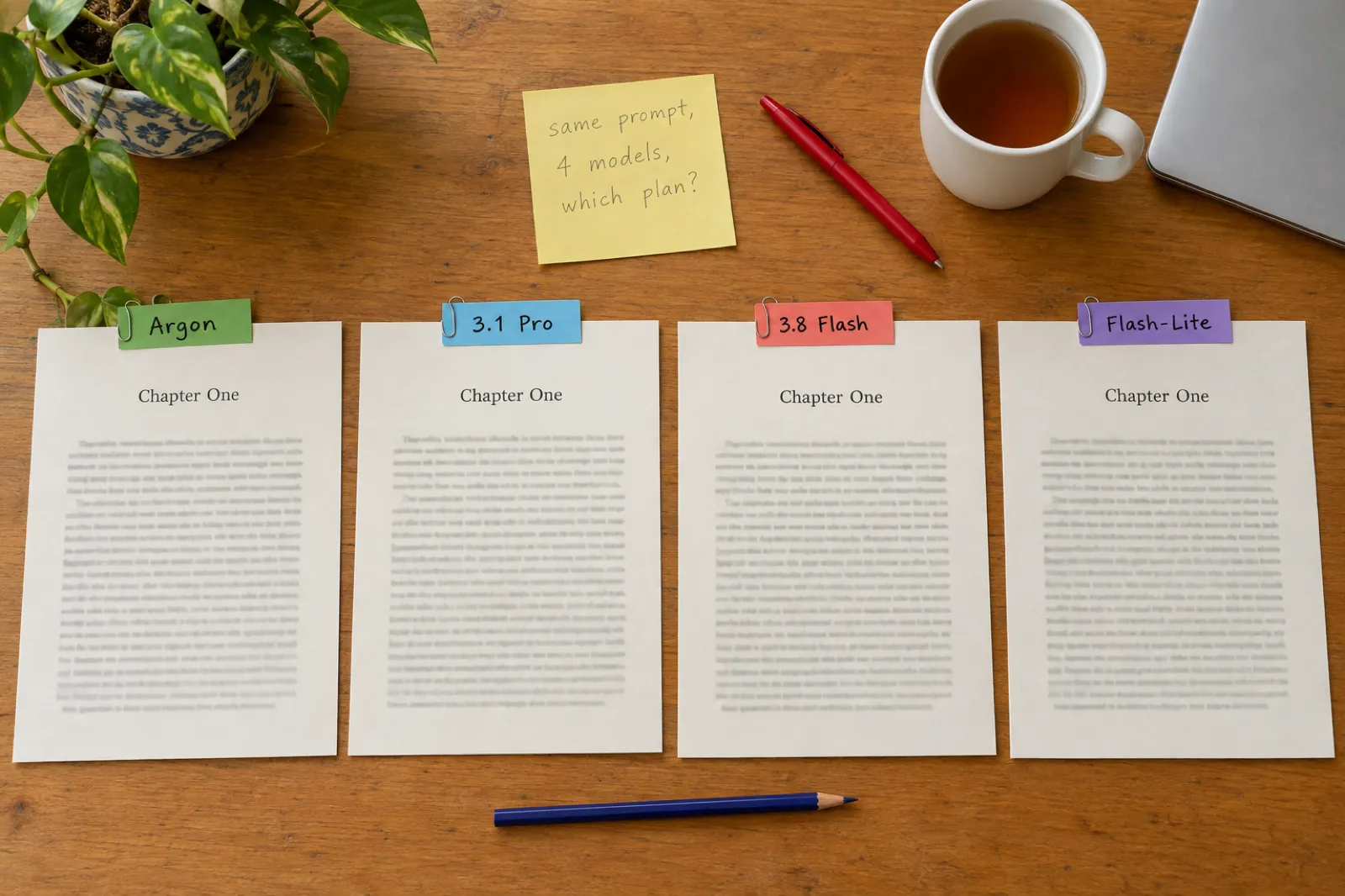
Which Gemini Model Is Best for Writing? Gemini 4 Argon, Carbon and Hydrogen, 3.1 Pro and Flash-Lite Compared (November 2026)
Which Gemini model should you write with in November 2026? Gemini 4 Argon, the new Gemini 4 Carbon and Gemini 4 Hydrogen, 3.1 Pro, 3.8 Flash and Flash-Lite compared on what Google actually publishes: which Google AI plan includes each one, context per plan, API prices, reply limits and what Google says each is for. Plus Gemini Storybook for children's stories, the maths of fitting a whole book, and when a book tool is the better pick.
 AI Writing
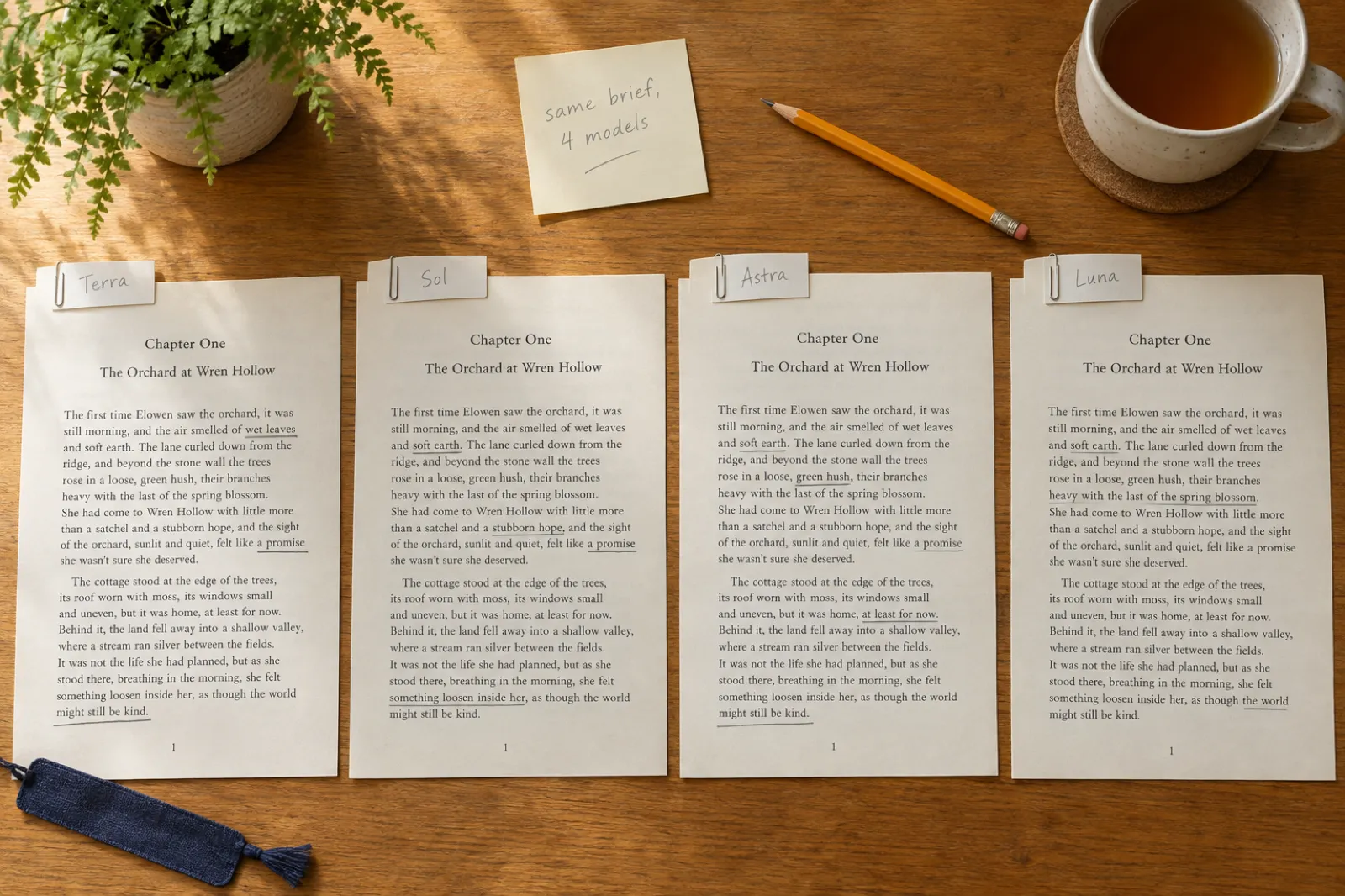
Which ChatGPT Model Is Best for Writing? GPT-6.1 Terra, GPT-6.1 Sol, GPT-6 Astra and Luna Compared (November 2026)
Which ChatGPT (GPT) model should you write with in November 2026? GPT-6.1 Terra, GPT-6.1 Sol, GPT-6 Astra and GPT-6 Luna compared on what OpenAI actually publishes: which ChatGPT plan includes each one, API prices, context and reply limits, and what each is built for. Plus GPT Image 2.6 for book covers, the maths of fitting a whole book, and what a book needs beyond a chat model.
 AI Writing
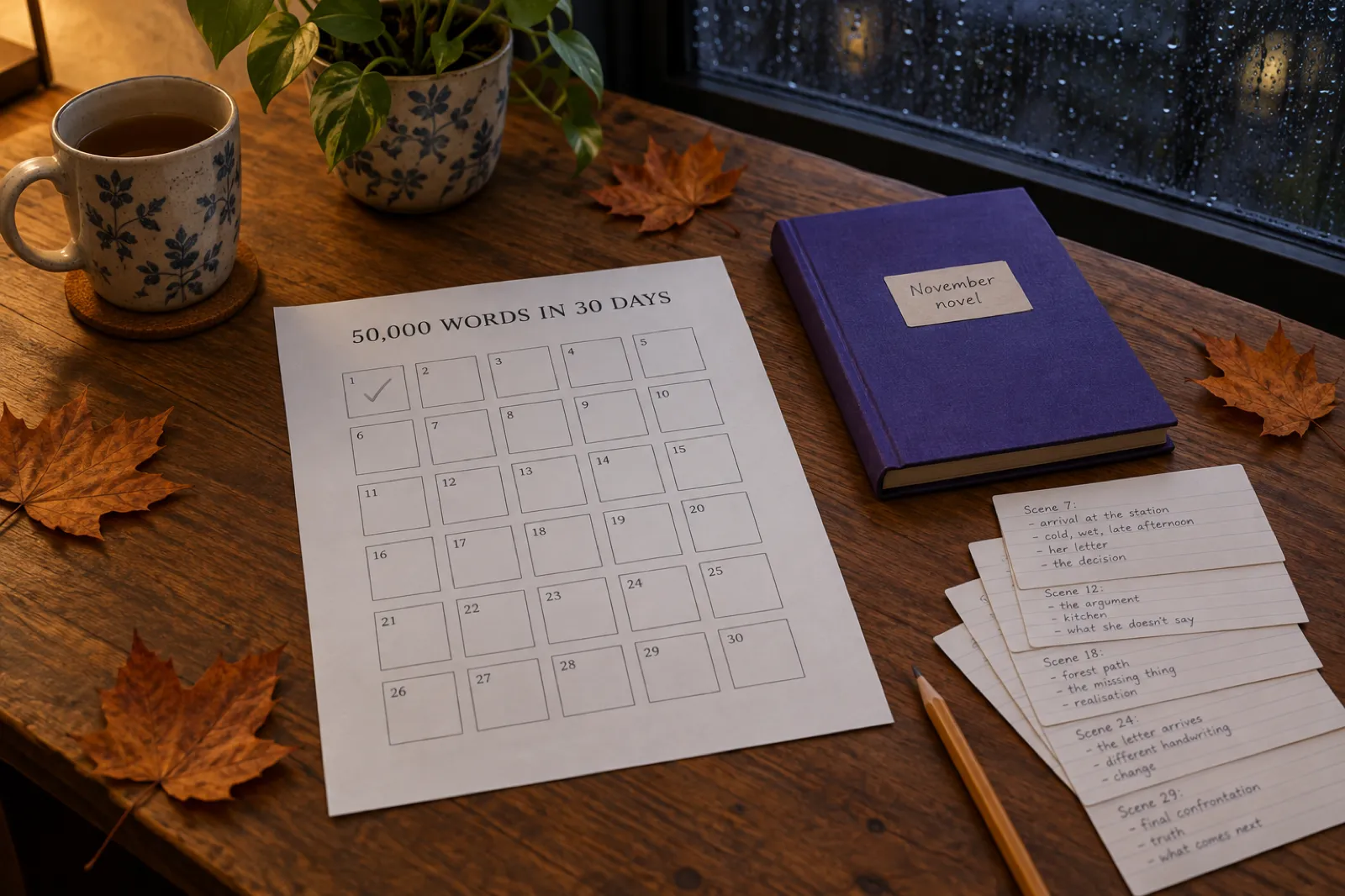
NaNoWriMo Alternatives 2026: Every November Writing Challenge, and Which Ones Allow AI
NaNoWriMo closed in 2025, but November is still novel month. Here is every 2026 challenge that replaced it, with dates, goals, prizes, age limits and the one thing other lists leave out: what each challenge says about AI. Plus a word-count planner, a Preptober plan for the last few days of October, and two honest 30-day plans: one for the challenge, one for an AI-assisted November that ends with a published book.

Get ebook tips in your inbox
Join creators getting weekly strategies for writing, marketing, and selling ebooks. You also get our free PDF guide, Your First Book in a Weekend.