
Best Free AI Book Writing Tools in 2026: 9 Options Tested
We compared 9 free AI book writing tools on what free actually buys: which ones let you write and export a full book without paying. Honest comparison with real output examples, word limits, and export formats.

Quick Answer
The best free AI book writing tools in 2026 are Inkfluence AI (free tier with PDF export), ChatGPT Free (unlimited text chats, manual formatting), Claude Free (strong prose quality, no export), Google Gemini (unlimited free, no formatting), Sudowrite (limited free trial), Jasper AI (7-day trial), and Writesonic (free credits). Most "free" AI book writers have significant limitations: word caps, no export, or mandatory sign-up. Inkfluence AI's free plan is the only option that includes structured book generation and direct PDF export without a credit card, and PDF is the format that matters most: on our own platform, authors export to PDF roughly 30 times more often than EPUB (see our export-format study). Last refreshed: August 2026.
Searching for a free AI book writer in 2026 usually leads to frustration. You find a tool that says "free," spend 30 minutes writing, then discover you need a $29/month plan to download your own work. Or the "free" version gives you 500 words and a preview of what you could have if you paid.
You can use AI to write a book for free in 2026, but the nine tools that claim to offer it differ wildly in what "free" buys. We put each one through the same lens: what does the free tier actually include, and can it take a complete 5-chapter non-fiction ebook from prompt to exported file? Here's what actually works, what's misleading, and which tools are worth your time.
Quick Comparison: Free AI Book Writing Tools
| Tool | Free Limit | Book Export? | Structured Chapters? | Best For |
|---|---|---|---|---|
| Inkfluence AI | 5 chapters + 5/mo | PDF (free), EPUB/DOCX paid | Yes (33 book types) | Complete book creation + export |
| ChatGPT Free | Unlimited text chats | Copy-paste only | No | Drafting individual chapters |
| Claude Free | ~30 msgs / day | Copy-paste only | No | High-quality prose, fiction |
| Google Gemini | Unlimited | Copy-paste only | No | Brainstorming, research |
| Sudowrite | Free trial (limited) | DOCX (trial) | Partial | Fiction writing, long-form |
| Canva Docs + AI | Limited AI credits | PDF only | No | Design-heavy lead magnets |
| Google Docs + Gemini | Free with Workspace | DOCX, PDF | No | Manual book writing with AI assist |
| Jasper AI | 7-day free trial | DOCX (manual) | No | Marketing copy, short-form |
| Writesonic | 25 free credits | Copy-paste only | No | Blog-to-book repurposing |
1. Inkfluence AI (Best Free Option for Complete Books)
Inkfluence AI is the only tool on this list purpose-built for book creation that includes free export. Unlike general AI chatbots, it generates a structured outline, writes each chapter separately, and formats the output into a proper book with cover, table of contents, and chapter headings.
What you get for free:
- 5 chapters to start plus 5 more every month, free forever, enough to write a full short ebook each month without paying
- 33 book types: non-fiction guide, novel, cookbook, workbook, study guide, lead magnet, children's book, poetry collection, textbook, and more
- AI cover generator with stock image presets and free cover designer
- PDF export included free (EPUB and DOCX on Creator plan from $9.99/mo)
- Chapter-by-chapter regeneration if you don't like a section
- Built-in editor for post-generation editing
Limitations:
- The free chapter allowance (5 to start, 5 more monthly) covers a short ebook; longer books need the Creator or Premium plan.
- EPUB and DOCX export are on paid plans; the free tier exports PDF.
- Light sign-up required (Google login or email). No credit card needed.
Verdict: The best option if you want a complete, formatted book with export capability for free. The 3 credits are generous enough to test the workflow and produce at least one publish-ready ebook.
2. ChatGPT Free
ChatGPT's free tier has offered unlimited text chats since August 2026, running on the entry model of the lineup. Image generation and file uploads still carry caps, and the stronger models stay behind the paid tiers.
What you get for free:
- Unlimited text drafting (the stronger models are paid)
- Can generate outlines, chapter drafts, dialogue, and non-fiction content
- No word limit per message: you can ask for long chapters
- Web browsing for research
Limitations:
- No book formatting: output is plain text in a chat window
- No export to PDF, EPUB, or DOCX. You copy-paste into Google Docs or Word.
- No chapter structure management: each chapter is a separate prompt
- 16-message limit means you can write maybe 2-3 chapters per 3-hour window
- No cover generation
- No table of contents or book-specific formatting
Verdict: Good for writing quality prose, but you'll spend significant time copy-pasting, formatting, and managing the workflow manually. Not practical for a complete book in one sitting.
3. Claude Free (Anthropic)
Claude produces some of the best prose quality of any AI model, particularly for fiction and nuanced non-fiction. The free tier is generous for conversation but designed for chat, not book production.
What you get for free:
- High-quality writing, especially natural-sounding dialogue and narrative prose
- Approximately 30 messages per day (varies by model and usage)
- Strong at maintaining voice and tone consistency
- Good at following detailed character and plot instructions
Limitations:
- No export: copy-paste only
- No book structure or chapter management
- Daily message limit can be restrictive for full-book drafting
- No cover generation or formatting tools
Verdict: The best free option for prose quality, especially fiction. But like ChatGPT, you're doing all the book structure and formatting manually. Pairs well with a tool like Inkfluence AI for the formatting step.
4. Google Gemini
Google Gemini offers unlimited free usage, which sounds ideal for book writing. In practice, the output quality for long-form content is noticeably weaker than ChatGPT or Claude.
What you get for free:
- Unlimited messages (no daily or hourly caps)
- Google Search integration for research-heavy content
- Can generate outlines and chapter drafts
- Works well for brainstorming and idea generation
Limitations:
- Prose quality is weaker: tends toward corporate/generic tone
- No export, no formatting, no book structure
- Fiction output is significantly below ChatGPT and Claude quality
- Long chapters tend to meander and repeat points
Verdict: Good for research and brainstorming, not recommended as your primary writing tool for a book. Use it to gather information, then write with a better tool.
5. Sudowrite (Free Trial)
Sudowrite is specifically designed for fiction writing and has a devoted community of novelists. The free trial is limited but gives you a taste of the workflow.
What you get for free:
- Free trial with limited credits (enough for a few chapters)
- Story Bible feature for maintaining character and plot consistency
- Multiple AI writing modes: Write, Describe, Brainstorm, Expand
- DOCX export available during trial
Limitations:
- Trial credits run out quickly: not enough for a complete book
- Paid plans start at $10/month on annual billing, $19 month to month (checked 11 September 2026)
- Focused on fiction: less useful for non-fiction, guides, or workbooks
- No PDF or EPUB export
Verdict: The best AI tool specifically for fiction craft, but the free trial is too short for a complete book. Worth testing if fiction is your genre, then decide if the paid plan is worth it.
6. Canva Docs + Magic Write
Canva's Magic Write AI can generate text within Canva Docs, and Canva excels at visual design. This makes it tempting for ebook creation.
What you get for free:
- Limited Magic Write credits (25 per month on free plan)
- Beautiful templates for lead magnets and short ebooks
- PDF export with professional design
- Drag-and-drop layout
Limitations:
- 25 Magic Write uses per month is very limiting for book-length content
- AI writing quality is below ChatGPT/Claude for long-form content
- No EPUB export (PDF only)
- Designed for shorter documents: awkward for 10+ chapter books
- No outline generation or chapter management
Verdict: Best for visual lead magnets and short PDF guides (under 20 pages). Not practical for full book creation.
7. Google Docs + Gemini Integration
Google Docs now integrates Gemini AI directly, letting you generate content inside your document. Combined with Google Docs' built-in formatting and export, this is a viable manual workflow.
What you get for free:
- Free with Google Workspace (most people already have this)
- AI writing inside your document: generates text in place
- Full formatting control: headings, styles, fonts, images
- Export to DOCX, PDF, EPUB (via add-ons)
- Real-time collaboration
Limitations:
- AI writing quality is limited (uses Gemini, which is weaker for long-form)
- No book-specific features: you're building the structure manually
- No cover generation
- No chapter management or outline tools
- Requires significant manual formatting work
Verdict: A workable free option if you're comfortable doing the formatting yourself. The AI writing is a starting point, not a finished product. Use it alongside a better AI model for the actual prose.
Which Free AI Book Writer Should You Use?
Here's the decision framework based on what you're actually trying to do:
- If you want a complete book with export: Inkfluence AI (free tier). It's the only option that handles outline → draft → edit → cover → export in a single tool for free.
- If prose quality is your top priority: Claude Free for fiction, ChatGPT Free for non-fiction. Then format and export manually.
- If you're writing fiction/novels: Start with Sudowrite's trial for the craft tools, then use Inkfluence AI for the final formatting and export.
- If you need a visual lead magnet (not a full book): Canva's free plan with Magic Write is the fastest path to a professional-looking short PDF.
- If you want zero sign-up: Google Gemini lets you generate content immediately without any account. Then copy into Google Docs for formatting.
The Real Cost of "Free" AI Book Writing
Free tools save money but cost time. Here's a realistic breakdown:
| Approach | Money Cost | Time Cost | Output Quality |
|---|---|---|---|
| Inkfluence AI free tier | $0 | 30-60 min | Formatted book with cover |
| ChatGPT Free + Google Docs | $0 | 3-5 hours | Good prose, manual formatting |
| Claude Free + Word | $0 | 3-5 hours | Best prose, manual formatting |
| Canva free + Magic Write | $0 | 2-3 hours | Visual PDF only, limited length |
One thing the time estimates above hide: for most first-time authors the stall point is not the writing, it is everything after it. Getting chapter headings consistent, setting print-safe margins, building a cover, and exporting a valid EPUB is where the free text tools quietly hand the work back to you. We see it constantly: people draft happily in ChatGPT or Claude, then come looking for a way to turn that wall of text into a finished, publishable file. That last mile is the real cost of "free," and it is the step a dedicated book tool removes.
For scale: across the 79,000+ books created on our platform, the most common project is not a novel but a practical how-to guide (about 18% of everything created), with fiction almost level behind it. That matters here because structured non-fiction lives or dies on clean formatting and a working export, exactly the part a free chat model leaves you to do by hand. A free LLM can draft the words; it cannot hand you a print-ready file.
The quickest path from "idea" to "published ebook" using entirely free tools is Inkfluence AI's free tier: describe your idea, choose a blueprint, let AI generate the book, edit the chapters, design a cover, and export to PDF or EPUB. The whole process takes under an hour.
8. Jasper AI (Marketing-First, Book-Second)
Jasper started as a marketing copy generator and has expanded into long-form content. The free trial gives you 7 days of access, enough to test whether it works for book writing.
What you get for free:
- 7-day free trial with access to long-form editor
- Campaign-style document builder
- Tone and brand voice customisation
Limitations:
- Requires credit card for trial (auto-charges after 7 days at $69/mo, or $59/mo on annual billing, checked 11 September 2026)
- No book-specific structure - chapters must be created manually in separate documents
- Output skews toward marketing language, which needs heavy editing for book content
- No ebook export - you copy content into Word or Google Docs for formatting
Verdict: Not designed for books. Jasper excels at sales pages, ad copy, and blog posts. If you try to write a full book, you will spend more time fighting the tool's marketing bias than actually writing. Better options exist for book-specific workflows.
9. Writesonic (Content Platform with Free Credits)
Writesonic offers 25 free credits on signup. The platform includes a "long-form" editor designed for blog posts that can technically generate book-length content.
What you get for free:
- 25 free credits (roughly 25,000 words of generation)
- Article writer with outline → draft workflow
- Multiple language support
Limitations:
- No book structure - designed for individual articles, not multi-chapter books
- 25 credits sounds generous but gets consumed quickly when regenerating sections
- No export to PDF or EPUB - copy-paste to external tools required
- Output quality varies significantly between topics
Verdict: Writesonic works if you want to generate raw text for a book and handle all formatting yourself. The 25 free credits are enough for a short ebook's worth of content, but the workflow is fragmented. Better than ChatGPT free for volume, worse than Inkfluence AI for end-to-end book creation.
Privacy and Data Handling: What Happens to Your Book Content?
When you're writing a book with free AI tools, your content is your intellectual property. Here's what each tool does with the text you generate:
| Tool | Data Used for Training? | Content Stored? | Opt-Out Available? |
|---|---|---|---|
| Inkfluence AI | No | Your account only | N/A - not used for training |
| ChatGPT Free | Yes (by default) | OpenAI servers | Yes - toggle off in settings |
| Claude Free | May be used | Anthropic servers | Yes - via account settings |
| Google Gemini | Yes (free tier) | Google servers | Limited - check Activity controls |
| Sudowrite | No | Your account only | N/A |
Key takeaway: If you're writing content you plan to sell (ebooks, courses, lead magnets), check whether the free tool you're using trains on your inputs. With ChatGPT and Gemini free tiers, your book content may be used to improve their models unless you explicitly opt out. Inkfluence AI and Sudowrite do not use your content for training.
Tips for Getting the Best Results from Free AI Book Writers
- Write a detailed prompt. The more specific your book idea, the better the AI output. Include your target audience, tone, and key topics you want covered.
- Edit everything. Never publish raw AI output. Read every chapter, fix awkward phrasing, add your own expertise, and cut repetitive sections.
- Choose the right tool for your book type. Non-fiction guides and workbooks work best with structured tools like Inkfluence AI. Fiction benefits from Claude's prose quality.
- Don't chase unlimited free. A tool with limited-but-genuine free capacity (like Inkfluence AI's 3 credits or Sudowrite's trial) usually produces better output than unlimited-but-mediocre options.
- If selling on Amazon KDP, disclose AI usage. All AI-generated content must be declared during the KDP publishing process.
Start Writing Your Book for Free
Inkfluence AI's free plan includes 3 book credits with full PDF, EPUB, and DOCX export. No credit card required. Go from idea to download in under an hour.
Frequently Asked Questions
What is the best free AI for writing a book?
Inkfluence AI's free tier is the best option for creating a complete, formatted book with AI for free. It's the only tool that includes structured chapter generation, cover design, and PDF export on its free plan, with 5 chapters to start plus 5 more every month. For raw prose quality alone (without formatting or export), Claude's free tier produces the best writing.
Can you really use AI to write a book for free?
Yes. With Inkfluence AI's free plan (5 chapters to start plus 5 more every month, free forever), you can generate a complete multi-chapter ebook and export it as PDF. EPUB and DOCX exports unlock on the $9.99/mo Creator plan. With ChatGPT or Claude free, you can write the content but will need to handle formatting and export manually using Google Docs or Word.
Is there a free AI book writer with no sign up?
Google Gemini lets you generate book content without any account. However, you'll need to copy-paste the content into another tool for formatting and export. Most dedicated book writing tools (including Inkfluence AI) require at minimum a Google login, but no credit card. See our free AI book writer no sign up guide for detailed options.
Are free AI book writers good enough for Amazon KDP?
The AI writing quality from tools like ChatGPT, Claude, and Inkfluence AI is sufficient for KDP publishing, but you must edit the content before publishing. Raw AI output often contains repetitive phrasing and generic advice that will get poor reviews. Edit thoroughly, add your own expertise, and disclose AI usage during the KDP publishing process.
What's the difference between free AI book writers and paid ones?
Free tiers typically limit the number of books you can generate, the length of content, or the export formats available. Paid plans remove these limits and often add features like unlimited regeneration, priority processing, and advanced editing tools. For most authors, starting free and upgrading after your first book makes the most sense.
Is book-writing AI free?
Yes, you can write a book with AI for free. Inkfluence AI's free plan generates and exports a complete book (5 chapters to start plus 5 more every month), and ChatGPT, Claude, and Gemini offer free tiers for the writing itself. The catch with general chatbots is that "free" covers the words but not the structure, cover, or export, you handle those manually. A dedicated free AI book writer bundles all of it, no credit card.
What is the best free AI for story writing?
For story and fiction writing specifically, the free picks split by need. Inkfluence AI's free chapters handle full story structure: outline, chapters that stay consistent with each other, and an automatic story bible for characters. Claude Free is the strongest free option for prose feedback on scenes you have already written. ChatGPT Free drafts scenes competently but loses track of characters across a longer story unless you keep re-pasting context. If the goal is a finished, structured story rather than fragments, start with the tool that manages continuity for you.
Is there a free alternative to LitPal?
LitPal is a credit-based book generator: plans start at $29.99/month for 60 credits, with a free start. The closest genuinely free alternative is Inkfluence AI's free plan, which is not credit-metered: you get 5 chapters to start plus 5 more every month, with a cover designer and PDF export included, and full commercial rights. If you are comparing the two, the practical difference is that credits run out mid-book; a monthly chapter allowance resets.
Related Resources
- AI Book Writer Tool
- Free AI Book Writer
- AI Book Writer for Beginners
- AI Book Writer for Kindle / KDP
- Free AI Book Writer No Sign Up (2026)
- Free AI Ebook Writer: What You Actually Get
- Best AI Book Writing Software 2026
- Best AI Tools for Writing a Book (2026)
- How to Write a Book with AI
- How to Write a Book with AI: Complete Guide (2026)
- Self-Publishing Guide (2026)
- KDP SEO Checklist
- Free Ebook Creator
- The Real Cost of Publishing a Book in 2026: itemised costs once you graduate beyond free tooling.
- Mejores IA gratis para escribir libros (the Spanish edition, with data on what free Spanish-language accounts actually export)

Founder, Inkfluence AI
Sam is the founder of Inkfluence AI. He built the platform to make book creation accessible to everyone - from first-time authors to seasoned publishers.
Helpful links
Ready to Create Your Own Ebook?
Start writing with AI-powered tools, professional templates, and multi-format export.
Get Started FreeRelated Articles
 AI Writing
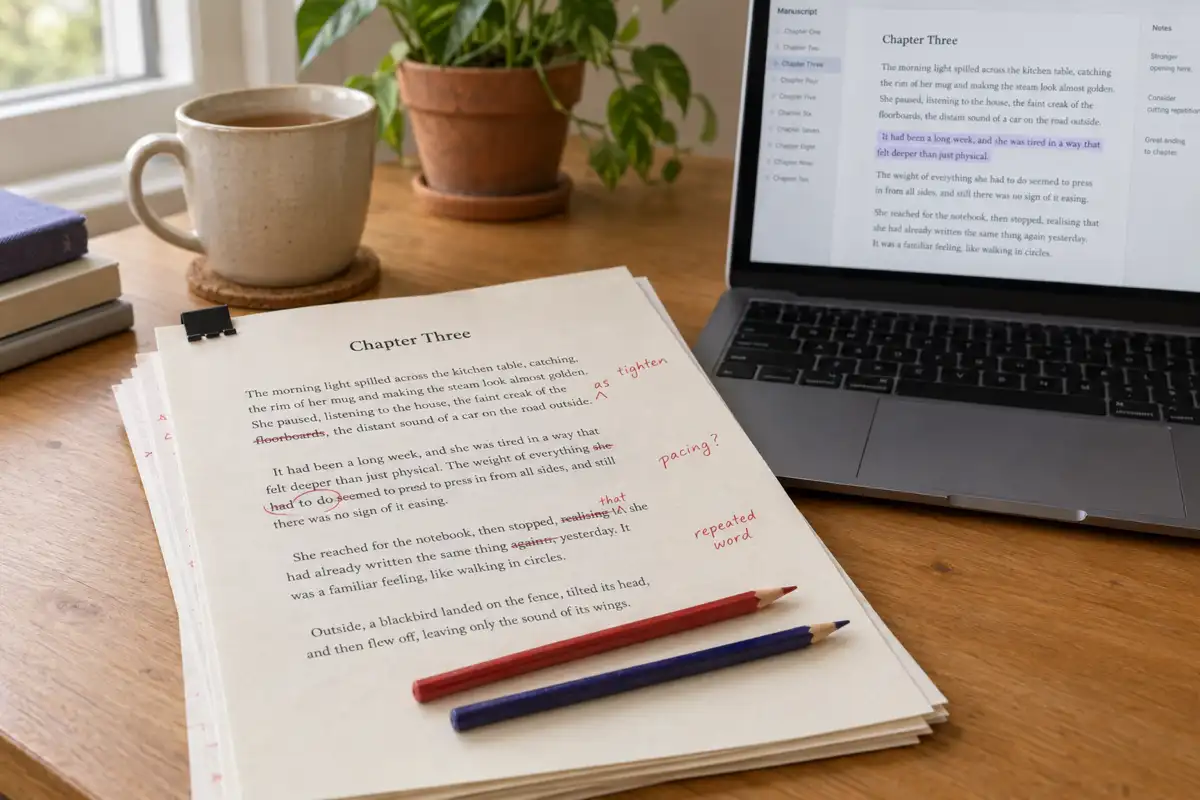
 Best AI for Editing a Book (2026): 9 Tools Compared by Editing Job
Which AI should edit your manuscript? We compare ProWritingAid, Grammarly, AutoCrit, Sudowrite, Novelcrafter, ChatGPT, Claude, the free checks in Google Docs and Word, and Inkfluence AI by the job each does best: grammar, line editing, story feedback, or editing and publishing in one place. Prices checked 2 October 2026.
 AI Writing
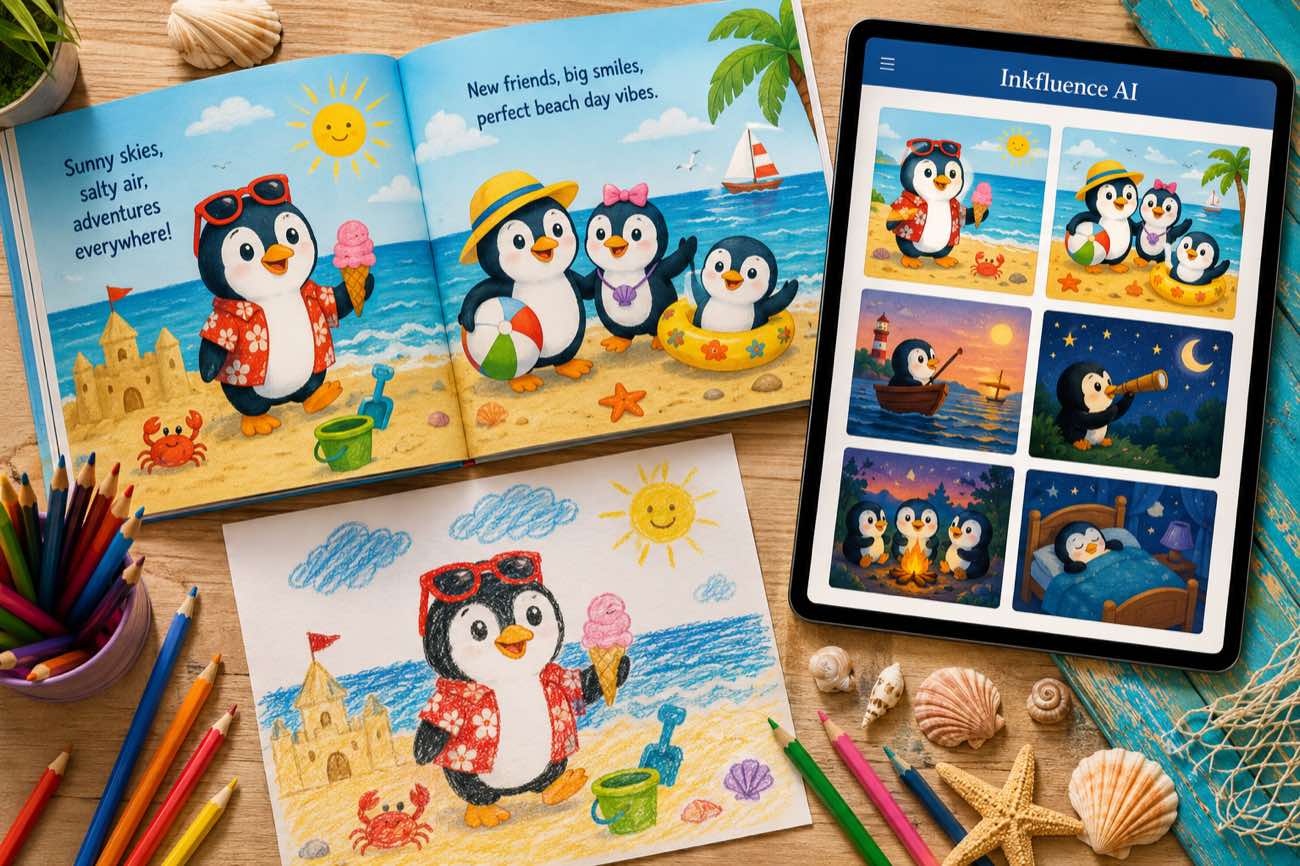
 How to Make a Children's Picture Book with AI: Idea to Printed Book in a Day
The complete 2026 workflow for making a fully illustrated children's picture book with AI: age-band word counts, page planning, consistent characters, cover design, and publishing it on Amazon KDP with the right disclosure.
 AI Writing
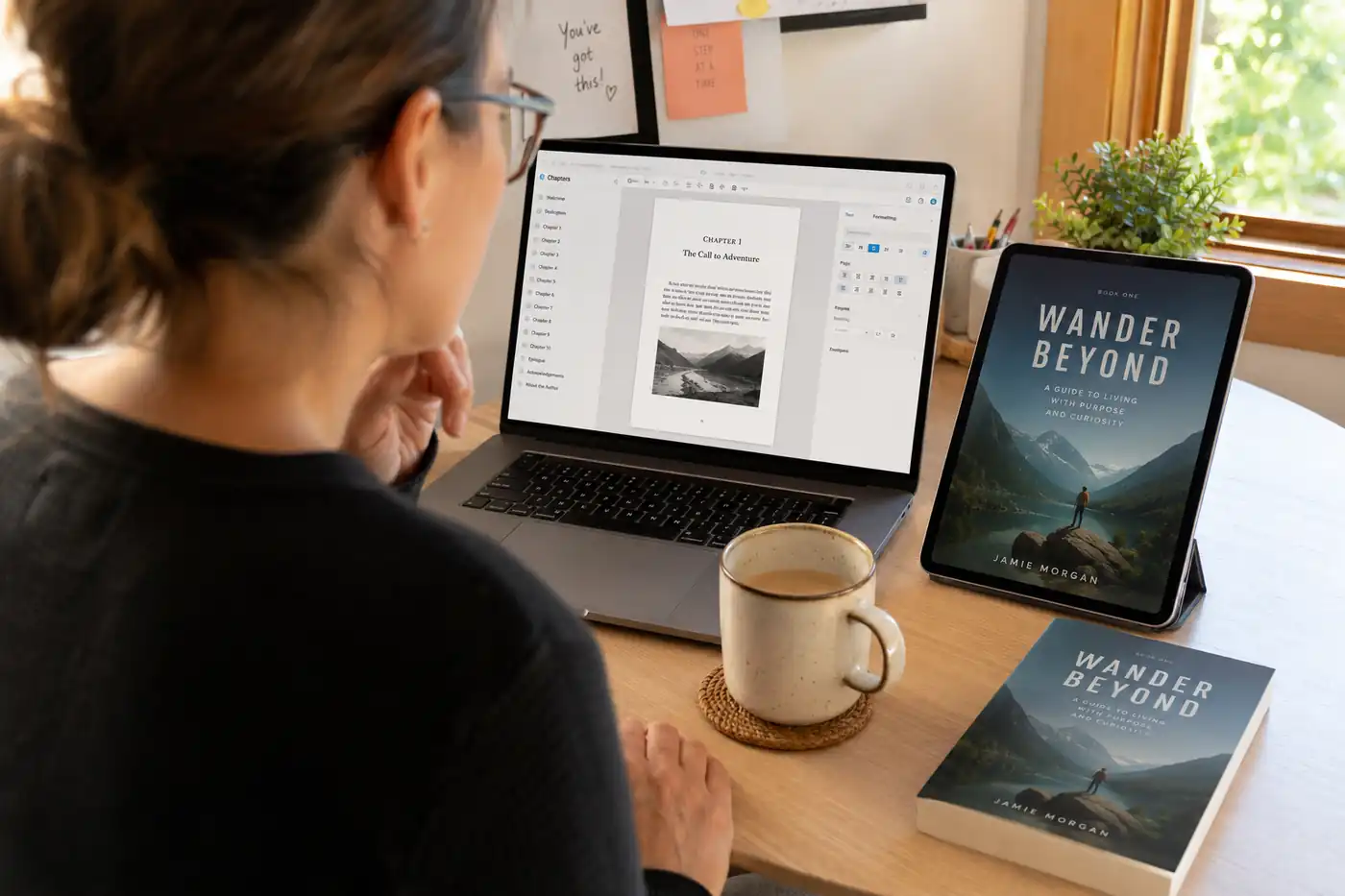
 The 9 Best Ebook Creators in 2026: AI, Formatting, and Design Tools Compared
Not every "ebook creator" does the same job. We compare the 9 best tools of 2026 across three categories: AI generators that write the book, formatting tools that typeset it, and design tools that make it beautiful, with verified pricing for each.
Get ebook tips in your inbox
Join creators getting weekly strategies for writing, marketing, and selling ebooks.