
AI Book Generator: How to Create a Full Book with AI in Minutes
A step-by-step walkthrough of how AI book generators work in 2026, from entering a single prompt to exporting a finished PDF or EPUB. Covers outline generation, chapter writing, cover design, and publishing.

Quick Answer
An AI book generator is a tool that creates a complete book from a single prompt or topic description. It produces a structured outline, writes individual chapters in sequence, and outputs a formatted manuscript you can export as PDF, EPUB, or edit further. The best AI book generators in 2026 go beyond raw text: they detect your genre, apply the right writing style, maintain chapter-to-chapter continuity, and let you design a cover, all without leaving the app.
Updated May 2026 · 14 min read
The idea of generating an entire book with AI sounds like it should be complicated. Pick a model, write a system prompt, paste the outline back in, generate each chapter separately, fix the formatting, figure out exports. That was the 2024 workflow. In 2026, AI book generators handle the entire pipeline in a single flow.
This guide walks through exactly how AI book generation works, what happens behind the scenes at each step, and how to get results that are actually worth reading and publishing. For the bigger picture of how generation fits alongside editing, cover design, audiobook, and distribution, see our companion piece on AI integration across publishing workflows.
What Is an AI Book Generator?
An AI book generator (also called an AI book writer) is software that takes a topic, title, or description and produces a multi-chapter book. Unlike a chatbot where you prompt chapter by chapter, a book generator automates the full pipeline:
- Input: You describe what the book should be about. One sentence or several paragraphs.
- Classification: The AI detects the genre (fiction, cookbook, self-help, business, etc.), language, tone, and key details like character names.
- Outline: A structured chapter outline is generated based on the genre's conventions.
- Chapter generation: Each chapter is written sequentially, with previous chapter context fed into the next prompt to maintain continuity.
- Export: The finished book is formatted and available as PDF, EPUB, or editable in a built-in editor.
The difference between a book generator and a chatbot is structure. ChatGPT can write prose, but it doesn't know it's writing chapter 7 of a 12-chapter cookbook. A book generator does.
How Inkfluence AI Generates a Book (Step by Step)
Here's the exact process Inkfluence AI follows when you create a new book. This isn't a simplified marketing overview. This is what actually happens:
Step 1: Enter your book idea
You type a description of your book. This can be as short as "Italian pasta cookbook for beginners" or as detailed as a full synopsis with character backstories. The more detail you provide, the better the output, but even a single sentence works.
You also pick the number of chapters you want (Free plan: 5 to start + 5 more monthly, Creator: up to 35/month, Premium: unlimited).
Step 2: AI classification
Before generating anything, the AI analyses your description with a single classification call. This extracts:
| What's Detected | Example | Why It Matters |
|---|---|---|
| Genre | Fiction, cookbook, business, biography | Selects the writing blueprint (23 types) |
| Language | "it" for Italian, "es" for Spanish | Triggers language lock for non-English books |
| Suggested tone | Storytelling, professional, educational | Controls voice and style |
| Character names | "Elena", "Chef Marco" | Ensures character consistency across chapters |
| Title idea | "Pasta Fatta in Casa" | Used if you didn't provide a title |
| Topic core | "Italian home cooking" | Keeps content focused |
This single classification call replaces what would otherwise be a dozen manual decisions. You don't need to tell the AI "this is a cookbook, write in Italian, use recipe format." It figures that out automatically.
Step 3: Outline generation
Using the genre, topic, and your requested chapter count, the AI generates a structured outline. Different genres get different outline styles:
- Fiction: Story arc with rising action, climax, and resolution spread across chapters
- Cookbooks: Chapters organised by meal type, cuisine region, or difficulty level
- Self-help: Problem-solution structure with exercises and action steps
- Business/playbooks: Framework-driven chapters with case studies and templates
- Devotionals: Daily or weekly readings with scripture and reflection
- Q&A format: Question-and-answer pairs grouped by topic
For non-English books, the chapter titles are also generated in the target language. An Italian cookbook won't have English chapter headings.
Step 4: Chapter-by-chapter generation
This is where most AI book generators fail. They generate all chapters from the same static prompt, resulting in repetitive content with no continuity between chapters.
Inkfluence AI generates chapters with awareness of previous content, feeding context into each new chapter:
- Fiction: Recent chapters are included so the AI knows what just happened in the story
- Non-fiction: Earlier chapter context prevents the AI from repeating the same advice
- Independent formats (devotionals, Q&A, list books): Each entry stands alone by design
Each chapter also receives:
- The full chapter outline (all titles, so the AI knows what's coming later)
- Genre-specific writing rules and formatting guidelines
- Character names to maintain consistency
- Language lock instructions for non-English books
A 9-chapter fiction book takes about 2-3 minutes to generate completely. Non-fiction is typically faster since chapters are shorter.
Step 5: Review and edit
Once generation is complete, every chapter appears in the built-in editor. You can:
- Read through and edit any chapter with the rich text editor (bold, italic, headings, lists)
- Reorder chapters by drag and drop
- Delete chapters you don't want
- Add new empty chapters and write them yourself
- Use Smart Continue to extend or rewrite individual chapters with AI
Step 6: Cover design
The built-in cover designer lets you create a book cover without leaving the app. You can either generate an AI cover image or use one of 50+ customisable templates. The cover includes your title, subtitle, and author name, and exports at print-ready resolution.
Step 7: Export
Export your finished book as:
- PDF: Formatted with your cover, table of contents, introduction, chapters, and final thoughts. Print-ready.
- EPUB: Standard ebook format compatible with Kindle (via KDP upload), Apple Books, Kobo, and other readers.
- DOCX: For further editing in Word or Google Docs.
Non-English books get translated structural labels (Table of Contents, Introduction, Final Thoughts) in 14 supported languages.
Generate Your First Book Free
Enter a topic, pick your chapters, and have a complete book in minutes. No credit card required.
Start Creating FreeWhat Creating a Full Book Actually Looks Like (First-Party)
We run an AI book generator, so here is how the process really goes, rather than how it is usually pitched. People do not write a book one prompt at a time. The pattern that works is to generate the whole draft in a pass, from a short brief and an outline, then spend the real time on the second half of the job: reading it through, tightening the chapters that came out thin, fixing the transitions, and exporting to a properly formatted file.
The takeaway for anyone starting out is to treat generation as the first draft, not the finished book. The projects that end up published are almost always the ones where the author put in one honest editing pass and an export step afterward. A generator gets you to a complete draft in an afternoon; the hour you spend editing it is what makes it yours.
33 Book Types the AI Knows How to Write
One of the reasons generic AI chatbots produce mediocre books is they use the same writing approach for every genre. A cookbook and a thriller need fundamentally different structures. Inkfluence AI uses 33 book types, each with specific formatting rules, section structures, and content expectations:
| Blueprint | Best For | What Makes It Different |
|---|---|---|
| Fiction Chapter | Novels, short stories | Scene structure, dialogue, tension, cliffhangers |
| Kids Fiction | Children's books | Age-appropriate language, clear moral arcs |
| Recipe Book | Cookbooks | Ingredient lists, step-by-step instructions, serving sizes |
| Practical Guide | Self-help, how-to | Exercises, real-world examples, action steps |
| Playbook | Business, marketing | Frameworks, case studies, ROI language |
| Biography | Memoirs, life stories | Chronological narrative, personal insights |
| True Crime | True crime books | Investigative narrative, evidence-based, suspense |
| Study Guide | Exam prep, revision | Key concepts, review questions, summaries |
| Devotional | Daily readings | Scripture, reflection prompts, prayers |
| Travel Guide | Destination guides | Itineraries, local tips, budget info |
| Workbook | Course companions | Fill-in sections, exercises, reflection prompts |
| Email Course | Drip sequences | Lesson-based, daily delivery format |
Plus 11 more: checklist pack, listicle, anthology, reference manual, technical guide, poetry collection, journal/planner, Q&A compilation, case study collection, interview series, and general non-fiction.
AI Book Generator vs ChatGPT: Why Structure Matters
You can absolutely use ChatGPT to write a book with AI. Many people do. But there's a meaningful difference between a chat interface and a purpose-built AI book writer that holds the whole manuscript in context:
| Capability | AI Book Generator | ChatGPT |
|---|---|---|
| Generate full book from one prompt | Yes | No (one chapter at a time) |
| Genre-specific formatting | 33 book types | Generic prose |
| Previous chapter continuity | Automatic | Manual re-pasting |
| Non-English language lock | 30+ languages | Drifts to English |
| Cover design | Built-in designer | Not available |
| Export to PDF/EPUB | One-click | Not available |
| Table of contents | Auto-generated | Manual |
| Chapter editor | Rich text (bold, headings, lists) | Plain text output |
| Time to full book | 2-5 minutes | 1-3 hours of prompting |
ChatGPT excels at flexible, open-ended writing tasks. But if your goal is to produce a formatted, multi-chapter book that you can actually export and publish, a dedicated generator saves hours of work.
What Types of Books Can AI Generate?
AI book generators work best for structured content. Here's what people are actually creating:
Non-fiction (most popular)
- Self-help and personal development: habit guides, mindset books, wellness routines
- Business and marketing: startup playbooks, social media guides, sales frameworks
- Education: study guides, course companions, exam prep materials
- Lead magnets: 15-30 page guides used to grow email lists (lead magnet generator)
Fiction
- Novels and novellas: romance, fantasy, thriller, literary fiction
- Children's books: picture book text, early reader chapters
- Short story collections: themed anthologies
Speciality formats
- Cookbooks: the recipe-book blueprint produces particularly good results with proper ingredient lists and step-by-step instructions (AI cookbook generator)
- Travel guides: itinerary-based with local tips and budget breakdowns
- Devotionals: daily readings with scripture and reflection prompts
- Workbooks: templates and exercises for coaching or courses (workbook generator)
5 Tips for Better AI Book Generation
1. Write a detailed description
"Self-help book" will generate something generic. "A self-help book for new parents struggling with sleep deprivation, covering sleep training methods, managing anxiety, building a support system, and maintaining your relationship" will generate something specific and useful.
2. Choose the right chapter count
More chapters isn't always better. A 7-chapter lead magnet is more useful than a 25-chapter book padded with filler. Match the chapter count to your content type: 5-8 for lead magnets, 8-15 for standard non-fiction, 15-25 for novels.
3. Edit after generation
AI-generated content is a strong first draft, not a final manuscript. Spend 30-60 minutes editing: add personal anecdotes, refine the voice, cut redundant sections, and add specific examples from your experience. This is what separates a generic AI book from one that feels authored.
4. Use Smart Continue for problem chapters
If one chapter isn't quite right, don't regenerate the entire book. Open that chapter and use Smart Continue to rewrite or extend just that section. It reads the surrounding chapters and maintains context.
5. Generate in your language
If your audience reads Spanish, generate the book in Spanish from the start. Write your description in Spanish and the AI will detect the language, generate chapter titles in Spanish, write all content in Spanish, and translate structural labels (Table of Contents, etc.) automatically. Don't generate in English and translate later.
From Generated Book to Published Product
An AI-generated book is a starting point. Here's the workflow most creators follow to turn it into something publishable:
- Generate: Create the book with AI (2-5 minutes)
- Edit: Review and refine in the built-in editor (30-60 minutes)
- Cover: Design a cover using the cover designer or AI cover generation (5-10 minutes)
- Export: Download as PDF for direct distribution, or EPUB for Amazon KDP publishing
- Publish: Upload to KDP, Gumroad, your website, email list, or any distribution channel
Total time from idea to published: under 2 hours for most books. Compare that to the 2-6 months most traditionally written books take. For a detailed breakdown of each phase, read our guide on how to write a book with AI.
Create a Book in Minutes
Pick a topic, choose your chapters, and let AI handle the rest. Free plan includes 5 chapters to start (plus 5 more every month) and 3 Smart Continue generations per day.
Try Inkfluence AI FreePricing: Free vs Paid AI Book Generators
Most AI book generators either charge per book or require a monthly subscription. Here's how Inkfluence AI's pricing compares:
| Plan | Price | Chapters | AI Gens/Day | Export Formats |
|---|---|---|---|---|
| Free | $0 | 5 | 3 | |
| Creator | $9.99/mo | 35 | 15 | PDF, EPUB |
| Premium | $19.99/mo | Unlimited | 50 | PDF, EPUB, DOCX |
The Free plan is enough to generate a complete book, edit it, design a cover, and export as PDF. You get 5 chapters to start, plus 5 more every month. No credit card, no trial expiry.
Frequently Asked Questions
Is the AI book generator free?
Yes. Inkfluence AI has a free plan that includes 5 chapters to start (plus 5 more every month), 3 Smart Continue generations per day, PDF export, and the cover designer. No credit card required and the free plan doesn't expire.
How long does it take to generate a full book?
A 5-9 chapter book typically generates in 2-3 minutes. Longer books (15-25 chapters) take 5-8 minutes. The time depends on chapter count and content complexity.
Can I edit the generated chapters?
Yes. Every chapter is fully editable in the built-in rich text editor. You can change text, add headings, format lists, reorder chapters, and delete or add chapters at any time.
What AI model is used?
Premium plan uses a higher-quality AI model for stronger output. The genre-specific blueprint system and chapter context pipeline matter more than the base model for book-length content.
Can AI generate books in languages other than English?
Yes. Inkfluence AI supports 30+ languages. Write your book description in any language and the AI will detect it, generate the outline and chapters in that language, and translate structural labels like "Table of Contents" and "Introduction." A language lock prevents the AI from drifting to English mid-chapter.
Can I publish AI-generated books on Amazon KDP?
Yes, but Amazon requires you to disclose AI-generated content during the publishing process (content you wrote yourself and refined with AI needs no disclosure). Export your book as EPUB, upload to KDP, and answer the AI disclosure question. See our guide on Amazon's KDP AI disclosure policy for full details.
How is an AI book generator different from ChatGPT?
ChatGPT is a general-purpose chatbot. An AI book generator is purpose-built for book creation with features ChatGPT doesn't have: automatic chapter outlines, genre-specific writing rules, previous chapter context, cover design, and one-click export to PDF/EPUB. You don't need prompt engineering skills to use a book generator.
Do I own the content the AI generates?
Yes. All content generated through Inkfluence AI belongs to you. You can publish, sell, or distribute it however you choose. Note that copyright law around AI-generated content varies by jurisdiction. See our post on whether AI-written books can be copyrighted for details.
Start Generating Your Book
Whether you're creating a lead magnet, self-help book, cookbook, or novel, the process is the same: describe your book, pick your chapters, and let the AI build it.
For more on AI book creation, see our comparisons of the best free AI book writing tools, our best AI ebook generators roundup, and the full guide on how to use AI to write a book in 2026.

Founder, Inkfluence AI
Sam is the founder of Inkfluence AI. He built the platform to make book creation accessible to everyone - from first-time authors to seasoned publishers.
Helpful links
Ready to Create Your Own Ebook?
Start writing with AI-powered tools, professional templates, and multi-format export.
Get Started FreeRelated Articles
 AI Writing
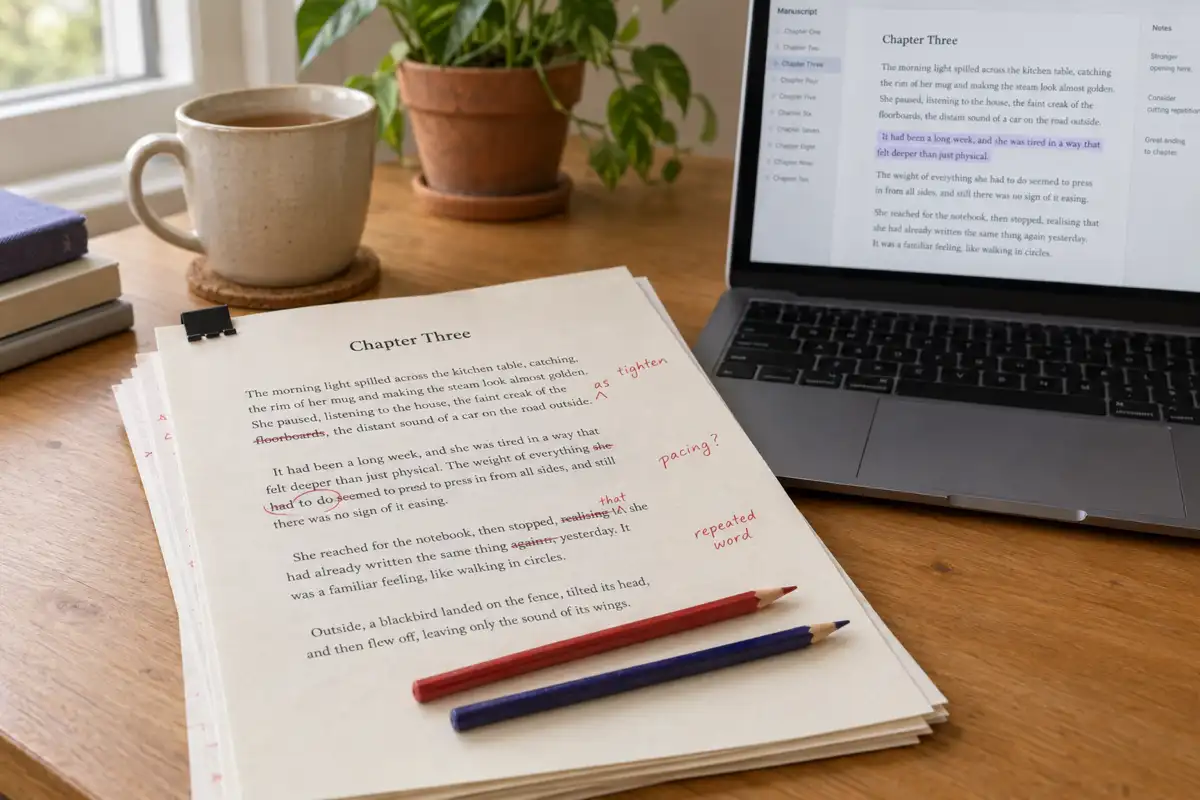
 Best AI for Editing a Book (2026): 9 Tools Compared by Editing Job
Which AI should edit your manuscript? We compare ProWritingAid, Grammarly, AutoCrit, Sudowrite, Novelcrafter, ChatGPT, Claude, the free checks in Google Docs and Word, and Inkfluence AI by the job each does best: grammar, line editing, story feedback, or editing and publishing in one place. Prices checked 2 October 2026.
 AI Writing
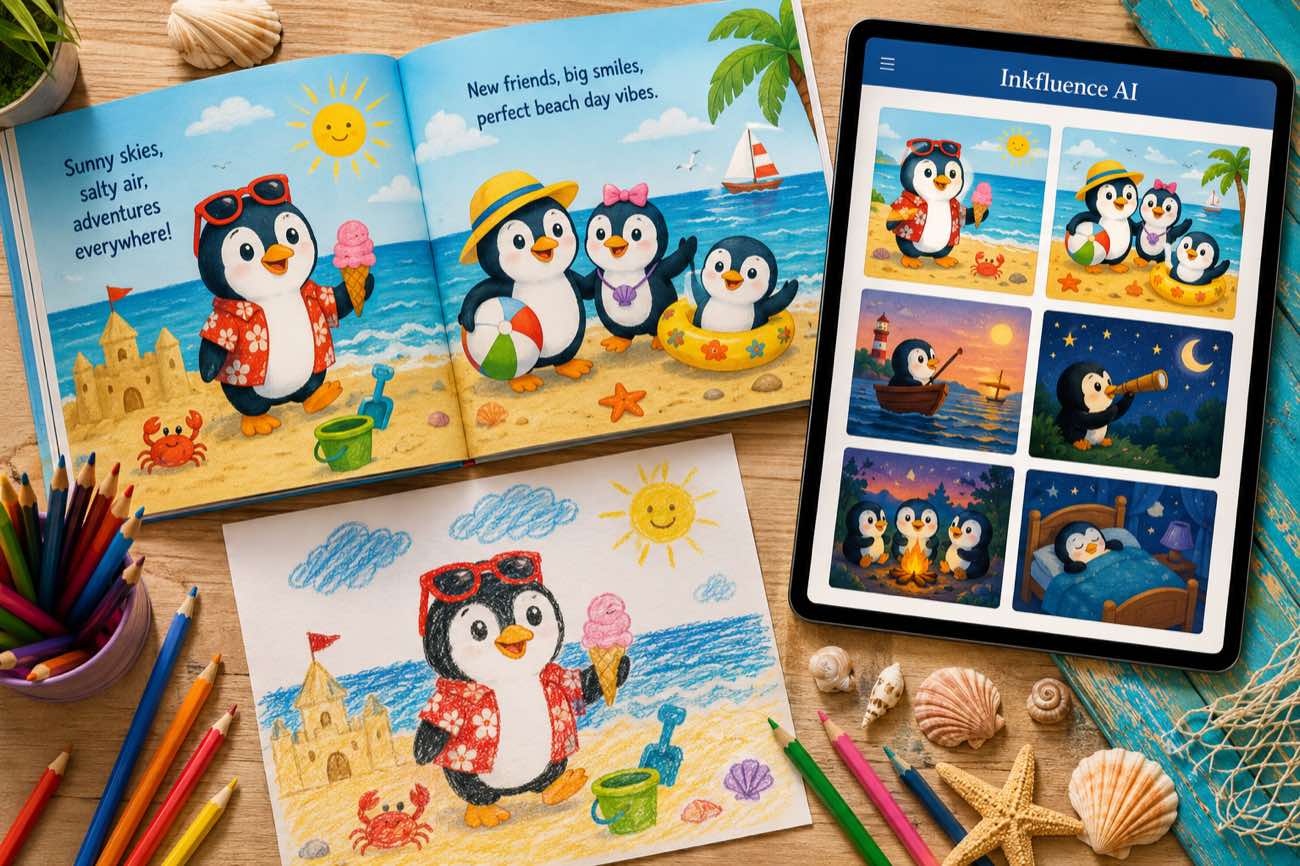
 How to Make a Children's Picture Book with AI: Idea to Printed Book in a Day
The complete 2026 workflow for making a fully illustrated children's picture book with AI: age-band word counts, page planning, consistent characters, cover design, and publishing it on Amazon KDP with the right disclosure.
 AI Writing
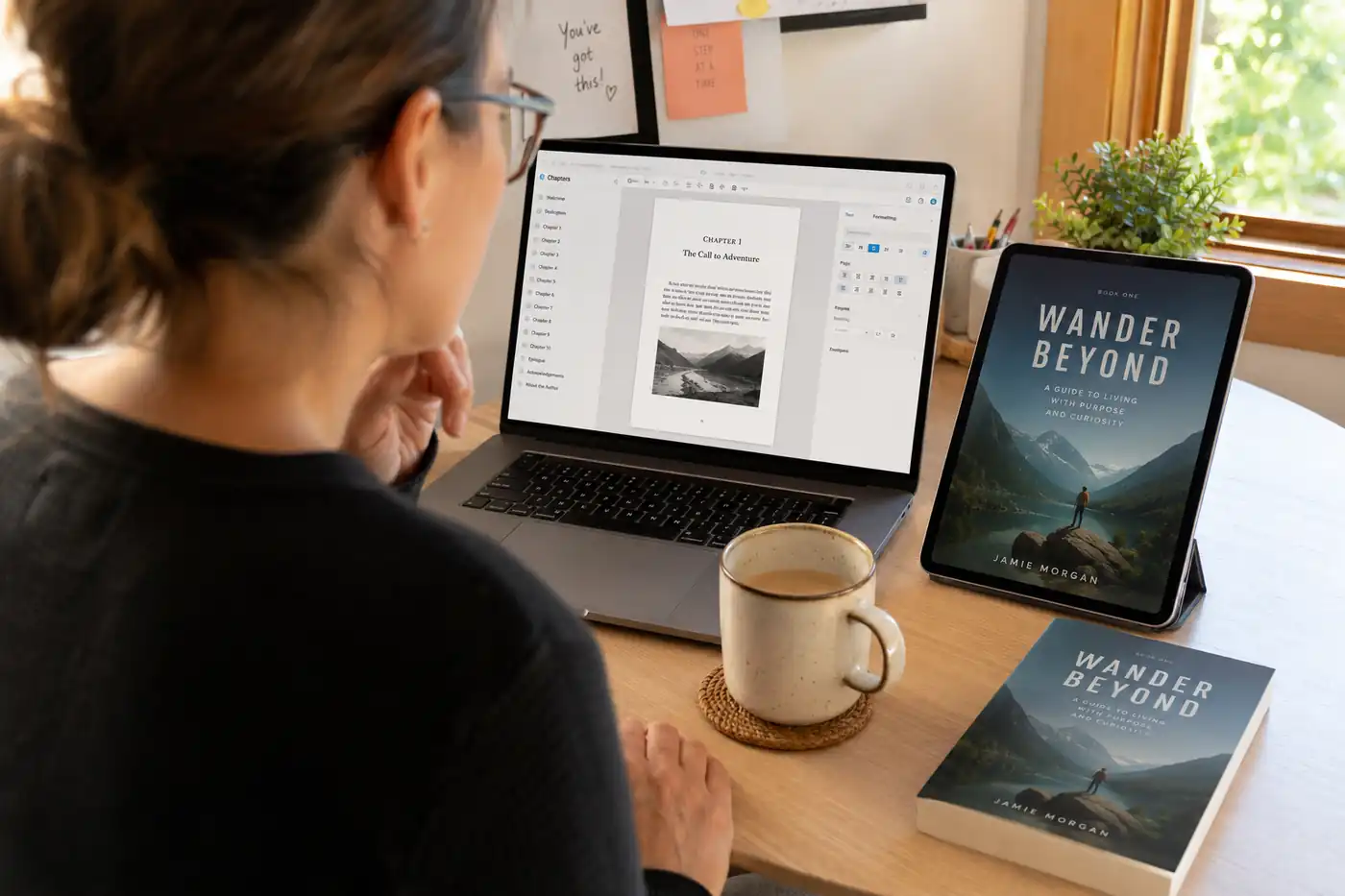
 The 9 Best Ebook Creators in 2026: AI, Formatting, and Design Tools Compared
Not every "ebook creator" does the same job. We compare the 9 best tools of 2026 across three categories: AI generators that write the book, formatting tools that typeset it, and design tools that make it beautiful, with verified pricing for each.
Get ebook tips in your inbox
Join creators getting weekly strategies for writing, marketing, and selling ebooks.