
Updated October 2026 · 7 tools ranked · prices checked 31 Oct 2026
ChatGPT Alternative for Writing a Book (2026)
You already write with ChatGPT, and it is good at chapters. The trouble starts around chapter eight: names drift, the plan slips, and at the end you still have no cover, no EPUB and no print file. Here are seven tools ranked for the whole job, from the first outline to files Amazon KDP accepts.
By Sam May, founder of Inkfluence AI
Short answer
Inkfluence AI is the best ChatGPT alternative for writing a whole book. It agrees an outline with you, writes every chapter with a story bible and a running record of what earlier chapters made true, and hands you a full-wrap cover, EPUB, DOCX and a KDP print package. It is free for 5 chapters a month; Creator is $9.99 a month, or one $12.99 credit pack finishes a 24-chapter novel with no subscription. Keep ChatGPT for brainstorming. For fiction drafting, Sudowrite and Novelcrafter are the runners-up; for editing a chapter, Claude or Gemini.
Can ChatGPT write a whole book?
Yes, in pieces. Today's chat models can hold a long manuscript and write a strong chapter from a clear brief. Our best GPT model for writing guide covers which ChatGPT model does that best, and how much of a novel fits in one request.
The limits are not about the quality of a single chapter. They are about the job around it. A book is 15 to 40 chapters that have to agree with each other, follow a plan to an ending, and then become files a store will accept. In ChatGPT, you are the one who holds all of that together. OpenAI's own help page puts it plainly: a ChatGPT project "gives its chats access to the same uploaded files, project instructions, and connected sources", and each chat keeps its own transcript (OpenAI, Projects). So chapter 14's chat knows chapter 13 only if you uploaded it.
That is the honest case for an alternative: not that ChatGPT writes badly, but that a book needs three things a chat window leaves to you. Memory across the whole book, chapters that follow an agreed plan, and finished files. The rest of this page ranks the tools on exactly those three.
What changed in 2026
Most "ChatGPT alternative" lists still quote last year's plans. Each line below was read on the vendor's own page on 31 Oct 2026.
- ChatGPT plans: Free, Go at $8 a month, Plus at $20, and three Pro tiers at $100, $200 or $500 a month. (OpenAI pricing)
- Claude and Gemini: Claude Pro is $20 a month ($17 billed yearly) and every Claude plan now has memory across conversations. Google AI Pro is $19.99 a month with a 1M-token context window. (Claude, Google)
- 21 to 22 Sep: Inkfluence AI novels now check each chapter's plan against what earlier chapters made true before writing it, so a secret revealed in chapter 3 is not revealed again in chapter 6. (how it works)
- Still true: Novelcrafter's FAQ says you "cannot format your novel within Novelcrafter for publication", and Sudowrite's docs list .zip, .docx and .csv as its exports. (Novelcrafter, Sudowrite)
- Still true: Amazon KDP asks you to disclose AI-generated text, images and translations, "even if you applied substantial edits afterwards". (KDP content guidelines)
When ChatGPT is enough, and when it is not
If your project sits in the left column, keep the chat window. If it sits in the right, you will spend more time managing the chat than writing.
ChatGPT is enough when
- You are brainstorming titles, premises, character names or a back-cover blurb.
- You want feedback on one chapter you wrote yourself.
- The piece is short: a lead magnet of 3 to 5 chapters, a short story, an article.
- You are researching a topic before you write, and will check every fact.
- You only need text, and someone else handles layout, cover and upload.
A book tool earns its place when
- The book runs past about 10 chapters, so details from early chapters start to matter later.
- It is a novel, where who knows what, and when, has to stay right.
- You want the outline agreed once, not re-pasted into every prompt.
- You plan to sell it on Amazon, so you need an EPUB, a print interior and a cover wrap.
- You want an audiobook, a translation or a second book in the series from the same text.
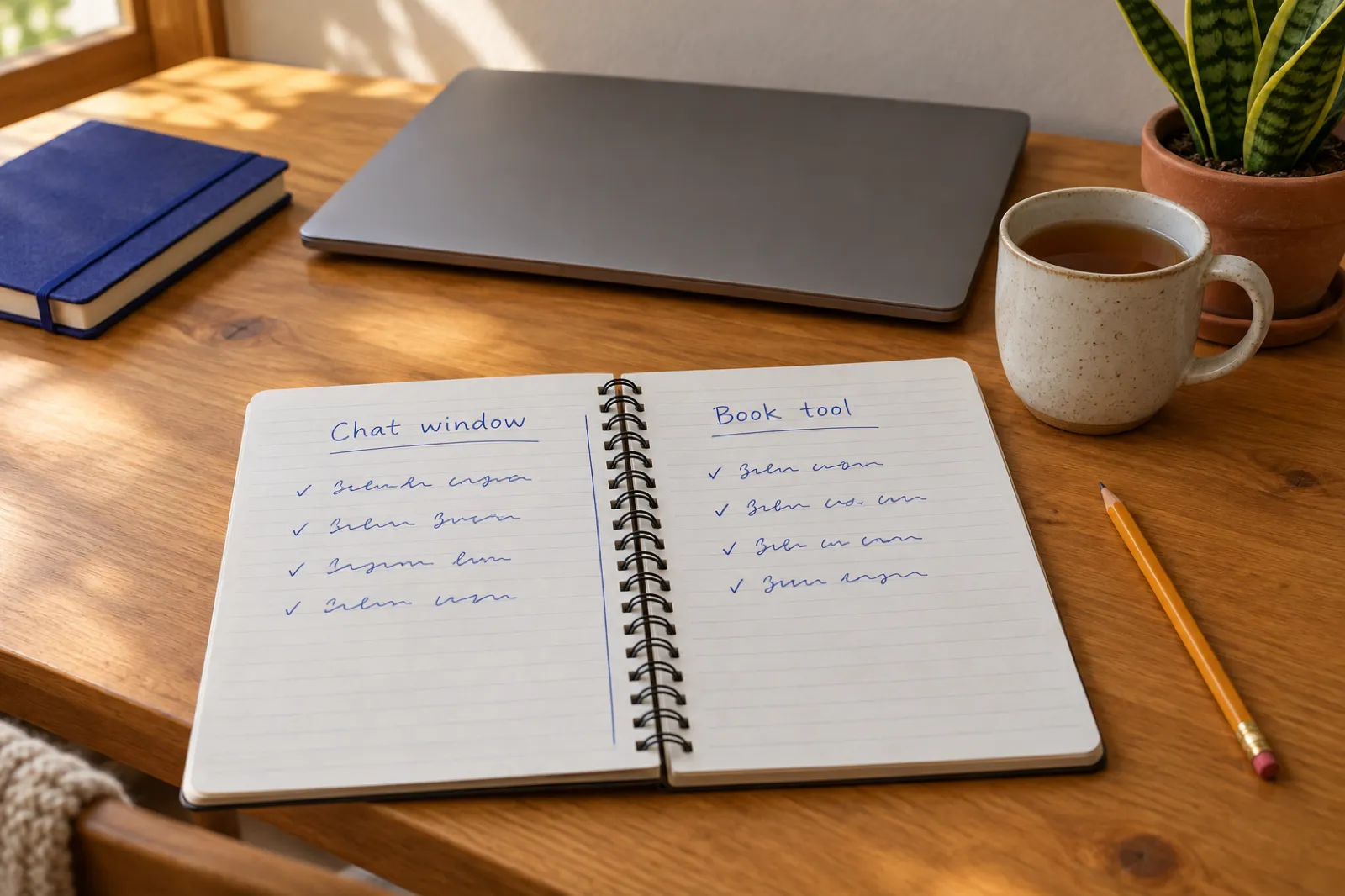
Three things a book needs that a chat window leaves to you
The seven tools are ranked on these three jobs.
1. Memory across the book
Every chapter knows the story so far
Not "can the model read 100,000 words", but "is the right information in front of it for this chapter". Eye colours, who has the key, which secret is already out. In a chat, that list lives in your head or your notes.
2. Chapters on a plan
An outline you approve once
A book needs a shape: what each chapter does and where it ends. Chat replies drift toward whatever the last prompt asked, so chapters repeat a point, rush a reveal or forget a thread. See how many chapters a book needs.
3. Finished files
Cover, EPUB and print PDF
KDP wants an ebook file, a print interior at your trim size with correct margins, and a cover wrap sized to your spine. A chat gives you text. Our ebook formats guide explains what each store takes.
The 7 best ChatGPT alternatives for writing a book
Ranked on the three jobs above. Prices are from each vendor's own site, checked 31 Oct 2026, in US dollars, excluding tax. For a wider field of writing apps, see our best AI book writing software roundup.
| Tool and price (31 Oct 2026) | Memory across the book | Finished files | Best for |
|---|---|---|---|
| 1. Inkfluence AIOur pick AI book writer, idea to published files Free (5 chapters a month); Creator $9.99/mo; Premium $19.99/mo; or credit packs from $9.99, paid once | Outline you approve, story bible for novels, and a running record of what each chapter made true | PDF, EPUB, DOCX, KDP print package, full-wrap cover, audiobook | Finishing and publishing a whole book |
| 2. SudowriteFiction Fiction drafting workspace From $10/mo billed yearly or $19 billed monthly; Professional $22, Max $44 a month billed yearly | Story Bible: synopsis, characters, worldbuilding, outline | .docx, .zip and .csv export | Novelists who draft scene by scene |
| 3. NovelcrafterFiction Novel planning workspace $4/mo (no AI); $8, $14 or $20/mo with AI through your own key | Codex of characters, places and lore | Manuscript export; formatting done elsewhere | Planners who want to pick their own AI model |
| 4. ClaudeChat app General chat assistant Free; Pro $20/mo or $17/mo yearly; Max from $100/mo | Projects and memory across conversations | Text in a chat; no book export step | Rewriting, line editing, long reads |
| 5. GeminiChat app General chat assistant Free; AI Plus $4.99/mo; AI Pro $19.99/mo; Ultra from $99.99/mo | 1M-token context window on AI Pro | Text in a chat; no book export step | Reading a long manuscript in one go |
| 6. SquiblerAI writer AI book drafting app Free (1,000 credits a month); Plus $29.99/mo or $15.83/mo yearly; Pro $89.99/mo or $49.17/mo yearly | Characters, settings and key details it refers back to | PDF and DOCX on Plus; EPUB not listed | A fast full draft to edit in Word |
| 7. AtticusNo AI Formatter (keep ChatGPT for the words) $147 one time | None: you bring the finished text | EPUB, print PDF, DOCX | Laying out a manuscript you already have |
Sources: Sudowrite, Novelcrafter, Claude, Google, Squibler, Atticus, and for ChatGPT itself OpenAI. Inkfluence AI prices from our pricing page.
1. Our pick
Inkfluence AI: the whole book, from outline to KDP files
Inkfluence AI is built for the part of the job ChatGPT leaves to you. You type the idea (a sentence or a page), pick the kind of book, and review the outline before anything is written: rename a chapter, move it, delete it, then approve. A paid account can write up to 40 chapters in one run (5 at a time on the free plan). Novels are written in order, one chapter after another, because each chapter has to know what happened before it. Non-fiction chapters are written at the same time, each with its own planned angle and example, so chapter 7 does not repeat chapter 2.
Memory: what each chapter is given
For a novel, every chapter starts with the story bible (characters, key objects, point of view, the rules you set, open threads), the most recent chapters in full, and a running record of what the book has made true so far: who knows what, where everyone is, the state of important objects, and events already shown. That record is filled in after every chapter, so you never maintain a facts list by hand. Before the next chapter is written, its plan is checked against the record, so an event the story has already told becomes the reaction to it, not a repeat. You can open the Story Bible from the editor and correct anything; later chapters follow your edit.
In short, the ChatGPT habit of pasting "here is the outline, here are the facts, here is the last chapter" into every message is done for you. The full mechanism and its limits are on how Inkfluence AI keeps a book consistent.
Files: what you can download
- KDP package: a print interior at your trim size (6 x 9 and 5 x 8 among nine page sizes) with margins set for you, plus the Kindle files. Picture books and full-page photos come out with bleed.
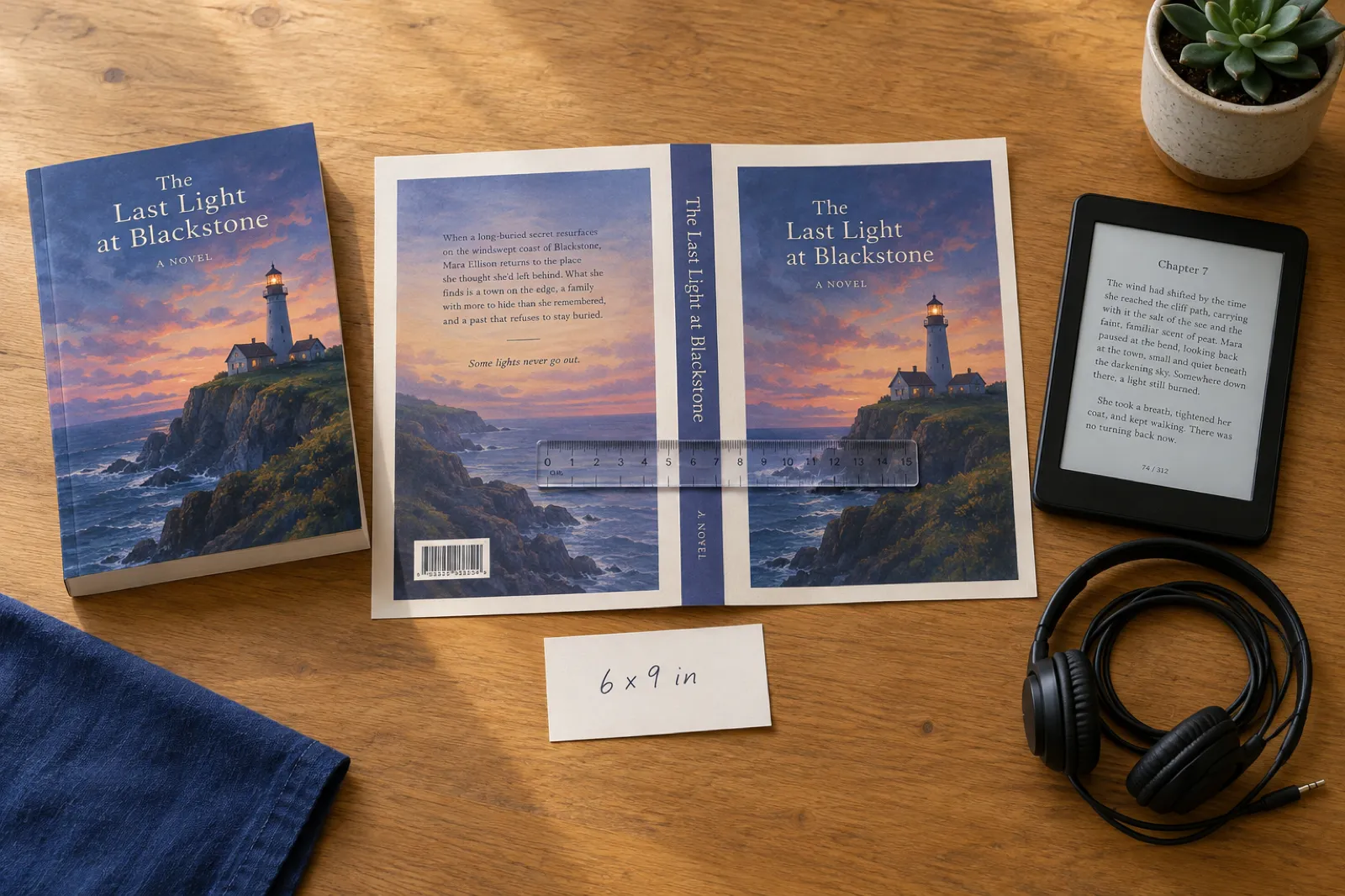
- Cover: generate one with the AI cover generator or upload your own, then add the back cover and spine for a paperback. The spine is worked out from page count and paper type with KDP's own formula, and Download gives the full cover.
- EPUB, DOCX and PDF from the same book, with a contents page, title page, copyright page and about-the-author page as you choose.
- Audiobook: narrate chapters with Inkfluence's narration voices and download MP3s or a chapter ZIP (audiobook generator).
- Listing help: book description, keywords and categories, Amazon A+ Content images, translation into another language, and "Continue as a series" for book two.
Price and limits, plainly
The free plan writes 5 chapters a month, no card, with PDF export carrying a small "Made with Inkfluence AI" line. Creator is $9.99 a month or $89 a year: 35 chapters, 15 audiobook chapters and 20 images a month. Premium is $19.99 a month or $179 a year: unlimited chapters, 30 audiobook chapters and 50 images. If you would rather not subscribe, credit packs are paid once (15 for $9.99, 25 for $12.99, 50 for $24.99), never expire, and the first one unlocks EPUB, DOCX and KDP export for good. You set a book's length by its number of chapters, usually 1,000 to 1,500 words each, not with a word dial. The editor's chat assistant has a daily limit (3 assists on free, 15 on Creator, 100 on Premium). Story Bible is for novels; non-fiction gets per-chapter planning instead.
Comparing just the two? Inkfluence AI vs ChatGPT sets them side by side.
2. For fiction drafting
Sudowrite: a fiction editor with a Story Bible
Sudowrite is the best-known AI tool built only for fiction. Its Story Bible holds a braindump, genre, style, synopsis, characters, worldbuilding and an outline, and its editor offers Write, Rewrite, Describe and Expand on any passage. If you liked ChatGPT for the feel of drafting with a partner, Sudowrite is the closest thing with a novel's memory attached. Plans start at $10 a month billed yearly or $19 billed monthly, with Professional at $22 and Max at $44 a month billed yearly; plans differ by monthly credits, and there is a free trial with no card (Sudowrite pricing, checked 31 Oct 2026).
Where it stops: the files. Sudowrite's docs list three exports, a project .zip, a .docx (one document or the whole project as one) and .csv for Story Bible sections. There is no EPUB, print PDF or cover wrap, so a finished novel still goes to a formatter. No audiobook step.
More: our Sudowrite alternative page, Inkfluence AI vs Sudowrite, and Sudowrite vs Novelcrafter.
3. For planners
Novelcrafter: a planning workspace, AI on your own key
Novelcrafter is a novel workspace built around the Codex, an encyclopedia of your characters, places and lore that it pulls into prompts when an entry is mentioned. You write from scene beats, and you can pick which AI model drafts them. The catch is the second half of that sentence: every AI plan runs on your own key. Scribe is $4 a month with no AI; Hobbyist ($8), Artisan ($14) and Specialist ($20) add AI features, but you pay the AI provider separately for every word generated. There is no free plan, only a 21-day trial with no card (Novelcrafter pricing, checked 31 Oct 2026).
Where it stops: its own FAQ says "you cannot format your novel within Novelcrafter for publication. You will need to export the manuscript into your program of choice", and it points to Atticus and Scrivener. Covers, EPUB and audiobook happen elsewhere. To see what the key costs over a whole novel, read bring-your-own-key vs all-included.
4. For editing a chapter
Claude: another chat app, strong at rewriting
Many writers who leave ChatGPT try Claude first: it is a careful reader and a strong line editor. Claude has Projects (up to 5 on Free) and memory across conversations on every plan. Pro is $20 a month, or $17 a month billed yearly ($200 up front), and Max starts at $100 a month (Claude pricing, checked 31 Oct 2026).
Where it stops: exactly where ChatGPT does. It is a chat window, so you hold the outline and the facts list, carry them into each conversation, and copy the chapters out. There is no book export, cover wrap or audiobook. Switching from ChatGPT to Claude changes the voice of the drafts, not the workflow.
More: which Claude model is best for writing and Inkfluence AI vs Claude.
5. For reading a long manuscript
Gemini: Google's chat app, with a very long memory window
Gemini's selling point for authors is reading capacity. Google AI Pro, $19.99 a month, includes "a 1M token context window", enough to load a finished novel and ask where the timeline breaks or which subplot goes quiet. AI Plus is $4.99 a month, and Ultra starts at $99.99 (Google AI plans, US page, checked 31 Oct 2026).
Where it stops: reading a whole book is not writing one. Drafts still come a chapter at a time, the outline is yours to keep, and there are no EPUB, print or cover-wrap files.
More: which Gemini model is best for writing, and for all three chat families together, best AI models for novel writing.
6. For a quick full draft
Squibler: a full draft, exported to Word or PDF
Squibler generates an outline and then "a complete book organized into chapters and scenes", referring back to the characters, settings and key details you set up. It has a free plan with 1,000 AI credits a month. Plus is $29.99 a month, or $15.83 a month billed yearly, with 10,000 credits, a "full 200-300 page book" and PDF and DOCX export; Pro is $89.99 a month or $49.17 billed yearly, with unlimited credits (Squibler pricing, checked 31 Oct 2026).
Where it stops: the pricing page lists PDF and DOCX, not EPUB or a KDP print package at your trim size, and Squibler does not make audiobooks. Monthly billing is the dearest entry price in this list.
More: Squibler alternative and Inkfluence AI vs Squibler.
7. Keep ChatGPT, add a formatter
Atticus: lay out what ChatGPT wrote
Some writers only want the files. Atticus is a formatting app, a one-time $147, that runs on Windows, Mac, Linux and Chromebook and exports EPUB, print PDF and DOCX (Atticus, checked 31 Oct 2026). Paste the chapters in, pick a theme, and export.
Where it stops: Atticus is a formatter, not an AI writer, so it solves the third problem and neither of the first two. You still keep the book straight in ChatGPT by hand, and you still need a cover. For the same files with the writing included, Inkfluence AI imports a finished manuscript too.
More: Inkfluence AI vs Atticus and best book formatting software.
Worked example: one 24-chapter novel, two ways
This is a worked example on published prices and features, not a timed test. The book: a 24-chapter mystery of about 30,000 words, printed as a 6 x 9 paperback and sold as a Kindle ebook. The left column is the careful ChatGPT route most guides recommend; the right is Inkfluence AI.
| Step | Inkfluence AI | In ChatGPT |
|---|---|---|
| Plan | Type the idea. Review the outline: rename, reorder or delete chapters, then approve it once. | Ask for an outline, then paste it into a document you keep. Every later prompt has to carry it back in. |
| Keep the facts straight | The story bible holds characters, objects, point of view and rules. After each chapter, what it made true is written down for you. | Keep your own list of names, ages, places, secrets and who knows what. Update it by hand after each chapter. |
| Write 24 chapters | Chapters are written in order, each one given the story so far and its own place in the plan. | At least 24 rounds of paste in (outline, facts, last chapter), copy out, paste into a document. |
| Cover | AI cover or your own image; the Cover Designer adds the back cover and a spine sized from page count and paper. | Generate a front image, then build the back, spine and bleed in a design tool to KDP's formula. |
| Files | Export the KDP package (6 x 9 interior and cover), plus EPUB and DOCX from the same book. | Format the interior in Word or a formatter, then make an EPUB and check it in Kindle Previewer. |
| Cost for this book | $12.99 on a 25-credit pack: 19 chapters after the 5 free, 1 AI cover, and EPUB and KDP files unlocked. | ChatGPT Plus $20 for the month, plus a formatter if you want one (Atticus is $147). |
Inkfluence costs assume this month's 5 free chapters are unused; a 25-credit pack then covers 19 chapters and 1 AI cover with 5 credits left. One month of Creator ($9.99) would cover the same book. ChatGPT Plus from OpenAI, Atticus from atticus.io, both 31 Oct 2026.
Why long books drift in a chat, and how to stop it
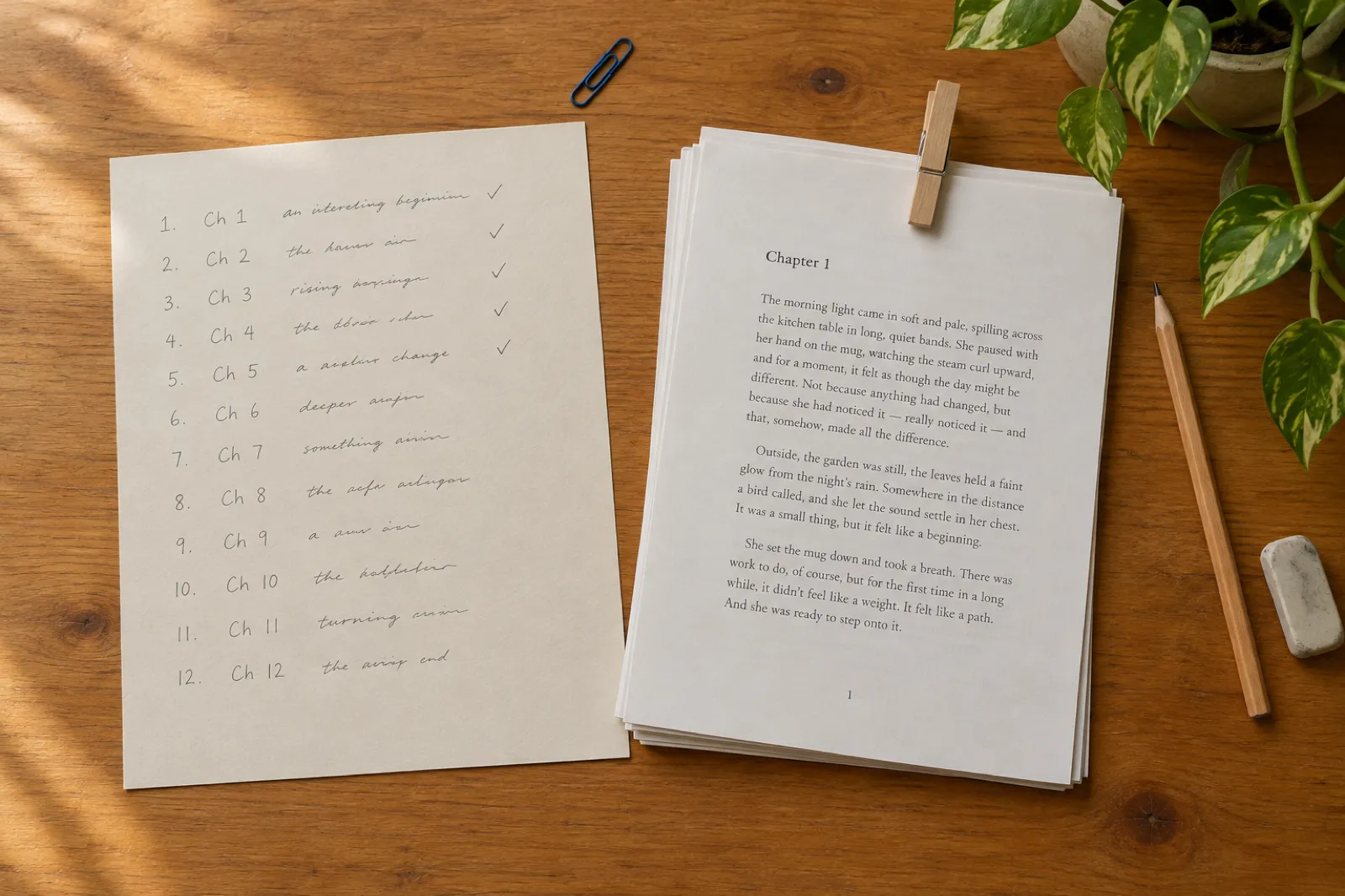
"ChatGPT forgot my character's name" is the most common complaint about writing a book with it, and it is rarely the model's fault. Three things cause it.
- A new chat starts fresh. Inside a project, chats share uploaded files and instructions, but each keeps its own transcript. Unless the latest chapters are uploaded to the project, the new chat has not read them.
- One very long chat buries the start. Keeping the whole book in a single thread means chapter 3's detail sits under 20 chapters of back and forth. The model sees it, but nothing tells it that detail matters now.
- Memory is not a plot record. ChatGPT's memory can carry useful context from past chats into new ones. It is not a ledger of who knows which secret as of chapter 12.
If you stay in ChatGPT, the fix is discipline: keep a one-page facts list (names, ages, looks, places, objects, who knows what), and start every chapter with the outline, that list, the previous chapter and one line on what this chapter must do. Update the list after every chapter. Our AI book prompts and how to write a book with AI guides give templates.
A book tool does the same thing as structure rather than discipline. On Inkfluence AI, the list is the story bible, it updates itself after each chapter, and each chapter's plan is checked against it before writing. On Sudowrite it is the Story Bible you maintain; on Novelcrafter, the Codex.
Already have a draft that drifted? Our comparison of AI tools for novel continuity checking covers auditing a finished manuscript, and the best AI tools for long novels covers 100,000-word books.
From draft to Amazon KDP: the files a chat does not make
Using the 24-chapter mystery above, at roughly 130 printed pages on white paper. Every number comes from KDP's own help pages; the full upload is in our self-publishing on Amazon KDP guide.
Interior
6 x 9 in trim. Outside margins at least 0.25 in; the inside (gutter) margin at least 0.375 in for 24 to 150 pages, rising with page count. (KDP)
Spine
White paper: page count x 0.002252 in. For 130 pages that is about 0.29 in; cream paper would be 0.325 in. (KDP)
Cover wrap
0.125 in bleed + 6 in back + 0.29 in spine + 6 in front + 0.125 in bleed: about 12.54 x 9.25 in. Change the page count and every number moves; the KDP spine width calculator redoes it for you.
Ebook
KDP takes DOCX, KPF or EPUB that meets its guidelines, and suggests checking it in Kindle Previewer. (KDP)
ChatGPT can write the text and paint a front cover image, but it has no step that lays out the interior to these margins or sizes a wrap to your spine. Inkfluence AI's KDP export and Cover Designer do both from the book you wrote; see paperback publishing on KDP for the upload and the AI book formatter if your manuscript is already finished. When you publish, answer KDP's AI question honestly: our KDP AI disclosure guide explains generated vs assisted.
Which ChatGPT alternative fits which job
Find the row that sounds like your book. Writing for Kindle in volume? Our best AI tools for KDP covers the publishing side in more depth.
| Your situation | Pick | Why |
|---|---|---|
| You want a finished novel or non-fiction book with a cover and KDP files | Inkfluence AI | Outline, chapters, story bible, cover wrap, EPUB and the KDP print package in one place. Free to start; one $12.99 pack finishes a 24-chapter book. |
| You started a book in ChatGPT and want to finish and publish it | Inkfluence AI | Import the Word, PDF, EPUB or text file; chapters are found from your headings. Continue with AI, then export. |
| A series, where book two has to remember book one | Inkfluence AI | "Continue as a series" carries the story bible and the real ending of book one into the next book. |
| You want the book as an audiobook too | Inkfluence AI | Narrate chapters in the audiobook studio and download MP3s: 15 chapters a month on Creator, 30 on Premium. |
| You love drafting fiction scene by scene with lots of rewrite options | Sudowrite | Built around a fiction editor and Story Bible. Bring the .docx to a formatter or to Inkfluence for the publishing files. |
| You want to choose and pay for your own AI model | Novelcrafter | Every AI plan runs on your own key. Its FAQ says formatting for publication happens in another program. |
| You only need a sharp second reader for a chapter you wrote | Claude or Gemini | Paste a chapter, ask for a line edit or a critique. A chat window is fine for one chapter at a time. |
| The manuscript is done and you only need it laid out | Inkfluence AI or Atticus | Import into Inkfluence and export the KDP files, or buy a one-time formatter licence. |
Halfway through a book in ChatGPT? Bring it over in four steps
You do not have to start again. Import works on every plan, including free, and the chapters you already have stay yours. Step-by-step help is in the importing help articles.
Step 1
Collect the chapters
Paste each chapter from your chats into one Word or Google Docs file, in order. (From Google Docs, download as .docx; see Google Docs to KDP.)
Step 2
Mark the headings
Style each chapter title as Heading 1 and sections as Heading 2. That is how the chapters are found on import.
Step 3
Import a document
New Book, then Import a document. Word, EPUB, PDF and text files work, and several files can come in as one book.
Step 4
Finish and export
Add chapters, use the editor's AI Assist on the ones that drifted, design the cover, then export EPUB and the KDP package.
What the cheapest paid plan costs on each
Monthly price of the lowest paid plan that includes AI writing, US dollars, checked 31 Oct 2026. Atticus is left out because it is a one-time $147 with no AI. The note says what it buys, which matters more.
35 chapters, covers, EPUB and KDP files
Chat only; AI Pro is $19.99
Chat only; Plus is $20
You pay the AI provider on top
Billed monthly; $10 billed yearly
Chat only; $17 a month billed yearly
Billed monthly; $15.83 billed yearly
The cheap chat plans look like a bargain until you add what they leave out: a formatter, a cover designer and your own time on every chapter. Inkfluence AI is the only plan in the chart that ends with an EPUB, a KDP interior and a cover wrap. Writing one book and done? A one-time credit pack costs less than a month of most plans here; our AI book writers with no subscription page compares every pay-once route, and the book length calculator turns your idea into a chapter count.
How we built this comparison
We make Inkfluence AI, so read this with that in mind. Every competitor price and feature claim on this page was read on the vendor's own pricing page or help docs on 31 Oct 2026; where a page showed prices in another currency, we used the vendor's US page. Our own prices and limits were checked against the product's code and help pages on the same day.
The 24-chapter novel is a worked example on published prices and features, not a timed or blind test. KDP measurements come from Amazon's help pages linked in the KDP section. The ranking weighs the three jobs a ChatGPT user is missing (memory across the book, chapters on a plan, finished files) above price.
For novel-specific rankings, see best AI novel writer; for non-fiction, how to write a non-fiction book with AI. Two older posts go deeper on the chat-versus-tool question: AI tools for authors vs ChatGPT and AI ebook generator vs ChatGPT.
Related guides and tools
Compare
Inkfluence AI vs ChatGPT
The two side by side.
Tool
AI Novel Writer
A whole novel with a story bible.
Guide
How a Long Book Stays Consistent
What each chapter is given.
Models
Best GPT Model for Writing
Which ChatGPT model to draft with.
Models
Best Claude Model for Writing
Opus, Sonnet and Haiku for authors.
Models
Best Gemini Model for Writing
Google's lineup for writers.
Alternative
Sudowrite Alternative
Fiction drafting plus publishing.
Comparison
Best AI Book Writing Software
The full field of writing apps.
Tool
AI Book Cover Generator
Front, back and spine for KDP.
Tool
AI Book Series Writer
Book two that remembers book one.
Guide
Where to Sell an AI Audiobook
Stores that accept AI narration.
Guide
Can You Sell AI-Generated Books?
The rules, store by store.
Frequently asked questions
Can ChatGPT write a whole book?
What is the best ChatGPT alternative for writing a book?
Why does ChatGPT forget details in a long book?
Is there a free ChatGPT alternative for writing a book?
Can I move a book I started in ChatGPT into Inkfluence AI?
Can ChatGPT make a KDP-ready PDF and cover?
Is Claude or Gemini better than ChatGPT for writing a book?
Is Inkfluence AI cheaper than ChatGPT Plus?
Should I keep using ChatGPT if I switch to a book tool?
Do I have to tell Amazon KDP that I used AI?
Keep the ideas from ChatGPT. Finish the book here.
Approve an outline, let every chapter remember the story so far, and download the cover, EPUB and KDP files at the end. The first 5 chapters are free.
Creator $9.99 a month. Premium $19.99 a month. Or pay once: 15 credits for $9.99, 25 for $12.99, 50 for $24.99.