
The Best Squibler Alternative for Finishing and Publishing Your Book
Squibler drafts a story. Inkfluence AI finishes and publishes the book: writing, cover, EPUB, audiobook, and direct publishing in one place, from $0.

Quick Answer
Squibler is a fiction and screenplay drafting tool. It writes and helps plan a story, but it does not export EPUB, generate audiobooks, design marketplace-ready covers, or publish, so finishing the book means moving the text into several other tools. Inkfluence AI is the best Squibler alternative for authors who want to finish and publish: it generates a complete book from a prompt with AI chapter writing, a cover, PDF, EPUB and DOCX export, an AI audiobook, and direct publishing, in one subscription. It starts free; paid plans are $9.99 to $19.99 per month. Choose Squibler for screenplay drafting. Choose Inkfluence AI to take a book from idea to published.
Why Writers Look for a Squibler Alternative
Squibler is a capable drafting tool. The friction starts the moment the draft is done.
The draft is the finish line
Squibler produces a draft plus basic Word and PDF exports. There is no EPUB, no audiobook, no marketplace-ready cover, and no publishing step, so the manuscript still needs three or four more tools before it is a real product.
A trial-only free plan
Squibler's free plan gives 1,000 AI credits a month and has had no export since 30 June 2026, so getting a finished file out means paying first.
Price climbs for less
Squibler's unlimited Pro plan is about $49.17 per month billed annually, for writing assistance only. Inkfluence AI is $19.99 per month for unlimited and includes cover, EPUB, and audiobook.
The Quick Verdict
Switch to Inkfluence AI if you:
- Want a finished, publishable book, not just a draft
- Need EPUB, DOCX, and formatted PDF built in
- Want an AI audiobook from the same manuscript
- Write fiction or non-fiction and want to publish fast
- Prefer transparent pricing and one-click cancel
- Want a real free tier with actual export
Stick with Squibler if you:
- Primarily write screenplays, not books
- Already own a cover, formatting, and audio workflow
- Want their corkboard and Elements planning board specifically
- Do not need EPUB, audiobook, or publishing
Squibler Pricing vs Inkfluence AI (2026)
Cheaper at every tier, and the cheaper tool is the one that also publishes.
Squibler Pricing 2026
Squibler has a free plan (1,000 AI credits a month, with no export since 30 June 2026), a Plus plan listed at $29.99 per month or about $15.83 per month billed annually, and a Pro plan listed at $89.99 per month or about $49.17 per month billed annually. None of the tiers include EPUB export, audiobook generation, a marketplace-ready cover designer, or a publishing path. Inkfluence AI starts free with a usable export tier, then $9.99 per month (Creator) and $19.99 per month for unlimited (Premium), with cover, EPUB, DOCX, and audiobook included.

Inkfluence AI
Full publishing platform
Squibler
Drafting tool
Bottom line: Squibler's unlimited plan ($49.17/mo annual) costs more than twice Inkfluence AI's most expensive plan ($19.99/mo) and still does not export EPUB, make an audiobook, or publish. Inkfluence delivers the finished, publishable book for less.
Is Squibler Worth It in 2026?
Squibler is a capable drafting tool, and it is fair to say so plainly. Its planning interface is mature and beginner friendly, the Elements sidebar keeps characters, settings, and lore consistent across a long manuscript, and its dedicated screenplay mode is a genuine differentiator that Inkfluence AI does not try to match. If your work is primarily screenwriting, or you only want help getting words onto the page and you already own a publishing workflow, Squibler does that job.
The question is what happens after the draft. Squibler exports Word and PDF on paid plans only (its free plan lost export on 30 June 2026), and it does not produce EPUB, it cannot generate an audiobook, it has no marketplace-ready cover designer, and it has no path to actually publish or sell the book. For a writer whose goal is a finished, sellable product, that means the tool stops roughly halfway through the journey. Its cheapest annual plan is about $15.83 per month, above Inkfluence AI's $9.99 Creator plan, and its unlimited Pro tier is about $49.17 per month, more than double Inkfluence AI's $19.99 unlimited plan, while doing less of the end-to-end work.
So Squibler is worth it for drafting and screenplays. It is not the right tool if you measure value by how close you get to a published book for the money. That is the gap this comparison is about.
Squibler Drafts. Inkfluence AI Publishes.
The gap is not prose quality. It is everything that happens after the draft.
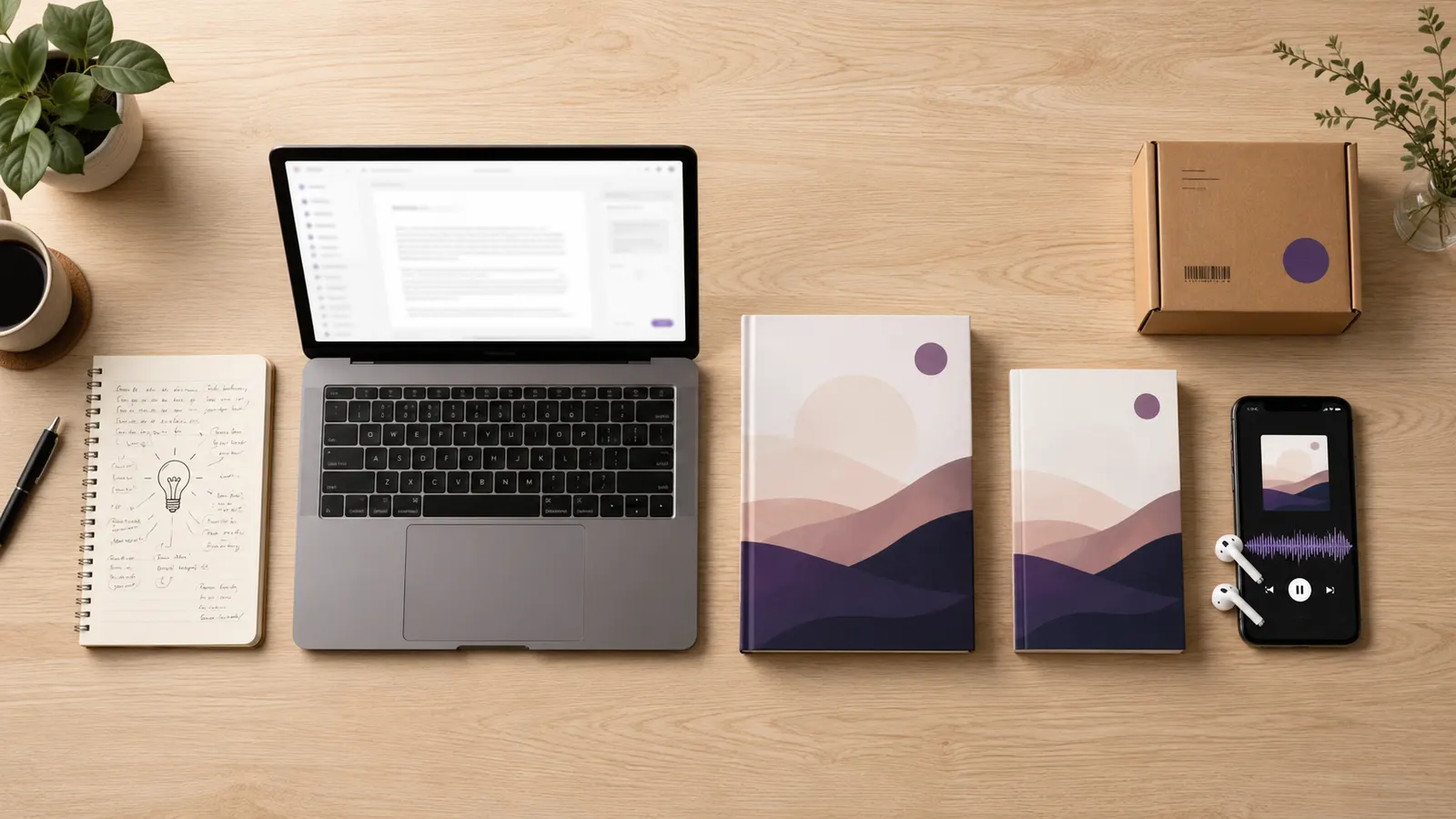
One tool, the whole pipeline
Idea, draft, cover, EPUB, audiobook, publish. A Squibler user needs Squibler plus a cover tool plus a formatter plus an audiobook tool. An Inkfluence user needs Inkfluence.
An audiobook Squibler cannot make
Inkfluence turns the finished book into a narrated AI audiobook and exports per-chapter ACX-spec files for stores that accept AI narration. Squibler has no audio at all.
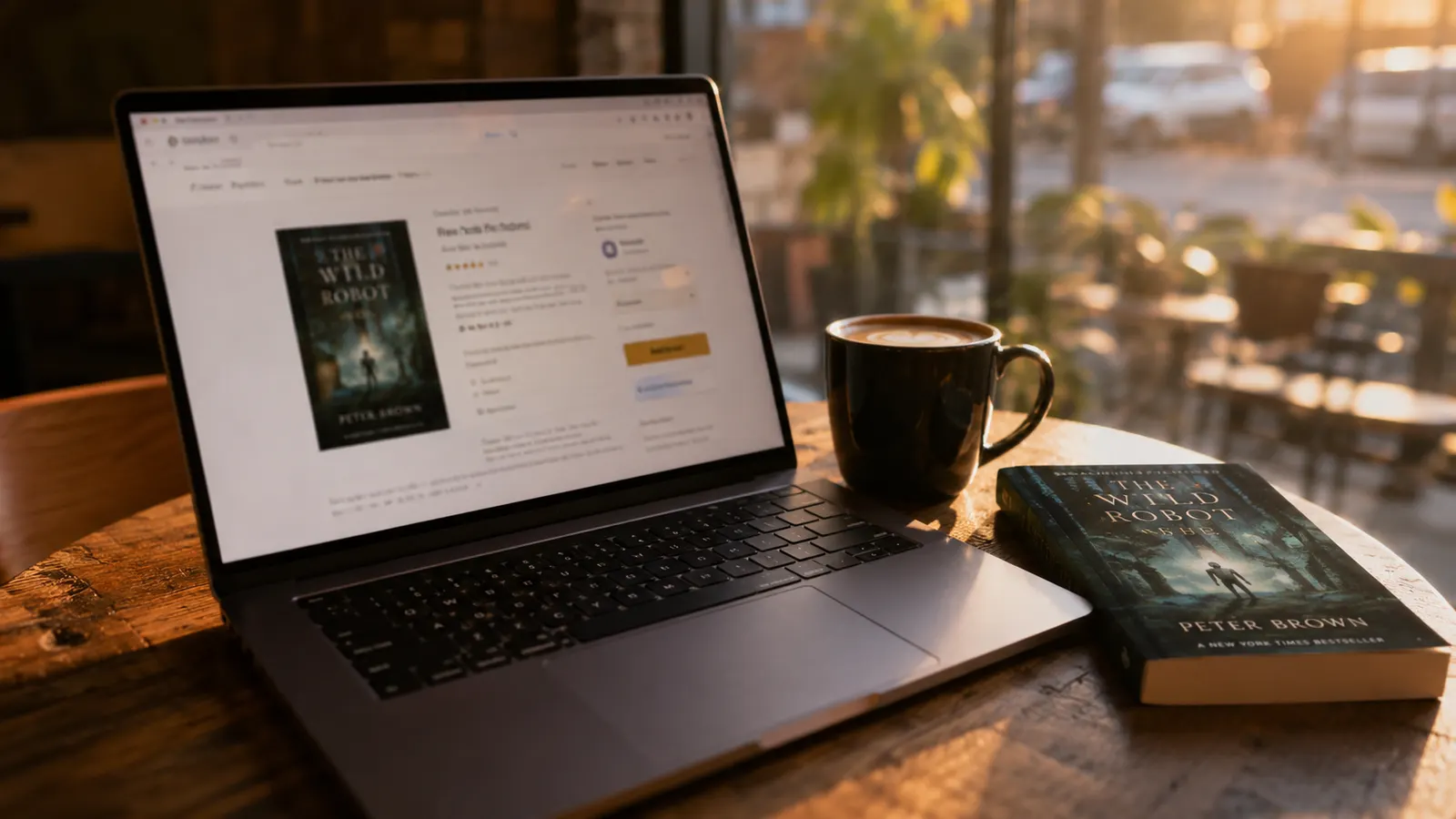
Actually on the store
KDP-clean EPUB and PDF, plus direct publishing to Etsy and Gumroad. The book becomes a product, not a text file you still have to process.
From Draft to Published: What Actually Has to Happen
A finished manuscript is not a finished book. Between the last sentence you write and a listing a reader can buy, there is a real production pipeline, and a drafting tool only owns the first step of it.
After the draft, the text has to be structured and formatted into a clean layout with a title page, table of contents, and consistent typography. It needs a cover that holds up at thumbnail size on a store grid, not just a piece of AI art. It has to be exported into the formats each platform expects: EPUB for most e-readers and a properly formatted PDF or DOCX for print and Amazon KDP. Many authors also want an audiobook, which means narration, chapter-level files, and, for Audible, files that meet ACX loudness and format specifications. Finally the book has to be listed somewhere people can pay for it.
With Squibler, every step after the draft happens in a different tool. A typical workflow becomes Squibler for the words, a formatter such as Vellum or Atticus, a separate cover tool, an EPUB converter, an audiobook tool, and then a storefront. That is five or six subscriptions and handoffs, each with its own learning curve and its own monthly cost. Inkfluence AI collapses that into one workflow: generate or import the manuscript, generate a store-ready cover, export EPUB, DOCX, and formatted PDF, produce an AI audiobook with ACX-spec output, and publish directly to Etsy or Gumroad. The wedge is not prose quality. It is the entire second half of the job.
Squibler vs Inkfluence AI: Full Feature Comparison
Every claim below is verifiable from each tool's own pricing and feature pages.
| Feature | Inkfluence AI | Squibler |
|---|---|---|
| AI story & novel drafting | ||
| Screenplay generation | ||
| Full book from one prompt | ||
| Story continuity system | ||
| EPUB export | ||
| DOCX (Word) export | ||
| Formatted PDF export | ||
| AI audiobook generation | ||
| ACX-spec audio | ||
| Book cover designer | ||
| Direct publishing (Etsy, Gumroad) | ||
| Non-fiction blueprints | ||
| Usable free plan | ||
| Cheapest paid plan (annual) | ||
| Unlimited tier price |
Full support Partial Not available
Best Squibler Alternatives in 2026, Ranked
If you are weighing options, here is the honest shortlist and what each one is for.
How to Switch from Squibler
You keep your existing writing. You gain the entire publish-the-book pipeline.
- 1Import your draftBring in your manuscript as DOCX, PDF, EPUB, or text
- 2Polish and structureEdit chapters, or have the AI writer extend and refine
- 3Add the coverGenerate a store-ready cover matched to the book
- 4Export and publishEPUB, PDF, DOCX, an audiobook, then publish to Etsy or Gumroad

The Best Squibler Alternative for Non-Fiction and KDP Self-Publishing
Squibler is built for fiction and screenwriting first. Non-fiction is secondary and largely template driven, which is fine if you only need a rough draft of a guide or a proposal. It is a poor fit if you are a coach, consultant, or marketer who wants a structured lead magnet, workbook, or business book that is ready to publish.
This is where the gap is widest. Inkfluence AI ships 33 non-fiction blueprints covering how-to guides, workbooks, lead magnets, cookbooks, study guides, and business books, each with a structure tuned to that format rather than a single generic outline. For Amazon KDP self-publishers specifically, the output matters as much as the writing: Inkfluence AI exports KDP-clean EPUB and a properly formatted PDF with a cover and table of contents, so the file is ready to upload rather than something you still have to rebuild in another tool. If your goal is a non-fiction book on the Kindle store, a drafting-only tool leaves most of that work undone, and that is the single clearest reason non-fiction authors look for a Squibler alternative.
Squibler Alternative: Frequently Asked Questions
Everything you need to decide between Squibler and Inkfluence AI.
What is the best Squibler alternative in 2026?
Is there a free Squibler alternative?
Does Squibler have audiobook export?
Can Squibler export EPUB for Kindle or KDP?
How much does Squibler cost in 2026?
Squibler vs Inkfluence AI: which is better for finishing a book?
Can I move my Squibler draft into Inkfluence AI?
Does Squibler design book covers?
Is Squibler good for screenplays?
Is there a Squibler alternative for non-fiction and KDP self-publishing?
From Draft to Published, in One Tool
Stop stitching a draft together across five apps. Go idea to published book, with cover and audiobook, in minutes. Start free, no credit card.