
AI Ebook Generator vs ChatGPT: Which Actually Creates Better Ebooks? (2026)
We compared a dedicated AI ebook generator against ChatGPT for creating complete ebooks. See the real differences in formatting, structure, exports, covers, and total time from idea to published PDF or EPUB.
Quick Answer
A dedicated AI ebook generator like Inkfluence AI creates better ebooks than ChatGPT because it handles the entire workflow: structured outlines, chapter-by-chapter generation with context memory, built-in rich text editing, cover design, and direct PDF/EPUB export. ChatGPT can write decent prose, but it has no formatting tools, no export options, no cover creator, and loses context in long conversations. Building a 10-chapter ebook takes roughly 5 minutes in a dedicated tool versus 2-4 hours of manual copy-paste-format work with ChatGPT.
ChatGPT is the first tool people try when they want to write an ebook with AI. It makes sense: you type a prompt, it writes content. But there is a massive gap between "AI wrote some text" and "I have a published ebook." That gap is where most people get stuck, spending hours on formatting, structuring chapters, designing covers, and wrestling with export formats.
We put ChatGPT (GPT-4o) head-to-head against Inkfluence AI, a purpose-built ebook generator, to see which approach actually produces a finished, publishable ebook faster and with better quality. Here is every difference we found.
The Core Difference: Tool vs Chat Interface
ChatGPT is a conversational AI. You ask it questions, it responds with text. It was designed for dialogues, not document production. When you ask it to "write an ebook," it gives you a wall of text in a chat bubble. You then need to copy that text, paste it into a word processor, add formatting, create a cover somewhere else, and figure out EPUB packaging on your own.
An AI ebook generator is a dedicated production tool. Think of the difference between asking a chef to describe a recipe verbally (ChatGPT) versus using a complete kitchen with prep lists, timers, and plating guides (ebook generator). Both involve cooking knowledge. One gives you a finished dish.
ChatGPT Approach
- Type prompts in chat window
- Copy-paste output to Google Docs or Word
- Manually format headings, lists, spacing
- Use a separate tool for cover design
- Use another tool for PDF/EPUB conversion
- Re-prompt when it forgets earlier chapters
AI Ebook Generator Approach
- Describe your book idea in one prompt
- AI generates structured outline automatically
- Chapters planned together so none repeats another
- Edit in built-in rich text editor
- Design cover with integrated AI cover tool
- Export to PDF, EPUB, or DOCX with one click
Feature-by-Feature Comparison Table
| Feature | Inkfluence AI | ChatGPT (GPT-4o) |
|---|---|---|
| Structured outline generation | Automatic (33 book types) | Manual prompting |
| Chapter-by-chapter generation | Built-in with context window | Must re-paste prior chapters |
| Rich text editor | Full editor (bold, lists, headings) | No editor (plain text chat) |
| AI rewriting/expanding | Select text, rewrite in place | Re-prompt entire chapter |
| Cover design | Integrated AI cover generator | No (use DALL-E separately) |
| PDF export | One-click, formatted | No (copy to external tool) |
| EPUB export | One-click with metadata | No |
| Audiobook generation | Built-in TTS | No |
| Table of contents | Auto-generated | Manual creation |
| Context memory | Planned per chapter (non-fiction); story bible, last 3 chapters and a running record (fiction) | Degrades after ~8K tokens |
| Non-English ebooks | 30 languages with heading translation | Multi-language but no formatting |
| Book types/blueprints | 23 specialized types | Generic (you must specify structure) |
| Time: idea to finished ebook | 5-15 minutes | 2-4 hours (with formatting) |
See the difference for yourself
Create your first ebook in minutes with a real ebook production tool. Free plan includes 5 chapters.
Try the AI Ebook Generator FreeReal Workflow: Creating a 10-Chapter Ebook
The best way to compare these tools is to walk through a real project. We created a 10-chapter ebook on "Personal Finance for Freelancers" using both tools, tracking every step.
ChatGPT Workflow (Total: ~2.5 hours)
- Step 1 (5 min): Prompt ChatGPT for a book outline. Copy the outline to a Google Doc.
- Step 2 (30 min): Prompt each chapter individually. ChatGPT forgets context by chapter 4, so you re-paste the outline and summaries of prior chapters. Each prompt takes 2-3 minutes of setup.
- Step 3 (20 min): Copy all 10 chapters from chat to Google Docs. Fix formatting for each: add proper headings (H2, H3), bullet points, and consistent spacing.
- Step 4 (15 min): Create a table of contents manually. Add page numbers. Fix chapter titles that ChatGPT changed mid-generation.
- Step 5 (20 min): Open DALL-E or Canva for a cover. Iterate on the design. Download and insert.
- Step 6 (15 min): Export to PDF from Google Docs. Realize the formatting looks wrong. Adjust margins and fonts. Re-export.
- Step 7 (20 min): For EPUB, find a conversion tool (Calibre or Reedsy). Import the document. Fix metadata. Fix the table of contents that broke during conversion. Export again.
Inkfluence AI Workflow (Total: ~8 minutes)
- Step 1 (1 min): Type "Personal Finance for Freelancers" and select the practical guide book type. Click Generate.
- Step 2 (3 min): AI generates a structured outline that gives each chapter its own framework, opening and example, then writes all 10 chapters at the same time. Wait for completion.
- Step 3 (2 min): Review chapters in the built-in editor. Select any paragraph and click "Rewrite" or "Expand" as needed.
- Step 4 (1 min): Open the cover designer. Choose a style, let AI generate the cover image. Adjust text placement.
- Step 5 (1 min): Click Export. Choose PDF, EPUB, or DOCX. Download. Done.
The time difference is not marginal. It is 10-20x faster when you account for formatting, cover design, and export. And the output quality is at least equal because the dedicated tool uses the same class of advanced AI models with specialised prompting for book structure.
Formatting and Structure
This is where ChatGPT falls apart for ebook creation. ChatGPT outputs Markdown-style text in a chat bubble. When you copy it to a word processor:
- Heading levels may be inconsistent (H2 in one chapter, H3 in another)
- Bullet points lose their formatting
- Bold and italic text sometimes copies as plain text
- Tables render as pipe-separated text
- Code blocks (if relevant) lose syntax highlighting
A dedicated ebook generator stores content in a structured format from the start. Chapters have defined hierarchies, headings are semantic HTML, and the export engine knows exactly how to render each element in PDF or EPUB. There is no copy-paste step where formatting breaks.
Inkfluence AI uses a rich text editor based on TipTap (the same engine behind Notion and many professional writing tools). You get real headings, lists, blockquotes, and inline formatting that export cleanly to every format.
Export and Publishing
ChatGPT has zero export functionality for ebooks. You get text in a chat window. That is it. To create a publishable ebook, you need:
Copy to Google Docs or Word, format manually, export. Margins, fonts, and spacing need adjustment.
EPUB
Convert via Calibre or Sigil. Fix broken table of contents. Add metadata manually. Test on multiple readers.
KDP (Amazon)
Create KDP-compliant manuscript. Upload cover separately (2560x1600px). Set metadata in KDP dashboard.
With an AI ebook generator, export is a single click. Inkfluence AI generates properly formatted PDFs with cover pages, tables of contents, and consistent typography. EPUB exports include OPF metadata, NCX navigation, and proper chapter markup. For Amazon KDP publishing, the output is ready to upload without additional conversion.
Cover Design
A professional ebook cover is the difference between someone downloading your ebook or scrolling past it. ChatGPT cannot create visual covers at all. You would need to:
- Open DALL-E (separate tool, separate subscription) to generate a background image
- Open Canva or Photoshop to add text, adjust layout, and resize
- Manually match the cover dimensions to your export format
- Save and insert the cover into your document before final export
Inkfluence AI has an integrated cover designer with AI image generation (GPT Image-1). You choose a style, the AI generates a cover image tailored to your book topic, and you adjust text placement and colors in a canvas editor. The cover automatically embeds in your PDF and EPUB exports.
Create your ebook with a professional cover
AI-generated covers, rich text editing, and one-click export. All in one tool.
See Plans and PricingContext Memory and Consistency
This is one of the most underappreciated problems with using ChatGPT for ebooks. ChatGPT has a context window (the amount of text it can "remember" in a conversation). As of 2026, GPT-4o has a 128K token context window, but effective memory degrades well before that limit.
In practice, here is what happens when you write a 10-chapter ebook in ChatGPT:
- Chapters 1-3: Good consistency. The AI remembers names, terms, and themes.
- Chapters 4-6: Subtle drift. Key terms may change slightly. A concept introduced in chapter 2 gets re-explained in chapter 5 as if it is new.
- Chapters 7-10: Noticeable problems. Character descriptions may contradict earlier chapters. The book starts repeating major points. Tone shifts.
A dedicated ebook generator solves this structurally. For non-fiction, Inkfluence AI plans the whole book before writing it: every chapter is given its own framework, opening style and example person, so chapters written at the same time do not repeat each other. Fiction is written one chapter at a time with the story bible, the last 3 chapters in full and a running record of the whole book. Every chapter also sees the full outline, so it knows where it sits in the book. This eliminates the "amnesia" problem that plagues ChatGPT-written ebooks.
For fiction specifically, the AI extracts character names at the start and includes them in every chapter prompt. This is why character consistency in an AI novel writer is dramatically better than ChatGPT.
Editing and Rewriting
Editing a ChatGPT-generated chapter means asking the AI to "rewrite paragraph 3 of the section about budgeting." It has to process your entire previous conversation to understand what you mean, and it often rewrites more than you asked for, changing surrounding text in the process.
In an ebook generator with a built-in editor, you select the exact text you want to change and choose an action: rewrite, expand, shorten, change tone, or simplify. The edit happens in place, touching only the selected text. Everything else stays exactly as it was.
Editing comparison
ChatGPT editing
"Can you rewrite the third paragraph in the budgeting section to be more conversational? But keep everything else the same."
Result: Rewrites the paragraph but also changes the intro sentence you liked.
Inkfluence AI editing
Select paragraph. Click "Rewrite." Choose "Conversational" tone. Done.
Result: Only the selected paragraph changes. Everything else is untouched.
Pricing Comparison
Both tools have free options, but what you get for free is very different.
| Plan | Inkfluence AI | ChatGPT |
|---|---|---|
| Free tier | 5 chapters + 5/month, PDF export, basic cover | GPT-4o mini (limited), no export, no formatting |
| Mid tier | $9.99/mo (Creator) -- 35 chapters/month, PDF + EPUB + DOCX | $20/mo (ChatGPT Plus) -- GPT-4o, still no export |
| Top tier | $19.99/mo (Premium) -- Unlimited, all formats, priority | $200/mo (ChatGPT Pro) -- Higher limits, still no export |
The key insight: even ChatGPT's most expensive plan ($200/mo) does not include any ebook production features. No formatting, no export, no covers, no table of contents. You are paying $200/mo for better text generation, but you still need to spend hours on the production side. Inkfluence AI at $9.99/mo gives you the complete production pipeline.
For a deeper feature-by-feature analysis, see our Inkfluence AI vs ChatGPT comparison page.
When ChatGPT Is Actually Better
We are not going to pretend ChatGPT is always worse. There are specific scenarios where it has advantages:
Brainstorming and ideation
ChatGPT is excellent for bouncing ideas back and forth. "Give me 20 ebook topics about remote work" is a great ChatGPT prompt. It is bad at turning those ideas into finished ebooks. For a curated list of validated topics, see 100 ebook ideas that sell in 2026.
Research and fact-checking
Need to verify a claim or explore a topic before writing? ChatGPT's conversational interface is great for research. Ask follow-up questions, dig deeper, then move to a production tool.
Very short documents
If you need a 2-page PDF or a single article, ChatGPT is fine. The production overhead is minimal for short content. The problems emerge at ebook length (5+ chapters).
Custom coding/data tasks
Need to process data, write scripts, or build something technical? ChatGPT is a general-purpose AI. Ebook generators are specialized for one thing.
The Best Approach: Use Both
The smartest creators use ChatGPT and an ebook generator together. Here is the workflow we recommend:
- Step 1: Ideate in ChatGPT. Brainstorm topics, refine your angle, identify your target audience. ChatGPT is great at this exploratory phase.
- Step 2: Research in ChatGPT. Ask about your topic. Get statistics, counterarguments, and expert perspectives. Save the best insights.
- Step 3: Generate in Inkfluence AI. Take your refined idea to the ebook generator. Let it handle the structured outline, chapter generation, and formatting.
- Step 4: Edit in Inkfluence AI. Use the built-in editor to rewrite, expand, or refine any section. Add your personal insights from the research phase.
- Step 5: Design and export. Create a cover, add your branding, and export to PDF or EPUB. Publish directly to Amazon KDP or use as a lead magnet.
This approach combines ChatGPT's strengths (conversational exploration, broad knowledge) with an ebook generator's strengths (production, formatting, export). You get the best of both worlds.
Stop spending hours formatting ChatGPT output
Inkfluence AI turns your idea into a complete, formatted ebook in minutes. Free to start.
Create Your Ebook NowAI Ebook Generator vs Traditional Methods
The comparison extends beyond ChatGPT. Many creators still use traditional methods: writing manually in Google Docs, using Scrivener, or hiring freelance writers. Here is how each approach stacks up:
| Method | Time (10 chapters) | Cost | Quality Control |
|---|---|---|---|
| Writing manually | 40-80 hours | Free (your time) | Full control |
| Hiring a ghostwriter | 2-4 weeks | $500-5,000 | Depends on writer |
| ChatGPT + manual formatting | 2-4 hours | $0-20/mo | Moderate (you edit everything) |
| AI ebook generator | 5-15 minutes | $0-19.99/mo | High (built-in editor + AI rewriting) |
For creators who need to produce ebooks regularly, whether as lead magnets, digital products for Etsy or Gumroad, or passive income, the time savings compound dramatically. One ebook per month in ChatGPT is 30+ hours of production work per year. The same output in an ebook generator takes about 2 hours total.
Best Use Cases for Each Tool
Use an AI ebook generator for:
- Complete ebook creation (any length)
- Lead magnet ebooks for email lists
- Recipe books and cookbooks
- Study guides and course companions
- Fiction and novels
- Workbooks with exercises
- Any project where you need a finished, exportable file
Use ChatGPT for:
- Topic brainstorming and ideation
- Research and fact verification
- Writing individual blog posts or articles
- Generating marketing copy (emails, ads)
- Answering specific questions about a subject
- Short documents (under 2,000 words)
- Tasks requiring back-and-forth dialogue
What About Output Quality?
A common misconception is that ChatGPT produces "better writing" because it is a larger, more general model. In reality, the writing quality depends more on the prompt engineering than the model size.
Inkfluence AI uses advanced AI writing tuned specifically for long-form book content. It wraps the model with specialised prompts optimised for ebooks: structured sections, consistent terminology, appropriate reading level, and proper transitions between chapters. A well-prompted specialised tool consistently outperforms a general-purpose chat interface for structured, long-form content.
Where ChatGPT genuinely produces better prose is in highly creative, literary fiction where you want to iterate paragraph by paragraph with direct dialogue with the AI. For everything else, including non-fiction, guides, cookbooks, workbooks, and commercial fiction, the dedicated tool produces equal or better results with far less effort.
Frequently Asked Questions
Can ChatGPT create a complete ebook?
ChatGPT can write the text content for an ebook, but it cannot create a complete, publishable ebook on its own. It lacks formatting tools, export options (PDF, EPUB), cover design, table of contents generation, and proper chapter structuring. You would need to use additional tools like Google Docs, Canva, and Calibre to turn ChatGPT output into a finished ebook. A dedicated AI ebook generator handles all of these steps in one place.
Is an AI ebook generator better than ChatGPT for writing books?
For producing finished, formatted ebooks, yes. An AI ebook generator is purpose-built for book production with structured outlines, chapter context memory, rich text editing, cover design, and one-click export to PDF/EPUB. ChatGPT is better for brainstorming, research, and short-form content. For complete ebook creation, a dedicated tool is 10-20x faster and produces more consistent results.
Can I use ChatGPT and an ebook generator together?
Absolutely, and this is the approach we recommend. Use ChatGPT for brainstorming topics, researching content, and refining your angle. Then move to an AI ebook generator like Inkfluence AI for the actual book production: structured outline, chapter generation, editing, cover design, and export. This combines the strengths of both tools.
How much does an AI ebook generator cost compared to ChatGPT?
Inkfluence AI starts free (5 chapters + 5 more every month) and has paid plans at $9.99/mo (Creator) and $19.99/mo (Premium). ChatGPT Plus costs $20/mo and ChatGPT Pro costs $200/mo, but neither includes any ebook production features. Even with ChatGPT's free tier, you still need formatting and export tools. The ebook generator is less expensive and includes everything you need to publish.
Does ChatGPT lose context when writing long ebooks?
Yes. ChatGPT's effective context degrades as conversations get longer. For a 10-chapter ebook, you will notice inconsistencies starting around chapter 4-6: changed terminology, re-explained concepts, contradicted details. Dedicated ebook generators solve this with structure: on Inkfluence AI every chapter sees the full outline, non-fiction chapters are each planned with their own ground so they do not repeat, and novel chapters are written with the story so far in view.
Can I export a ChatGPT conversation as a PDF ebook?
ChatGPT does not have a built-in PDF export for ebooks. You can copy text from ChatGPT and paste it into Google Docs or Word, then export as PDF. However, you will lose formatting, need to rebuild headings and lists, and manually create a table of contents. The result is a basic document, not a professionally formatted ebook with a cover, metadata, and proper typography.
What ebook formats can an AI ebook generator export?
Inkfluence AI exports to PDF (formatted with cover and table of contents), EPUB (with proper metadata and navigation for e-readers), and DOCX (for further editing in Word). The Creator and Premium plans also include watermark-free exports and custom branding options. ChatGPT does not export to any ebook format natively.
How long does it take to create an ebook with AI?
With a dedicated AI ebook generator, a 10-chapter ebook takes about 5-15 minutes from idea to exported file. With ChatGPT plus manual formatting, the same ebook takes 2-4 hours because you need to handle structuring, formatting, cover design, and export separately. The difference grows with longer books: a 20-chapter book might take 30 minutes in an ebook generator versus 5-8 hours with ChatGPT.
Is the writing quality different between ChatGPT and an AI ebook generator?
The raw prose quality is similar because dedicated ebook generators use the same class of advanced AI models. The difference is in structure and consistency. An ebook generator uses specialized prompts optimized for book content: proper transitions, consistent terminology, appropriate section structures, and chapter-to-chapter continuity. A general ChatGPT prompt often produces text that reads like a blog post rather than a book chapter.
Can I use an AI ebook generator for Amazon KDP?
Yes. Inkfluence AI generates ebook files that are ready to upload to Amazon KDP. The PDF and EPUB exports meet KDP formatting requirements. For KDP publishing specifically, check our guide on how to self-publish on Amazon KDP and make sure to review Amazon's AI disclosure policy.
Do I need to know how to write to use an AI ebook generator?
No writing experience is required. You describe your book idea (topic, audience, type) and the AI handles outlining, writing, and formatting. You can then edit and refine the output using the built-in editor. Both ChatGPT and ebook generators work for beginners, but the ebook generator requires less technical knowledge because you do not need to learn prompting techniques, formatting software, or export tools.
What types of ebooks can an AI ebook generator create?
Inkfluence AI supports 33 book types including practical guides, how-to manuals, cookbooks, novels, children's books, workbooks, devotionals, travel guides, biographies, and more. Each blueprint has specialized prompts and section structures optimized for that content type. ChatGPT can write any type of content, but you need to specify the structure manually for each book type. See our full list of ebook types.

Founder, Inkfluence AI
Sam is the founder of Inkfluence AI. He built the platform to make book creation accessible to everyone - from first-time authors to seasoned publishers.
Helpful links
Ready to Create Your Own Ebook?
Start writing with AI-powered tools, professional templates, and multi-format export.
Get Started FreeRelated Articles
 Tools
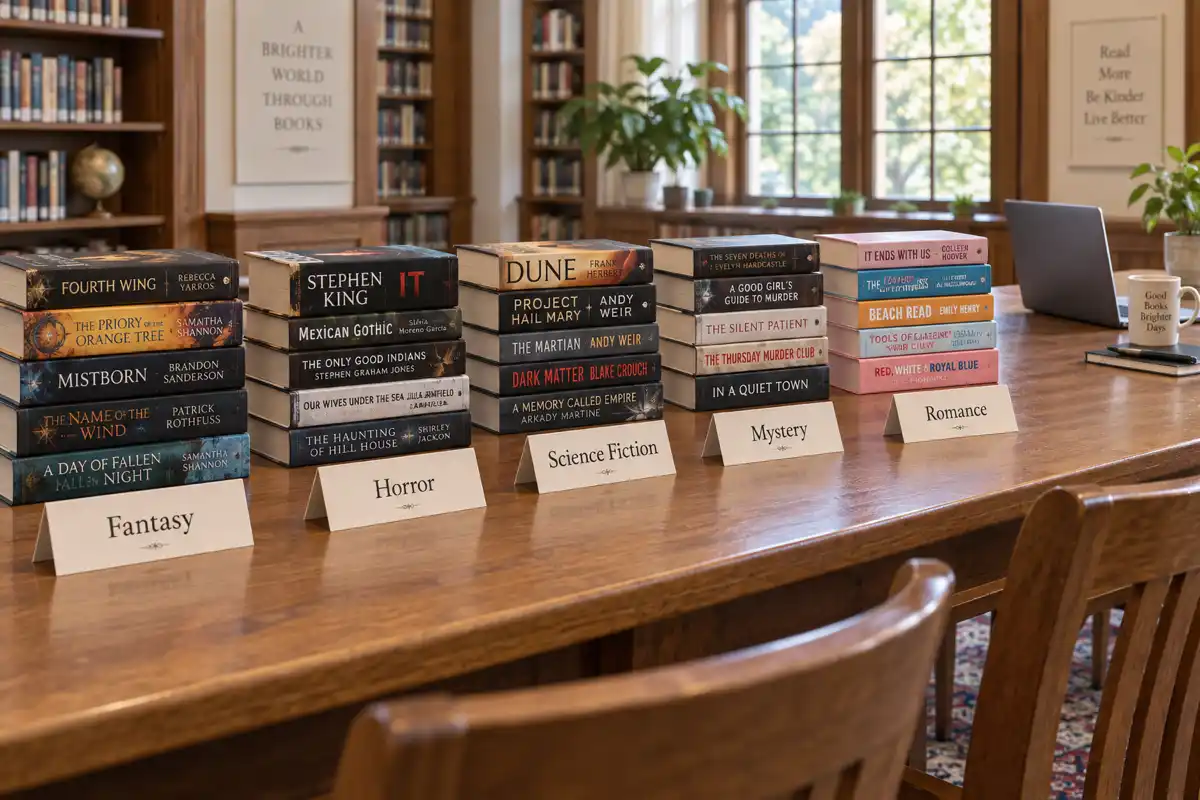
Tools Best AI for Writing Fantasy, Horror, Sci-Fi, Mystery and Romance Novels in 2026, Genre by Genre
The best AI for writing a novel depends on the genre. Fantasy needs world memory, mystery needs clue tracking, romance needs heat rules, horror needs restraint. We judged eight AI tools genre by genre, with first-party data on what 32,482 fiction authors actually wrote in the last six months.
 AI Writing
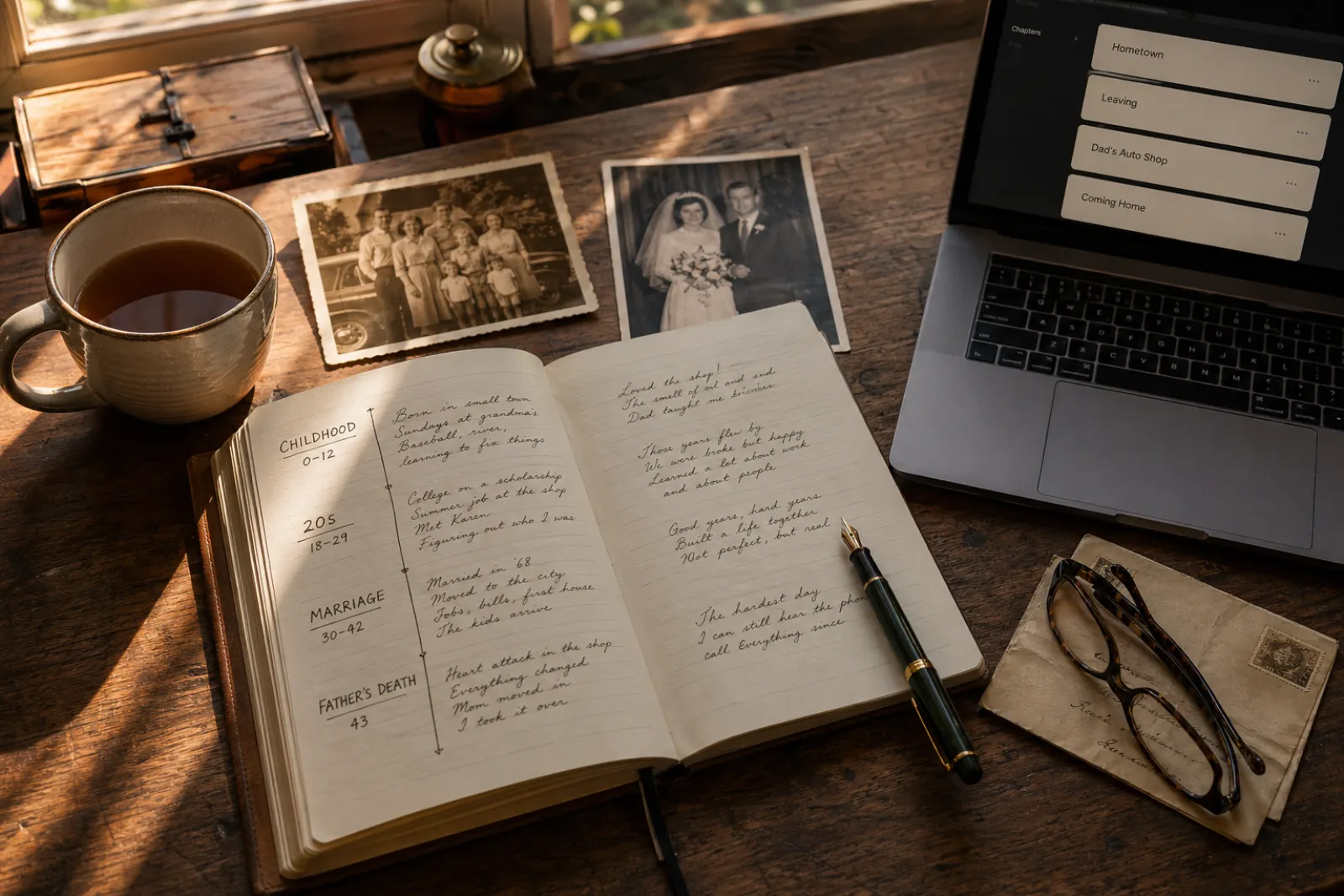
 How to Write a Memoir with AI in 2026: A Step-by-Step Guide
A practical, honest guide to writing a memoir with AI in 2026. The 7-step process from premise to published book, what AI does well, what stays in your hands, and why the system handles "I met Quincy Jones at a charity benefit" without turning it into fan fiction.
 AI Writing
 How to Evaluate AI Novel-Writing Quality in 2026: 7 Dimensions That Matter
A practical framework for telling a good AI novel writer from a bad one. The 7 quality dimensions readers actually feel, how to test each one in under an hour, and the red flags that show up in chapter 3.
Get ebook tips in your inbox
Join creators getting weekly strategies for writing, marketing, and selling ebooks.