
KDP Virtual Voice: how it works, why you may not have it, and the alternatives
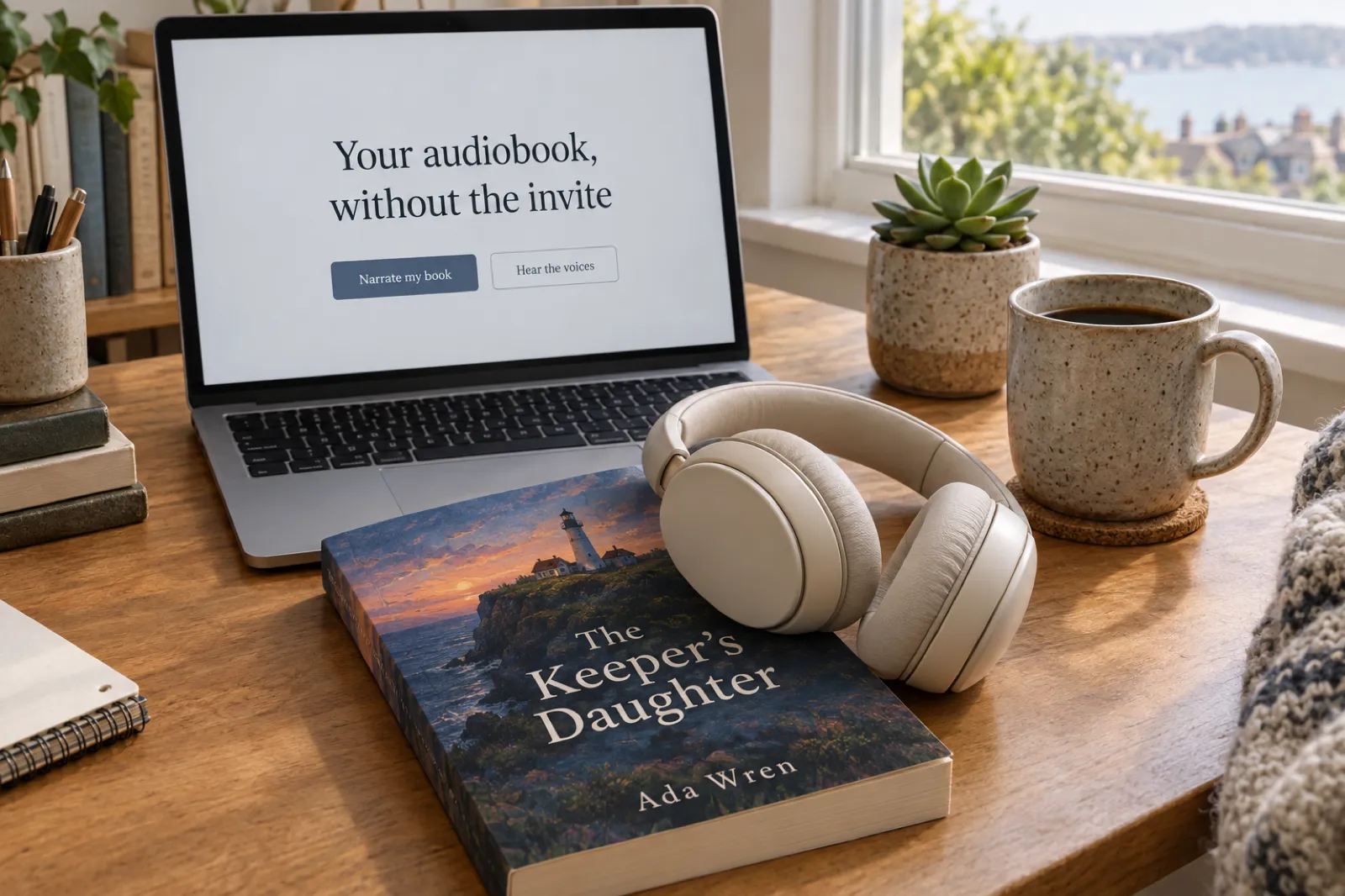
KDP Virtual Voice is the easiest audiobook an author can make: Amazon narrates your Kindle ebook with an AI voice, for free, and puts it on Audible. It is also the one most authors cannot get, because it is an invite-only beta on the US marketplace. And since Amazon's terms changed on 21 October 2026, it comes with a condition many authors miss: Amazon owns the audiobook it makes. This guide explains how Virtual Voice works, why it may be missing from your Bookshelf, what you give up by using it, and the five other ways to get your book into listeners' ears, with every rule checked on the official pages on 18 November 2026.
KDP Virtual Voice in one paragraph
Virtual Voice is Amazon's AI narration for Kindle ebooks published on KDP: an invite-only beta, on the US marketplace only, with about 80 voices in English, Spanish, French and Italian. It is free to create and pays a 40% royalty at list prices from $3.99 to $14.99, and the audiobooks are also included in Kindle+ and Audible Plus. Under the beta terms last updated on 21 October 2026, Amazon keeps ownership of the audiobook file and the exclusive right to sell it, so it is sold only on Amazon and Audible. If you are not invited, or you want an audiobook you can sell anywhere, the alternatives are Google Play Books auto-narration, Spotify's creation tools, ElevenReader Publishing, making your own AI audio, or a human narrator on ACX.
How Virtual Voice works
If your account has been invited and the ebook qualifies, a link appears on your KDP Bookshelf next to the ebook: "Add Audible audiobook with virtual voice". From there the process runs inside KDP:
- Pick the voices. KDP describes the choice as "80 voices" (the FAQ says "80+"); its public samples page plays 32 of them across 8 accents. You can give each chapter its own voice, which helps with a narrator for the main text and another for letters or a second point of view.
- Review it in the Virtual Voice Studio. You can add pauses, correct how words are pronounced (each fix is limited to 200 characters) and set where the reading starts, so front matter is skipped. KDP's help pages do not describe changing the speaking pace.
- Set the price and publish. List prices run from $3.99 to $14.99, and the royalty is 40% on Audible and Amazon. KDP says the audiobook appears within up to 72 hours of publishing.
- Listeners see the label. The audiobook is clearly marked as narrated by a virtual voice, and it is included in Kindle+ and Audible Plus, with Kindle+ listening paid from the KDP Select Global Fund.
A few promotions do not work with Virtual Voice audiobooks: Free Book Promotions, Kindle Countdown Deals, A+ Content and pre-orders. It is free to create "at this time", in KDP's own words, so that could change. Sources: KDP's Virtual Voice overview, royalties and pricing and Studio help pages.
Why Virtual Voice is not on your Bookshelf
This is the question most authors arrive with. The short answer is usually the first item: Virtual Voice is, in KDP's words, "an invite-only beta for eligible KDP eBooks", and it is "only available to be distributed in the U.S. marketplace". KDP's eligibility page lists the other reasons a book does not qualify:
- You have not been invited yet. It is an invite-only beta.
- The ebook is not Live yet (still publishing, or on pre-order).
- Your distribution rights do not include the United States.
- It is a fixed-layout ebook, or it has no Kindle-readable table of contents.
- An Audible or ACX audiobook already exists for the book, including for an earlier edition.
- The primary language is not English, Spanish, French or Italian, or the text uses non-Latin characters.
- The book is in the public domain, has no cover, or has no primary author.
- The title is over 200 characters or contains HTML, or the description uses HTML KDP does not support.
- The book has more than 1,000 chapters, or a single chapter of roughly 240,000 words or more.
- It is still "Checking eligibility": KDP asks you to allow up to 5 hours after the ebook goes Live.
KDP also says picture-heavy books such as cookbooks and comics are a poor fit, even when they pass the checks. On the Bookshelf, the link "Why isn't my eBook eligible?" tells you the reason for each title, which is quicker than guessing.
How invitations work
KDP says invitations go to authors subscribed to its news emails, and Amazon runs an interest list you can join (KDP's Virtual Voice FAQ). There is no form to apply and no date to expect. On the KDP community forum, authors also recommend switching on the beta emails in your KDP email preferences, and report invitations arriving either by email or as a notice on the Bookshelf. That is forum experience, not an official rule, and one UK author's report of an invitation there contradicts Amazon's US-only wording, so treat it with care.
The practical upshot: if you are outside the US, writing in a language Virtual Voice does not cover, or simply not invited, waiting costs you months of audiobook sales with no guarantee at the end. The rest of this guide is about what you can do instead.
No invite? Hear your book narrated today
Open your book in the Inkfluence AI audiobook studio and preview the opening of your own chapter in any of 56 voices, before you record anything.
The fine print: who owns a Virtual Voice audiobook
Amazon revised the Virtual Voice beta terms on 21 October 2026. Three sentences in them matter more than anything else on this page, so here they are in Amazon's own words (KDP Virtual Voice beta terms):
- Ownership: "we retain ownership in the AVV Edition file." The AVV Edition is Amazon's name for the Virtual Voice audiobook.
- Exclusivity: "you also give us the exclusive right to sell and distribute the corresponding AVV Edition."
- KDP Select: while the ebook is enrolled, "you also cannot sell or distribute... your Book in audio format", and KDP's help adds that audiobooks enrolled in KDP Select "must be exclusive to Audible for the KDP Select enrollment period".
None of this takes away your rights to the book itself. What it means in practice is that the Virtual Voice recording is Amazon's: you cannot download it to sell on Google Play Books, Kobo, Spotify or your own website, and while your ebook is in KDP Select you cannot put any other audio edition of that book on sale elsewhere either. For an author whose readers are all on Amazon, that may be a fair trade for a free, effortless audiobook. For an author who sells wide, runs a website shop, or wants the audio as an asset they control, it is the reason to look at the alternatives.
One more detail cuts the other way: KDP says "audiobooks published outside of Audible do not affect eligibility" for Virtual Voice. An existing Audible or ACX audiobook does block it, though, including one for an earlier edition.
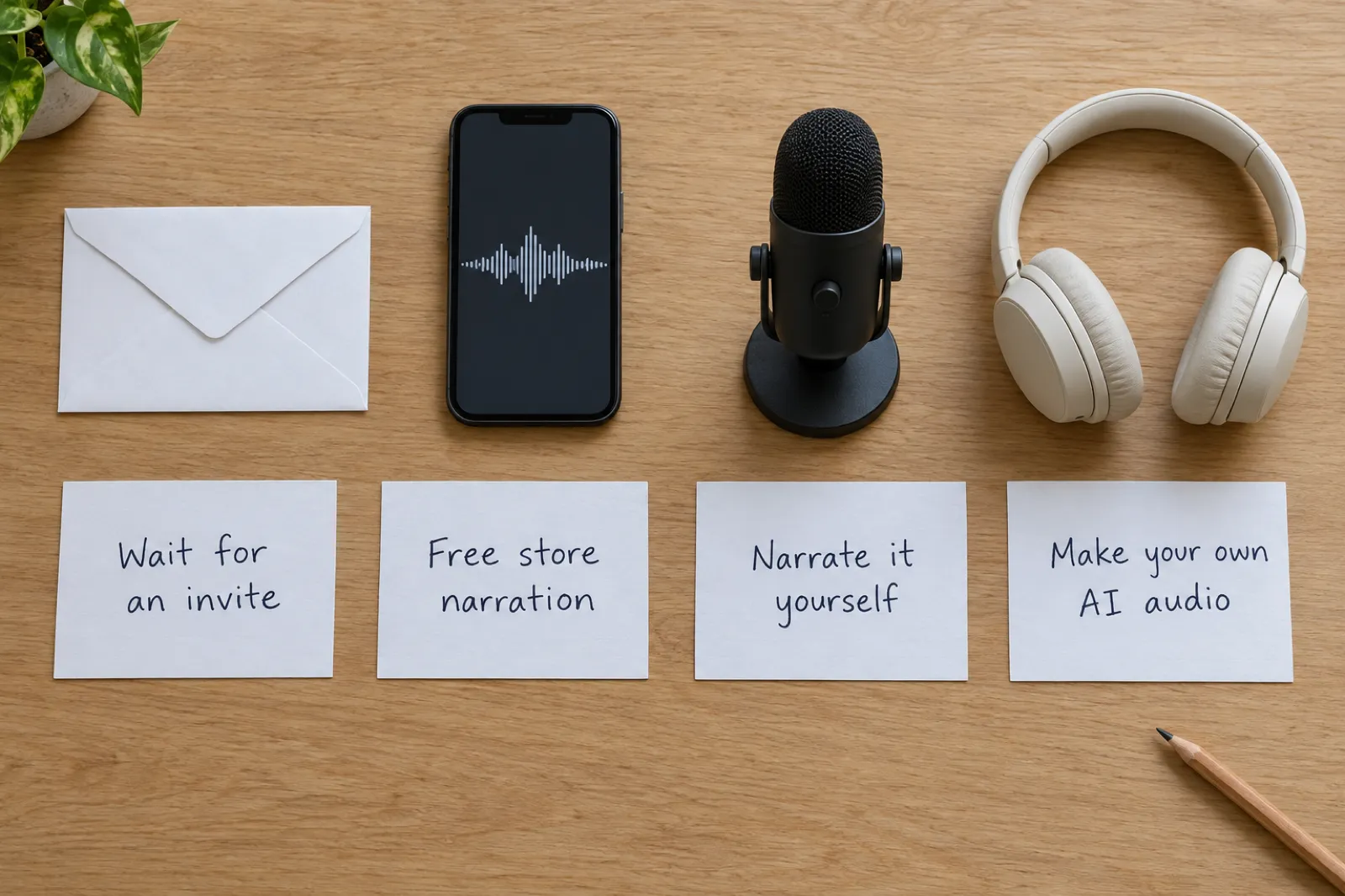
Virtual Voice and the alternatives, side by side
Checked on the official pages on 18 November 2026. Royalties and free periods change; follow the links before you decide.
Who: Invited KDP authors, US marketplace. English, Spanish, French, Italian.
Cost and pay: Free to make. 40% royalty, list price $3.99 to $14.99. Also in Kindle+ and Audible Plus.
The audio file: Amazon keeps ownership and the exclusive right to sell it. Audible and Amazon only.
Google Play Books auto-narration
Who: Publishers in 23 countries who sell the ebook on Google Play. 6 to 7 languages.
Cost and pay: No charge "for a limited time". 52% revenue share on auto-narrated audiobooks.
The audio file: You can download it and sell it elsewhere, if it is also on Google Play at no higher price.
Spotify for Authors creation tools
Who: Self-published authors in eligible markets (US at launch). English and Spanish.
Cost and pay: Up to 5 audiobooks free. Publishes to Spotify; payment terms set by Spotify.
The audio file: No exclusivity: you may distribute elsewhere. Whether you can download the file is not stated.
Who: Global. EPUB or manuscript in.
Cost and pay: Free to about $200 a book in credits. 60% of direct sales plus $0.20 per hour streamed.
The audio file: No exclusivity, and you can download the finished audiobook.
Your own AI audio (for example Inkfluence AI)
Who: Anyone, any country. Inkfluence AI narrates in 20 languages with 56 voices.
Cost and pay: Part of a Creator ($9.99) or Premium ($19.99) plan: 15 or 30 chapters a month. You set your own prices.
The audio file: Chapter MP3s you download and own. Sell where AI narration is accepted: Google Play Books, Kobo, your own site.
Who: Authors in ACX's countries. Any budget from your own voice to a hired narrator.
Cost and pay: 50% exclusive or 30% non-exclusive royalty for new ACX users since 26 May 2026.
The audio file: The only route onto Audible apart from Virtual Voice. AI narration is not allowed unless ACX authorises it.
Each alternative in more detail
Google Play Books auto-narration
Google's free auto-narration is the closest thing to Virtual Voice that most authors can actually use. You upload your EPUB to the Google Play Books Partner Center, choose from 50+ narrators, and Google says the audiobook is ready "in under 2 hours". You can fix pronunciation, change the voice and speed, add voices for characters and adjust pauses. Publishers receive 52% on auto-narrated audiobooks, and there is "no charge to create, publish, and download" for a limited time.
The catches: your account must sell the ebook on Google Play, you need the audio rights, the book must be an EPUB, and auto-narration is available to publishers in 23 countries in a short list of languages (Google's marketing page names English, Spanish, French, German, Hindi and Brazilian Portuguese, and its help centre adds Italian). You can download the auto-narrated audiobook and sell it on other platforms, but Google asks that it stays on Google Play in each country at a Play price no higher than elsewhere. Sources: auto-narration page, distribution help.
Spotify for Authors creation tools
Spotify launched free audiobook creation tools for self-published authors on 9 September 2026: up to five audiobooks per account, published to Spotify automatically, most within 72 hours, and labelled "Narrated by Digital Voice". The launch blog said US authors writing in English; Spotify's support page now says "eligible markets, in English and Spanish". There are "no exclusivity requirements", so you are free to distribute the book elsewhere, but Spotify does not say whether you can download the audio it makes. Reviewing pronunciation is the main control. Sources: launch blog, support page.
ElevenReader Publishing
ElevenLabs takes your EPUB or manuscript, narrates it, and sells it in its ElevenReader app worldwide, with Spotify and INaudio named as partners. It pays 60% on direct sales and $0.20 per hour streamed, needs no exclusivity, and lets you download the finished audiobook. Production costs from free to about $200 a book in ElevenLabs credits, and the voice catalogue is very large. Source: ElevenLabs audiobooks page.
A human narrator on ACX
If Audible is where your readers are and you have no Virtual Voice invite, a human narrator is the only other way in. ACX's requirements say an audiobook "must be narrated by a human unless otherwise authorized" and that unauthorised text-to-speech or AI recordings are prohibited (ACX submission requirements). New ACX users have been paid 50% exclusive or 30% non-exclusive since 26 May 2026. The narrator can be you: our guide to narrating your own audiobook covers the recording, and the Inkfluence AI studio turns your recordings into ACX-spec chapter files.
One line on ACX's page is worth watching: Audible "is working to accept third-party TTS content from publishers and creators who are interested and will share more updates on timing and availability". No date has been given. If it happens, AI audio made outside Amazon could reach Audible too.
Making your own AI audiobook instead
The route with the fewest conditions is to make the audio yourself and keep the files. That is what the Inkfluence AI audiobook studio does: you open your book, pick a narrator, and record chapter by chapter, then download the chapter MP3s or the whole book as one file. Nobody else owns the recording, there is no invitation to wait for, and it works for any book, whether you wrote it in Inkfluence or imported it from Word, PDF or EPUB.
What you get that Virtual Voice does not offer:
- 56 narrators in 20 languages, including German, Dutch, Polish, Japanese, Korean, Arabic and the Nordic languages. Every one of them is in the AI audiobook voice library, reading the same passage, so you can compare them before you sign up.
- Files you own. MP3 per chapter and a whole-book MP3, to upload wherever AI narration is accepted: Google Play Books (narrator set to synthesized voice), Kobo, and your own website, Gumroad or Etsy shop. Our guide to where to sell an AI audiobook keeps each store's rule up to date.
- Control over the read. Fix how a name is said once and every chapter uses it, set the narration pace, give one chapter its own narrator, and have the opening, introduction and final thoughts read as well as the chapters.
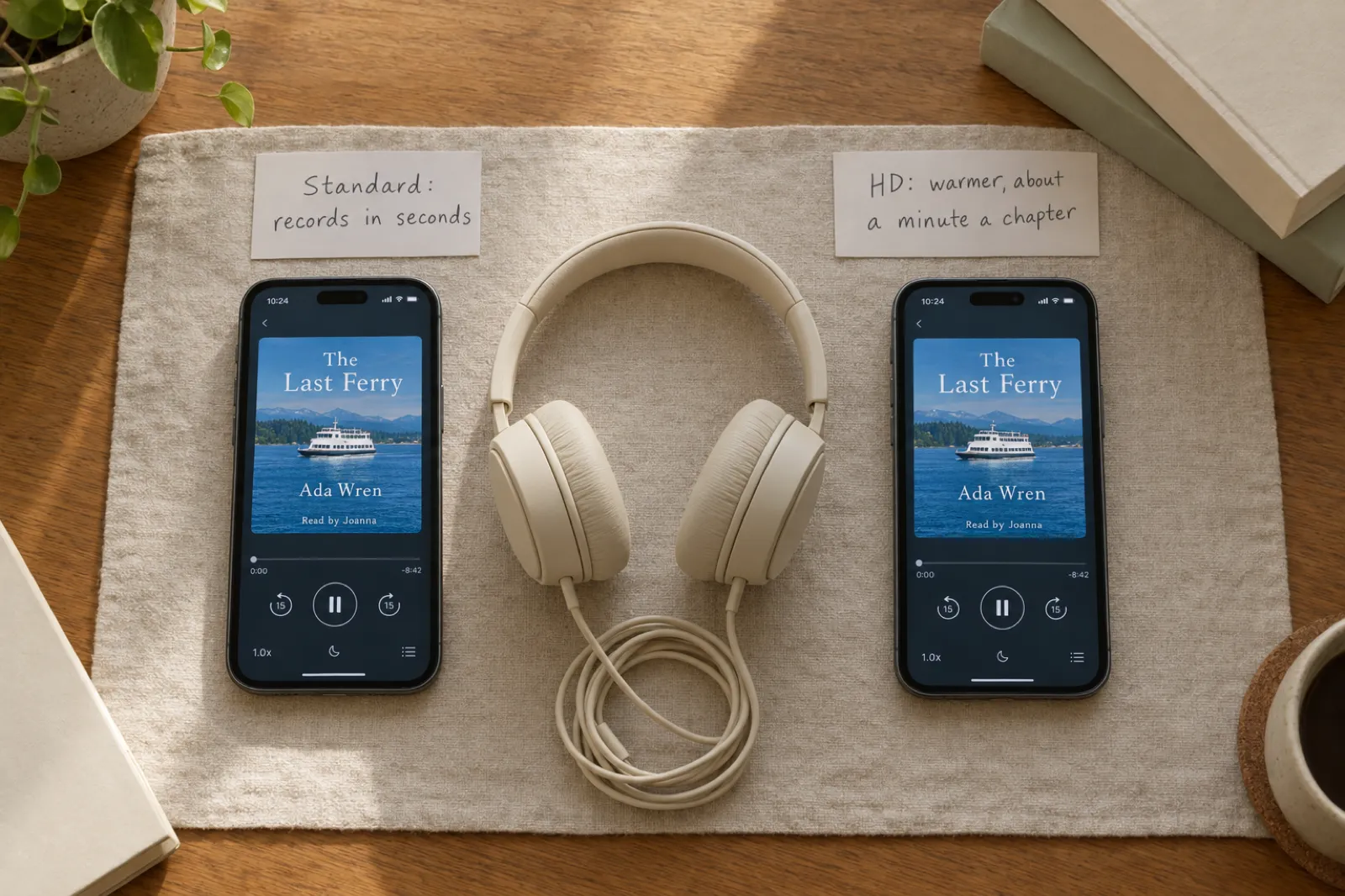
- HD voices on Premium, the warmer, more expressive rendering, alongside the quicker Standard voices on Creator.
The trade-off is honest: your own AI audio cannot go on Audible today, because ACX does not accept it. If your readers are all on Audible and you have an invite, Virtual Voice is the simpler choice. If they are not, or you have no invite, or you write in a language Amazon does not cover, owning the audio is the better long-term position. Creator ($9.99 a month) includes 15 narrated chapters a month and Premium ($19.99) includes 30 with the HD voices, each chapter up to about 8,000 words.
An audiobook you own, in an afternoon
Import your manuscript or write it here, pick from 56 voices, and download chapter MP3s to sell where AI narration is welcome.
Which route fits your book
You are invited, you are in the US, and your readers live on Amazon. Virtual Voice is free and effortless, and the Kindle+ and Audible Plus inclusion is a real advantage. Go in knowing Amazon owns the recording and you cannot sell an audio edition elsewhere while the ebook is in KDP Select.
You are not invited, or not in the US. If you publish on Google Play and your country and language are covered, its free auto-narration is the quickest start. If not, make your own audio and sell it on Google Play Books, Kobo and your own site.
You write in a language Virtual Voice does not cover. German, Dutch, Polish, Portuguese, Japanese and many others are outside Virtual Voice. Inkfluence AI narrates in 20 languages, and a book you translate in Inkfluence is narrated in its new language.
You sell wide, or you want the audio as your own asset. Own the files: make the audio yourself, or use a route that lets you download and sell elsewhere. Read the terms of anything free carefully, because the price of free is often exclusivity.
Audible is the only store that matters and you have no invite. A human narrator through ACX, which can be you. Keep an eye on ACX's third-party AI announcement.
You want to test demand cheaply. Spotify's five free audiobooks are a low-risk experiment if you qualify, and its terms leave you free to distribute elsewhere.
A worked example: one novel, four routes
Take a 60,000-word novel in English, already selling as a Kindle ebook. At a typical AI narrator's pace of about 164 words a minute (the median we measured across 8,015 narrated chapters, see the audiobook length calculator), that is roughly a six-hour audiobook. Here is what each route means for it, using the rates on the official pages on 18 November 2026. These are royalty rates, not forecasts of sales: how many copies sell depends on the book.
| Route | What it costs to make | What a sale earns | Where listeners find it |
|---|---|---|---|
| Virtual Voice (if invited) | Free at the time of writing | 40% of the list price: about $4 on a $9.99 list price, plus Kindle+ and Audible Plus listening | Audible and Amazon only |
| Google Play auto-narration | Free for a limited time | 52% of what Google Play sells it for | Google Play, and elsewhere if it stays on Play at no higher price |
| Your own AI audio | One month of Creator ($9.99) covers a 15-chapter novel; Premium ($19.99) covers 30 chapters with HD voices | Set by each store: for example 45% on Kobo at $2.99 and up; on your own Gumroad shop you keep the price less about 10% + $0.50 and card fees | Google Play, Kobo, your own site and shops |
| Human narrator on ACX | Your own time if you narrate it; a hired narrator is usually paid per finished hour | 50% exclusive or 30% non-exclusive for new ACX users | Audible and Amazon |
Two things stand out. First, the routes are not either-or for every author: an author outside KDP Select can sell their own audio wide and still be eligible for Virtual Voice on Audible later, because KDP says audiobooks published outside Audible do not affect eligibility. Second, the cheapest route is not always the best value. A free audiobook that only one store can sell, owned by that store, is worth less to some authors than a few dollars of narration they own outright. Our KDP Select vs wide guide covers the same choice for the ebook.
Prepare your book for any AI narrator
Whichever route you choose, the narrator reads exactly what is on the page. A few minutes of preparation makes every one of them sound better:
- Clean the text. Remove leftover notes, tracked changes, "Chapter X goes here" placeholders and repeated headings. An AI narrator will read all of it aloud.
- Make chapters real chapters. Use proper chapter headings so each chapter becomes its own track. Imported Word files work best with Heading 1 for chapters; our how to make an audiobook with AI guide shows the setup.
- List the hard words. Character names, invented places, brand names and foreign words are where every AI voice stumbles. Write them down and fix each one once before recording the whole book.
- Decide what is read. Listeners expect the title and author first, then the introduction, then the chapters. Tables of contents, image captions and copyright pages usually should not be read.
- Choose the voice on your own words. A voice that sounds good on a demo line can be wrong for your book. Preview a real chapter, ideally one with dialogue, before you commit. The voice library is a quick way to shortlist.
- Set the pace for the genre. Fiction and bedtime stories usually sound better a little slower than the default; brisk business books suit the normal pace.
- Listen to the first chapter all the way through before recording the rest. It is the cheapest place to catch a wrong voice or a repeated mistake.
In Inkfluence AI, steps 3 to 6 are built into the studio: pronunciation fixes apply to every chapter, the opening, introduction and final thoughts are read automatically, Preview this chapter reads your own opening in any voice, and the narration pace has Slower, Normal and Faster settings. The audiobook help article walks through each one.
Ready to hear your own book?
Import your manuscript from Word, PDF or EPUB, fix the hard names once, and record. Free accounts can preview chapters before choosing a plan.
Not sure which voice suits your book?
Every Inkfluence narrator reads the same passage in the voice library. Filter by language, accent and gender, then try your favourite on your own chapter.
What changed in 2026
- 26 May 2026: ACX's new royalty model for new users, 50% exclusive and 30% non-exclusive. Titles on the legacy model must be enrolled by 31 December 2026.
- 9 September 2026: Spotify opens free audiobook creation tools to self-published authors, up to five audiobooks, later listed in English and Spanish.
- October 2026: Kindle Unlimited becomes Kindle+, and Virtual Voice audiobooks are included in it alongside Audible Plus.
- 21 October 2026: Amazon updates the Virtual Voice beta terms: Amazon retains ownership of the audiobook file and the exclusive right to sell it.
- Undated: ACX says Audible is working to accept third-party AI narration from interested publishers and creators.

KDP Virtual Voice: FAQ
What is KDP Virtual Voice?+
Why can't I see Virtual Voice on my KDP Bookshelf?+
How do I get invited to KDP Virtual Voice?+
Who owns a KDP Virtual Voice audiobook?+
How much do you earn from Virtual Voice?+
Can I sell my Virtual Voice audiobook on other stores?+
What languages does Virtual Voice support?+
What is the best alternative to KDP Virtual Voice?+
Does Audible accept AI narration from other tools?+
Can I edit a Virtual Voice audiobook?+
Related reading
Where to sell an AI audiobook
Every store's rule for AI narration, dated.
Best AI audiobook generator
The tools compared on voice, price and files.
AI vs human narrators
Where each one is worth it.
Publish on Google Play Books
The ebook and audiobook setup.
Publish on Kobo
Kobo Writing Life, step by step.
Spotify audiobooks for indie authors
What Spotify's growth means for you.
Self-publishing on Amazon KDP
The whole KDP process in one guide.
Best AI book translator
Translate a book, then narrate the edition.
Ebook to audiobook
The audiobook studio in under a minute.
AI audiobook voice library
Hear all 56 narrators read the same passage.
AI audiobook generator
Narrate your book and download the MP3s.
ACX and Audible AI narration policy
The ACX rule in depth.
Audible Audio Discovery
AI-voiced previews, and what feeds them.
KDP Select vs wide
The exclusivity choice for your ebook.
Kindle+ for authors
What the Kindle Unlimited rename changed.
Audiobook length calculator
Runtime from your word count and narrator.
Narrate your own audiobook
Record yourself for ACX and Audible.
AI narration vs human narrators
Cost, time and where each can be sold.
No invite needed. The audio is yours.
Narrate your book in 56 voices and 20 languages, and download chapter MP3s you can sell wherever AI narration is welcome.