The tools, one by one
1. Inkfluence AI: best for a whole KDP picture book
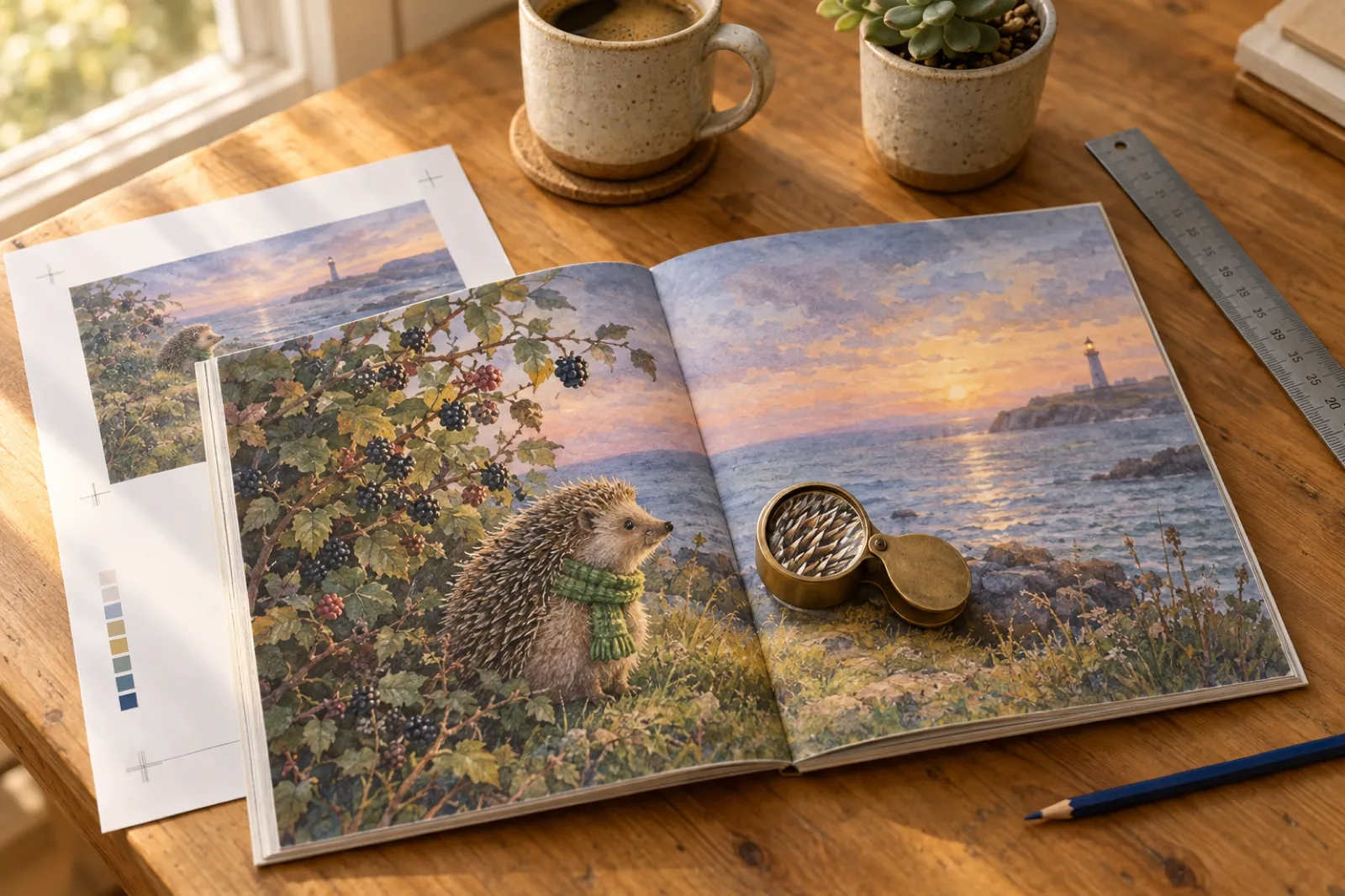
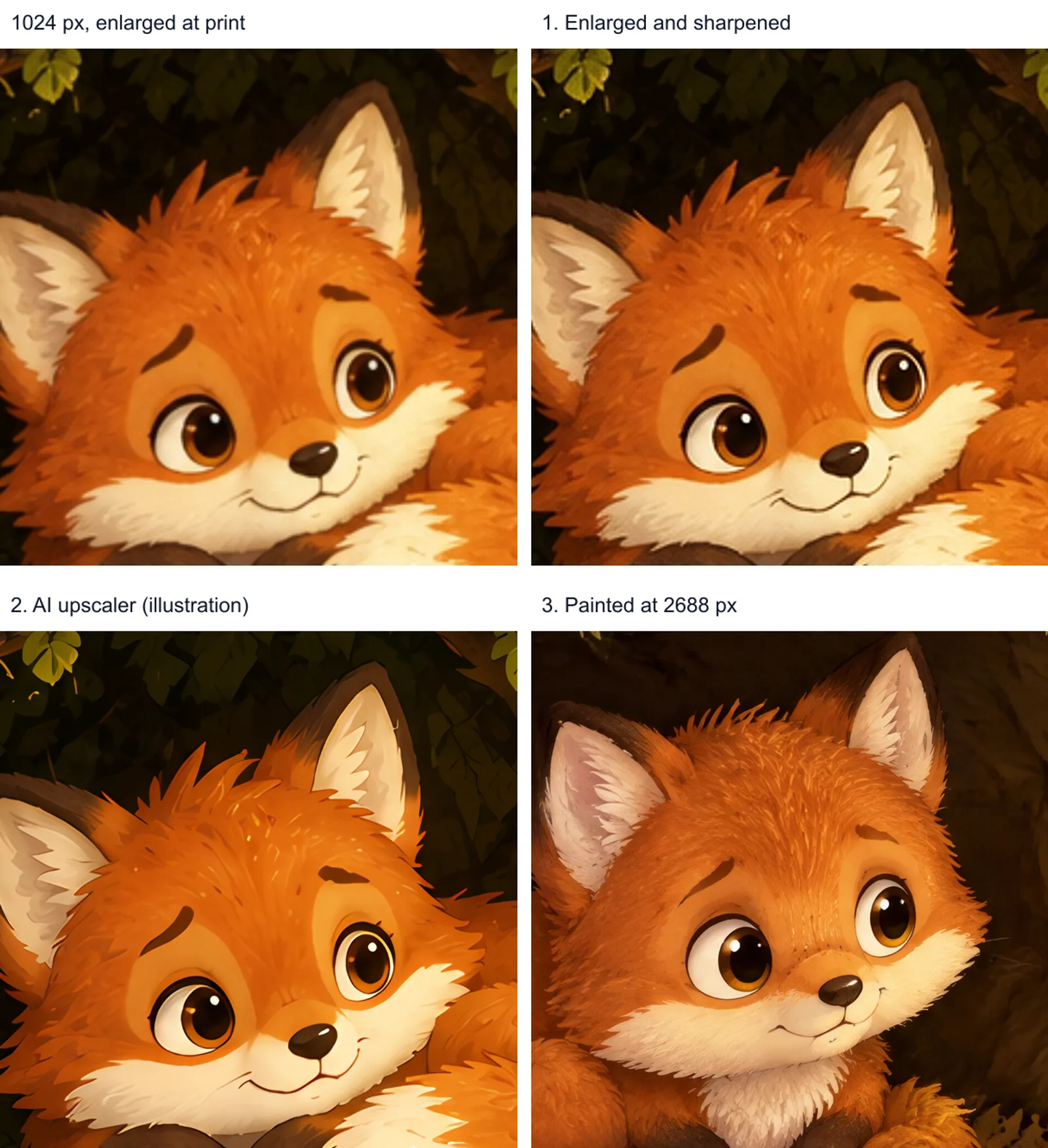
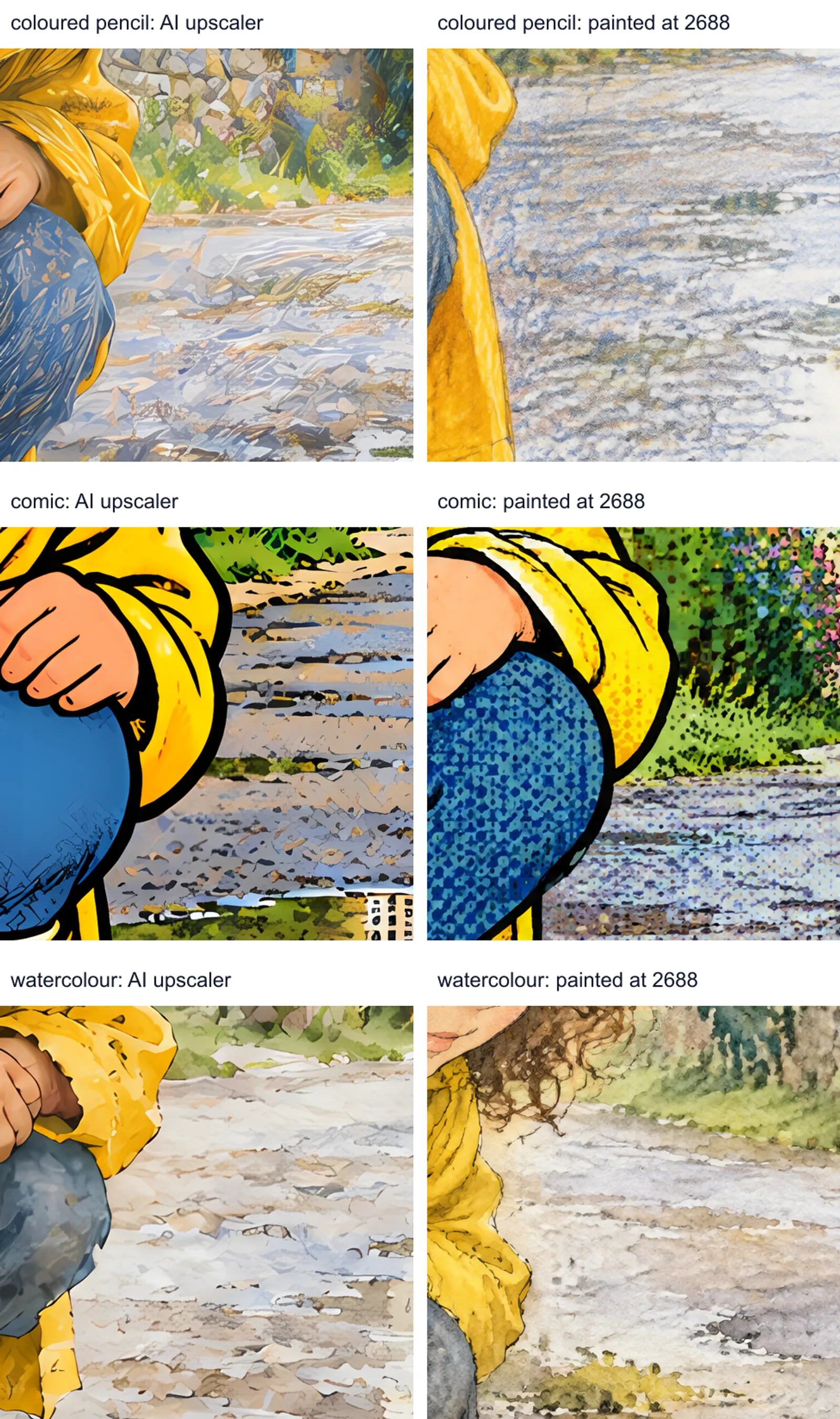
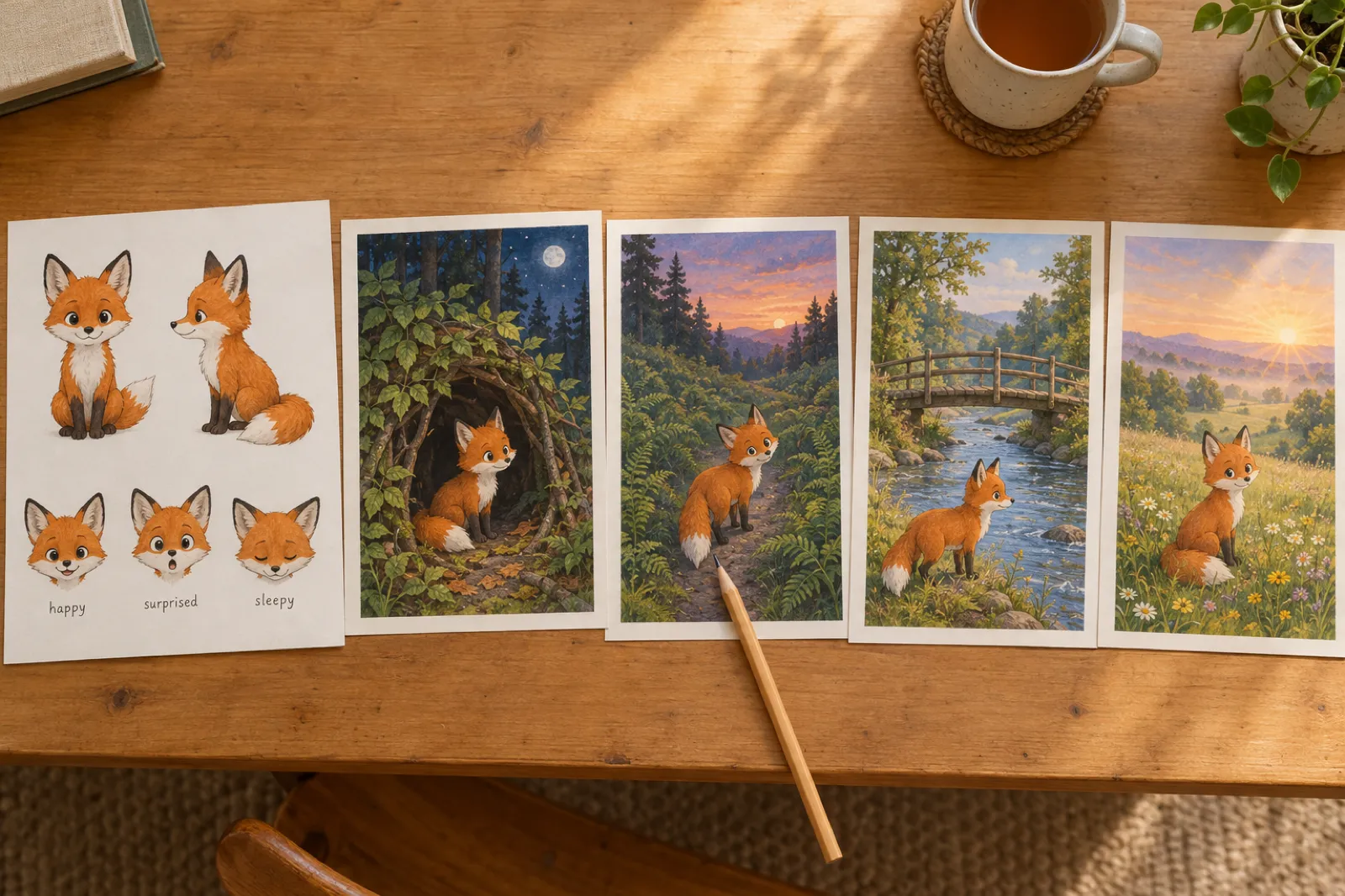
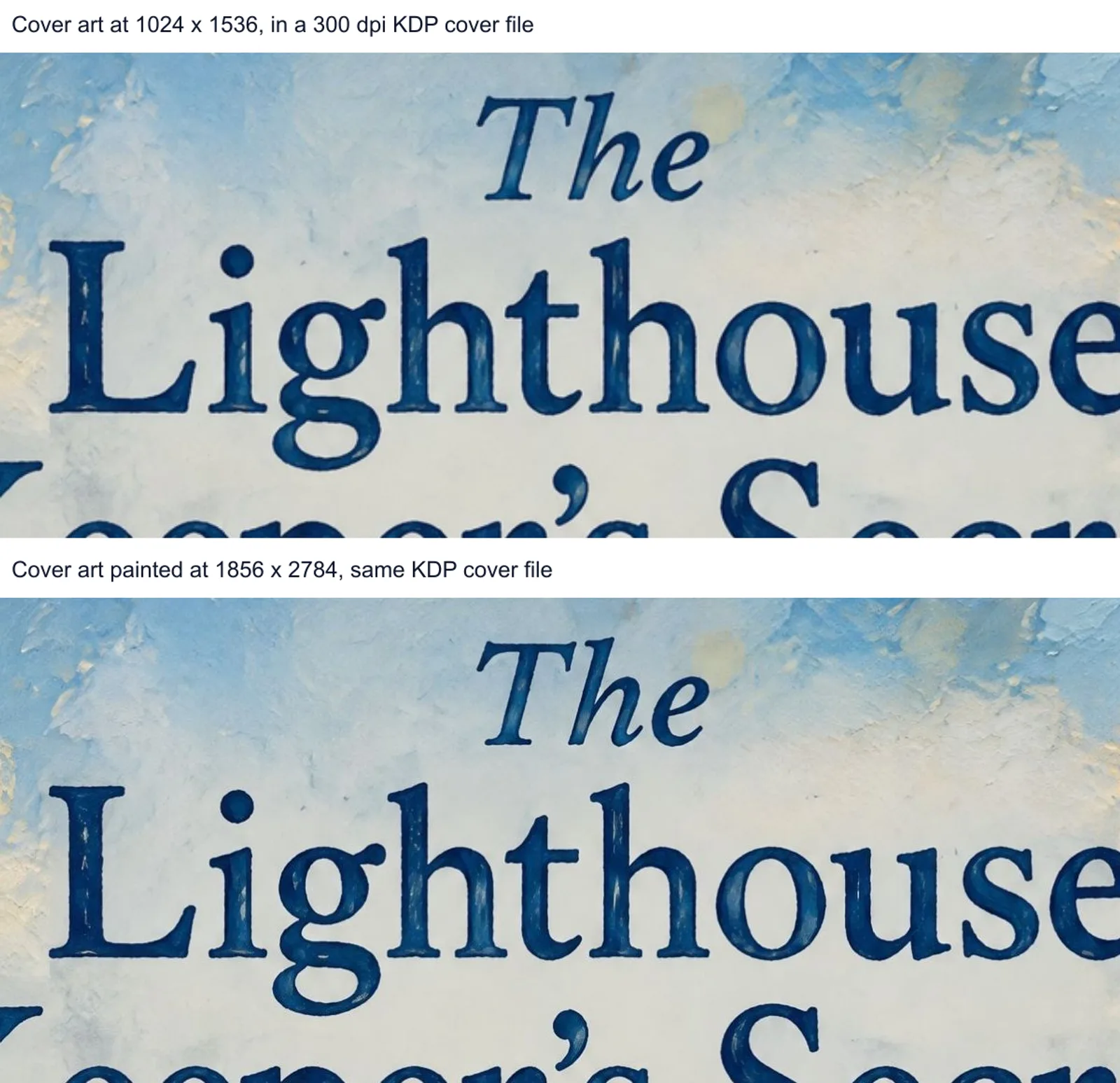
Inkfluence AI makes the book, not just the pictures. Describe a picture book, ABC book or coloring book; it plans the pages, writes the words for the readers' ages, draws a character sheet, then paints every page in one of eight art styles (storybook, watercolour, coloured pencil, crayon, ink and wash, vintage, comic, felt and clay). Since 16 Nov 2026 each picture-book and ABC page is painted at 2,688 pixels and every AI cover at print size, and the KDP export uses those full-size pictures: an interior with bleed, a full-wrap cover with the spine, a Kindle cover and EPUB, numbered so you know which file goes where.
Price: 1 credit a page, cover and character sheet included. Creator is $9.99 a month with 20 pictures, Premium $19.99 with 50; credit packs are 15 for $9.99, 25 for $12.99 and 50 for $24.99. The terms give you all rights in what you make, on every plan.
Limits: per picture it costs more than an image-only tool. A 14-page book now takes about two minutes, around 13 seconds longer than before the print-size change. If you need one perfect hero image to retouch in Photoshop, an image tool with layers suits that better. See the picture book maker, the ABC book maker and the coloring book generator.
2. Ideogram: best for cover lettering
Ideogram's plans are Free (30 credits a week), Plus at $20 a month ($15 paid yearly) with 2,400 credits, Pro at $60 and Team at $30 a user. An image costs 3, 6 or 10 credits on its 4.5 model. Its image settings go to 2K, with custom sizes up to 2,048 x 2,048, and its Upscale app enlarges 2x, 4x or 8x. For characters it has Characters and up to five reference images.
Its terms assign you the output and do not restrict commercial use. On the free plan everything you make is public. For KDP: strong lettering, but at 2,048 a full-bleed 8.5 inch page prints near 237 dpi, so plan on its upscaler and test textured styles.
3. Leonardo.Ai: best reference controls
Leonardo's help centre lists Character, Style and Content Reference under Image Guidance, with up to six reference images on its Omni models, and a Pro Upscaler that outputs up to 105 megapixels on paid plans. Its commercial usage article says you can use images commercially, and that private generations on a paid plan stay fully yours.
The catch is privacy: private generation is paid only, and public images carry a licence to Leonardo. Its pricing page did not load for our checker, so we have no price to show. For KDP: good for a consistent character if you attach the reference every time; layout and the cover wrap are yours to do.
4. Adobe Firefly: cheapest per picture
Firefly's plans are Standard at $9.99 a month (2,000 credits, up to 400 images), Pro at $19.99 and Pro Plus at $49.99, with a free tier of limited daily generations. Adobe says outputs from its own Firefly models are safe for commercial use; for the partner models in the same app (from Google, OpenAI and others), the page says it is your responsibility to judge. It states 1K and 2K output; we found no 4K or upscaling figure on its pages.
For KDP: the cheapest pictures we could verify and a clear commercial position on Adobe's own models, but no character feature beyond style matching, and a 2K picture needs enlarging for a full page.
5. Recraft: best for designed styles
Recraft's paid plans start at Basic, $12 a month ($10 paid yearly) for 1,000 credits, and include private generation and commercial rights while subscribed. Its terms are strict about the free tier: no commercial use, and the images are owned by Recraft. Its 2K models reach 2,048 x 2,048, or 1,664 x 2,560 at 2:3, with a Topaz upscale up to 4x.
For KDP: good for a consistent visual style and custom fonts on covers. Its own character consistency doc says there is no dedicated character tracking, so a picture book's hero needs care.
6. Neolemon: built for children's book characters
Neolemon's pricing has a free trial of 20 credits and Creator at $29 a month with 600 credits, about 150 generations. It advertises character consistency editors, a multi-character scene creator, "300 DPI print-ready exports" and a print-ready PDF with trim, bleed and cover wrap for KDP.
Read its terms before you plan a catalogue: images may be used commercially only if they were made during an active paid subscription. For KDP: character work is its focus; at $29 a month it costs about three times a 15-credit pack on Inkfluence, which writes the words as well.
7. kdpbook.io: an all-in-one KDP studio
kdpbook.io's pricing gives 2,000 credits once on the free plan, with books that are watermarked and not licensed for sale, then Starter at $25 a month (2,500 credits), Author at $49 and Studio at $99. By its own estimate a 32-page picture book with 14 pictures costs about $16.14 in credits. It lists a character sheet, 16 trim sizes, automatic margins, bleed and spine, and a full-wrap cover PDF.
For KDP: the closest to Inkfluence in scope. Its pages do not state a pixel size or dpi for its pictures, so run one through the checker before you buy a month. Inkfluence also makes audiobooks and video teasers from the same book; kdpbook.io does not list either.