
Updated October 2026 · 7 alternatives · prices checked 31 Oct 2026
Gemini Storybook Alternative 2026: Make a Picture Book You Can Print and Sell
Gemini Storybook makes a lovely 10-page story in a couple of minutes. Then you try to print it as a real book, fix one page, or put it on Amazon, and it stops. This page sets out exactly what Google's tool does and does not do, then ranks the seven best alternatives for a longer, editable picture book with print-ready files.
By Sam May, founder of Inkfluence AI
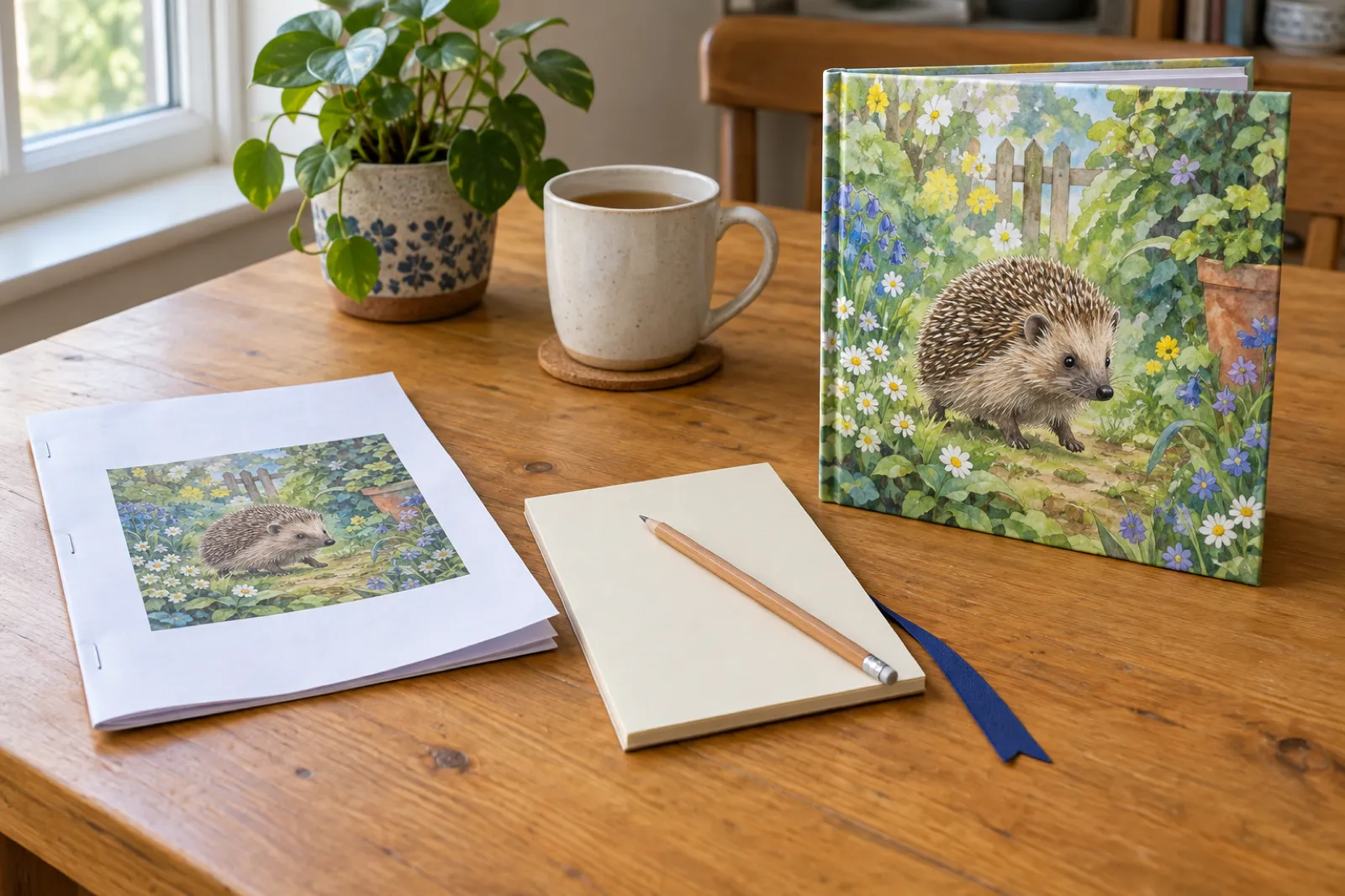
What is the best Gemini Storybook alternative? The short answer
Quick answer
For a picture book you want to print, sell or keep as a bound book, the best Gemini Storybook alternative is Inkfluence AI's picture book maker. It writes 10 to 16 pages (14 by default), paints every page from one character sheet, lets you edit any line or redraw a single page, and exports an 8.5 x 8.5 inch KDP paperback PDF with bleed, a full-wrap cover and an EPUB. A 14-page book costs 14 credits, which the $9.99 credit pack covers, paid once. Childbook.ai is the runner-up for making many books a month with prints ordered through the app. For a classroom, Book Creator; for audio-only bedtime stories, StoryBee.
Gemini Storybook is good at what Google built it for: a personal, illustrated, read-aloud story you share by link. The people searching for an alternative usually want one of four things it does not offer: more pages, a page they can fix without losing the rest, a file a printer or Amazon will accept, or a second book with the same hero.
If you are new to the format, our guide to making a picture book with AI covers the steps, and the wider best AI children's book creator ranking covers illustrators and writing tools as well.
What Gemini Storybook actually does, in Google's words
Most write-ups of Gemini Storybook are first impressions. Here is what Google itself says, from the Storybook overview page, the Gemini Apps help article and the launch post of 5 August 2025, all read on 31 Oct 2026.
Length
"Gemini will create a unique 10-page storybook." The help article says storybooks "are usually 10-12 pages." Creation takes "1-2 minutes."
Who can use it
"Available to all Gemini users over the age of 18," signed in to Gemini, on web and mobile. Workspace and Student accounts "can't share storybooks."
Languages and voice
Stories "in 45+ languages"; narration "is currently limited to certain languages." Click Listen to hear it, and you can change the voice.
Pictures
Every page is illustrated. You can ask for a different style ("Change the illustration style to watercolor") and add photos or files for Gemini to draw inspiration from.
Editing
"You can't edit text directly on the page." Asking for changes makes "a new version with all new images." Earlier versions stay under Previous Version.
Getting it out
A public share link, or print from the browser, where you can "create a PDF of your storybook by selecting Save as PDF."
What changed in 2026 (checked 31 Oct 2026)
- GeminiStorybook is still a 10-page format. Fourteen months after launch, Google's pages still describe a 10-page book (usually 10 to 12), with no print sizes, no EPUB and no commercial-use statement.
- PriceGoogle's US plans page lists Gemini at $0 with a Google account, with AI Plus at $4.99, AI Pro at $19.99 and Ultra from $99.99 a month. Storybook is not listed under any plan's benefits (Google AI plans).
- KDPAmazon now limits new titles to 2 per book format each week, resetting Sunday 12:00 AM UTC (KDP limits). Pumping out dozens of short storybooks is off the table; a few strong, longer books make more sense.
- NewInkfluence AI picture books cost 1 credit per page on the free plan from 25 October 2026, words and picture together, with the cover and character sheet included.
- NewPicture-book series arrived in Inkfluence AI on 16 October 2026: book 2 is painted from book 1's character sheet, in the same art style and at the same page count.
Where Gemini Storybook stops for a book you want to sell
None of this matters for a free bedtime story. It matters once the story is meant to become a product, or a gift that has to survive a toddler.
Too short for a paperback
KDP's minimum for an 8.5 x 8.5 inch paperback is 24 pages in premium colour and 72 in standard colour (KDP trim sizes). A 10-page storybook is under half of that.
No trim size, no bleed
Google names no page size. A browser "Save as PDF" lays the page on your printer's paper. Art that runs to the edge of a printed book needs 0.125 inch of bleed on three sides.
Fix one word, lose every picture
Text cannot be typed on the page, and a requested change returns "all new images." You cannot keep nine pages you love and redo the tenth.
Silent on commercial use and ebooks
The Storybook pages give no commercial-use terms and no EPUB. There is no Kindle file, no cover with a spine, and no way to start book 2 from book 1.
You can rebuild a Gemini story by hand in a layout tool (the worked example below lists the steps), or use an alternative that does them for you. Our KDP picture book bleed size guide has the full maths if you go the manual route.
The 7 best Gemini Storybook alternatives at a glance
Ranked for the job most people searching this have: a children's picture book they can print, give or sell. Prices were read on each vendor's own site on 31 Oct 2026; where a vendor's page showed no price, we say so.
| Tool | Price (checked 31 Oct 2026) | What you get out |
|---|---|---|
| Best for: A picture book to print and sell | Pay once: 15 credits $9.99 (a 14-page book). Or Creator $9.99/mo, Premium $19.99/mo | KDP paperback PDF with bleed, full-wrap cover, EPUB, PDF, Word |
| 2. Childbook.ai Best for: Many books a month, ordered prints | Hobby $19/mo, Premium $29/mo, Business $99/mo (commercial licence) | PDF; printed softcovers ordered through them |
| 3. LlamaGen.ai Best for: Comic-style kids books | Standard $18/mo ($172.80/yr), Pro $30/mo | HD export for publishing from Pro; an EPUB row in its plan table |
| Best for: Doing every step yourself | Plus $20/mo; no image generation on Free | Images and text to copy into a layout tool |
| 5. Canva Best for: Laying out art you already have | Free plan; Pro is a paid subscription | Print PDF |
| 6. Book Creator Best for: Classrooms | Starter free for teachers (40 books) | EPUB download, print as PDF |
| 7. StoryBee Best for: Audio bedtime stories | Bee Lite $7/mo (was $9), Bee Hive $15/mo | Audio stories; storybooks "coming soon" |
Sources: Childbook.ai, LlamaGen.ai pricing, ChatGPT pricing, Book Creator pricing, StoryBee pricing. Canva's pricing page blocked our check, so no Canva price is shown.
Which Gemini Storybook alternative fits which job
Find your row. The pick is the tool that gets that job from idea to something a child can hold; the runner-up is the next best option with a different trade-off.
| Job | Best pick | Runner-up | Watch out for |
|---|---|---|---|
A picture book to sell on Amazon Paperback and Kindle | Inkfluence AI | Childbook.ai (Business tier for the commercial licence) | KDP needs 24+ pages, an 8.625 x 8.75 inch file for a bleed square book, and an AI disclosure. |
A keepsake for one child tonight Read once, maybe print at home | Inkfluence AI | Gemini Storybook if you only need a screen version | Home printing on letter paper is not a bound book. |
A series with the same hero Book 2, book 3 | Inkfluence AI | Childbook.ai, rebuilding the character each time | Check the next book reuses the same character sheet and art style. |
A book from art you already drew Finished pages | Inkfluence AI | Canva for manual layout | Keep words half an inch from every edge for bleed. |
A class project Pupils make the book | Book Creator | Inkfluence AI for the teacher's own published titles | Classroom tools are built for sharing, not for KDP files. |
Bedtime audio, no pictures Listen in the dark | StoryBee | Inkfluence AI audiobook studio on Creator or Premium | ACX accepts human narration only. |
Find your tool in three questions
Runs in your browser; nothing is sent anywhere.
Your pick
Inkfluence AI picture book maker
Writes and paints 10 to 16 pages from one character sheet, then exports the KDP paperback PDF with bleed, the wrap cover and the EPUB.
Start a picture book1. Inkfluence AI: best Gemini Storybook alternative for a book you can sell
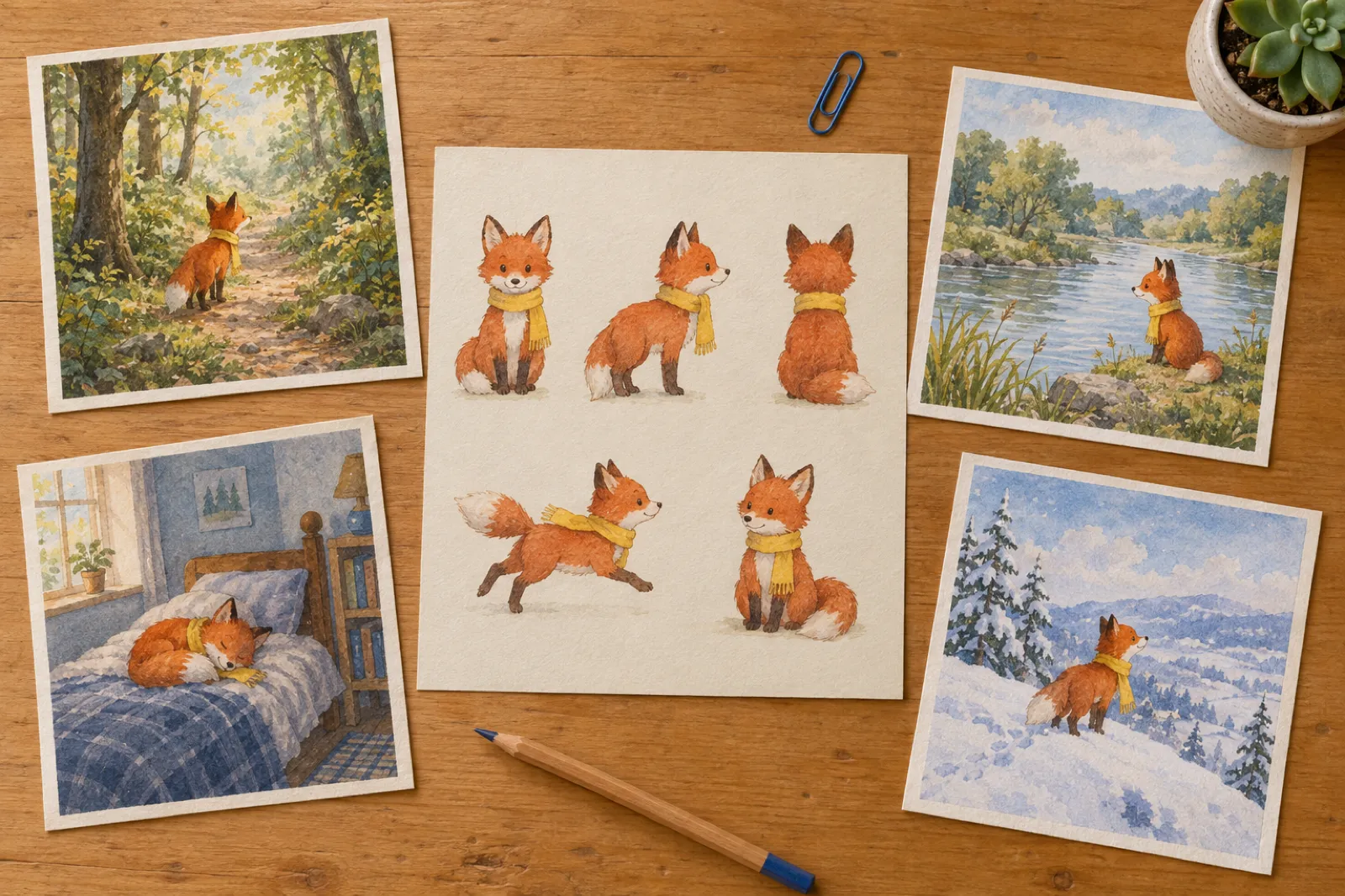
Inkfluence AI starts where Gemini Storybook ends. You type an idea, the same kind of sentence you would give Gemini, with the main character's look and the readers' age in it ("a picture book about a shy fox in a yellow scarf who learns to ask for help, for ages 4 to 8"). Pick an art style and a page count, and the book is written and painted in one run.
What makes it a book rather than a story:
- Longer, paced for reading aloud. Story picture books run 10 to 16 pages, 14 by default. The text is sized to the age you wrote: a line or two a page for toddlers, a short paragraph from age 6, with short one-line pages mixed in with fuller moments. ABC books run all 26 letters.
- The same character on every page. A character sheet is painted first, then the cover, then every page from that sheet. Our article on consistent characters in AI children's books explains why that order matters.
- Eight art styles: Storybook, Watercolour, Coloured pencil, Crayon, Ink and wash, Vintage, Comic, and Felt and clay. The sheet, the pages and the cover all use the one you pick.
- Fix one page, keep the rest. Each page opens like a document, so you type over any word. To redo one picture, Generate Illustration redraws that page from the same character sheet. To use your own photo or drawing on a page, Swap image puts it in.
- Real print files. The Amazon KDP export makes an 8.5 x 8.5 inch paperback PDF with bleed, pads a short book with blank pages to Amazon's 24-page minimum (the export window says how many before you download), and adds a READ ME FIRST file that tells you which KDP settings to pick. The same zip carries the full-wrap cover and the Kindle cover and EPUB.
- Book 2 with the same hero. On Creator and Premium, Continue as a series writes the next picture book from book 1's character sheet, art style and page count.
- Your rights. Inkfluence AI's terms (section 4.1) say you keep all rights to what you create, and your content is not used to train AI models.
What it costs
On the free plan, picture books run on chapter credits: 1 credit per page, words and picture together, with the cover and character sheet included. A 14-page book is 14 credits; the 15-credit pack is $9.99, paid once, and credits never expire. Credits also unlock EPUB, Word and the KDP export.
On Creator ($9.99 a month or $89 a year) a book uses the 20 monthly illustrations, so a 14-page book fits in one month. Premium ($19.99 a month or $179 a year) has 50. See pricing for the full plans.
One thing it does not do: turn a photo into a character. You describe the look in words, and you can still place a real family photo as a page of its own.
Already drew the pages yourself, or have a finished storybook's art? Choose "I already have my pages" and each image becomes one full page, at Square 8.5 x 8.5, Portrait 8 x 10 or Large portrait 8.5 x 11 inches; nothing is generated and no illustration allowance is used. See turn illustrations into a picture book and the guide to making a picture book from your own images. For a one-to-one comparison with general chat tools, our Inkfluence AI vs ChatGPT page goes deeper.
Alternatives 2 to 7, one by one
2. Childbook.ai: best for many books a month with ordered prints
Childbook.ai is a dedicated AI picture-book app with consistent characters as a core feature ("Maintain the same appearance across every page"). Its plans (checked 31 Oct 2026) are Hobby at $19 a month (20 books, 100 illustration credits, up to 32 pages a book), Premium at $29 (50 books, 250 illustrations, up to 40 pages, and a $20 monthly credit toward a printed softcover, shipping extra) and Business at $99 (200 book credits, 1,000 illustrations). Yearly billing shows "2 months off". The page lists no free plan.
Watch for: the commercial licence and "no watermark" are listed only on the $99 Business plan, so selling books starts at $99 a month. The page mentions PDF but not EPUB or Amazon KDP; prints are ordered through Childbook.ai rather than made as KDP files.
Pick it to make many books a month and order copies in one place. For selling on Amazon, Inkfluence AI's per-page credits cost far less than Business.
3. LlamaGen.ai: best for comic-style kids books
LlamaGen.ai is built around comics: panels per prompt, custom characters and storyboards, with kids books as one of its uses. Its pricing page (checked 31 Oct 2026) lists Standard at $18 a month or $172.80 a year, Pro at $30 a month ($288 a year), Unlimited at $96 and Production Unlimited at $200. The free tier allows one custom character.
Watch for: character consistency and "general commercial terms" appear from the Pro plan up. The plan table has an EPUB export row, but which tiers include it was not clear from the page, so check before you pay.
Pick it for a graphic-novel feel with panels. For a read-aloud picture book in a Comic art style, Inkfluence AI includes the print files.
4. ChatGPT plus a layout tool: best if you want to do every step yourself
The DIY route: write the text in ChatGPT, make each picture with its image tool, then assemble the pages in a layout app. ChatGPT's pricing page (checked 31 Oct 2026) says "Image generation isn't available on the Free plan"; Plus is $20 a month and includes image generation and editing, and Go is $8.
Watch for: you are the production line. Each picture is a separate request, the character drifts unless you keep re-describing it, and the trim, bleed, page padding, cover with spine and EPUB are all yours to build.
Pick it if you enjoy art-directing every frame. Our Inkfluence AI vs ChatGPT page compares the two for whole books.
5. Canva: best for laying out art you already have
Canva is a design tool with book templates, fonts and AI image features. It is where many people take Gemini screenshots to rebuild them as a printable book. It has a free plan and a paid Pro plan; Canva's pricing page would not load for our check on 31 Oct 2026, so we show no price.
Watch for: Canva exports print PDFs, but it does not write the story, keep a character consistent across pages, or make an EPUB. You set the page size, bleed and page count by hand.
Pick it for hand layout. Our Inkfluence AI vs Canva page covers when each one fits.
6. Book Creator: best for classrooms
Book Creator is a classroom book maker. Its pricing page (checked 31 Oct 2026) lists Starter free for individual teachers, with one library of up to 40 books and unlimited students; Premium (price not shown on the page) adds unlimited libraries and 1,000 books; schools and districts are priced by quote. Books download as EPUB or print as PDF.
Watch for: the page does not list AI story writing or AI illustration, and it is not built for KDP print files. Gemini Storybook is for users over 18, so pupils cannot use it.
Pick it for pupils making their own books. Teachers writing books to sell can use Inkfluence AI.
7. StoryBee: best for audio bedtime stories
If the part of Gemini Storybook you loved was Listen, StoryBee is an audio-first story app. Its pricing page (checked 31 Oct 2026) lists Bee Lite at "$7/month (was $9)" with 40 stories and 15 audio stories a month, Bee Hive at $15 (voice clones and a publishing licence) and Bee Buzz at $29.
Watch for: storybook creation is listed as "coming soon", and the page mentions no illustrations, print or PDF.
Pick it for stories to listen to. For a picture book that also reads aloud, Inkfluence AI's audiobook studio records the book with Inkfluence's narration voices on Creator and Premium.
Gemini Storybook vs the top pick on what a sellable book needs
The seven things a printer, Amazon or a reader will notice. Gemini column from Google's own pages; "not stated" means Google's pages do not mention it.
| Inkfluence AI | Gemini Storybook | |
|---|---|---|
| Pages | 10 to 16 (14 by default); ABC books 26 | 10, "usually 10-12" |
| Same character throughout | Every page drawn from one character sheet | Not stated |
| Change one page | Type over the words; redraw one picture from the sheet; swap in your own | Ask for changes; new version with all new images |
| Print file | 8.5 x 8.5 in KDP PDF with bleed, padded to 24 pages, READ ME FIRST | Browser print or Save as PDF |
| Ebook and cover | EPUB, Kindle cover, full-wrap paperback cover | Public share link |
| Next book | Continue as a series with the same sheet and style (Creator, Premium) | Not stated |
| Ownership | You keep all rights (Terms 4.1) | Not stated on the Storybook pages |
Gemini's strengths are price and speed: it reads the story aloud and can draw on your photos. For a screen-only story tonight, that is enough. For anything you will print, the left column is work you would otherwise do by hand.
Worked example: from a 10-page storybook idea to a KDP paperback
A worked example with the real numbers from KDP's help pages and Inkfluence AI's pricing, not a lab test. The idea: "a picture book about a hedgehog who is scared of the dark and makes friends with the stars, for ages 3 to 6."
-
Step 1: Choose the length
Gemini would make about 10 pages. Set Page count to 14 in Inkfluence AI (the default). With a title page and copyright page, the export pads the rest with blank endpapers to reach 24 pages, and tells you how many before you download.
-
Step 2: Count the cost
14 pages at 1 credit each is 14 credits. The cover and character sheet are included. The 15-credit pack ($9.99, paid once) covers it with 1 credit left. On Creator, it is 14 of your 20 monthly illustrations.
-
Step 3: Fix what you do not like
Say page 9 shows the hedgehog with the wrong expression. Redraw that one page from the same sheet. Change "twinkly" to "sparkly" on page 4 by typing it. The other 13 pages stay exactly as they are.
-
Step 4: Check the file size against KDP
KDP adds 0.125 inch to the width and 0.25 inch to the height for bleed, so an 8.5 x 8.5 inch trim needs an 8.625 x 8.75 inch page. Top, bottom and outside margins must be at least 0.375 inch with bleed, and the inside margin 0.375 inch for 24 to 150 pages (KDP trim, bleed and margins). The KDP export is built to those numbers.
-
Step 5: Pick the KDP settings
In KDP's Print Options choose premium colour (standard colour starts at 72 pages for this size) and under Bleed Settings choose "Bleed (PDF only)". The READ ME FIRST file in the download lists the trim, page count and paper to select. Disclose AI-generated text and images when you publish.
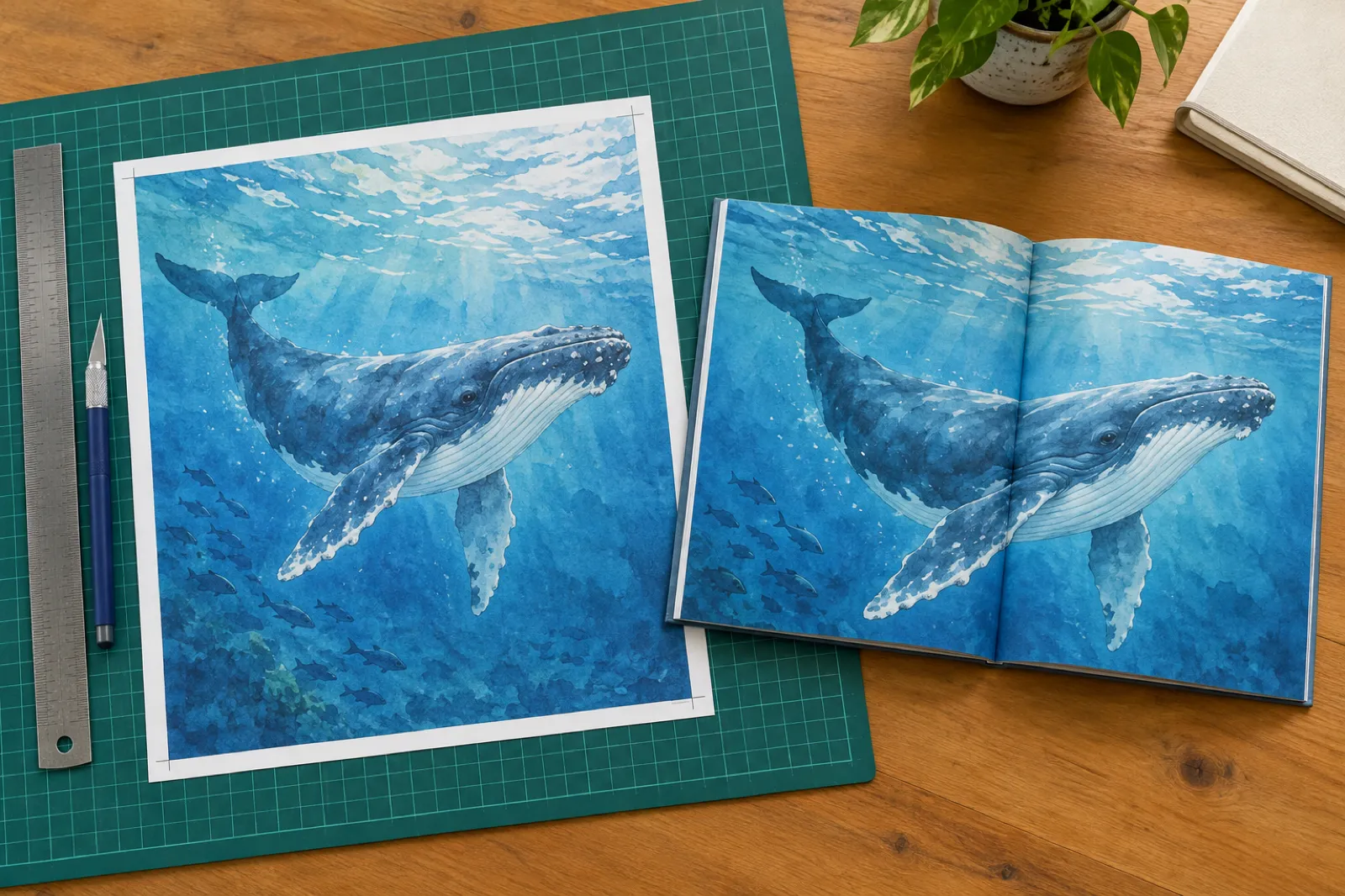
The same book rebuilt from Gemini by hand
- Make 2 or 3 storybooks, or regenerate, to collect 14 usable pages, accepting that each regeneration brings all new pictures and the hero may change.
- Export each page as an image, extend every edge by 0.125 inch of art, and retype the words in a layout tool.
- Set up an 8.625 x 8.75 inch document, add title, copyright and blank pages to 24, and export a PDF.
- Design a full-wrap cover with a spine sized to the page count, and build a separate EPUB.
Possible, but it turns a two-minute story into a weekend of production. Our guide to self-publishing a children's book on Amazon covers the KDP steps either way.
What one illustrated book costs in each Gemini Storybook alternative
The cheapest way to get one illustrated picture book out of each paid tool, in US dollars, checked 31 Oct 2026. Gemini Storybook itself is $0 with a Google account but stops at a browser PDF.
covers a 14-page book
monthly
monthly; commercial licence is Business at $99
monthly; layout still to do
Two things the bars do not show. Childbook.ai's commercial licence sits on the $99 Business plan, so selling costs $99 a month there. And the monthly tools keep charging; Inkfluence AI's credit pack is paid once and never expires. For the bigger picture of what illustration costs, see children's book illustration cost.
KDP rules every picture book has to meet
Whichever tool you use, Amazon checks the same things. From KDP's own help pages, read 31 Oct 2026:
Trim
8.5 x 8.5 inches is a listed paperback size. It is not offered for hardcover.
Pages
24 to 590 in premium colour; 72 to 600 in standard colour (print options).
Bleed
0.125 inch off the top, bottom and outside edge. Page size: trim width + 0.125, trim height + 0.25.
Margins
At least 0.375 inch on the outer edges with bleed; inside margin 0.375 inch up to 150 pages.
AI disclosure
AI-generated text and images, including "cover and interior images and artwork", must be disclosed "even if you applied substantial edits afterwards" (content guidelines).
Weekly limit
Up to 2 new titles per book format each week, resetting Sunday 12:00 AM UTC.
For the wider set of sizes, our KDP trim sizes guide lists them all, and the KDP AI disclosure guide walks through the form. If you are deciding how many words fit on each page, read children's book word count by age.
Selling beyond Amazon? The Sell on menu in Inkfluence AI lists a book on Etsy or Gumroad, and our guide on how to sell children's books compares the routes.
Book 2 with the same hero: the series question
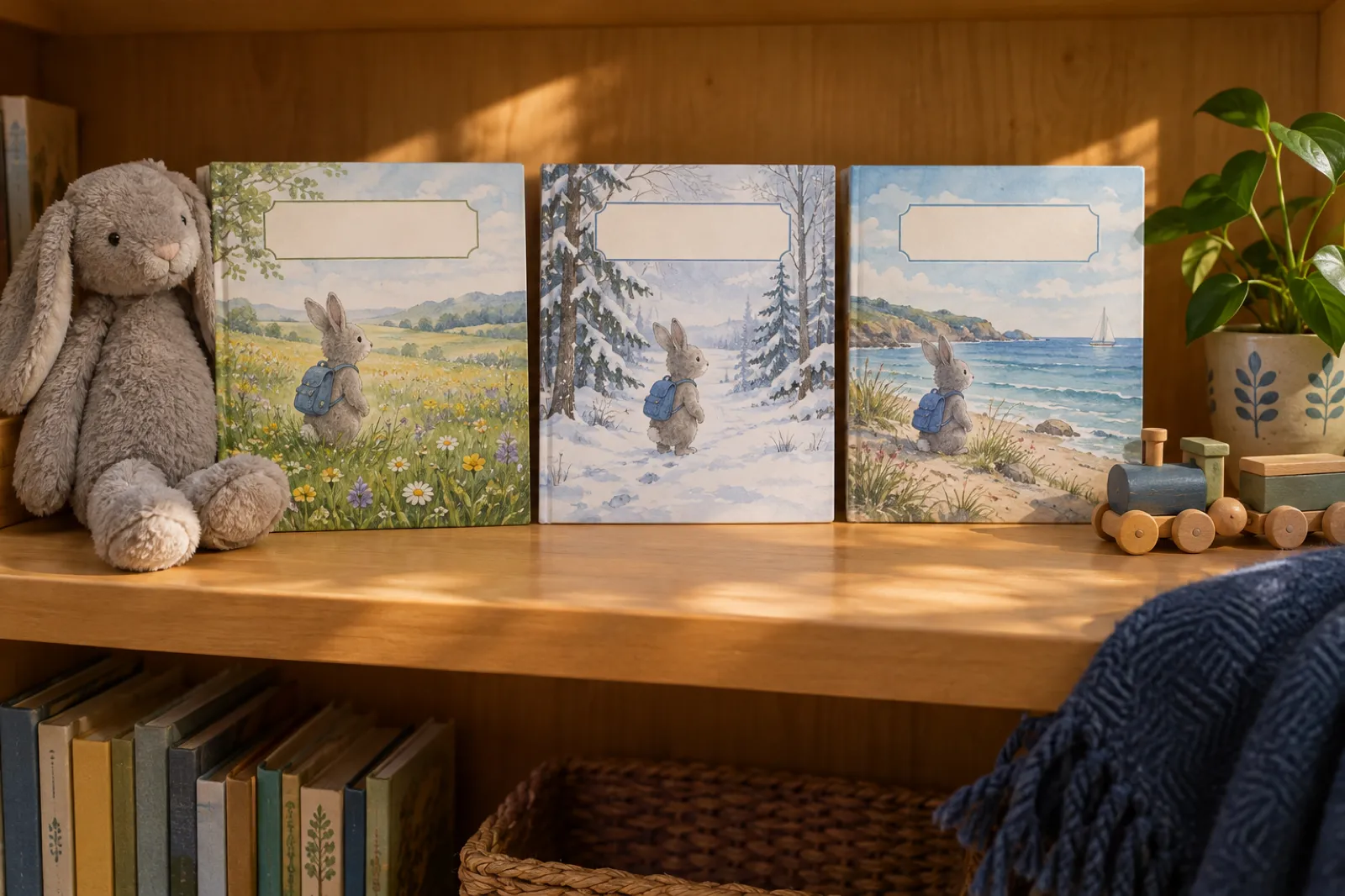
Children ask for the same character again, and on Amazon a series is how picture-book authors build readers. Google's Storybook pages state no way to carry a character into the next book.
In Inkfluence AI, Continue as a series (Creator and Premium) writes the next picture book from the latest book in the series: the same characters drawn from the same character sheet, the same art style, the same page count and the same readers' ages, with a new painted cover. You can say what happens next in a sentence, or leave it blank and let it plan the next step from how book 1 ends. One book is made at a time, and the window shows how many pictures it will paint and where they come from before you confirm.
Picture books
Same cast, same sheet, same style, a new adventure.
Colouring books
A new theme beside the first, same colouring style.
ABC and counting
A new theme for the same format. See the ABC book maker.
More on planning a run of books in the AI book series writer guide.
If you loved the read-aloud: narration options
Gemini's Listen button is one of its nicest touches, and Google lets you change the voice. If audio matters to you, here is how the alternatives compare:
- Inkfluence AI: the audiobook studio records the book page by page with Inkfluence's narration voices. Creator includes 15 audiobook chapters a month and Premium 30, so a 14-page picture book fits in one month on either. You can also make a short vertical video of the book; see turn your book into a video.
- StoryBee: audio-first, with voice clones from the $15 Bee Hive plan.
- Selling the audio: ACX (Audible) accepts human narration only. AI-narrated books go to other stores; our page on where to sell an AI audiobook lists them.
Can you sell a Gemini storybook?
Google's Storybook overview and help article say nothing about commercial use, ownership or selling. Before you sell anything made with any AI tool, read that tool's terms; for Gemini, that means Google's general Terms of Service. We are not lawyers, and this is not legal advice.
The practical problems come first anyway: the book is too short for a KDP paperback, the PDF is not built to a trim size, and there is no EPUB. Even with the rights settled, you would rebuild the book before Amazon would print it.
Copyright is a separate question: in the US it protects human authorship, so your own rewrites and choices matter. Our guide on whether you can sell AI-generated books covers the detail.
Inkfluence AI
Terms 4.1: you keep all rights, title and interest in what you create, including exported files.
Childbook.ai
Commercial licence listed on the $99 Business plan only.
LlamaGen.ai
"General commercial terms" listed from the Pro plan up.
How we chose and checked these alternatives
Tools were ranked for a book you can print or sell: pages, consistent characters, page-level editing, print files, ebook, series and rights.
Google facts
Only from Google's Storybook overview, help article, launch post and plans page, read 31 Oct 2026. If Google does not say it, we write "not stated".
Prices
From each vendor's own pricing page on 31 Oct 2026. No third-party price lists. No price where the vendor's page did not show one.
KDP rules
From KDP's help pages on trim, bleed, margins, print options, AI disclosure and title limits.
Bias, stated
We make Inkfluence AI and rank it first for books to print and sell. We also say where another tool fits better: classrooms and audio-only stories.
Related reading: Google's models for longer writing are covered in our guide to the best Gemini model for writing, and story tools of every kind in the best AI story generator roundup.
Frequently asked questions
What is the best Gemini Storybook alternative?
How many pages does Gemini Storybook make?
Can I sell a Gemini Storybook on Amazon KDP?
Can you print a Gemini Storybook?
Is Gemini Storybook free?
Can I edit the text in Gemini Storybook?
Does Gemini Storybook keep the same character on every page?
Can I use a photo of my child?
How much does an Inkfluence AI picture book cost?
Do I have to disclose AI art to Amazon?
Is there a Gemini Storybook alternative for teachers?
Related tools and guides
App
AI picture book maker
Every page written and painted.
Ranking
Best AI children's book creator
The whole field, writers and illustrators.
Ranking
Best AI story generator
The right tool for each kind of story.
Tool
AI storybook generator
Illustrated stories you can keep.
Art
AI children's book illustrator
Pictures that match the words.
Gifts
Personalised children's book maker
A book with a child's name in it.
Your art
Turn illustrations into a picture book
Finished pages to a KDP file.
Format
AI ABC book maker
26 letters, one picture each.
Ranking
Best AI coloring book generator
Colouring books for KDP, compared.
Guide
Make a children's picture book with AI
Step by step, idea to file.
Guide
Write a children's book with AI
Age bands, pacing and voice.
KDP
Best AI tools for KDP
From manuscript to listing.
Keep the idea, make it a real book
Take the story you started in Gemini, give it 14 pages, one hero who looks the same on every page, and a KDP paperback file with bleed. 1 credit per page, paid once.