
How to Write a Children's Book with AI in 2026 (Step-by-Step Guide)
Learn how to write a children's book with AI in minutes. This guide covers concept, characters, age-appropriate writing, the kids fiction blueprint, cover design, and publishing your children's ebook.
Quick Answer
You can write a children's book with AI in 2026 using a tool like Inkfluence AI's children's book creator. Describe your story concept, the child's age range, the main character's name and personality, and the core lesson or adventure. Choose the Kids Fiction blueprint and the AI generates a complete children's story with age-appropriate language, a natural narrative arc, and character consistency throughout. Generation takes minutes. You edit for warmth and personal touch, design the cover, and export as PDF or EPUB.
Children's books are a labour of love. Parents write them for their children. Teachers write them for their students. Aspiring authors write them hoping to spark the same joy they felt reading stories as a child. The challenge is always the same: translating a beautiful idea into a complete, well-paced story that actually holds a child's attention. AI makes that first draft happen in minutes.
Making an illustrated picture book specifically? See the dedicated guide: how to make a children's picture book with AI, covering the fully illustrated workflow with the AI picture book maker.
Before you generate, spend 60-90 minutes on the seven planning decisions that determine whether your draft is a book you keep or a book you abandon - see the planning guide for the worksheet and pressure-test prompts. This guide is the writing-and-publishing half of that flow.
This guide covers how to write a children's book with AI from idea to published ebook: what to include in your prompt, how the Kids Fiction blueprint structures the story, what to check and edit, and how to get your book into the hands of children (and parents).
Writing a Children's Book with AI: Key Facts
- Platform: Inkfluence AI (inkfluenceai.com) using the dedicated Kids Fiction blueprint
- Story structure AI generates: Setup, problem introduction, escalation, climax, and resolution. A complete narrative arc with consistent characters throughout
- Age ranges supported: 2 to 5 (picture book text and rhythm), 6 to 8 (early reader chapters), 8 to 12 (middle grade), 12 and up (young adult)
- Time to first draft: 10 to 20 minutes for a complete children's story
- What AI handles: Story structure, age-appropriate vocabulary and sentence length, character name consistency, chapter breaks
- What AI does not provide: Interior illustrations. Use Midjourney, Adobe Firefly, or Canva AI for images after writing
- Free plan: Write and export a children's book with no credit card required
Children's Book Age Groups and What AI Generates for Each
The most important variable in a children's book is age range. AI adjusts language complexity, sentence length, and story pacing dramatically based on this. Be specific in your prompt.
| Age Group | Language Style | Story Length | What AI Does Well |
|---|---|---|---|
| 2-5 (picture book) | Very simple, rhythmic, repetitive | 500-1,000 words | Simple concepts, bedtime stories, emotional lessons (sharing, kindness) |
| 6-8 (early reader) | Short sentences, accessible vocabulary | 2,000-5,000 words | Simple adventure plots, animal characters, school-based stories |
| 8-12 (middle grade) | Richer vocabulary, emotional nuance | 10,000-30,000 words | Adventure, mystery, coming-of-age, friendship dynamics |
| 12+ (young adult) | Adult-adjacent, emotional depth | 30,000-80,000 words | Complex characters, social themes, longer plot arcs |
Inkfluence AI's Kids Fiction blueprint adjusts for all of these. Specifying "ages 5-7" versus "ages 10-12" in your prompt produces dramatically different output in terms of language, sentence structure, and story complexity.
Write your children's story today
Describe your story idea and character. Inkfluence AI writes the full book with age-appropriate language and a natural story arc. Free to try.
Create My Children's Book FreeWhat Makes a Great Children's Story
Before using AI, understand the core structural elements of children's literature. The AI will produce these automatically, but knowing them helps you evaluate the output and edit confidently:
- A single clear problem or goal. Children's stories work best with one central challenge: the character wants something or needs to solve something. Complexity builds in middle grade and YA, but even then, there is a clear central arc.
- An active, relatable protagonist. The child reader wants to be in the story. The main character should have agency, a clear goal, and a personality that feels real, not just a vehicle for a lesson.
- Emotional authenticity. The best children's books do not protect children from big feelings. They validate them. Fear, jealousy, loneliness, and joy all belong in children's literature.
- A satisfying resolution. Children need stories to end in a way that makes emotional sense. The resolution does not have to be "happy ever after," but it needs to feel earned.
- Age-appropriate language. Not dumbed down. Children are perceptive readers. But vocabulary and sentence structure should match the reading level without being condescending.
How to Write a Children's Book with AI: Step by Step
Step 1: Develop Your Concept Before Prompting
The richness of your AI output is directly proportional to the richness of your prompt. Before opening Inkfluence AI, pin down:
- Age range: Is this for 4-year-olds or 10-year-olds?
- Main character: Name, age, personality traits, one key flaw or challenge
- The story problem: What does the character want, and what is stopping them?
- The setting: A bedroom? A magical forest? A school? A spaceship?
- The lesson or theme: Kindness, courage, belonging, perseverance?
- Tone: Playful and silly? Gentle and warm? Adventurous and exciting?
Example prompt that works well:
"A 5-chapter adventure story for children aged 7-9. Main character: Maya, an 8-year-old girl who is brave but terrible at asking for help. She discovers a small dragon in her school library who cannot fly. Together they must get the dragon back to his family before the school opens on Monday. Theme: it is okay to ask for help. Playful, warm tone with some gentle humour."
Step 2: Choose the Kids Fiction Blueprint
Open Inkfluence AI, paste your story concept, and select the Kids Fiction blueprint. This structures the story as a proper narrative arc (setup, problem, escalation, resolution) rather than an informational chapter book. The AI will also extract character names from your prompt and maintain them consistently throughout the story.
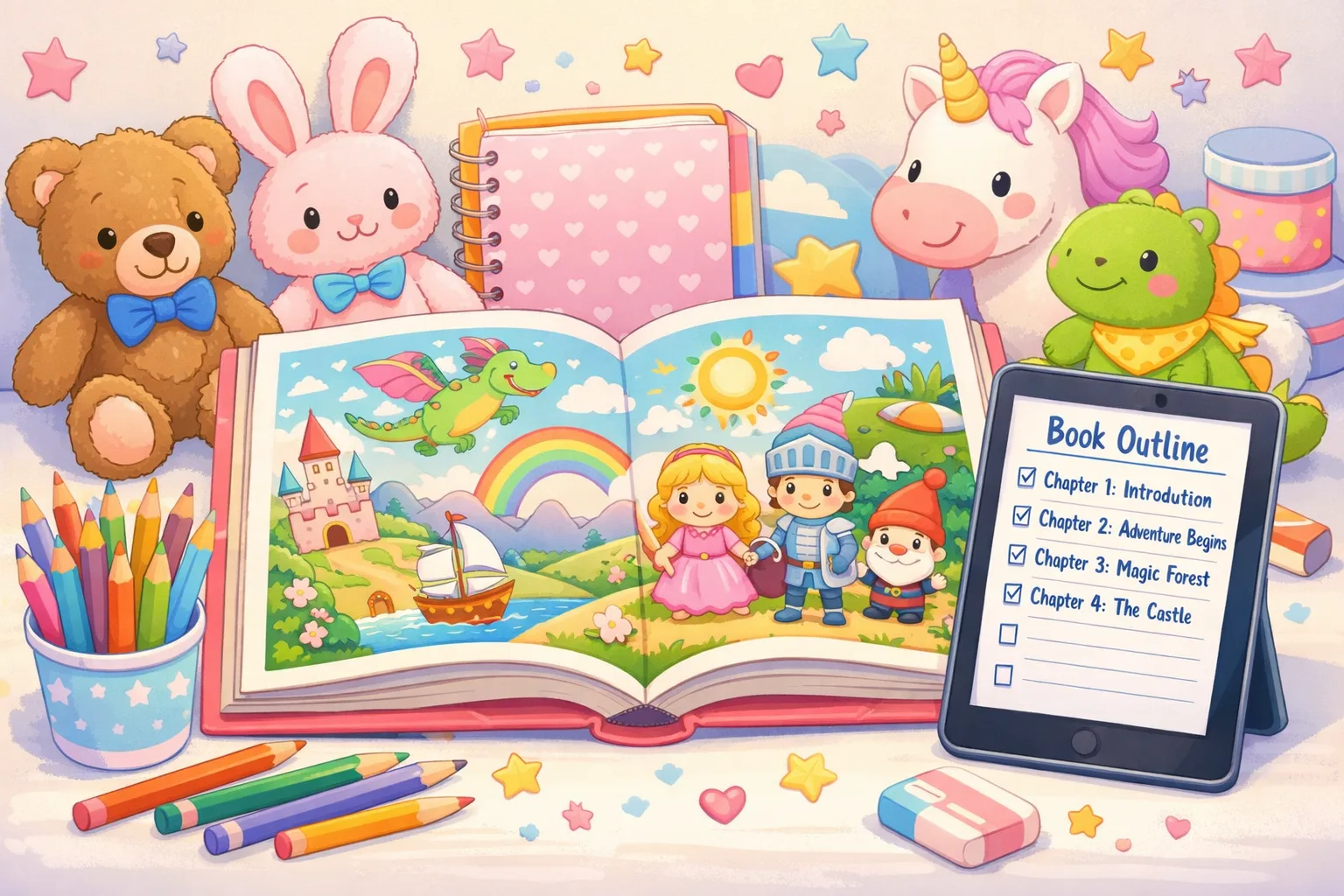
Step 3: Review the Chapter Outline
Before generating, the AI shows you a chapter-by-chapter outline. Check:
- Does the story have a clear beginning, middle, and end?
- Is there enough conflict and tension in the middle chapters, or does it resolve too quickly?
- Does the ending feel emotionally satisfying?
- Are the character names and key details from your prompt present?
Adjust the outline before generating. It is much faster to fix structure at this stage than to rewrite chapters later.
Step 4: Generate the Story
Click generate. For a 5-chapter children's story, generation takes about 4-6 minutes. The AI reads the last 3 chapters as it writes each new one, maintaining character voice, story continuity, and the emotional arc you defined. A middle-grade novel (10-12 chapters) takes 10-15 minutes.
Step 5: Edit for Warmth, Voice, and Accuracy
AI-generated children's fiction is strong on structure and pacing. It tends to need editing for warmth and distinctiveness. Here is what to focus on:
- Read it aloud. Children's books need to sound right read aloud. Sentences that work on paper sometimes feel awkward when spoken. Reading aloud reveals this immediately.
- Add sensory detail. AI writes competent prose. You can enrich it with specific sensory language: what does the dragon smell like? What sound does the library door make?
- Adjust for the actual child you have in mind. If you are writing for your own child, add details that reference their world, favourite colours, a pet, a place they know.
- Check age-appropriateness. Particularly for younger age groups, review that vocabulary and concepts are genuinely appropriate. AI occasionally over-estimates complexity.
- Strengthen the emotional moments. The best children's books have a scene that makes both the child and the adult reading it feel something real. Look for the emotional peak of your story and deepen it.
Bring your story idea to life
Give your character a name, describe the adventure, and let the AI write the story. You polish. Takes minutes to start.
Write My Children's Book FreeCreating Memorable Characters
Inkfluence AI extracts character names from your prompt and maintains them throughout the story. To get the best character consistency:
- Name your character clearly in the prompt. "A girl named Zara" is clearer than "a girl." The AI will use that name throughout.
- Give one defining personality trait and one flaw. "Brave but clumsy" or "clever but impatient" gives the AI material to work with and creates better character moments.
- Describe the sidekick or companion (if any). A dragon, a talking dog, a robot friend. Name and describe them too.
- Specify any important physical detail you want maintained. "Red curly hair" or "always wearing a yellow raincoat" will appear in the story if you include it in the prompt.
After generation, check that character names are consistent throughout (AI occasionally slips on secondary character names over a long story). The editor in Inkfluence AI makes find-and-replace easy.
What About Illustrations?
This is probably the most common question about AI children's books. The honest answer: Inkfluence AI writes the story text and generates the cover, but does not produce interior illustrations.
For digital ebooks (PDF/EPUB), illustrations are not required. Many successful children's ebooks are published as text-only, particularly for middle-grade readers (ages 8-12) where illustration density is already much lower than picture books.
For younger children's books (ages 2-7), where illustrations are integral to the reading experience, you have several options:
- AI image generators (Midjourney, DALL-E, Adobe Firefly) can produce illustrations from text descriptions, though consistency across images requires careful prompting and multiple iterations.
- Hire an illustrator on Fiverr or Upwork for a consistent, professional illustration style. This is the highest quality option.
- Use clip art or stock illustrations for a simple picture book style.
- Launch as text-only first and add illustrations later once the story is validated.
For the purposes of this guide: Inkfluence AI generates the written story, cover image, and formatted ebook. What you do with illustrations is a separate creative decision.
Publishing Your Children's Book
As a Personal Gift
The most common use case. Write a personalised story for a child in your life, export as a beautifully formatted PDF, and print at a local print shop. A personalised children's story with the child's name and a character that looks like them is one of the most meaningful gifts you can give.
Amazon KDP
Children's books perform well on Amazon KDP, particularly middle-grade fiction with strong keywords (adventure, friendship, courage, animals). Export as EPUB (Creator or Premium plan required), upload with cover, and set price. For picture books on KDP, the print format requires professional setup. For middle-grade ebooks, the standard EPUB upload works. See our Amazon KDP self-publishing guide.
Direct Sales
Sell your children's ebook directly on Gumroad or Etsy. Middle-grade fiction ebooks sell at $2.99-$5.99. Personalised children's stories (where you include the child's name) can sell at a premium, $9-$19, particularly around gift seasons. See our Etsy and Gumroad selling guide.
For Teachers and Classrooms
Teachers write short stories and fables to teach specific lessons, vocabulary units, or cultural topics. A teacher-created story PDF shared with a class or via a TPT-style teacher marketplace is a strong use case. The free plan's PDF export is sufficient for this.
Your story is ready to be written
Name your character. Describe the adventure. Let the AI write the full story with age-appropriate language and a proper narrative arc. Free to start.
Create Your Children's Book FreeFrequently Asked Questions
Can AI write a children's book?
Yes. AI can write age-appropriate children's stories with consistent characters, a natural narrative arc, and appropriate vocabulary for the age range you specify. Tools like Inkfluence AI have a dedicated Kids Fiction blueprint that structures the story differently from adult fiction, with simpler language and a clear emotional arc. You edit and add your personal touch.
How do I make the AI story age-appropriate?
Specify the age range clearly in your prompt: "for children aged 5-7" or "for ages 9-12." The AI adjusts sentence complexity, vocabulary, and emotional depth accordingly. After generation, read the story aloud to check that the language feels right. Young children's books in particular should be read aloud before finalising.
Does Inkfluence AI create the illustrations too?
Inkfluence AI writes the story text and generates the book cover. It does not produce interior illustrations. For text-only ebooks (suitable for ages 7+), this is not an issue. For picture books aimed at very young children, you would need to source illustrations separately from an AI image tool or an illustrator.
Can I include my child's name in the story?
Yes. Include the character's name in your prompt: "The main character is named [child's name], a curious 6-year-old who loves space." The AI will use that name throughout the entire story. You can also include other personalising details like a pet's name, sibling names, or favourite things.
How long should a children's book be?
Picture books (ages 2-5): 500-1,000 words. Early readers (ages 6-8): 2,000-5,000 words. Middle grade (ages 8-12): 10,000-30,000 words. For a 5-chapter ebook using Inkfluence AI, expect roughly 3,000-6,000 words depending on chapter depth, which is suitable for ages 6-10.
Can I publish an AI children's book on Amazon KDP?
Yes. Amazon KDP allows AI-assisted children's books with disclosure. You must indicate at upload that AI was used to generate the text (and cover, if applicable). Children's ebooks sell well on Amazon, particularly in adventure, animals, and values-based fiction categories. See our KDP AI disclosure guide for what exactly to declare.
What types of children's stories work best with AI?
Adventure stories, animal tales, school-based stories, bedtime stories, and values-based fiction (stories about kindness, courage, inclusion) all work very well with AI. Stories that rely heavily on a distinctive personal voice or deeply autobiographical content need more significant author editing. The more structurally defined the genre, the better the AI output.
Can a teacher write a children's book for classroom use?
Yes. Teachers use Inkfluence AI to write custom stories for specific teaching objectives: a story that introduces a vocabulary unit, a fable that illustrates a moral lesson, or a read-aloud that features children from different cultural backgrounds. The free plan with PDF export is sufficient for classroom use. See our resources for teachers.
How do I make my AI children's book sound less generic?
Three things: (1) Give the character a specific, unusual personality trait, not just "curious" but "curious about how things break and whether they can be fixed." (2) Set the story in a specific place rather than a generic forest or school. (3) After generating, read aloud and replace every generic description with something more vivid and precise. Specificity is the enemy of generic.
Can I write a children's book in another language?
Yes. Inkfluence AI supports 30+ languages. Describe your story in your target language or specify the language in your prompt. The full story, including dialogue and narration, will be generated in that language. This is particularly useful for bilingual families or teachers working with multilingual classrooms.

Founder, Inkfluence AI
Sam is the founder of Inkfluence AI. He built the platform to make book creation accessible to everyone - from first-time authors to seasoned publishers.
Helpful links
Ready to Create Your Own Ebook?
Start writing with AI-powered tools, professional templates, and multi-format export.
Get Started FreeRelated Articles
 Guides
 Selling AI Coloring Books on Amazon KDP: The 2026 Rules, Specs, and Math
Are AI coloring books allowed on KDP? Yes, with disclosure. The part nobody covers: the AI workflow that passes review, style consistency across 30 pages, the interior specs that cause rejections, and the royalty ladder that decides your price.
 Guides
 How to Make an Adult Coloring Book in 2026: From Idea to Printed Pages
The modern walkthrough: what makes line work read as "adult", the three ways to create pages (draw, convert, generate), how to assemble a real book instead of a stack of pages, and the fork between KDP paperbacks, Etsy printables, and printing at home.
 Guides
 Coloring Book Niches for 2026: Where Low Competition Meets Real Buyers
A niche framework instead of a niche list: how complexity tiers map to price points, why the senior shelf is underserved, the seasonal calendar that decides your publish dates, and how to validate before you draw a single page.
Get ebook tips in your inbox
Join creators getting weekly strategies for writing, marketing, and selling ebooks.