
· Rules checked 11 Nov 2026
How to Make a Read-Aloud Video of a Picture Book
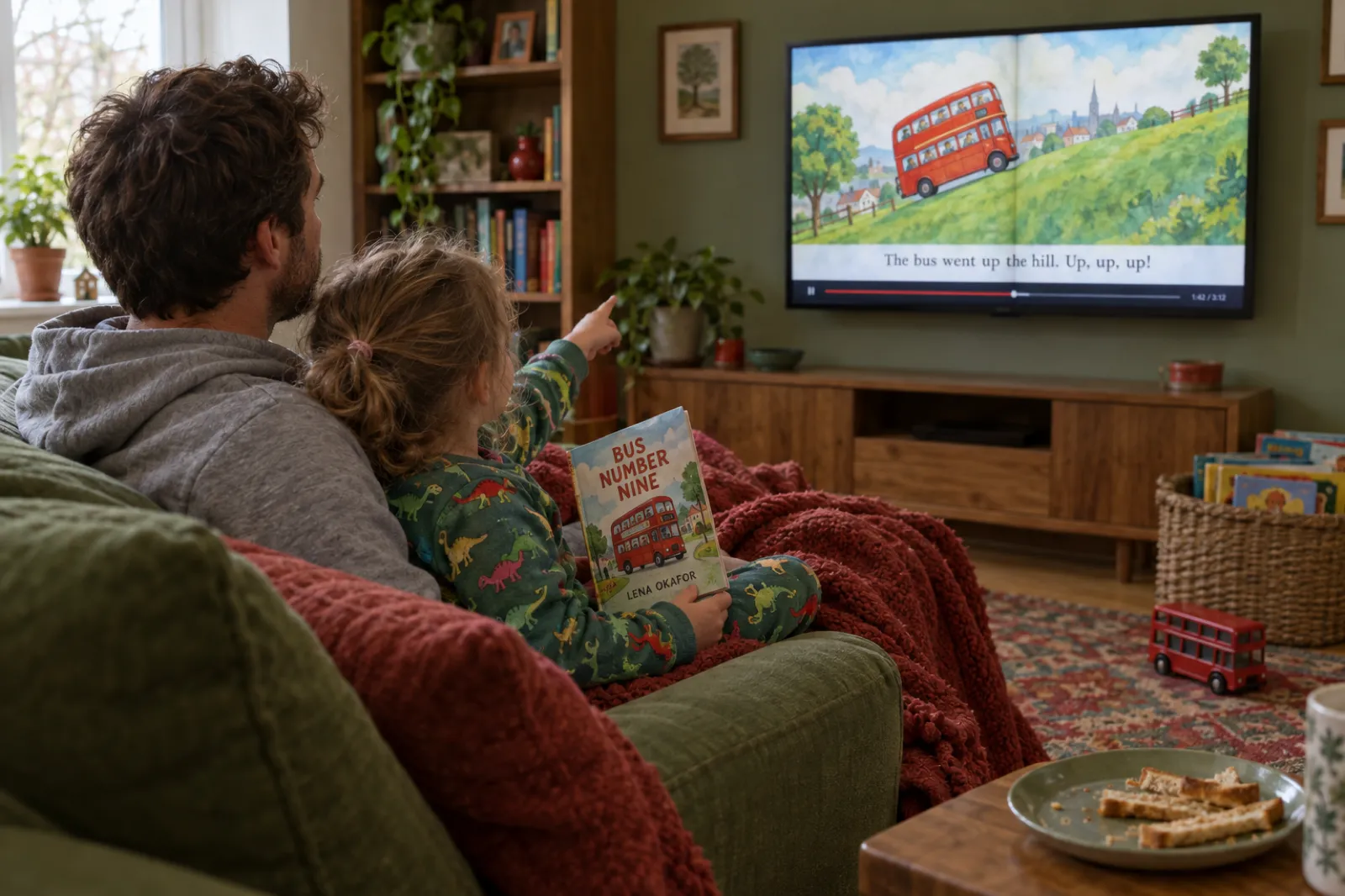
A read-aloud video is a picture book read on camera: for a YouTube channel, a class screen, grandparents far away, or a short clip that sells the book. This guide covers whose books you may record, YouTube's made-for-kids rules, how to film and time the reading, a free planner that works out your video's length page by page, and how to make a 20-second read-aloud from your own book in about a minute.
By Sam May, Founder of Inkfluence AI
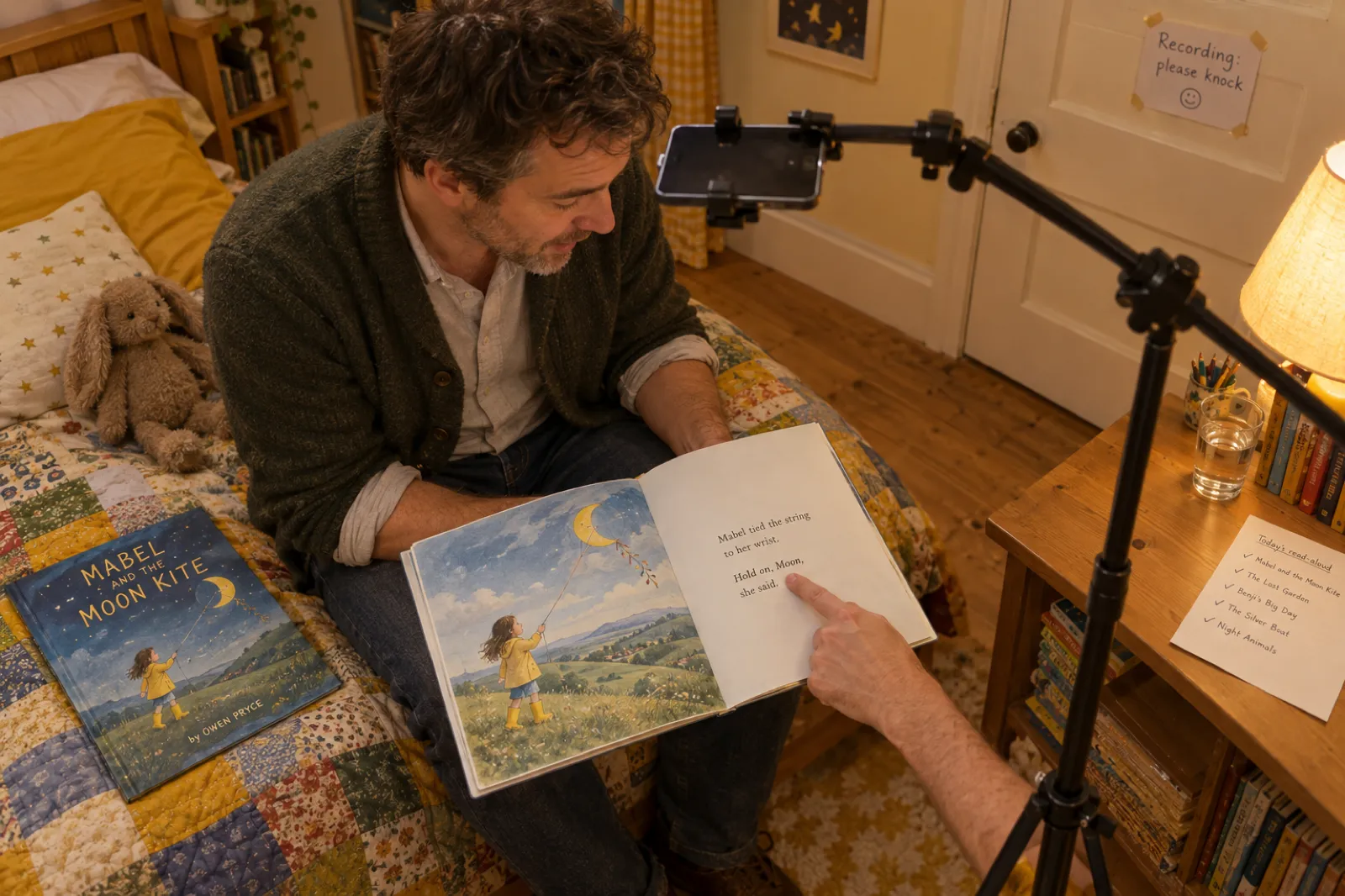
Quick answer
Record your own book, or someone else's only with the publisher's permission. Put a phone above the book in window light, read slowly, pause two seconds at every page turn, and hold each spread long enough to look at. Add captions, then put the title and where to find the book inside the video, because YouTube turns off cards and end screens on videos made for kids, which a picture-book reading must be marked as. A 450-word book runs about five minutes. For a short read-aloud to share on Reels, Shorts or TikTok, Inkfluence AI reads three pages of your book over their own pictures in a 15 to 20 second video, made in about a minute.
About 5 min
A 450-word, 14-spread picture book read at 120 words a minute with two-second page turns.
1,000 words
The most one picture-book publisher, Albert Whitman, asks for in a submission.
30 Jun 2023
When Penguin Random House's open read-aloud license ended.
Every video
Needs an audience setting on YouTube: made for kids or not.
$53,088
The FTC's maximum civil penalty per COPPA violation.
20 seconds
The short read-aloud Inkfluence AI makes from three pages of your own book.
Two kinds of read-aloud video
"Read-aloud video" covers two different things, made for different places. Decide which you are making before you set anything up.
| The full read-aloud | The short read-aloud | |
|---|---|---|
| What it is | The whole book, every spread, read from start to finish | Three pages read over their pictures, then the cover |
| Length | 3 to 7 minutes for most picture books | 15 to 20 seconds |
| Shape | Landscape 16:9 for YouTube, TVs and class screens | Vertical 9:16 for Reels, Shorts and TikTok |
| Who watches | Children, with a parent or teacher nearby | The adults who buy children's books |
| Its job | Storytime: the reading is the point | Promotion: a taste that sends people to the book |
| How to make it | Film or record yourself (steps below) | Inkfluence AI's Read-aloud style, from your book, in about a minute |
Most children's authors end up wanting both: a full reading for their channel or school visits, and a run of short ones that point to it and to the book. The full reading never gives away less than the book does; the short one deliberately stops before the ending.
Whose book can you read on camera?
This is the question most people search first, often as "can I read a book on YouTube". The short answer depends on whose book it is. This is general information, not legal advice; when it matters, ask the publisher or a lawyer.
Your own book
Yes. If someone else illustrated it, check your contract: the pictures may belong to the illustrator or a publisher, and the reading shows every one of them.
An old book out of copyright
Often yes, but check the exact edition: a modern retelling or newly illustrated edition of an old tale has its own copyright.
Someone else's book
Ask the publisher. A recorded reading copies the text and the illustrations. Being educational or unpaid does not settle it.
What the law says, briefly. The US Copyright Office lists the owner's rights, including to prepare derivative works and to perform a literary work publicly. Fair use is the exception, and the Office is clear that courts evaluate it case by case, that there are no rules permitting a set number of words, and that "in cases of doubt, the Copyright Office recommends that permission be obtained." YouTube says the same about its own platform: fair use is a decision only courts can make, and writing "no infringement intended" or giving credit does not make a copy fair.
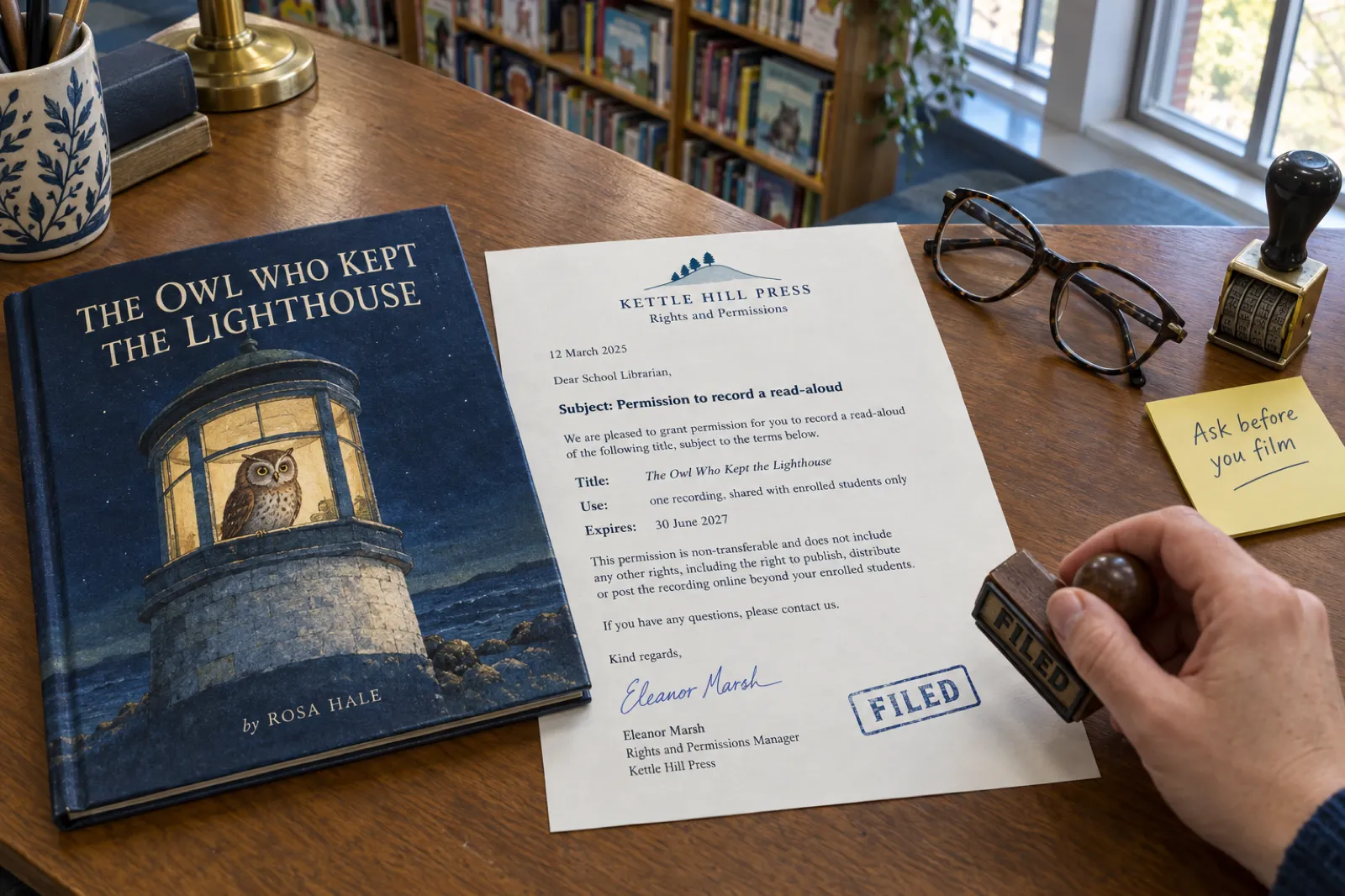
The 2020 permissions have ended. In 2020 several publishers gave teachers temporary blanket permission to record read-alouds. Those have expired. What their own pages said on 11 Nov 2026:
| Publisher | Temporary permission | Now |
|---|---|---|
| Penguin Random House | Open license, ended 30 June 2023 | Request per title on its permissions site ("Read-Alouds"), for viewing in a closed internet environment |
| Scholastic (US) | Digital read-aloud permissions through 31 December 2022, unlisted links to your own students only | Expired |
| Macmillan | Emergency guidelines through 31 March 2023, noncommercial | Expired |
If you write children's books yourself, this is the quiet advantage: you are the one person who never needs to ask. Every reading of your own book is yours to post, and every school or library that wants a recording can get one from you directly.
Read-aloud video planner: runtime and page-turn timing
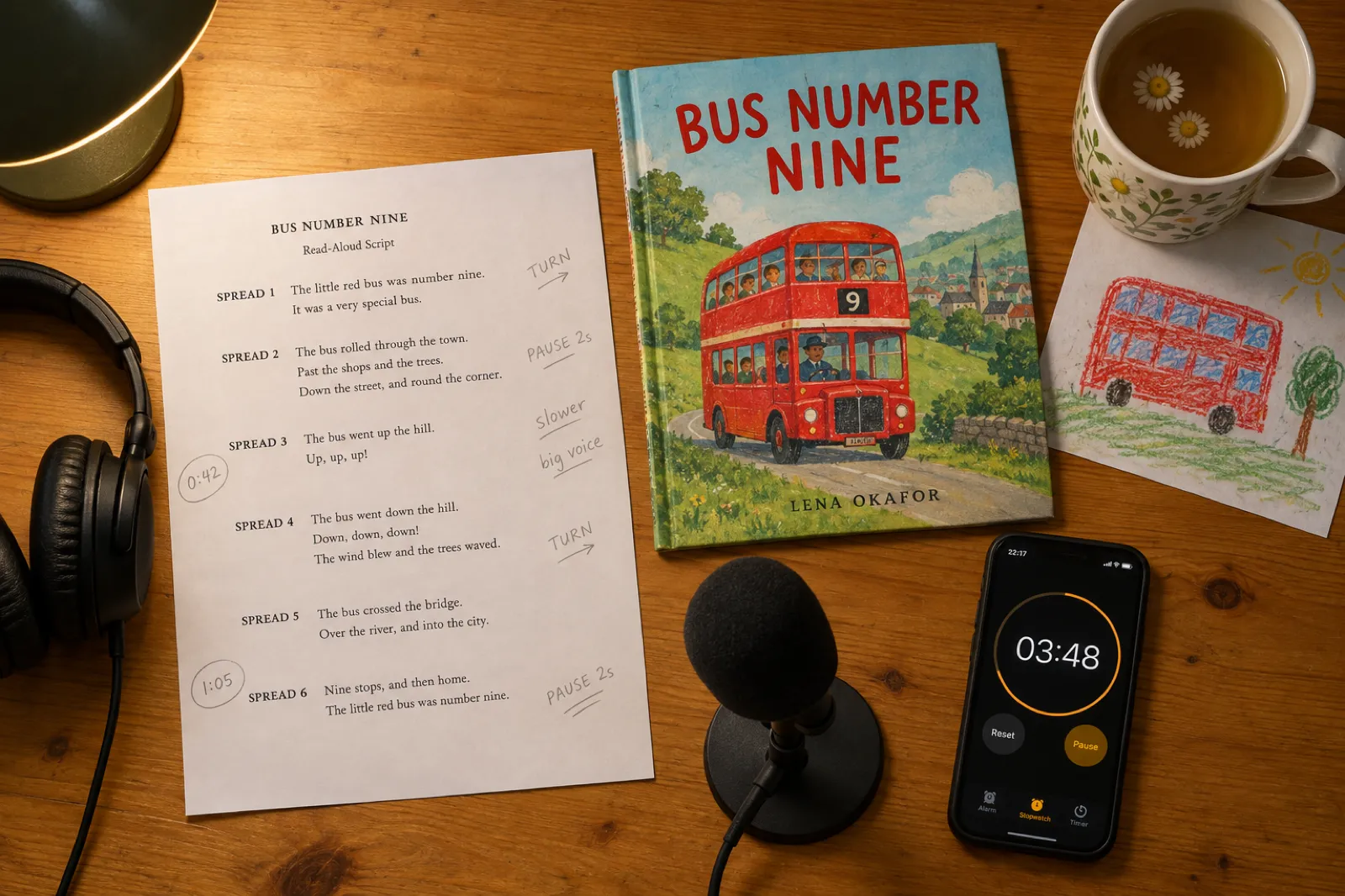
Enter your book's spreads and words, or paste the text one spread per line. The planner works out how long the video will run, gives you a timing sheet with the start time of every spread (print it and mark your page turns), and a short checklist for permission and YouTube's audience setting. It runs in your browser; nothing is sent anywhere.
Total runtime
Average spread
Longest spread
| Part | Starts at | Words | Hold for |
|---|
The paces are our planning assumptions, not a standard: no education body publishes an official read-aloud speed. Time yourself reading one spread and adjust.
How to make a read-aloud video, step by step
There are three ways to film a full reading. Pick the one that suits your book and your confidence on camera; the steps after the list apply to all three.
Overhead pages
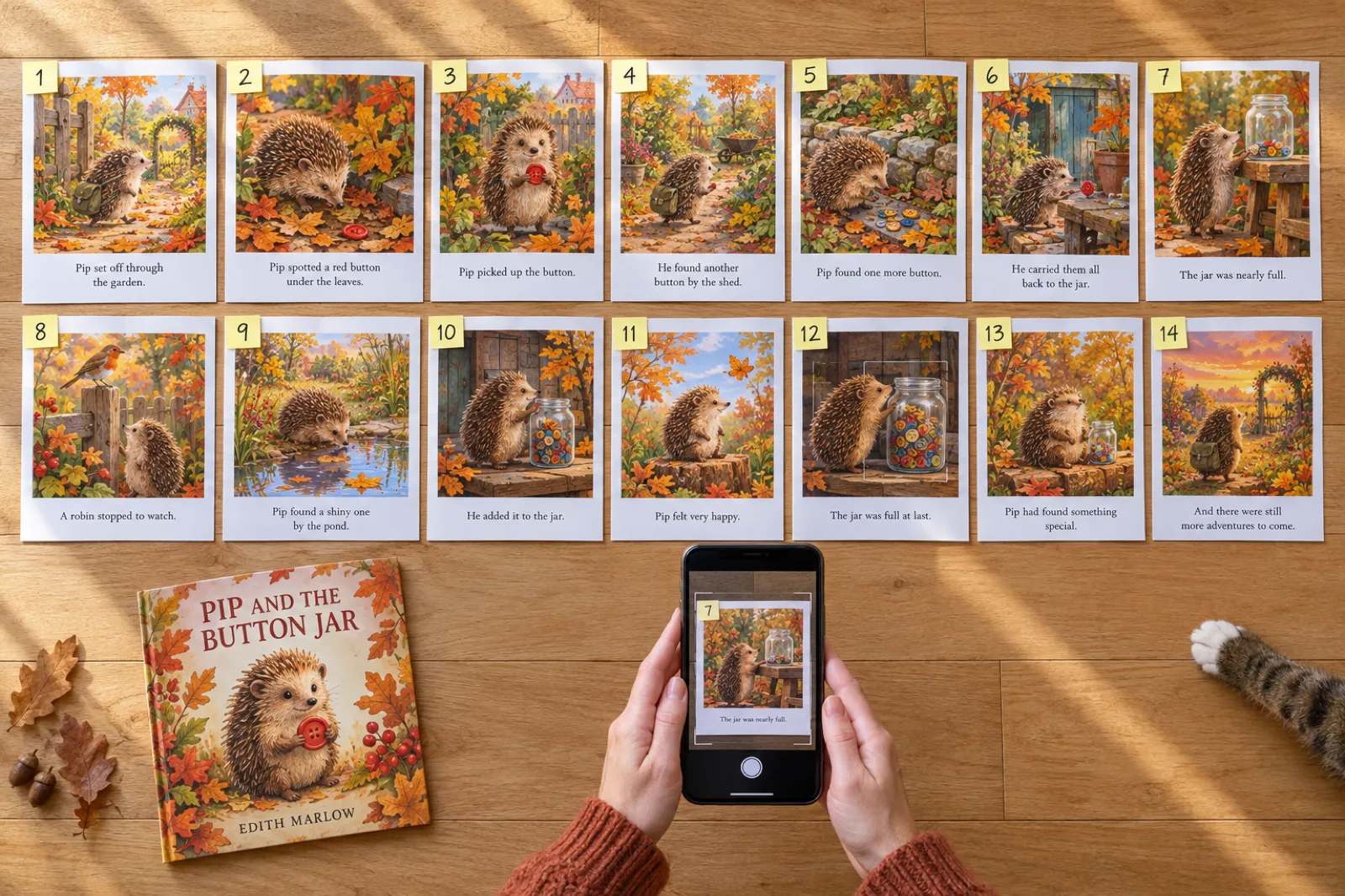
Phone on an overhead arm pointing straight down at the open book. The pictures fill the screen; your voice and hands turn the pages. Best for detailed illustrations.
Librarian style
Phone in front of you; you hold the book up to the camera beside your face, as at storytime. Warmest for young children; pictures appear smaller.
Page slideshow
Each spread as an image, your voice recorded separately, put together in an editor. Sharpest pictures and easiest to redo, but takes longest.
- Time it first. Use the planner and read one spread aloud with a stopwatch. If your pace is far from the planner's, change it.
- Set up the light. Window light from the side, not behind you and not straight onto glossy pages (it flares). Turn off overhead lights that cast your shadow on the book.
- Steady the phone. A tripod with an overhead arm, or the phone flat on a stack of books for the slideshow method. Lock focus on the page if your camera allows it.
- Get the sound right. A small room with soft things in it (a bedroom, a wardrobe of clothes) sounds better than a big kitchen. A clip-on microphone is the best small upgrade you can buy.
- Open simply. "Hello, I'm Owen, and this is Mabel and the Moon Kite." Title, your name, and if it is your book, that you wrote it. Fifteen seconds at most.
- Read slowly and pause. Slower than feels natural. Pause after each page so children can look, and turn the page in the pause, not over the words.
- Hold every spread. The timing sheet's "hold for" column is the least time a spread should be on screen; a spread with few words still needs a few seconds for the picture.
- Close with the book. Hold up the cover, say where to find it, and thank them for listening. On YouTube this ending matters more than usual, for the reason in the next section.
- Edit lightly. Trim the start and end, add captions (YouTube can generate them; check them), and keep it to one take if you can: children forgive a stumble.
For the slideshow method, export your book as a PDF (free on every Inkfluence AI plan; free-plan exports carry Inkfluence branding, paid plans can export without it), save each page as an image from your PDF viewer, and lay them in order in any editor. Our iMovie and Canva walkthroughs cover the editing steps.
How to read a picture book aloud on camera
Reading to a camera is harder than reading to a child on your lap, because nobody laughs, gasps or points. A few habits from storytime readers fill the gap.
- Read it three times before you record. Once for the words, once for the voices, once with the stopwatch. The third time is when you notice the sentence that trips you up.
- Give each character one difference, not a performance. Higher or lower, faster or slower. Children follow who is speaking from a small change; a big accent you cannot hold for five minutes is worse than none.
- Let the page turn do the work. Picture books put surprises after a page turn on purpose. Slow down on the last line before the turn, pause, then turn and read the reveal.
- Leave room for the child. If the book has a repeated line, pause before it the second and third time; children at home will say it with you. Ask one question at the end, not on every page.
- Look up now and then. In the librarian style, glance at the camera at the end of a page, as you would at a child. In the overhead style, your voice carries that warmth on its own.
- Keep the first take. A small stumble you laugh off sounds human. Re-record only if a word is lost.
Different books read differently. A rhyming book needs a steady beat, so set the pace slower in the planner and let the rhyme land. An alphabet book is more call-and-response than story: pause after each letter so children can name it first (the ABC book maker writes its lines for exactly that, and the ABC book guide shows how). A bedtime book should get quieter towards the end, never louder. A funny book needs you to wait for the laugh you cannot hear: a beat of silence after the joke.
If a spread trips you up every time, it may be the writing rather than the reading. Tightening it in the AI book editor before you record usually fixes both. A story picture book in Inkfluence AI runs 10 to 16 illustrated pages, 14 by default, which is why the planner starts at 14 spreads; the book length calculator covers longer formats, and a personalised book for grandparents is the kind of book that gets read aloud on video most often of all.
YouTube's made-for-kids rules, and what they change
YouTube requires every creator to set an audience for every video, "even creators who don't make content for kids", as part of a settlement with the US Federal Trade Commission and the New York Attorney General under the Children's Online Privacy Protection Act (COPPA). The FTC told channel owners in November 2019 that "if your intended audience is kids under 13, you're covered by COPPA", and its COPPA FAQ puts civil penalties at up to $53,088 per violation. The rule itself was amended on 22 April 2025.
YouTube's factors for "made for kids" include the subject matter, whether the language is meant for children to understand, and stories or poems written for children. A picture-book reading for young children meets them plainly; mark it as made for kids. Shorts get the same choice: "Select audience" is a step in uploading a Short.
Marking it changes what the video can do. On made-for-kids videos, YouTube turns off, among other things:
- Comments
- Notifications
- Personalized advertising
- Cards and end screens
- Playback in the miniplayer
- Save to playlist and Watch Later
- Channel memberships and merchandise
- Autoplay on home
The practical consequence for an author: you cannot rely on an end screen or a card to send parents to the book. Say the title and where to buy it in the video, show the cover at the end, and put the link in the description. If you also post a short version for grown-ups (on Shorts, Reels or TikTok), that one is aimed at adults who buy books and can carry a normal call to action; the promo video guide covers linking from Shorts.
Getting paid, and using an AI voice
"Can I read books on YouTube and get paid?" YouTube's Partner Program policies answer most of it. Under reused content, YouTube lists "content that exclusively features readings of other materials you did not originally create" as not eligible. In July 2025 it renamed its "repetitious content" policy to "inauthentic content", aimed at videos that are mass-produced or repetitive, and it lists "AI-generated content made with generic or unoriginal templates giving the impression of mass production" among the things it will not monetise.
Reading your own book is a different case from reading other people's, and a reading with something of you in it (why you wrote it, a question for the children at the end, a drawing to try) is a different case from a template. Personalized ads are off on made-for-kids videos either way, so for most children's authors the reading is marketing for the book, not income in itself.
AI voices. YouTube asks creators to disclose content that seems realistic and was made or altered with AI: a real person appearing to say something they did not, footage of a real event altered, a realistic scene that never happened, or AI music that is the focus of the video. Its examples of content that does not need disclosure include clearly unrealistic content ("someone riding a unicorn through a fantastical world") and cloning your own voice for voiceovers. An AI narrator reading an illustrated story is not covered by name; if you are unsure, use the disclosure setting.
Your own voice is still the warmest choice for a full reading. If you would rather have the whole book narrated as audio for listening rather than watching, that is an audiobook: the AI audiobook generator narrates chapter by chapter (15 chapters a month on Creator, 30 on Premium), and narrating your own audiobook covers recording it yourself.
The 20-second read-aloud, made from your book
For the short version, Inkfluence AI does the whole job from a picture book in your account. The Read-aloud style opens on a question a child would love, then reads three lines copied exactly from three different pages of your book, in story order (one early, one from the middle, one later, never the last page), each over the illustration from its own page. The words light up as the voice reads them, the pictures move with a slow push-in, and the video ends on your cover with where to find the book.
- Open your picture book and choose Make a video (what the video studio does). For picture books the studio suggests Read-aloud.
- Check the opening question (up to nine words) and the three lines. Press New line for a different page, or Hear this line to hear it read.
- Under each line, the studio has already picked that page's illustration. Swap it if you want a different picture.
- Pick a voice. Sage (soft and gentle) suits bedtime books; Fable (a British storyteller) suits classic tales; Coral (warm and bright) is the default for this style. Music can be Playful, Cozy, or off.
- Set the ending card: your stores, "Link in bio", or up to six words, such as "A gift for ages 3 to 6".
- Press Make video. About a minute later you have a 1080 x 1920 MP4 and a post caption.
No picture book yet? The AI storybook generator writes and illustrates one, the picture book maker lays it out for print, and if you have your own art, turn your illustrations into a picture book. For the other five video styles, see turn your book into a video.
Read-aloud videos for authors, teachers and families
Children's authors
A full reading on your channel or website, short read-alouds on social media pointing to it, and a recording to send schools before a visit. Our guide to selling children's books shows where these fit, and BookTok for authors covers the KidLit corner of TikTok.
Teachers and librarians
Ask the publisher for each title, share the recording only where the permission says (usually your own students, unlisted or on a class platform), and note the expiry date. A book your class wrote together is yours to record; the lesson plan generator can build the activity around it.
Parents and grandparents
A private recording for family is the gentlest use there is. A personalised children's book starring the child, read by a grandparent who lives far away, is a gift that gets watched every night. See also the bedtime story guide.
Eight read-aloud video mistakes
- Recording someone else's book without asking. A video can be taken down, and a channel can get strikes.
- Reading too fast. Children need time to look. If it feels slow to you, it is probably right.
- Turning the page mid-sentence. Finish the words, pause, then turn.
- Glare on glossy pages. Move the light to the side or tilt the book slightly.
- Relying on end screens. They are off on made-for-kids videos. Say where the book is, out loud and on screen.
- Marking a children's reading "not made for kids". The audience setting is a legal requirement, not a preference.
- Background noise. A washing machine you no longer hear is very loud on a recording.
- Showing the ending in the short version. The full reading tells the whole story; the short read-aloud should stop before the last page, which is how the studio picks its three.
What it costs
Filming a full reading costs nothing but time. The short read-aloud videos are part of Inkfluence AI's paid plans. Prices checked 11 Nov 2026.
| Plan | Price | Short read-aloud videos | Also useful |
|---|---|---|---|
| Free | $0 | Preview a moving sketch of your book and watch the examples; cannot make or download | PDF export of your book, for the slideshow method |
| Creator | $9.99 a month | 20 videos a month | 15 audiobook chapters a month |
| Premium | $19.99 a month | 60 videos a month; "Made with" mark can be switched off | 30 audiobook chapters a month |
A failed video is never counted. Videos work for books in languages written in the Latin alphabet, including Spanish, French, German and Portuguese. See the pricing page for everything else in each plan, and the guide to self-publishing a children's book on Amazon for the listing your videos point to.
Why Inkfluence is the best place to make a picture book and its read-aloud
Video apps that "turn a story into a video" draw their own version of your story. Inkfluence AI starts from your book: your words, your illustrations, your cover.
- It reads the real pages. The three lines are copied exactly from your book, never invented, never the last page.
- The pictures are yours. Each line sits on the illustration from its own page, as you or your illustrator made it.
- Made for the people who buy. Words that light up as they are read, a gentle voice, and an ending card that tells a parent where to find the book.
- One place for the whole book. Write and illustrate it, export it for Amazon KDP, narrate it, and now make its videos.
See how it compares with other children's book tools in the best AI children's book creators roundup.
Read-aloud videos: frequently asked questions
Can I read a book aloud on YouTube?
Your own book, yes. Someone else's book is a different matter: a recorded reading copies the text and usually the illustrations, which belong to the author, illustrator and publisher. The US Copyright Office says fair use is decided case by case and recommends asking permission when in doubt. The blanket read-aloud permissions several publishers gave in 2020 have ended; Penguin Random House's open license ended on 30 June 2023.
Can I read a children's book on YouTube for educational purposes?
Education alone does not make it fair use; it is one factor of four, and only a court decides. For a class, ask the publisher for permission for that title. Penguin Random House now takes read-aloud requests title by title through its permissions site, for viewing in a closed environment such as your class's learning platform rather than public YouTube.
Can I make money from read-aloud videos on YouTube?
Of your own book, possibly. YouTube's Partner Program rules list "content that exclusively features readings of other materials you did not originally create" as reused content, and since July 2025 its "inauthentic content" policy excludes mass-produced or repetitive videos. Reading your own book, in your own voice, with something added (why you wrote it, a question for the children) is a different case.
Do read-aloud videos have to be marked as made for kids?
If they are made for children, yes. YouTube requires every creator to set an audience, as part of its settlement with the US Federal Trade Commission, and a picture-book reading for young children is the clearest made-for-kids case there is. Made-for-kids videos lose comments, notifications, personalized ads, cards and end screens, and the miniplayer, so put the book's name and where to buy it inside the video and in the description.
How long is a read-aloud video of a picture book?
Usually 3 to 7 minutes. A 450-word book read at a gentle 120 words a minute, with a two-second pause at each of 14 page turns and 15 seconds of opening and closing, runs about 4 minutes 43 seconds. The planner on this page works it out for your book.
Can I use an AI voice for a read-aloud video?
Yes, for your own book. YouTube asks creators to disclose AI content that seems realistic (a real person appearing to say something they did not, a realistic event that did not happen); its examples of content that needs no disclosure include clearly unrealistic content and cloning your own voice for a voiceover. If you are unsure, use the disclosure setting.
What equipment do I need to film a read-aloud?
A phone, something to hold it steady above or in front of the book (a tripod with an overhead arm, or a stack of books), daylight from a window, and a quiet room. A small clip-on or USB microphone makes the biggest difference after that. You do not need a camera or lights.
Can Inkfluence AI make a read-aloud video of my picture book?
It makes the short version: a 15 to 20 second Read-aloud video that reads three pages of your book over their own illustrations, with a voice and captions, for Reels, Shorts and TikTok. It does not make a full five-minute reading; that you film or record yourself, and this page shows how. Videos need Creator ($9.99 a month, 20 videos) or Premium ($19.99, 60).
Where can teachers find permission to record a read-aloud?
From the book's publisher. Look for a "permissions" or "rights" page on the publisher's site; Penguin Random House runs a per-title request form with a Read-Alouds option. Scholastic's and Macmillan's temporary permissions from 2020 to 2023 have expired, so do not rely on them.
Should I show my face in a read-aloud video?
It is your choice. Children respond to a friendly face, which is why many read-aloud channels film the reader holding the book up like a librarian. An overhead shot of the pages with your voice works just as well and keeps the pictures large on a small screen.
Sources
All read on the official pages on 11 Nov 2026. This page is general information, not legal advice. If an official page disagrees with this one, the official page wins.
- YouTube Help: Set your channel or video's audience: every creator sets an audience; COPPA; FTC settlement.
- YouTube Help: Determining if your content is made for kids.
- YouTube Help: Watching made-for-kids content: features turned off.
- YouTube Help: Get started creating Shorts: Select audience when uploading.
- YouTube Help: Partner Program monetization policies: inauthentic content (15 Jul 2025) and reused content.
- YouTube Help: Fair use on YouTube.
- YouTube Help: Disclosing altered or synthetic content.
- FTC Business Blog, 22 Nov 2019: YouTube channel owners.
- FTC: Complying with COPPA, frequently asked questions: penalties; rule amended 22 Apr 2025.
- US Copyright Office: What is copyright? and fair use FAQ.
- Penguin Random House: temporary open license (ended 30 Jun 2023).
- Scholastic: digital read-aloud permissions (through 31 Dec 2022).
- Macmillan: guidelines and resources (through 31 Mar 2023).
- Albert Whitman & Company: submission guidelines: picture books up to 1,000 words.
- Inkfluence AI help: How to turn your book into a video.
YouTube, TikTok, Instagram, Amazon and the publishers named are trademarks of their owners. Inkfluence AI is an independent tool and is not affiliated with or endorsed by any of them.
Related tools and guides
Turn Your Book Into a Video
Six styles, one for every kind of book.
Book Promo Video
Gift season and launch videos for Reels and Shorts.
BookTok for Authors
The KidLit corner of TikTok, and the rest.
AI Storybook Generator
Write and illustrate the book to read.
AI Picture Book Maker
Spreads laid out for print.
AI Children's Book Creator
From idea to print file.
Make a Picture Book With AI
The full walkthrough.
Picture Book With Your Own Images
Your art, your book, your reading.
AI ABC Book Maker
Alphabet books that read aloud well.
AI Audiobook Generator
The whole book, narrated as audio.
How to Sell Children's Books
Where the videos fit in the plan.
Pricing
Creator and Premium, with videos included.
Your picture book is ready to be read aloud.
Film the full reading with the timing sheet, and let Inkfluence AI make the 20-second version from three of your pages in about a minute. Write or import the book free; videos come with Creator and Premium.
Make my book's read-aloud video