
Free · Runs in your browser · Your audio is never uploaded
ACX Audio Checker: Will Your Audiobook Files Pass ACX?
Drop in one chapter or a whole book of MP3s and see, file by file, whether each one meets ACX's audio submission requirements: sample rate, bit rate, constant bit rate, mono or stereo, RMS loudness, peaks, noise floor, running time and room tone. Every result says why it passed or failed and how to fix it.
By Sam May, founder of Inkfluence AI · · ACX rules checked 19 November 2026
What are ACX's audio requirements?
ACX wants one MP3 per chapter, at 44.1 kHz and 192 kbps or higher, constant bit rate (CBR). Every file in the book is mono or every file is stereo, and ACX recommends mono. Each file must measure between -23 dB and -18 dB RMS, peak no higher than -3 dB, keep its noise floor at or below -60 dB RMS, run no longer than 120 minutes, and start and end with room tone: ACX asks for 1 to 5 seconds, and its automatic check flags less than half a second at the start, less than a second at the end, or more than 5 seconds at either end. The book also needs opening and closing credits as separate files, a retail sample of five minutes or less, and a human narrator.
First: ACX only takes human narration
ACX's requirements say an audiobook "must be narrated by a human unless otherwise authorized" and that unauthorized text-to-speech, AI or automated recordings are prohibited (ACX audio submission requirements). A file made with an AI voice, ours included, can meet every number on this page and still not be accepted. Amazon's own AI route is KDP Virtual Voice, a separate invite-only programme for Kindle ebooks.
So this checker is for two jobs. The first is human-narrated chapters on their way to ACX: yours, if you narrate your own audiobook, or a narrator's, if you want to check their files before you approve them. The second is any audiobook going to another store that asks for the same format, which several do (the list is further down). For which stores take AI narration at all, see where to sell an AI audiobook.
Check your audiobook files
Choose one chapter or select every chapter at once. Files are read on your computer, one after another, so a whole book is fine; a two-hour chapter takes a few seconds. MP3 is what ACX takes. WAV files (16-bit, 24-bit or 32-bit float) are measured too, so you can check levels before you export.
Files
0
Pass
0
Check
0
Fail
0
Across the whole book
Every file
| File | Format | RMS / peak | Noise floor | Result |
|---|
Each check, with the fix
Pass means the file meets that rule as measured here. Check means it passes but sits close to a limit, where a different meter could disagree. Fail means ACX would flag it. A Note is information, not a fail.
What the checker measures, and how
ACX publishes the limits but not the meter behind each one, so here is ours. An MP3 is a chain of small frames, each with a header that states its sample rate, bit rate and channel mode, and the checker reads every one. (Asking the browser instead would be wrong: it converts audio to your sound card's rate, so it would describe your laptop, not the file.) The levels are measured by decoding the audio at the file's own sample rate, a minute at a time.
| Check | ACX asks for | How the checker measures it |
|---|---|---|
| File type | MP3 | Read from the file's own bytes: an MP3 is MPEG-1 Layer III. WAV files are measured too, and flagged as not yet an MP3. |
| Sample rate | 44.1 kHz | From the MP3 frame headers, not from your browser, which would quietly convert it. |
| Bit rate | 192 kbps or higher, constant (CBR) | Every frame in the file is read. One bit rate throughout means CBR; more than one means variable or average. |
| Channels | All mono or all stereo; mono recommended | From the frame headers, including joint stereo, and compared across every file you drop in. |
| Running time | 120 minutes or less per file | Frames counted and multiplied out, less the encoder's padding when the file records it. |
| RMS loudness | -23 dB to -18 dB | Square root of the mean of every squared sample, over the whole file, no weighting. |
| Peak level | -3 dB or lower | The single loudest sample after decoding the MP3. |
| Noise floor | -60 dB RMS or lower | The RMS of the quietest half second, searched in 50 ms steps. Pure digital silence is skipped and reported on its own. |
| Room tone at the start | 1 to 5 seconds; under 0.5 s is flagged | Time before the first 50 ms stretch louder than -45 dB (higher in a noisy room). |
| Room tone at the end | 1 to 5 seconds | Time after the last 50 ms stretch louder than the same threshold. |
We tested it on fourteen files built to break each rule (variable and average bit rate, 22.05 and 48 kHz, joint stereo, a 125-minute file, cover art in the tags, no room tone, too much noise) and compared every reading with a standard command-line audio analyser. RMS and peak matched within 0.1 dB, the noise floor within 0.1 dB on files with a real pause, and room tone within about 0.05 seconds. One difference: browsers stop counting at 0 dB, so a clipped file reads exactly 0 dB peak here. It fails either way.
Two limits. The noise floor needs half a second without speech somewhere in the file; on a file trimmed tight to the words, the quietest half second contains speech and reads too loud. And no meter hears a mouth click or a fluffed line. ACX says the same of its own Audio Analysis tool: it "does not detect issues such as noise floor or editing errors".
Every ACX requirement, explained
ACX's list is short, but each line hides a setting somewhere in your recording or export. Here is what each means, why ACX asks for it, and where it goes wrong. Read from ACX's own pages on 19 November 2026; sources at the end.
One chapter per file, with the header read aloud
Each file holds one chapter or section, and the narration starts with its header: "Chapter One", "Prologue", or the chapter title. Listeners skip by file, so a file per chapter is what makes the skip buttons work. The opening and closing credits are files of their own. Be consistent: if most headers are read aloud and a few are not, a listener assumes something is missing.
MP3, 192 kbps or higher, constant bit rate, 44.1 kHz
ACX converts your files into several formats for Audible's apps and wants a consistent starting point. Three settings each fail on their own. Bit rate: 192 kbps or higher. Re-saving a 128 kbps MP3 at 192 does nothing for the sound; export again from the original recording. Higher rates are allowed. Constant bit rate (CBR): every frame uses the same rate. Variable (VBR) and average (ABR) bit rate files change rate frame by frame, and ACX's check reports them as "not encoded in Constant Bit Rate". The checker reads every frame, so it catches an average-bit-rate file labelled 192 kbps. Sample rate: exactly 44.1 kHz. Not 48 kHz, which most USB microphones record at, and not 22.05 kHz, which some phone apps produce.
Edit in WAV and export MP3 once, at the end. Saving as MP3 loses a little detail and shifts the level slightly: in our worked example below, the MP3 read 0.3 dB quieter than its WAV. Check the MP3 you will upload, not the WAV.
All mono or all stereo, mono recommended
ACX will not take a book that mixes mono and stereo files; its check reports "Mixed Channels". It recommends mono, since a single voice gains nothing from two identical channels, and suggests all-stereo only for books with stereo music or effects. ACX's earlier requirements also said stereo files must not be joint stereo, a space-saving mode many encoders use by default, so the checker flags it. When you drop in a whole book, it compares every file's channels, sample rate and bit rate.
RMS between -23 dB and -18 dB
RMS is the average loudness of the whole file, the number that decides whether listeners reach for the volume between your book and the next. The window is five dB wide; aim for the middle, -20 dB. It is measured over the whole file, pauses included, so a narrator with long pauses reads a little lower than a fast talker. Recording meters usually show peaks, not RMS, so a take that looks healthy can still read -27 dB here.
The checker uses plain, unweighted RMS, because ACX publishes no weighting; on this scale a full-scale sine wave reads -3 dB. Loudness meters in LUFS weight the sound to match the ear, and for speech -20 LUFS often lands near -20 dB RMS, but not always. Meters disagree by a few tenths of a dB, so anything within half a dB of either edge is marked as one to check.
Peaks no higher than -3 dB
The peak is the loudest moment in the file, usually a hard consonant or a raised voice. ACX wants three dB of space above it so that converting the file does not distort it. Raise the level to fix the RMS and the peaks rise too; a limiter settles it by holding the loudest moments at a ceiling while the rest rises. Set the ceiling to -3.5 dB, because saving as MP3 can push peaks up a fraction. A peak of exactly 0 dB means the recording clipped, which a limiter cannot repair: that line needs recording again.
Noise floor no higher than -60 dB RMS
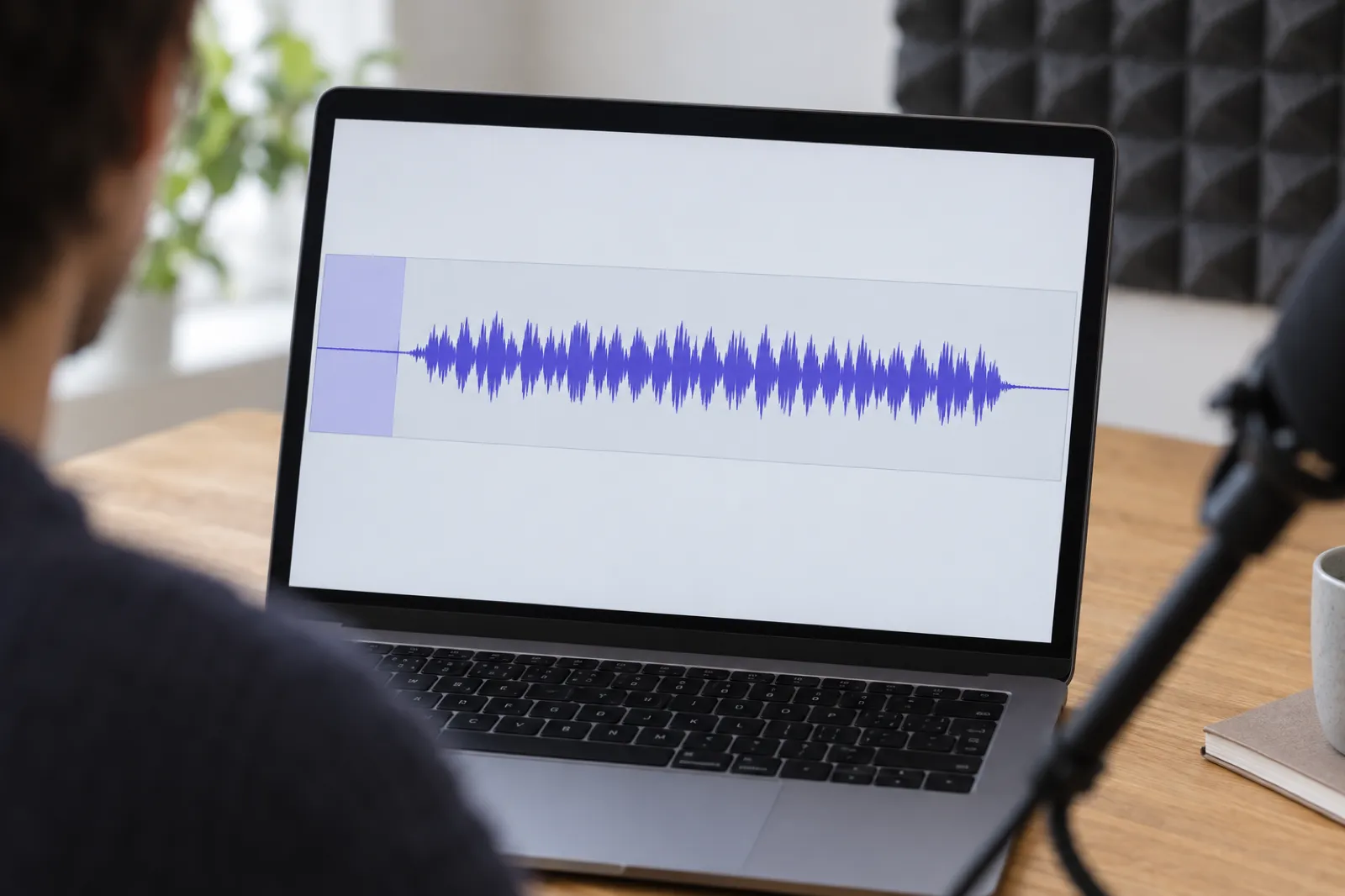
The noise floor is your recording when nobody is speaking: microphone hiss, a fridge, a laptop fan, traffic, the room. ACX wants -60 dB RMS or lower, quiet enough that a listener on headphones does not hear it. The checker reports the quietest half second, like the common ACX check plug-in, so the reading comes from your room tone or longest pause.
Home narrators find this one hardest, because levelling raises the noise too. A take at -30 dB RMS with a floor of -66 dB looks safe, but raising it 10 dB to reach -20 also raises the floor to -56 dB, and the file fails. Lower the noise at the source first. And take the room tone at each end from the same session: pasting in cleaner silence flatters the reading, and ACX's listeners will hear the pauses between your sentences anyway.
Pure digital silence is not room tone. A noise gate that cuts pauses to nothing makes the voice sound as if it switches on and off. The checker skips digital silence when measuring the floor and shows it as a Note, not a fail.
Room tone at the start and end of every file
ACX asks for between 1 and 5 seconds of room tone at the beginning and end of each file: a short stretch of the room with nobody speaking, so the chapter does not start mid-breath or cut off on the last word. ACX added automatic spacing checks in December 2021 (ACX's announcement), and the check's messages today flag a file with less than half a second at the start, less than a second at the end, or more than 5 seconds at either end. The checker fails anything outside those limits and marks 0.5 to 1 second at the start as one to check, since ACX's check accepts it but its requirements page asks for at least a second. One to two seconds at the start and two to three at the end is comfortable.
The checker times the room tone up to the first 50 ms stretch louder than -45 dB, and after the last (higher in a noisy room). A loud breath before the first word can count as speech.
No longer than 120 minutes per file
ACX does not support files over 120 minutes. Split a long section at a pause and start the second file with a header such as "Chapter Twelve, continued", the wording ACX's own check suggests. Author's Republic's limit is 119 minutes and 170 MB, and a 119-minute file at 192 kbps is about 171 MB, so split anything that long.
Opening and closing credits
The opening credits are their own short file giving at least the title, any subtitle, "Written by" the author and "Narrated by" the narrator, matching the cover. The closing credits file says at least "The End". Both go through the same technical checks, so drop them in with the chapters.
A retail sample of five minutes or less
The sample is what shoppers hear before they buy. ACX asks for five minutes or less, starting from the beginning of the audiobook, or another passage if the opening has explicit content. Start with the story, not the credits or music. More people will hear this file than any other.
Consistent sound, no extraneous noises, plain file names
ACX's team listens as well as measures. It asks for consistent levels, tone and noise across the book, and files free of plosives (popped p and b sounds), mouse clicks, heavy mouth noise and outtakes. For a whole book, the checker shows how far the RMS varies between chapters, since a chapter recorded on another day often lands a couple of dB apart. ACX has also asked for file names in plain US letters and numbers, so "Chapter_01.mp3", not "Chapitre 1 (révisé).mp3"; the checker flags anything else.
Why audiobook files fail ACX's checks
Most rejected files are not badly narrated. They fail on settings nobody explained, usually several at once. These are the usual reasons, roughly in the order home narrators meet them.
- The RMS is too low. Home recordings often come out around -26 to -30 dB, because narrators set the gain low to avoid distortion. Right while recording; the finished file still has to be raised.
- The file was exported as variable bit rate. Many editors default to VBR because it makes smaller files.
- The sample rate is 48 kHz. Most USB microphones record at 48 kHz. ACX wants exactly 44.1 kHz.
- There is no room tone at the start or end. Editors trim tight to the first and last word.
- The noise floor is above -60 dB. A computer fan, a fridge, traffic or hiss from a cheap preamp. Raising the RMS to -20 dB raises the noise by the same amount, so a floor that read -66 dB before levelling can read -56 dB after.
- The peaks are over -3 dB. Normalising to 0 dB, or raising the level without a limiter, pushes the loudest syllables past ACX's ceiling.
- Mono and stereo files are mixed. Usually one chapter redone another day, in another program.
The checker catches all seven. What it cannot catch is the listening side: ACX's team also rejects for mouth clicks, breaths left in loudly, page turns, a sentence read twice, a missing chapter header, or a chapter that sounds as if it was recorded in a different room. Plan for a full listen-through after the numbers pass.
How to fix each problem, in any editor
Every editor names these tools differently, but the order of work is the same, and it matters: each step changes the numbers the next depends on. Work on the original recording, not an MP3 you already exported.
- Edit first. Remove mistakes, retakes, long breaths and clicks. Fill any gap with room tone from the same session, never silence; record 30 seconds of it at the start of each session.
- Cut the rumble. A high-pass (low-cut) filter at around 80 Hz removes traffic rumble, desk thumps and some hum without touching the voice.
- Reduce noise, gently. If the floor reads above about -65 dB before levelling, take a "noise profile" from room tone and apply noise reduction lightly to the whole file. Heavy settings leave a watery sound that ACX's listeners reject faster than a little hiss.
- Bring the level up with a limiter. Raise the gain until the RMS sits near -20 dB, with a limiter after it set to a -3.5 dB ceiling (or use loudness normalisation set to -20 dB RMS, then the limiter). Plain "normalise to 0 dB" sets the peak, not the average, and breaks ACX's ceiling.
- Check the noise floor again. Levelling raised it. Above -60 dB, go back to step 3, or rerecord somewhere quieter.
- Set the room tone at each end. Trim or add room tone from the same session so the first word comes 1 to 2 seconds in and the file runs 2 to 3 seconds after the last word.
- Export with the right settings. MP3, 44.1 kHz, mono, 192 kbps, with "Constant" or "CBR" as the bit rate mode. If the project is 48 kHz, set the export rate to 44,100 Hz.
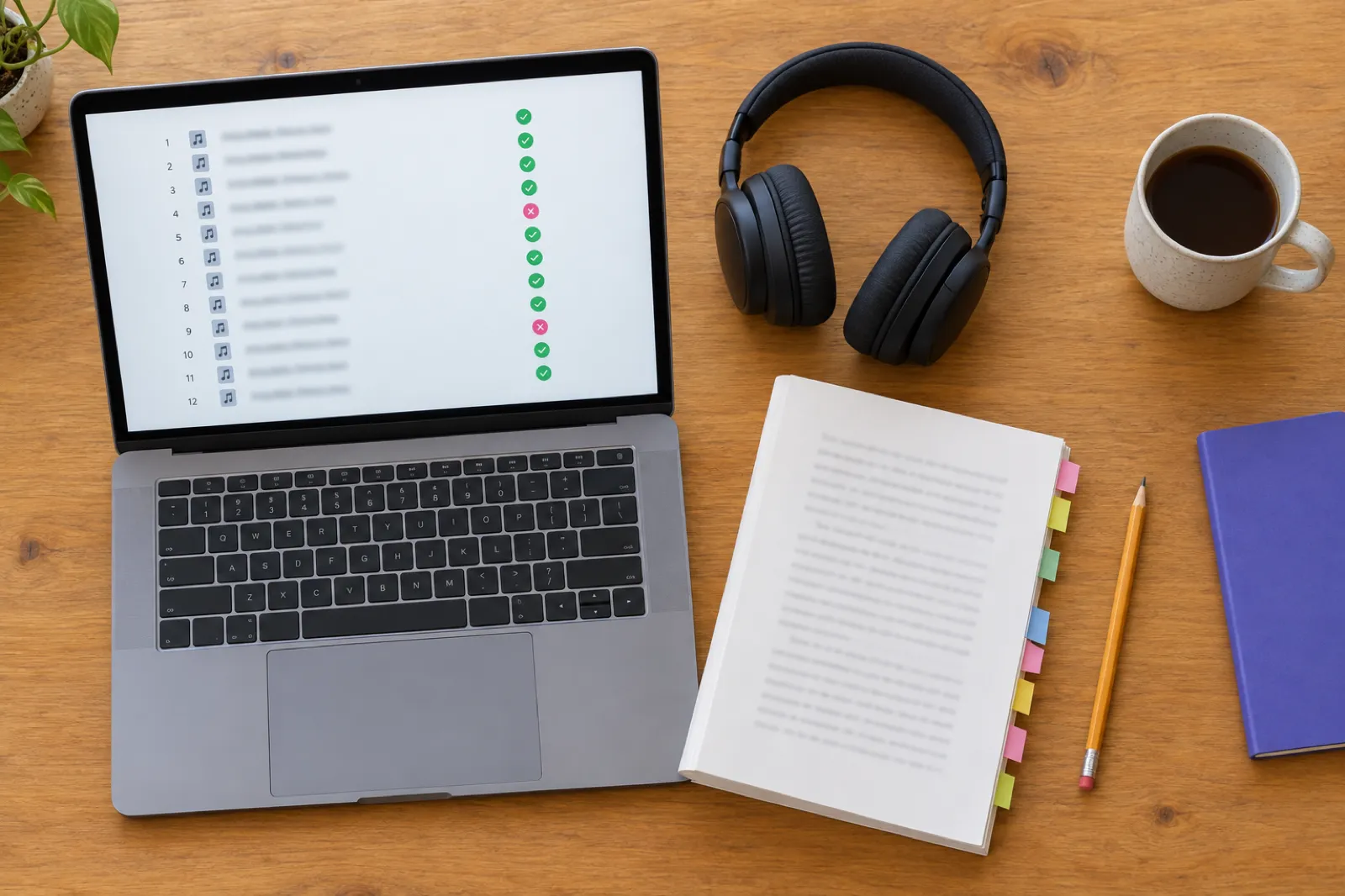
- Check the MP3. Drop the exported MP3s into the checker, not the WAVs.
In Audacity, which many first-time narrators use because it is free: Effect, then EQ and Filters for the high-pass filter; Effect, Noise Removal and Repair, Noise Reduction for the noise step; Effect, Volume and Compression, Loudness Normalization (choose RMS) and then the Limiter; and for export, File, Export Audio, MP3, with Bit Rate Mode set to Constant and Quality to 192 kbps. Menu names move between versions, so search the menu if one is not where this says. Audacity also has an ACX Check under the Analyze menu, which measures peak, RMS and noise floor for a selection; this checker adds the format and room tone checks and takes every chapter at once.
In other editors look for the same tools: a high-pass or low-cut filter, a de-noiser, a limiter with a ceiling, and an MP3 export with a bit rate mode. If yours only exports variable bit rate MP3, export a 44.1 kHz WAV and convert it with an MP3 encoder that offers CBR.
A worked example: one chapter from fail to pass
To show how the numbers move, we made a 27-second test chapter with the problems a first home recording usually has, fixed it step by step, and ran every stage through this checker. The voice is a synthetic test track with a steady hiss and a 50 Hz mains hum mixed under it, exported the way a default MP3 export often comes out: 48 kHz, variable bit rate around 124 kbps, joint stereo. We also kept ten seconds of the same "room" with nobody speaking, as you would at the start of a session.
| Stage | RMS / peak | Noise floor | Room tone start / end |
|---|---|---|---|
| As exported48 kHz, VBR, joint stereo | -30.2 / -12.6 dB | -57.2 dB* | 0.2 s / 0.7 s |
| 1. High-pass and noise reduction | -30.3 / -13.3 dB | -55.2 dB* | 0.3 s / 0.7 s |
| 2. Gain plus limiter at -3.5 dB | -20.1 / -3.5 dB | -45.0 dB* | 0.3 s / 0.7 s |
| 3. Room tone from the session addedsame noise reduction and gain | -20.6 / -3.5 dB | -73.2 dB | 1.2 s / 2.5 s |
| 4. ExportedMP3, 44.1 kHz, mono, 192 kbps CBR | -20.9 / -3.7 dB | -74.3 dB | 1.2 s / 2.5 s |
* With less than half a second of quiet anywhere in the file, the "quietest half second" still contains words, so these readings are not a true noise floor. They fail either way.
As exported, the file failed seven checks (sample rate, constant bit rate, bit rate, RMS, noise floor and both ends of room tone) plus a joint stereo warning. Three things stand out. Step 2 got the RMS to -20.1 dB in one move with the limiter holding the peak at -3.5 dB, but the noise rose with the voice. The noise floor only becomes measurable once there is real room tone in the file. And the export moved the numbers: RMS down 0.3 dB, peak down 0.2 dB. The final file passes every check, 2 dB inside the RMS window.
The room tone in step 3 went through exactly the same noise reduction and gain as the voice, which is why the -74 dB reading is real: the pauses between sentences carry the same reduced noise.
Other stores that ask for the same format
ACX's numbers have become a common standard, and a file that passes this checker is usually fine elsewhere. Each store still has its own rules, and its own rules about AI narration, which are a separate question from the audio format. These are the stores whose audio specs we could read on their own pages on 19 November 2026.
| Store | Audio format it asks for | Source |
|---|---|---|
| ACX (Audible and Amazon) | Everything on this page. Human narration only. | ACX requirements |
| Author's Republic | The same numbers as ACX (RMS -23 to -18 dB, peaks -3 dB, noise floor -60 dB, 192 kbps CBR MP3 at 44.1 kHz, all mono or all stereo, 1 to 5 seconds at each end), plus 119 minutes and 170 MB at most per file and the same bit rate on every file. | Meeting Audio Requirements |
| Google Play Books | MP3 with constant bit rate preferred, at least 128 kbps for mono or 256 kbps for stereo. Also takes WAV and FLAC at 16-bit, 44.1 kHz or higher. The whole audiobook runs 5 minutes to 100 hours. A 192 kbps stereo ACX file falls short of the stereo minimum; a mono one is fine. | Book file guidelines |
| Kobo | Kobo's guide for publishers recommends at least 192 kbps, because Kobo re-encodes every file at 96 kbps or above down to 64 kbps, and a better source survives that better. | Audio Operations Guide |
If your book is AI-narrated, the format is the easy part; whether the store accepts AI narration is the real question, and the answers differ store by store. Our guide to where to sell an AI audiobook covers every major store, and the publishing guides for Google Play Books and Kobo walk through the uploads. For the full picture of what ACX says about AI, read ACX's AI narration policy, and for what changed in ACX royalties this year, the ACX royalty change.
Where Inkfluence fits, honestly
Inkfluence turns a written book into an audiobook chapter by chapter, in 56 voices and 20 languages. You download one MP3 of the whole book, or a ZIP with one MP3 per chapter in ACX's format: mono, 44.1 kHz, 192 kbps constant bit rate, levelled so the RMS lands around -20 dB with peaks at or below -3 dB, with a short pause before and after each chapter. Narrated chapters a month: 15 on Creator, 30 on Premium, none on the free plan.
What that does and does not mean for ACX:
- AI-narrated chapters cannot go to ACX, whatever their format. They are for stores that accept AI narration, for selling direct, or for your own listeners. The AI audiobook generator page shows how that works, and the AI versus human narrator comparison sets out the trade-offs.
- If you read the book yourself, you can record each chapter in the browser or upload a recording, and the chapter ZIP gives you files in ACX's format. A book read entirely by you is a human-narrated book. The room is still yours: Inkfluence levels your recording but does not remove noise, so a noisy room will still read above -60 dB here.
- The pause before and after each chapter is silence, not room tone. For a human-narrated book going to ACX, keep the room tone from your own recording at each end, then check the files here.
Planning the length first saves recording time: the audiobook length calculator turns a word count into finished hours, and the step-by-step guide to making an audiobook covers the rest of the job.
Before you upload to ACX: the checks no meter can do
When every file passes here, the technical side is done. ACX's quality team then listens, and these are the things it hears that a meter cannot.
- Listen to every file, start to finish, on headphones. Mark mouth clicks, loud breaths, page turns, chair creaks, a word read twice or a line you stumbled over. Listening at normal speed is slow, but it is the only way. If you hired a narrator, this is part of the job you are paying for (what a narrator costs), so ask for fixes before you approve the files.
- Check every chapter starts with its header, read the same way each time, and that a split chapter's second file says "continued".
- Listen to the joins between chapters. Play the last minute of one file and the first minute of the next. A jump in loudness, tone or room sound is easy to hear here and easy to miss inside a chapter.
- Make the credits match the cover. The title, author and narrator names in the opening credits should be exactly what the cover and the listing say.
- Choose the retail sample last, once you know which passage sounds best, and keep it to five minutes or less.
- Name the files plainly, in order, with letters and numbers only.
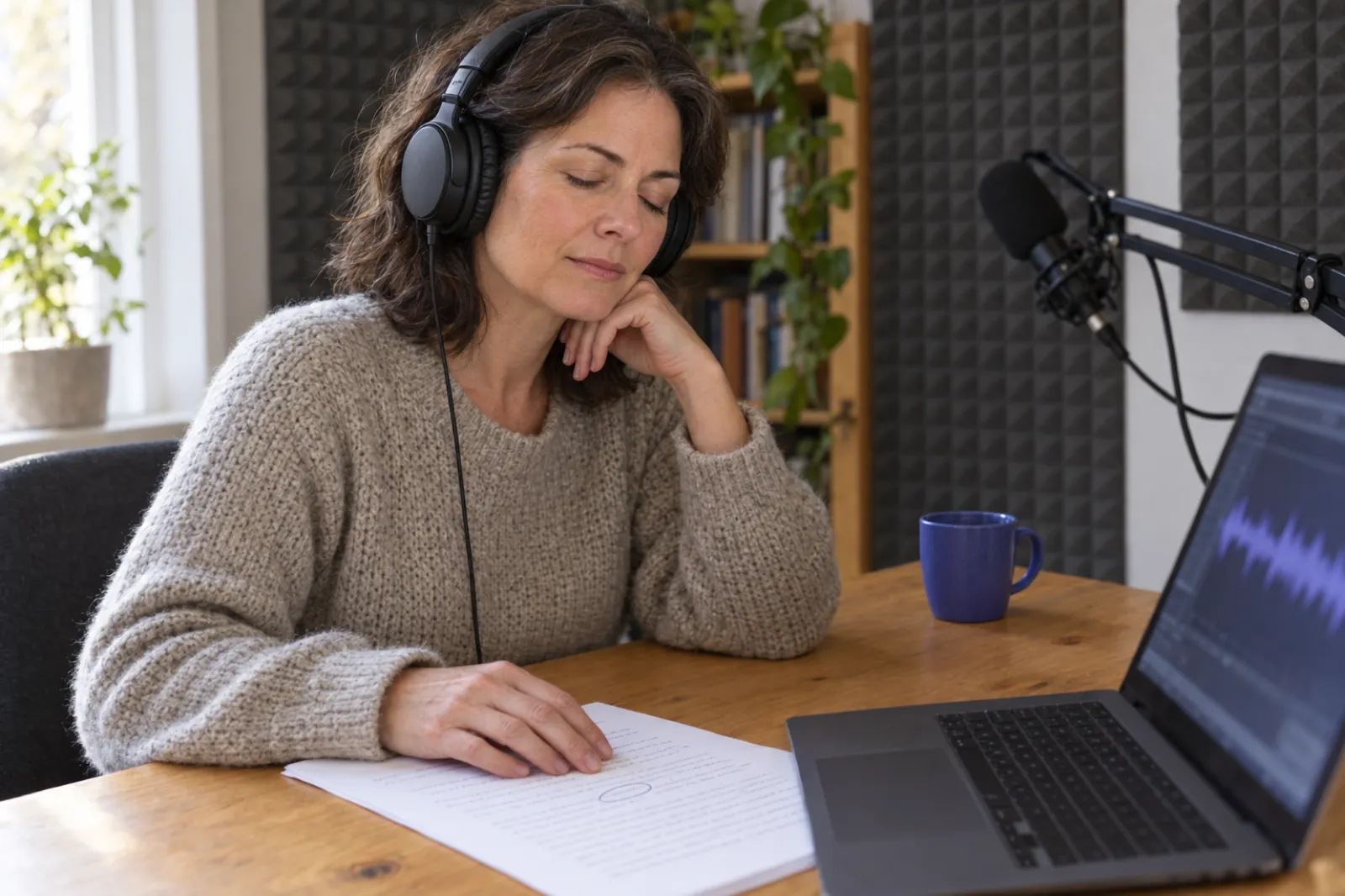
If the book is not on sale as an ebook or paperback yet, start there: ACX connects to a book that already exists on Amazon. The KDP self-publishing guide and the PDF font checker cover the print side, the royalty calculator shows what each format pays, and our guide to creating an ACX audiobook from your ebook walks through the ACX steps themselves. For more on recording at home, including microphones and rooms, read narrating your own audiobook and turning an ebook into an audiobook.
Questions about ACX audio
What are the ACX audio requirements?
One MP3 per chapter at 44.1 kHz, 192 kbps or higher, constant bit rate; all mono or all stereo; RMS between -23 dB and -18 dB; peaks no higher than -3 dB; noise floor no higher than -60 dB RMS; 120 minutes or less per file; 1 to 5 seconds of room tone at each end. Plus opening and closing credits as separate files, a retail sample of five minutes or less, and a human narrator.
Is my audio uploaded anywhere?
No. The checker reads the file inside your browser, using your browser's own audio decoder. Nothing is sent to a server, so it is safe for unpublished chapters.
Does ACX accept AI narration?
No, not audio made with an AI voice tool. ACX's requirements say an audiobook must be narrated by a human unless otherwise authorized, and prohibit unauthorized text-to-speech, AI or automated recordings. Amazon's own AI route is KDP Virtual Voice, an invite-only beta for Kindle ebooks.
How does ACX measure RMS?
ACX does not publish its exact meter. The common method, used here, is the plain RMS of every sample in the file with no weighting. Meters can disagree by a few tenths of a dB, so the checker warns within half a dB of either edge.
What is a noise floor and how do I lower it?
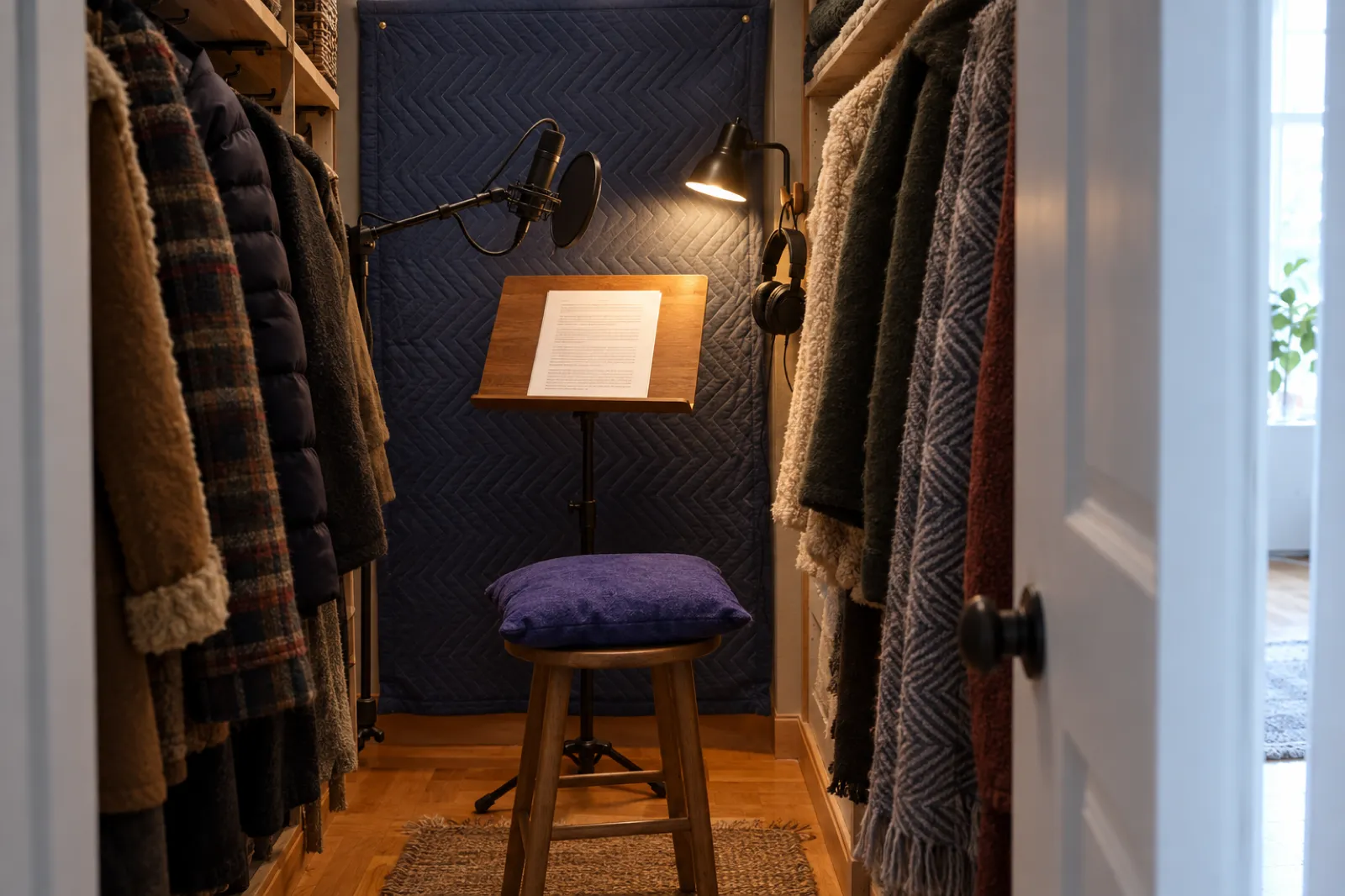
How loud your recording is when nobody is speaking: hiss, hum, fans, the room. ACX asks for -60 dB RMS or lower. Lower it at the source (fans off, a closet full of clothes, closer to the microphone), then use gentle noise reduction. Heavy reduction makes a voice sound watery.
How much room tone does ACX want at the start and end?
ACX asks for 1 to 5 seconds at the beginning and end of each file. Its automated check flags less than half a second at the start, less than a second at the end, or more than 5 seconds at either end. Aim for 1 to 2 seconds at the start and 2 to 3 at the end.
Can I upload WAV files to ACX?
No, MP3 only. Edit in WAV, then export each chapter as a 192 kbps constant bit rate MP3 at 44.1 kHz. The checker reads WAV so you can check levels before you export.
Should my audiobook be mono or stereo?
Mono, for a single narrator. ACX accepts either if every file matches, recommends mono, and suggests all-stereo only for books with stereo music or effects.
Why does my file pass here but fail in ACX?
The meters cover the technical rules. ACX's team also listens for mouth clicks, page turns, outtakes, repeated lines, missing headers, uneven sound between chapters and credits that do not match the cover. Listen through every file before you submit.
Do Inkfluence audiobook files pass?
The chapter ZIP is mono, 44.1 kHz, 192 kbps constant bit rate, levelled to around -20 dB RMS with peaks at or below -3 dB. AI-narrated chapters cannot go to ACX, whatever their format. If you read the book yourself, the ZIP gives you ACX-spec files; the room noise and the performance are still yours to check here.
Sources
- ACX: audio submission requirements (updated 15 April 2026), including the human narration rule and room tone at both ends.
- ACX's automated audio check in the ACX dashboard: the messages for sample rate, bit rate, constant bit rate, RMS, peaks, running time, spacing at each end, mixed channels and duplicate files, read 19 November 2026.
- ACX blog: "Turn Up the Feedback: ACX Audio Analysis Now Checks Spacing" (3 December 2021).
- ACX audio submission requirements as archived in September 2023, for the noise floor wording, joint stereo, credits and file names.
- Author's Republic: Meeting Audio Requirements (updated 16 November 2026).
- Google Play Books: book file guidelines, audiobook section.
- Kobo: Audio Operations Guide (updated 1 October 2026).
ACX, Audible, Amazon and Kindle are trademarks of Amazon.com, Inc. or its affiliates. Author's Republic, Google Play and Kobo are trademarks of their owners. Inkfluence AI is an independent tool and is not affiliated with or endorsed by any of them.
More free tools and guides for audiobooks
Narrate Your Own Audiobook
Recording your own book, from setup to the files a store takes.
Audiobook Length Calculator
How long your book will run, from its word count.
Where to Sell an AI Audiobook
Every store's rule for AI narration, side by side.
KDP Virtual Voice
Amazon's own AI narration route, and who can use it.
PDF Font Checker
Embedded fonts for KDP, IngramSpark and Lulu.
Book Royalty Calculator
What each format earns per sale.
AI Audiobook Generator
Narration chapter by chapter from your written book.
AI Audiobook Voices
Hear the voices and languages before you start.
KDP Tools
Every free tool for an Amazon author.
Also useful: AI audiobook maker, fiction audiobook generator, best AI audiobook generators, how AI audiobook creation works, AI audiobook trends, AI vs human narrators, the complete guide to AI audiobooks, the state of AI audiobooks, Spotify audiobooks for indie authors, KDP Select or wide and every free tool.
From finished book to finished audiobook
Write or import your book, narrate it in your own voice or one of 56 others, and download chapter MP3s that already meet the format on this page.
Create my audiobook