
Best AI Tools for Writing a Book in 2026: The Complete Toolkit
The definitive guide to every AI tool you need to write, edit, design, and publish a book in 2026. Covers outlining, writing, editing, cover design, formatting, audiobook creation, and marketing. With honest pros and cons for each tool and recommendations by book type.
Quick Answer
The best all-in-one AI tool for writing a book in 2026 is Inkfluence AI - it handles outlining, full-chapter generation, editing, cover design, and PDF/EPUB export in a single workflow. For authors who want to assemble their own toolkit, the best combination is ChatGPT or Claude for brainstorming, Inkfluence AI for structured book generation, ProWritingAid for editing, and Canva or the built-in cover designer for visuals. This guide breaks down the best tool for every stage of the book creation process.
Why This Guide Is Different
Writing a book takes more than one tool
Most "best AI writing tools" articles compare chatbots. But writing a book involves outlining, drafting, editing, fact-checking, cover design, formatting, and distribution. Each stage has different requirements and different tools that excel at it.
This guide covers every stage of the book creation process, recommends the best AI tool for each one, and shows you how to build a complete workflow - whether you want an all-in-one platform or prefer to mix and match specialised tools.
There are over 200 AI writing tools available in 2026. Most of them are wrappers around the same language models with different interfaces. Only a handful are purpose-built for book-length content, and even fewer handle the full pipeline from outline to published book. If you are searching for the best AI for writing a book, this guide will save you weeks of trial and error.
We have tested dozens of tools across fiction and non-fiction projects to build this guide. Every recommendation is based on real book-writing experience, not marketing claims. We also include the best free AI writing tools for authors starting on a budget.
The thing most of these comparisons miss: the cost is rarely any single tool, it is the handoffs between them. Every time a manuscript moves from a drafting tool to a separate editor, then to a cover maker, then to a formatter, you lose time and usually some formatting on the way. In practice the people who actually finish books are the ones who minimise those handoffs, whether that means an all-in-one platform or a tight, deliberate stack they never deviate from.
7
Stages of book creation covered: outline, write, edit, design, format, audio, market
15+
Tools reviewed across all categories with honest pros and cons
2026
Pricing and features verified as of April 2026
$0
You can build a complete toolkit starting from free tiers
Best All-in-One AI Book Writing Platforms
These platforms handle multiple stages of book creation in a single interface. The advantage is workflow continuity - you do not need to copy-paste between tools or re-import your manuscript at each step.
Inkfluence AI
Best for: Non-fiction, guided journals, workbooks, lead magnets, and most self-published book types.
Inkfluence AI is a purpose-built book creation platform that handles the full workflow: describe your book, get an AI-generated outline, edit the structure, generate full chapters, edit the content, design a cover, and export as PDF or EPUB. It supports 20+ book formats including self-help, guided journals, cookbooks, romance, business books, and more.
- Pros: Full pipeline in one app. Tailored output for each book type. Built-in cover designer. PDF and EPUB export. Audiobook generation on Premium. Free tier available.
- Cons: Less control over individual paragraphs than a chatbot. Best suited for authors who want structured output rather than sentence-by-sentence co-writing.
- Pricing: Free (5 chapters), Creator $9.99/month (35 chapters), Premium $19.99/month (unlimited + audiobook).
Sudowrite
Best for: Fiction writers who want AI-assisted creative writing with detailed control.
Sudowrite is designed for fiction. Its Story Engine creates outlines and generates prose with attention to style, voice, and narrative structure. It understands story arcs, character development, and pacing in ways general-purpose chatbots do not.
- Pros: Strong fiction focus. Good at maintaining voice and tone. Useful "describe" and "expand" tools for prose refinement. Active fiction-writing community.
- Cons: Fiction-focused - limited non-fiction support. No cover design, no export formatting, no audiobook. You need additional tools for everything after the writing stage.
- Pricing: From $19/month for the Hobby plan.
Atticus
Best for: Authors who need professional book formatting and export alongside writing.
Atticus is a book writing and formatting tool that produces print-ready and ebook-ready files. Its formatting engine is excellent for authors who plan to publish on KDP, IngramSpark, or other platforms. It handles interior design (chapter headings, margins, page breaks) that most AI writing tools ignore.
- Pros: Excellent formatting engine. Supports both writing and professional-grade book layout. One-time purchase. Works offline.
- Cons: No AI writing generation. It is a writing and formatting tool, not an AI content generator. You write the book yourself (or bring AI-generated content in). No cover design.
- Pricing: $147 one-time purchase.
Best AI Tools for Book Outlining
A solid outline is the foundation of every good book. These tools help you build structured, detailed chapter-by-chapter outlines before you write a single word.
Inkfluence AI Outline Generator
Generates detailed chapter outlines tailored to your specific book type. Describe your book's topic, audience, and tone, and get a structured outline with chapter titles, key points, and a logical progression. You can edit every aspect before moving to writing. See the outline generator for details.
ChatGPT (GPT-4 and later)
Excellent for brainstorming and exploratory outlining. The conversational format lets you iterate quickly: "Give me 10 chapter ideas for a book about remote team management." You can refine, expand, and restructure through follow-up prompts. The limitation is that it does not save structure or connect to a book writing workflow - you will need to copy your outline into another tool.
Claude
Anthropic's Claude handles long context well, making it useful for outlining books where you want the AI to consider the entire structure at once. You can paste a rough outline and ask Claude to reorganise, identify gaps, or suggest additional chapters. Particularly good for non-fiction where logical flow matters.
Scrivener + AI
Scrivener's corkboard view combined with AI brainstorming is a powerful combination for authors who like visual outlining. Use ChatGPT or Claude to generate chapter concepts, then organise them in Scrivener's card-based interface. Best for fiction writers who want to rearrange scenes and chapters visually.
Outlining tip
The biggest mistake is skipping the outline and going straight to generation. A detailed outline produces dramatically better AI-generated content because every chapter has clear direction. Spend 30 minutes refining your outline and you will save hours of editing. Our guide on avoiding generic AI output covers this in detail.
Best AI Tools for Writing and Drafting
This is the core stage - turning your outline into full chapters. The tools here differ significantly in how they handle book-length content.
Inkfluence AI
Generates full chapters from your outline with formatting, structure, and tone tailored to your book type. Each chapter is produced as a complete, coherent section that connects to the overall book structure. Includes a built-in editor for revisions after generation. Best for authors who want a complete first draft quickly.
ChatGPT
The most versatile general-purpose writing tool. Strong prose quality, good at following style instructions, and capable of generating several thousand words per conversation. The main limitation for book writing is context - long books exceed the context window, making it difficult to maintain consistency across many chapters. Best used for short books (under 30,000 words) or as a chapter-by-chapter assistant where you manage continuity manually.
Claude
Anthropic's Claude offers a larger context window than ChatGPT, which is an advantage for book-length projects. You can include more of your existing chapters in the conversation when generating new ones, helping maintain voice and continuity. The writing style tends to be precise and clean, which suits non-fiction particularly well.
Sudowrite
Purpose-built for fiction writing. Its Story Engine understands narrative structure: rising action, character arcs, tension, pacing. If you are writing a novel, thriller, or literary fiction, Sudowrite's genre awareness produces more narratively sophisticated output than general-purpose chatbots. The "rewrite" feature lets you adjust tone, tense, and perspective on existing passages.
NovelAI
Focused on creative fiction with fine-tuned models for storytelling. Offers more creative freedom than other tools, with controls for creativity level and randomness. Best for authors who want AI-assisted creative writing rather than AI-generated drafts. The interface is minimal, which some writers prefer.
Jasper
Originally built for marketing copy, Jasper now has book writing templates. Its strength is polished, persuasive prose, which makes it well-suited for business books, marketing guides, and thought-leadership content. Less suitable for fiction or academic writing.
| Tool | Best For | Context Handling | Starting Price |
|---|---|---|---|
| Inkfluence AI | All book types, full pipeline | Automatic across chapters | Free |
| ChatGPT | Versatile, short-medium books | Manual (paste previous chapters) | Free / $20/mo |
| Claude | Non-fiction, long documents | Large context window | Free / $20/mo |
| Sudowrite | Fiction, novels | Story Engine tracks narrative | $19/mo |
| NovelAI | Creative fiction | Lorebook system | $10/mo |
| Jasper | Business, marketing books | Campaign/project based | $49/mo |
Best AI Tools for Editing and Proofreading
AI-generated content always needs editing. These tools help with grammar, style, clarity, and overall quality improvement.
ProWritingAid
Best overall editing tool for book authors. Goes far beyond grammar checking. ProWritingAid analyses readability, sentence structure variation, overused words, pacing, dialogue tags, and more. The "style" report catches passive voice, adverb overuse, and cliches. The "consistency" checker finds capitalisation and spelling inconsistencies across your entire manuscript. Integrates with Scrivener, Google Docs, and Word.
- Pros: Deep style analysis. Book-specific reports. Catches issues Grammarly misses. Lifetime purchase option.
- Cons: Interface can feel overwhelming with so many reports. Suggestions are sometimes too conservative for creative writing.
- Pricing: $30/month or $399 lifetime.
Grammarly
The most popular writing assistant. Excellent for grammar, punctuation, and basic clarity. The premium version adds tone detection, word choice suggestions, and plagiarism checking. It works everywhere (browser, desktop apps, mobile) which makes it convenient for quick edits.
- Pros: Easy to use. Works in virtually every writing environment. Good grammar accuracy. Plagiarism detection (premium).
- Cons: Less depth than ProWritingAid for book-specific issues. Can over-correct creative or informal prose. Subscription-only pricing.
- Pricing: Free basic / $12/month premium.
Hemingway Editor
A focused tool that highlights complex sentences, passive voice, adverbs, and readability issues. Colour-coded to show exactly which sentences are hard to read and why. Particularly useful for non-fiction authors who want clear, direct prose. The desktop app works offline.
- Pros: Simple, focused interface. Great for readability. Cheap.
- Cons: No grammar checking. No integration with writing tools. Limited to readability analysis.
- Pricing: Free web version / $19.99 desktop app.
ChatGPT / Claude for structural editing
General-purpose AI models are surprisingly good at structural editing when given the right prompts. Paste a chapter and ask: "Review this chapter for pacing, clarity, and engagement. Identify the weakest paragraph and suggest how to strengthen it." This type of high-level feedback complements the detailed line editing from ProWritingAid or Grammarly.
Editing workflow recommendation
Use a three-pass editing approach: (1) Structural edit with ChatGPT/Claude for big-picture issues - flow, gaps, redundancy. (2) Style edit with ProWritingAid for sentence-level quality. (3) Final proofread with Grammarly for grammar and typos. Each tool catches different issues. For more on maintaining your voice through AI editing, see our guide on co-writing with AI without losing your voice.
Best AI Tools for Cover Design
Your cover is the most important marketing asset for your book. These tools help you create professional covers without hiring a designer.
Inkfluence AI Cover Designer
Built into the book creation workflow. Generates covers with AI-created imagery tailored to your book's genre and topic. Includes text overlay with font selection, colour customisation, and layout options. Exports at print-ready resolution for KDP and other platforms. See the cover generator page for examples.
Canva
The most popular design tool for non-designers. Offers book cover templates across every genre, drag-and-drop editing, stock photos, and thousands of fonts. The AI features (Magic Design, text-to-image) have improved significantly. Best for authors who want full design control and are comfortable tweaking layouts.
- Pros: Massive template library. Full design control. Free tier is generous. Print-ready export.
- Cons: Requires design sense to avoid templated-looking covers. AI generation less book-specific than dedicated tools. Learning curve for good results.
- Pricing: Free / Pro $19.99/month.
Midjourney / DALL-E
AI image generators can create stunning cover imagery. The workflow is: generate the background image in Midjourney or DALL-E, then add title and author text in Canva or a similar design tool. This two-step approach produces the most visually impressive covers but requires more effort.
- Pros: Highest quality AI imagery. Unlimited creative options. Unique, non-template designs.
- Cons: Two-tool workflow (image + text overlay). Prompt engineering required. Text generation in images is unreliable - always add text separately. No book-specific sizing by default.
- Pricing: Midjourney from $10/month. DALL-E from $0.04 per image.
Book Brush
A specialised tool for author marketing visuals. Creates book covers, 3D mockups, social media ads, and promotional graphics. The 3D mockup generator is particularly useful for creating marketing materials showing your book on a tablet, phone, or as a physical book. Less about AI generation and more about presentation.
Best Tools for Book Formatting and Export
Formatting determines whether your book looks professional on Kindle, in print, and in PDF. Bad formatting is immediately visible and damages credibility.
Inkfluence AI
Exports to PDF and EPUB directly from the platform. The formatting is handled automatically based on your book type - chapter headings, table of contents, page breaks, and typographic styling are all included. No manual formatting required. Best for authors who want to go from writing to published file without touching layout software.
Atticus
The gold standard for book formatting. Produces beautiful interior layouts for both ebook and print. Supports custom chapter headings, drop caps, ornamental breaks, and genre-appropriate styling. If interior design quality matters to you (and for print books, it should), Atticus is worth the investment.
Vellum (Mac only)
Another excellent formatting tool, Mac-exclusive. Produces stunning print and ebook files with minimal effort. The visual preview shows exactly how your book will look on different devices. Higher price point but widely considered the best formatting tool available.
- Pricing: $249.99 (ebook + print bundle).
Kindle Create (Free)
Amazon's free formatting tool for KDP. Handles basic ebook and print formatting. Limited style options compared to Atticus or Vellum, but it is free and produces files that are guaranteed to work on Kindle. Good enough for straightforward non-fiction and simple novels.
Best AI Tools for Audiobook Creation
Adding an audiobook version of your book opens up the fastest-growing format in publishing. These tools convert your text to professional-quality narration.
Inkfluence AI
Built-in audiobook generation on the Premium plan. Your book goes directly from text to narrated audio without exporting to a separate tool. Multiple voice options. Chapter breaks are handled automatically. See our complete audiobook guide for the full process.
ElevenLabs
The leading standalone AI voice platform. Offers the most natural-sounding AI voices currently available, with fine-grained control over pacing, emphasis, and emotion. Supports voice cloning if you want your own voice as the narrator. Best audio quality in the market.
- Pros: Best voice quality. Voice cloning. Many language options. Fine-tuning controls.
- Cons: Expensive for long books. Separate tool requiring manuscript upload. No built-in book structure understanding.
- Pricing: From $5/month (limited characters). Full book narration typically requires $22/month or higher.
Google Cloud Text-to-Speech
Google's TTS engine offers excellent quality at competitive pricing. Developer-focused (requires API integration or using through a third-party interface), but the per-character pricing is significantly lower than ElevenLabs for long books. The Studio voices are noticeably better than the standard voices.
Amazon Polly
AWS's text-to-speech service. Good quality, affordable for long-form content. The Neural voices sound natural for non-fiction narration. Requires some technical setup or a third-party interface. Pricing is purely usage-based with no monthly minimums.
For a detailed comparison of free audiobook tools, see our free AI audiobook generators comparison.
Best AI Tools for Book Marketing
Once your book is published, marketing determines whether it sells. These AI tools help with the ongoing work of promoting your book.
Book Description Generators
Your Amazon book description is a sales page. Inkfluence AI's description generator creates conversion-optimised descriptions in the format Amazon buyers respond to. ChatGPT can also write decent descriptions with the right prompt, but dedicated tools understand Amazon's formatting and the hook-problem-solution-CTA structure that converts.
Canva (marketing materials)
Beyond cover design, Canva creates social media graphics, book launch banners, email headers, and promotional images. The brand kit feature maintains consistent colours and fonts across all your marketing materials.
ChatGPT for content marketing
Excellent for generating blog post outlines, social media captions, email sequences, and ad copy related to your book. A strong book promotion strategy includes consistent content marketing, and AI makes the volume manageable.
Publisher Rocket
A specialised Amazon keyword and category research tool for book authors. Shows search volume estimates for book-related keywords on Amazon, competitive analysis for categories, and AMS ad keyword suggestions. Not an AI writing tool, but an essential research tool for KDP marketing. One-time purchase.
Build your complete book creation toolkit
Start Creating FreeOutline, write, design, and export - all in one platform
Full Comparison Table
Here is every tool mentioned in this guide, compared across the key dimensions that matter for book creation:
| Tool | Outline | Write | Edit | Cover | Format | Audio | Price |
|---|---|---|---|---|---|---|---|
| Inkfluence AI | Yes | Yes | Yes | Yes | Yes | Yes | Free-$19.99/mo |
| ChatGPT | Yes | Yes | Basic | No | No | No | Free-$20/mo |
| Claude | Yes | Yes | Basic | No | No | No | Free-$20/mo |
| Sudowrite | Yes | Yes | Yes | No | No | No | $19/mo |
| Atticus | No | Yes | No | No | Yes | No | $147 once |
| ProWritingAid | No | No | Yes | No | No | No | $30/mo |
| Canva | No | No | No | Yes | No | No | Free-$19.99/mo |
| ElevenLabs | No | No | No | No | No | Yes | $5/mo+ |
Recommended Toolkits by Book Type
Different books need different tool combinations. Here are our recommended setups for the most common book types:
Non-Fiction / Self-Help
- Outline + Write + Format: Inkfluence AI
- Edit: ProWritingAid (style + readability)
- Cover: Built-in cover designer or Canva
- Audio: Built-in audiobook generator
Total cost: $0-$19.99/month
Novel / Fiction
- Outline: ChatGPT or Scrivener + AI
- Write: Sudowrite or Inkfluence AI
- Edit: ProWritingAid + Claude (structural)
- Format: Atticus or Vellum
- Cover: Midjourney + Canva
Total cost: $30-$60/month + one-time formatting
Guided Journal / Workbook
- Full pipeline: Inkfluence AI (journal or workbook type)
- Edit: Manual review + Grammarly
- Cover: Built-in or Canva
Total cost: $0-$9.99/month
Business Book / Thought Leadership
- Outline: Claude (long context for research)
- Write: Inkfluence AI or Jasper
- Edit: Hemingway (clarity) + Grammarly
- Format: Atticus
- Cover: Professional designer or Canva
Total cost: $20-$50/month + one-time formatting
Lead Magnet / Short Guide
- Full pipeline: Inkfluence AI (lead magnet type)
- Polish: Grammarly
- Cover: Built-in or Canva
Total cost: $0 (free tier is enough for most lead magnets)
KDP Catalogue Builder
- Write + Format: Inkfluence AI (volume)
- Edit: ProWritingAid (batch editing)
- Cover: Built-in (speed) or Canva (customisation)
- Keywords: Publisher Rocket
- Marketing: Amazon Ads + ChatGPT for copy
Total cost: $19.99/month + Publisher Rocket ($97 once)
Best Free AI Writing Tools for Books
If you are just starting out or testing the waters, you can build a complete toolkit at zero cost:
The $0 Book Creation Stack
- Brainstorm + outline: ChatGPT free tier or Claude free tier
- Write + format + cover: Inkfluence AI free tier (5 chapters)
- Edit: Hemingway Editor (free web version) + Grammarly free
- Design polish: Canva free tier
- Format for KDP: Kindle Create (free)
This stack lets you create a complete, publishable book without spending anything. Upgrade individual tools as your needs grow and your books start generating revenue.
For a deeper dive into free options, see our guide to free AI book writers and free AI writing for books.
Common Mistakes When Choosing AI Writing Tools
- Picking the most expensive tool thinking it is the best. Price does not correlate with quality for your specific use case. A $49/month tool designed for marketing copy will produce worse book content than a $9.99/month tool designed specifically for books.
- Using a chatbot for the entire book pipeline. ChatGPT is excellent at generating text. It cannot design covers, format ebooks, create audiobooks, or produce export-ready files. You need purpose-built tools for these stages.
- Skipping the editing stage. AI-generated first drafts always need editing. Skipping this step produces generic, inconsistent content that readers notice immediately. Budget time and tools for editing.
- Over-tooling. You do not need 8 different tools. An all-in-one platform for writing and formatting plus one editing tool covers most authors. Add specialised tools only when you have a specific need they address.
- Ignoring the export format. Beautiful prose means nothing if your Kindle file has broken formatting, missing chapters, or a table of contents that does not work. Test your exported file on actual devices before publishing.
- Not testing with your actual content. Every AI tool has a free tier or free trial. Test it with your real book project, not just a sample paragraph. The difference in quality between a 500-word test and a 5-chapter book can be significant.
Frequently Asked Questions
What is the best AI tool for writing a book in 2026?
For the full pipeline (outline to published book), Inkfluence AI. For fiction specifically, Sudowrite. For maximum control over individual sentences, ChatGPT or Claude plus manual assembly. The best choice depends on your book type and how much of the process you want automated versus hands-on.
Can I write a book entirely with AI?
Technically yes, but the best results come from AI-assisted writing. Use AI to generate the structure and draft, then edit with your own expertise and voice. Books that blend AI efficiency with human insight consistently outperform fully AI-generated or fully manually written books in terms of production speed and quality. See our guide on co-writing with AI.
How much does it cost to write a book with AI?
From $0 (using free tiers of multiple tools) to roughly $25/month (premium tiers of a writing tool plus an editing tool). Compare this to traditional costs: $2,000-$5,000 for a ghostwriter, $500-$1,500 for a professional editor, $300-$800 for cover design. AI has reduced the cost of book creation by 90%+.
Do I need to disclose AI use when publishing?
On Amazon KDP, yes for AI-generated content (text the AI drafted, even if you edited it heavily); content you wrote yourself and refined with AI needs no disclosure. Other platforms have varying policies. Regardless of platform requirements, transparency builds reader trust. For full details, see our Amazon KDP AI disclosure guide.
Is AI-generated content original?
AI generates new text based on patterns, not by copying existing works. The content is original in the copyright sense. However, without customisation the output can feel generic because the AI defaults to common patterns. Editing and personalisation are what make your book unique. Our guide on ensuring AI book content is original covers this topic thoroughly.
Can AI write fiction as well as non-fiction?
AI excels at non-fiction structures: how-to guides, self-help, business books, workbooks, and educational content. Fiction quality has improved dramatically but still requires more human involvement for compelling character development, emotional depth, and unique voice. Tools like Sudowrite bridge this gap for fiction specifically.
How long does it take to write a book with AI?
A non-fiction ebook (20,000-30,000 words) can go from concept to exported file in a single day with an all-in-one tool. A full-length non-fiction book (40,000-60,000 words) typically takes 2-5 days including editing. Fiction takes longer because of the revision and personalisation required. Our fastest way to create an ebook guide covers the optimised workflow.
Should I use one tool or multiple tools?
For most authors, an all-in-one platform plus one editing tool is the right setup. This minimises context-switching and copy-paste friction. Add specialised tools only when you hit a specific limitation. If you are publishing 10+ books per year, a multi-tool stack optimised for each stage may be worth the complexity.
What about plagiarism?
AI-generated text is not plagiarised - it creates new content rather than copying from sources. However, run your final manuscript through a plagiarism checker (Grammarly Premium or Copyscape) as a quality control step. This catches any phrases that happen to match existing published content too closely.
Will AI replace human authors?
No. AI is a tool that dramatically accelerates the book creation process, just as word processors accelerated writing and desktop publishing accelerated design. The authors who thrive are those who use AI to handle the mechanical aspects of writing while focusing their own energy on expertise, voice, and reader connection.
Ready to build your book?
Outline, write, design, and export - the complete toolkit in one platform.
Start Creating FreeRelated Reading
Best AI Book Writing Software 2026: 10 Tools Compared
Detailed software comparison with pricing
Best AI Tools for Creating Ebooks in 2026
10-platform ebook tool comparison
Best Practices for Co-Writing a Book with AI
Keep your voice while using AI assistance
How to Avoid Generic AI Book Output
Make your AI-generated book stand out

Founder, Inkfluence AI
Sam is the founder of Inkfluence AI. He built the platform to make book creation accessible to everyone - from first-time authors to seasoned publishers.
Helpful links
Ready to Create Your Own Ebook?
Start writing with AI-powered tools, professional templates, and multi-format export.
Get Started FreeRelated Articles
 AI Writing
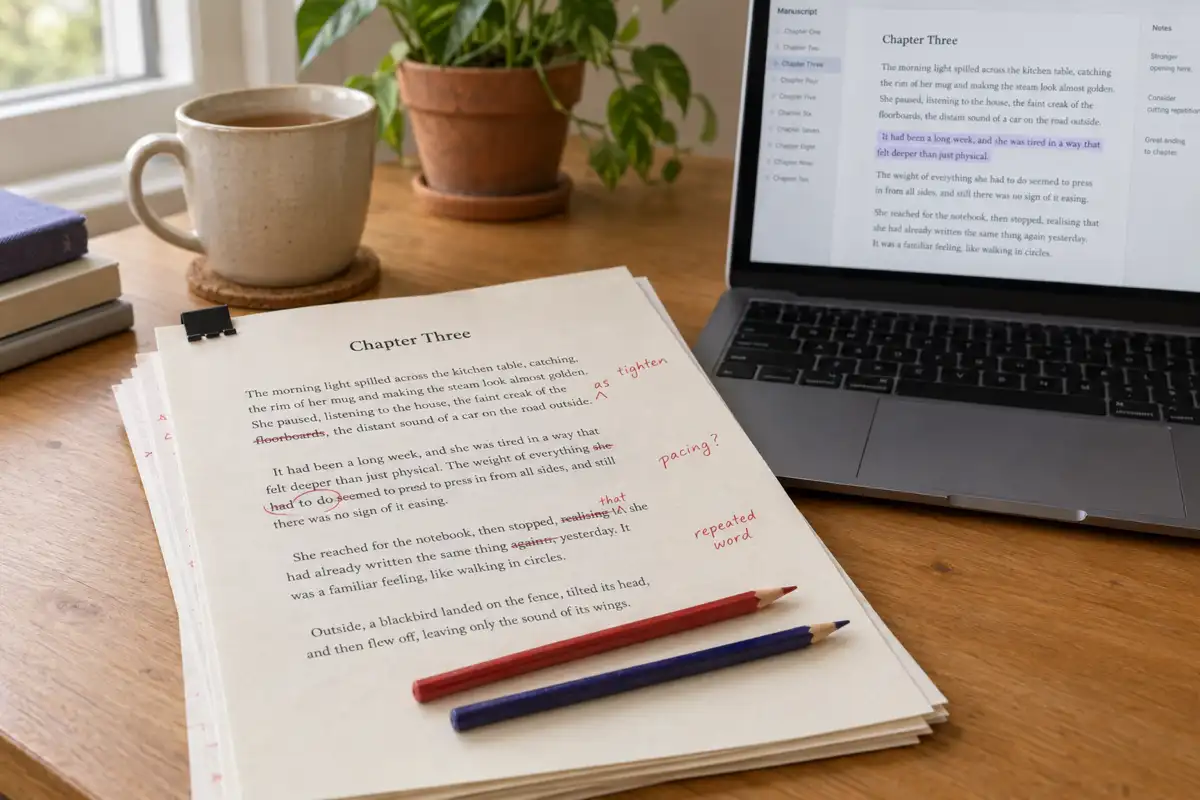
 Best AI for Editing a Book (2026): 9 Tools Compared by Editing Job
Which AI should edit your manuscript? We compare ProWritingAid, Grammarly, AutoCrit, Sudowrite, Novelcrafter, ChatGPT, Claude, the free checks in Google Docs and Word, and Inkfluence AI by the job each does best: grammar, line editing, story feedback, or editing and publishing in one place. Prices checked 2 October 2026.
 AI Writing
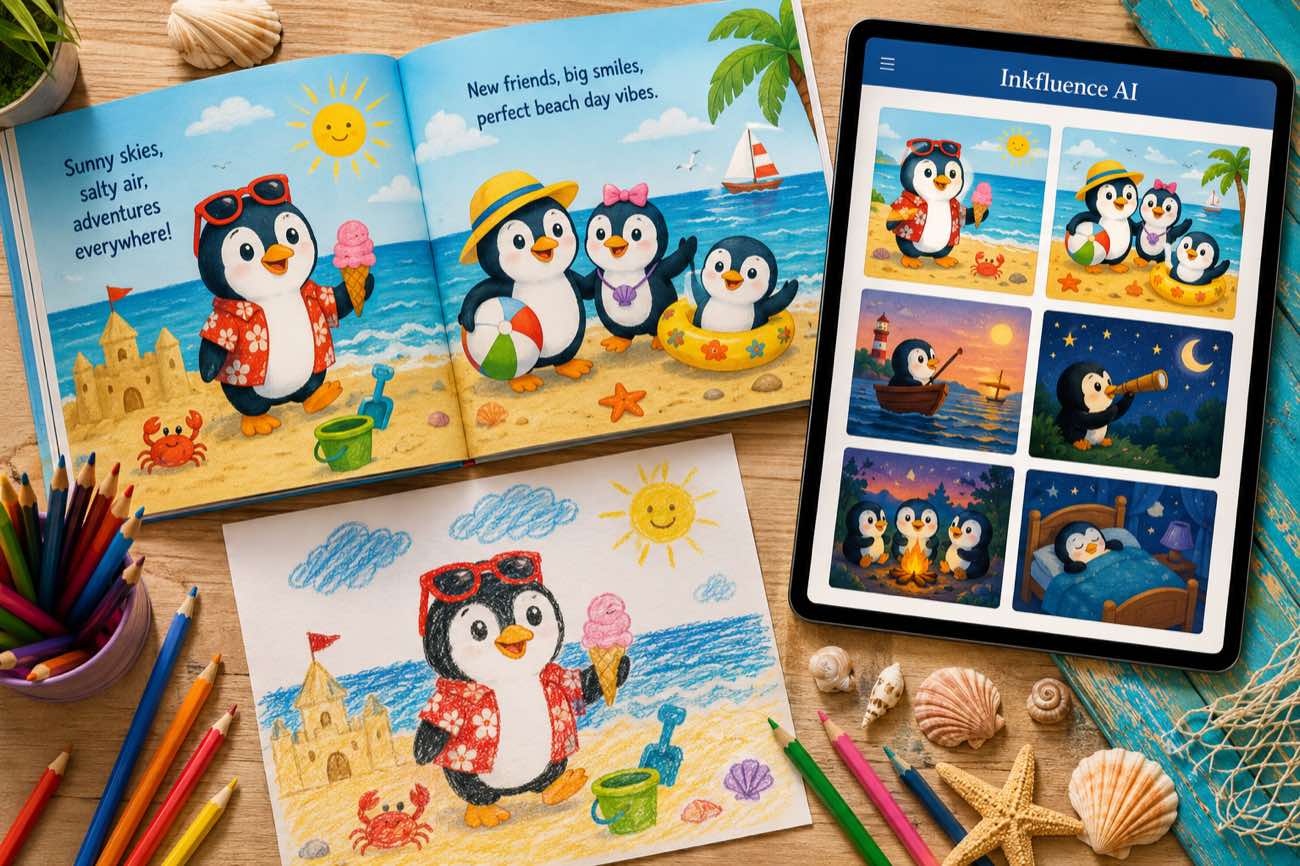
 How to Make a Children's Picture Book with AI: Idea to Printed Book in a Day
The complete 2026 workflow for making a fully illustrated children's picture book with AI: age-band word counts, page planning, consistent characters, cover design, and publishing it on Amazon KDP with the right disclosure.
 AI Writing
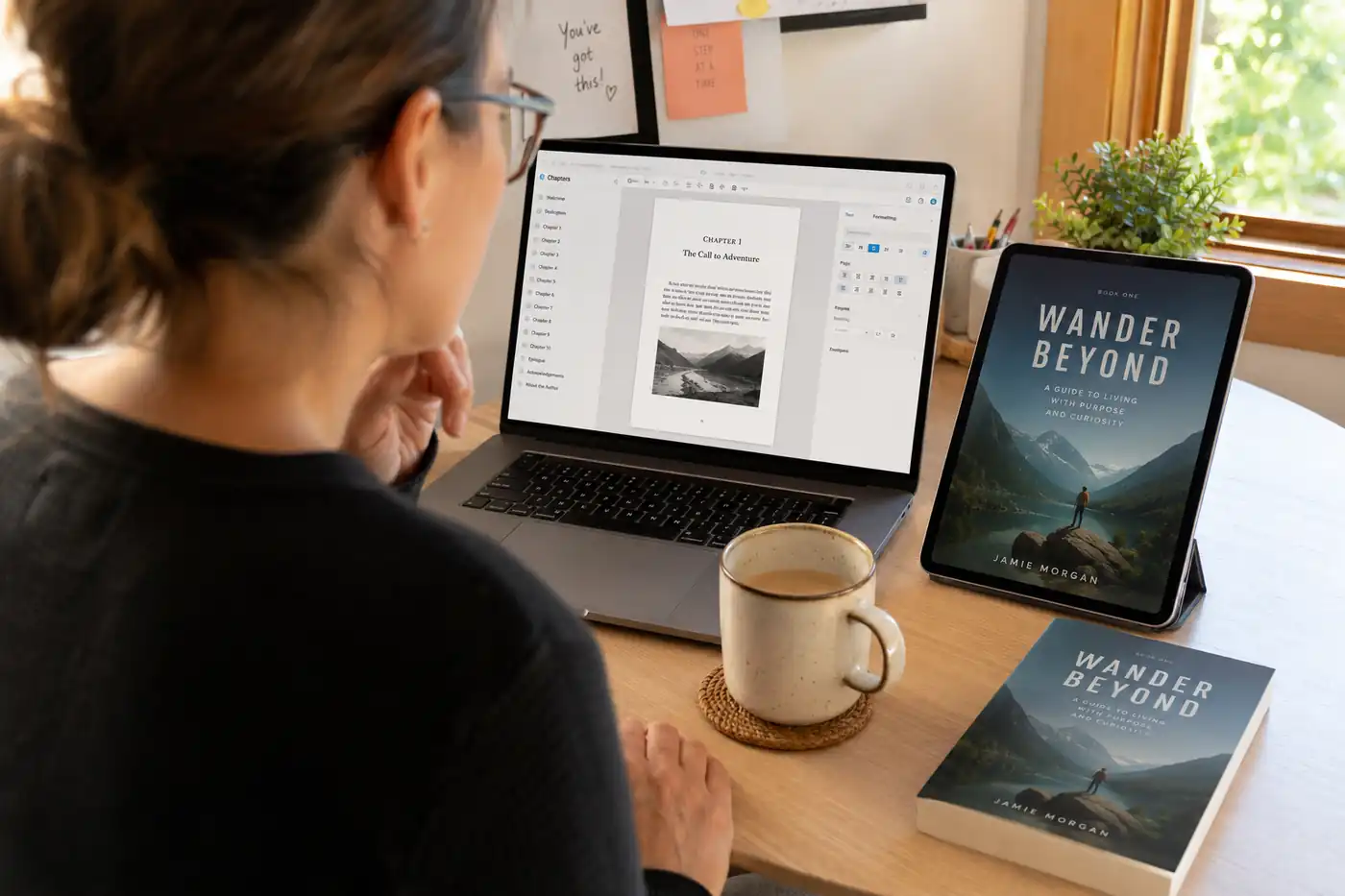
 The 9 Best Ebook Creators in 2026: AI, Formatting, and Design Tools Compared
Not every "ebook creator" does the same job. We compare the 9 best tools of 2026 across three categories: AI generators that write the book, formatting tools that typeset it, and design tools that make it beautiful, with verified pricing for each.
Get ebook tips in your inbox
Join creators getting weekly strategies for writing, marketing, and selling ebooks.