
Sell Your Book on Shopify
List your ebook on your own store, keep almost all of every sale, and own the customer. Here is the real setup, and the one catch the app guides skip.
The bottom line
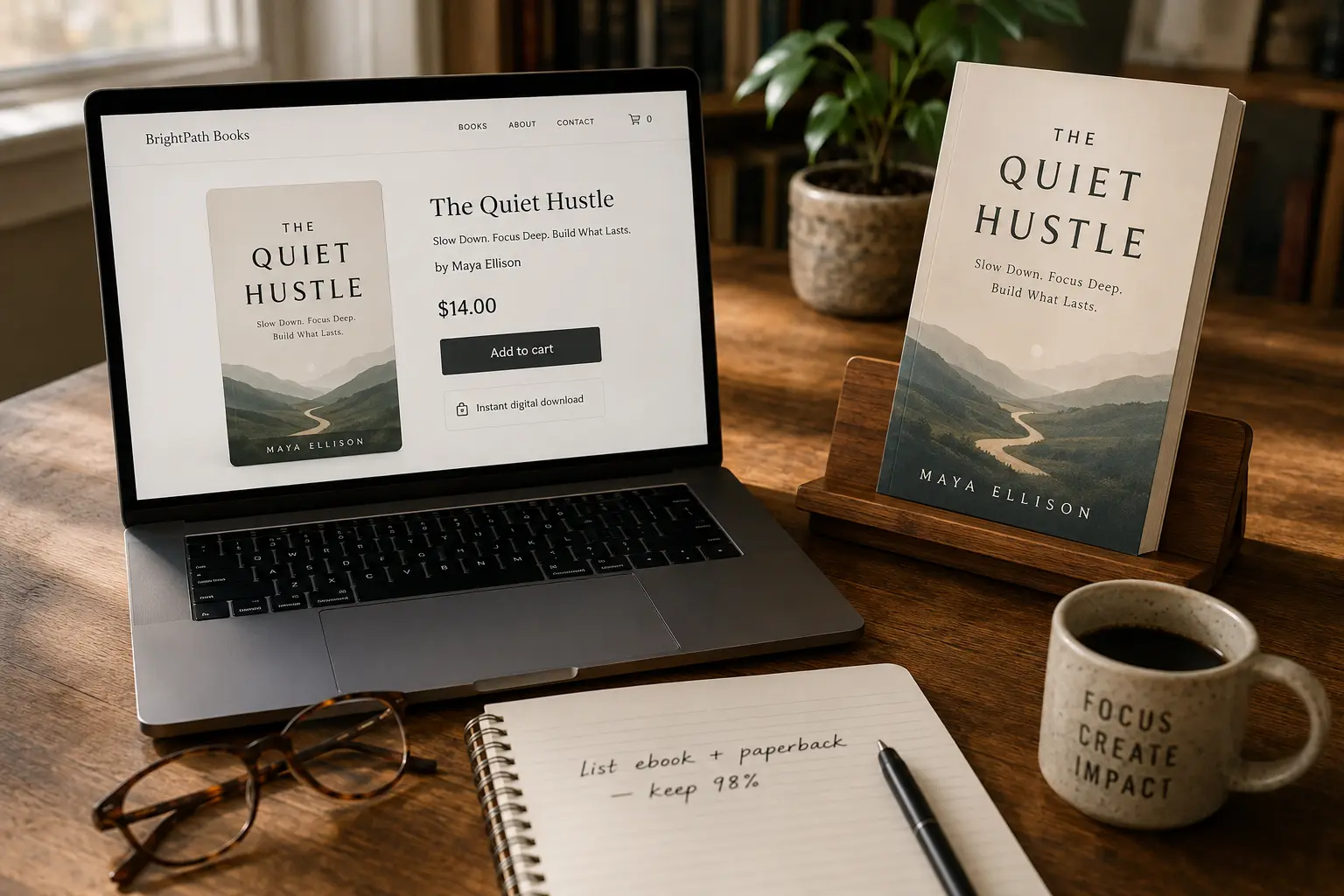
You can absolutely sell your book on Shopify, and you keep far more of each sale than on Amazon. The setup is: finish your book and export an EPUB, open a Shopify store, install a digital-downloads app, add the book as a product with your cover and price, and attach the file so buyers get it automatically. The one catch nobody mentions: Shopify does not deliver digital files on its own, so that downloads app is a required step, not an extra. If you would rather reach ready-made buyers with delivery handled for you, Etsy or Gumroad may fit better. This guide covers all three honestly, because we have built the Etsy and Gumroad integrations ourselves.
Can you sell a book on Shopify?
Yes. Shopify is a full storefront platform, so you can sell an ebook as an instant digital download and a paperback as a physical product from the same store. Ebooks are the easier place to start because there is no stock to hold and nothing to ship: the buyer pays, and the file is delivered automatically.
The important thing to understand up front is that Shopify is built for physical goods by default. It does not deliver digital files on its own. To sell an ebook, you add a small helper app that attaches your file to the product and sends the buyer a download link after checkout. Shopify publishes its own free Digital Downloads app, which handles files up to 5 GB, comfortably more than any ebook needs. Paid alternatives such as Easy Digital Products or SendOwl add extras like PDF watermarking and license keys.
So the honest answer is yes, with one setup step the marketplace platforms handle for you. Once that step is done, everything after it is automatic.
How to sell your book on Shopify, step by step
From a finished book to a live listing that delivers itself. Around 30 to 60 minutes the first time.
- 1
Finish and export your book
Write and format your book, then export it as an EPUB (the standard ebook file every store accepts). Export a PDF too if you also want to sell a printable or paperback version. In Inkfluence AI, a finished book exports to both in a couple of clicks, cover included.
- 2
Open or sign in to your Shopify store
You need an active Shopify store to sell anything. If you do not have one, create it at shopify.com. A basic plan is a paid monthly subscription, so this route makes most sense if you already run a store or plan to sell more than one book.
- 3
Install a digital-downloads app
Shopify does not deliver digital files on its own. Install a delivery app first. Shopify's own free Digital Downloads app handles ebooks up to 5 GB, and paid options like Easy Digital Products or SendOwl add extras such as PDF stamping and license keys.
- 4
Create the product
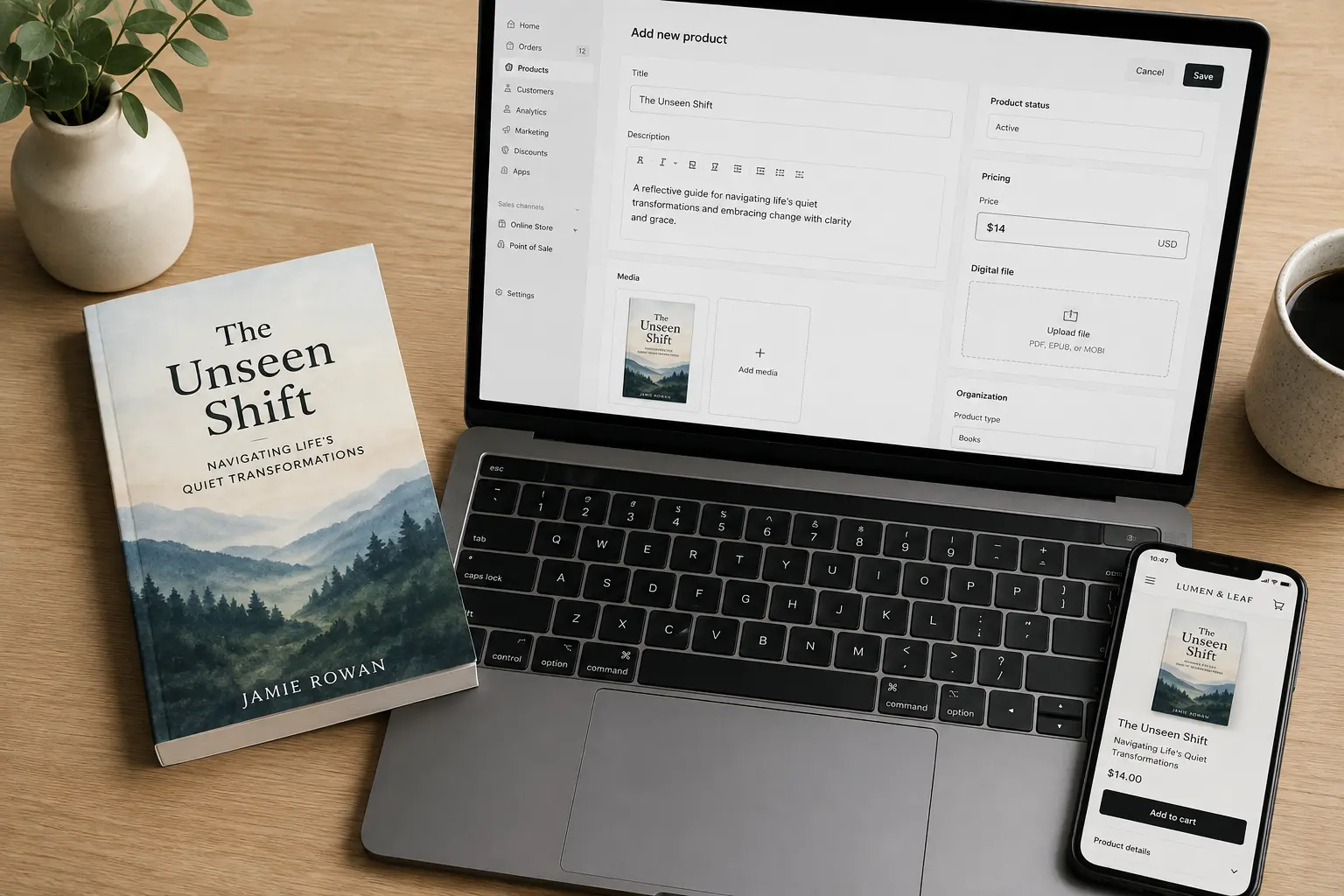
Add a new product: your book title, a description (your back-cover blurb works well), your price, and your cover image as the product photo. Mark it as a digital product so Shopify does not ask for shipping details.
- 5
Attach your ebook file for automatic delivery
Open your downloads app on the product and upload the EPUB (and PDF if you have one). This is the step that makes delivery automatic: after checkout, the buyer gets the file by email and on their order page, with no manual sending from you.
- 6
Set it live and share the link
Switch the product to active and it goes live on your store. Share the product link from your newsletter, social, or bio. Because it is your own store, you keep the customer relationship and the email address for your next launch.
What the app-store guides won't tell you
Most Shopify ebook guides are written by companies that sell a downloads app, so they gloss over the friction. We come at it from the other side: we run a book-creation platform used by tens of thousands of authors, and we have built one-click selling into Etsy and Gumroad ourselves. That gives us an unusually clear view of what actually differs between platforms.
The real difference is the delivery step. On Etsy and Gumroad, the platform lets a tool like ours upload your file directly to the listing, so publishing genuinely is one click and the buyer receives the book automatically. Shopify does not open that step up in the same way: file delivery lives inside a separate app you install and configure yourself. That is not a flaw in Shopify, it is a design choice that comes with running your own store instead of listing on a marketplace. But it does mean the promise of instant, hands-off publishing is a little further away on Shopify than the guides imply.
Our honest take: Shopify is the right choice when you already have a store or an audience to send people to, and you want to own the customer and keep the margin. If you are starting from zero and want discovery plus delivery handled for you, a marketplace is the faster win. Plenty of authors use both, a marketplace for reach and their own store for their most loyal readers.
Shopify vs Etsy vs Gumroad for selling your book
The three routes most indie authors weigh up. None is exclusive, you can use more than one.
| Your Shopify store | Etsy | Gumroad | |
|---|---|---|---|
| Setup cost | Paid monthly plan + a delivery app | Small per-listing fee, no monthly plan | Free to start |
| Per-sale fee | Low fee + payment processing | $0.20 listing + 6.5% per sale | Flat per-sale fee + processing |
| Built-in audience | None, you drive the traffic | Yes, marketplace shoppers | None, you share a link |
| Digital delivery | Via an add-on app you install | Native, automatic | Native, automatic |
| Best for | Authors with a brand, site, or audience | Discovery when you have no audience | Selling to your own following |
| One-click from Inkfluence AI | Not yet, manual setup today | Yes | Yes |
Fees are current typical figures from each platform's published pricing and can change; check the latest before you list.
The margin math: why authors move to their own store
The reason authors put up with the extra setup is what they keep. On your own Shopify store, after a low transaction fee and payment processing, you keep the large majority of every sale, often in the high 90s percent. Compare that to Amazon: Amazon KDP pays ebook royalties of 70% inside a fixed price band and just 35% outside it, and paperback royalties of 60% of list price minus a printing cost. On a $12 ebook, that difference is real money over a launch.
The trade is traffic. Amazon and Etsy bring buyers to you; your own store does not. So the honest way to think about it is not Shopify instead of Amazon, but Shopify as the place your existing readers buy direct at a better margin, while a marketplace keeps working for discovery. If you want to see the numbers for your own price and format, our book royalty calculator compares what you keep across stores.
Start with a book worth selling
A store only matters once you have a finished book to put in it. That is the part Inkfluence AI handles: write a full book with AI chapter by chapter, design a cover, and export a store-ready EPUB and a print-ready PDF, all in one place. The back-cover blurb you write becomes your Shopify product description, and the cover becomes your product photo.
And if a marketplace turns out to fit you better, publishing to Etsy or Gumroad from Inkfluence AI genuinely is one click, listing, cover, price, and file all handled. Either way, the book comes first. If AI wrote or illustrated part of it, can you sell AI-generated books sets out what Shopify and nine other platforms say about that.
Direct answers about selling a book on Shopify
Can you sell a book on Shopify?
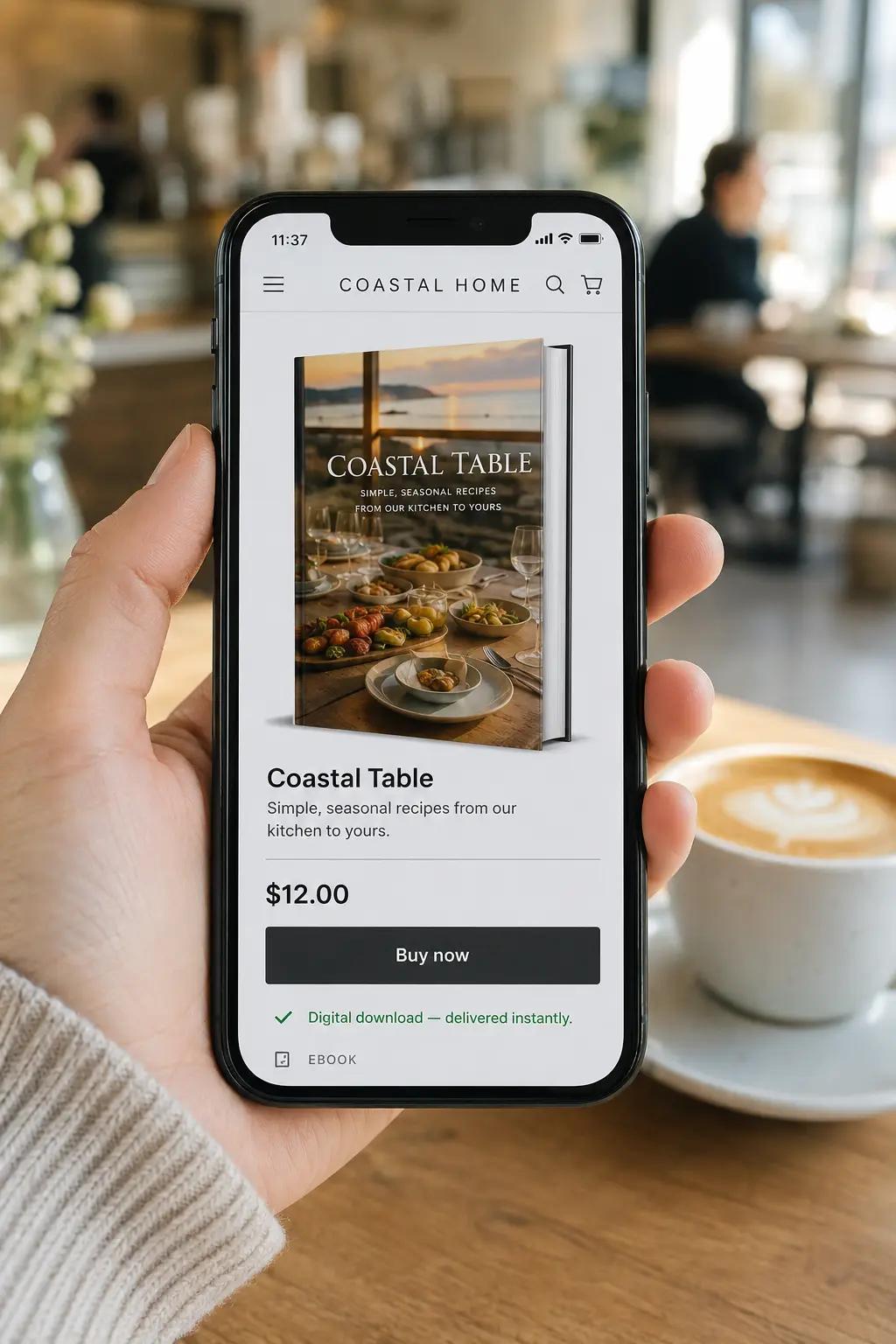
Yes, both ebooks and paperbacks. Ebooks sell as digital downloads delivered by a downloads app after checkout.
Is Shopify good for selling ebooks?
It is best for authors who already have an audience or brand, because Shopify brings no built-in traffic but lets you keep almost all of each sale.
How do buyers get the ebook file?
A digital-downloads app emails a download link after purchase and shows it on the order page. Delivery is automatic once set up.
Shopify or Amazon for authors?
Amazon brings buyers but takes 30 to 65% depending on format and price. Shopify brings no buyers but you keep the large majority of each sale.
Frequently asked questions
Can you sell a book on Shopify?
Yes. You can sell both ebooks (as digital downloads) and paperbacks on a Shopify store. Ebooks are the simpler route: you add the book as a product, set a price, and use a digital-downloads app to deliver the file automatically after checkout. Shopify itself does not deliver digital files, so the delivery app is a required step, not optional.
Do I need a special app to sell ebooks on Shopify?
Yes. Shopify sells physical goods by default and has no built-in digital delivery. You install a digital-downloads app that attaches your file to the product and emails the buyer a download link after purchase. Shopify's own free Digital Downloads app works for ebooks up to 5 GB; paid apps like Easy Digital Products or SendOwl add features like PDF watermarking and license keys.
What does it cost to sell a book on Shopify?
Two costs: a monthly Shopify subscription (a recurring plan fee), plus a small per-sale transaction fee and standard payment processing. There is no per-listing fee like Etsy. Because of the monthly plan, Shopify makes the most financial sense if you already run a store or expect steady sales, rather than for a single one-off book.
How much of each sale do I keep on Shopify vs Amazon?
On your own Shopify store you keep the large majority of each sale after a low transaction fee and payment processing, often around the high 90s percent. On Amazon KDP, ebook royalties are 70% inside a set price band and 35% outside it, and paperback royalties are 60% of list price minus printing. Selling direct keeps more per sale, but Amazon brings its own built-in buyer traffic, which your store does not.
What is the catch with selling ebooks on Shopify?
The catch is that the automatic-delivery step happens inside a separate app, not in Shopify's core product editor. So there is a little more setup than a marketplace like Etsy, where digital delivery is native. Once the downloads app is installed and your file is attached, delivery is fully automatic, but you do have to set that piece up yourself.
Should I sell my book on Shopify or Etsy?
Choose based on audience. Etsy has built-in shoppers, so it is better when you have no audience and want discovery, at the cost of a 6.5% fee and less control. Shopify has no built-in traffic, so it is better when you already have a brand, site, or mailing list to send people to, in exchange for keeping more of each sale and owning the customer relationship. Many authors do both.
Can I sell the same book on Shopify and other platforms?
Yes. There is no exclusivity. You can sell the same ebook on your Shopify store, on Etsy, on Gumroad, and on Amazon at the same time. Each platform reaches a different kind of buyer, so listing in more than one place widens your reach. Just keep the file and cover consistent across them.
What file format should I sell my book in?
EPUB is the standard ebook format and works on Kindle, Apple Books, Kobo, and most e-readers, so offer it as the main file. Many authors also include a PDF for readers who want to print or read on a computer. Offering both in one purchase is a common, buyer-friendly setup.
Do I need a finished book before I set up Shopify?
Yes. Set up the store once the book is done, so your first listing is a real product rather than a placeholder. If you are still writing, finish the book, design a cover, and export your EPUB first. Inkfluence AI covers all three: write the book with AI, design the cover, and export a store-ready EPUB and PDF.
Can I sell a paperback on Shopify too?
Yes, but paperbacks add fulfilment. You either hold stock and ship orders yourself, or connect a print-on-demand service that prints and ships each order. Most authors start with the ebook, which needs no inventory, and add a paperback later once demand is proven. For a print-ready paperback file, export a KDP-formatted PDF.
Does Inkfluence AI publish to Shopify in one click?
Not yet. Inkfluence AI has one-click publishing to Etsy and Gumroad, where the platform lets us attach your file automatically. Shopify's delivery model does not expose that step to us today, so the Shopify route is currently the manual setup described above. If you would like one-click Shopify publishing, tell us, we track requests to decide what to build next.
Want one-click Shopify publishing?
We already publish to Etsy and Gumroad in one click. Shopify's delivery model makes it harder, so we have not built it yet. If enough authors want it, we will. Tell us and it goes on the list.
Request Shopify publishingBefore you set the price, model what you would actually take home at different price points and sales volumes with our ebook income calculator.
Related reading
Sell Ebooks on Etsy
Export an Etsy-ready ebook from Inkfluence and upload it to your shop.
Sell Ebooks on Gumroad
One-click Gumroad publishing: listing, cover, price, and file in one step.
How to Sell Workbooks
Printables and paperbacks people write in: Etsy, KDP and Gumroad compared per sale.
Book Royalty Calculator
Compare what you keep per sale across stores and Amazon KDP.
AI Ebook Generator
Write and format your whole book with AI, then export a store-ready EPUB.
Book Description Generator
Write the blurb that becomes your Shopify product description.
Self-Publishing Guide
The full path from finished manuscript to published, selling book.