
What's New in Inkfluence AI: October 2026
Inkfluence now writes and paints whole picture books, has an AI assistant in the editor, a Publish page for Etsy, Gumroad and Amazon, book series, and narration in your own voice. Everything new since August, with where to find it and which plan it is on.

- Features
- 13
- Art styles
- 8
- Languages
- 59
- Milestones
- 12
- inkfluence release --notes 26.10
- 13 features since August
- picture books
- your own pictures
- picture-book series
- ai assist
- import
- publish page
- amazon kdp
- book series
- audiobooks
- export window
- covers
- translations
- journey
- all live in the web app
§01 The short version
Everything that shipped since August, on one screen.
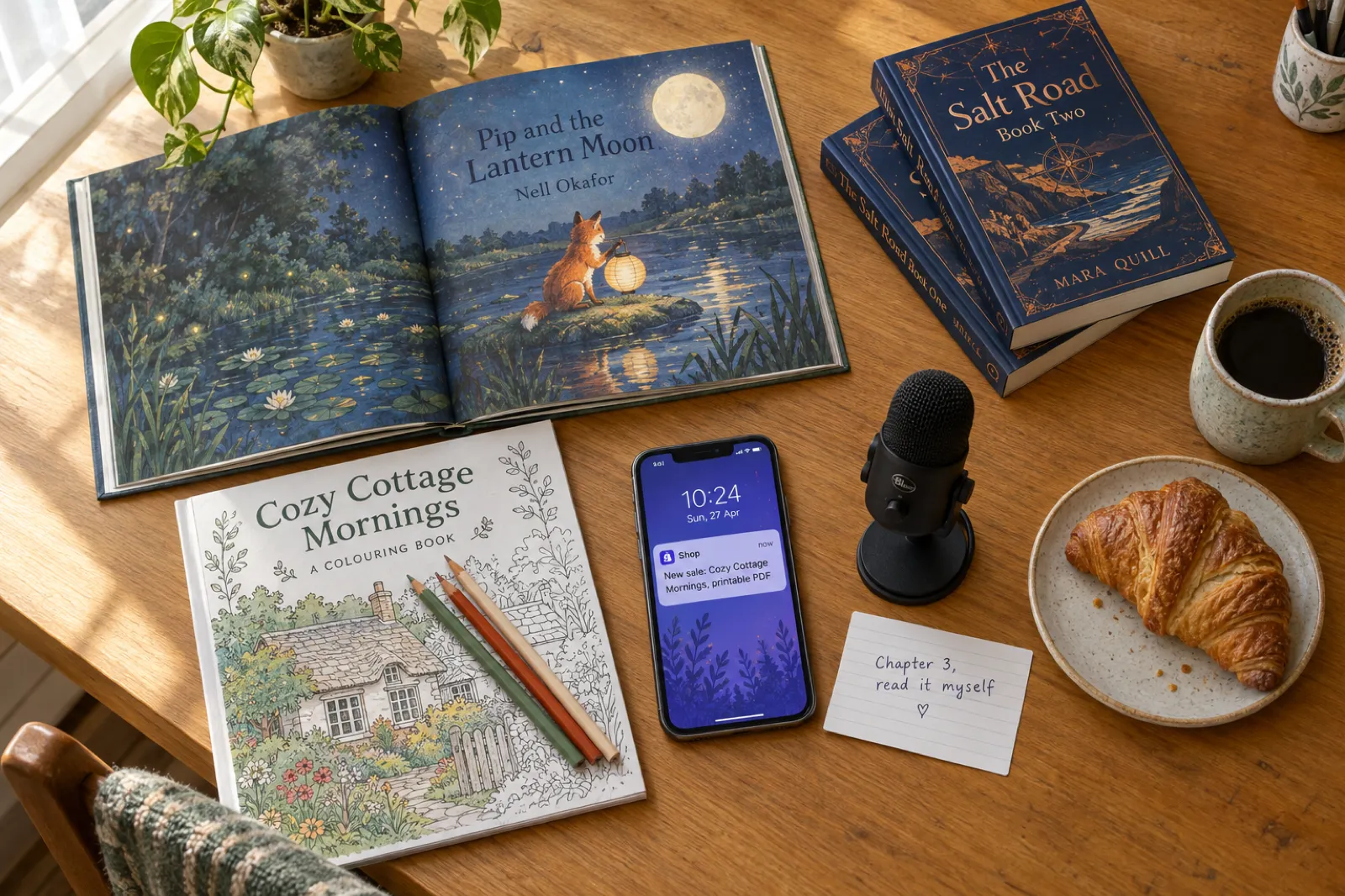
Inkfluence can now write a picture book and paint every page of it. That is the biggest change since our last update in August, and it is not the only one. This page lists everything that has shipped since then, with what each feature does for you, which plan it is on, and the exact button to press.
Everything here is live in the web app at inkfluenceai.com today. If you only have a minute, the table below is the short version.
| Number | New | Plan | Where to find it |
|---|---|---|---|
| Picture, colouring and ABC books | Creator, Premium or credits | New book > Picture book, Coloring book or ABC book | |
| A picture book from your own illustrations | Free to make | New book > Picture book > I already have my pages | |
| Picture-book series: book 2 of your picture bookNew | Creator, Premium | Book menu > Continue as a series | |
| AI Assist in the editor | Every plan (3, 15 or 100 a day) | Editor > AI Assist | |
| Import several files into one book | Every plan | Dashboard > Import | |
| The Publish page | Page: every plan. Selling: Creator, Premium | Top menu > Publish | |
| Amazon KDP upgrades | Plan or credits | Export > KDP; Editor > Tools | |
| Continue your book as a series | Creator, Premium | Book menu > Continue as a series | |
| Narrate your audiobook yourself | Creator, Premium or credits | Audiobook Studio, under each chapter | |
| A new export window with a live preview | Every plan (formats per plan) | Editor > Export | |
| New cover styles and translated covers | AI cover allowance or credits | Editor > Cover | |
| More translations each month | Creator 15, Premium 40 | Book menu > Translate | |
| Author Journey and Bring a friend | Every plan | Top menu > Journey |
§02 Feature console
One feature at a time, with the button to press.
Pick a feature on the rail, or use the arrow keys.
Picture books, colouring books and ABC books
Describe a story and Inkfluence writes it page by page and paints the pictures, with the same character on every page, a painted cover and a page-turn preview so you can read it the way a child will. Colouring books and ABC or counting books work the same way: colouring books come out as clean line art, and asking for "bold and easy", "large print" or "for seniors" gets thick, simple lines that are easier to colour.
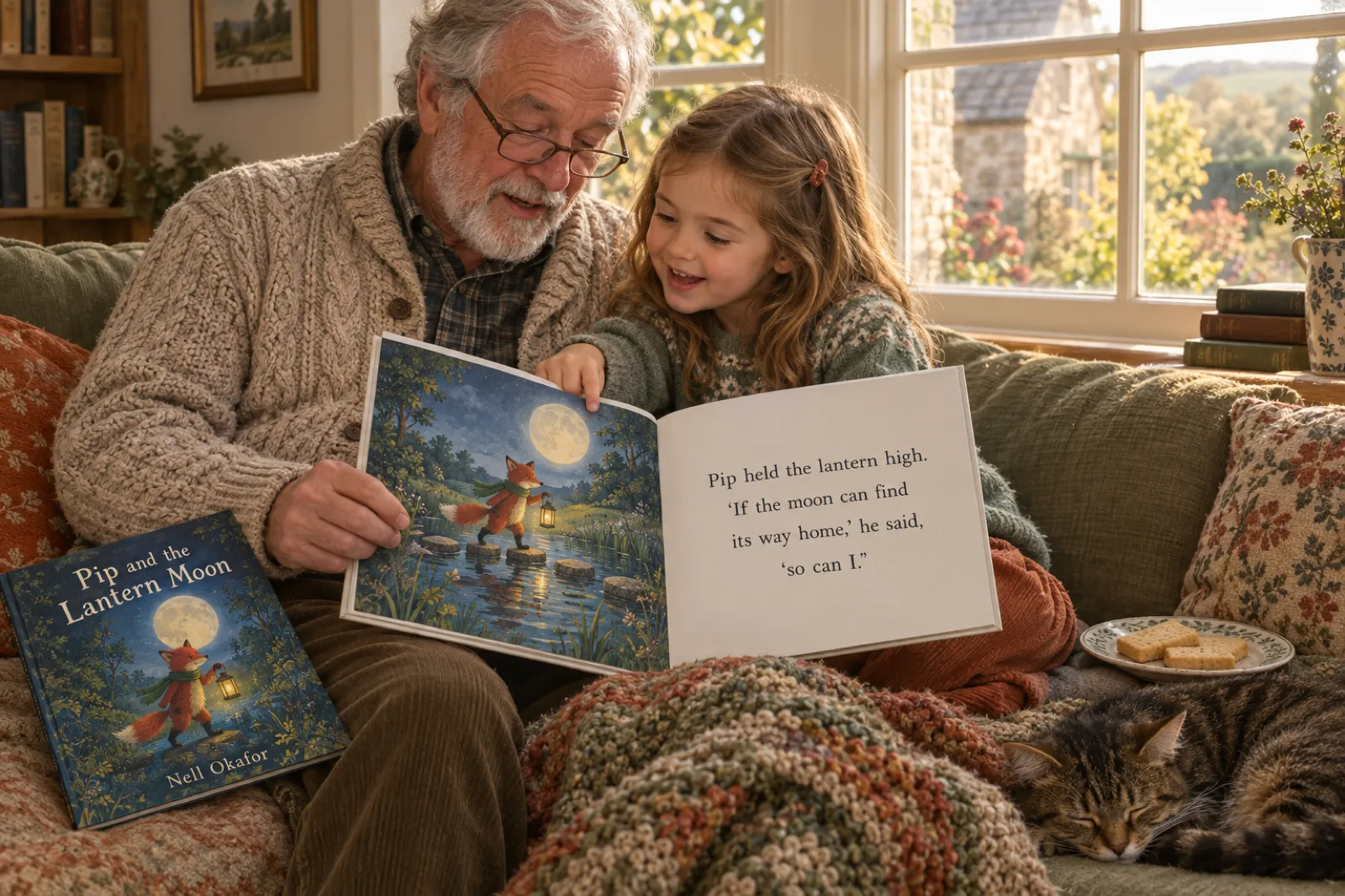
Since 8 October you can choose one of eight art styles before the painting starts: Storybook, Watercolour, Coloured pencil, Crayon, Ink and wash, Vintage, Comic, and Felt and clay. The style carries through the character sheet, every page and the cover, so the book looks like one artist made it.
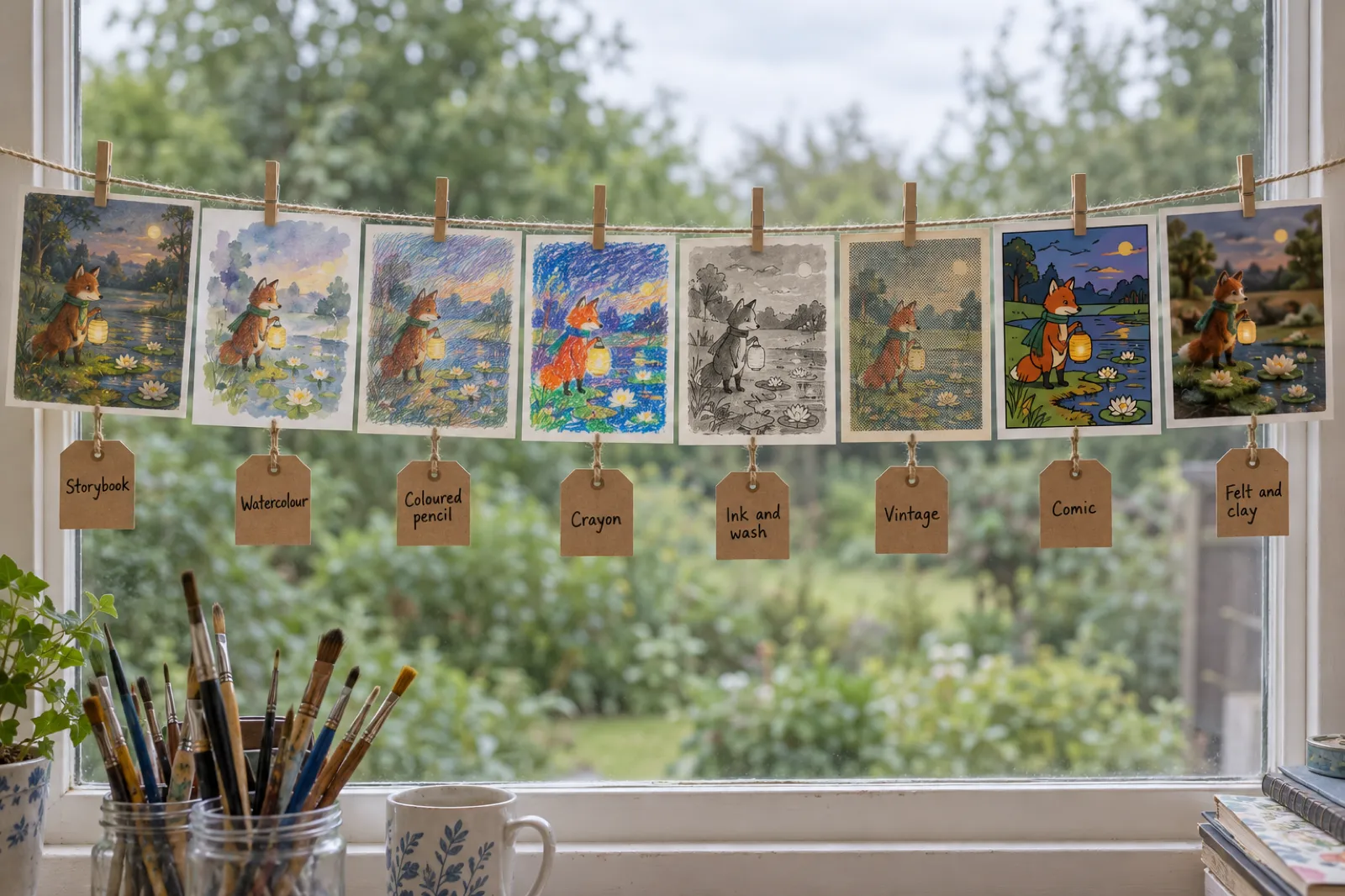
A few more things make picture books easier to finish:
- Edit any page with AI. "Create this page with AI" writes a page and paints it. You can also swap a picture, choose Fill or Whole picture for the layout, and use any image as a page picture.
- Full bleed for Amazon KDP. Story and ABC picture books now export as bleed files with the art running to every edge, which is how Amazon expects picture books (see KDP's bleed rules). Short books are padded to KDP's 24-page minimum, and you are told when that happens. Our KDP picture book bleed guide has the exact sizes.
- Words under colouring pages. Turn on "Print the words under each design" in the export window to print each page's caption under the drawing.
- Colour it online. Publish a colouring book to the showcase and readers can colour five of its pages in the browser, no account needed.
AI-painted books come with Creator (20 images a month) and Premium (50 a month), or with credits at 2 credits a page, cover and character sheet included. More on the picture book maker and colouring book generator pages.
Already have your own illustrations?
New this week: upload your finished pictures and Inkfluence builds the book around them, one picture to a page, exactly as you made them, with no AI painting.
You get a title page, a copyright page, a cover made from your first picture, and the same full-bleed KDP export. It is free to make and uses none of your image allowance; the Amazon KDP file and EPUB need a plan or credits. Start it from New book > Picture book and switch on "I already have my pages". The full walkthrough is on turn your illustrations into a picture book.
Picture-book series: book 2 of your picture book
New on 16 October: your own AI picture, colouring or ABC book can continue as a real book 2. Open the book's menu (the three dots) and choose Continue as a series.
Book 2 is the same kind of book as book 1, with the same characters, the same character sheet, the same art style, the same page count and the same readers' ages. It gets its own painted cover with the series line on it: "Series name, Book 2". Add a note about what should happen next, or leave it to the planner.
- Characters, with how they look
- The character sheet, reused for every page
- The art style
- The page count and page size
- The readers' ages, which set the words per page
- One book per click. Each click writes the next book from the latest book in the series, so book 3 follows on from book 2.
- Colouring books stay the same kind. A bold-and-easy colouring book continues as bold and easy, and the words-under-the-design setting carries over.
- Painted like any AI picture book. The pages use your monthly images or credits, the same as a new picture book.
Series come with Creator and Premium. More on the book series writer and picture book maker pages, or try the series preview further down this page.
AI Assist: help while you write
Open any chapter and click AI Assist in the editor. It has three tabs:
- Chat about the chapter you are working on. Ask what is not working, ask for a stronger opening, or ask how to do something in the app: since 11 October it knows where every button is and links the right help article. Insert its suggestions with one click.
- Write with quick actions. Highlight text and choose Proofread, Rewrite, Shorten, Expand, Softer, Punchier, or type your own instruction.
- Review gives you editorial notes on a chapter, or on the whole book on Creator and Premium.
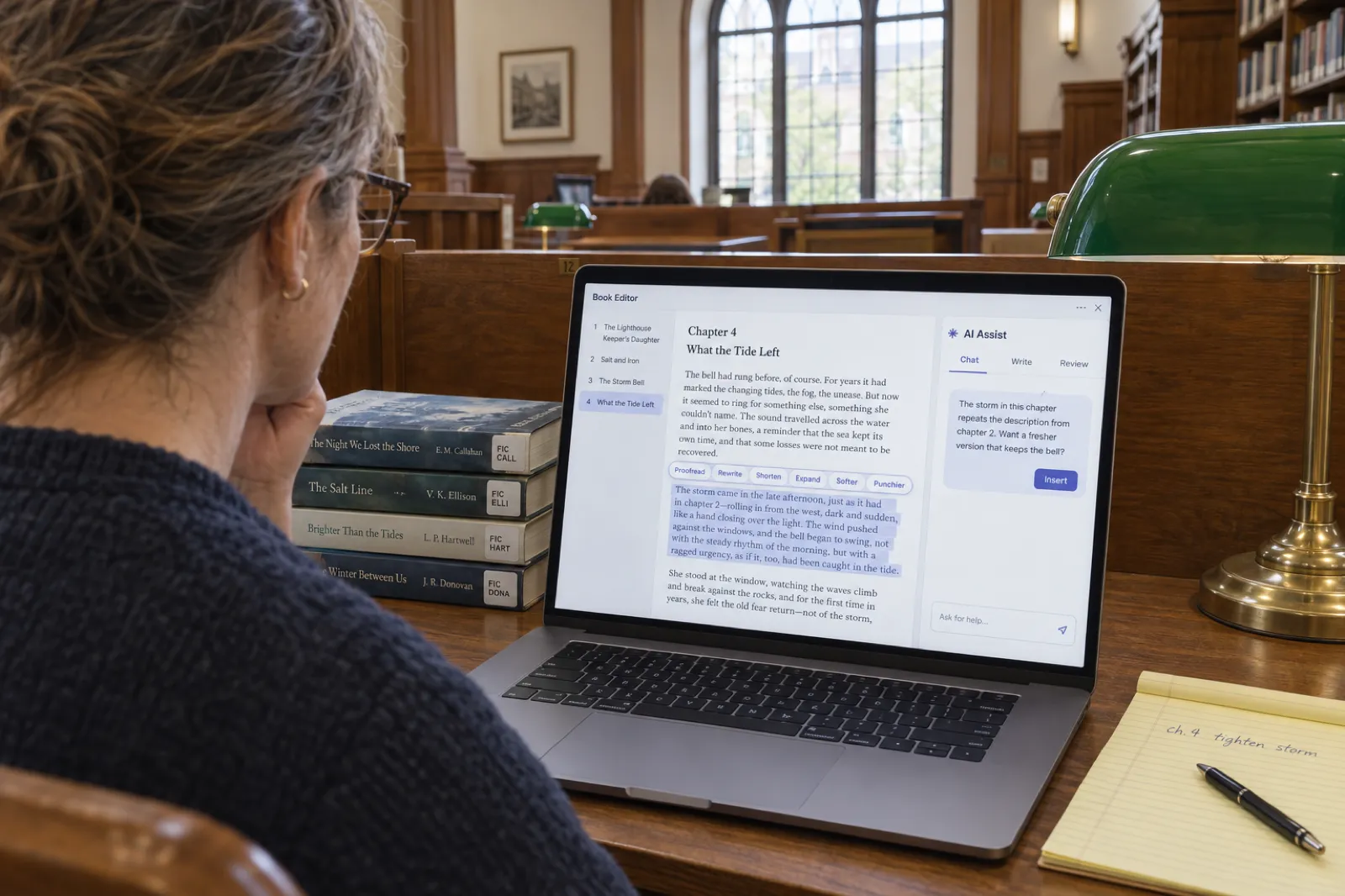
AI Assist works on every plan: 3 assists a day on the free plan, 15 on Creator and 100 on Premium. Writers who use it are among the most engaged on Inkfluence: about one in five subscribers used it in the last six weeks. See the AI book editor page for more.
Bring in a manuscript you already have
If your draft lives in Word, Google Docs, EPUB, a text file or PDFs, you do not have to start again. Since 10 October you can pick or drop several files at once and they become one book, in file order.
Very long PDFs import with real progress, and imports keep bold, italics, underlines and bullet points while stripping page numbers and running footers.
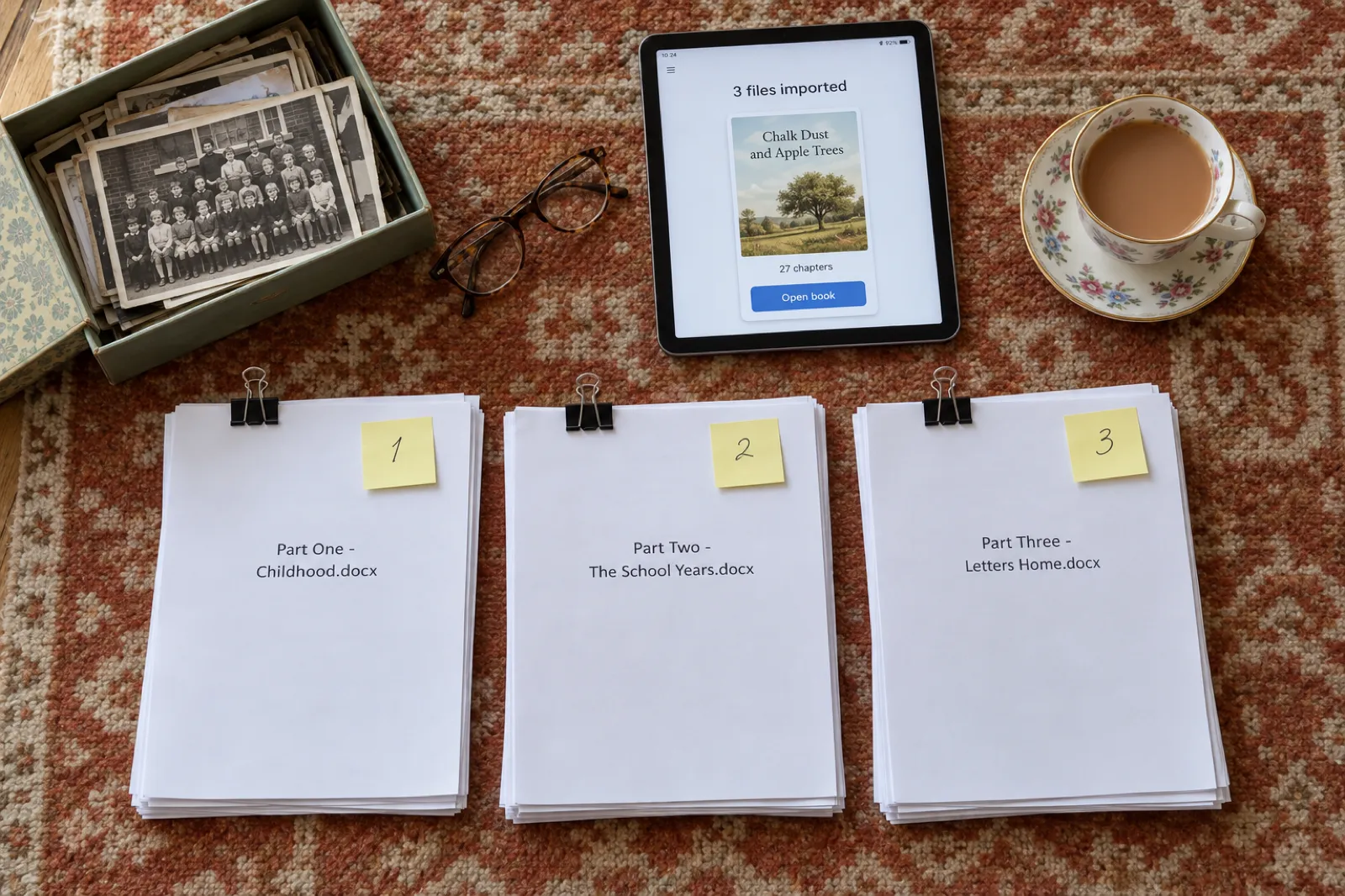
Inside a book, the new "bring in chapters" option copies chapters from another of your books or from a document, and picture and colouring books can bring in pages or your own images the same way. Our manuscript import guide has a video walkthrough.
The Publish page
Publish is a new page in the top menu. It lists every finished book with where it is published (the free showcase, Gumroad, Etsy and Amazon KDP), what you would keep from each sale on each store, and the next step for each one.
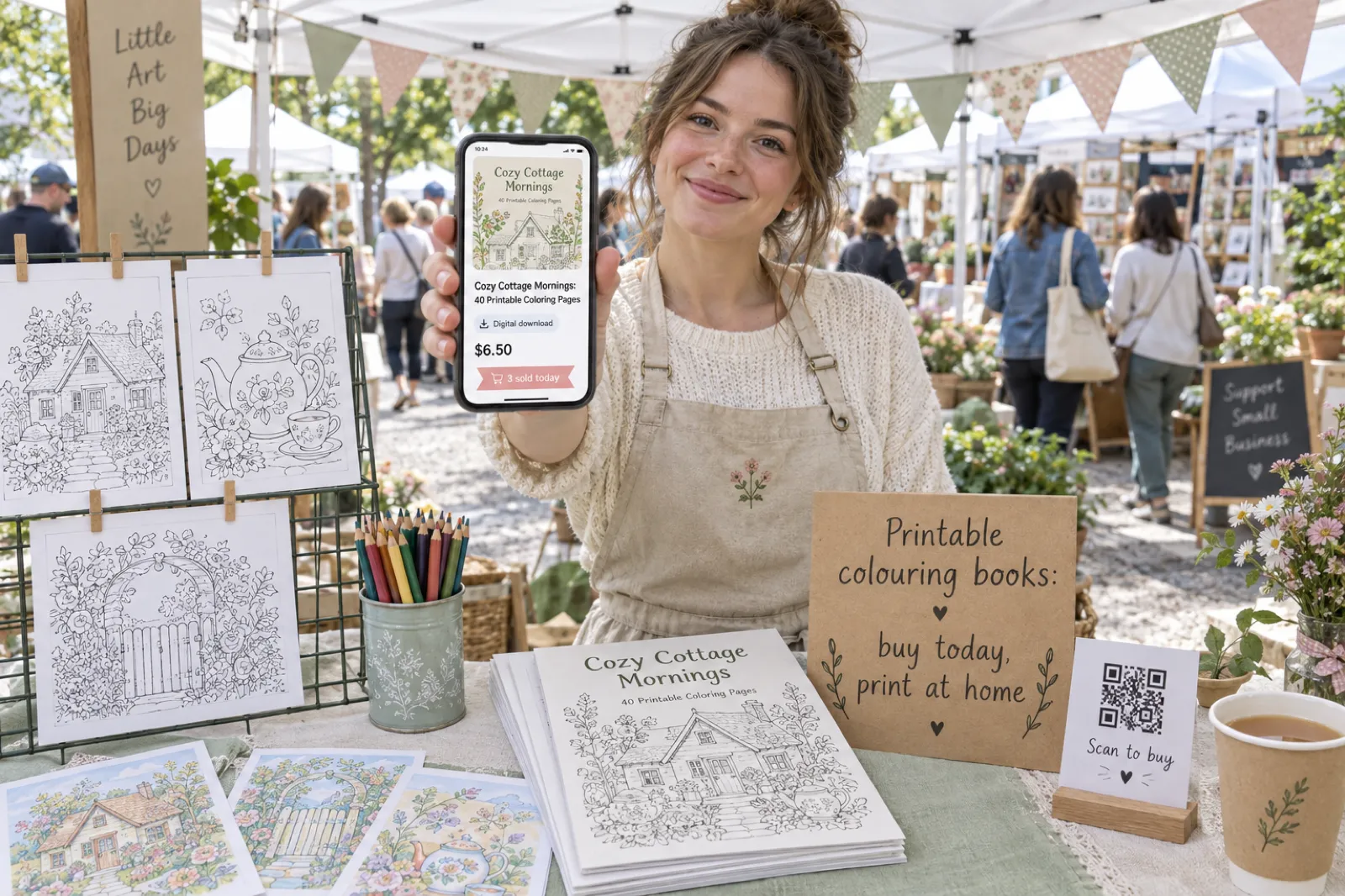
- Sell on Etsy and Gumroad. Publish a book as a digital download in a few clicks, with the listing text written for you (Etsy's own guide to digital listings explains how buyers receive the files). You choose the files buyers get: a print-ready PDF, the EPUB, or both. The Publish page shows if Etsy has deactivated a listing.
- See your sales. Switch on "Show my sales" to see Gumroad and Etsy sales for the last 30 or 90 days, per store and per book.
- Amazon A+ Content. One click makes an A+ pack from your book: the module text written to Amazon's A+ Content guidelines and five images in the style of your cover, sized for upload. More on the A+ Content generator page.
- One link per book. Paste your Amazon link on the Publish page and your public book page shows a buy button for every store your book is on.
- Launch kit. Three launch posts for X, LinkedIn and Instagram written from your book, plus square and story share images made from your cover.
The Publish page and launch kit are on every plan. Selling on Etsy and Gumroad comes with Creator and Premium, and A+ Content with a plan or credits.
Amazon KDP upgrades
Getting a book onto Amazon has fewer steps than it did in August:
- Keywords, categories and subtitles. Editor > Tools > Keywords & categories writes your seven KDP keywords, real KDP browse categories and subtitle ideas from your book. See our KDP tools.
- One zip. The KDP export arrives as a single zip with the wraparound cover and the Kindle EPUB inside, and a READ ME that tells you which file to upload where.
- Your own front pages. Switch off our title page in the KDP interior, and the title and copyright pages in the EPUB, when your manuscript already has its own.
- Spine and contents. A "Show on spine" switch for thin books, and page numbers on the contents page in KDP and phone PDFs.
- Back covers. Praise quotes, author bio, imprint and ISBN on a structured back cover, and for picture books, previews of the book's own pages under the blurb.
Continue your book as a series
Finished a novel and want a sequel? Open the book's menu and choose Continue as a series. Your book becomes book one, and the next one picks up from how it actually ends, with the same characters, what they know, and everything that happened.
Add a note if you know what should happen next, or leave it to the planner. Novels are written one book at a time from the latest book in the series; non-fiction can add up to three books at once.
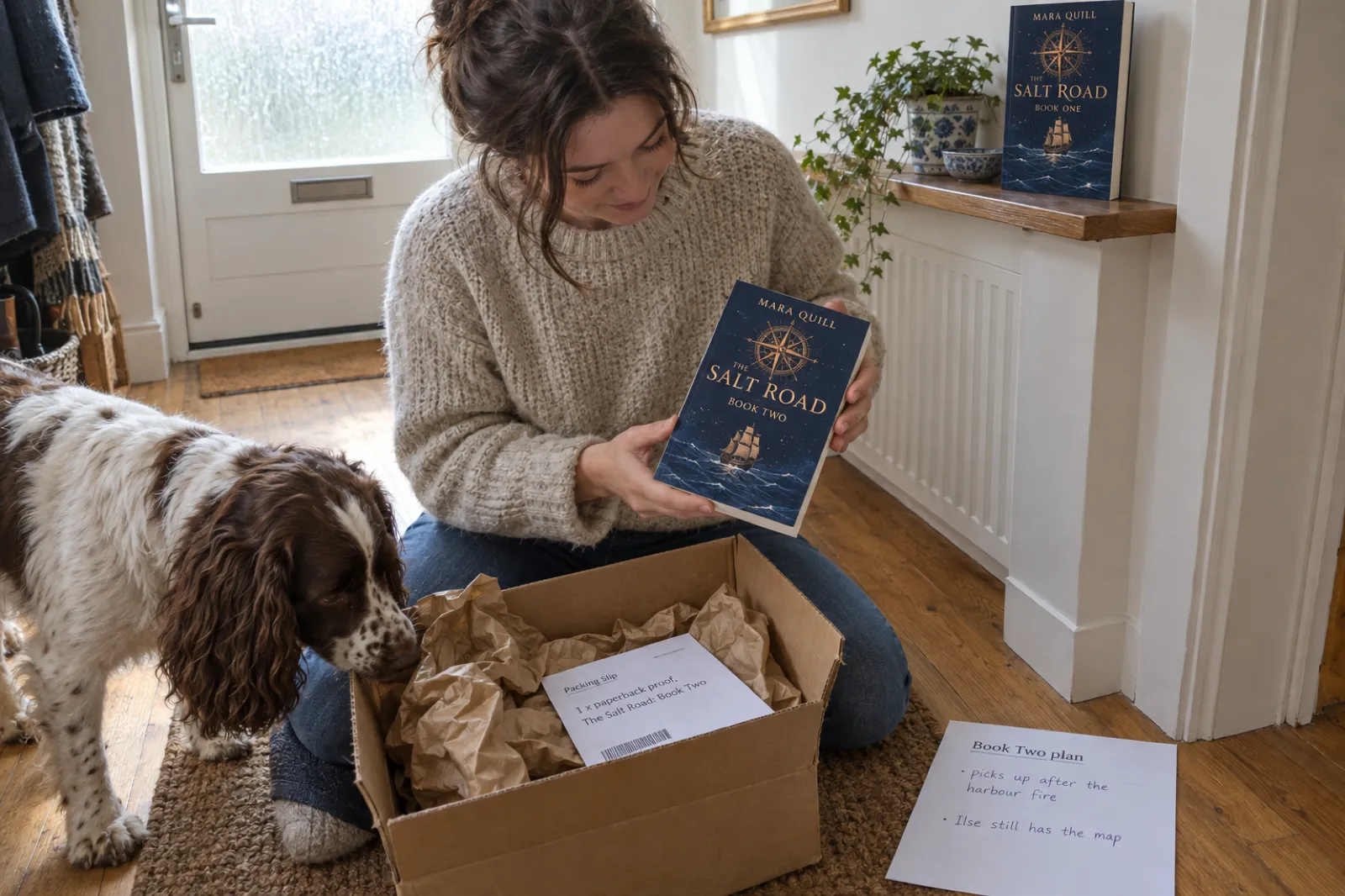
Novels also keep better track of their own story now. As each chapter is written, Inkfluence notes what is now true on the page (who knows what, where everyone is, what has already happened) and plans the next chapter from it, so a secret revealed in chapter three is not announced as news in chapter six. Series come with Creator and Premium; more on the book series writer page.
Audiobooks: narrate it yourself
Under any chapter in the Audiobook Studio you can now choose Record it yourself, which opens a recorder with the chapter text on screen, or Upload your own recording (MP3, WAV, M4A and more, up to 200 MB). Your own recordings use no credits, and you can mix them with AI narration chapter by chapter.
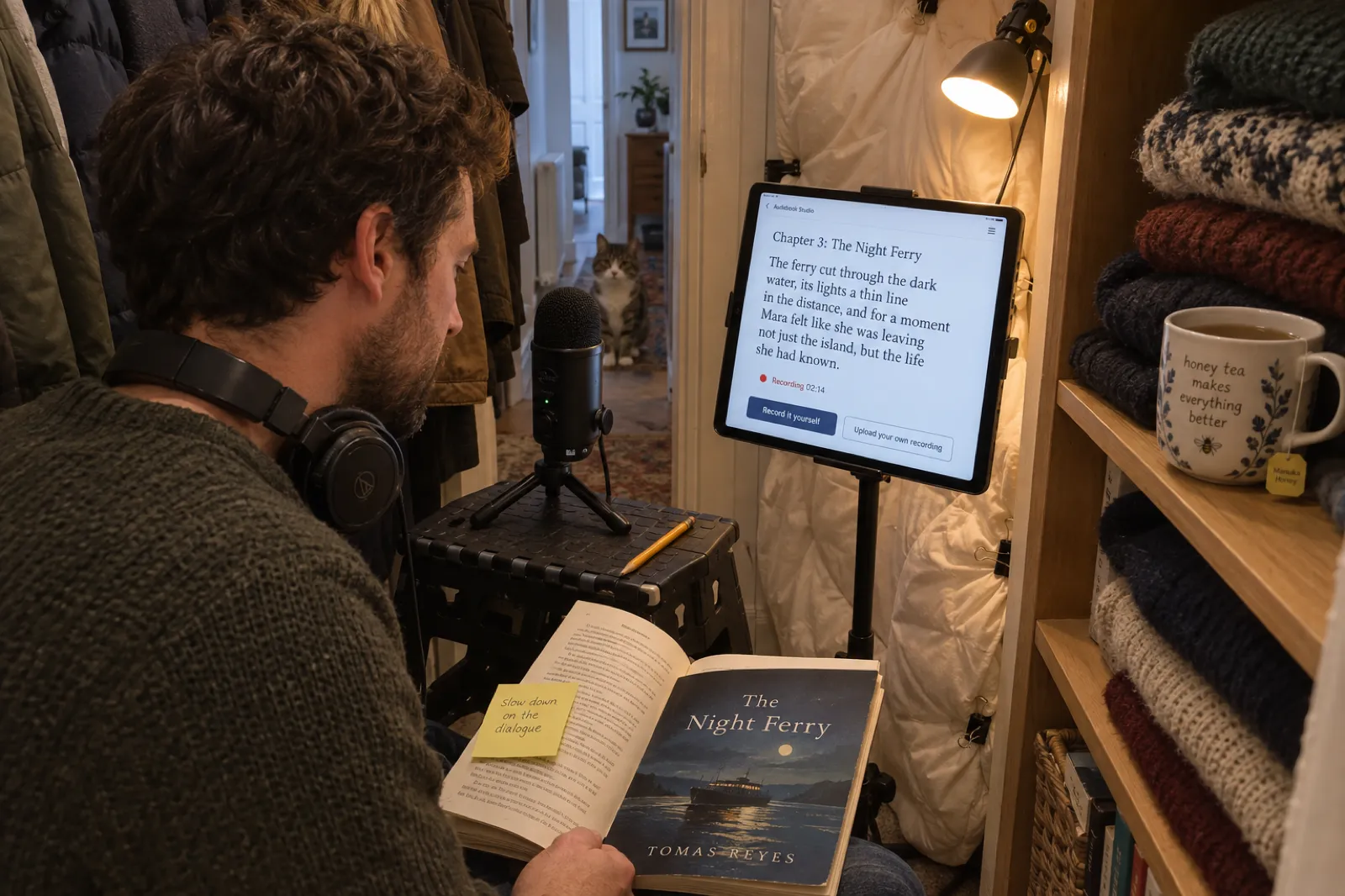
The studio itself was redesigned in September:
- A listening player, runtime estimates, and a free narrator audition before you record a whole book.
- Click any word in the manuscript to fix how it is said. The fix applies across the whole book, and checking it is free.
- Slower, Normal or Faster narration pace, and a different narrator for any chapter.
- Nine new narrator voices, including new US, New Zealand and Singapore English voices and new French, Italian and German ones (six of them are HD voices, which come with Premium).
A human-read audiobook is also the route to Audible through ACX; check ACX's audio submission requirements before you record, and use the ACX download in the studio, which is encoded to them. The Audiobook Studio comes with Creator and Premium, or with credits. The full guide is on narrate your own audiobook.
A new export window
The export window was rebuilt in late September. Tabs are named by where the book is going, all settings sit in one list, and a live preview shows your actual exported pages, with a cover preview that looks like a real book. Since then:
- Chapter title size. Small, Medium or Large chapter titles in every export (PDF, KDP, EPUB and Word).
- Full-page photos. Click any photo and choose Full page to give it a page of its own, edge to edge in the PDF and printed with bleed on KDP.
- Settings per book. Each book can have its own header, footer, copyright text and author bio.
- Rename "Chapter". Call your chapters Recipe, Lesson, Day or anything else.
- Poetry that prints properly. One poem per page, titles kept with their poem, and shape poems that keep their shape.
Covers
The AI cover generator has four new styles, and generating new options no longer hides the title on your current cover. When you translate a book, its AI cover can be translated too, along with the back cover. This 76-second video shows a cover being made from a one-line idea:
VIDEO · 1:16How to design a book cover with AI in Inkfluence (76 seconds).
More on the AI book cover generator page.
More translations each month
The monthly translation allowance went up on 22 September: from 5 to 15 books a month on Creator, and from 15 to 40 on Premium.
Translations beyond the allowance use credits. Books translate into 59 languages; open the book menu and choose Translate. See the AI book translator page.
Author Journey and Bring a friend
Journey replaced Analytics in the top menu. It is a map of twelve milestones, from starting your first book to a shelf of five, with credit rewards along the way: 3 credits for painting an AI cover, and 5 each for making the audiobook, translating, getting your KDP files ready, selling in your own shop and writing book number two. Free users bank their rewards until they join a plan.
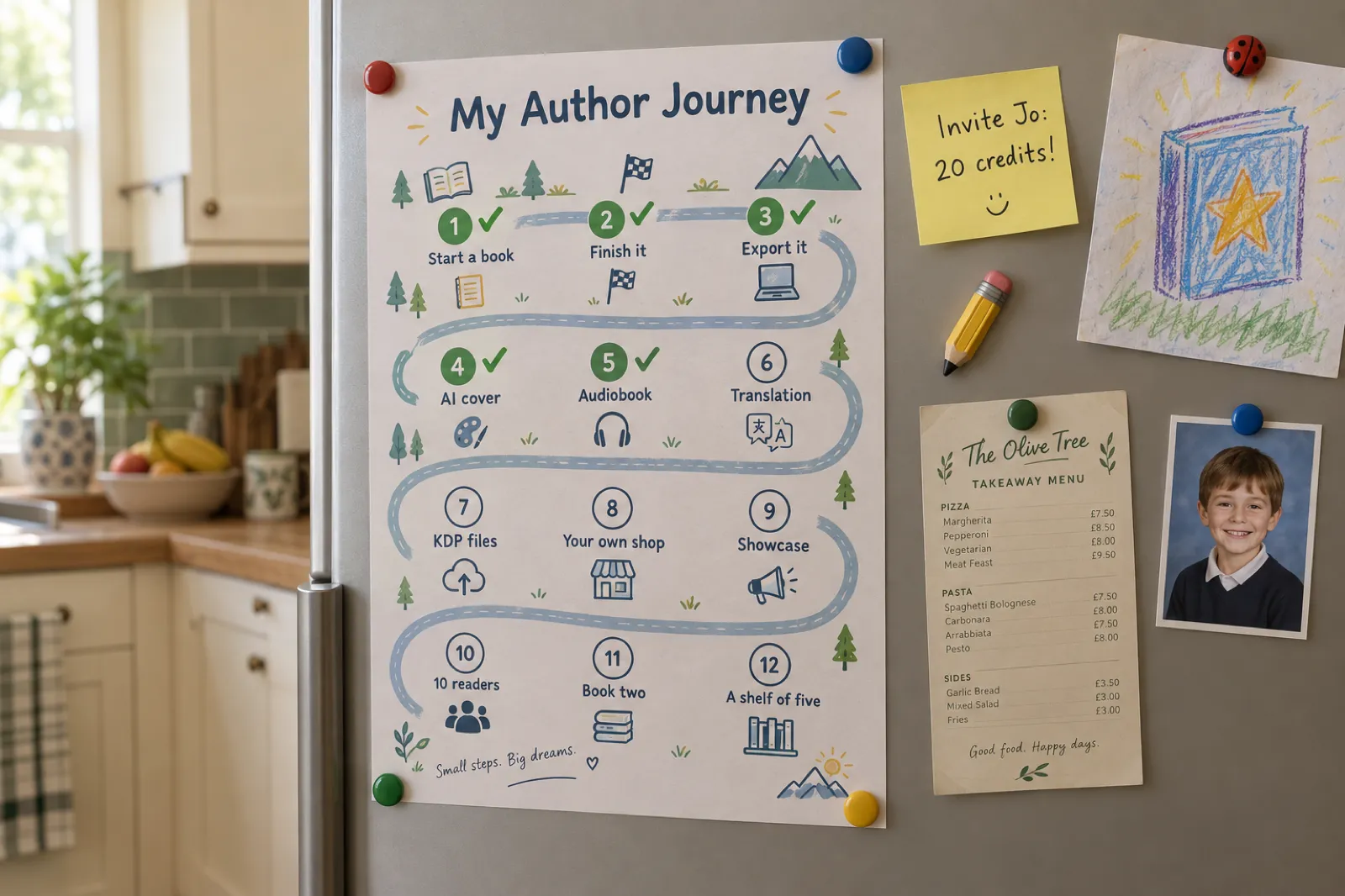
The Bring a friend card on the Journey page gives you an invite link. Your friend gets 10 credits with their first payment, and you get 20 credits for each friend after they have been on a plan for 30 days. Five friends earns a free month, and the ladder goes up to a year of Premium.
Published books also have a community shelf now: readers can read and recommend books, browse Rising, Most recommended and Editor's picks, and read your whole first chapter on your public book page. You can pin up to three books to your author page.
Smaller changes worth knowing
- Watch every chapter being written. Non-fiction chapters stream in live, and cancelling keeps the chapters already written.
- Remix a whole book. Remix now reads your entire source book, and you choose the number and length of chapters before it writes.
- Change your email. Profile > Security > Change Email moves your account, books and plan to a new address.
- Switch to yearly. Monthly subscribers can switch to a yearly plan from their plan card and see the exact charge first.
- Workbook answer lines. Lines of underscores print as ruled answer lines and write-in boxes.
- A new phone editor. A bottom bar with Chapters, Text, AI, Preview and More.
- A real bookshelf. My Books shows your newest books face out, and each audiobook gets a card with play, download and the chapter list.
§03 Try it
From one idea to a picture-book series.
Pick an idea or write your own and see how book 1 and book 2 line up. This is a preview made in your browser from templates. The real books are written and painted in the app.
Preview Built from templates, not a real book yet
Book 1
Pip and the Lantern Moon
Book 2
Pip and the Winter Star
The Pip Stories, Book 2
- CharactersPip
- Character sheetReused from book 1
- Art styleWatercolour
- Page countSame as book 1
- Readers' ages3 to 6
Opens your dashboard with the idea filled in. When book 1 is finished, Continue as a series in its book menu writes book 2 (Creator and Premium).
§04 Ship log
August to October, release by release.
Drag along the line, or hover it, to move through the dates.
-
01
Picture, colouring and ABC books
Inkfluence writes the story and paints every page.
See it: Picture, colouring and ABC books -
02
Change your email
Profile > Security > Change Email moves your account, books and plan.
See it: Change your email -
03
More translations
15 books a month on Creator, 40 on Premium.
See it: More translations -
04
Continue as a series
Book two picks up from how book one actually ends.
See it: Continue as a series -
05
A new export window
A live preview of your actual exported pages.
See it: A new export window -
06
Author Journey and Bring a friend
Twelve milestones, with credit rewards.
See it: Author Journey and Bring a friend -
07
Narrate it yourself
Record or upload your own narration. No credits used.
See it: Narrate it yourself -
08
Eight art styles
From Storybook to Felt and clay, on every page and the cover.
See it: Eight art styles -
09
Several files, one book
Pick or drop several files; they import in order.
See it: Several files, one book -
10
The Publish page
Every finished book, every store, and the next step.
See it: The Publish page -
11
AI Assist knows the app
Ask where a button is and get the right help article.
See it: AI Assist knows the app -
12
Your own illustrations
One picture to a page, exactly as you made them.
See it: Your own illustrations -
13
Picture-book series
Book 2 of your picture book: same characters, same style.
See it: Picture-book series
§05 Plans
What is on each plan
The new features by plan. Credits are one-time packs (15, 25 or 50 credits) that never expire and also unlock EPUB, Word and the KDP package without a subscription.
| Feature | Free | Creator | Premium |
|---|---|---|---|
| AI-painted picture, colouring and ABC books | With credits | 20 images a month | 50 images a month |
| Picture book from your own illustrations | Yes (KDP file with credits) | Yes | Yes |
| Picture-book series (book 2 of your picture book) | No | Yes | Yes |
| AI Assist | 3 a day | 15 a day | 100 a day |
| Whole-book editorial review | No | Yes | Yes |
| Import several files into one book | Yes | Yes | Yes |
| Publish page and launch kit | Yes | Yes | Yes |
| Sell on Etsy and Gumroad | No | Yes | Yes |
| Amazon A+ Content | With credits | Yes | Yes |
| Continue as a series | No | Yes | Yes |
| Audiobook Studio and your own narration | With credits | Yes (15 chapters a month) | Yes (30 chapters a month) |
| Book translations a month | With credits | 15 | 40 |
| Author Journey and Bring a friend | Yes (rewards banked) | Yes | Yes |
See pricing for prices and everything else on each plan.
§06 Questions
Frequently asked questions
Try it on your bookCan I make a picture book on the free plan?
AI-painted picture, colouring and ABC books need Creator or Premium, which include 20 or 50 images a month, or a credit pack (2 credits a page, with the cover and character sheet included). A picture book made from your own illustrations is free to make; the Amazon KDP file and EPUB need a plan or credits.
Are these features in the iPhone app?
Not yet. Everything on this page is in the web app at inkfluenceai.com, which works in any browser on a computer, tablet or phone. The iPhone app is updated separately.
How do I narrate my own audiobook?
Open the book, choose Listen to Audiobook or Turn into Audiobook, and under any chapter title pick Record it yourself or Upload your own recording (MP3, WAV, M4A and more, up to 200 MB). Your own recordings use no credits. The Audiobook Studio comes with Creator and Premium, or with credits.
Can I sell my book on Etsy or Gumroad from Inkfluence?
Yes, on Creator and Premium. Open the Publish page from the top menu, connect your shop, and publish the book as a digital download. You choose the files buyers get: a print-ready PDF, the EPUB, or both. The Publish page also shows your Gumroad and Etsy sales if you switch on Show my sales.
How many books can I translate each month?
15 a month on Creator and 40 on Premium, up from 5 and 15. Translations beyond the allowance use credits. Open the book menu and choose Translate.
How do I continue my book as a series?
On Creator or Premium, open the book's menu (the three dots) and choose Continue as a series. Your book becomes book one and the next book continues from how it actually ends, with the same characters and story facts. You can add a note about what should happen next.
§07 Keep reading
Related reading
More from the blog
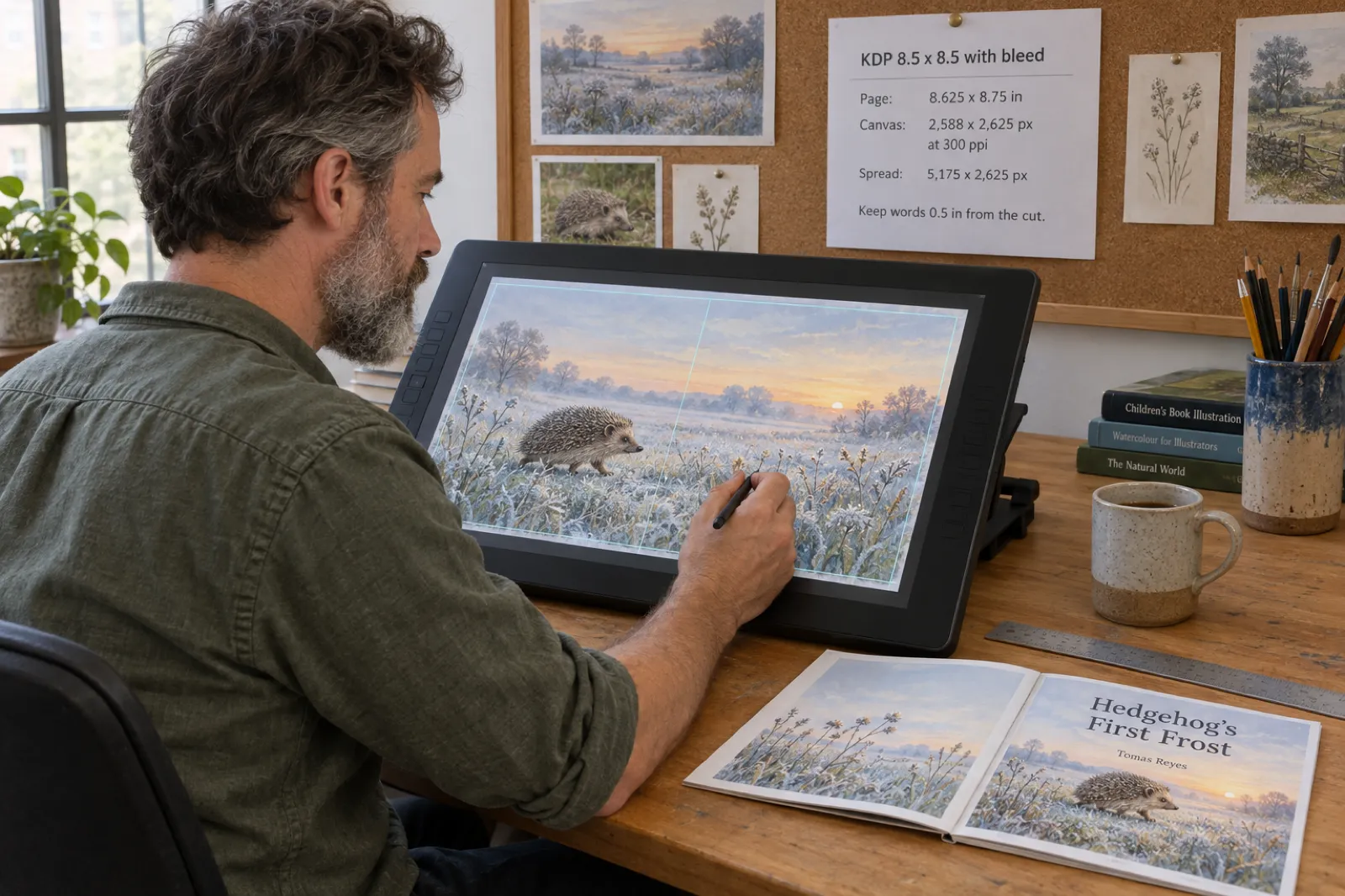 Publishing · 18 min KDP Picture Book Bleed and Canvas Size for Illustrators (8.5 x 8.5, 8 x 10, 8.5 x 11), 2026
 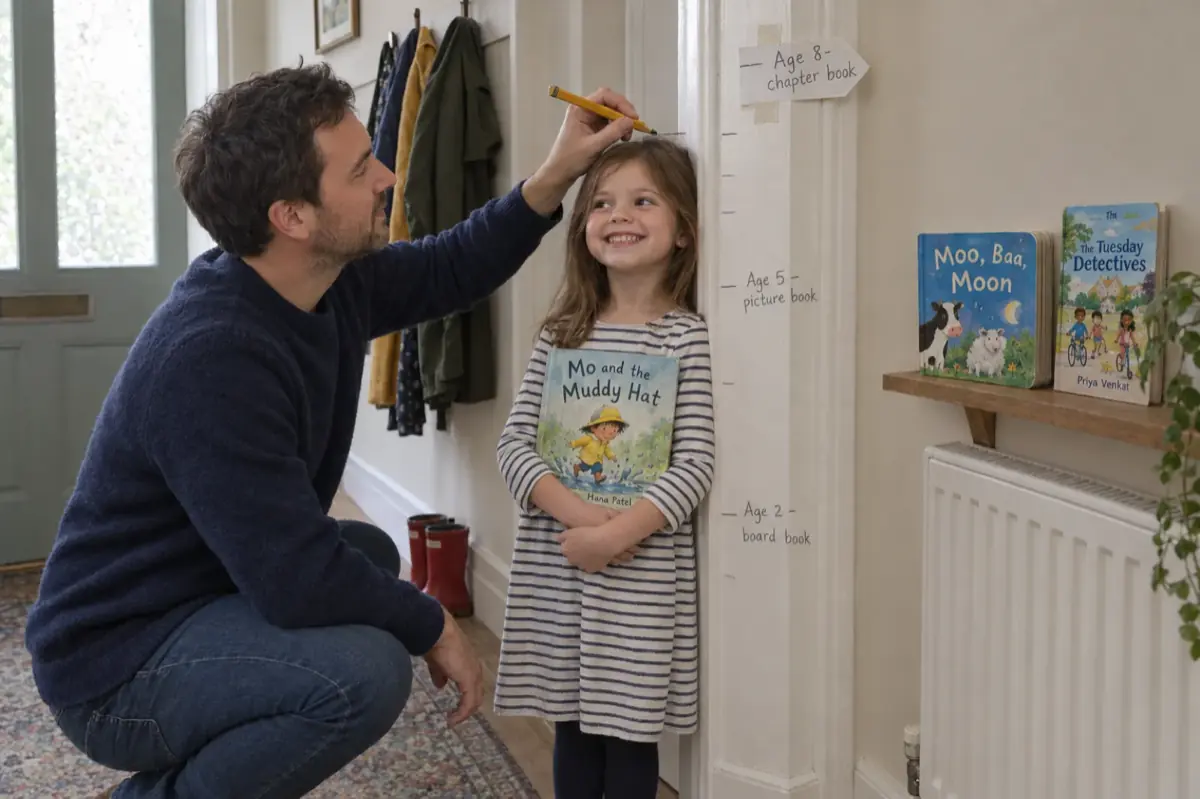 Children's Books · 20 min Children's Book Word Count and Page Count by Age (2026): Board Books to Middle Grade, with Real Picture-Book Data
 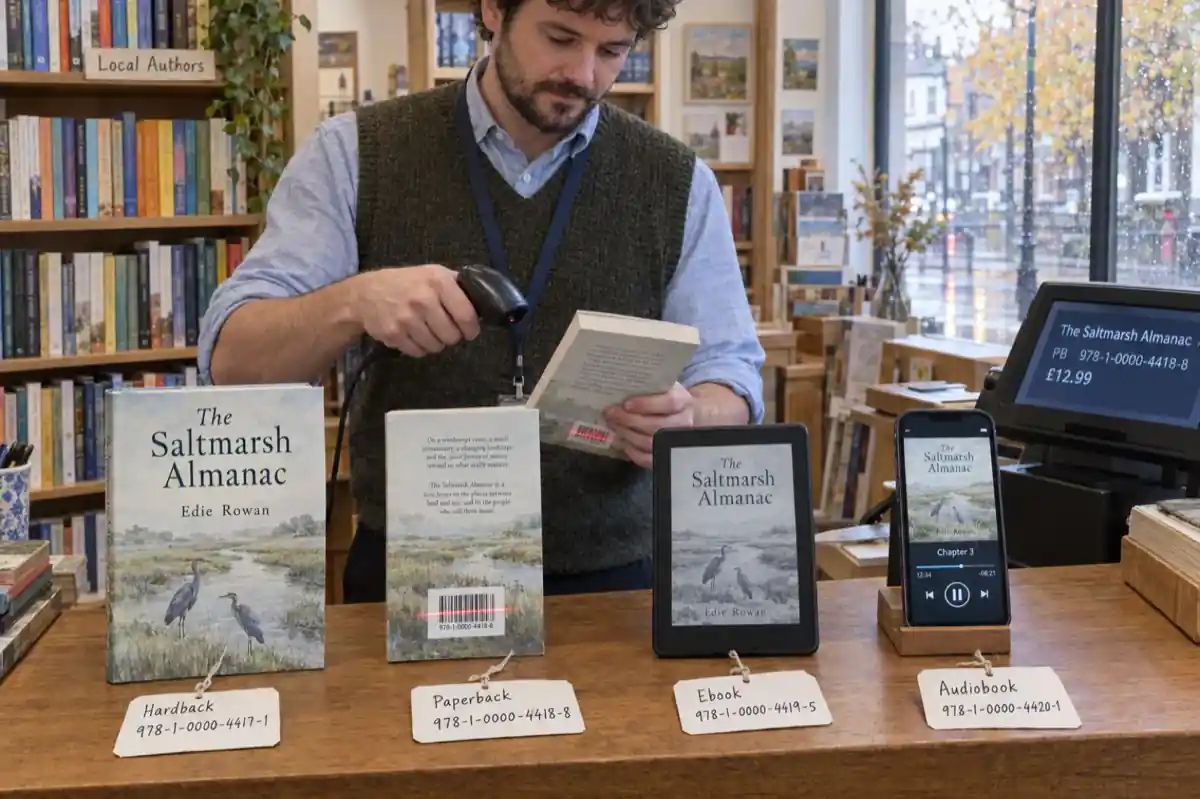 Publishing · 21 min Do You Need an ISBN? Free vs Bought, Cost by Country, and Which Formats Need One (2026)
 §08 What is next
Your next book starts here.
The roadmap lists everything shipped month by month and what we are working on next. If there is something you would like Inkfluence to do, reply to our newsletter or email hello@inkfluenceai.com: a lot of this page started as a request from someone writing a book.
Open your dashboard