
Chapter Title Generator
Name every chapter of your book in one go. Pick a genre and a style, get a full list of chapter names ordered from the first page to the last, then edit, lock and regenerate until it reads right.
One word, phrase, numbered, question or quote titles · 6 to 15 chapters · Fiction and non-fiction
Quick Answer
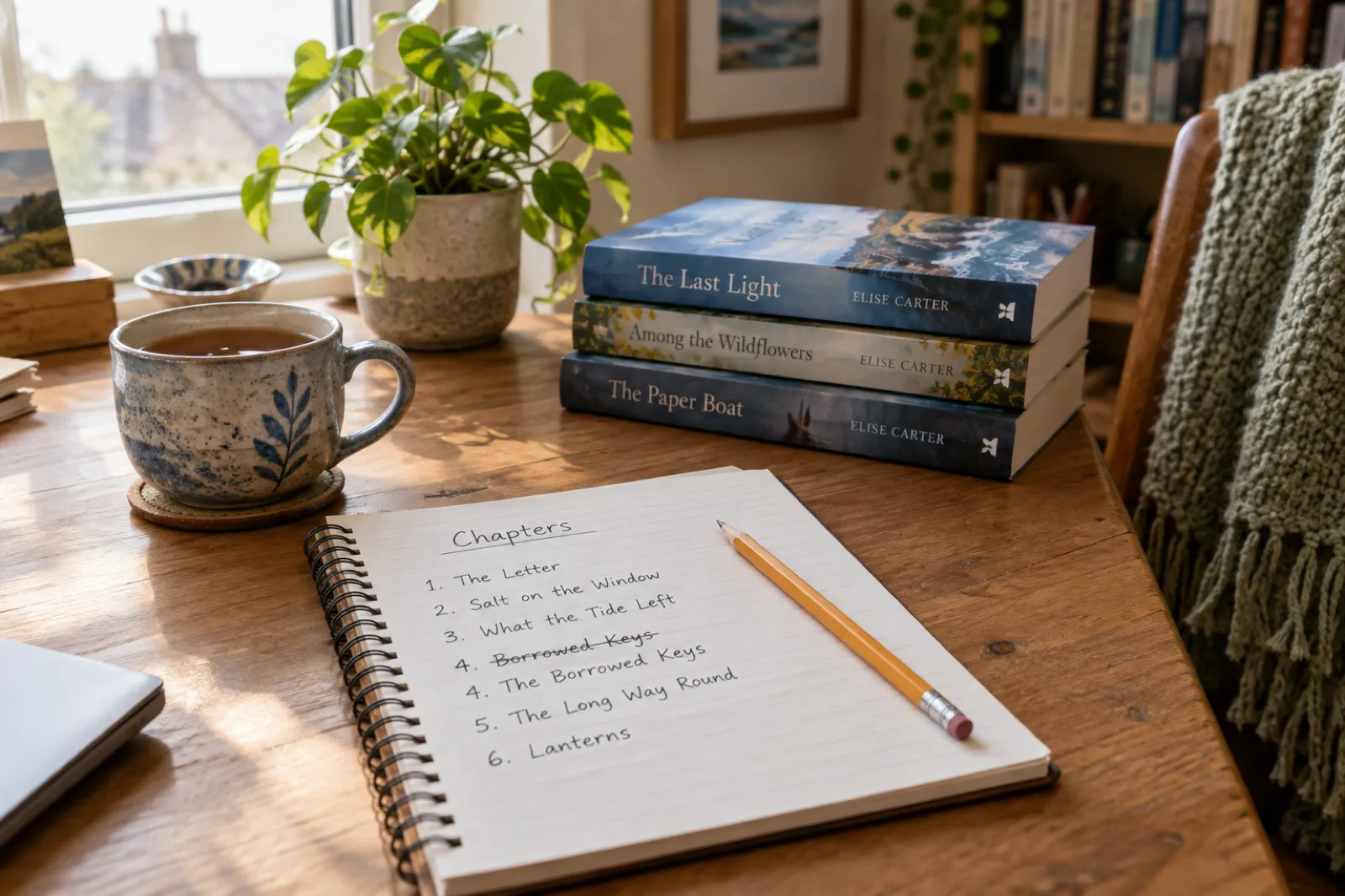
A chapter title generator gives you a set of chapter names for a book, so you can see the whole contents page at once instead of naming chapters one by one. Good chapter titles are short (one to six words), match the genre, follow one consistent style, and hint at what happens without giving it away. The generator below builds 6 to 15 titles per click across 13 genres and six styles, in story order, free and unlimited. When the list feels right, send it to Inkfluence AI as the brief for your book, or use our AI chapter generator to write the chapters themselves.
Live Tool
Generate chapter names for your whole book
Choose your genre and style. Every click builds a fresh list in story order. Click any title to edit it, and lock the ones you want to keep.
Like this list?
Turn it into a book. Your genre and chapter titles go straight into the idea box on your dashboard.
Edit the brief before you start. Free to try, no card needed.
Titles are built in your browser from hand-written lists and patterns for each genre, so you can regenerate as often as you like. Need the chapters written, not just named? That is what the AI chapter generator is for.
Do chapter titles matter?
Yes, though not equally in every book. Chapter titles do four jobs, and how much each one matters depends on what you are writing.
They sell the book from the contents page. The contents page sits in the first few pages, which means it is almost always inside the free ebook sample and the online preview. For non-fiction, it is often the first thing a shopper reads after the cover and description. A reader deciding between two books on budgeting will scan both contents pages and buy the one that names their problem. "Chapter 4: Getting Started" tells them nothing. "Chapter 4: Paying Off Debt Without Feeling Broke" tells them the book is for them.
They help readers find their way. In an ebook, the Go To or Contents menu is built from your chapter titles. In a paperback, many layouts repeat the chapter title in the page header. In an audiobook, chapter names often become the track names a listener scrolls through. A reader looking for "that chapter about pricing" can find it in seconds when the titles are descriptive, and cannot when every chapter is just a number.
They set mood and pace in fiction. A thriller with titles like "Twelve Hours" and "The Last Ferry Out" feels like it is speeding up before you read a line. A cosy fantasy with "Spring in the Ruins" promises warmth. Read a novel's contents page from top to bottom and you get a rough sense of its rhythm, which is why some authors spend as long on the list as on the blurb.
They keep the writer on track. This is the job people forget. A working title for each chapter forces you to know what the chapter is for. If you cannot name it, the chapter may not have a purpose yet. Many authors draft with plain working titles ("Mara finds the map") and replace them with finished titles at the end.
When do titles matter least? In literary fiction and some thrillers, numbers alone are a respected choice, and a set of clever titles can feel like too much decoration. If your book reads best as one continuous experience, numbers are fine. Just choose on purpose rather than by default.
Title styles
Six chapter title styles and when to use each
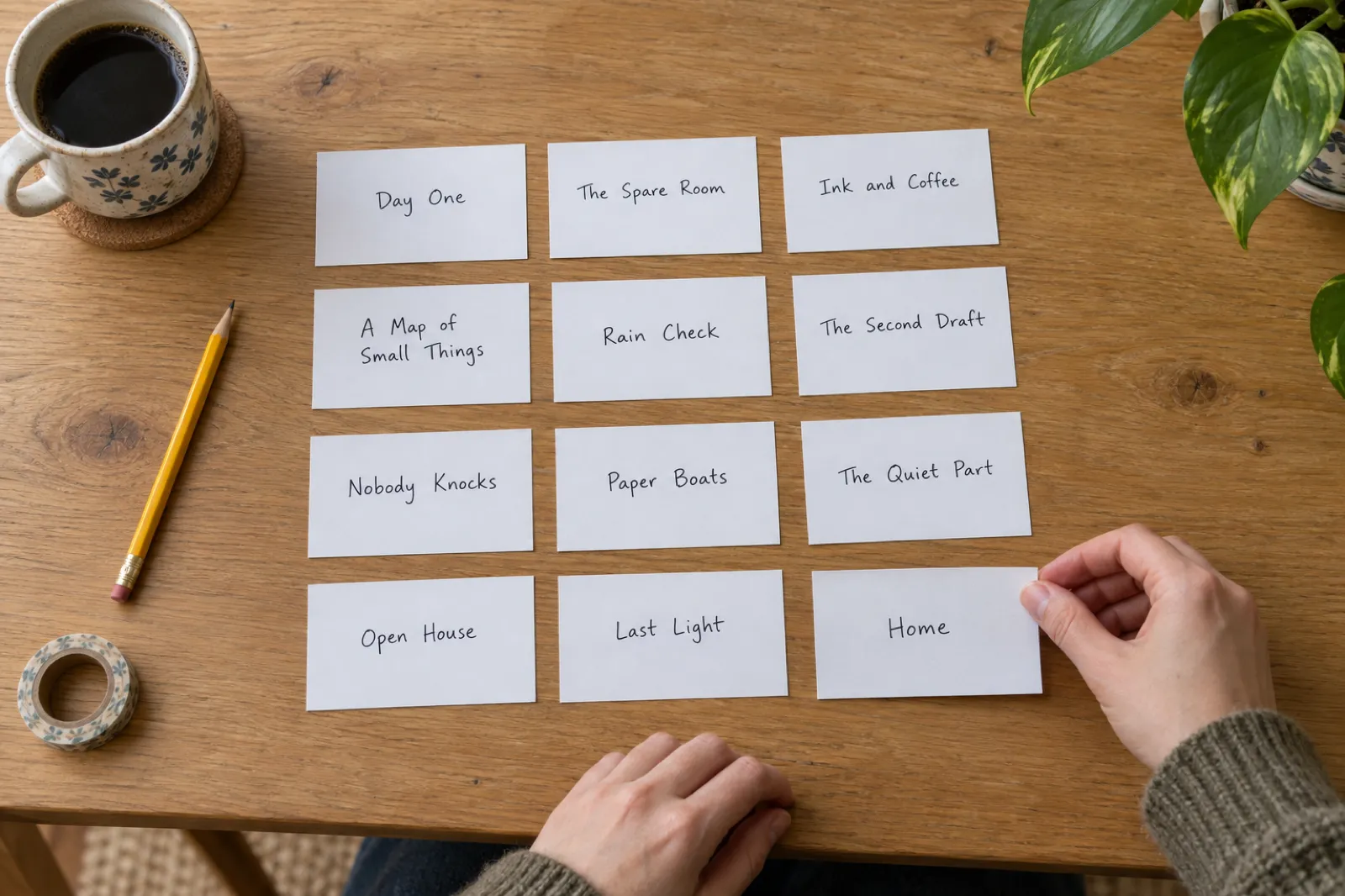
These are the styles the generator offers. Most books pick one and stick to it, with the odd exception for effect.
One word
What it looks like: A single noun, verb or name: Ashes, Thaw, Momentum, Home.
Best for: Thrillers, literary fiction and short, punchy non-fiction. One-word titles look clean on a contents page and in a running head, and they leave room for the chapter to surprise the reader.
Watch out: A whole book of single abstract nouns (Grief, Hope, Truth) blurs together. Mix in concrete words: objects, places, weather.
Short phrase
What it looks like: Three to six words that point at an image or a promise: Salt on the Window, The Ten-Minute Rule.
Best for: Almost every genre. It is the default for a reason: long enough to say something specific, short enough to fit on one line of a contents page.
Watch out: Phrases that summarise the plot (She Finds the Body) give the game away. Point at the scene, not the outcome.
Numbered
What it looks like: A number with or without a title: Chapter 7, Chapter Seven: The Ferry, Step 3: Fix the Common Problems.
Best for: Any book where order matters to the reader: how-to guides, courses, day-by-day challenges, and novels that want a formal, classic feel.
Watch out: Numbers alone are fine for fiction, but non-fiction readers scan the contents page to decide whether to buy, and a bare number tells them nothing.
Question
What it looks like: A question the chapter answers or deepens: Who Had the Key? Why Can't I Stick with Anything?
Best for: Mysteries, self-help and explainers. A question pulls the reader into the next chapter because it opens a loop they want closed.
Watch out: Ten questions in a row starts to feel like a quiz. Use them for the chapters with the biggest turns, or across a whole non-fiction book where each chapter answers one reader question.
Quote-style
What it looks like: A line of dialogue or a saying, in quotation marks: "Don't Go Down There", "Measure Twice, Cut Once".
Best for: Character-driven fiction, horror, romance and memoir. A spoken line gives a chapter a voice before the first paragraph starts.
Watch out: The line should appear in the chapter, or at least sound like someone in the book. A quote nobody says reads as decoration.
Mixed
What it looks like: Mostly phrases, with the odd one-word, question or quote title where it fits.
Best for: Books that want variety without a strict rule. The generator's Mixed setting gives you this, weighted towards phrases so the list still reads as one book.
Watch out: Mix within a pattern. If chapter titles change style every time, the contents page looks unplanned.
By genre
Chapter title ideas by genre
Each genre has its own habits. Here is what readers of each one expect, with examples in story order: an opening, a middle, a low point and an ending.
Fantasy chapter titles
Fantasy chapter names carry the world. Place names, objects with weight (a crown, a map, an oath) and events with ceremony (a coronation, a siege) tell the reader what kind of world this is before the chapter opens. Epic fantasy can take longer, rhythmic titles; cosy and romantic fantasy reads better with lighter, warmer ones.
- The Cartographer's Daughter
- A Debt Paid in Silver
- The Fall of Varrow Keep
- Spring in the Ruins
Romance chapter titles
Romance titles track the relationship, so the contents page reads like the arc: the meeting, the almost-kiss, the fall, the grand gesture. Humour works well here, and so do small objects the couple share. Readers of romcoms enjoy titles that wink; readers of slow-burn romance enjoy titles that ache.
- The Rules of Fake Dating
- Sharing an Umbrella
- Too Late for Sorry
- The Last First Date
Mystery and thriller chapter titles
Crime titles are clues and pressure. Name a place, a time, an object or a lie, and the reader starts piecing things together from the contents page alone. Keep them short and concrete, and check each one for spoilers: a title that names the killer's mistake can ruin the reveal three chapters early.
- The Body at the Boathouse
- Everyone Lied About Friday
- Twelve Hours
- The File Stays Open
Science fiction chapter titles
Sci-fi titles borrow the language of the setting: signals, jumps, airlocks, sectors, decks. Technical words work as one-word titles (Ignition, Drift, Override), and a ship's log style (Day 41, Deck Seven) suits survival stories. Hard science fiction leans formal; space opera can be bolder.
- The Signal from Kepler Deep
- The Ship Is Not Empty
- Thirty Minutes of Air
- Landfall
Horror chapter titles
Horror chapter names should feel ordinary until they do not. Domestic words (the cellar, the attic, moving day) next to something slightly wrong do more than gore. Quote-style titles are strong in horror because a whispered line, read before the scene, makes the reader brace.
- The House Was a Bargain
- Scratching in the Walls
- It Knows My Name
- For Sale Again
Literary fiction chapter titles
Literary titles tend to be quiet, specific and image-led: a kitchen table, an unfinished garden, a coat that is too big. Many literary novels drop titles and use numbers only, which is a perfectly good choice. If you do title, choose images that recur and gather meaning across the book.
- Salt on the Windowsill
- The Lodger Upstairs
- The Unfinished Garden
- Light in the Kitchen
Children's and middle grade chapter titles
Kids' chapter titles are part of the fun. Funny questions, sound words and a hint of what happens next keep young readers turning pages, and a strong title helps a child find their place again at bedtime. Keep vocabulary at the reading level of the book.
- A Map in the Attic
- The Robot Runs Away
- Nobody Believes Us
- The Best Sleepover Ever
Self-help chapter titles
Self-help chapter titles sell the book from the contents page. Each one should name a benefit, a method or a problem the reader recognises in themselves. Short named methods (The Two-Minute Start, The Weekly Reset) give readers something to remember and repeat to friends.
- You Are Not Lazy
- The Two-Minute Start
- When You Fall Off the Wagon
- Your First Thirty Days
Business chapter titles
Business readers skim, so business chapter titles need to say exactly what the chapter fixes. Plain, direct titles beat clever ones: Raising Your Prices tells a busy owner more than The Courage Equation. Order them the way the reader's business grows, from foundations to scale.
- Know Your Numbers
- Finding Your First Ten Customers
- When Cash Gets Tight
- Your Ninety-Day Plan
How-to and guides chapter titles
A how-to contents page is a map of skills. Titles should be tasks and results the reader can tick off, in the order they will learn them. Verbs at the front (Set Up, Fix, Finish, Plan) make the guide feel active, and numbered steps suit any book that must be read in order.
- Setting Up Your Space
- Your First Project, Step by Step
- Troubleshooting Common Problems
- Quick-Reference Guide
Health and fitness chapter titles
Health titles do best when they are practical and kind. Name the habit, the week or the outcome, and avoid titles that shame. Programme books often number by week (Week 3: Building Strength at Home), which helps readers follow along and see their progress.
- Sleep Comes First
- The Ten-Minute Workout
- When Motivation Dips
- Healthy for Life
Memoir chapter titles
Memoir chapter titles mark the stages of a life: a house, a person, a job, a loss, a return. Concrete nouns and short scenes work best, and many memoirists use a phrase someone said to them as a title. Read the contents page as a timeline; it should show the shape of the story.
- Where I Come From
- My First Real Job
- The Hardest Winter
- What I Know Now
Cookbook chapter titles
Cookbook chapters are sections, so titles should help a cook find the right page fast: by meal, by season, by ingredient or by occasion. A little personality is welcome (Vegetables Worth Fighting Over) as long as the reader can still tell what is inside.
- Stocking the Pantry
- Five-Minute Mornings
- One-Pot Wonders
- Puddings Like Grandma's
Chapter numbering: numbers, words, Roman numerals or none
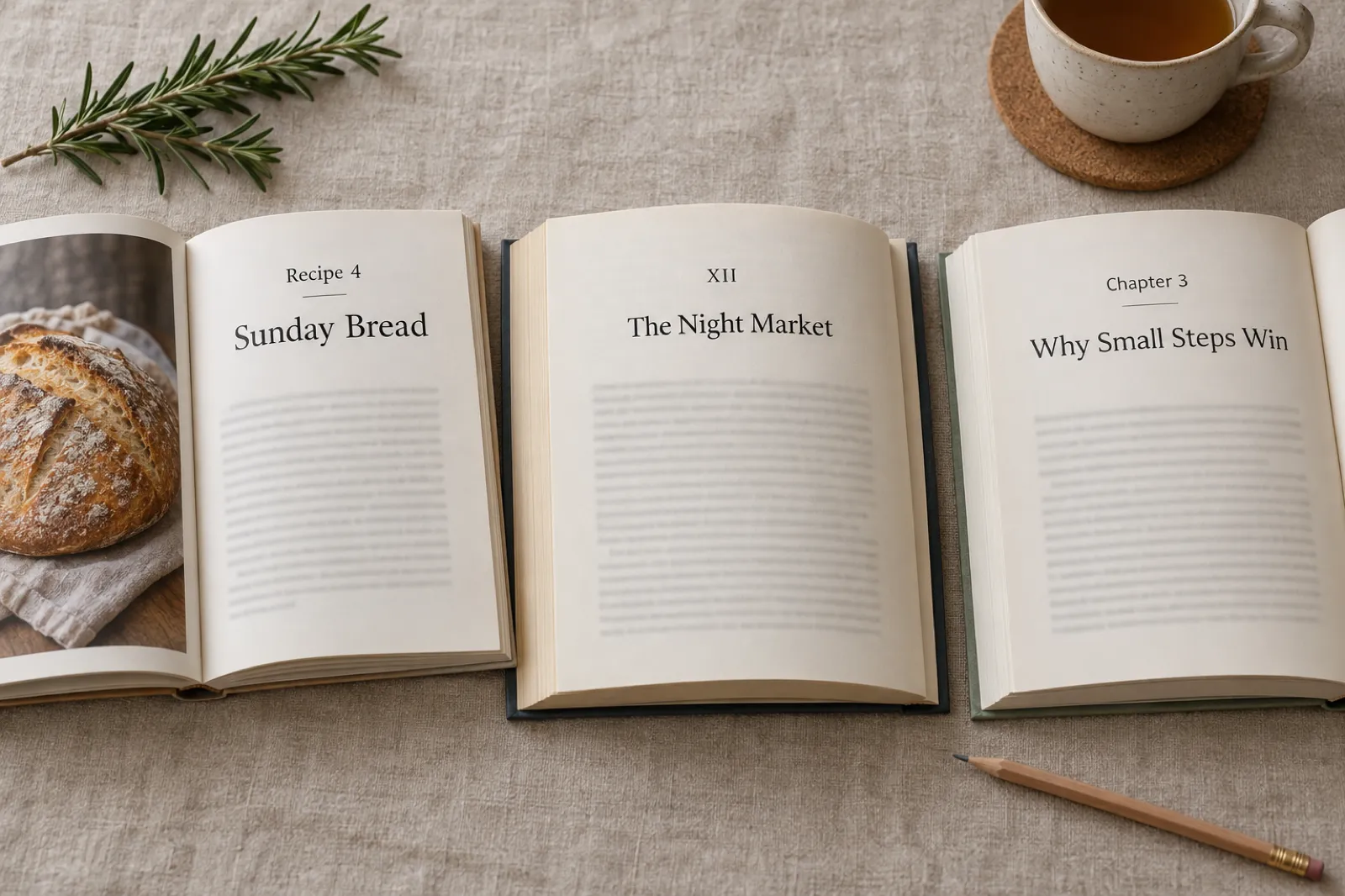
Chapter numbering is separate from chapter titles, and you can combine them in a few standard ways. None is more correct than the others; they just signal different things.
- Number only (Chapter 7, or just 7). Clean and common in thrillers, literary fiction and long series. It keeps attention on the story.
- Number and title (Chapter 7: The Ferry). The most common choice for non-fiction and a popular one for genre fiction. Readers get order and meaning together.
- Number as a word (Chapter Seven, or Seven). Slightly more formal and bookish. Works well on a contents page set in a serif font.
- Roman numerals (Chapter VII, or VII). Classic, often used in literary and historical fiction. Hard to read past about XX, so it suits books with fewer chapters.
- Title only, no number. Good for memoirs, essay collections and books whose order is loose, such as a cookbook or a set of daily devotions.
- A custom label (Step 3, Day 12, Week 4, Recipe 9, Lesson 2). Use it when the unit of the book is not really a chapter. A 30-day challenge reads better as Day 1 to Day 30.
Parts, prologues and epilogues
Long novels and big non-fiction books often group chapters into parts (Part One: The Crossing). Parts usually get a title even when chapters do not, and chapter numbers normally run on through the whole book rather than restarting in each part, so the reader always knows how far in they are.
A prologue and an epilogue sit outside the numbering. They are not Chapter 0 or Chapter 21; they are simply Prologue and Epilogue, and they can carry their own title if your other chapters have titles. In non-fiction, the same goes for an Introduction, Foreword or Afterword.
How Inkfluence AI handles numbering
You do not have to bake the numbering into your titles. In Inkfluence AI's export settings, the Chapter numbers option switches between numeric (Chapter 1), Roman (Chapter I) and none, and a Chapter label field lets you replace the word "Chapter" with Recipe, Lesson, Day or anything else across PDF, EPUB and Word exports. The introduction and conclusion pages can be renamed too, so they can read Prologue and Epilogue or Foreword and Afterword. Write the titles once and change the numbering style at the end without retyping anything.
Chapter titles on the contents page: ebook and KDP conventions
Your chapter titles will be read in more places than the top of each chapter. Before you settle on a list, picture it in each of these.
In an ebook
An ebook has two contents lists. One is the contents page at the front of the book, a page of links the reader can tap. The other is the navigation menu built into the file, which e-readers show in their Go To or Contents menu at any point in the book. Kindle readers expect both. Amazon's Kindle Publishing Guidelines require every Kindle book to include the navigation menu (Amazon calls it the logical TOC) and strongly recommend a linked contents page as well, placed near the front so that it appears in sample downloads (version 2026.2, checked 4 Oct 2026). In the EPUB format itself, the menu comes from what the W3C's EPUB 3.3 specification calls the EPUB navigation document, the file that holds the book's table of contents. Both lists use your chapter titles, so every title needs to make sense on its own, out of context, in a narrow menu on a phone.
Practical rules for ebook titles: keep them short enough to fit on one or two lines on a phone screen, avoid special characters that some devices render badly, and make sure every chapter actually has a heading so it appears in the menu. A chapter without a heading is easy to lose in navigation. Leave page numbers off an ebook contents page: the same Amazon guidelines point out that Kindle books do not map directly to the page numbers of a print edition, and that a contents page with entries that are not links is not useful on Kindle.
In a paperback
A printed book's contents page lists titles with page numbers, and the page header (the running head) often repeats the chapter title on every page. Long titles wrap awkwardly on the contents page and have to be shortened in the header. As a rough guide, titles of under about 40 characters fit comfortably on one line at common trim sizes. Fiction paperbacks often skip the contents page entirely; non-fiction readers expect one. If you are preparing a print edition for Amazon, the KDP tools page covers the rest of the interior and cover set-up.
On Amazon and in previews
Because the contents page is near the front, it is normally visible in the free sample and in Amazon's preview. For a non-fiction book that turns the chapter list into sales copy. Read your list as a shopper would: does each title promise something they want? Does the order show a clear path from where they are to where they want to be? Our KDP SEO guide covers the title, subtitle and keyword side of the listing, and the book description generator helps with the blurb that sits next to it.
In an audiobook
Audiobooks are usually split into one file or marker per chapter, and many players show the chapter name. Titles that are easy to say aloud and clearly different from each other help listeners jump around. Avoid titles that only work visually, such as puns that rely on spelling. ACX, Audible's marketplace for audiobook production, shows how standard the one-chapter-per-file habit is: its audio submission requirements say each file must contain only one chapter or section and include the section header, such as "Prologue" or "Chapter 1" (checked 4 Oct 2026). If you are planning an audio edition, the audiobook length calculator turns your word count into an estimated running time.
How to write chapter titles that work
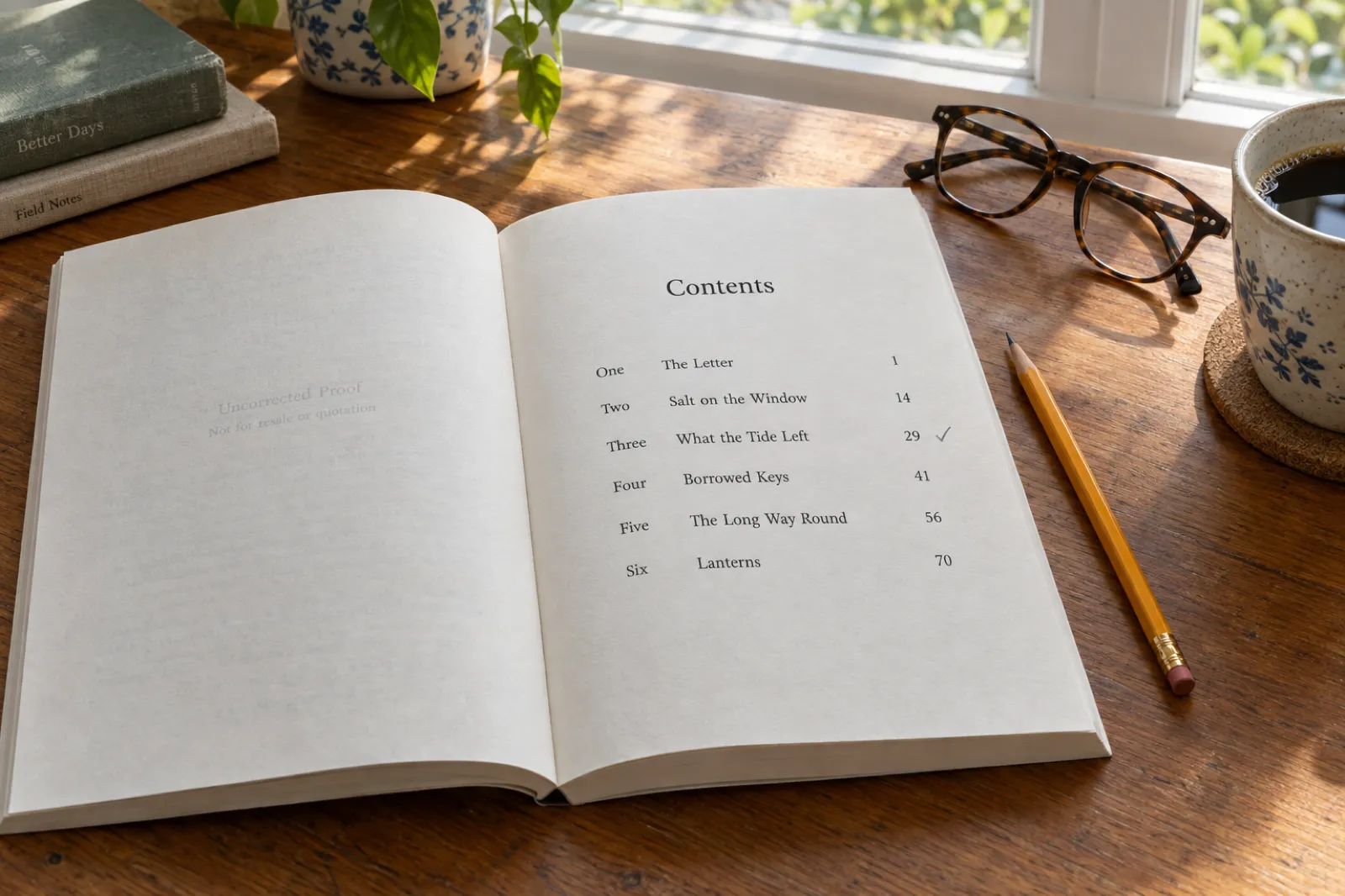
Whether you use the generator, write your own, or do a bit of both, this is a reliable way to get to a finished list.
-
1. Start with working titles
Before you worry about style, give every chapter a plain description of what happens or what it teaches: "Mara steals the map", "How to set a budget". This is your outline, and it tells you whether every chapter has a job. A tool like the book outline generator helps at this stage.
-
2. Choose one style for the book
Decide on a style from the six above. Generate a few lists in that style to see how it looks across a whole book, not just one chapter. If a style feels forced by chapter five, try another.
-
3. Pull titles from the chapter itself
The best chapter titles are often already in the chapter: an object that matters, a line of dialogue, a place. Once a chapter is drafted, skim it for a phrase that carries weight. Readers enjoy the moment they reach the line the chapter is named after.
-
4. Check every title for spoilers
Readers see the whole contents page before they start. A title like "The Betrayal" over chapter 18 tells them a betrayal is coming. Hint at the scene, not the outcome: "The Ferry at Midnight" says where, not what.
-
5. Read the list from top to bottom
Your contents page should read like a tiny version of the book. For fiction, it should rise, turn and land. For non-fiction, it should move from problem to method to result. Look for titles that sound too alike, and any run where the energy drops.
-
6. Test the length and the sound
Say each title out loud. Shorten anything over about six words unless the length is deliberate. Make sure no two titles start with the same word several times in a row, a common habit with "The".
Worked example: from working titles to finished chapter names
Here is the method above applied to two short books. The left column is what an author might write while planning. The right column is the finished contents page, after choosing a style and pulling titles from each chapter.
A cosy mystery, short phrase style
| Working title | Finished title |
|---|---|
| Nell finds the body | The Body at the Boathouse |
| Police dismiss it | Nobody Locks Their Doors Here |
| Three suspects | Three Names on a List |
| The alibi is fake | Everyone Lied About Friday |
| Nell is warned off | A Note Under the Door |
| Archive fire | Smoke over the Parish Hall |
| Nell confronts the vicar | Confession at the Quarry |
| Village after the arrest | Morning on Blackwater Lane |
A budgeting guide, numbered with titles
| Working title | Finished title |
|---|---|
| Intro, why budgets fail | 1. Why Your Last Budget Didn't Last |
| Tracking spending | 2. Thirty Days of Honest Numbers |
| Setting categories | 3. Five Pots, Not Fifty |
| Emergency fund | 4. Your First Thousand |
| Debt payoff methods | 5. Paying Off Debt Without Feeling Broke |
| Irregular income | 6. When Pay Day Moves |
| Couples and money | 7. The Money Talk |
| Long-term plan | 8. A Plan for the Next Ten Years |
Notice what changed. The mystery's working titles spoil every turn ("The alibi is fake"); the finished titles point at places and moments instead. The budgeting guide's working titles name topics; the finished titles name the reader's situation and the result they want, which is what sells a non-fiction book from its contents page. Both lists keep one style from top to bottom, and both read as a small version of the book: a beginning, a problem that grows, and a way through.
Common chapter title mistakes
- Placeholder titles that ship. "The Beginning", "Things Get Worse" and "The End" are fine as notes to yourself, not on a published contents page.
- Mixing styles at random. Three one-word titles, then a question, then a long phrase reads as unplanned. Decide on a style, and break it only on purpose.
- Giving away the twist. The contents page is read first. Titles that name a death, a reveal or a betrayal spoil it.
- Titles that are too clever. A pun the reader only gets after finishing the chapter does nothing on the contents page. In non-fiction especially, clear beats clever.
- Repeating the book title. A chapter that shares the book's title is a strong move once, usually at the turning point. More than once and it loses force.
- Forgetting the front and back matter. If chapters have titles, decide whether the prologue, introduction or epilogue do too, and keep them consistent.
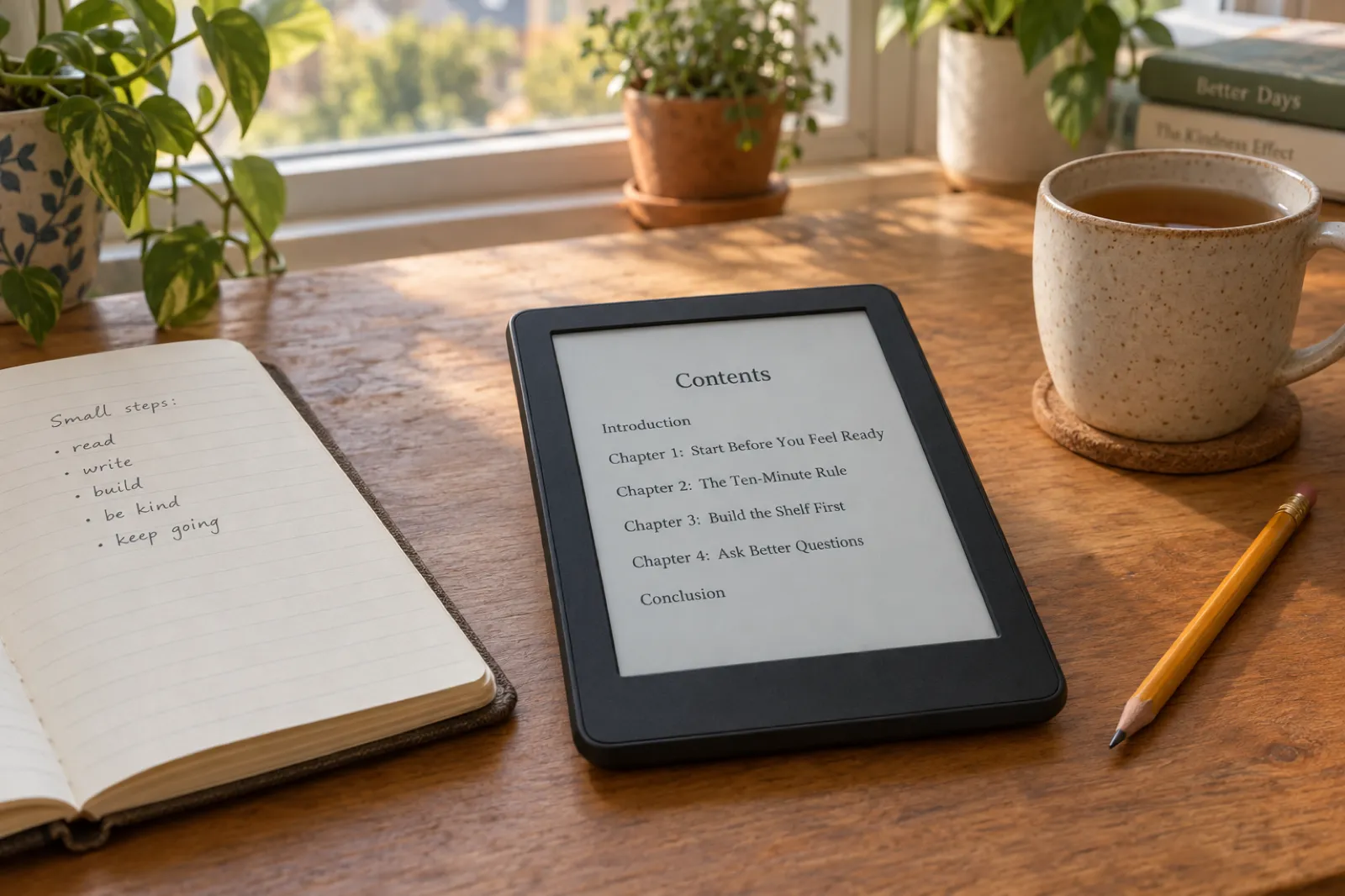
From a chapter list to a finished book
A good list of chapter names is most of an outline. The "Write a book with these chapters" button above takes that list to Inkfluence AI: your genre, your topic or main character, and as many chapter titles as fit go into the idea box on your dashboard. Read it, change anything you like, and press Go. Inkfluence AI plans the book and writes it chapter by chapter, with fiction keeping track of characters and events from one chapter to the next.
If you want more say before any writing starts, choose New Book instead and describe your idea there. Inkfluence AI shows you the chapter outline first, and you can rename chapters, reorder them, remove any you do not want or add your own, then click Write the book. That is the route to take if your list of titles is final and you want the outline to match it line for line.
After the draft, you can rename any chapter from the editor, rewrite sections, and export to PDF, EPUB or Word with the contents page, numbering style and chapter labels set the way you want. The story bible generator is useful for fiction if you want your characters and world set down before you start, and the book title generator works the same way as this page for the title on the cover.
Writing the book yourself? The generator is just as useful. Copy the list, paste it into your manuscript as working titles, and come back for a fresh set whenever a chapter changes shape. When the manuscript is done, the self-publishing guide walks through exporting and selling it.
Chapter title generator FAQ
How does the chapter title generator work?
Is it free, and is there a limit?
Should every chapter have a title?
How long should a chapter title be?
Do chapter titles matter for sales?
Can I use these chapter titles in a published book?
Does this tool write the chapters too?
Can I send my chapter list to Inkfluence AI?
What are good chapter names for a fantasy book?
How many chapters should my book have?
Should chapter titles be in title case?
Does the generator work for non-English books?
You have the chapter names. Now write the book.
Bring your idea and your chapter list to Inkfluence AI. Get a full draft you can edit, with a cover designer and PDF export on the free plan, and EPUB and audiobooks on paid plans.
Related tools
Everything between a list of chapter names and a published book.
AI Chapter Generator
Write the chapters, not just name them.
Book Outline Generator
Plan what happens in each chapter.
Book Title Generator
Title ideas for the cover, by genre.
AI Story Bible Generator
Characters, places and rules in one place.
Character Name Generator
Names for the people in those chapters.
Book Description Generator
The blurb that sits beside your contents page.
AI Novel Writer
Full fiction workflow from idea to draft.
AI Book Formatter
Contents page, numbering and layout for export.
Plot Generator
No story yet? Get three complete plots.