

Quick Answer
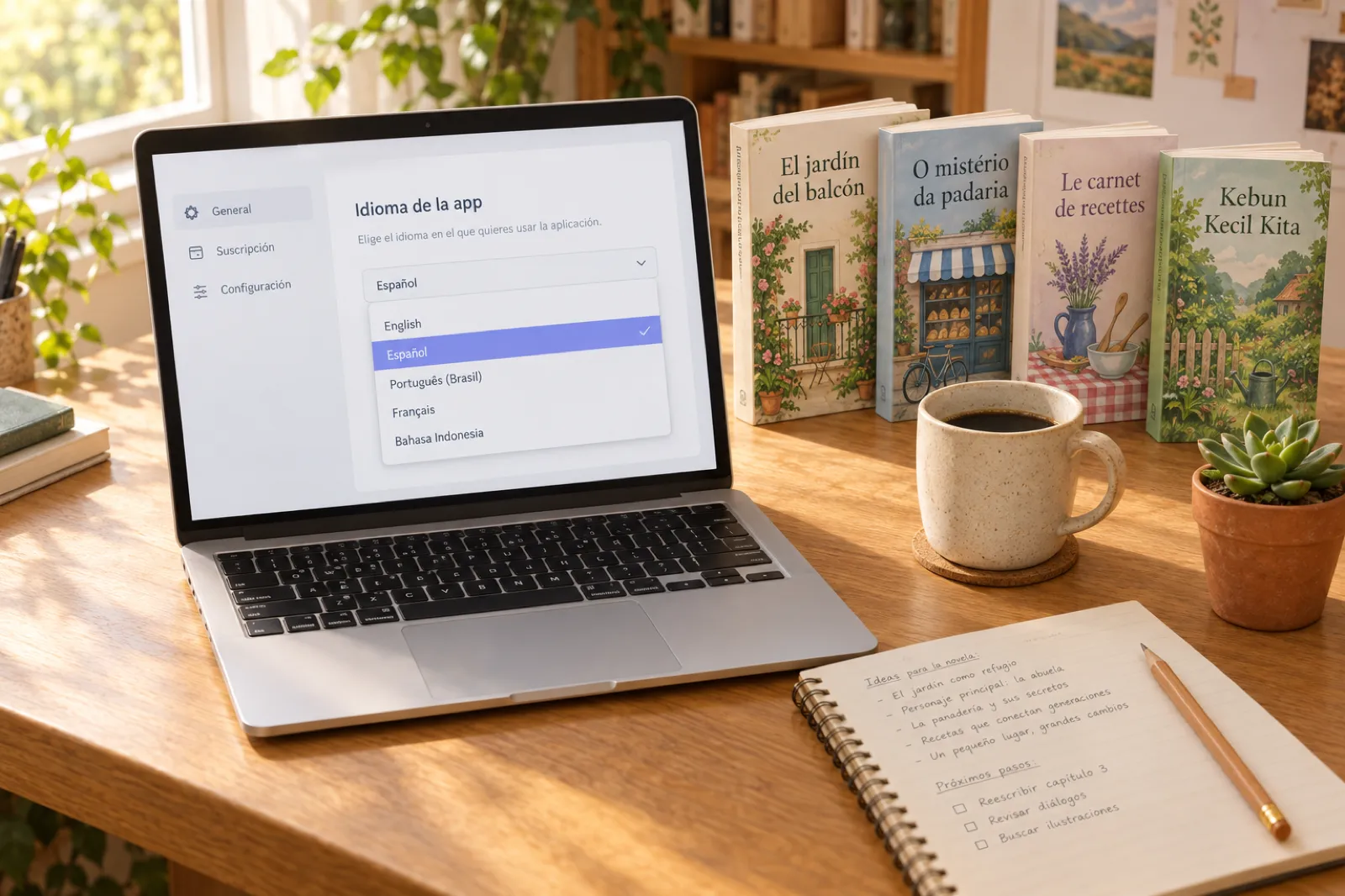
The whole Inkfluence AI app now works in Spanish, Portuguese (Brazil), French, Bahasa Indonesia, German, Italian and Dutch, alongside English. It opens in your browser's language, and you can change it any time in Settings → App language. Your books are separate: they can be written and exported in many more languages, whatever language the app is in.
Most AI book tools write in Spanish, German or Portuguese when asked, then leave you to find your way around an app that only speaks English. Working through an English interface, English error messages and English pricing on your first book makes every step take longer, and it is where a lot of authors give up.
As of November 2026, that is no longer the case in Inkfluence AI. Every screen you use while you plan, write, design, record, publish and pay is available in eight languages. This guide covers what changed, how to switch, what is and is not translated yet, and how to take a book in your language all the way to a store.
Published 3 November 2026. We update this page when the list of app languages changes.
What is translated
The aim was simple: if you switch the app to Spanish, nothing around your book should stay in English. That covers the screens every author sees and the ones you only open once your book is finished:
- Getting started: sign-in, the start flow where you pick the kind of book and describe your idea, and the dashboard with your books and examples.
- Writing: the editor with its toolbar, chapter list, side menu, AI assistant panel, editorial review and word counts, plus the story bible and device previews.
- Covers: the cover designer, including the AI cover styles and the names of every stock photo, so you can browse backgrounds in your language.
- Audiobooks and video: the audiobook studio and the book video studio.
- Publishing: the Publish page, with the showcase, Gumroad, Etsy and Amazon KDP, plus the export window and the Amazon listing kit.
- Community and Journey: your shelf, the community shelf, and your author journey with its milestones and stats.
- Account and money: settings, plans, pricing and checkout windows, the cancel flow and credits.
- Messages: pop-up confirmations and error messages.
Dates follow your language too, so "3 November" reads as "3 de noviembre", "3 novembre" or "3. November". A few product names stay as they are in every language: the plan names Creator and Premium, and file and store names such as PDF, EPUB, Word, KDP, Etsy and Gumroad.
| Language | Name in the app | Where to change it |
|---|---|---|
| English | English | Settings → App language |
| Spanish | Español | Configuración → Idioma de la app |
| Portuguese (Brazil) | Português (Brasil) | Configurações → Idioma do app |
| French | Français | Paramètres → Langue de l'application |
| Indonesian | Bahasa Indonesia | Pengaturan → Bahasa aplikasi |
| German | Deutsch | Einstellungen → App-Sprache |
| Italian | Italiano | Impostazioni → Lingua dell'app |
| Dutch | Nederlands | Instellingen → App-taal |
Start your book in your language
Sign up free and the app opens in your browser's language. Five chapters to start, no card needed.
Start writing freeHow to switch the app language
Most people never need to. The first time you open Inkfluence AI, it reads your browser's language: if your browser prefers Spanish, Portuguese, French, Indonesian, German, Italian or Dutch, the app opens in that language, and otherwise in English.
To choose for yourself:
- Open the profile menu at the top right of the app and choose Account.
- Go to the Settings tab.
- Under App language, pick a language. The app changes straight away.
Your choice is saved to your account, so the app opens in the same language on your laptop, your phone browser and any other device you sign in on. It also overrides the browser setting: if your browser is in English but you prefer to work in French, pick French once and it stays.
App language vs book language
These are two separate settings, and keeping them apart is what makes the app useful for authors who write in more than one language.
| App language | Book language | |
|---|---|---|
| What it controls | Buttons, menus, messages, pricing and checkout | The words in your book: outline, chapters, front matter |
| Languages | English, Spanish, Portuguese, French, Indonesian, German, Italian, Dutch | Many more, including all eight app languages |
| Where it is set | Settings → App language | Per book: describe your idea in the language you want the book in |
| Export | Does not change your files | Copyright page, byline and front matter in the book's language (79 languages) |
To write a book in a language, describe your idea in that language: the outline, story bible and chapters follow it. So a Brazilian author can use the app in Portuguese and write a book in English for the US store, and a French teacher can use the app in English and write a workbook in French. When you export, the copyright page, the "by" line under the title and the other front matter come out in the book's language, not the app's.
If you already have a finished book in one language, the AI book translator makes a new edition in another, with chapters and formatting kept, ready to publish as its own book.
Selling a book in your language: KDP, Google Play, Gumroad and Etsy
Where you can sell depends on the book's language, not the app's. The short version:
| Book language | Amazon KDP ebook | Amazon KDP paperback | Other good routes |
|---|---|---|---|
| Spanish | Yes | Yes | Gumroad and Etsy downloads, Google Play Books |
| Portuguese | Yes | Yes | Gumroad and Etsy downloads, Google Play Books |
| French | Yes | Yes | Gumroad and Etsy downloads, Google Play Books |
| German | Yes | Yes | Gumroad and Etsy downloads, Google Play Books |
| Italian | Yes | Yes | Gumroad and Etsy downloads, Google Play Books |
| Dutch | Yes | Yes | Gumroad and Etsy downloads, Google Play Books |
| Indonesian | No | No | Google Play Books, PDF sales through Gumroad or Etsy |
Amazon KDP column from KDP's supported languages page (read 3 November 2026; KDP takes PDF uploads in German and Italian but not Dutch, so upload a Dutch book as EPUB or Word). More in our Kindle Translate guide.
- Amazon KDP: Spanish, Portuguese, French, German, Italian and Dutch books can go to KDP as ebooks and paperbacks. The Publish page in Inkfluence AI gives you the Amazon listing kit and the files; you upload them to KDP yourself. Read the KDP AI disclosure rules before you publish.
- Google Play Books: accepts books in Indonesian, which makes it the main store route for Indonesian authors. Our guide on how to publish on Google Play Books covers the steps.
- Gumroad and Etsy: both connect from the Publish page, so you can sell a book as a download in any language and keep the listing in your own words. See selling ebooks on Gumroad.
Write it in your language, sell it where your readers are
Plan, write and design your book in the app language you prefer, then publish from one page: the free showcase, Gumroad, Etsy or the files for Amazon KDP.
Create your bookGuides in your language
Most app languages have their own hub with guides written for that market, from local pricing to the stores readers there actually use (Dutch guides are not written yet):
- Español: todas las guías en español, including escribir un libro con IA and the generador de libros con IA.
- Português: todos os guias em português, including escrever um livro com IA and the gerador de ebook com IA.
- Français: tous les guides en français, including écrire un livre avec l'IA and the générateur d'ebook IA.
- Bahasa Indonesia: semua panduan berbahasa Indonesia, including the AI pembuat buku and cara membuat ebook dengan AI.
- Deutsch: alle Ratgeber auf Deutsch, including Buch schreiben mit KI and E-Book erstellen mit KI.
- Italiano: tutte le guide in italiano, including scrivere un libro con l'IA and creare un ebook con l'IA.
What is still in English
We would rather say this plainly than have you find it:
- Help article text. The help screens, search and navigation are translated; the articles themselves are in English for now.
- Things you or other authors wrote. Book titles, chapters, author names and bios stay exactly as written. The app never changes the words in a book.
- Product and file names. Creator, Premium, PDF, EPUB, KDP, Etsy and Gumroad are the same in every language.
More app languages are planned. When they are ready they will appear on our roadmap and on this page.
Try it in your language
Open the app and it follows your browser. Or switch any time in Settings, App language.
Open Inkfluence AIFAQ
Which languages is the Inkfluence AI app available in?
English, Spanish (Español), Portuguese (Português, Brazil), French (Français), Bahasa Indonesia, German (Deutsch), Italian (Italiano) and Dutch (Nederlands). Every screen a signed-in author uses is translated: menus, dashboard, editor, cover designer, audiobook and video studios, Publish, Community, Journey, settings, the help screens, pricing and checkout windows, and error messages.
How do I change the app language?
Open the profile menu at the top right, choose Account, go to the Settings tab and pick a language under App language. The change applies straight away and is saved to your account, so the app opens in the same language on your other devices.
How does Inkfluence AI choose a language the first time?
It uses the language your browser is set to. If your browser prefers one of the app languages, the app opens in that language; otherwise it opens in English. Once you pick a language in Settings, your choice wins.
Is the app language the same as my book language?
No. The app language is the language of buttons, menus and messages. Your book can be written in its own language, whatever the app is set to. A Spanish-speaking author can work in a Spanish app and write a book in English, or the other way round.
Can I write a whole book in my own language?
Yes. Books could already be written and exported in many languages before the app itself was translated. The export also puts the copyright page, byline and other front matter in the book's language, in 79 languages.
Are the help articles translated too?
Not yet. The help screens around the articles, such as search and navigation, are translated, but the article text is still in English for now.
Can I sell a Portuguese, Dutch or Indonesian book on Amazon KDP?
Amazon KDP accepts ebooks and paperbacks in Spanish, French, Portuguese, German, Italian and Dutch. It does not accept Indonesian for ebooks or print, so Indonesian books are usually sold on Google Play Books, or as a PDF through Gumroad or Etsy, both of which connect from the Publish page in Inkfluence AI.
Is the translated app available on the free plan?
Yes. The app language is available to everyone, free plan included.
Will more languages be added?
More app languages are planned. We will add them to the roadmap page when they are ready rather than promise dates in advance.
Related reading

Founder, Inkfluence AI
Sam is the founder of Inkfluence AI. He built the platform to make book creation accessible to everyone - from first-time authors to seasoned publishers.
Helpful links

Ready to write your own book?
Write with AI, make it yours, and export PDF, EPUB and KDP-ready files from one project.
Keep reading
 Company
What 100,000 Writers Made: The Books, Genres and Languages Behind a Milestone
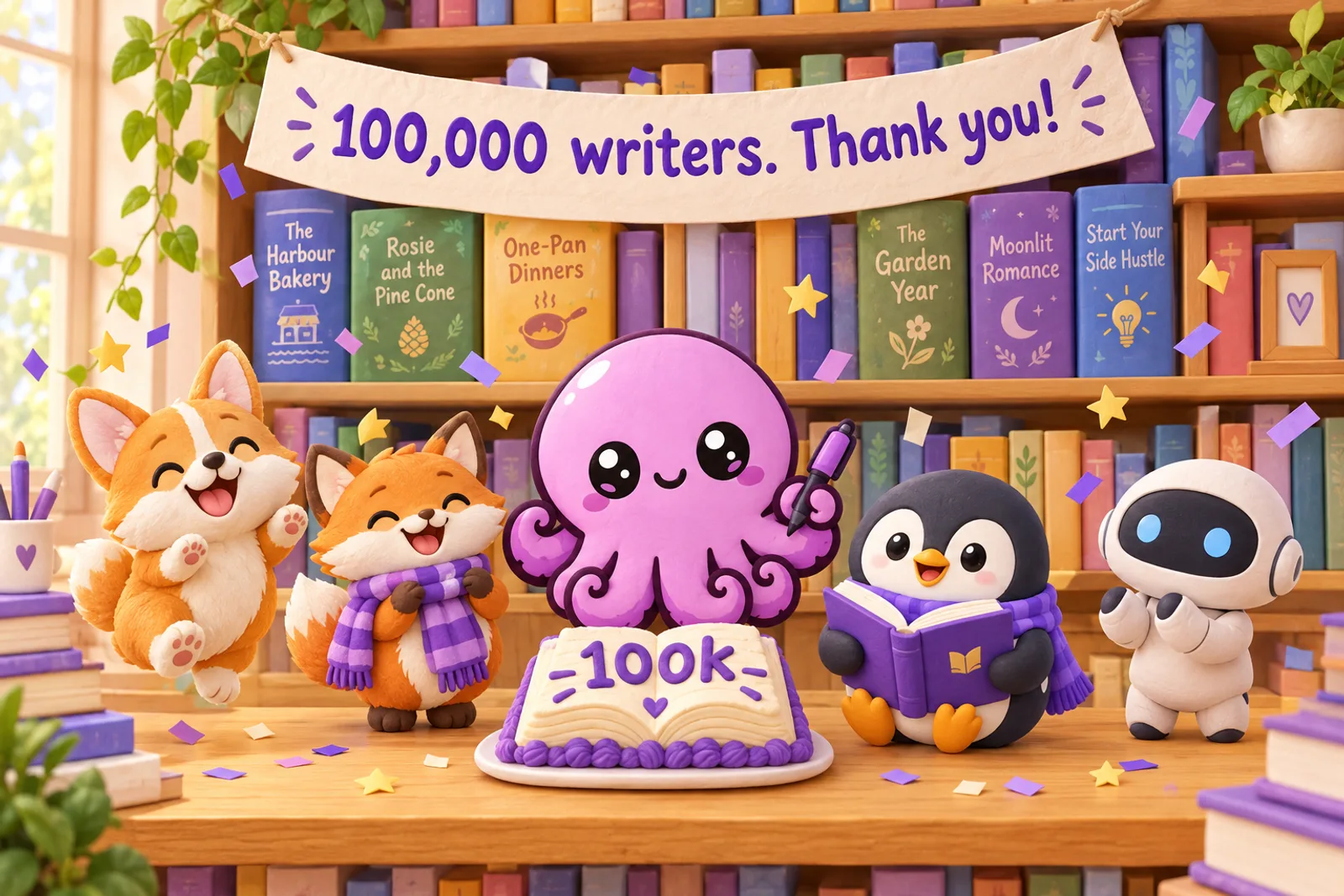
Inkfluence AI passed 100,000 writers on 28 October 2026. Here is what they made: more than 123,000 books, novels and romance in the lead, practical guides close behind, and books in more than 80 languages.
 Company
What's New in Inkfluence AI: October 2026
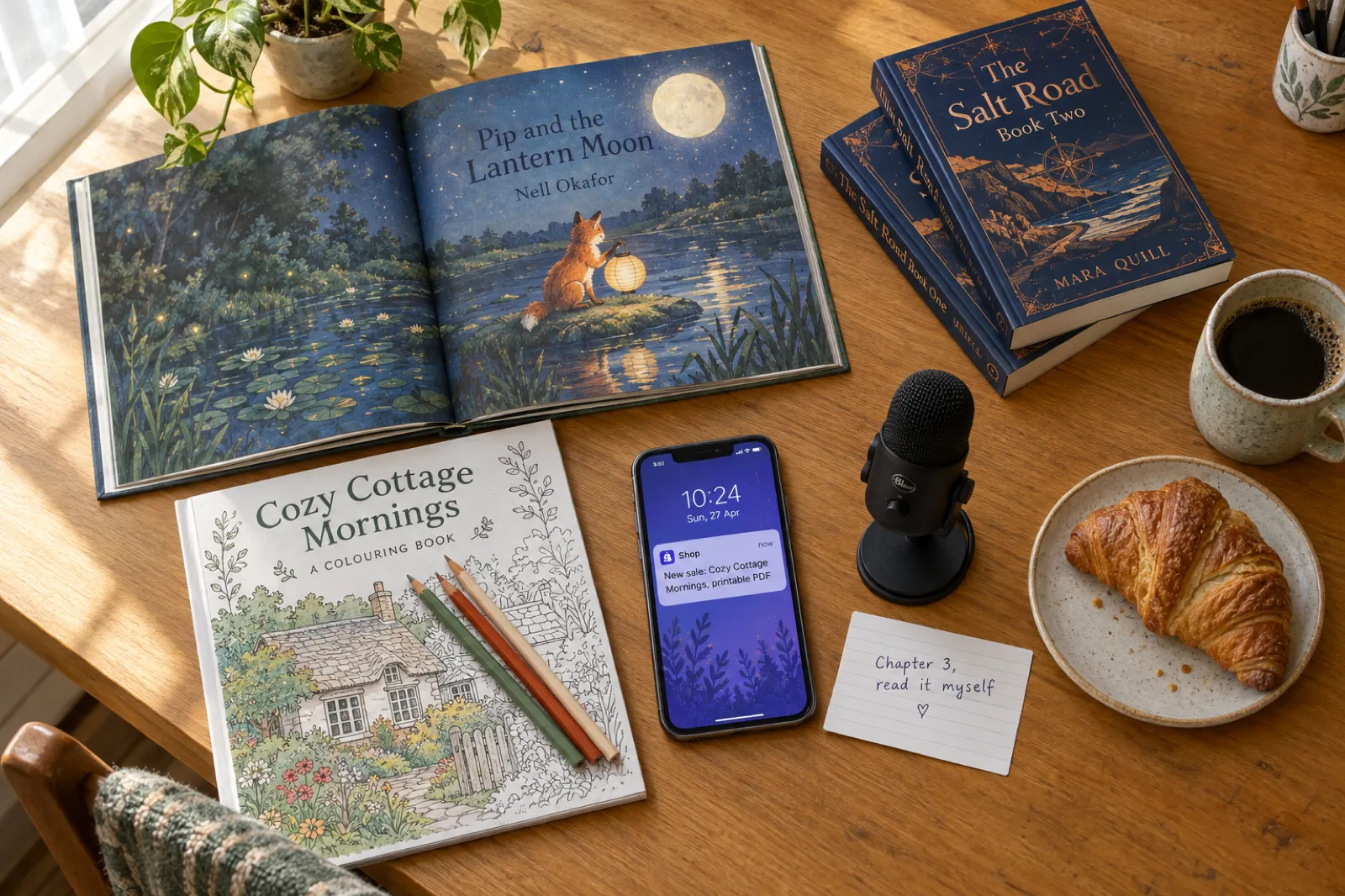
Inkfluence now writes and paints whole picture books, has an AI assistant in the editor, a Publish page for Etsy, Gumroad and Amazon, book series, and narration in your own voice. Everything new since August, with where to find it and which plan it is on.
 Company
What's New in Inkfluence AI - Spring 2026 Update
Remix books into new formats, translate into 30+ languages, generate audiobooks, and a redesigned gallery with author spotlights.

Get ebook tips in your inbox
Join creators getting weekly strategies for writing, marketing, and selling ebooks.