
Best Tools for Creating Branded Lead Magnets: Checklists, Mini Ebooks, and Guides (2026)
Compare the best tools for creating branded lead magnets like checklists, mini ebooks, and guides. AI-powered vs design-first approaches and which works best for each format.
Quick Answer
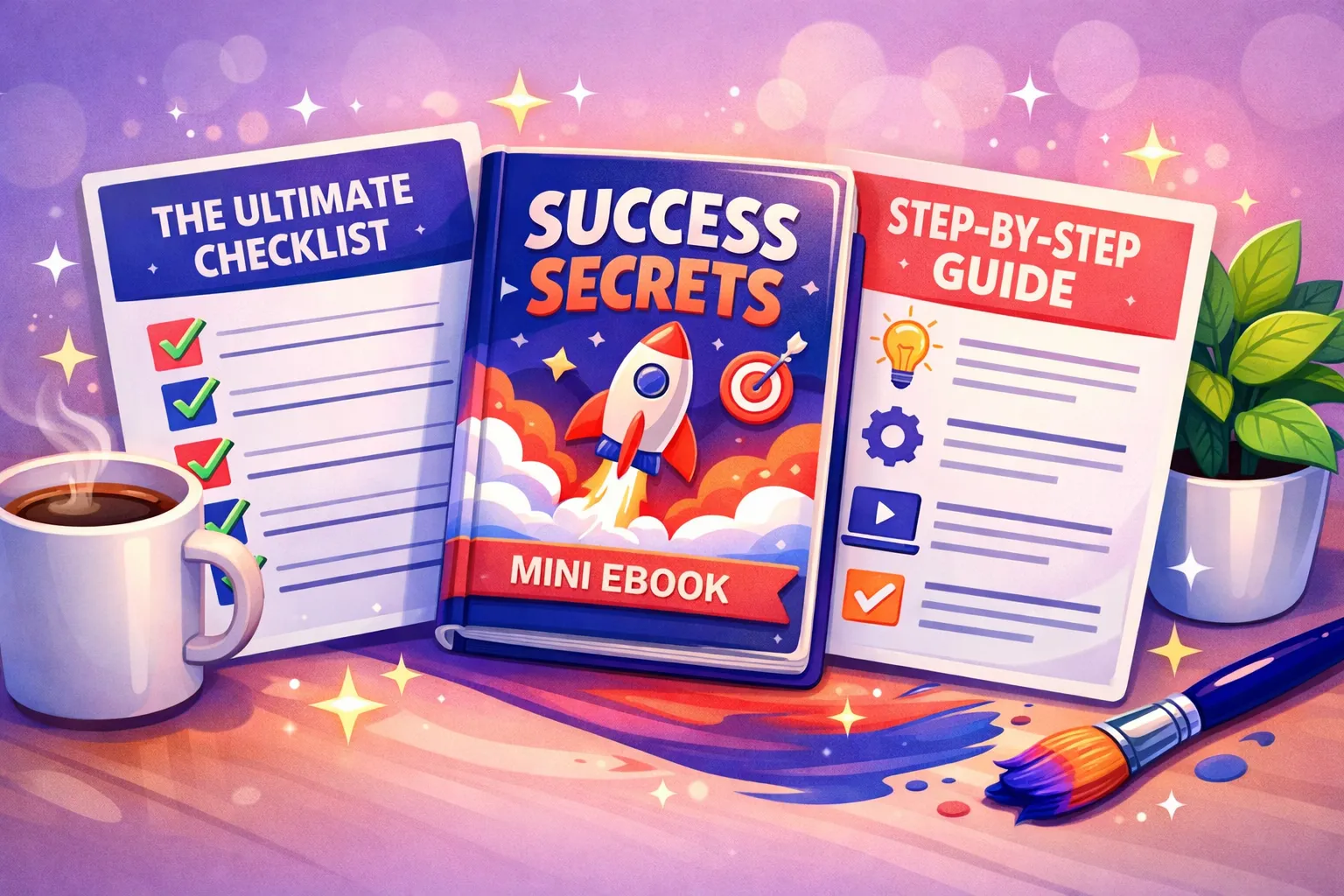
For creating branded lead magnets like checklists, mini ebooks, and guides, Inkfluence AI handles both content creation and professional formatting in one tool. Canva excels at visual design for short checklists (1-3 pages) but cannot generate content. For anything requiring written depth - mini ebooks, how-to guides, resource lists - an AI content tool is faster because it writes and formats simultaneously.
The Format Decision
Different lead magnets need different tools
A 1-page checklist and a 20-page mini ebook are both "lead magnets" but they require fundamentally different creation approaches. Using a design tool for a content-heavy guide wastes hours. Using a writing tool for a visual checklist misses the point. This guide matches the right tool to each format.
Lead magnets come in at least five distinct formats, and the best creation tool depends on which format you are building. The mistake most marketers make is using one tool for everything.
2-3x
Better conversion when lead magnets match your website's visual branding
5+
Lead magnet formats marketers need for a complete funnel strategy
10 min
Time to create a branded checklist with an AI tool vs 2+ hours manually
15-35%
Typical opt-in rate for well-branded, format-matched lead magnets
5 Lead Magnet Formats and Which Tool Fits Each
Checklist (1-3 pages)
A quick-reference list readers can print or save. Examples: pre-launch checklist, monthly audit checklist, onboarding checklist.
Best tool: Canva or Inkfluence AI checklist generator. Short enough that visual design matters more than content depth. Canva templates work well here. AI tools are faster if you want the items generated automatically.
Mini Ebook (8-25 pages)
In-depth guide on a focused topic. Chapters, examples, and actionable advice. The classic lead magnet format.
Best tool: AI ebook generator. Too much content for page-by-page design in Canva. You need a tool that generates and formats simultaneously.
How-To Guide (10-30 pages)
Step-by-step tutorial solving a specific problem. Heavy on instructions, screenshots, and process descriptions.
Best tool: AI ebook generator for the content framework. Add screenshots and custom diagrams after generation. The structured chapter format maps perfectly to how-to steps.
Resource List / Toolkit (5-15 pages)
Curated list of tools, templates, links, or resources. High reference value - readers save and revisit frequently.
Best tool: Either works. AI generates the content quickly; Canva makes it visually striking if you have time. Choose based on your available hours.
Workbook / Assessment (15-40 pages)
Interactive document with exercises, fill-in sections, and scoring frameworks. Used in coaching, consulting, and education.
Best tool: AI workbook generator. The interactive structure (prompts, exercises, frameworks) is exactly what AI tools specialise in. Canva is not designed for this format.
Tool Comparison Table
| Capability | Inkfluence AI | Canva | ChatGPT + Docs |
|---|---|---|---|
| Writes the content | Yes | No | Text only, no structure |
| Formats automatically | Yes | Manual per page | No formatting |
| Brand colour control | Full palette | Brand kit | None |
| Best for short formats | Good | Excellent | Poor |
| Best for long formats | Excellent | Time-consuming | Text only |
| Cover design | Built-in | Templates | No |
| PDF export | One-click | One-click | Copy to Docs, export |
How to Keep Branding Consistent Across Formats
If you create multiple lead magnets (and you should - different magnets for different buyer stages), visual consistency matters. Here are the three pillars:
Colour palette
Use 2-3 colours from your brand guide. Apply them identically across checklists, ebooks, and guides. Most AI ebook tools let you set this once and it persists across all projects. The primary colour goes on headings and CTAs, the secondary on callout boxes and accents, and a neutral for body text backgrounds.
Typography
One heading font, one body font. Do not change these between lead magnets. Readers unconsciously recognise font consistency as professionalism. If your website uses Inter for headings and Source Serif for body, use the same in your ebooks.
Cover style template
Create a template approach: same title placement, same colour gradient or image treatment, same brand position (bottom-left, bottom-centre). When someone sees three of your lead magnets in their downloads folder, they should recognise them as yours instantly. This recognition compounds over time.
The goal is that a subscriber who downloads two of your lead magnets thinks "same company" before reading a word. Visual consistency creates that connection without you saying anything.
Create branded lead magnets with AI
Checklists, mini ebooks, guides, and workbooks - all professionally branded. Set your colours once, create as many as you need.
Start Creating FreeFastest Workflow for Each Format
| Format | Fastest Tool | Time | Key Steps |
|---|---|---|---|
| Checklist | AI tool or Canva | 10-15 min | Choose topic, generate items, brand colours, export PDF |
| Mini Ebook | AI ebook generator | 30-60 min | Topic + audience, generate chapters, edit, design cover, export |
| How-To Guide | AI ebook generator | 45-75 min | Generate framework, add screenshots, personalise steps, export |
| Resource List | Either tool | 20-40 min | Generate entries, add your verdicts, format, export |
| Workbook | AI workbook tool | 45-90 min | Define transformation, generate with exercises, personalise, export |
The pattern: AI tools dominate on speed for anything that requires written content. Canva competes only for very short visual-first formats where design matters more than depth.
5 Branded Lead Magnet Examples
SaaS Launch Checklist
2-page checklist covering pre-launch, launch day, and post-launch tasks. Purple brand palette. Generated as a styled checklist with tick boxes, timeline markers, and priority labels.
Content Marketing Mini Ebook
15-page guide on building a content strategy for B2B. 5 chapters with frameworks, examples, and templates. Teal brand colours throughout with consistent heading style.
Social Media Audit Workbook
25-page interactive assessment. Clients score their presence across 6 platforms, identify gaps, and build an action plan. Fill-in sections, scoring rubrics, priority matrix.
Freelancer Rate Calculator Guide
10-page how-to guide with pricing frameworks, market rate data, and a calculation worksheet. Generated with Inkfluence, then customised with industry-specific data tables.
Email Marketing Resource Kit
12-page resource list with 30 tools, 10 templates, and 5 workflow diagrams. High reference value - subscribers save it and open it repeatedly. Each tool entry includes use case, pricing, and a one-line verdict.
The ROI of Branded Lead Magnets
Lead magnets are not a marketing expense - they are an acquisition tool with compounding returns. Here is how the math works:
- Traffic you already have - Your blog, social media, and referral traffic is already visiting your site. Without a lead magnet, 97-99% leave without giving you a way to follow up. A lead magnet captures 15-35% of landing page visitors.
- Cost per lead drops dramatically - A $9.99/month AI tool creating 3-5 lead magnets replaces $500-2,000 in freelancer costs per magnet. Your cost per subscriber drops from $5-10 to under $1 when you include organic traffic.
- Multiple magnets compound - Each new lead magnet captures a different segment of your audience. Five targeted lead magnets can capture 3-5x more emails than a single generic one. AI tools make this library approach practical.
- Lifetime value scales - Subscribers acquired through targeted lead magnets convert to customers at 2-5x the rate of generic "subscribe to our newsletter" signups, because the lead magnet already pre-qualified their interest.
Best Lead Magnet Ideas by Industry
The most common reason lead magnets fail is not poor design - it is a generic topic. "10 Marketing Tips" converts at a fraction of the rate of "SaaS Onboarding Email Sequence Templates." Specificity wins. Here are the highest-converting lead magnet ideas across six industries:
SaaS & Tech
- Product launch checklist (pre-launch to post-launch)
- User onboarding email sequence templates
- Feature comparison worksheet (your tool vs competitors)
- ROI calculator guide for [your product category]
Coaching & Consulting
- Self-assessment workbook for [transformation area]
- 7-day guided journal (free intro to your method)
- Client intake questionnaire template
- Goal-setting framework PDF
Marketing Agencies
- Social media audit checklist
- Content calendar template (monthly)
- Brand voice worksheet for clients
- Campaign ROI tracking spreadsheet guide
Real Estate
- First-time homebuyer guide (local market)
- Home staging checklist before listing
- Neighbourhood comparison guide
- Investment property evaluation worksheet
Finance & Accounting
- Tax preparation checklist (annual update)
- Business expense tracker template
- Financial health assessment workbook
- Year-end closing procedures guide
E-commerce & DTC
- Product photography styling guide
- Seasonal promotion planning calendar
- Customer retention playbook
- Email automation sequence blueprint
Every one of these can be created with an AI lead magnet generator in under an hour. The trick is choosing a topic so specific that your ideal customer thinks "this was made for me" within the first 10 seconds of opening it.
Batch Creating Lead Magnets for Agencies and Teams
If you are running a marketing agency or managing multiple brands, creating lead magnets one at a time is unsustainable. The batch creation approach lets you produce 5-10 branded lead magnets in a single session:
Map your content needs
For each client or brand, identify which funnel stage needs a lead magnet. Top of funnel: checklist or short guide. Middle: mini ebook or workbook. Bottom: case study or comparison guide.
Set up brand profiles
Configure each client's colour palette, fonts, and voice tone in your AI tool. This takes 5 minutes per client and saves hours across every future export.
Generate in batches
Create all lead magnets for one client in one sitting. Then switch brand profile and do the next client. Batching the same task type is faster than context-switching between clients.
Review and personalise
After the batch generation, do a single review pass across all pieces. Add client-specific examples, case studies, and industry data. This is the human layer that makes AI-generated content genuinely useful.
Export and deliver
Export all as branded PDFs. Each one is ready to upload to the client's email platform. A full batch of 5 lead magnets across 3 clients can be completed in a single afternoon.
Agencies using this workflow report cutting lead magnet production time by 70-80% compared to the traditional briefing-writing-design-revision cycle. The brand profile system ensures every piece looks on-brand without manual checking.
Building a Brand Profile for Consistent Output
A brand profile is a saved configuration that ensures every lead magnet you create matches your visual identity. Here is what to include and why each element matters:
| Brand Element | What to Set | Why It Matters |
|---|---|---|
| Primary colour | Exact hex code (e.g. #4F46E5) | Used for headings, CTAs, and cover accents. Must match your website. |
| Secondary colour | Complementary hex code | Callout boxes, borders, subtle backgrounds. Creates visual depth. |
| Heading font | e.g. Inter, Poppins, DM Sans | Sets the tone of the ebook - modern, classic, or friendly. |
| Body font | e.g. Source Serif, Lora, system | Readability is paramount. Choose something clean at 10-12pt. |
| Voice / tone | e.g. professional, conversational, authoritative | AI adapts writing style to match. A consultant's guide reads differently from a startup's. |
| Cover template style | Consistent title placement, image treatment | Subscribers recognise your lead magnets in their downloads folder. |
Once your brand profile is configured, every new lead magnet starts with these settings applied. You never have to remember hex codes or font names. The consistency is automatic, which is particularly valuable when creating content in batches or across a team where multiple people produce lead magnets.
Branding Mistakes That Hurt Conversion
Different branding per lead magnet
If your checklist uses blue, your ebook uses green, and your workbook uses orange, subscribers do not recognise them as coming from the same company. Pick one palette and use it everywhere.
No brand name on the cover
Lead magnets get shared and forwarded. If your company name is not on the cover, you lose attribution. Every download that gets forwarded to a colleague is a free impression - but only if your name is visible.
Cover that does not match interior
A Canva cover with one style and Google Docs interior with another creates a jarring disconnect. Subscribers notice. Use a tool that applies your brand to both cover and content automatically.
No CTA or website link inside
If the only branding is the cover and the content has no links back to your site, you are leaving money on the table. Include your website, booking link, or product page in at least 2-3 places within the ebook.
To see the build on video, watch how to create a lead magnet with AI: six minutes from a one-line promise to a finished PDF, with the transcript and what 783 lead magnets on the platform look like.
Frequently Asked Questions
Which tools are best for creating branded lead magnets like checklists, mini ebooks, and guides?
For checklists and single-page resources, Canva offers strong design templates. For mini ebooks, guides, and workbooks that need generated content and automatic formatting, Inkfluence AI is more efficient. Many marketers use Canva for short visual pieces and an AI ebook tool for anything with chapters.
Can I create multiple lead magnet formats with one tool?
AI ebook generators handle ebooks, workbooks, checklists, and guides from the same platform. You set your brand colours once and they apply across all formats. This keeps your lead magnets visually consistent without recreating your style every time.
How do I make my lead magnets look branded without a designer?
Set a 2-3 colour palette from your brand, choose one heading font and one body font, and create a consistent cover style. Apply these across all lead magnets. AI ebook tools let you configure this once and apply it to every export.
What is the highest-converting lead magnet format?
Checklists and short guides (5-10 pages) typically have the highest download rates because the perceived time commitment is low. Mini ebooks (15-25 pages) attract more qualified leads who are willing to invest time. Match the format to your funnel stage.
Should I create different lead magnets for different audience segments?
Yes. Segmented lead magnets convert 2-3x better than generic ones. A freelancer toolkit and a small business audit serve different audiences even if both are your clients. AI tools make it practical to create multiple lead magnets without multiplying your time investment.
How quickly can I create a branded lead magnet with AI?
A checklist takes 10-15 minutes. A mini ebook takes 30-60 minutes. A workbook takes 45-90 minutes. These times include content generation, editing, cover design, and PDF export. Compare this to 4-12 hours for manual creation with design tools.
How many lead magnets do I need for a complete funnel?
Start with one strong lead magnet for your primary audience. Then build to 3-5: one per funnel stage (top, middle, bottom) and one per major audience segment. Each should be branded consistently so subscribers recognise your company across all downloads.
Can I white-label AI-generated lead magnets?
Yes. Paid plans on tools like Inkfluence AI let you remove all platform branding. The exported PDF shows only your brand name, colours, and logo. It looks like an in-house production.
What are the best lead magnet ideas for B2B marketing?
The highest-converting B2B lead magnets are industry-specific: audit checklists, ROI calculator guides, onboarding email templates, compliance procedure guides, and benchmark reports. Specificity beats breadth - a "SaaS Churn Audit Checklist" outperforms "Marketing Tips" every time.
How do agencies batch-create lead magnets for multiple clients?
Set up brand profiles for each client (colours, fonts, voice). Generate all lead magnets for one client in a single session, then switch profile and repeat. AI tools make batch creation practical - 5 lead magnets across 3 clients in an afternoon instead of weeks.
What is a brand profile and do I need one for lead magnets?
A brand profile is a saved configuration of your colours, fonts, tone, and cover style. It ensures every lead magnet you create looks consistent. Without one, each new piece risks looking different, which undermines brand recognition.
Should I use the same tool for checklists and ebooks?
It depends on the format. Canva is excellent for 1-3 page visual checklists where design matters most. AI ebook generators are better for anything with substantial written content (ebooks, guides, workbooks). Many marketers use both but apply the same brand colours across both tools.
How do I measure which lead magnet format converts best?
Track three metrics per lead magnet: download rate (form submissions / landing page visits), email open rate of the delivery email, and downstream conversion (subscribers who become customers). Most email platforms show these natively. Compare across formats to find what your audience prefers.
More in This Series
Create an Ebook Lead Magnet Without a Designer
Full lead magnet creation guide
Best AI for Workbooks & Guided Journals
Coaching materials guide
Polished PDF Ebooks for Lead Generation
PDF formatting and quality
AI Downloadable PDFs for Email List Building
Email capture and delivery
Ebook Tool Features for List-Building Funnels
Feature comparison and funnels
Opt-In Ebook for Your Newsletter - Fast
Speed-focused newsletter growth

Founder, Inkfluence AI
Sam is the founder of Inkfluence AI. He built the platform to make book creation accessible to everyone - from first-time authors to seasoned publishers.
Helpful links
Ready to Create Your Own Ebook?
Start writing with AI-powered tools, professional templates, and multi-format export.
Get Started FreeRelated Articles
 Guides
 Selling AI Coloring Books on Amazon KDP: The 2026 Rules, Specs, and Math
Are AI coloring books allowed on KDP? Yes, with disclosure. The part nobody covers: the AI workflow that passes review, style consistency across 30 pages, the interior specs that cause rejections, and the royalty ladder that decides your price.
 Guides
 How to Make an Adult Coloring Book in 2026: From Idea to Printed Pages
The modern walkthrough: what makes line work read as "adult", the three ways to create pages (draw, convert, generate), how to assemble a real book instead of a stack of pages, and the fork between KDP paperbacks, Etsy printables, and printing at home.
 Guides
 Consistent Characters in AI Children's Books: Why They Drift, and Every Method That Fixes It (2026)
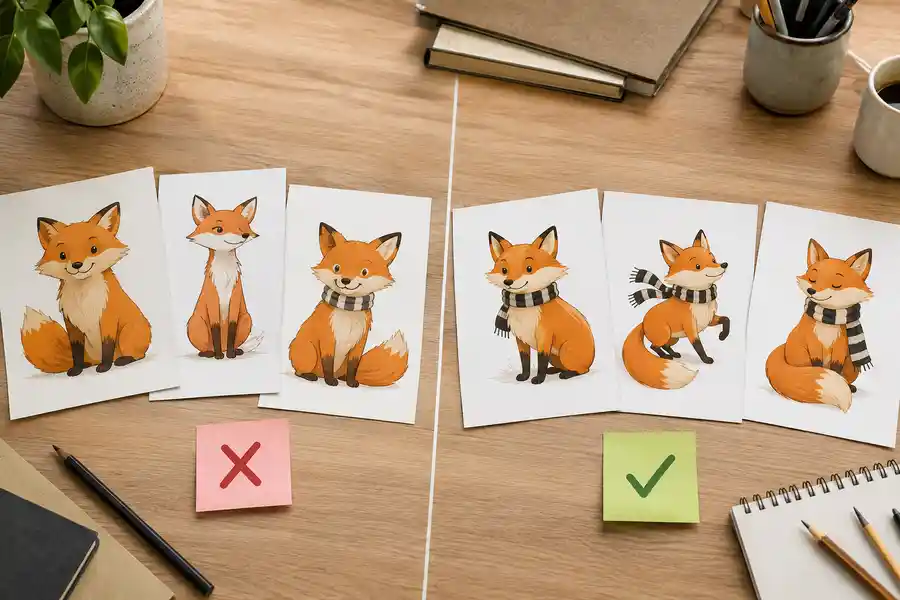
The fox on page 3 never matches the fox on page 7, until you understand why. The four methods for character consistency in AI illustration, compared honestly, plus the page-7 test to run before trusting any tool's claim.
Get ebook tips in your inbox
Join creators getting weekly strategies for writing, marketing, and selling ebooks.