
How to Create a Polished PDF Ebook for Lead Generation That Doesn't Look Like a Basic Export (2026)
Stop sending leads ugly document exports. Here's how to create a professionally designed PDF ebook for lead generation using AI - with proper typography, colours, and formatting.
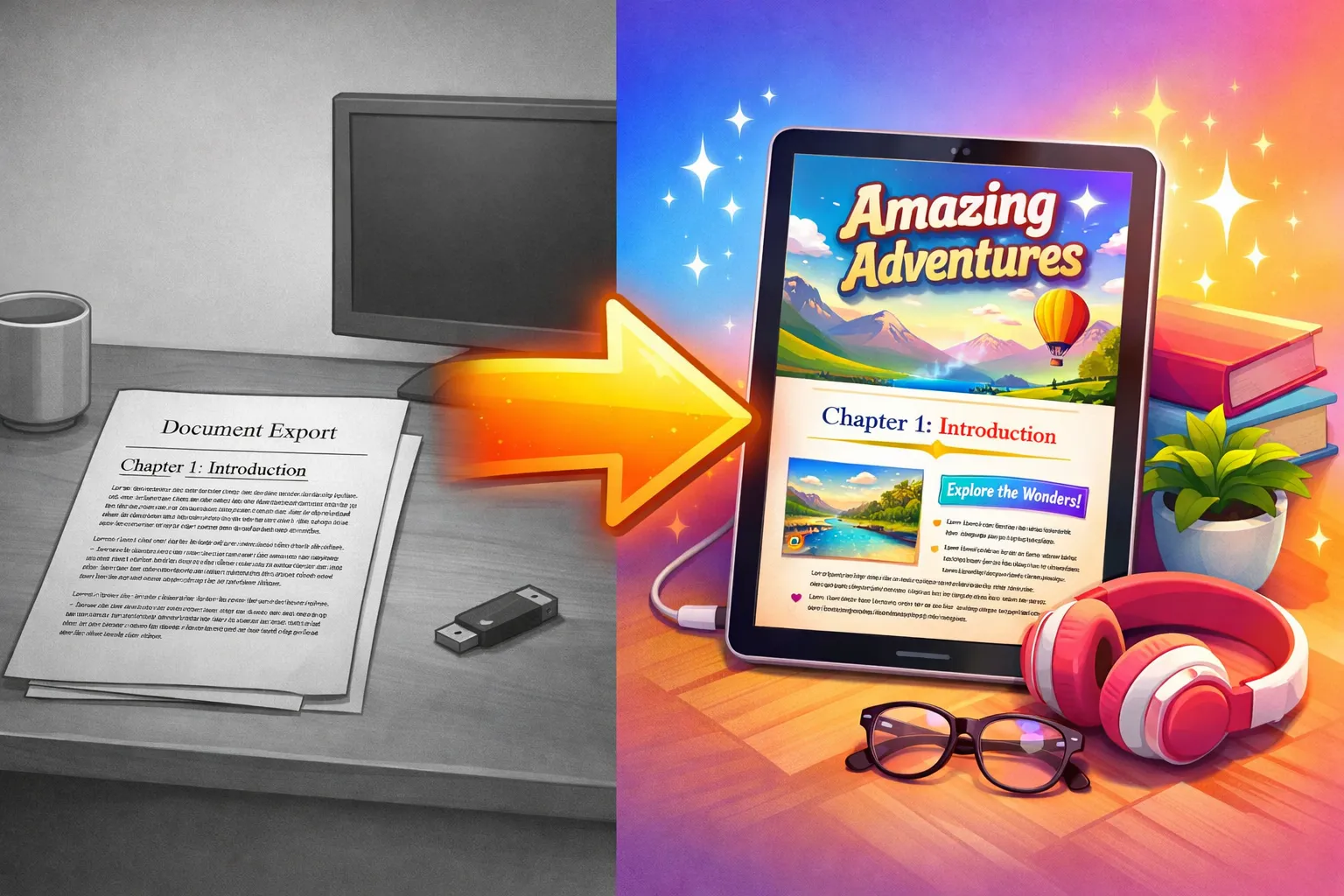
Quick Answer
The best tool for creating a polished PDF ebook for lead generation is an AI ebook generator like Inkfluence AI. It produces complete, formatted ebooks with professional typography, cover design, table of contents, and branded styling - not the flat, unstyled document exports you get from Google Docs or basic PDF converters. Free tier available.
The Real Problem
Your lead magnet's design is your first impression
You spent hours writing a valuable ebook. Then you exported it from Google Docs, added a cover page in Canva, merged the PDFs, and ended up with something that looks like it was made in 2014. Your content is good - but the packaging is undermining it.
This guide shows you how to create ebooks that look like they were designed by a professional agency, using AI tools that handle both content and design in one workflow.
First impressions in lead generation happen at the PDF level. When someone downloads your ebook, they judge your expertise - and your business - within 3 seconds of opening it.
A wall of Times New Roman text with no formatting screams "thrown together." A polished ebook with proper typography, visual hierarchy, and branded colours signals authority. The problem is that creating that polished look traditionally required either design skills or a designer's invoice.
3 sec
Time it takes a reader to judge your ebook's quality after opening it
30-50%
Increase in download rates when a professional cover is shown on the landing page
73%
Of B2B buyers say content quality reflects the company behind it
$0
Cost to produce a polished PDF when using AI tools with built-in formatting
What Separates Ugly PDFs from Polished Ebooks
Basic Document Export
- Default system font (Times New Roman, Arial)
- No colour or minimal colour
- Text runs edge to edge
- No cover or a separate Canva cover that doesn't match
- No table of contents or poor auto-generated one
- Headers and body text look the same size
- Page numbers missing or in wrong position
Professionally Formatted Ebook
- Chosen typography that matches your brand
- Consistent colour palette throughout
- Proper margins and whitespace
- Integrated cover that flows into content
- Clickable table of contents
- Clear visual hierarchy: titles, subtitles, body
- Page numbers, headers, consistent footer
Most lead magnets fall into the first category because the tools people use - Google Docs, Word, basic PDF converters - were designed for documents, not ebooks. There is a structural difference between a document and a book, and readers feel it even if they cannot articulate it.
Tool Comparison: Document Export vs Design Tool vs AI
| Feature | Google Docs / Word | Canva | Inkfluence AI |
|---|---|---|---|
| Content creation | You write everything | No writing tools | AI generates full ebook |
| Design quality | Document-level (basic) | Professional (page by page) | Professional (automatic) |
| Cover design | Not included | Template library | Built-in designer + AI |
| Branding controls | Font + colour only | Full brand kit | Colour palette + fonts |
| Time for a 20-page ebook | 6-12 hours | 4-8 hours (with content) | 30-60 minutes |
| Output feels like | A document | A designed report | A published ebook |
The workflow gap: Most marketers end up using 2-3 tools - ChatGPT for writing, Google Docs for editing, Canva for design, a PDF merger to combine them. Each handoff degrades consistency and adds time. A purpose-built AI ebook generator collapses this into one step.
Step-by-Step: Creating a Lead Gen Ebook with AI
1. Start with your lead magnet topic
Pick a topic that solves a specific problem for your target audience. "The Ultimate Guide to Everything" converts worse than "5 Email Templates That Book Discovery Calls." Specific and actionable wins.
The best topics come from real questions your audience asks. Check your customer support inbox, social media DMs, or the comments on your most popular blog posts. If people keep asking the same question, that question is your ebook topic.
2. Generate the ebook
Describe the topic, target audience, and desired tone. The AI creates a structured outline with chapters, then generates the full content with proper headings, practical examples, and actionable takeaways.
For lead magnets, 3-5 chapters of 500-800 words each hits the sweet spot. Long enough to deliver real value, short enough that people actually read the entire thing and reach your CTA on the last page.
3. Edit for your expertise
The AI gives you a strong foundation. Spend 15-20 minutes adding your unique insights, real examples from your work, and any proprietary frameworks. This is what makes it yours rather than generic. Readers can tell the difference between personalised content and boilerplate advice.
4. Brand and style
Set your brand colours, choose typography, and design the cover. The ebook automatically applies these across every page - consistent headers, styled callout boxes, formatted lists. This is where the "polished" part happens - and it takes minutes, not hours of manual design work.
5. Export your polished PDF
One-click export gives you a PDF that looks like a published ebook. Upload it to your email platform, landing page builder, or website. No PDF merging, no format wrestling, no "why did the page break land in the middle of that heading" frustration.
Create a polished lead magnet PDF
Professional formatting, cover design, and content generation - all in one workflow. No design skills needed.
Start Creating Free5 Design Elements That Make Lead Magnets Convert
1. Strong Cover
The cover appears on landing pages, social media, and email previews. A professional cover increases download rates by 30-50% compared to a text-only thumbnail. Use bold title text, clean imagery, and your brand colours.
2. Consistent Colour Palette
Use 2-3 colours throughout: one for headings, one for accents, your brand primary. Consistency signals professionalism. Clashing colours signal "I made this during my lunch break."
3. Visual Hierarchy
Readers scan before they read. Clear title sizes, bold subheadings, and concise paragraphs make the ebook feel approachable. Dense walls of text cause bounce.
4. Callout Boxes
Key takeaways, tips, and frameworks in styled boxes break up the page and highlight your most valuable insights. These are the bits people screenshot and share.
5. CTA on the Last Page
Your ebook's final page should direct readers to the next step: book a call, visit a sales page, join your programme. A beautiful ebook with no CTA is a missed opportunity.
Real-World Examples: Basic Export vs Polished Ebook
Here is what the difference looks like in practice across different industries:
Marketing Agency
Basic: Google Docs export of "Social Media Strategy Guide." Arial font, no colour, headers the same size as body text. Cover is a Canva template pasted on the first page with different margins.
Polished: Branded ebook with agency colours throughout. Styled chapter dividers, pull quotes for key statistics, colour-coded tip boxes, and a cover that matches the interior design. Opens with authority.
SaaS Company
Basic: ChatGPT-generated text pasted into a Word doc. "How to Reduce Churn" with no formatting, no visual breaks, and a stock-photo cover that has nothing to do with the content.
Polished: Structured guide with data callout boxes, comparison tables styled in brand colours, numbered implementation steps with clear headers, and a metric dashboard illustration on the cover. Feels like a report from a consulting firm.
Freelance Coach
Basic: "5 Steps to Land Your First Client" in Google Slides exported as PDF. Inconsistent fonts, clipart icons, text running off the edge on mobile. Each slide is a different visual style.
Polished: Branded ebook with consistent warm palette, reflection exercises styled as callout boxes, a cover featuring the coach's name prominently, and a closing CTA page with booking link. Feels like a product worth paying for.
PDF vs EPUB: Which Format for Lead Generation
For lead magnets, PDF is the standard. Every device opens PDFs without special software. Your formatting stays exactly as designed. Recipients do not need to install a reading app.
EPUB is better for longer-form content (50+ pages) where reflowable text helps mobile reading, or if you are selling on Amazon/Apple Books. But for lead generation ebooks, PDF gives you the most control over presentation.
Tools like Inkfluence AI export both formats from the same content, so you do not need to choose during creation. Generate once, export whichever format fits your distribution channel.
Best AI PDF Ebook Generators Compared
Searching for the best AI tool to generate a PDF ebook? The market in 2026 splits into three categories: full ebook generators, assisted design tools, and manual pipelines. Here is how the top options compare for lead generation specifically:
| Tool | Content Creation | PDF Quality | Branding | Best For | Free Tier |
|---|---|---|---|---|---|
| Inkfluence AI | Full AI generation | Print-ready, styled | Colours, fonts, cover | End-to-end ebook lead magnets | Yes (5 chapters) |
| Canva + ChatGPT | Separate (ChatGPT) | Good (manual layout) | Full brand kit | Visual-heavy short PDFs | Limited |
| Designrr | None (import only) | Good templates | Template-based | Repurposing blog posts to PDFs | No |
| Google Docs + Export | You write everything | Basic, no styling | Minimal | Quick internal documents | Yes |
| Beacon.by | None (import only) | Good web-to-PDF | Brand profiles | Converting blog posts into gated PDFs | Limited |
The key differentiator: Most "PDF ebook generators" only handle the formatting step. You still need to write the content elsewhere and paste it in. AI-native tools like Inkfluence AI collapse writing, formatting, cover design, and export into a single workflow, which is why they produce a more cohesive final product.
If your primary goal is generating polished PDFs for lead generation funnels, the most important factor is not the design template library - it is whether the tool can produce the content and the design together. Ebooks where writing and design are created in the same tool have consistent tone, pacing, and visual hierarchy throughout.
Ebook Launch Checklist: Pre-Publish Quality Checks
Before you connect your polished PDF to a landing page and start driving traffic, run through this launch checklist. Missing any of these items will undermine the professional impression your ebook creates:
Cover renders well at thumbnail size
Your cover appears as a small thumbnail on landing pages and social shares. Check that the title is readable at 200px wide. If it is not, increase font size or simplify the design.
Table of contents links work
Click every entry in the table of contents and confirm it jumps to the correct chapter. Broken TOC links make the ebook feel broken overall.
No orphan headings or widows
Check that chapter titles do not appear at the bottom of a page with the content starting on the next page. Adjust page breaks if needed.
Brand colours match your website
Compare the PDF's colours to your website side by side. The ebook should feel like an extension of your brand, not a separate product. Use the exact hex codes.
CTA page is present and links work
The final page should have a clear call to action (book a call, visit your site, join a programme). Test the URL. An ebook without a CTA is a missed lead.
File size is under 10 MB
Large PDFs bounce on email delivery and slow landing page downloads. Most polished ebooks should be 1-5 MB. If yours is larger, check for uncompressed images.
Mobile readability
Open the PDF on your phone. Check that body text is readable without zooming, headings are clear, and any tables or images do not clip. Over 60% of lead magnet downloads happen on mobile.
Proofread the first and last pages
Readers notice typos most on the cover, first page, and CTA page. These three surfaces get the most attention. Give them an extra pass even if you skip the middle chapters.
This checklist applies whether you are creating your first lead magnet ebook or launching your twentieth. Each item takes under a minute to verify - the entire pre-launch check takes less than 10 minutes and prevents the most common quality issues.
Designing a Landing Page That Matches Your Ebook
Your ebook is only half the conversion equation. The landing page where people download it needs to visually match what they receive. When the landing page uses one colour palette and the ebook uses another, readers feel a disconnect - even if they cannot articulate why.
Landing page elements that convert
3D mockup of the ebook
Show the cover as a realistic book or tablet mockup. This transforms an abstract "download" into a tangible product in the reader's mind. Free mockup generators abound - use one that shows the actual cover you designed.
Matching colour scheme
Pull your ebook's accent colour into the landing page's CTA buttons and section backgrounds. The visual continuity from landing page to ebook creates a branded experience that builds trust.
Table of contents preview
List 3-5 chapter titles on the landing page so visitors know exactly what they will learn. Specific chapter titles convert better than vague benefit statements. "Chapter 3: The 5-Email Welcome Sequence" beats "Learn email marketing."
Social proof near the form
Even a single testimonial or "Downloaded 2,400+ times" counter near the email field reduces friction. If this is your first launch, use a credibility line about your expertise instead.
The best performing lead magnet landing pages are short - hero with mockup, 3-5 bullet benefits, chapter list, single email field, CTA button. No navigation links. No sidebar. Every element exists to get the download. Use the same cover designer that built your ebook cover to maintain visual consistency.
Connecting your polished PDF to email platforms
Once the ebook is exported as a PDF, you need to deliver it when someone submits their email. Here are the most common platforms and how delivery works:
- ConvertKit - Upload PDF as an incentive on a form. Sends automatically after signup. Tag subscribers for follow-up sequence.
- Mailchimp - Attach to a welcome email in an automation. Set trigger to "subscribes to audience." File size limit is 25 MB (plenty for ebook PDFs).
- Beehiiv - Use the welcome email to include a download link. Host the PDF on Google Drive or your own server.
- Flodesk - Upload to the file library and link from your automations. Their landing page builder supports ebook mockups natively.
- ActiveCampaign - Host externally and include a link. Set up tags and lead scoring based on the form that delivered the ebook.
Whichever platform you choose, test the full flow yourself: submit a test email, receive the delivery, open the PDF on both desktop and mobile. This 2-minute test catches broken links, missing attachments, and formatting issues before real leads encounter them.
Mistakes That Make Your Lead Magnet Look Amateur
Mismatched cover and interior
A Canva-designed cover with a completely different font, colour, and style than the interior pages. When the cover and content feel disjointed, readers lose trust immediately. Use a tool that applies your brand across both.
No visual hierarchy
When headings, subheadings, and body text are all roughly the same size, the ebook feels like a wall of text. Readers scan before they read. Without clear size differences between heading levels, they do not know where to start.
Cramped margins
Text running close to the edge of the page signals "document" not "book." Generous margins and line spacing are the simplest way to make any PDF feel premium. This is the difference between reading a Google Doc and reading a published guide.
Default system font
Times New Roman or Arial says "this person exported from Word." A deliberately chosen font family (even a free one like Inter or Source Serif) immediately elevates the perceived quality. AI ebook tools let you choose fonts without buying anything.
Frequently Asked Questions
What is the best tool for creating a polished PDF ebook for lead generation?
An AI ebook generator like Inkfluence AI creates the most polished results fastest. It handles content writing, formatting, cover design, and branded PDF export in one workflow - eliminating the usual multi-tool process of writing in Docs, designing in Canva, and merging PDFs.
Why does my lead magnet PDF look unprofessional?
Most lead magnets look bad because they are exported from document tools (Google Docs, Word) not publishing tools. Documents use default fonts, minimal formatting, and no visual design. Ebook-specific tools apply professional typography, colour palettes, and visual hierarchy automatically.
Can I brand the ebook with my company colours and logo?
Yes. Set your brand colours in the ebook tool and they apply consistently across headers, callout boxes, and accents on every page. Cover design supports custom images and brand-aligned styling. Paid plans let you remove the tool's branding entirely.
How long should a lead generation ebook be?
8-25 pages is the sweet spot. Short enough to consume in one sitting (so readers reach your CTA), long enough to deliver real value. 5 chapters or fewer. Prioritise depth in a narrow topic over breadth across many topics.
Is Canva good for creating ebook lead magnets?
Canva is good for visual design but has no content generation. You need to write the entire ebook yourself first, then design each page manually. For short 5-page resources this works; for longer ebooks, the page-by-page approach becomes very time consuming.
What file format should I use for my email lead magnet?
PDF. It opens on every device without extra software, preserves your formatting exactly, and is the expected format for downloadable content. Use EPUB only if you are distributing through ebook stores.
Can I create a lead magnet ebook for free?
Yes. Inkfluence AI has a free tier that lets you create ebooks with up to 5 chapters, including cover design and PDF export. This is enough for most lead magnets. Upgrade only if you need longer ebooks or want to remove the subtle watermark.
What is the biggest design mistake in lead magnet PDFs?
Using default document fonts and no colour. This alone makes 80% of lead magnets look unprofessional. A deliberately chosen font, 2-3 brand colours applied to headings and callout boxes, and generous white space transforms the perception from "document export" to "published ebook."
How do I make my ebook match my website branding?
Use the same hex colour codes from your website for the ebook's colour palette. Match the heading font if possible, or choose something complementary. AI ebook tools let you set these values once and apply them across every page, including the cover.
What is the best AI tool to generate a PDF ebook?
For lead generation PDFs, Inkfluence AI produces the most polished results because it handles content writing, formatting, and cover design in one step. Designrr is good for converting existing blog posts. Canva works for short visual PDFs but requires you to write content separately.
What should I check before publishing my ebook lead magnet?
Run through an ebook launch checklist: verify the cover reads well at thumbnail size, test all table of contents links, check for orphan headings, confirm brand colours match your website, test the CTA link on the last page, keep file size under 10 MB, and verify mobile readability.
How do I deliver a PDF ebook after someone subscribes?
Upload your PDF to your email platform (ConvertKit, Mailchimp, Beehiiv, Flodesk, or ActiveCampaign) and set it as the incentive attachment on your signup form. The PDF is sent automatically in the welcome email. Test the full flow with your own email before going live.
Should my lead magnet landing page match my ebook design?
Yes. Use the same colour palette, show a 3D mockup of the ebook cover, and list chapter titles on the landing page. Visual consistency between the landing page and the downloaded PDF builds trust and sets expectations correctly.
Do I need different ebook formats for different platforms?
For email lead magnets, PDF is the universal standard. Use EPUB only if you're also publishing to the Kindle Store or Apple Books. AI ebook generators export both formats from the same content, so you only create the ebook once.
How do I make my PDF ebook look professional without hiring a designer?
Use an AI ebook generator that applies professional formatting automatically. Choose 2-3 brand colours, a clean font, and generous margins. Add a designed cover. These five elements - colour, font, margins, visual hierarchy, and cover - transform any PDF from basic to professional.
More in This Series
Create an Ebook Lead Magnet Without a Designer
Full lead magnet creation guide
Best AI for Workbooks & Guided Journals
Coaching materials guide
Branded Lead Magnets: Checklists, Ebooks & AI
Multi-format branding guide
AI Downloadable PDFs for Email List Building
Email capture and delivery
Ebook Tool Features for List-Building Funnels
Feature comparison and funnels
Opt-In Ebook for Your Newsletter - Fast
Speed-focused newsletter growth

Founder, Inkfluence AI
Sam is the founder of Inkfluence AI. He built the platform to make book creation accessible to everyone - from first-time authors to seasoned publishers.
Helpful links
Ready to Create Your Own Ebook?
Start writing with AI-powered tools, professional templates, and multi-format export.
Get Started FreeRelated Articles
 Guides
 Selling AI Coloring Books on Amazon KDP: The 2026 Rules, Specs, and Math
Are AI coloring books allowed on KDP? Yes, with disclosure. The part nobody covers: the AI workflow that passes review, style consistency across 30 pages, the interior specs that cause rejections, and the royalty ladder that decides your price.
 Guides
 How to Make an Adult Coloring Book in 2026: From Idea to Printed Pages
The modern walkthrough: what makes line work read as "adult", the three ways to create pages (draw, convert, generate), how to assemble a real book instead of a stack of pages, and the fork between KDP paperbacks, Etsy printables, and printing at home.
 Guides
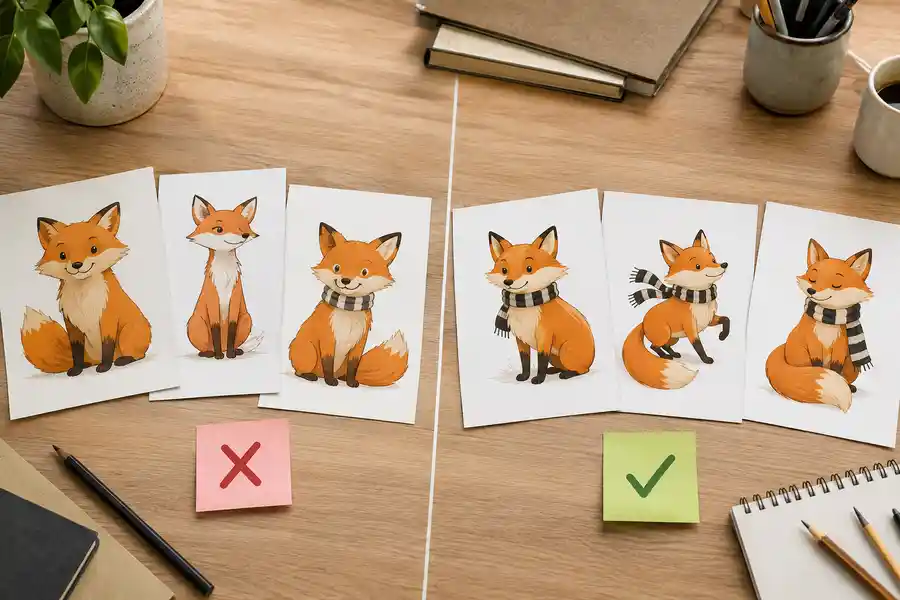
 Consistent Characters in AI Children's Books: Why They Drift, and Every Method That Fixes It (2026)
The fox on page 3 never matches the fox on page 7, until you understand why. The four methods for character consistency in AI illustration, compared honestly, plus the page-7 test to run before trusting any tool's claim.
Get ebook tips in your inbox
Join creators getting weekly strategies for writing, marketing, and selling ebooks.