
AI Outline to
PDF & EPUB
Paste your outline, AI writes the chapters, export a formatted book.
One workflow. Minutes, not months.
Outline - AI chapter drafting - Built-in editor - Cover design - PDF and EPUB export
Quick Answer
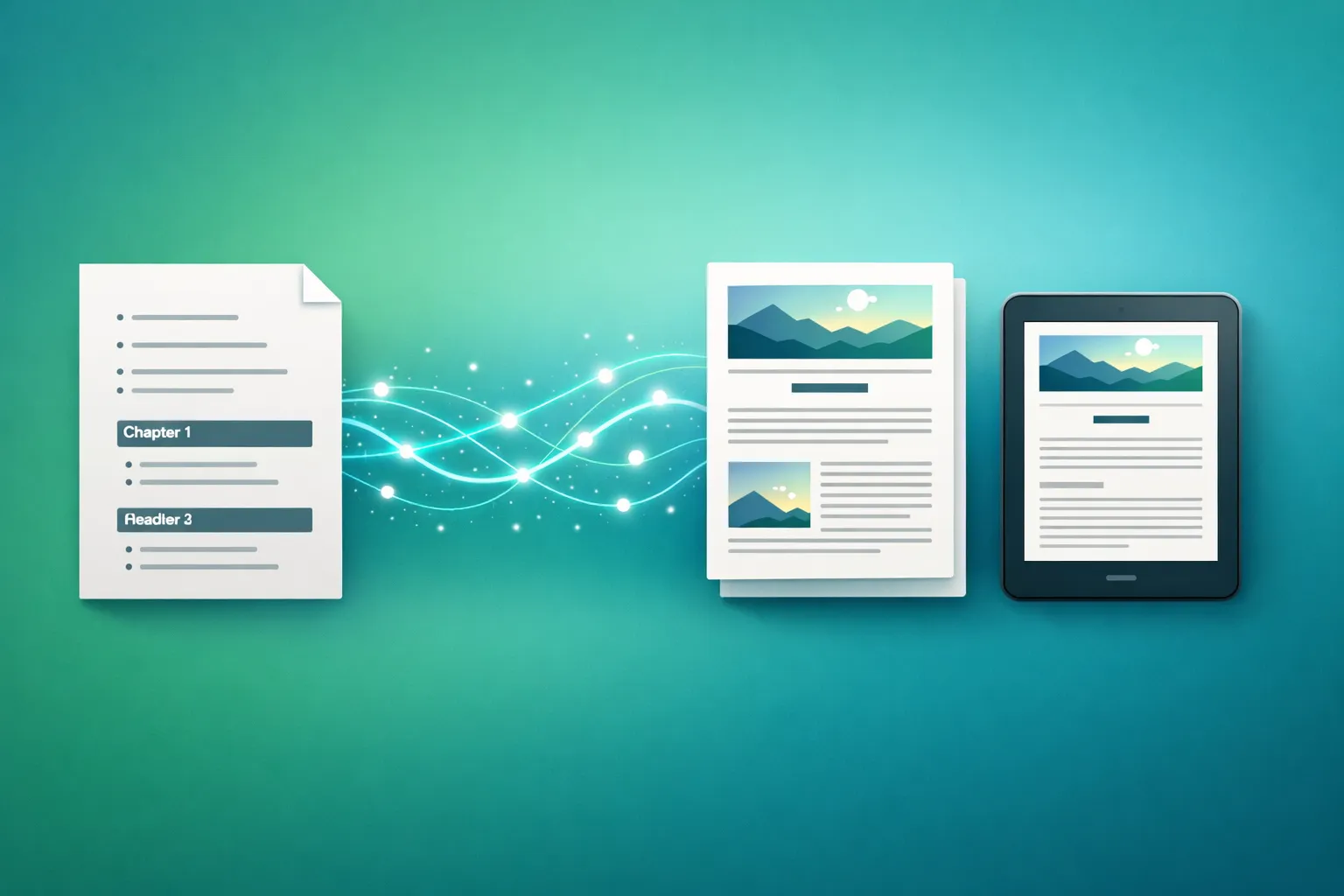
Inkfluence AI turns a book outline into a formatted PDF or EPUB in minutes. Paste or type your chapter outline (or import from PDF/DOCX), and the AI writes full chapters from each section. Edit in the built-in rich text editor, design a cover, then export to PDF with table of contents and professional typography, or EPUB for Amazon KDP, Apple Books, and other ebook stores. Supports non-fiction (how-to guides, business books, workbooks, course materials) and fiction (novels, children's books, short story collections). Unlike Scrivener or Atticus, which only format existing content, Inkfluence AI writes and formats in one workflow. Free plan includes 5 chapters and PDF export. Paid plans from $9.99/month.
What Is an AI Outline to PDF & EPUB Tool?
An AI outline-to-book tool takes your chapter structure and generates a complete, formatted book from it. Instead of writing every word yourself or hiring a ghostwriter, you provide the outline - chapter titles, key points, scope descriptions - and the AI writes each chapter in sequence, maintaining consistency across the full manuscript.
Inkfluence AI combines the writing and formatting steps that traditionally require separate tools. With Scrivener or Atticus, you write the book elsewhere and import it for layout. With Inkfluence AI, you paste your outline, the AI drafts each chapter with awareness of previous content, you edit in the built-in editor, then export directly to PDF or EPUB. Our book formatting software roundup compares those layout tools in detail.
The result is a publication-ready file with cover page, table of contents, professional typography, and page numbers - ready for Amazon KDP, Apple Books, Gumroad, or direct download.
30 min
average time from outline to finished PDF
20+
book types supported (fiction and non-fiction)
PDF + EPUB
export formats for every platform
Free
to start - no credit card required
What Can You Create From an Outline?
Any book type. The AI adapts its writing style, structure, and formatting to match your genre and audience.
Self-Help and How-To Books
Transform your framework outline into a complete guide with actionable chapters, exercises, and takeaways
Business and Strategy Books
Turn case study notes and business frameworks into polished thought-leadership books
Course Companion Books
Convert course modules or lesson plans into a structured ebook for students or clients
Fiction Novels
Expand a plot outline into full chapters with character development and scene descriptions
Training Manuals and SOPs
Turn process documentation into formatted, distributable PDF guides for teams
Lead Magnets and Guides
Convert a quick outline into a professional PDF guide for email list growth
Workbooks and Journals
Build structured workbooks with exercises, prompts, and reflection sections from a content outline
Children's Books
Outline a story arc and let AI write age-appropriate chapters with consistent characters
Academic Study Guides
Turn lecture notes or textbook outlines into structured revision guides with summaries
Cookbooks and Recipe Books
Organize recipe collections into formatted chapters with introductions and instructions
Memoir and Biography
Structure life events into a chronological outline and expand into narrative chapters
Travel Guides
Convert destination notes into a formatted guide with itineraries, tips, and recommendations
What's Included in the Export
Every export is formatted with professional typography and ready for publication.
Turn Your Outline Into a Book Today
Free to start. No credit card. Paste your outline and have a formatted PDF in 30 minutes.
Start From Your OutlineHow It Works: Outline to Finished Book
Write or Paste Your Outline
Type chapter titles with brief descriptions, paste a bulleted list, or import from a PDF/DOCX file. You can also enter a topic and let the AI generate the outline for you.
AI Writes the Chapters
Inkfluence AI expands each outline section into a full chapter. Novels are written in order, each chapter reading the ones before it; non-fiction chapters are planned together from your outline so they do not repeat each other.
Review and Edit
Every chapter opens in a rich text editor. Rewrite paragraphs, add personal stories, adjust tone, or regenerate specific sections. The content is yours to shape.
Export to PDF or EPUB
One click to export. PDF includes cover page, table of contents, page numbers, and professional typography. EPUB is formatted for Kindle, Apple Books, and other ebook stores.
Inkfluence AI vs Scrivener, Atticus, and ChatGPT
Four different approaches to going from outline to finished book. Here's how they compare.
| Feature | Inkfluence AI | Scrivener | Atticus | ChatGPT |
|---|---|---|---|---|
| AI chapter generation | Yes - from outline | No | No | Manual copy-paste |
| Outline to full book | One workflow | Write externally | Write externally | Chapter by chapter |
| Chapter continuity | Automatic | Manual (you write it) | Manual (you write it) | Loses context |
| Built-in editor | Rich text editor | Full editor + corkboard | Full editor | Chat only |
| PDF export | Yes (free) | Yes | Yes | No |
| EPUB export | Yes (paid) | Yes | Yes | No |
| Cover designer | Built-in + AI covers | No | Basic import | No |
| Table of contents | Auto-generated | Auto-generated | Auto-generated | No |
| KDP-ready output | Yes | Yes (with setup) | Yes | No |
| Price | Free / $9.99/mo | $49 one-time | $147 one-time | $20/mo |
Scrivener and Atticus are formatting tools. ChatGPT is a chat interface. Inkfluence AI is the only option that handles writing, editing, formatting, and export in one workflow.
Pricing
Start free. Upgrade when you need more chapters or EPUB export.
| Feature | Free | Creator $9.99/mo | Premium $19.99/mo |
|---|---|---|---|
| Chapters | 5 + 5/month | 35/month | Unlimited |
| Smart Continue / day | 3 | Unlimited | Unlimited |
| PDF export | Yes | Yes | Yes |
| EPUB export | No | Yes | Yes |
| Cover designer | Basic | Full + AI covers | Full + AI covers |
| Import (PDF/DOCX) | Yes | Yes | Yes |
| AI audiobook | No | No | Yes |
| Branding removal | No | Yes | Yes |
Outline Templates to Get Started
Copy one of these outlines, paste it into Inkfluence AI, and have a formatted book in 30 minutes.
The Complete Guide to Remote Work Productivity
Chapter 1: Setting Up Your Home Office - Chapter 2: Time Management Systems for Remote Workers - Chapter 3: Communication Tools and Async Workflows - Chapter 4: Avoiding Burnout and Maintaining Boundaries - Chapter 5: Measuring Productivity Without Micromanagement - Chapter 6: Building a Remote Team Culture - Chapter 7: The Future of Remote Work
From Side Hustle to Full-Time: A Guide for Solo Entrepreneurs
Chapter 1: Finding Your Profitable Niche - Chapter 2: Validating Before You Build - Chapter 3: Building Your First Product - Chapter 4: Pricing Strategy for Solopreneurs - Chapter 5: Marketing on a Zero Budget - Chapter 6: When to Quit Your Day Job - Chapter 7: Scaling Without Hiring - Chapter 8: Financial Planning for the Self-Employed
Break the Cycle: A 30-Day Guide to Building Better Habits
Chapter 1: Why Willpower Fails (And What Works Instead) - Chapter 2: The Habit Loop Explained - Chapter 3: Your First Keystone Habit - Chapter 4: Designing Your Environment - Chapter 5: The 2-Minute Rule - Chapter 6: Stacking and Chaining - Chapter 7: Tracking Progress Without Obsession - Chapter 8: Recovering From Setbacks - Chapter 9: The 30-Day Review
The Instagram Growth Checklist for Small Businesses
Chapter 1: Profile Optimisation (Bio, Highlights, Link) - Chapter 2: Content Pillars and Posting Schedule - Chapter 3: Hashtag Strategy That Actually Works - Chapter 4: Reels and Short-Form Video Basics - Chapter 5: Engagement Tactics (Stories, DMs, Comments) - Chapter 6: Turning Followers Into Email Subscribers
The Last Library - A Post-Apocalyptic Mystery
Chapter 1: The Discovery (protagonist finds a hidden library) - Chapter 2: The Cipher (a coded message in the first book she opens) - Chapter 3: The Outsiders (survivors arrive seeking shelter) - Chapter 4: The Bargain (trading knowledge for protection) - Chapter 5: The Betrayal - Chapter 6: The Archive (uncovering what the library was really built to hide) - Chapter 7: The Choice - Chapter 8: The Last Page
Have an Outline? Start Now.
Paste your chapter structure, let AI write the content, and export a finished book. Free to start.
Start From Your OutlineWho Uses Outline to PDF/EPUB?
Authors with Outlines
You've planned the book but haven't written it yet. Paste your outline and let AI handle the first draft so you can focus on editing and voice.
Coaches and Consultants
Turn your framework, workshop slides, or course outline into a published ebook. Authority content for your practice in a fraction of the time.
Course Creators
Convert course module outlines into companion workbooks or study guides. Give students a downloadable resource alongside your video content.
KDP Self-Publishers
Go from outline to KDP-ready EPUB in one session. Cover design, formatting, and export handled without switching between Scrivener, Canva, and Calibre.
Content Marketers
Create lead magnets, guides, and downloadable PDFs from content outlines. Professional formatting without a designer. Grow your email list faster.
Fiction Writers
Expand a plot outline into a full novel draft. Character consistency and plot continuity maintained chapter to chapter. Edit and polish, then export.
Export Guide: Getting Publication-Ready Files
PDF Export - Best for Direct Sales and Print
PDF export gives you a complete, formatted document with cover page, table of contents, page numbers, and professional typography. Use it for Gumroad, your website, email opt-ins, or print-on-demand via KDP paperback. PDF is available on the free plan.
Tip: Use the cover designer to add a professional cover before exporting. It makes a significant difference for conversions.
EPUB Export - Best for Kindle, Apple Books, and Ebook Stores
EPUB is the standard format for ebook stores. Upload your EPUB directly to Amazon KDP, Apple Books, Kobo, or Barnes & Noble. Inkfluence AI generates a reflowable EPUB that adapts to any screen size - phones, tablets, and e-readers.
Tip: Check the book description generator for Amazon-optimised listing copy before publishing.
Import Your Existing Outline
Already have an outline in a document? Import from PDF, DOCX, EPUB, or plain text. The import tool extracts your text and preserves paragraph structure. From there, reorganize chapters in the editor and let AI expand sections as needed.
Tip: For best results, use clear chapter headings in your imported document. The AI uses these as the structural foundation for each chapter.
Audiobook Generation
Once your book is written and formatted, Premium users can convert it to an AI audiobook with realistic narrator voices. Generate chapter-by-chapter audio directly from the finished manuscript without leaving the platform.
Available on Premium plan ($19.99/month). Multiple voices to choose from.
Best Book Types to Create From an Outline in 2026
These genres and formats are ideally suited to the outline-to-book workflow because they follow predictable structures.
How-To Guides
Structured by nature. Each chapter covers a step or topic. Outlines translate directly into logical chapters with minimal editing.
Course Companion Books
Mirror your course module structure. Students get a formatted reference document alongside video content.
Self-Help Books
Transformation frameworks with clear progressions. Outline your framework, and each chapter becomes a teaching module with exercises.
Business Strategy Books
Case studies, frameworks, and actionable advice. Position yourself as a thought leader with a structured authority book.
Lead Magnets and Guides
Short, focused PDFs for email opt-ins. Outline 5-7 chapters, generate, and have a professional lead magnet in under 20 minutes.
Non-Fiction Series
Create multiple volumes from related outlines. Business trilogies, self-help progressions, or multi-part guides using the series writer.
Your Outline Deserves to Be a Book
Stop letting outlines collect dust. Turn yours into a formatted, publishable book today.
No credit card required. 5 free chapters included.
Frequently Asked Questions
Can I turn an outline into a finished PDF?
What outline format does the tool accept?
Does it export to EPUB for Kindle?
How is this different from Scrivener or Atticus?
Is the outline to PDF tool free?
Can I edit the content after AI generates it?
Does it add a table of contents automatically?
Can I upload my own outline from a document?
What types of books can I create from an outline?
Can I design a cover for my book?
How long does it take to go from outline to finished PDF?
Can I create an audiobook from the finished book?
Related Tools
AI Book Writer
All genres - full platform overview
AI Book Formatter
Professional formatting for Kindle and print
Book Outline Generator
Generate outlines from a topic prompt
AI PDF Ebook Maker
Professional PDF ebook formatting
AI Book Series Writer
Multi-book series with continuity
AI Book Cover Generator
Design covers with AI or templates
Related Reading
Guides for creating and publishing books from outlines
Complete Guide to AI Self-Publishing
End-to-end workflow from idea to published book on Amazon KDP.
Read guideText to PDF Conversion: Complete Guide
Source formats, trim sizes, file-size optimization, and the free vs book-grade split.
Read guideBest Free Text-to-PDF Converters (2026)
8 free converters compared on size limits, formatting fidelity, and book-length exports.
Read guide53 Low-Competition Ebook Niches
Data-driven niche recommendations for your next book project.
Read guide