
Read the first chapter
The whole of chapter one, free. About 6 min. Turn the pages with the arrows, your keyboard, or a swipe.
Chapter 1
Reset Your Freelance Focus
When three clients need different things, your attention can feel like a browser with twenty-seven tabs open. The problem isn’t that you’re lazy or bad at planning. Your brain is carrying unfinished instructions from every gig at once.
A fast reset helps you close those mental tabs before choosing your next move. You’ll name what’s active, choose one priority, and define the next visible action. The goal isn’t to finish every gig at once; it’s to give your attention one clear job at a time.
The Three-Step Focus Reset
Context-switching happens when you move between projects without properly ending one mental mode and starting another. You might go from editing a client’s website to pricing a repair job, then answer a message about a logo. Your hands change tasks, but your mind keeps dragging pieces of the previous task along.
The reset has three parts:
1. Unload: Write down the open loops competing for attention. 2. Choose: Select one priority using urgency, consequence, and readiness. 3. Aim: Define the next action in plain, physical terms.
“Work on Client A” is too broad. “Open the draft, revise the first two headings, and send the updated link” gives your brain somewhere to go. A useful next action should fit into one focused work block, usually 25-45 minutes.
A reset also needs a stopping point. If you choose a priority but leave the others floating in your head, they’ll keep interrupting you. Capture them on paper, give them a next review time, and return to the one task you selected.
Key takeaway: Clear the mental clutter, choose one priority, and name the next action before you begin.
Your Five-Minute Focus Reset
Materials needed: Paper or a notes app, a timer, and your current project list. Time required: 5 minutes.
Use this reset whenever you’ve just finished a task, feel scattered, or catch yourself switching between tabs without completing anything.
1. Set a timer for five minutes. During the reset, don’t open email or messages. 2. Write every active task from every gig in one list. Include small items such as “send receipt” or “reply about measurements.” 3. Mark each item with one letter: - U for urgent today - C for costly if delayed - R for ready to do now 4. Choose one item with the strongest combination of urgency, consequence, and readiness. Don’t choose five. Choose one. 5. Write the next action as a verb plus a specific object. Examples: “Call Sam about the delivery time” or “Draft the first 300 words of the product page.” 6. Write a parking note for everything else. Add when you’ll review it again, such as “Check at 3:30 p.m.” 7. Take one slow breath, close unrelated tabs, and start the next action immediately.
Your reset is complete when you have:
• One chosen priority - One next action - A written parking list - A review time for the remaining work
Completed example:
> Active tasks: > Client Green: revise homepage copy > Client Green: answer image question > Job Miller: order replacement part > Job Miller: send updated quote > Personal gig: invoice Friday workshop > > Marks: > Revise homepage copy - C, R > Answer image question - U, R > Order replacement part - C > Send updated quote - R > Invoice workshop - U > > Chosen priority: Answer image question > Next action: Open the client email and send two image-size options before 10:30 a.m. > Parking list: Revise homepage copy; order replacement part; send updated quote; invoice workshop > Review time: 11:15 a.m.
Your Turn
Complete your own reset now.
Active tasks from all gigs: ________________________________________________ ______________________________________________ ________________________________________________
Chosen priority: __________________________________________________
Next action, starting with a verb: __________________________________________________
Parking list: ________________________________________________ ________________________________________________
Review time for the parking list: __________________________________________________
Before moving on, check the clock. If your five minutes are up and you still have a long list, stop adding detail. The point is not to create a perfect plan. The point is to make one clear decision.
Using the Reset Between Real Jobs
Use the reset at natural handoff points. For example, after finishing a plumbing estimate, don’t jump straight into a design client’s file because the message notification happens to be visible. Spend five minutes capturing what remains from the estimate, then choose the next task. You might write, “Send estimate by 2 p.m.” and park it. Now your mind doesn’t need to keep rehearsing the reminder while you work on the design file.
It also helps when a client interrupts your planned block. Suppose you’re halfway through a website revision when a customer asks for a quick change to an online booking form. Capture the interruption instead of obeying it immediately: “Booking form - confirm whether the new field is required.” Then decide whether it is truly urgent. If it can wait, give it a review time. If it must happen now, finish a safe stopping point, record where you stopped, and run the reset before switching.
The expected outcome is simple: fewer half-started tasks and less time rebuilding your place in a project. After using the reset three times, notice whether you can state your current priority without checking five apps. If you can, the reset is doing its job.
Apply It
Choose one transition today:
• Client call to production work - Field job to paperwork - Email session to creative work - One client project to another
At that transition, run the five-minute reset. Record the result:
What task did you stop carrying in your head? __________________________________________________
What single action did you start? __________________________________________________
How long did you work before checking another gig? __________________________________________________
If you’re interrupted during that block, don’t treat the interruption as a failure. Add it to the parking list, decide its review time, and return to the chosen action. Focus isn’t never being interrupted. It’s knowing how to come back.
Make Your Next Reset Easier
What usually causes your context-switching: too many messages, unclear next steps, or fear that another gig will fall behind? Name the actual trigger rather than blaming your whole work style.
Reflect: What is the most common moment when you abandon one project for another, and what specific message, thought, or feeling usually starts the switch?
________________________________________________ ______________________________________________ ________________________________________________
When you choose a priority, what rule will help you decide? You might use “deadline within 24 hours,” “client is blocked,” or “I already have the files open and can finish in 30 minutes.” Pick a rule you can use on a busy Tuesday, not just on a calm planning day.
Reflect: What priority rule will you use when two gigs both feel urgent?
________________________________________________ ______________________________________________ ________________________________________________
Finally, decide where your parking list will live. A scrap of paper beside your keyboard, one note titled “Later,” or a task app can all work. The best place is the one you’ll actually check at the promised time.
Apply It: Where will you store your parking list, and when will you run your next five-minute reset?
________________________________________________ ______________________________________________ ________________________________________________
Your work may still be busy after the reset. The difference is that busy no longer has to mean mentally scattered. One project can wait on paper while you give the next action your full attention.
End of chapter one. 9 more chapters in the full book.
Swipe or use the arrows to turn the page


What's inside: 10 chapters
- 1. Reset Your Freelance Focus
- 2. Prioritize with the 1-3-5 Plan
- 3. Set Boundaries for Work Hours
- 4. Plan Weekly with Time-Box Blocks
- 5. Handle Scope Creep Calmly
- 6. Communicate Updates with the RAG Check
- 7. Protect Energy with Micro-Recovery
- 8. Build Resilience After Missed Deadlines
- 9. Use the Client Expectation Contract
- 10. Maintain Clarity with Weekly Mindset Review
About this book
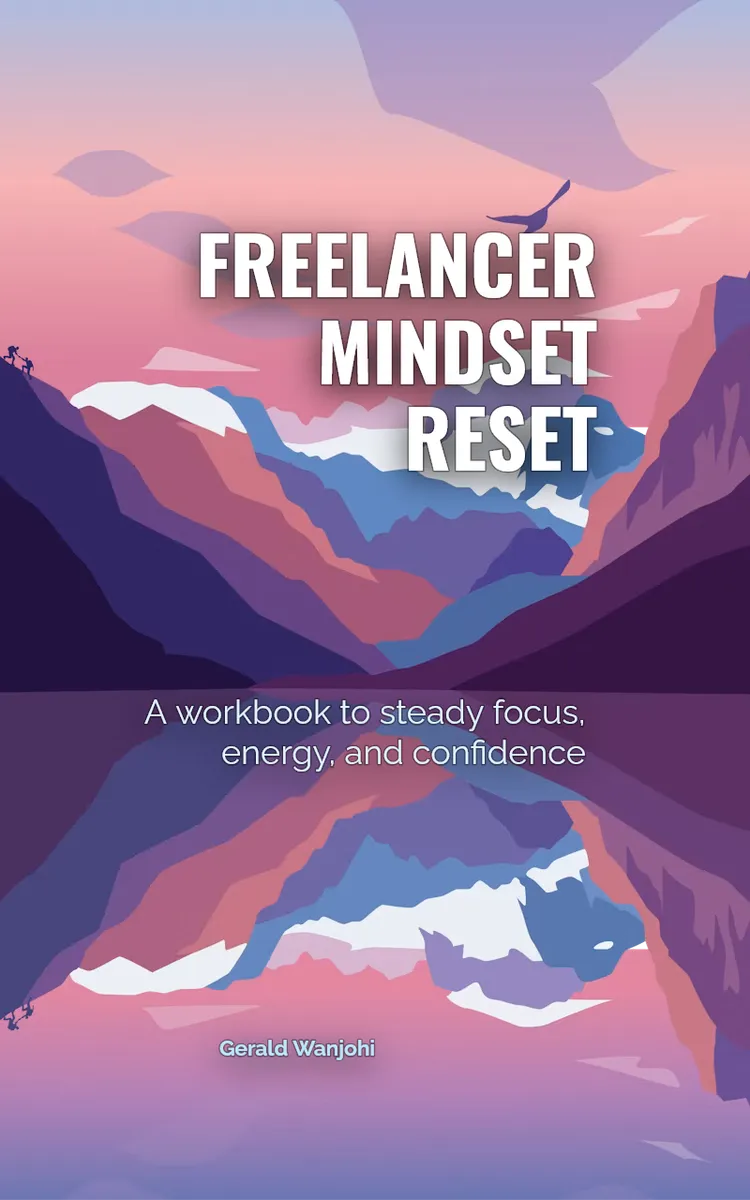
"Freelancer Mindset Reset" is a workbook by Gerald Wanjohi with 10 chapters and approximately 14,424 words. Mindset reset exercises for freelancers managing multiple gigs.
This book was created using Inkfluence AI, an AI-powered book generation platform that helps authors write, design, and publish complete books. It was made with the Workbook Generator.
Frequently Asked Questions
What is "Freelancer Mindset Reset" about?
Mindset reset exercises for freelancers managing multiple gigs
How many chapters are in "Freelancer Mindset Reset"?
The book contains 10 chapters and approximately 14,424 words. Topics covered include Reset Your Freelance Focus, Prioritize with the 1-3-5 Plan, Set Boundaries for Work Hours, Plan Weekly with Time-Box Blocks, and more.
Who wrote "Freelancer Mindset Reset"?
This book was written by Gerald Wanjohi and created using Inkfluence AI, an AI book generation platform that helps authors write, design, and publish books.
How can I create a similar workbook?
You can create your own workbook using Inkfluence AI. Describe your idea, choose your style, and the AI writes the full book for you. It's free to start.
Write your own workbook with AI
Describe your idea and Inkfluence writes the whole thing. Free to start.
Start writingCreated with Inkfluence AI


