
Read the first chapter
The whole of chapter one, free. About 3 min. Turn the pages with the arrows, your keyboard, or a swipe.
Chapter 1
Introduction: The Burnout Crisis & The 5-Minute Solution
Burnout hits hard when you carry massive class sizes and endless admin tasks at the same time - and it shows up as slow planning, rushed grading, and tense parent emails. You don’t need a new “mindset.” You need a way to cut the busywork without cutting your standards.
That’s what this book is built for: The 5-Minute Educator: AI Prompts to Reclaim Your Time from Grading and Lesson Planning. The goal stays simple. You use a tool that acts like an automated teaching assistant - not a tech hobby, not a complicated system. You ask for the next concrete thing you need, and you spend your 5 minutes making decisions instead of rewriting the same messages and feedback over and over.
The Burnout Loop: Why Grading and Admin Keep Eating Your Time Burnout usually starts as “I’ll catch up later,” and then admin keeps landing in your inbox, lesson materials pile up, and grading expands to cover everything you didn’t finish. When you feel behind, you grade more slowly and plan less carefully - so the next week gets heavier, not lighter. Ask yourself: Where do you lose the most time - starting tasks, finishing tasks, or fixing mistakes after you rushed?
Takeaway: Name your biggest time-sink today so you stop treating burnout like a vague feeling.
The 5-Minute Solution: Stop Rewriting the Same Work The 5-minute rule works because it forces a boundary. You don’t “use AI all day.” You use it in small, targeted bursts to generate drafts, organize details, or turn your notes into ready-to-use text. Then you quickly edit for your voice and your expectations.
A quick check: If you had a clean draft of your next lesson outline or a first pass of feedback, would you still have to think? Yes. Would you still have to work? Yes. Would you save time? Also yes.
Takeaway: Focus on tasks that repeat weekly - those get the fastest wins.
AI as an Automated Teaching Assistant (Not a Tech Project) You can use AI without learning tech. Treat it like a helper who can draft and format. You provide the materials and expectations; it produces a usable first version. You then review, tighten, and align it to your classroom.
Use the simplest test: Before you trust any output, check that it matches your grade level, your assignment directions, and your grading criteria. If it doesn’t, rewrite your prompt with the missing details.
Takeaway: Your job stays human - your assistant job gets automated.
What You Can Automate First: High-Impact, Low-Risk Tasks Start where the payoff is obvious and the edits are quick: turning your rough notes into a clean lesson plan structure, generating rubric-aligned comments, or sorting student evidence into a clearer format. These tasks feel heavy because they repeat, not because they require deep invention every time.
Ask yourself: What do you do every week that you could generate as a draft in minutes? That becomes your first target.
Takeaway: Choose one repeat task and automate only the draft stage.
Your Next Action: Build the Habit with One Copy-Paste Prompt Pick one upcoming grading or planning deadline you already dread. Then copy-paste a prompt that produces a first draft you can edit. Keep your prompt specific: include grade level, assignment type, and the tone you want.
If your draft comes back too generic, don’t quit - tighten the instructions and try again. The win comes from iterating fast, not waiting for perfection.
Takeaway: Commit to one 5-minute prompt today, then measure the time you saved before you automate the next thing.
End of chapter one. 4 more chapters and about 4,204 words in the full book.
Swipe or use the arrows to turn the page


What's inside: 5 chapters
- 1. Introduction: The Burnout Crisis & The 5-Minute Solution
- 2. Chapter 1: Instant Lesson Planning & Curriculum Mapping
- 3. Chapter 2: The Automated Grading Assistant
- 4. Chapter 3: Streamlining Parent Communication & Admin Tasks
- 5. Chapter 4: Next Steps & Reclaiming Your Weekends
About this book
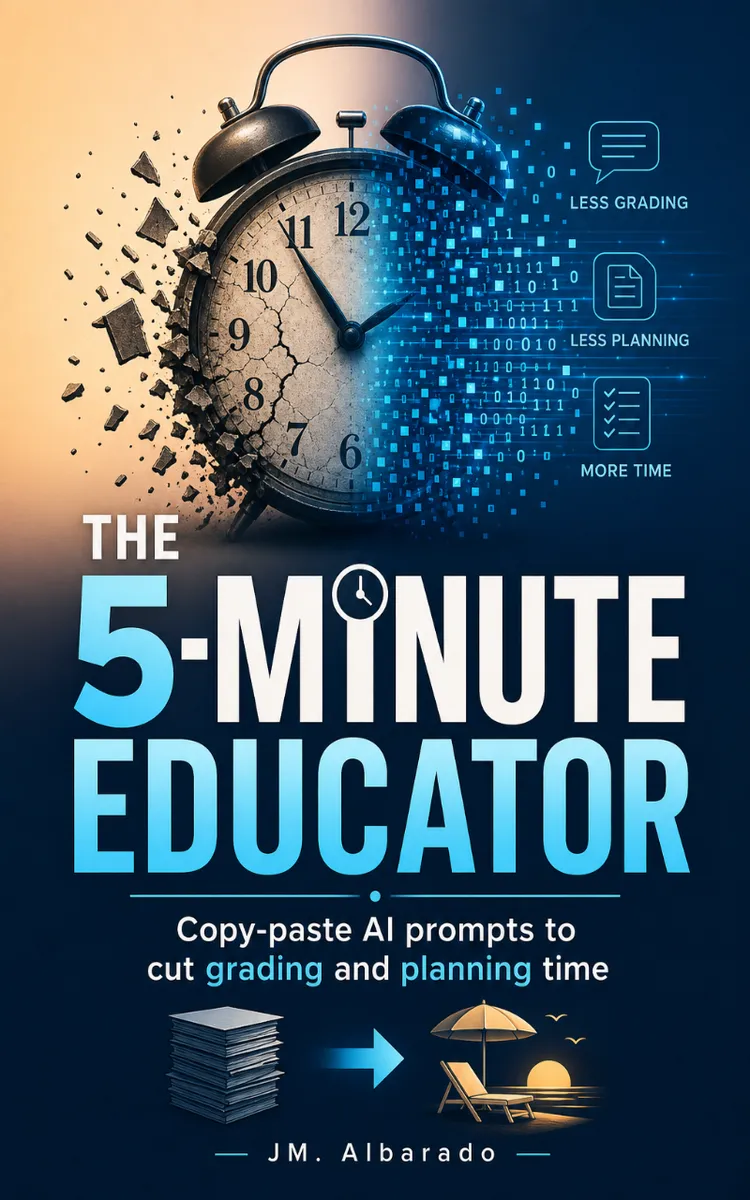
"The 5-Minute Educator" is a how-to guide book by JM. Albarado with 5 chapters and approximately 4,204 words. Copy-paste AI prompts for lesson planning, grading, and admin tasks.
This book was created using Inkfluence AI, an AI-powered book generation platform that helps authors write, design, and publish complete books. It was made with the AI Ebook Generator.
Frequently Asked Questions
What is "The 5-Minute Educator" about?
Copy-paste AI prompts for lesson planning, grading, and admin tasks
How many chapters are in "The 5-Minute Educator"?
The book contains 5 chapters and approximately 4,204 words. Topics covered include Introduction: The Burnout Crisis & The 5-Minute Solution, Chapter 1: Instant Lesson Planning & Curriculum Mapping, Chapter 2: The Automated Grading Assistant, Chapter 3: Streamlining Parent Communication & Admin Tasks, and more.
Who wrote "The 5-Minute Educator"?
This book was written by JM. Albarado and created using Inkfluence AI, an AI book generation platform that helps authors write, design, and publish books.
How can I create a similar how-to guide book?
You can create your own how-to guide book using Inkfluence AI. Describe your idea, choose your style, and the AI writes the full book for you. It's free to start.
Write your own how-to guide book with AI
Describe your idea and Inkfluence writes the whole thing. Free to start.
Start writingCreated with Inkfluence AI


