

Read the first chapter
The whole of chapter one, free. About 7 min. Turn the pages with the arrows, your keyboard, or a swipe.
Chapter 1
AI Automation Starter Audit
Find the Work That AI Should Remove
What would change if you could see every minute your business spends moving a client from “interested” to “paid,” then from “paid” to “finished”? Most freelancers cannot answer that question because their work lives across email, notes, calendars, spreadsheets, payment apps, and memory. The result feels familiar: a proposal waits three days for a follow-up, a new client receives the wrong intake link, or an invoice goes out only after the freelancer notices the gap.
That disorder creates the wrong kind of growth. More clients bring more copying, checking, chasing, and switching between tools. The problem does not start with a lack of AI. It starts with an unclear workflow. Before you automate anything, you need to see what happens now, who handles each step, how long each step takes, and where work regularly stalls.
The goal here is practical. You will map your current workflow, identify safe automation wins, and set a measurable target for AI adoption. You will use the Workflow X-Ray Method to examine one business process from start to finish. By the end, you will have a short list of tasks AI can assist with, a boundary around tasks that still require your judgment, and a baseline you can use to confirm whether automation actually helps.
Use the Workflow X-Ray Method
The Workflow X-Ray Method examines a workflow in five passes. Treat it like an X-ray rather than a redesign: first capture what exists, then look for pressure points. Do not begin by choosing an AI tool. Begin with the work.
1. Name the workflow. Choose one repeatable process, such as handling a new inquiry, preparing a proposal, onboarding a client, delivering a project, or collecting payment. A narrow workflow gives you useful answers. “Run my business” does not.
2. Record every handoff. Write down each action in order, including small actions that seem obvious. For a copywriter, the sequence might include opening an inquiry email, checking availability, sending questions, reviewing the answers, writing a proposal, creating a contract, sending a payment link, and scheduling a kickoff call. Handoffs matter because delays often occur between tools or between one task and the next.
3. Measure the friction. For each action, record how often it happens, how many minutes it takes, and what goes wrong. Use a simple spreadsheet with columns for task, tool, time, frequency, error risk, and decision required. If sending a proposal takes 25 minutes and happens eight times per month, that task consumes 200 minutes before any client work begins.
4. Score the automation opportunity. Give each task a score from one to three for repetition, time cost, and rule clarity. A score of three means the task happens often, takes noticeable time, or follows clear instructions. Add the three scores. Tasks scoring seven or higher deserve review first. This method prevents an exciting but low-value experiment from taking priority over a dull task that drains hours every month.
5. Set a before-and-after measure. Choose one result you can check weekly. Examples include minutes spent preparing proposals, hours between inquiry and first reply, number of missing intake answers, or invoices sent within one business day of delivery. A clear measure tells you whether the workflow improved instead of merely feeling different.
Consider Nadia, a 34-year-old freelance copywriter who writes website pages and email sequences. She discovers that her inquiry process includes 11 separate actions. She copies information from email into a spreadsheet, searches her calendar, sends a custom reply, prepares a proposal in Google Docs, exports it as a PDF, creates a contract in a separate service, and sends a payment link. None of these actions requires her writing judgment, but together they take about 40 minutes per qualified inquiry.
The Workflow X-Ray Method also separates decision work from movement work. Decision work requires experience: deciding whether a project fits, choosing a message, or changing a draft for a particular audience. Movement work transfers information, creates a draft from approved details, sends a reminder, or updates a record. AI can often assist with movement work, while decision work needs your review. This distinction protects quality and keeps automation focused.
For example, AI can turn Nadia’s approved service details into a first-draft proposal. It can also summarize a completed inquiry form and prepare a follow-up email. Nadia still decides whether the client fits her schedule, whether the scope makes sense, and whether the proposed message reflects her standards. The tool supports her judgment; it does not replace it.
Apply the Method to One Workflow
Nadia starts with inquiry-to-proposal because she receives about 12 inquiries each month and loses track of follow-ups when client work becomes busy. She maps the process on a Friday afternoon rather than relying on memory.
1. Capture the current sequence. Nadia lists 11 actions in a spreadsheet and times each one across three recent inquiries. Her average time reaches 38 minutes per inquiry. She also finds a two-day delay between receiving an inquiry and sending her first useful reply when she works on a large project.
2. Mark the friction points. She circles three problems: copying the same service information into emails, checking whether the inquiry includes a budget and deadline, and remembering to follow up after sending a proposal. These tasks repeat and follow fairly clear rules.
3. Score each task. The service-information reply scores three for repetition, two for time cost, and three for rule clarity: eight points. The fit decision scores two for repetition, two for time cost, and one for rule clarity: five points. The fit decision stays manual because Nadia must judge the client and project.
4. Choose a small automation test. Nadia uses a form to collect project type, page count, deadline, budget range, and audience. She asks an AI assistant to summarize complete responses and draft a reply using her approved service description. She creates a calendar reminder for two business days after every proposal. She does not allow the system to send messages automatically during the test.
5. Set the target. Nadia records a baseline of 38 minutes per inquiry, a two-day average first-response delay, and three missed follow-ups in the previous month. Her four-week target is 20 minutes per inquiry, a first response within one business day, and zero missed follow-ups. She checks the numbers every Friday.
6. Review the results. After four weeks, Nadia finds that the form reduces back-and-forth questions, the draft reply saves about 12 minutes per inquiry, and the reminder prevents missed follow-ups. She still spends time editing AI drafts because two drafts used a tone that did not match her brand. She keeps the automation, adds clearer writing examples to her instructions, and keeps final approval in her hands.
This approach produces a useful result even when the first test needs adjustment. Nadia did not ask whether AI could “run sales.” She tested three specific tasks against three specific measures. That makes the next decision straightforward: improve the instructions, change the tool, or leave the task manual.
Quick checklist
• Choose one workflow with a clear start and finish. - List every action, including copying, checking, and follow-up. - Record time, frequency, tools, errors, and decisions. - Separate movement work from decision work. - Score tasks for repetition, time cost, and rule clarity. - Test one or two high-scoring tasks first. - Keep human approval for client fit, pricing, promises, and final quality. - Set a baseline and review the same measure each week.
Avoid Automating the Wrong Work
Mapping the ideal process instead of the real one
Freelancers often write down how a workflow should happen. That hides the interruptions that cause the most trouble. Nadia’s first draft omitted the time she spent searching old emails for a proposal template and checking whether a payment had arrived.
Do this: Track one real inquiry from receipt through follow-up, including interruptions and rework.
Not this: Design a perfect five-step process from memory and automate it immediately.
Choosing a tool before finding the bottleneck
A new application can create another place to update. If the real problem involves unclear project details, a new automation will only move incomplete information faster. Nadia solved part of her delay by collecting required answers before she prepared a proposal, not by adding more software.
Do this: Name the task, its current time cost, and its failure point before selecting a tool.
Not this: Start with a tool because its feature list sounds impressive.
Automating judgment-heavy tasks
AI can produce a polished-looking proposal that promises the wrong deadline or overlooks a scope issue. A confident draft does not prove that the underlying decision was correct. Nadia keeps project fit, pricing, commitments, and final client-facing review under her control.
Do this: Let AI summarize, organize, and draft from approved information, then review every output before it reaches a client.
Not this: Give AI authority to accept work, set exceptions, or send promises without approval.
Measuring activity instead of improvement
Counting generated emails does not show whether the business improved. A workflow can produce more drafts while creating more editing work. Measure the result that matters: response time, preparation time, missed follow-ups, or missing client information.
Do this: Compare the same baseline measure before and after the test.
Not this: Declare success because the automation ran without an error message.
Your first action is simple: choose one workflow and observe it from beginning to end this week. Put every action, delay, and repeated decision on one page. Once the work becomes visible, you can remove the right friction - and build the rest of your AI system on evidence rather than guesswork.
End of chapter one. 9 more chapters in the full book.
Swipe or use the arrows to turn the page

Fit Behind the Wheel: Fitness for Truck Drivers

The 10-Minute Office Fitness Plan

Fitness for Shift Workers: Staying Active on an Unusual Schedule
What's inside: 10 chapters
- 1. AI Automation Starter Audit
- 2. Choosing AI Tools for Freelancers
- 3. Automating Lead Capture and Intake
- 4. Writing Proposals with AI Drafts
- 5. Pricing and Packaging with AI Guidance
- 6. Scheduling and Follow-Ups Automation
- 7. Client Onboarding with AI Checklists
- 8. Automating Delivery: Briefs to Assets
- 9. Quality Control and AI Risk Guardrails
- 10. Measuring ROI and Scaling Automation
About this book
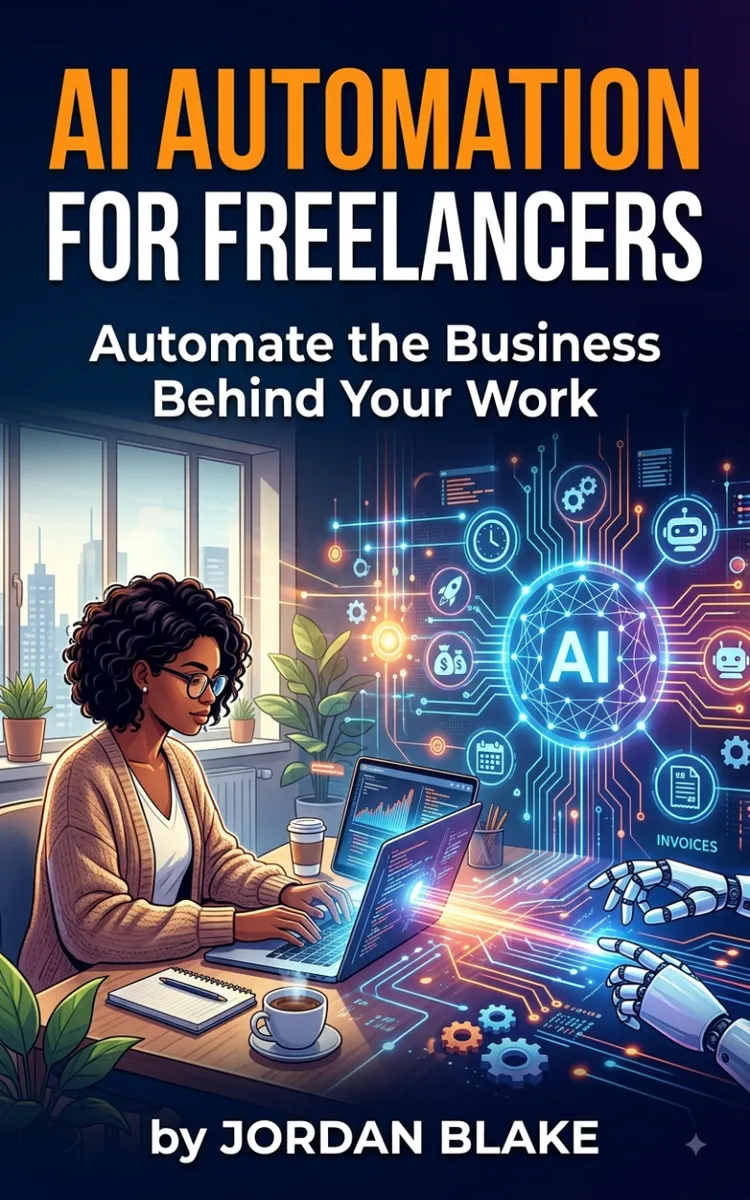
"AI Automation for Freelancers: Automate the Business Behind Your Work" is a business book by Lauren Brooks with 10 chapters and approximately 19,128 words. Using AI to automate freelancer business operations and workflows.
This book was created using Inkfluence AI, an AI-powered book generation platform that helps authors write, design, and publish complete books. It was made with the AI Business Book Writer.
Frequently Asked Questions
What is "AI Automation for Freelancers: Automate the Business Behind Your Work" about?
Using AI to automate freelancer business operations and workflows
How many chapters are in "AI Automation for Freelancers: Automate the Business Behind Your Work"?
The book contains 10 chapters and approximately 19,128 words. Topics covered include AI Automation Starter Audit, Choosing AI Tools for Freelancers, Automating Lead Capture and Intake, Writing Proposals with AI Drafts, and more.
Who wrote "AI Automation for Freelancers: Automate the Business Behind Your Work"?
This book was written by Lauren Brooks and created using Inkfluence AI, an AI book generation platform that helps authors write, design, and publish books.
How can I create a similar business book?
You can create your own business book using Inkfluence AI. Describe your idea, choose your style, and the AI writes the full book for you. It's free to start.
Write your own business book with AI
Describe your idea and Inkfluence writes the whole thing. Free to start.
Start writingCreated with Inkfluence AI


