
Read the first chapter
The whole of chapter one, free. About 3 min. Turn the pages with the arrows, your keyboard, or a swipe.
Chapter 1
Microsoft Sentinel Workspace Onboarding
Overview
Will the workspace preserve enough evidence to explain who enabled Sentinel, which logs were connected, and when detections became operational? This section provisions a Microsoft Sentinel workspace, enables the service through Azure Resource Manager (ARM), and records the SOC Readiness Checklist fields required for audit and handoff.
Quick Reference
| Operation | Method and endpoint | Purpose | |---|---|---| | Create Log Analytics workspace | PUT /subscriptions/{subscriptionId}/resourceGroups/{resourceGroupName}/providers/Microsoft.OperationalInsights/workspaces/{workspaceName} | Creates the logging boundary | | Enable Sentinel | PUT /subscriptions/{subscriptionId}/resourceGroups/{resourceGroupName}/providers/Microsoft.OperationalInsights/workspaces/{workspaceName}/providers/Microsoft.SecurityInsights/onboardings/default | Onboards Sentinel | | Verify workspace | GET on the workspace resource | Confirms region, SKU, and retention | | Verify Sentinel | GET on the onboarding resource | Confirms service state | | Record readiness | SOC Readiness Checklist | Captures owner, scope, retention, access, and evidence locations |
Parameters
| Parameter | Type | Required | Description | |---|---|---:|---| | subscriptionId | string | Yes | Azure subscription containing the workspace | | resourceGroupName | string | Yes | Resource group for Sentinel resources | | workspaceName | string | Yes | Globally unique Log Analytics workspace name | | location | string | Yes | Azure region, such as eastus | | retentionInDays | integer | Yes | Workspace retention period; commonly 30 to 730 days, subject to service and pricing limits | | skuName | string | Yes | Log Analytics SKU, normally PerGB2018 | | api-version | string | Yes | ARM API version; use a currently supported version, such as 2023-09-01 for workspaces | | sentinelApiVersion | string | Yes | SecurityInsights API version supported in the target environment | | principalId | string | Yes | Entra ID object ID used for RBAC assignment and audit attribution |
Code Example
`bash
Assumptions: az login is complete and the target subscription is selected. SUB=" " RG="rg-sentinel-prod" WS="law-sentinel-prod" LOCATION="eastus"
az account set --subscription "$SUB" az group create --name "$RG" --location "$LOCATION"
Create the Log Analytics workspace. az monitor log-analytics workspace create \ --resource-group "$RG" \ --workspace-name "$WS" \ --location "$LOCATION" \ --sku PerGB2018 \ --retention-time 90
Enable Microsoft Sentinel on the workspace. az rest --method put \ --url "https://management.azure.com/subscriptions/$SUB/resourceGroups/$RG/providers/Microsoft.OperationalInsights/workspaces/$WS/providers/Microsoft.SecurityInsights/onboardings/default?api-version=2023-02-01" \ --body '{}'
Capture immutable setup evidence for the SOC Readiness Checklist. az monitor log-analytics workspace show \ --resource-group "$RG" --workspace-name "$WS" \ --query '{id:id,location:location,retention:retentionInDays,sku:sku.name}' \ --output json `
Response Format
A workspace query returns a structure similar to:
json { "id": "/subscriptions/ /resourceGroups/rg-sentinel-prod/providers/Microsoft.OperationalInsights/workspaces/law-sentinel-prod", "location": "eastus", "retention": 90, "sku": "PerGB2018" }
| Field | Meaning | |---|---| | id | Canonical resource identifier used in RBAC and evidence | | location | Data residency and deployment region | | retention | Configured interactive retention in days | | sku | Billing and ingestion model |
Notes & Best Practices
• Apply Azure Policy before onboarding connectors. Enforce approved regions, diagnostic settings, tags, and private connectivity requirements. - Assign least-privilege roles at workspace scope. Record principalId, role name, assignment scope, ticket number, and UTC timestamp in the checklist. - Validate the onboarding resource with az rest --method get; a successful workspace creation does not prove Sentinel is enabled. - Store command output, ARM deployment IDs, retention approval, data residency decision, and connector ownership as audit evidence. This establishes the baseline used by analytics, incidents, and investigations.
End of chapter one. 39 more chapters and about 22,709 words in the full book.
Swipe or use the arrows to turn the page

PRESIDENT DONALD TRUMP: FACT OR FICTION?

Ashfall at Point Meridian Master Manuscript

THREE PRESIDENCIES, ONE AMERICA
What's inside: 40 chapters
- 1. Microsoft Sentinel Workspace Onboarding
- 2. Microsoft Sentinel RBAC Role Assignments
- 3. Azure Monitor Logs Table Provisioning
- 4. Data Connector Setup Wizard
- 5. Microsoft Defender for Endpoint Connector
- 6. Microsoft Defender for Cloud Apps Connector
- 7. Syslog Data Connector and AMA
- 8. Custom Log Ingestion via DCR
- 9. KQL Time Range and Sampling
- 10. KQL Operators: where summarize join
- 11. KQL Entities: Account IP Host
- 12. KQL Threat Intel: TI Indicators Table
- 13. Analytics Rules: Scheduled Query Rule
- 14. Analytics Rules: NRT Query Rule
- 15. Analytics Rule: Alert Grouping Settings
- 16. Incident Creation from Analytics Rules
- 17. Incident Entity Mapping and Enrichment
- 18. Incident Triage: Status, Severity, Owner
- 19. Incident Evidence: Evidence Items Workflow
- 20. Entity Page Deep Dive for Investigation
- 21. Hunting with Hunting Queries
- 22. Hunting with Query Templates and Parameters
- 23. Workbooks: Interactive Incident Dashboards
- 24. Workbooks: KQL Visualizations and Filters
- 25. Automation Rules: Logic Apps Trigger
- 26. Automation Rules: Suppression and Dedup
- 27. Automation Rules: Playbook for Enrichment
- 28. Entities: Custom Entity Types and Linking
- 29. Entities: Entity Resolution and Confidence
- 30. Analytics Rule: MITRE ATT&CK Tactics Mapping
- 31. False Positives: Validation with Baselines
- 32. False Positives: Allowlists and Exceptions
- 33. False Positives: Incident Closure Criteria
- 34. Troubleshooting: Data Connector Latency Symptoms
- 35. Troubleshooting: KQL Query Failures and Nulls
- 36. Troubleshooting: Analytics Rule Execution Errors
- 37. Verify Fixes with Rule Replay and Backfill
- 38. Audit-Ready Reporting with Sentinel Workbooks
- 39. Microsoft Sentinel REST API: Incidents Operations
- 40. Microsoft Sentinel ARM Templates for End-to-End Deploy
About this book
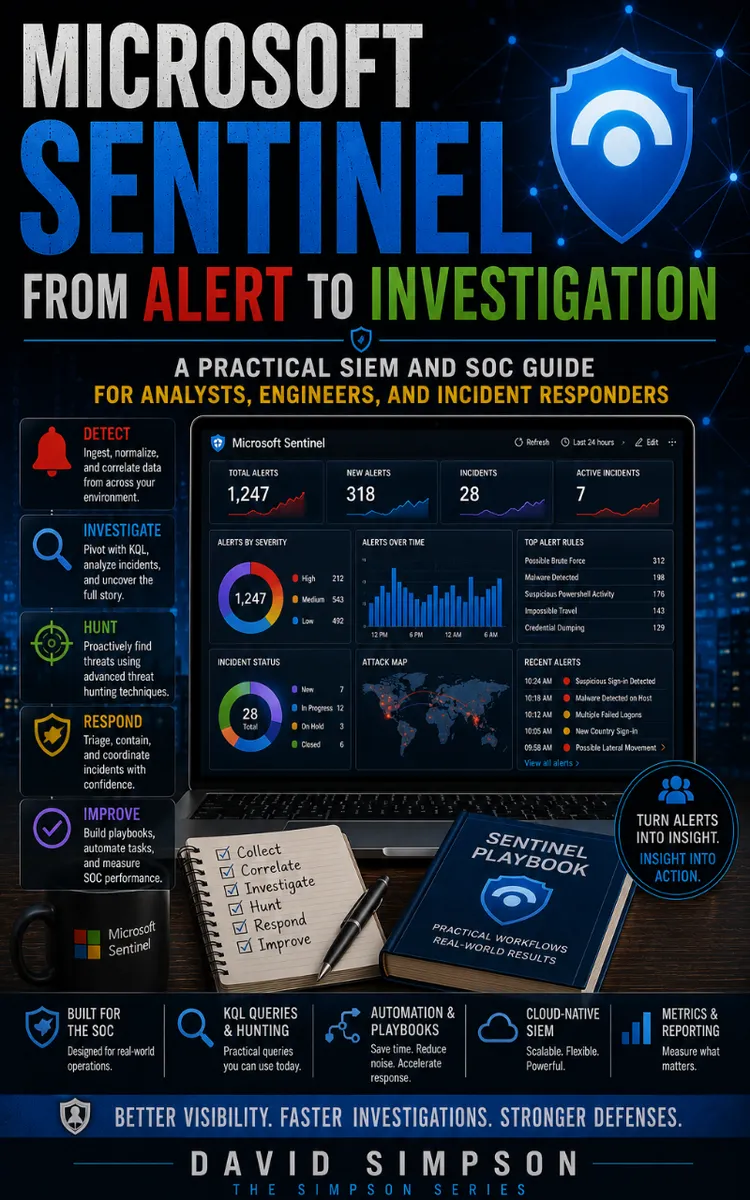
"Microsoft Sentinel From Alert To Investigation" is a technical book by David Simpson with 40 chapters and approximately 22,709 words. Configuring and using Microsoft Sentinel for SOC investigations.
This book was created using Inkfluence AI, an AI-powered book generation platform that helps authors write, design, and publish complete books. It was made with the AI Documentation Generator.
Frequently Asked Questions
What is "Microsoft Sentinel From Alert To Investigation" about?
Configuring and using Microsoft Sentinel for SOC investigations
How many chapters are in "Microsoft Sentinel From Alert To Investigation"?
The book contains 40 chapters and approximately 22,709 words. Topics covered include Microsoft Sentinel Workspace Onboarding, Microsoft Sentinel RBAC Role Assignments, Azure Monitor Logs Table Provisioning, Data Connector Setup Wizard, and more.
Who wrote "Microsoft Sentinel From Alert To Investigation"?
This book was written by David Simpson and created using Inkfluence AI, an AI book generation platform that helps authors write, design, and publish books.
How can I create a similar technical book?
You can create your own technical book using Inkfluence AI. Describe your idea, choose your style, and the AI writes the full book for you. It's free to start.
Write your own technical book with AI
Describe your idea and Inkfluence writes the whole thing. Free to start.
Start writingCreated with Inkfluence AI


