
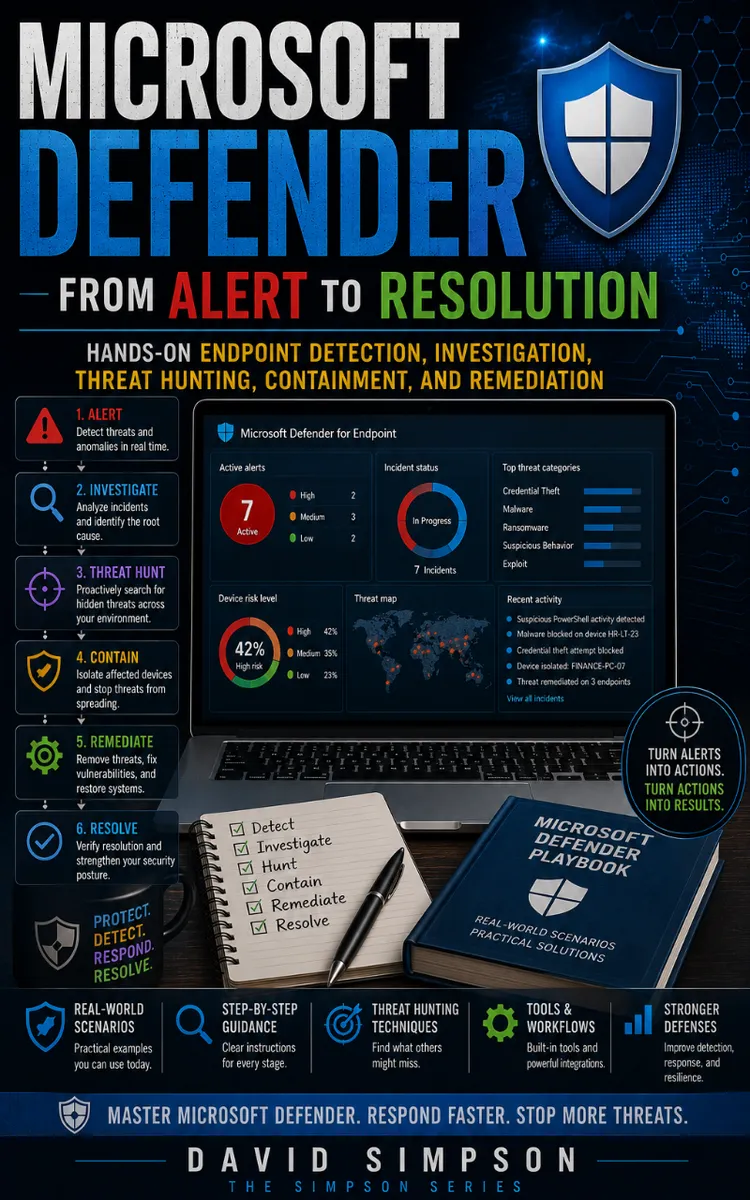
Defender Alert To Resolution
Created with Inkfluence AI
Microsoft Defender workflows for alerts, investigation, hunting, remediation
Table of Contents
- 1. Defender Alert Triage Basics
- 2. Microsoft Defender Portal Navigation
- 3. Alert Severity, Status, and Labels
- 4. What Defender Detects on Endpoints
- 5. Security Baseline for Defender
- 6. Configuring Microsoft Defender for Endpoint
- 7. Device Groups and Exposure Control
- 8. Attack Surface Reduction Rules
- 9. Tamper Protection and Recovery
- 10. Cloud-Delivered Protection Tuning
- 11. Controlled Folder Access Configuration
- 12. Exploit Protection for Common Binaries
- 13. Network Protection and Firewall Signals
- 14. Automated Investigation Playbooks
- 15. Knowledge Check: Alert-to-Action Mapping
- 16. Common Alert Sources and Root Causes
- 17. Evidence Collection with Device Timeline
- 18. Process Tree and Command-Line Analysis
- 19. File and Hash Reputation Interpretation
- 20. Network Connections and Domain Patterns
- 21. Identity and Sign-In Correlation
- 22. Threat Hunting Query Starter Pack
- 23. Decision Tree for False Positives
- 24. Containment: Isolate Device Safely
- 25. Containment: Quarantine Files and Actions
- 26. Containment: Block Indicators and Domains
- 27. Remediation Planning and Ownership
- 28. Root Cause Verification Checklist
- 29. Command Line Tools for Endpoint Response
- 30. PowerShell Scripts for Investigation
- 31. Troubleshooting: Missing Alerts and Gaps
- 32. Troubleshooting: High False-Positive Rates
- 33. Troubleshooting: Tamper Protection Blocks Changes
- 34. Troubleshooting: Sensor Health and Connectivity
- 35. Knowledge Check: Build an Investigation Report
- 36. Verify the Fix with Detection Regression Tests
- 37. Threat Hunting for Recurrence and Persistence
- 38. Engineer Level: Custom Detection and Automation
- 39. Senior Practitioner: Metrics, SLAs, and Quality Gates
- 40. From Alert to Resolution War Story
Preview: Defender Alert Triage Basics
A short excerpt from “Defender Alert Triage Basics”. The full book contains 40 chapters and 72,944 words.
Reading the Timeline Before Choosing an Action
Could the alert be harmless if you looked only at its title, but clearly dangerous once you read the timeline? That question matters because Microsoft Defender alerts often compress several events into one detection. The title may mention a suspicious script, while the timeline shows whether the script ran, what launched it, which account ran it, what files it touched, and whether the device connected to another system.
A poor triage decision creates two problems. Dismissing a real intrusion leaves an attacker active. Escalating every alert without checking the evidence floods the investigation queue and delays response to higher-risk activity. A useful triage decision must connect the alert to observable facts: process ancestry, user context, device exposure, network activity, and signs of follow-on actions.
After working through the timeline, you should be able to decide among three outcomes: investigate, dismiss, or escalate. You will also know how to record the evidence that supports the decision, so another analyst can repeat your reasoning instead of starting over. The practical takeaway is simple: never judge an alert from its label alone; judge the sequence of events that produced it.
The ATLAS Triage Loop
The ATLAS Triage Loop gives you a repeatable way to read an alert timeline. ATLAS stands for Alert, Timeline, Link, Assess, Select. The loop keeps you focused on the evidence inside the alert rather than on assumptions about the detection name.
1. Alert - confirm what Defender detected. Open the alert in the Microsoft Defender portal and record the alert title, severity, detection time, device, user, and detection source. The alert title tells you what Defender noticed, not necessarily what the attacker achieved. Confirm the exact device and timestamp before you interpret anything else.
2. Timeline - read events before and after detection. Open the device timeline and inspect a useful time window, such as 30 minutes before and 60 minutes after the alert. Look for process creation, file activity, registry changes, logon events, network connections, and security product actions. The events before detection explain the trigger; the events after detection show possible impact.
3. Link - connect related evidence. Link the alert to its process tree, user account, file hash, command line, parent process, and destination address. A PowerShell process launched by a software installer has a different starting point from PowerShell launched by a document reader. The relationship between events often matters more than any single event.
4. Assess - rate confidence and impact. Ask whether the activity matches an approved task, whether the account should perform it, whether the device contains sensitive data, and whether the activity continued after detection. High confidence means the evidence clearly supports malicious or unauthorized behavior. High impact means the activity could affect important systems, credentials, or data.
5. Select - choose investigate, dismiss, or escalate. Investigate when the evidence remains uncertain or shows suspicious behavior that needs more analysis. Dismiss only when you can document a trusted explanation and no harmful follow-on activity. Escalate when the evidence indicates active compromise, spread, credential theft, sensitive data access, or a response action that requires administrator or incident-response authority.
Use the timeline as a sequence, not a list. For example, `WINWORD.EXE → powershell.exe → rundll32.exe → outbound connection` deserves more attention than an isolated PowerShell event. The first process shows the entry point, the second shows execution, the third may show payload loading, and the connection may show command-and-control activity. Ask yourself: “What changed between the first event and the last event?” That answer often determines the correct disposition.
Microsoft Defender provides several useful views for this work. The alert page shows related evidence and investigation status. The device timeline shows chronological activity. The process tree shows parent-child relationships. Advanced hunting, Defender’s query interface for searching security data, can help you check whether the same file, command line, or destination appeared on other devices. Use hunting when the alert might represent a wider event, not merely a single-device anomaly.
Record the reason behind your decision in plain language. “Dismissed because approved deployment tool created the file, the hash matched the signed package, and no unusual child process or network activity followed” supports a defensible dismissal. “Looks fine” does not. A clear reason protects the queue from repeated review and gives escalation teams a useful starting point.
Applying ATLAS to a PowerShell Alert
A Defender alert reports “Suspicious PowerShell command line” on `FIN-WS-042`....
About this book
"Defender Alert To Resolution" is a how-to guide book by David Simpson with 40 chapters and approximately 72,944 words. Microsoft Defender workflows for alerts, investigation, hunting, remediation.
This book was created using Inkfluence AI, an AI-powered book generation platform that helps authors write, design, and publish complete books. It was made with the AI Ebook Generator.
Frequently Asked Questions
What is "Defender Alert To Resolution" about?
Microsoft Defender workflows for alerts, investigation, hunting, remediation
How many chapters are in "Defender Alert To Resolution"?
The book contains 40 chapters and approximately 72,944 words. Topics covered include Defender Alert Triage Basics, Microsoft Defender Portal Navigation, Alert Severity, Status, and Labels, What Defender Detects on Endpoints, and more.
Who wrote "Defender Alert To Resolution"?
This book was written by David Simpson and created using Inkfluence AI, an AI book generation platform that helps authors write, design, and publish books.
How can I create a similar how-to guide book?
You can create your own how-to guide book using Inkfluence AI. Describe your idea, choose your style, and the AI writes the full book for you. It's free to start.
Write your own how-to guide book with AI
Describe your idea and Inkfluence writes the whole thing. Free to start.
Start writingCreated with Inkfluence AI


