
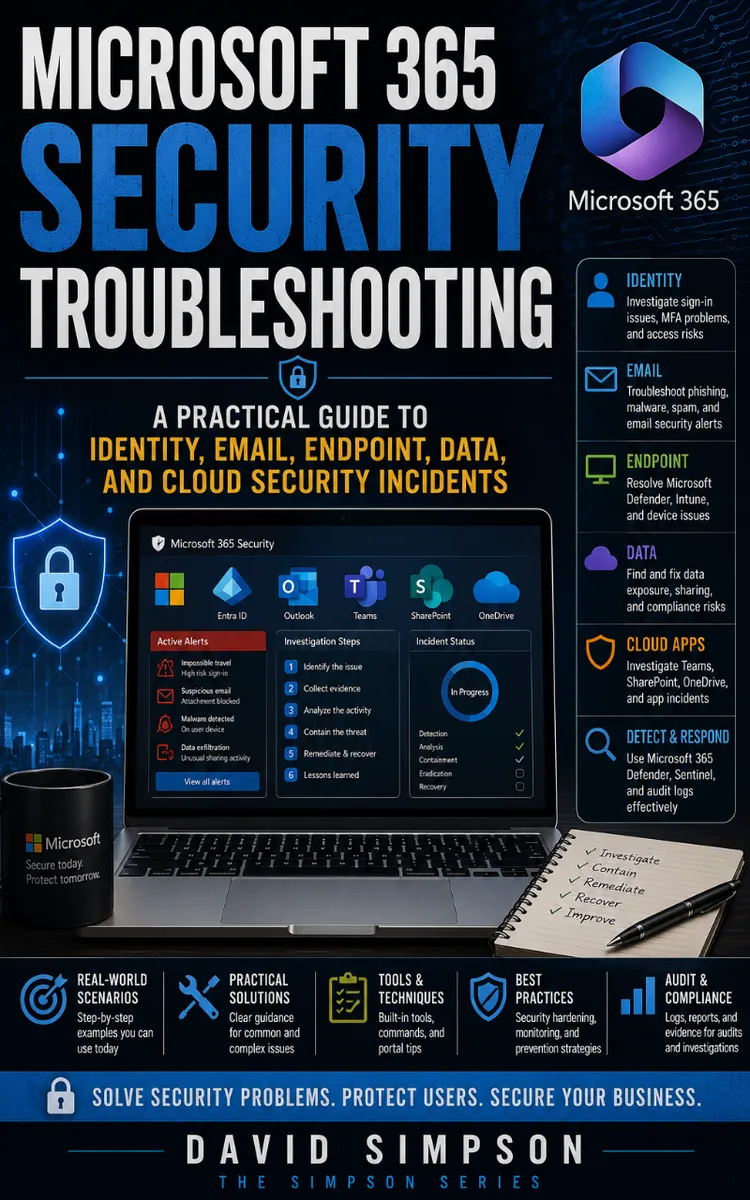
Microsoft 365 Security Troubleshooting
Created with Inkfluence AI
Troubleshooting Microsoft 365 security incidents across identity, email, endpoints, and cloud
Table of Contents
- 1. Security Triage Mindset Basics
- 2. Microsoft 365 Security Data Map
- 3. Entra ID Roles and Permissions
- 4. Authentication Failure Symptoms
- 5. Conditional Access Evaluation Checklist
- 6. Sign-in Logs Deep Dive
- 7. User Risk and Risk Events
- 8. Compromised Account Containment
- 9. OAuth App Consent Abuse Checks
- 10. App Permissions and Token Hygiene
- 11. MFA Bypass via Legacy Auth
- 12. Password Spray Detection Workflow
- 13. Brute Force vs Credential Stuffing
- 14. Exchange Online Mailbox Audit Trails
- 15. Malicious Inbox Rules Investigation
- 16. OAuth Mailbox Access Recon
- 17. Defender for Office 365 Alerts Triage
- 18. Phishing URL and Safe Links Checks
- 19. Spam and Spoofing Misconfiguration
- 20. Defender for Endpoint Incident Correlation
- 21. Intune Device Compliance Failures
- 22. Endpoint Isolation and Rollback
- 23. Defender Antivirus and ASR Rule Tuning
- 24. Suspicious Process and Network Events
- 25. Device Timeline Reconstruction Lab
- 26. Microsoft 365 Data Loss Incident Basics
- 27. DLP Policy Match and False Positives
- 28. Investigation with Advanced Hunting Queries
- 29. KQL Decision Tree for Hunting
- 30. Audit-Ready Evidence Collection Template
- 31. PowerShell for Security Troubleshooting
- 32. Microsoft Graph Troubleshooting Commands
- 33. Automating Checks with Scripts
- 34. Root Cause Analysis for Security Incidents
- 35. Fix Verification with Control Tests
- 36. Post-Incident Hardening for Entra ID
- 37. Email Security Hardening After Takeover
- 38. Defender and Intune Remediation Playbooks
- 39. Senior Practitioner: Incident Readiness Drills
- 40. Decision Trees for Real-World Incidents
Preview: Security Triage Mindset Basics
A short excerpt from “Security Triage Mindset Basics”. The full book contains 40 chapters and 74,192 words.
When the First Alert Is Not the First Priority
Which deserves attention first: a sign-in from an unfamiliar country, a mailbox rule that forwards messages externally, or a malware alert on a laptop used by an administrator? The answer depends on what the attacker can do now, what evidence may disappear, and how many users or systems the activity can reach.
Microsoft 365 incidents cross service boundaries quickly. A stolen Microsoft Entra ID session can lead to mailbox access, malicious inbox rules, OAuth abuse, data theft, or changes to Microsoft Intune and Conditional Access. If you investigate alerts one at a time without setting scope, you can spend an hour proving a low-risk event while an active attacker continues using a valid session.
The goal is to make a defensible first decision. You will learn how to rank incidents with the Incident Triage Ladder, establish a time and identity boundary, preserve useful evidence, and choose containment actions that limit damage without destroying your investigation. The result should be a short, testable statement such as: “One user account shows active mailbox abuse from 09:12 to 09:26 UTC; no administrator access or endpoint execution is confirmed.”
The Incident Triage Ladder
The Incident Triage Ladder ranks an event by four questions: Is the attacker active? What access does the identity or device provide? How far has the activity spread? Can the evidence or damage change if you wait? Start with the highest rung that the facts support, not with the alert severity assigned by a product.
Use these five rungs:
1. Rung 1 - Active control: Treat activity as the highest priority when an attacker still holds a usable session, changes authentication settings, creates inbox rules, grants OAuth consent, or modifies security controls. Contain first because every additional minute can create new access or erase useful context.
2. Rung 2 - Privileged reach: Raise priority when the account has an administrator role, access to sensitive data, application ownership, or permission to change Conditional Access, Intune, Exchange Online, or Defender settings. A single compromised administrator can expand the incident far beyond the original alert.
3. Rung 3 - Confirmed impact: Use this rung when you can prove message forwarding, file downloads, endpoint execution, password reset activity, or other unauthorized action. Confirmed impact requires both containment and scope work.
4. Rung 4 - Possible compromise: Place suspicious sign-ins, impossible-travel detections, unfamiliar applications, and unusual mailbox access here when you lack proof of successful access or harmful action. Validate quickly, but do not treat every anomaly as a breach.
5. Rung 5 - Benign or explained: Close or monitor events that match approved travel, a known service, a documented automation account, or a managed device. Record the reason so another analyst does not reopen the same question.
Ask yourself: “What can still happen if I do nothing for the next ten minutes?” That answer often ranks the incident better than the alert title.
Define scope with four boundaries. Set the time boundary from the earliest suspicious event through the latest known activity, adding a small search buffer before and after. Set the identity boundary around the user, service principal, application, administrator, and authentication methods involved. Set the resource boundary around mailboxes, SharePoint sites, OneDrive files, devices, and tenant settings. Set the geographic and network boundary around source addresses, countries, autonomous systems, virtual private networks, and known corporate egress points.
Record facts in a working table before drawing conclusions:
| Boundary | Initial value | What to verify |
|---|---|---|
| Time | 09:00-10:00 UTC | First sign-in, last token use, rule creation, downloads |
| Identity | `alex.chen@contoso.com` | Roles, group membership, applications, sessions |
| Resources | Exchange Online mailbox | Inbox rules, forwarding, sent items, audit events |
| Access path | Browser sign-in from unfamiliar address | Authentication method, device, token, location |
Use Microsoft Defender XDR (extended detection and response) for incident correlation, Microsoft Entra sign-in logs for authentication, the Microsoft Purview audit portal for user and administrator actions, Exchange Online PowerShell for mailbox configuration, and Intune for device state. Pull evidence from at least two sources before you label an event confirmed. A sign-in log can show successful authentication; it cannot by itself prove that the attacker read mail.
Containment and evidence preservation must work together. Revoke sessions when an attacker may still have access, but capture the relevant sign-in, audit, mailbox, and alert details first when the situation allows....
About this book
"Microsoft 365 Security Troubleshooting" is a how-to guide book by David Simpson with 40 chapters and approximately 74,192 words. Troubleshooting Microsoft 365 security incidents across identity, email, endpoints, and cloud.
This book was created using Inkfluence AI, an AI-powered book generation platform that helps authors write, design, and publish complete books. It was made with the AI Ebook Generator.
Frequently Asked Questions
What is "Microsoft 365 Security Troubleshooting" about?
Troubleshooting Microsoft 365 security incidents across identity, email, endpoints, and cloud
How many chapters are in "Microsoft 365 Security Troubleshooting"?
The book contains 40 chapters and approximately 74,192 words. Topics covered include Security Triage Mindset Basics, Microsoft 365 Security Data Map, Entra ID Roles and Permissions, Authentication Failure Symptoms, and more.
Who wrote "Microsoft 365 Security Troubleshooting"?
This book was written by David Simpson and created using Inkfluence AI, an AI book generation platform that helps authors write, design, and publish books.
How can I create a similar how-to guide book?
You can create your own how-to guide book using Inkfluence AI. Describe your idea, choose your style, and the AI writes the full book for you. It's free to start.
Write your own how-to guide book with AI
Describe your idea and Inkfluence writes the whole thing. Free to start.
Start writingCreated with Inkfluence AI


