
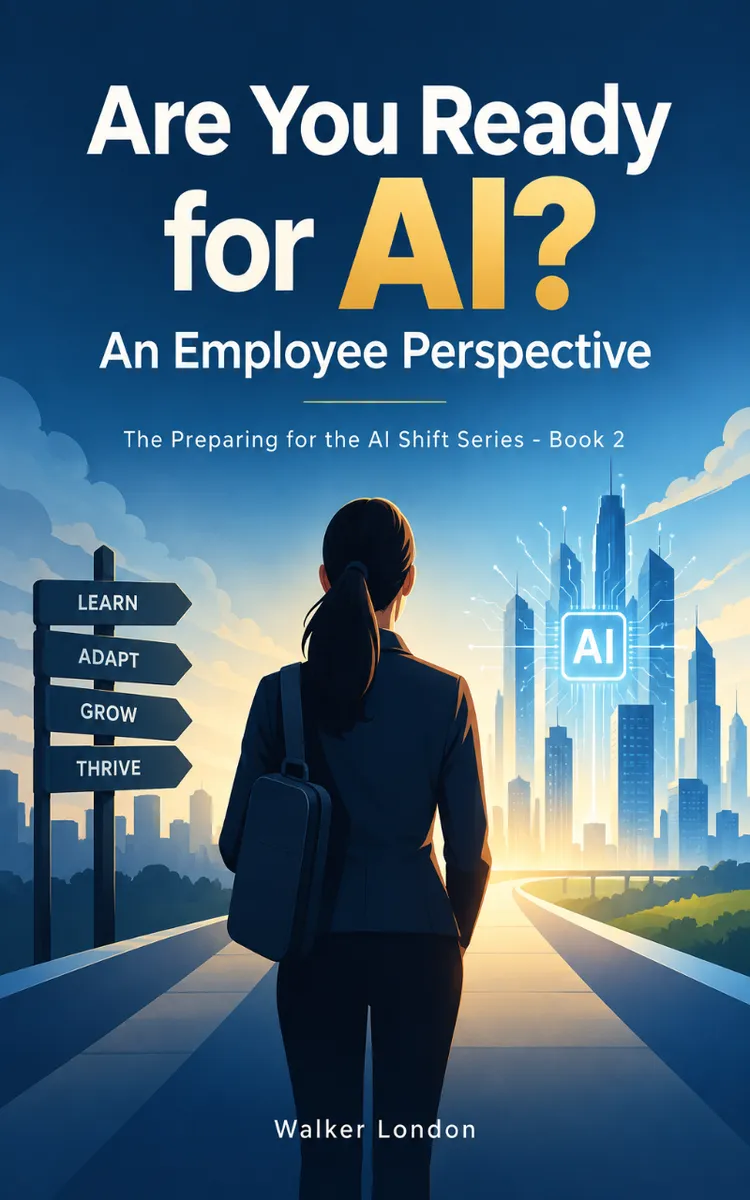

Read the first chapter
The whole of chapter one, free. About 7 min. Turn the pages with the arrows, your keyboard, or a swipe.
Chapter 1
Reading the Readiness Radar
When the Work Is Ready for AI
A customer service team added an AI assistant to draft replies, yet employees still copied text into personal notes, searched three systems for account details, and asked a supervisor whether each answer was safe to send. The tool worked. The work around it did not. After a month, the team could not tell whether AI saved time or simply moved effort to checking, correcting, and finding missing information.
That problem appears in many workplaces. A sales employee may have a useful customer list but no clear rule for which fields can enter an AI tool. A supervisor may understand the business process but lack the skill to review an AI-generated forecast. A warehouse team may have an AI recommendation that does not fit the handoff between receiving and dispatch. Employees may also avoid reporting failures because the workplace treats questions as resistance.
The Readiness Radar gives you four points to inspect: usable data, relevant skills, redesigned workflows, and supportive culture. The goal is not to declare a department “ready.” The goal is to identify what a person can safely do today, what needs supervision, and what the workplace must fix before AI enters the task. By the end of this section, you can run the Daily Readiness Scan on one real piece of work and turn its findings into specific action.
The Daily Readiness Scan
The Daily Readiness Scan turns the Readiness Radar into a short check before or after an AI-supported task. It asks four questions. Each question exposes a different reason that an AI application may succeed, fail, or create hidden work.
1. Is the data usable? Check whether the information is accurate, current, complete enough, and allowed for the tool. A customer address copied from a system that has not been updated for two years is not usable simply because you can access it. Remove private details when the task does not require them, and confirm the approved tool before entering business information.
2. Do I have the relevant skills? Identify the human abilities the task still requires. These may include writing a clear prompt, spotting an invented detail, understanding a product rule, or deciding when an answer needs expert review. AI can draft a refund explanation, but an employee still needs to know the refund policy and recognize when the customer’s case falls outside it.
3. Has the workflow changed? Map what happens before, during, and after AI use. A workflow is the sequence of actions that moves work from request to completion. If AI creates a draft but no one owns the final check, the workflow has a gap. Add a named reviewer, a place to record the final version, and a clear handoff.
4. Does the culture support responsible use? Look for practical permission to ask questions, report errors, and suggest improvements. A supportive culture does not mean “use AI however you like.” It means employees know the boundaries, receive help when they find a problem, and can stop an unsafe process without fear of blame.
Run the scan against one task, not an entire job. “Use AI in sales” is too broad to assess. “Draft the first response to a website inquiry using the approved customer relationship system” gives you something you can inspect. Record the result in four short notes: what is ready, what is missing, what risk needs control, and who will act.
The scan also helps you distinguish a tool problem from a readiness problem. If the AI produces poor answers because the product information is outdated, buying a different tool may not help. If employees cannot review the output because no one taught them the relevant policy, more automation may increase risk. The scan keeps attention on the conditions around the tool.
A Sales Inquiry from Start to Finish
Consider a small sales team that receives website inquiries and wants AI to draft first replies. The team has one approved assistant connected to its customer relationship system, but employees currently answer each inquiry from separate email accounts. The team leader runs the Daily Readiness Scan before changing the process.
1. Define the task. The team limits AI to drafting a reply within 15 minutes of a new inquiry. The draft may summarize the customer’s request, suggest two relevant products, and propose a call. It may not promise a delivery date or approve a discount.
2. Check the data. The employee confirms that the inquiry includes the customer’s name, company, product interest, and preferred contact method. The employee removes a phone number from the prompt because the draft does not need it. The team checks product availability in the current inventory system rather than relying on an old spreadsheet.
3. Check the skills. Each employee practices three actions: writing a prompt that names the customer’s request, comparing the draft with the product page, and identifying claims that require confirmation. The team leader observes one practice round and corrects errors before live use.
4. Redesign the workflow. The assistant creates a draft in a shared queue. The assigned employee checks product details and tone, then sends the message from the company account. If the draft mentions pricing, delivery, legal terms, or a complaint, the employee routes it to the sales leader before sending. The team records the final response in the customer relationship system.
5. Set a short review period. For the first 10 business days, the leader reviews five completed replies each afternoon. The team tracks draft time, correction time, missing information, and escalations. A workable result might show that drafting takes 4 minutes, checking takes 3 minutes, and fewer than 1 in 10 replies requires major rewriting. If checking takes 12 minutes, the team should repair the workflow or training rather than claim success.
6. Capture employee feedback. Employees record one issue beside each flagged reply: outdated product detail, unclear instruction, missing approval rule, or tool error. After 10 days, the leader groups the notes and assigns one owner to each repeated problem. The team then reruns the scan before expanding the task.
Quick checklist
• Name one specific task, not a whole role. - Confirm the approved tool and remove data the task does not need. - Check whether the source information is current and complete. - Identify the human skill needed to review the result. - Assign the final reviewer and escalation point. - Record where the completed work belongs. - Measure drafting time and checking time separately. - Give employees a safe way to report errors. - Set a review date before expanding use.
This process shows what readiness looks like in daily work: the data has a clear purpose, people know how to judge the output, the workflow assigns responsibility, and the culture treats careful feedback as part of the job.
Where Readiness Checks Commonly Fail
Treating access as usable data
Employees often assume that information is ready because they can open it. A customer file may contain old contact details, mixed formats, duplicate records, or private information that the task does not require. AI can produce a polished answer from poor inputs, which makes the error harder to notice.
Do this: Check the source, date, required fields, and permission before using the data. Use a small sample and compare it with the current system of record.
Not this: Paste an entire customer export into an AI tool because “the system already has it.”
Training people on the button instead of the judgment
A short demonstration can show employees where to enter a prompt, but it cannot teach them when an answer needs review. Without task knowledge, employees may accept confident but incorrect text.
Do this: Practice with three outputs: one acceptable, one incomplete, and one unsafe. Ask the employee to explain the difference and name the next action.
Not this: Measure readiness by whether everyone completed a tool tutorial.
Calling silence a supportive culture
If employees believe reporting an AI error will make them look careless or slow, they will quietly repair the output and move on. The organization then loses the information needed to improve its data, skills, and workflow.
Do this: Add a simple error log with the task, issue, impact, and suggested fix. Review it at a regular team meeting and thank the person who identified each problem.
Not this: Tell employees to “use their judgment” without giving them an escalation route.
The Daily Readiness Scan does not promise that every task will become faster. It gives you something more useful: a clear view of what must be true for AI-supported work to remain safe, practical, and accountable. When employees can name the data they need, the judgment they must apply, the workflow they follow, and the support they can expect, readiness stops being a slogan. It becomes a daily habit that improves the work one task at a time.
End of chapter one. 7 more chapters and about 13,635 words in the full book.
Swipe or use the arrows to turn the page


What's inside: 8 chapters
- 1. Reading the Readiness Radar
- 2. Sorting Tasks with the Capability Compass
- 3. Writing Safe, Useful AI Prompts
- 4. Checking AI Outputs Before Use
- 5. Protecting Workplace Information
- 6. Redesigning Your Daily Workflow
- 7. Building Skills Through Practice
- 8. Giving Feedback That Improves Adoption
About this book
"Are You Ready for AI? An Employee Perspective" is a business book by Walker London with 8 chapters and approximately 13,635 words. AI affects the way people do day-to-day work faster than most training programs or policies can keep up. Leaders face a practical decision: either leave employees to experiment and risk inconsistent results, data leaks, and wasted time, or equip people with clear, actionable skills to use AI safely and productively.
This book was created using Inkfluence AI, an AI-powered book generation platform that helps authors write, design, and publish complete books. It was made with the AI Business Book Writer.
Frequently Asked Questions
What is "Are You Ready for AI? An Employee Perspective" about?
AI affects the way people do day-to-day work faster than most training programs or policies can keep up. Leaders face a practical decision: either leave employees to experiment and risk inconsistent results, data leaks, and wasted time, or equip people with clear, actionable skills to use AI safely and productively. This book targets the middle ground - not lofty strategy or deep engineering, but the concrete steps employees need to evaluate, use, and improve AI in ordinary tasks. Each chapter gives one focused strategy you can apply immediately. The book uses concrete examples - a sales reply workflow, a customer support process, a purchasing approval - and includes short checklists and scripts you can use in meetings. Why trust this approach? The recommendations come from hands-on field experience with teams that added AI and discovered the real problems were rarely the model itself. The problems were outdated data, missing review ownership, and employees unsure when to escalate. This book translates those lessons into repeatable steps you can test in 10 business days and measure with simple metrics: drafting time, checking time, and the rate of escalations.
How many chapters are in "Are You Ready for AI? An Employee Perspective"?
The book contains 8 chapters and approximately 13,635 words. Topics covered include Reading the Readiness Radar, Sorting Tasks with the Capability Compass, Writing Safe, Useful AI Prompts, Checking AI Outputs Before Use, and more.
Who wrote "Are You Ready for AI? An Employee Perspective"?
This book was written by Walker London and created using Inkfluence AI, an AI book generation platform that helps authors write, design, and publish books.
How can I create a similar business book?
You can create your own business book using Inkfluence AI. Describe your idea, choose your style, and the AI writes the full book for you. It's free to start.
Write your own business book with AI
Describe your idea and Inkfluence writes the whole thing. Free to start.
Start writingCreated with Inkfluence AI


