

Read the first chapter
The whole of chapter one, free. About 7 min. Turn the pages with the arrows, your keyboard, or a swipe.
Chapter 1
Mapping the AI Learning Journey
When an Automated Handoff Changes the Learning Experience
A student submits an essay to an online portal. The system marks several sentences as “unclear,” recommends a writing tool, and sends the work to a teacher’s queue. The student follows the tool’s suggestions, but the revised sentences no longer express the original idea. The teacher sees only the final version, assumes the student made the changes independently, and gives feedback on a problem the system helped create. At home, a family member receives an automated message saying the assignment is “incomplete,” even though the student submitted it before the deadline.
No single step looks dramatic. The trouble appears between steps: when a learner moves from writing to automated feedback, from feedback to revision, from submission to teacher review, or from school communication to family action. These moments are automated handoffs. They can confuse learners, exclude people whose language or access needs differ from the system’s assumptions, or mislead educators and families about what actually happened.
School leaders, teachers, instructional designers, and education teams need a reliable way to see those handoffs before they introduce a tool. The Learning Journey Radar provides that view. It traces the path from a learner’s goal to the final human decision, then tests each transition for clarity, inclusion, accuracy, and ownership. By the end of this section, you can map an existing learning journey, identify where artificial intelligence enters it, and decide which handoffs need redesign before broader use.
The Learning Journey Radar
The Learning Journey Radar starts with the learner’s real task, not the product being considered. A school may describe its goal as “introducing an artificial intelligence tutor,” but the learner’s goal might be “understand fractions well enough to solve tomorrow’s problems.” That difference matters. A tool can perform its assigned function while failing the learner’s actual need.
Use the radar to trace seven points. Record what the learner sees, what the system does, what information moves forward, and who checks the result.
1. Goal - State what the learner is trying to accomplish. Write “explain the causes of erosion in two paragraphs,” not “use the writing assistant.” A clear goal lets the team judge whether each automated step helps or distracts.
2. Entry - Identify how the learner starts and what the system assumes. Check the login, device, language, reading level, accessibility settings, and prior knowledge. A voice-based tutor may work well for a student with limited typing access but fail if it cannot recognize the student’s speech pattern.
3. Guidance - Record the prompts, examples, hints, or recommendations the learner receives. Check whether the system explains its advice. “Try again” does not teach a learner what to change.
4. Work product - Identify what the learner creates and what the system can see. A quiz tool may capture selected answers but miss the reasoning written on scratch paper. A writing tool may see a draft but not the classroom discussion that shaped it.
5. Handoff - Mark every transfer from learner to system, system to learner, learner to educator, and school to family. For each transfer, name the information that moves and the information that disappears. This is where confusion and false confidence often begin.
6. Decision - State who makes the next important judgment. The system may recommend extra practice, but an educator should decide whether the learner needs a different explanation, additional support, or a formal intervention.
7. Return - Check what comes back to the learner and family. They need a clear result, a reason, and a next action. A dashboard that labels a student “at risk” without explaining the evidence gives families a conclusion without a useful response.
After mapping these points, test each handoff with four questions: Can the person receiving the information understand it? Can people with different language, disability, device, or connectivity needs use it? Does the information accurately represent the learner’s work? Does a named person own the next decision? A “no” answer identifies a repair point.
For example, an automated reading platform may recommend a lower text level after a student reads slowly. The recommendation could reflect unfamiliar vocabulary, a noisy room, a microphone problem, or a student who needs more time to process text. The radar does not reject the recommendation automatically. It requires an educator to inspect the evidence before treating it as a learning judgment.
A Reading-Feedback Journey Mapped in Practice
Consider a secondary school reviewing an artificial intelligence reading coach for ninth-grade students. The team plans a four-week pilot with 30 students, one class period each week, and a teacher review every Friday. The team uses the radar before students begin.
1. Write the learner goal. The team records: “Students will identify a claim, select two relevant details, and explain how the details support the claim.” The expected outcome is a short response containing one claim, two details, and a clear explanation.
2. Map the entry conditions. The team checks 30 student accounts, 30 school-managed tablets, headphone access, screen-reader compatibility, and translation support for students who are still developing English proficiency. The team discovers that the tool requires a separate password and does not support the school’s screen reader. The school postpones those students’ use until it provides an accessible route rather than treating nonparticipation as student failure.
3. Inspect the guidance handoff. The tool gives sentence-level suggestions but does not explain why a detail lacks relevance. The teacher adds a required reflection box: “Which suggestion did you accept, and what evidence supports your choice?” Students must explain one revision in their own words.
4. Protect the work product. Students submit both the original response and the revised response. The platform stores the two versions, while the teacher reviews them side by side. This prevents the final draft from hiding how the student reasoned or how much the system changed.
5. Set the decision owner. The tool may recommend a practice passage, but the teacher decides whether the student needs vocabulary support, a model paragraph, or a conference. The team records this rule in the pilot plan so no automated label becomes a placement decision.
6. Check the family handoff. The school sends families a plain-language notice explaining that the tool provides practice feedback, not a grade or diagnosis. The notice names the data collected, gives a contact for questions, and explains how families can decline participation without losing access to instruction.
7. Review evidence after four weeks. The team compares original and revised responses, teacher judgments, student explanations, and access problems. A successful pilot requires more than faster drafting. Students should explain their revisions, teachers should find the feedback usable, and no group should face a higher rate of blocked access or unexplained errors.
The team expects to find at least three repairable issues before expansion: unclear feedback, missing context in teacher review, and family confusion about the tool’s authority. That expectation makes the pilot a learning exercise rather than a product demonstration.
Quick checklist
• Write the learner’s task in plain language. - Mark every point where artificial intelligence reads, predicts, recommends, or communicates. - Save the learner’s original work before automated revision. - Name the human owner for every high-stakes decision. - Test access with actual devices, screen readers, languages, and connectivity conditions. - Give families a clear explanation of purpose, data, limits, and choices. - Review outcomes by learner group, not only as a single average. - Remove or redesign any handoff that people cannot explain.
Mistakes That Hide the Real Handoff
Treating the tool boundary as the journey boundary
Teams often map only the moment when students open the application. They miss the earlier teacher prompt, the account setup, the data transfer, and the later family message. The learner experiences one continuous process, even when several departments and systems control it.
Do this: Trace the journey from the learner’s goal through the final human response, including email, paper work, classroom discussion, and family communication.
Not this: Draw a box around the artificial intelligence product and assume everything outside it belongs to someone else.
Mistaking system confidence for learner understanding
A polished explanation can sound correct while missing the learner’s question. A tutoring system may provide a fluent answer about a science concept but use an example that conflicts with the teacher’s lesson or local curriculum. A learner who cannot explain the answer has not gained dependable understanding.
Do this: Ask learners to restate the idea, show their reasoning, or solve a related problem without the tool. Require educators to verify important content before they pass it forward.
Not this: Count a completed chatbot exchange as proof that learning occurred.
Ignoring families until a problem reaches home
Families often encounter artificial intelligence through attendance alerts, progress dashboards, behavior messages, or automated recommendations. If the first explanation arrives after a concerning label, trust has already weakened. Families also may not know whether a message describes a confirmed fact, a prediction, or a request for human review.
Do this: Explain the tool before use, label predictions as predictions, provide a human contact, and state what the school will do when the system is wrong.
Not this: Send a label such as “intervention recommended” without the evidence, limits, or next step.
The Learning Journey Radar turns hidden transitions into visible decisions. It helps education teams protect the learner’s original purpose while keeping educators accountable for interpretation and families informed about what the system can and cannot tell them. Before any school asks whether artificial intelligence can scale, it should ask a more practical question: where, exactly, does the learner hand control to a system, and who takes responsibility when the system gets it wrong?
End of chapter one. 7 more chapters and about 13,797 words in the full book.
Swipe or use the arrows to turn the page


What's inside: 8 chapters
- 1. Mapping the AI Learning Journey
- 2. Assessing Readiness Across School Communities
- 3. Matching AI Capabilities to Learning Needs
- 4. Choosing High-Value Classroom Applications
- 5. Protecting Privacy, Consent, and Trust
- 6. Preserving Integrity and Human Judgment
- 7. Measuring Educational Quality Beyond Efficiency
- 8. Piloting and Scaling AI Responsibly
About this book
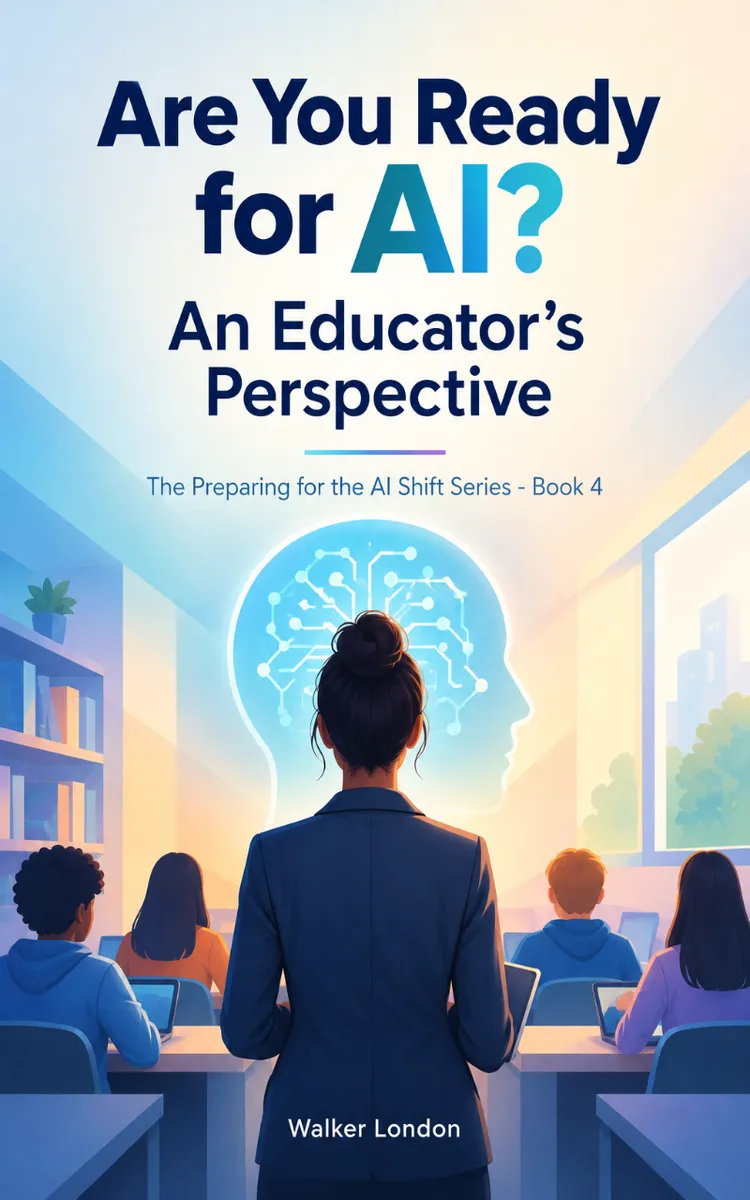
"Are You Ready for AI? An Educator's Perspective" is a business book by Walker London with 8 chapters and approximately 13,797 words. Before your instituation adopts AI, you need to know who is prepared to use it, where it fits, and who remains accountable when it gets something wrong. Are You Ready for AI? An Educator’s Perspective turns those decisions into concrete checks for school leaders and teams.
This book was created using Inkfluence AI, an AI-powered book generation platform that helps authors write, design, and publish complete books. It was made with the AI Business Book Writer.
Frequently Asked Questions
What is "Are You Ready for AI? An Educator's Perspective" about?
Before your instituation adopts AI, you need to know who is prepared to use it, where it fits, and who remains accountable when it gets something wrong. Are You Ready for AI? An Educator’s Perspective turns those decisions into concrete checks for school leaders and teams. Use the Four-Community Readiness Scan to find gaps among students, educators, families, and the institution. Apply the Educational Capability Compass to match a learning need with an AI capability, a human owner, evidence of success, and a reason to stop. Trace the handoffs from student work to teacher review and family communication, so a tool’s effects do not disappear between steps. The book’s central test is simple: a school is not ready just because its technology is ready. These eight chapters help you prepare people, protect trust, and keep human judgment attached to AI-supported decisions before a classroom incident exposes what the rollout missed.
How many chapters are in "Are You Ready for AI? An Educator's Perspective"?
The book contains 8 chapters and approximately 13,797 words. Topics covered include Mapping the AI Learning Journey, Assessing Readiness Across School Communities, Matching AI Capabilities to Learning Needs, Choosing High-Value Classroom Applications, and more.
Who wrote "Are You Ready for AI? An Educator's Perspective"?
This book was written by Walker London and created using Inkfluence AI, an AI book generation platform that helps authors write, design, and publish books.
How can I create a similar business book?
You can create your own business book using Inkfluence AI. Describe your idea, choose your style, and the AI writes the full book for you. It's free to start.
Write your own business book with AI
Describe your idea and Inkfluence writes the whole thing. Free to start.
Start writingCreated with Inkfluence AI


