
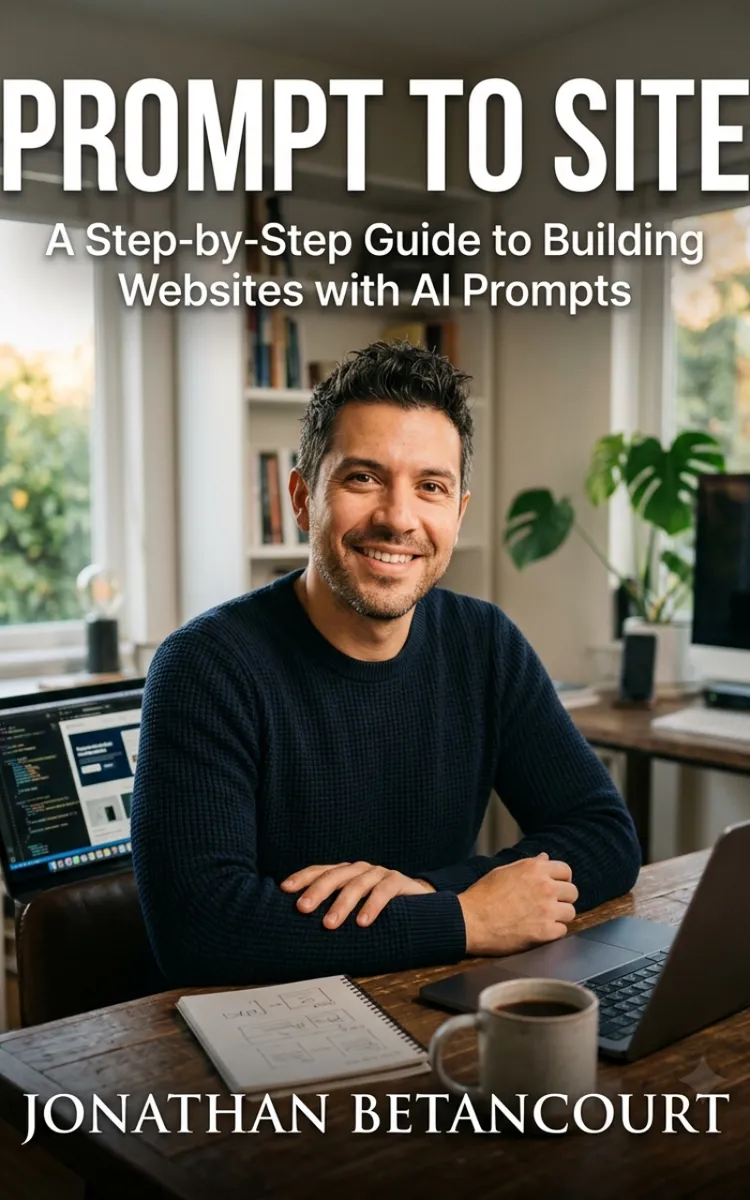

Read the first chapter
The whole of chapter one, free. About 9 min. Turn the pages with the arrows, your keyboard, or a swipe.
Chapter 1
How AI Website Builders "Think"
A vague prompt feels like telling a tool, “Make me a website.” A buildable prompt tells the tool what to build, how to arrange it, and what “done” looks like. When you switch from vague to buildable, AI stops guessing and starts assembling.
If you’ve ever watched an AI generate a nice-looking page that still misses the point - wrong sections, weird spacing, or copy that doesn’t match your service - this chapter explains why. You’ll learn how to write prompts that describe structure, layout, and intent in a way AI can act on, plus the most common failure points that show up when prompts leave out key details.
Vague Prompts vs Buildable Prompts: What the AI Can Actually Use
A vague prompt gives the AI a direction but not a plan. It might include your topic, but it doesn’t lock down the site’s shape. The AI then fills gaps with “safe defaults” that often look generic to you. Buildable prompts, on the other hand, give the AI constraints and checkpoints: the sections you need, the order they should appear, the purpose of each section, and the tone you want.
Here’s the difference in plain terms:
• Vague prompts: “Create a website for my bakery.” - Buildable prompts: “Build a one-page site for a bakery. Include a hero section with a slogan, an ‘About’ section with 3 short bullets, a ‘Menu’ section with 6 items, a ‘Visit’ section with hours and address placeholders, and a footer with Instagram and copyright.”
Notice what the buildable version does. It names the page count, lists sections, and tells the AI what each section must contain. That gives the tool something to assemble instead of something to “guess.”
Ask yourself a quick question: if you removed your brand name and your exact photos, could someone still tell what the page should contain? If the answer is no, your prompt probably needs more structure.
Practical takeaway: Rewrite your prompts so they specify page sections and section contents, not just the website topic.
How AI Interprets Structure: Sections, Order, and “Intent” Signals
AI tools don’t “see your website” like a human does. They work by pattern-matching the instructions you provide and then generating content that fits those patterns. For you, the result depends on whether your prompt clearly signals structure and intent.
Structure means the skeleton: what blocks exist and in what order they appear. When your prompt names sections like “Hero,” “Services,” “Testimonials,” and “Contact,” you give the AI a map. When you also describe what each section must include, you turn that map into instructions.
Intent signals tell the AI what each part should accomplish. A hero section should usually do one job: clarify what you offer and what the visitor should do next. A “Services” section should usually explain offerings in a skimmable way. A “Contact” section should usually reduce friction: show fields, explain what happens after you submit, and set expectations.
You can feel intent in the verbs you use. Compare these:
• Weak intent: “Write about my services.” - Clear intent: “List 6 services with a one-sentence benefit under each, then add a button that says ‘Request a quote.’”
The clearer you get with actions and outcomes, the more likely the AI output matches your real goal.
A simple definition helps: a vague prompt tells AI what you want in general. A buildable prompt tells AI what you want the visitor to do, where the visitor will see it, and what information the visitor needs at that moment.
Practical takeaway: Add an intent sentence for each major section - what it must communicate or what action it should push.
How AI Interprets Layout: Spacing, Components, and Visual Rhythm
Layout is where many prompts break down, even when the content sounds right. AI tends to output “reasonable defaults” for layout if you don’t guide it. That’s why you might get a page with the right sections but awkward spacing, inconsistent font sizing, or blocks that don’t flow.
You don’t need to become a designer to fix this. You just need to describe layout in component language the AI can follow. Use phrases like “two-column layout for Features,” “cards for services,” “centered hero,” “stack on mobile,” and “keep consistent section padding.”
When you ask for layout rules, you reduce surprises. For example, if your site needs a clean, modern look, you can instruct the AI to use a consistent pattern: each section starts with a heading, then follows with a short paragraph or a grid of cards, then ends with a single call to action (if it fits).
Also, be explicit about responsiveness. If you tell the AI “make it mobile-friendly,” it may interpret that as “shrink everything.” If you tell it “stack cards and columns on small screens,” you get a more reliable result.
One more thing: broken styling often comes from mixing instructions that conflict. If you say “use a dark theme” and also “keep white backgrounds for readability,” the AI may try to satisfy both and create patchy contrast. You prevent that by choosing a single direction and sticking to it in the prompt.
Practical takeaway: Describe layout with component rules (cards, grids, columns) and add a clear responsiveness instruction (stack on mobile).
How AI Interprets Intent Across the Whole Site: Consistency Checks That Prevent Surprises
AI can generate each section correctly and still produce a site that feels off. That happens when the prompts don’t enforce consistency across the whole site.
Consistency checks sound boring, but they prevent the most common “why doesn’t this match?” problems. You want your prompt to lock down things that should stay the same everywhere: brand voice, button styles, naming, and the same core offer.
For example, if your business is “wedding photography,” you don’t want the site to randomly start talking about “events” or “portraits” unless you intend that expansion. If your call to action should be “Book a consultation,” don’t let the AI invent a different CTA like “Get in touch” on one page and “Schedule now” on another. The AI may do that when your prompt only specifies one CTA once.
You also want the AI to keep the site’s story aligned: the hero sets expectations, the sections support those expectations, and the contact form confirms what happens next. When prompts skip that through-line, you get mismatched tone or missing steps - like a contact form that doesn’t explain what the user should submit.
A practical way to enforce consistency is to include a short “style and naming rules” block in your prompt. You don’t need to be fancy. Just say what to use and what to avoid.
Practical takeaway: Add a consistency block that locks CTA wording, key offer wording, and tone so the AI can’t drift section by section.
Common Failure Points: Generic Output, Missing Sections, and Broken Styling
Even with decent prompts, you’ll hit failure points. The trick is to recognize the pattern fast so you can fix it without rewriting everything.
Generic output happens when your prompt leaves out specifics Generic output looks like filler copy, broad claims, and placeholders that feel like templates. It often shows up when you only describe the topic but not the structure and content requirements. The AI then fills space with safe statements instead of your actual value.
Fix it by forcing specificity: require the number of items, the type of content in each section, and the exact kind of details you want (benefits, outcomes, or constraints). If you want “3 benefits,” say “3,” and tell the AI what each benefit should answer (time saved, problem solved, experience delivered).
Missing sections happen when you don’t name the site’s “must-haves” AI tools can produce a coherent single page and still miss an important section because your prompt didn’t list it. For instance, you might ask for “Home and About pages” and forget “Contact,” then wonder why there’s no way to convert.
Fix it by listing every required page and every required section. If you want a contact section, name it. If you want a gallery, name it. If you want testimonials, name it. The AI can’t include what you didn’t tell it to include.
Broken styling happens when your prompt mixes layout rules or stays too high-level Broken styling often shows up as inconsistent spacing, mismatched font sizes, or components that don’t align. This usually happens when you ask for “a modern look” without describing the layout rhythm, or when you give conflicting theme instructions.
Fix it by choosing one theme direction and repeating layout rules. Ask for consistent section padding, consistent button style, and a clear responsive behavior. Also, avoid contradictory instructions like “dark theme” plus “white section backgrounds everywhere” unless you also specify how to handle contrast.
The “looks right but doesn’t work” problem Sometimes the page looks good, but the visitor can’t take action. That happens when your prompt doesn’t define the conversion flow: what the CTA says, where it appears, what happens after the user clicks, and what information the form collects.
Fix it by writing an intent path: hero CTA → supporting sections → final CTA or contact form. When your prompt includes that path, the AI builds the site to guide the visitor instead of just decorating it.
Practical takeaway: Diagnose failures by category - generic copy (missing specifics), missing sections (missing requirements), broken styling (inconsistent layout rules), and weak conversion (missing intent path).
Turning Vague Ideas into Buildable Prompts: A Reusable Template You Can Copy
When you have a rough idea, you don’t need to start from scratch every time. Use a template that forces structure, layout, and intent into your prompt.
Start with these core parts in your prompt: 1) Site goal and audience (one sentence) 2) Page count (one-page, multi-page) 3) Required sections (in order) 4) What each section must contain (headings and content types) 5) Layout rules (cards/grids/columns, mobile stacking) 6) Consistency rules (CTA wording, offer wording, tone) 7) Theme direction (simple and non-contradictory)
Here’s a buildable prompt skeleton you can reuse (swap in your details):
“Build a [one-page or multi-page] website for [business type] targeting [audience]. The goal is [primary goal]. Create these sections in this order: [Section 1] (include [content requirements]), [Section 2] (include [content requirements])… Use a [layout style] with [cards/grids/columns rules]. On mobile, stack columns and cards vertically. Use consistent styling: [section padding rule], [button style rule], [heading style rule]. Use this CTA wording everywhere: ‘[exact CTA text]’. Keep the main offer wording as: ‘[exact offer phrase]’. Theme: [dark or light] with consistent contrast - do not mix conflicting background rules.”
Ask yourself one last check before you run it: can you point to the exact lines in your prompt that control structure (sections), layout (components), and intent (CTA and outcomes)? If you can, you’ve built a prompt the AI can actually follow.
Practical takeaway: Treat your prompt like a build checklist - every “must-have” gets named, and every section gets an “include this” line.
Closing Thought: Your Prompt Is the Blueprint, So Make It Specific Enough to Build
AI website builders work best when you give them a blueprint, not a wish. Vague prompts leave too much room for the tool to improvise. Buildable prompts reduce improvisation by naming sections, describing layout components, and locking intent across the whole site.
Next time you generate a site and it feels off, don’t blame the tool. Look at your prompt and find the missing constraint - structure (you forgot a section), intent (you didn’t define the visitor’s next step), or layout (you didn’t describe how blocks should sit and stack). Fix that one thing, and you’ll usually get a big improvement without starting over.
End of chapter one. 7 more chapters in the full book.
Swipe or use the arrows to turn the page


What's inside: 8 chapters
- 1. How AI Website Builders "Think"
- 2. Before You Prompt - Planning Your Site
- 3. Anatomy of a Great Website Prompt
- 4. Prompting for Structure
- 5. Prompting for Design and Style
- 6. Prompting for Copy and Content
- 7. Iterating and Refining
- 8. Functionality Prompts
About this book
"Prompt To Site" is a how-to guide book by Jonathan Betancourt with 8 chapters and approximately 16,764 words. Using AI prompts to plan, design, and build websites.
This book was created using Inkfluence AI, an AI-powered book generation platform that helps authors write, design, and publish complete books. It was made with the AI Ebook Generator.
Frequently Asked Questions
What is "Prompt To Site" about?
Using AI prompts to plan, design, and build websites
How many chapters are in "Prompt To Site"?
The book contains 8 chapters and approximately 16,764 words. Topics covered include How AI Website Builders "Think", Before You Prompt - Planning Your Site, Anatomy of a Great Website Prompt, Prompting for Structure, and more.
Who wrote "Prompt To Site"?
This book was written by Jonathan Betancourt and created using Inkfluence AI, an AI book generation platform that helps authors write, design, and publish books.
How can I create a similar how-to guide book?
You can create your own how-to guide book using Inkfluence AI. Describe your idea, choose your style, and the AI writes the full book for you. It's free to start.
Write your own how-to guide book with AI
Describe your idea and Inkfluence writes the whole thing. Free to start.
Start writingCreated with Inkfluence AI


