
Read the first chapter
The whole of chapter one, free. About 4 min. Turn the pages with the arrows, your keyboard, or a swipe.
Chapter 1
Getting Started: What AI Can Do for You
Overview
A good first question can turn ChatGPT or Claude from a confusing box into a useful everyday helper. This chapter covers five beginner questions about what artificial intelligence (AI) is, what it can do, how to give clear instructions, and how to check its answers before relying on them.
Keep a notebook, print this chapter, or use the answer space beside each question in your workbook. Write down the response you receive, plus one follow-up question. That simple habit helps you learn by doing.
The Breakdown
#1: What is AI, and how is it different from a regular internet search?
Problem: Many beginners expect AI to work exactly like Google. A search engine mainly finds webpages, while an AI app creates a response based on patterns it has learned. Confusing the two can lead you to trust a confident-sounding answer without checking it.
Solution: Ask the AI: “What is artificial intelligence, in simple language, and how is it different from an internet search?” Then ask it to explain one example, such as finding a recipe or comparing two lawn mowers. Remember that AI can explain and organize information, but it may still make mistakes or use outdated information.
Result: You will understand that AI is a conversation and writing tool, not an all-knowing authority. You will also know when to look for a reliable source, such as a government website, your doctor, or a product manual.
#2: What everyday tasks can ChatGPT or Claude help me with?
Problem: New users often ask, “What can AI do?” and receive a long list that is hard to use. Without a specific task, the answer may feel impressive but does not help with today’s needs, such as writing an email, planning meals, or understanding a bill.
Solution: Ask: “Give me 10 practical ways ChatGPT or Claude can help someone over 50 at home, at work, or in a small business.” Choose one task and try it immediately. For example, ask, “Create a three-day dinner plan for two people using chicken, rice, vegetables, and a $60 budget. Include a shopping list.”
Result: You will see useful results in minutes instead of trying to learn every feature at once. You may also discover that AI can save time on first drafts, lists, explanations, and planning.
#3: How should I write a clear question or instruction for AI?
Problem: A short request such as “Write an email” leaves out important details. The AI does not know who the email is for, what tone you want, or what result you need, so you may receive something too formal, too long, or simply unsuitable.
Solution: Include four basic details:
1. The task: what you want written or explained. 2. The audience: who will read or use it. 3. The details: facts, dates, prices, or limits. 4. The style: friendly, short, simple, or professional.
For example, write: “Draft a friendly email to my plumber asking whether he can inspect a leaking kitchen pipe next Tuesday. Keep it under 100 words.” If the first response is not right, say, “Make it warmer and shorter.”
Result: Your answers will usually be more useful on the first try. You will also learn that improving an AI response is normal; you do not need to begin again each time.
#4: Can AI explain something I do not understand?
Problem: Instructions, medical terms, insurance letters, and technology settings can contain unfamiliar words. Searching each phrase separately may take an hour and can leave you more confused than when you started.
Solution: Paste a short section into the AI and ask: “Explain this in plain English, as if you were speaking to a beginner. Define any difficult terms and list the action steps.” Remove private information first, including account numbers, passwords, full medical record numbers, and other details that identify you. For a medical, legal, or financial document, use the explanation as a starting point and confirm important decisions with a qualified professional.
Result: You can turn a dense paragraph into a short explanation and a practical checklist. You remain in control because the AI helps you understand the document rather than making the final decision for you.
#5: How can I check whether an AI answer is correct?
Problem: AI can produce an answer that sounds certain even when it is wrong. This matters when the subject involves medication, taxes, contracts, money, travel rules, or safety; one incorrect detail can cause stress, expense, or harm.
Solution: Ask: “Which parts of this answer should I verify, and what reliable sources should I use?” Then check important facts in at least one trusted place. For health information, contact a healthcare professional or use a recognized medical organization. For government forms, taxes, or benefits, check the official government website. You can also ask the AI to separate facts from suggestions, but do not treat that request as proof.
Use this quick check before acting:
• Is the answer specific about dates, prices, or rules? - Does it provide a source that you can open and recognize? - Does another reliable source agree? - Is the matter important enough to ask a professional?
Result: You will use AI confidently without treating it as an unquestionable expert. The goal is not to distrust every answer; it is to slow down when the consequences are serious.
What Comes Next
You now have five questions for understanding AI, choosing useful tasks, writing better instructions, and checking answers safely. Next, you will practice using AI for everyday communication, including emails, letters, summaries, and other writing tasks where a clear first draft can save valuable time.
End of chapter one. 9 more chapters in the full book.
Swipe or use the arrows to turn the page
What's inside: 10 chapters
- 1. Getting Started: What AI Can Do for You
- 2. Writing Prompts That Work (Simple, Clear, Helpful)
- 3. Everyday Life Help: Emails, Letters, and Messages
- 4. Learning & Understanding: Summaries and Explanations
- 5. Health, Safety, and Common Sense Checks
- 6. Money & Forms: Budgets, Scams, and Plain-Language Help
- 7. Technology Without Fear: Devices, Apps, and Troubleshooting
- 8. Planning & Organization: Schedules, Travel, and Goals
- 9. Creativity & Fun: Stories, Hobbies, and Brainstorming
- 10. Your Turn: Create Your Own Questions (Plus Review & Next Steps)
About this book
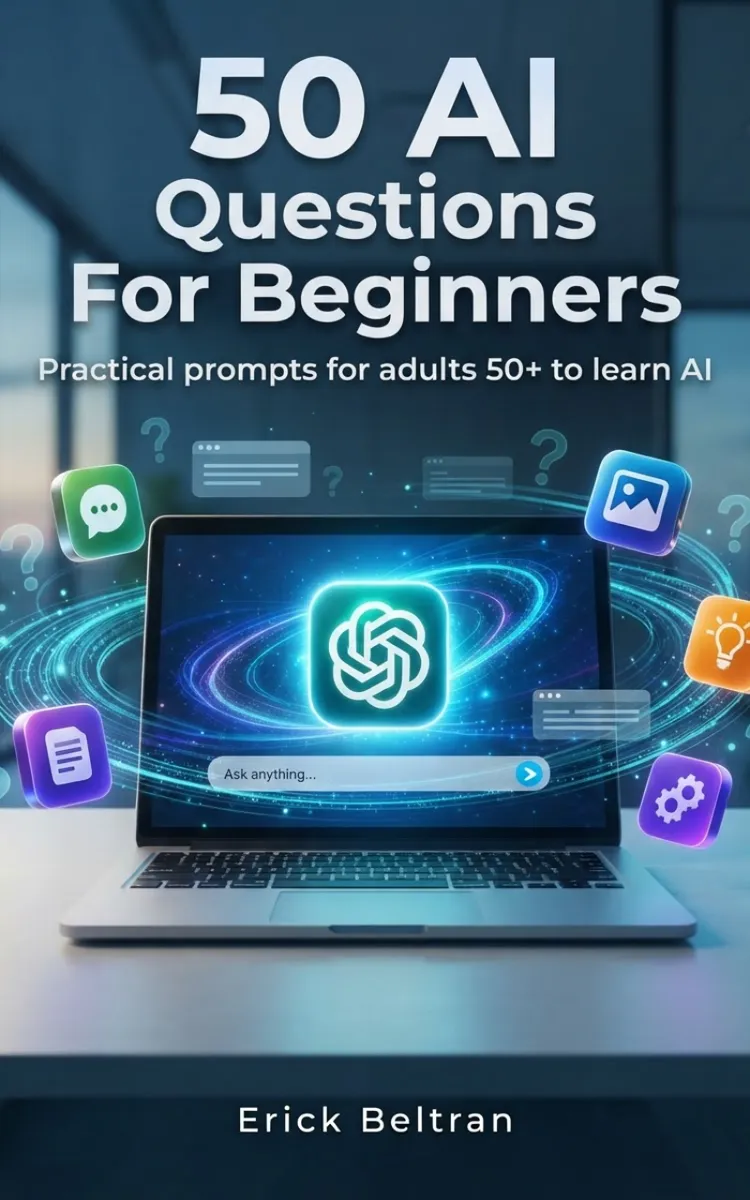
"50 AI Questions For Beginners" is a list book by Anonymous with 10 chapters and approximately 8,683 words. Question prompts for AI apps with answer space and custom prompts.
This book was created using Inkfluence AI, an AI-powered book generation platform that helps authors write, design, and publish complete books.
Frequently Asked Questions
What is "50 AI Questions For Beginners" about?
Question prompts for AI apps with answer space and custom prompts
How many chapters are in "50 AI Questions For Beginners"?
The book contains 10 chapters and approximately 8,683 words. Topics covered include Getting Started: What AI Can Do for You, Writing Prompts That Work (Simple, Clear, Helpful), Everyday Life Help: Emails, Letters, and Messages, Learning & Understanding: Summaries and Explanations, and more.
Who wrote "50 AI Questions For Beginners"?
This book was written by Anonymous and created using Inkfluence AI, an AI book generation platform that helps authors write, design, and publish books.
Write your own list book with AI
Describe your idea and Inkfluence writes the whole thing. Free to start.
Start writingCreated with Inkfluence AI


