
Read the first chapter
The whole of chapter one, free. About 5 min. Turn the pages with the arrows, your keyboard, or a swipe.
Chapter 1
Days 1-5: Claim Your Local Control
A homeowner searches “roofer near me” while rain comes through the ceiling. Your business appears - but the phone number is wrong, the hours are outdated, and the profile is owned by an old employee. The homeowner doesn’t investigate. They tap the next listing.
Days 1-5 are about stopping that leak in your online presence. The GBP Ownership Lock makes sure your Google Business Profile is claimed, verified, accurate, and controlled by you - not Google’s guesswork or somebody who left two years ago.
---
Day 1: Find the Profile You Actually Own
Tip of the Day:
Before you improve your Google Business Profile, find out what Google is showing right now. Search your business name and city while signed into the Google account you use for the business. Then search your main service, such as “residential roofer near me” or “emergency plumber in [city].”
Tanya, a 34-year-old residential roofer, found two listings for her company. One had an old phone number. The other had no photos and showed Saturday as closed. Neither detail was her fault - but both could cost her a job. Your first job is to see the problem clearly.
Today's Action:
Search Google Maps for your business name, city, and main service. Write down every profile you find, including duplicate listings, wrong phone numbers, old addresses, and incorrect hours.
---
Day 2: Claim the Front Door
Tip of the Day:
A Google Business Profile is your front door on the map. If you haven’t claimed it, you’re letting strangers decorate your storefront. Claiming the profile tells Google, “This is my business, and I’m responsible for what’s here.”
Open Google Maps, search for your business, and select the listing. Look for “Claim this business” or “Own this business?” Follow the prompts and use a business email you control. Don’t use an employee’s personal Gmail. Don’t use an old agency account. If the account disappears, your access disappears with it.
Tanya used the company email she checks every morning. That one choice kept her profile connected to the business instead of tied to a former office manager.
Today's Action:
Claim your Google Business Profile using a company-controlled Google account, then save the login details in your business password manager.
---
Day 3: Pass the Verification Test
Tip of the Day:
Google may ask you to verify the business before you can manage everything. The method can vary. You might receive a phone call, text, email, postcard, or video verification request. Follow the option Google gives you. Don’t create a second profile because verification feels annoying. That usually creates a bigger mess.
If Google asks for a video, show the real business. For a service-area business, record your branded truck, tools, equipment, office entrance, invoices, or other proof that connects you to the company. Keep the video steady and follow Google’s instructions. No fancy production needed. Google wants evidence, not a commercial.
Tanya filmed her truck with the company name, opened the locked tool storage, and showed the business paperwork requested on screen. She completed the process in one take. Your goal is simple: prove the business exists and you control it.
Today's Action:
Complete the verification method Google provides, and gather your branded vehicle, tools, signage, license, or business documents before you begin.
---
Day 4: Tell Google Exactly Where You Work
Tip of the Day:
Now check your business details like a customer who has never heard of you. Your business name should match the name customers recognize. Your phone number should reach a real person or a dependable answering system. Your website should load on a phone. Your hours should reflect when someone can actually contact you.
Pay special attention to your address and service area. If customers don’t visit your location, don’t publish a home address just to look more established. Set the profile as a service-area business and list the cities or areas you truly serve. Don’t add every town within a two-hour drive. A long service area doesn’t make you look bigger. It can make your listing look careless.
Tanya serves three nearby counties, but she only listed the cities where her crews regularly work. That gave homeowners a clear answer: “Yes, this roofer covers my area.”
Today's Action:
Open the Edit profile section and correct your business name, phone number, website, hours, address setting, and service area.
Use this quick check while you work:
• Business name matches your truck, invoices, and website. - Phone number is answered or returned quickly. - Website opens correctly on a mobile phone. - Regular and holiday hours are accurate. - Service areas reflect where you actually take jobs.
---
Day 5: Lock the Account Before Someone Else Does
Tip of the Day:
Ownership isn’t finished when the profile is verified. You also need to control who can change it. Review the people and businesses with access under your profile settings. Remove former employees, old marketing companies, and anyone you don’t recognize.
Then add one backup owner or manager you trust. This could be your office manager or spouse who handles calls and paperwork. Keep ownership limited. More access means more chances for the phone number, hours, or business name to be changed without your knowledge.
Write down the account email, verification status, important profile details, and who has access. A simple record saves a painful scramble later. Tanya keeps hers with her insurance and license documents. Not glamorous - but neither is chasing a missing login during a storm.
Today's Action:
Review your Google Business Profile users, remove outdated access, add one trusted backup manager, and record the final account details.
The GBP Ownership Lock is now in place: you found the listing, claimed it, verified it, corrected the facts, and secured the keys. That matters because every future improvement - photos, reviews, updates, and customer calls - depends on one basic fact: you control the profile. A clean map presence starts with ownership, and ownership starts today.
End of chapter one. 6 more chapters in the full book.
Swipe or use the arrows to turn the page

Meta Ads For Residential Contractors

Contract Dispute Playbook For Contractors

10 Copy-Paste AI Prompts
What's inside: 7 chapters
- 1. Days 1-5: Claim Your Local Control
- 2. Days 6-10: Category and Service Precision
- 3. Days 11-15: Photos That Earn Clicks
- 4. Days 16-20: Reviews Engine With Scripts
- 5. Days 21-25: Posts That Turn Into Jobs
- 6. Days 26-28: Messaging and Booking Setup
- 7. Days 29-30: Local Authority and Next Steps
About this book
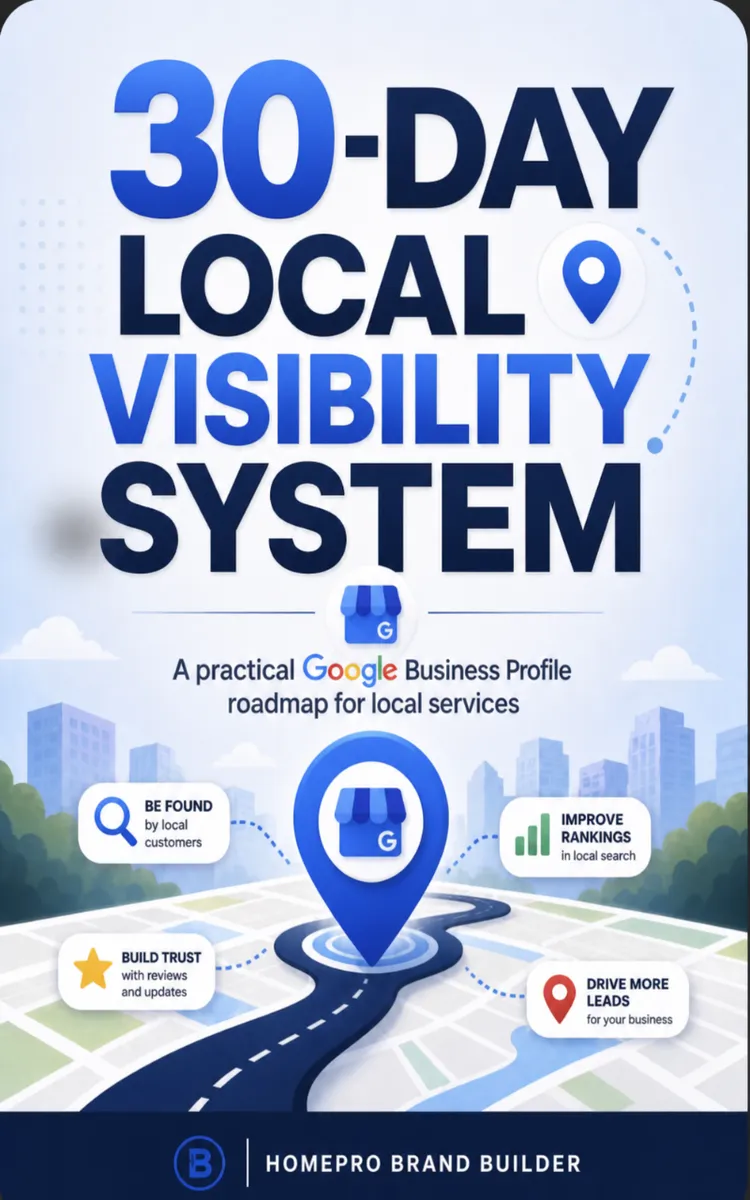
"30-Day Local Visibility System" is a day challenge book by HomePro Brand Builder with 7 chapters and approximately 7,039 words. 30-day Google Business Profile plan to boost local visibility.
This book was created using Inkfluence AI, an AI-powered book generation platform that helps authors write, design, and publish complete books.
Frequently Asked Questions
What is "30-Day Local Visibility System" about?
30-day Google Business Profile plan to boost local visibility
How many chapters are in "30-Day Local Visibility System"?
The book contains 7 chapters and approximately 7,039 words. Topics covered include Days 1-5: Claim Your Local Control, Days 6-10: Category and Service Precision, Days 11-15: Photos That Earn Clicks, Days 16-20: Reviews Engine With Scripts, and more.
Who wrote "30-Day Local Visibility System"?
This book was written by HomePro Brand Builder and created using Inkfluence AI, an AI book generation platform that helps authors write, design, and publish books.
Write your own day challenge book with AI
Describe your idea and Inkfluence writes the whole thing. Free to start.
Start writingCreated with Inkfluence AI


