
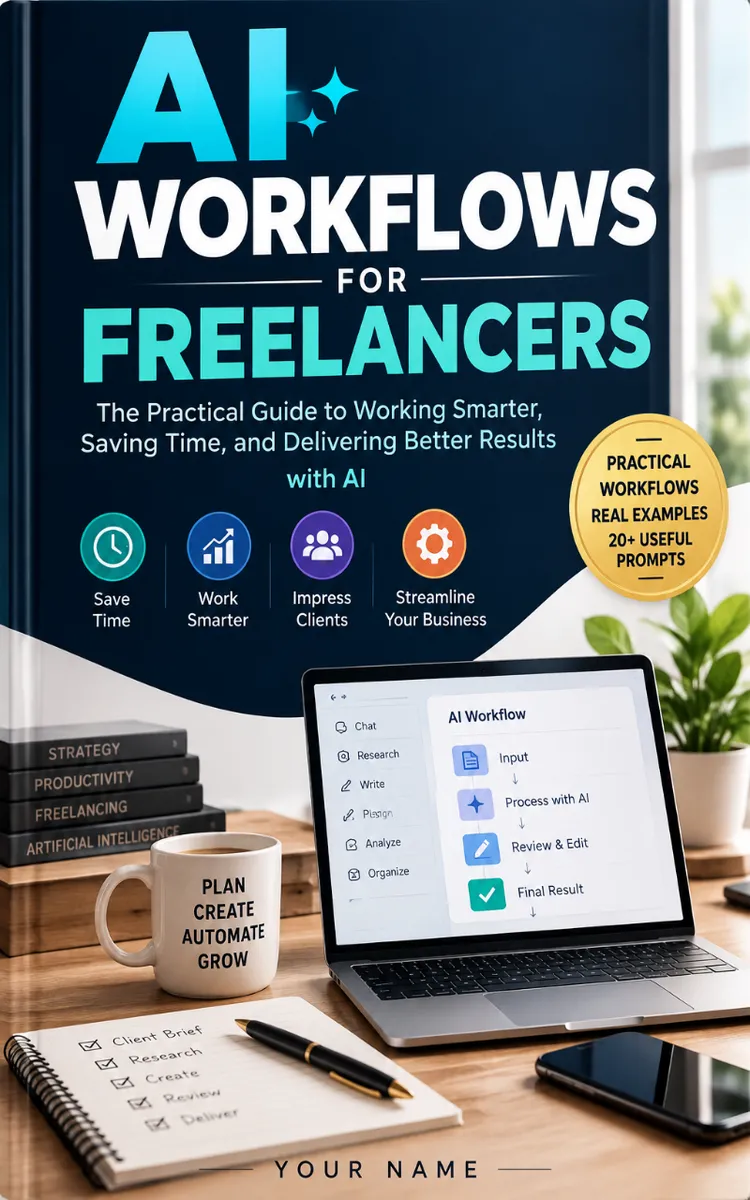
Read the first chapter
The whole of chapter one, free. About 8 min. Turn the pages with the arrows, your keyboard, or a swipe.
Chapter 1
Designing Your AI Workflow
Find the Work That Deserves AI Help
Which part of your freelance work do you repeat every week, even though it still takes attention, judgment, and time? You might rewrite the same client update, turn meeting notes into tasks, check a document for missing details, resize a group of images, or draft similar social posts. These tasks often look small. Added together, they can crowd out the work clients actually hire you to do.
The goal is not to hand your business to an AI tool. The goal is to find repeatable work where assistance removes friction without removing your judgment. A good workflow helps you start faster, notice gaps, and produce a consistent result. A poor workflow adds checking, corrections, privacy risks, or bland output.
After applying the Repeatable Task Filter, you will have a practical way to decide which tasks deserve AI support, which tool fits the task, and whether the new workflow genuinely improves your work. You will also know the difference between assistance and automation, so you can choose the right level of control.
Start by reviewing the last five projects you completed. Write down the tasks you performed more than once. Include small actions, such as copying information between documents, checking file names, or writing delivery messages. Your list should describe actions, not broad goals. “Manage a website project” is too broad. “Create a first draft of the homepage title options” gives you something you can evaluate.
Your immediate takeaway: do not begin with a favorite AI tool. Begin with a repeated task and a clear result.
Apply the Repeatable Task Filter
The Repeatable Task Filter helps you test a task before you add AI. Run each candidate task through these four questions:
1. Does the task repeat? Look for work that appears across projects or occurs several times within one project. Repetition creates a useful pattern for an AI-assisted workflow. If you perform a task only once and need deep specialist judgment, AI may add little value.
2. Can you describe the desired result? State what “done” looks like. For example, a client update might need a short summary, completed items, open questions, and the next deadline. A clear result gives you something to check. Without one, you cannot tell whether the tool helped.
3. Does the task contain a useful first-pass step? AI works well when it can help create options, organize information, summarize supplied material, or identify possible gaps. It should not make the final decision when accuracy, originality, safety, or client strategy depends on your expertise.
4. Can you check the output quickly? Estimate the review time. If AI produces a draft in two minutes but requires twenty minutes of repairs, the workflow may not save time. A useful workflow makes review easier, not merely generation faster.
This filter separates assistance from automation. Assistance means AI helps you perform part of a task while you review and decide. You might ask it to turn rough notes into a structured outline, then correct the outline yourself. Automation means a tool carries out a task with little or no review after a trigger, such as creating a task whenever a form arrives. Automation can save more time, but it also creates more risk when the input varies or the result reaches a client automatically.
Use assistance first when the task includes client-specific context, creative judgment, confidential information, or a high cost of error. Consider automation only after you have run the assisted version several times and know its failure points. For example, manually reviewing five AI-drafted delivery emails can show which details the tool misses before you connect a form to an automatic email.
Choose tools by task rather than by popularity. A general-purpose AI assistant may help draft, summarize, classify, or brainstorm. A transcription tool may turn a recorded call into text. A project-management system may organize deadlines and assignments. A design application may offer AI features for image variations or background removal. Check the tool’s current privacy settings, file handling, export options, and terms before you upload client material. Features and policies can change, so verify them on the tool’s official website when you make your decision.
A simple decision table can keep your choice practical:
| Task | Best starting support | Human responsibility | First test | |---|---|---|---| | Turn call notes into action items | AI assistant or transcription tool | Confirm names, owners, and deadlines | Compare the draft with the recording | | Draft five social captions from approved facts | AI assistant | Check tone, claims, and originality | Review every caption against the source | | Rename and sort project files | File-management rule or automation | Confirm that no file moved incorrectly | Test on a duplicate folder | | Generate a logo concept | Design tool with AI features | Direct the concept and approve the final design | Produce options, then assess brand fit | | Write custom code for a live site | Coding assistant | Test security, behavior, and compatibility | Run the code in a safe test environment |
Ask yourself one final question: “Would I still understand and defend the final result if the AI tool disappeared?” If the answer is no, you have automated your judgment instead of supporting it. Keep ownership of the brief, the decisions, the edits, and the final approval.
The practical takeaway is simple: select tasks with repeatable inputs, visible results, useful first-pass work, and manageable review.
Test One Workflow Before You Scale It
A social media manager can apply the filter to a weekly content package. The repeated task is turning an approved product brief into six platform-specific captions. The desired result is six drafts, each under the client’s length limit, using approved facts and a defined tone. AI can provide a first pass, but the manager must check claims, wording, platform fit, and originality.
Use this small test rather than changing the entire content process at once:
1. Collect the source material. Place the approved product facts, audience description, tone notes, banned phrases, and publishing dates in one working document. Remove private customer information and internal details that the tool does not need. Expected outcome: the AI receives enough context to draft accurately without receiving unnecessary confidential data.
2. Define the output. Request six caption drafts in a table with columns for platform, caption, call to action, and source fact used. Ask the tool to mark any missing information instead of guessing. Expected outcome: the drafts arrive in a format that makes review faster.
3. Run assistance, not automation. Paste the prompt and source material into the approved AI tool. Do not connect automatic publishing yet. Expected outcome: you receive options while keeping control over every public claim.
4. Review against a fixed list. Check every caption for factual accuracy, unsupported promises, tone, length, spelling, repeated wording, and a clear next action. Compare each claim with the source document. Expected outcome: you catch errors before the client or audience sees them.
5. Record the result. Note the time spent gathering information, drafting, reviewing, and correcting. Suppose the old process took 90 minutes and the assisted process takes 25 minutes to draft plus 35 minutes to review. The workflow saves 30 minutes, but only if the final quality matches or improves. Expected outcome: you measure the whole task, not just the instant when the AI produces text.
6. Run the test three more times. Use different products or campaigns. Record recurring errors, such as invented features or captions that sound too similar. Expected outcome: you learn whether the workflow works across normal project variation rather than only on one easy example.
7. Choose the control level. Keep the process as assistance if the source material changes often or the review reveals important mistakes. Consider limited automation only for low-risk actions, such as placing approved drafts into a review folder. Expected outcome: the workflow becomes faster without sending unapproved material to a client or audience.
Quick checklist
• Identify one repeated task, not an entire service. - Define the finished result before opening an AI tool. - Remove unnecessary confidential information. - Select a tool that matches the task and output format. - Ask the tool to flag missing information instead of guessing. - Review accuracy, tone, originality, and client requirements. - Measure total time, including corrections. - Test the workflow on at least four normal examples. - Automate only the low-risk parts that you already understand. - Keep final approval with a human.
The expected improvement is not always a dramatic time reduction. A workflow may earn its place by reducing missed details, making handoffs clearer, or giving you a reliable starting point on busy days. If it saves time but creates a client correction, rewrite, or privacy problem, it has not improved the work.
Your practical checkpoint: keep a short log with four fields - task, total time, corrections, and final quality. That record gives you evidence for the next decision.
Avoid the Traps That Make AI Workflows Worse
Choosing a tool before defining the task
A tool can produce impressive results while solving the wrong problem. Freelancers often collect several applications, then search for a place to use them. That approach creates duplicated work, subscription costs, and scattered files.
Do this: Write the repeated task, desired result, review steps, and privacy limits first. Then choose the simplest tool that can support those requirements.
Not this: Start with “What can this AI app do?” and force your workflow around its features.
Automating a variable task too soon
A workflow that works for one clean input may fail when a client sends incomplete notes, unusual formatting, or a last-minute change. Automatic actions can spread the mistake before you notice it. An automated email with the wrong deadline creates more work than a manual draft ever did.
Do this: Run the task with human review several times. List common failure points and add a stop for missing information, unusual requests, or low confidence.
Not this: Send AI-generated copy, move client files, or publish content automatically after one successful test.
Measuring draft speed instead of finished-work quality
A quick draft can hide a slow correction process. AI may produce confident wording that includes an unsupported claim, misses a requirement, or sounds unlike the client’s brand. If you count only generation time, you may keep a workflow that weakens your service.
Do this: Measure the complete cycle: preparation, AI output, review, corrections, client revisions, and final delivery. Keep the workflow only when it produces equal or better quality with a reasonable total effort.
Not this: Claim success because the tool produced ten options in seconds.
The Repeatable Task Filter gives you a disciplined starting point: find the repeated action, define the result, test assistance, measure the complete cycle, and automate only what you can safely control. When you treat AI as part of a reviewed process rather than a replacement for judgment, each tool earns its place through actual results.
End of chapter one. 4 more chapters and about 8,569 words in the full book.
Swipe or use the arrows to turn the page
What's inside: 5 chapters
- 1. Designing Your AI Workflow
- 2. Turning Requests into Project Briefs
- 3. Researching and Planning Projects
- 4. Drafting Across Freelance Services
- 5. Delivering Work with Confidence
About this book
"AI Workflows For Freelancers" is a how-to guide book by Anonymous with 5 chapters and approximately 8,569 words. Repeatable AI-assisted workflows for freelance projects, communication, and quality control.
This book was created using Inkfluence AI, an AI-powered book generation platform that helps authors write, design, and publish complete books. It was made with the AI Ebook Generator.
Frequently Asked Questions
What is "AI Workflows For Freelancers" about?
Repeatable AI-assisted workflows for freelance projects, communication, and quality control
How many chapters are in "AI Workflows For Freelancers"?
The book contains 5 chapters and approximately 8,569 words. Topics covered include Designing Your AI Workflow, Turning Requests into Project Briefs, Researching and Planning Projects, Drafting Across Freelance Services, and more.
Who wrote "AI Workflows For Freelancers"?
This book was written by Anonymous and created using Inkfluence AI, an AI book generation platform that helps authors write, design, and publish books.
How can I create a similar how-to guide book?
You can create your own how-to guide book using Inkfluence AI. Describe your idea, choose your style, and the AI writes the full book for you. It's free to start.
Write your own how-to guide book with AI
Describe your idea and Inkfluence writes the whole thing. Free to start.
Start writingCreated with Inkfluence AI


