

Read the first chapter
The whole of chapter one, free. About 7 min. Turn the pages with the arrows, your keyboard, or a swipe.
Chapter 1
Understanding What AI Can Do
When a Helpful Answer Sounds Certain
A person asks an AI assistant, “What should I take for this headache?” The assistant replies in a smooth, complete paragraph. The answer may sound confident, but confidence in the wording does not prove that the information is correct, current, or suitable for that person. That difference explains both the usefulness and the risk of AI.
Artificial intelligence, or AI, refers to computer systems that perform tasks such as recognizing patterns, producing language, sorting information, and generating images. An AI assistant can help explain a difficult idea, draft an email, summarize text, or suggest a plan. It can save time, but it does not think, understand, or check facts in the same way a person does.
The goal here is simple: learn what an AI assistant is doing when it answers, identify what it can and cannot reliably know, and use a basic method for checking its work. After reading, you should be able to ask better questions, notice warning signs, and decide when a human or qualified professional must take over.
The Clear Picture Model
A useful way to understand an AI assistant is to picture a system that generates a response by finding patterns in the material used to train it and in the words you provide. It predicts which words should come next so the answer fits your request. It does not automatically “look up the truth” every time it responds.
For example, if you ask, “Explain compound interest for a beginner,” the assistant can produce a clear explanation because it has learned patterns from many examples of language and mathematics. If you ask, “Is the library open today?” the answer requires current local information. Without access to a reliable, up-to-date source, the assistant may guess or repeat an old schedule.
Use the Clear Picture Model to separate an AI answer into four questions:
1. What did I ask? Write down the exact task. A request for an explanation differs from a request for a current fact. This matters because a vague question gives the assistant more room to make assumptions.
2. What is the assistant generating? Treat the response as a draft, explanation, suggestion, or summary - not automatic proof. The assistant creates language that fits the request, even when the underlying claim needs checking.
3. What information might be missing? Check for dates, location, personal details, source material, and important limits. An answer about a bus route, tax rule, medicine, or product price can change or depend on details you did not provide.
4. What must I verify or decide myself? Check important claims against a trustworthy source and use human judgment for consequences. The assistant can help you prepare questions, but it should not make high-stakes decisions for you.
Try this copy-and-paste prompt when you want a clearer answer:
> Explain [topic] for a complete beginner. Separate facts from suggestions. List any assumptions you are making, identify information that may be outdated, and tell me what I should verify from a reliable source.
A weak prompt might say, “Tell me about passports.” It leaves the country, purpose, and date unclear. Improve it by saying:
> I live in Canada and plan to travel to Japan in September 2026. Give me a beginner-friendly checklist of passport and entry questions to verify. Do not present uncertain information as fact, and identify the official sources I should check.
Ask yourself: does the assistant have enough information to answer this question, and what would happen if the answer were wrong? Those two questions turn a smooth response into a clearer picture.
A Practical Test Before You Trust an Answer
Suppose you need to understand whether a household cleaner is safe to use on a painted surface. You ask an AI assistant, and it recommends a method. The answer sounds useful, but the product label, paint type, ventilation, and surface condition all matter. Use the following steps before acting.
1. State the exact task. Write: “I need to clean a painted interior door.” Avoid a broad request such as “How do I clean paint?” The specific task helps the assistant avoid irrelevant advice.
2. Add the details that affect the answer. Include the cleaner’s name, the surface type, and any instructions from the label. Do not add private information that the assistant does not need.
3. Request limits and uncertainty. Ask the assistant to identify what it cannot determine from the information provided. This reduces the chance that it hides an important gap behind confident wording.
4. Check the answer against the product label. The label gives instructions from the manufacturer. If the assistant conflicts with the label, follow the label or contact the manufacturer.
5. Test a small hidden area first. A small test can reveal damage before you apply the method across the whole door. Stop if the surface changes, softens, or reacts unexpectedly.
6. Use human judgment before the final action. If the task involves chemicals, electrical systems, health, legal rights, or significant money, ask a qualified professional when the risk exceeds your knowledge.
A suitable prompt could be:
> I need general information about cleaning a painted interior door. The product label says [paste the relevant instructions]. Explain which parts of your answer depend on the label, list possible risks, and suggest a small-area test. Do not replace the manufacturer’s instructions.
Expected outcome: you should receive a cautious starting point, a list of missing details, and clear verification steps - not a guarantee that the method will work.
Quick checklist
• Identify whether the question needs current information. - Give the assistant the relevant details, but remove private information. - Ask it to list assumptions and uncertainties. - Check important claims against an official or primary source. - Test low-risk actions on a small scale first. - Stop and seek qualified help when the consequences could be serious.
The central lesson is easy to remember: AI can help you form a clear picture, but you still decide whether that picture matches reality.
Where AI Answers Commonly Fail
Mistaking fluent language for truth
AI assistants often write complete sentences with a steady tone. That style can make an incorrect answer feel reliable. An assistant may invent a book title, misstate a date, or provide a source that does not exist. People sometimes call these fabricated answers “hallucinations,” but the practical point matters more than the label: the system can produce a convincing claim without having verified it.
Do this: Ask for the answer’s assumptions, then verify important claims using an official website, a document you trust, or a qualified professional. Not this: Treat a detailed paragraph as proof simply because it contains technical terms or confident wording.
Assuming the assistant knows the present
An assistant may not know a recent price, changed rule, local closure, breaking event, or newly released product. Some tools can search current information, while others cannot. Features, access, prices, and privacy policies vary by provider and can change, so check the tool’s current description rather than relying on a general claim about what “AI” can do.
Do this: Include a date and location, ask whether the assistant has current source access, and open the cited source yourself. Not this: Ask, “What is the rule now?” and act immediately on an answer with no date or source.
Expecting personal understanding or professional judgment
An assistant can respond to your words, but it does not know your full situation unless you explain it, and it cannot examine your body, inspect your home, understand every family detail, or accept responsibility for a decision. It can help you prepare questions for a doctor, lawyer, teacher, technician, or financial professional. It cannot replace their training, direct examination, or responsibility.
Do this: Use AI for preparation: “Help me organize these questions for my appointment.” Remove names, account numbers, passwords, and unnecessary personal details. Not this: Paste a confidential document or rely on an AI response alone for a medical, legal, financial, or safety-critical decision.
A final check can keep your use grounded:
> Review your previous answer. Mark each statement as one of three types: likely general knowledge, information that needs current verification, or personal advice that requires a qualified professional. Explain why you placed each statement in that category.
Then complete one small exercise: choose a question you might ask an AI assistant today and label it low risk, needs verification, or professional advice needed. Write one source you would check before acting. This exercise builds the habit that matters most: use AI to improve your understanding without handing it your judgment.
AI becomes more useful when you see both sides clearly. It can explain, organize, compare, and suggest. It can also miss context, repeat outdated information, and produce an answer that only sounds certain. Keep that clear picture in view, and you can move into everyday uses with curiosity, caution, and control.
End of chapter one. 7 more chapters in the full book.
Swipe or use the arrows to turn the page


What's inside: 8 chapters
- 1. Understanding What AI Can Do
- 2. Choosing Your First AI Assistant
- 3. Writing Prompts That Get Results
- 4. Planning Everyday Tasks with AI
- 5. Creating Writing and Personal Projects
- 6. Learning New Skills with AI
- 7. Using AI at Work Safely
- 8. Verifying Answers and Building Your Routine
About this book
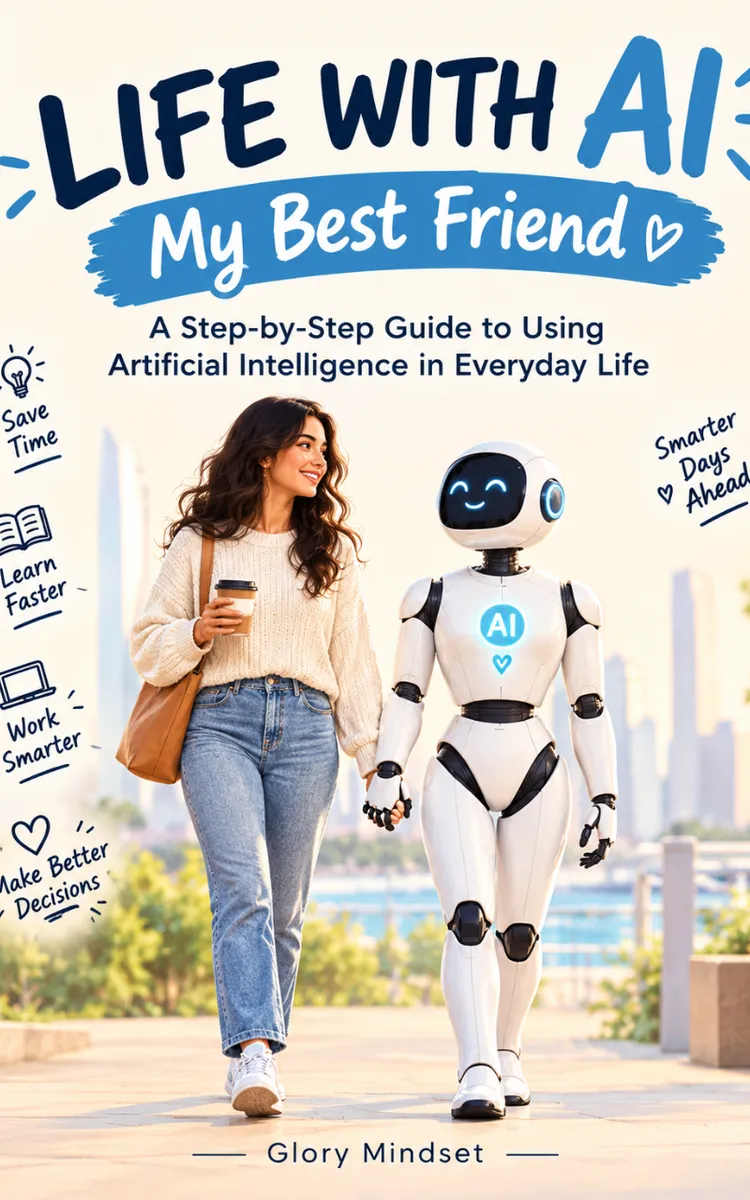
"Life With AI -My Best Friend" is a how-to guide book by Glory Mindset with 8 chapters and approximately 13,485 words. Practical, safe ways beginners can use AI in everyday life.
This book was created using Inkfluence AI, an AI-powered book generation platform that helps authors write, design, and publish complete books. It was made with the AI Ebook Generator.
Frequently Asked Questions
What is "Life With AI -My Best Friend" about?
Practical, safe ways beginners can use AI in everyday life
How many chapters are in "Life With AI -My Best Friend"?
The book contains 8 chapters and approximately 13,485 words. Topics covered include Understanding What AI Can Do, Choosing Your First AI Assistant, Writing Prompts That Get Results, Planning Everyday Tasks with AI, and more.
Who wrote "Life With AI -My Best Friend"?
This book was written by Glory Mindset and created using Inkfluence AI, an AI book generation platform that helps authors write, design, and publish books.
How can I create a similar how-to guide book?
You can create your own how-to guide book using Inkfluence AI. Describe your idea, choose your style, and the AI writes the full book for you. It's free to start.
Write your own how-to guide book with AI
Describe your idea and Inkfluence writes the whole thing. Free to start.
Start writingCreated with Inkfluence AI


