
Read the first chapter
The whole of chapter one, free. About 6 min. Turn the pages with the arrows, your keyboard, or a swipe.
Chapter 1
Chapter 1: The 3 Fast-Track Services
A blank YouTube thumbnail can cost a creator attention before anyone reads the title. A business owner can lose trust when customers receive no reply. A student can waste an evening turning messy class notes into a usable study sheet. These problems look different, but they share one advantage: AI can help you produce a useful first draft quickly.
Your job is not to sell “AI.” Sell the finished result. A clean thumbnail template, a thoughtful review reply, or a clear study guide saves someone time. You still need to check the work, fix mistakes, and match the customer’s needs. Speed helps you deliver. Care earns repeat orders.
Thumbnail Templates
Creators need thumbnails that look clear on a phone, match their channel, and show the video’s main idea fast. You can create a reusable template in Canva, Adobe Express, or another design tool. A template gives the buyer a layout they can reuse instead of a single image they must rebuild every time.
Start with a simple offer: three thumbnail templates for one type of content, such as gaming videos, school tutorials, cooking videos, or sports highlights. Ask for the channel link, preferred colors, logo, sample titles, and two thumbnails the customer likes. These details matter because a design that fits a cooking channel may look wrong on a gaming channel.
Use AI to suggest layout ideas and short text options, then make the design yourself in the editing tool. Keep the headline short. Use one main image, strong contrast, and enough empty space around the words. Never trust AI to spell names, create readable text inside an image, or choose a correct face. Check every detail before delivery.
Use this production checklist:
• Ask for the channel link, logo, colors, and sample thumbnails.
• Ask which video topic the template should support.
• Generate three layout ideas with an AI writing tool.
• Build the strongest layout in Canva or Adobe Express.
• Replace placeholder text with editable text.
• Test the design at a small size.
• Check spelling, faces, logos, and color contrast.
• Export a preview and share the editable file.
Your delivery message can stay simple:
Hi [Name], I finished the thumbnail templates. I included [number] editable designs, a preview image, and short notes explaining where to change the title, photo, and colors. Please check the spelling of every name before publishing. Send me any changes in one message, and I will update the files.
The customer pays for a usable system, not random decoration. A template that lets someone change the title and photo in a minute has more value than a flashy design that requires you to rebuild it each time.
Local Business Review Replies
A review page shows future customers how a business handles praise and complaints. A short reply such as “Thanks” wastes an opportunity. A calm, specific response can show that the owner notices customers and takes problems seriously.
Target businesses with public reviews that have no reply or replies that repeat the same sentence. Restaurants, barbers, tutors, repair shops, gyms, and small stores often receive reviews while the owner handles daily work. Offer a small batch of ready-to-post replies. Do not post anything yourself unless the owner clearly gives permission and the platform allows it.
Collect the review text, the business name, the service mentioned, and the owner’s preferred tone. Ask for facts before writing a response to a complaint. Never invent a refund, staff action, appointment, or promise. If a review includes private information, remove it from your working notes and avoid repeating it.
Follow this reply checklist:
• Copy the review into a working document.
• Mark it as positive, mixed, or negative.
• Identify the specific product or service mentioned.
• Draft a reply that uses the customer’s main point.
• Keep the tone polite and natural.
• Avoid arguing, blaming, or revealing private details.
• Ask the owner to confirm facts before posting.
• Send the replies in a document labeled by reviewer and date.
Use this exact AI prompt to create a first draft:
Write three short replies to the customer review below. Keep each reply polite, specific, and natural. Mention the service only when the review mentions it. Do not invent facts, discounts, refunds, staff actions, or promises. For a positive review, thank the customer and refer to one detail. For a complaint, acknowledge the concern, avoid arguing, and invite the customer to contact the business privately. Review: “[Paste review here]” Business name: “[Paste name here]” Known facts: “[Paste facts here]”
Edit every draft before delivery. A positive reply might say, “Thank you for mentioning the quick appointment and friendly service, Jamie. We appreciate you choosing [Business Name.” A complaint needs more care: “We are sorry the visit did not meet your expectations. Please contact [Business Name] at [contact method] so we can learn more and review what happened.”
The business owner should approve the final wording because the owner knows what actually happened. Your service provides organized, thoughtful drafts. That boundary protects both of you and makes your work more trustworthy.
Study Guide Summaries
Students do not need more pages of notes. They need a clear sheet that helps them find definitions, understand key ideas, and test themselves. That makes study guide summaries a practical service for classmates, tutoring groups, and student clubs.
Ask for the teacher’s notes, permitted textbook pages, slides, or assignment instructions. Do not summarize a test that someone has not authorized you to access. Do not copy long sections from a textbook. Turn the material into original explanations, headings, key terms, examples, and practice questions.
Use AI for structure, not blind copying. Paste only material you have permission to use and request a summary at the correct class level. Then compare the output with the source. AI can mix up dates, formulas, names, and cause-and-effect relationships. Your check matters more than the first draft.
Use this checklist:
• Collect the approved notes, slides, or reading.
• Ask which topics the student finds difficult.
• Remove unrelated pages and personal information.
• Ask AI to organize the material by topic.
• Check every definition, date, formula, and example.
• Rewrite confusing sections in plain English.
• Add practice questions without giving away every answer.
• Format the guide with headings and clear spacing.
• Send a PDF and an editable copy.
• Ask the student to report unclear sections.
Copy and paste this prompt:
Turn the notes below into a one-page study guide for a [class level] student. Use clear headings, short explanations, key terms with definitions, important formulas or dates, one simple example for each difficult idea, and five practice questions. Do not add facts that do not appear in the notes. Mark anything unclear as “[check source].” Keep the wording original and do not copy long sentences. Notes: “[Paste approved notes here]”
A useful study guide might turn a long science lesson into sections called “Cell Parts,” “What Each Part Does,” and “Practice Questions.” For a history lesson, it might separate people, dates, causes, effects, and vocabulary. The format should follow the subject instead of forcing every subject into the same layout.
Deliver with a direct note:
Hi [Name], I attached the study guide as a PDF and an editable document. I checked the guide against the notes you provided and marked one unclear point with “[check source].” Try the practice questions before looking back at the notes, then tell me which section needs a clearer explanation.
These three services work because each one produces a visible result. The buyer can open the template, review the replies, or study from the guide. Choose one service first, practice the quality checks, and build a small sample before offering it. AI can speed up the draft, but your judgment turns that draft into something another person can actually use.
End of chapter one. 3 more chapters in the full book.
Swipe or use the arrows to turn the page
What's inside: 4 chapters
- 1. Chapter 1: The 3 Fast-Track Services
- 2. Chapter 2: The Universal Math Formula
- 3. Chapter 3: Copy-Paste Outreach Scripts
- 4. Chapter 4: The 3-Step Execution Checklist
About this book
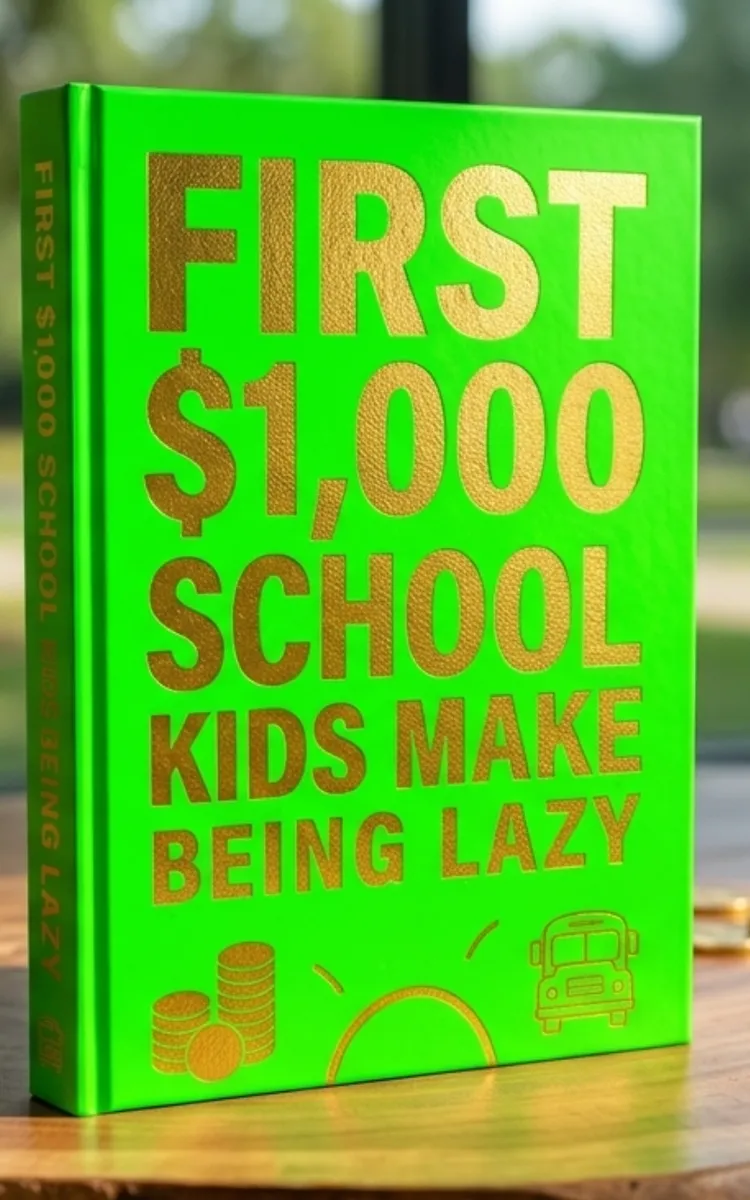
"First $1,000 School Kids Make Being Lazy" is a business book by Anonymous with 4 chapters and approximately 6,063 words. Using AI-assisted services and outreach to help students earn money.
This book was created using Inkfluence AI, an AI-powered book generation platform that helps authors write, design, and publish complete books. It was made with the AI Business Book Writer.
Frequently Asked Questions
What is "First $1,000 School Kids Make Being Lazy" about?
Using AI-assisted services and outreach to help students earn money
How many chapters are in "First $1,000 School Kids Make Being Lazy"?
The book contains 4 chapters and approximately 6,063 words. Topics covered include Chapter 1: The 3 Fast-Track Services, Chapter 2: The Universal Math Formula, Chapter 3: Copy-Paste Outreach Scripts, Chapter 4: The 3-Step Execution Checklist.
Who wrote "First $1,000 School Kids Make Being Lazy"?
This book was written by Anonymous and created using Inkfluence AI, an AI book generation platform that helps authors write, design, and publish books.
How can I create a similar business book?
You can create your own business book using Inkfluence AI. Describe your idea, choose your style, and the AI writes the full book for you. It's free to start.
Write your own business book with AI
Describe your idea and Inkfluence writes the whole thing. Free to start.
Start writingCreated with Inkfluence AI


