

Read the first chapter
The whole of chapter one, free. About 2 min. Turn the pages with the arrows, your keyboard, or a swipe.
Chapter 1
From Chalkboards to Digital Classrooms
Small Learning Routines Can Make a Big Difference
A small learning routine is a simple action you repeat, like reviewing your notes for five minutes after class or packing your school bag before bed. These routines can make school feel easier because you don’t have to decide what to do each time - you already have a plan. Start with one small step that feels manageable, then practice it until it becomes a habit. Over time, small routines can help you stay organized, remember more, and feel ready to handle changes and challenges.
ow
School has changed over time. Long ago, teachers often wrote on chalkboards, which are boards made for writing with chalk. Children used paper books and pencils for most of their work.
Today, many classrooms use digital tools, such as computers, tablets, and smartboards. We can read stories, watch lessons, and make pictures on a screen. You will discover how these tools help us learn in new and fun ways.
New Tools for Learning
A tool is something that helps you do a job. A pencil helps you write. A tablet can help you read, draw, and listen.
A digital classroom is a classroom that uses computers or screens for learning. You may use:
• A tablet to practise letters or numbers.
• A computer to watch a science video.
• A smartboard to see a big picture or story.
• Headphones to hear words clearly.
School also has new expectations. Expectations are things your teacher hopes you will do. You may need to take care of a tablet, listen during a video, and ask for help when a button is hard to use.
These tools give us new opportunities. An opportunity is a chance to try something helpful. You can draw a picture, find a book, or practise a new sound.
A Tablet Story Step by Step
• Your teacher gives you a tablet for a reading activity.
• You hold it carefully with both hands.
• You tap the book picture.
• You listen as the tablet reads a page.
• You touch the arrow to turn the page.
• You point to a picture of a cat.
• The screen shows the word “cat.”
• You say the word aloud: cat.
The tablet did not replace your teacher. It became another tool to help you learn.
Try These Learning Activities
Draw a picture of an old chalkboard and a new tablet.
Circle the tools you might use at school: pencil, tablet, spoon, smartboard, book.
Match each tool to its job: pencil with writing, headphones with listening, and tablet with reading.
Colour the chalkboard grey and the tablet blue.
Can you find one learning tool near you and tell someone what it helps you do?
End of chapter one. 4 more chapters and about 2,073 words in the full book.
Swipe or use the arrows to turn the page
What's inside: 5 chapters
- 1. From Chalkboards to Digital Classrooms
- 2. Why School Feels Frustrating
- 3. Building Habits That Help You Learn
- 4. Handling Setbacks and School Challenges
- 5. Turning Strengths Into Future Goals
About this book
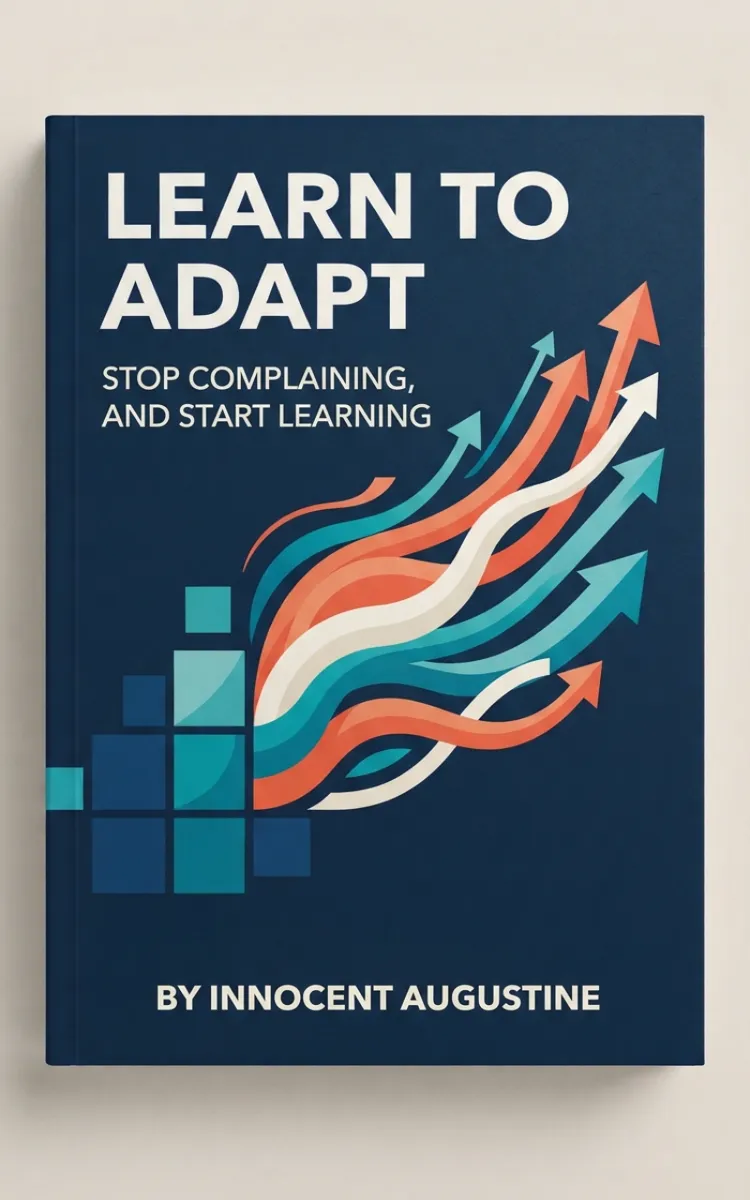
"Learn To ADAPT" is a education book by Innocent Augustine with 5 chapters and approximately 2,073 words. Changing learning environments, student challenges, and practical ways to adapt and thrive.
This book was created using Inkfluence AI, an AI-powered book generation platform that helps authors write, design, and publish complete books. It was made with the AI Lesson Plan Generator.
Frequently Asked Questions
What is "Learn To ADAPT" about?
Changing learning environments, student challenges, and practical ways to adapt and thrive
How many chapters are in "Learn To ADAPT"?
The book contains 5 chapters and approximately 2,073 words. Topics covered include From Chalkboards to Digital Classrooms, Why School Feels Frustrating, Building Habits That Help You Learn, Handling Setbacks and School Challenges, and more.
Who wrote "Learn To ADAPT"?
This book was written by Innocent Augustine and created using Inkfluence AI, an AI book generation platform that helps authors write, design, and publish books.
How can I create a similar education book?
You can create your own education book using Inkfluence AI. Describe your idea, choose your style, and the AI writes the full book for you. It's free to start.
Write your own education book with AI
Describe your idea and Inkfluence writes the whole thing. Free to start.
Start writingCreated with Inkfluence AI


