
Read the first chapter
The whole of chapter one, free. About 9 min. Turn the pages with the arrows, your keyboard, or a swipe.
Chapter 1
Building an AI Governance Strategy
Why Ownership Must Come Before AI Tools
A customer-service team launches an artificial intelligence (AI) assistant on Monday. By Friday, a customer challenges an answer that affected a refund. Compliance asks who approved the tool. Information security asks which data the assistant received. The business team points to the vendor. Nobody can identify one person with authority to stop the system or explain the decision.
That gap creates the practical problem an AI governance strategy must solve. Governance is not a meeting about technology. It is the operating arrangement that assigns responsibility, sets decision rights, and defines the results an AI system must deliver before people use it. Without that arrangement, teams make separate choices about vendors, data, testing, human review, and customer notices. Those choices can conflict, and the organization may discover the conflict only after a complaint, audit, or regulatory inquiry.
A mid-market organization does not need a large committee for every AI use. It needs clear ownership at the right level. After completing the work here, you should be able to create a Governance Charter Map, assign accountable owners, record who may approve or stop an AI use, and set measurable objectives for each system. Ask yourself one question as you read: if an AI decision harms a customer tomorrow, can your team identify the responsible owner, the escalation path, and the evidence supporting the decision within one business day?
Build the Governance Charter Map
The Governance Charter Map connects four items: the AI use, its business objective, its accountable owner, and its decision rights. It prevents a common failure: treating “the company” or “the project team” as the owner. A project team can build a system, but one named business owner must remain accountable for its use and effects.
Use the map to establish the following components:
1. Purpose. State what the AI system does and what it must not do. “Suggest replies to support agents” gives a clearer boundary than “improve customer service.” The boundary matters because reviewers can test actual behavior against it.
2. Accountable owner. Name one person who owns the business outcome and accepts responsibility for continued use. The owner does not perform every review, but the owner makes sure reviews happen and acts on their results.
3. Working owners. Assign people for compliance, privacy, information security, data quality, procurement, and operations when those areas apply. These people provide required checks; they do not replace the accountable owner.
4. Decision rights. Record who may approve deployment, change the use, accept a known risk, pause the system, and resume it. A decision right must belong to a role with enough authority to act, not merely to the person closest to the tool.
5. Objectives and limits. Define the result the organization seeks, the quality level it requires, and the conditions that trigger review. A support assistant might need to save agent time while keeping a human review for refunds, cancellations, and complaints.
6. Evidence and review dates. Identify the records that prove each decision and set a review date. Evidence may include a use description, data assessment, testing results, approval record, monitoring log, and incident record.
A simple map can fit on two pages. Create one row for each AI use, then add a short decision-rights table beneath it.
| AI use | Accountable owner | Approval right | Pause right | Review trigger | |---|---|---|---|---| | Support reply assistant | Head of Customer Operations | AI Governance Lead approves launch | Head of Customer Operations pauses use | Complaint trend or material workflow change | | Credit application screening | Head of Lending | Compliance and Risk Committee approves | Chief Risk Officer pauses use | Model change, adverse-action issue, or performance decline |
The accountable owner should sit close enough to the process to understand its effects and high enough to control resources. For a customer-facing assistant, the head of customer operations may fit. For an automated credit-screening process, the head of lending may own the business use while the chief risk officer holds the pause right. Separating those roles can add a useful check: the business owner wants the process to work, while the risk owner can stop it when controls fail.
Set objectives that people can check. “Use AI responsibly” cannot guide a launch decision. “Reduce average draft time from eight minutes to five while keeping all refund decisions with a trained employee” gives the team a target and a boundary. Add a review measure, such as weekly sampling of 50 replies during the first month. The number does not make the system safe by itself; it gives the owner a defined way to discover problems.
The map also needs a route for disagreement. If compliance rejects a proposed use but the business owner wants to proceed, the charter should state who decides. For example, compliance may have authority to block use when a legal requirement remains unmet, while the executive risk committee may decide whether to accept a documented business risk after compliance confirms that the use meets mandatory requirements. This distinction keeps “advice,” “approval,” and “veto” from becoming confused.
Before moving forward, read each map entry aloud. If the sentence “the owner will make sure this happens” does not identify a person, a deadline, and an action, rewrite it. The practical takeaway is simple: assign one accountable owner, document each decision right, and tie every objective to a result someone can measure.
Apply the Map to a Controlled Launch
A regional insurance administrator plans to use an AI assistant to draft responses to policyholder emails. The assistant may summarize a message and suggest a reply, but it may not approve a claim, change coverage, or send a final response without employee review. The organization has 420 employees, a compliance team of three, and no separate AI department.
The team applies the Governance Charter Map in numbered steps:
1. Write the use boundary. The operations manager records: “The assistant drafts replies from approved policy and procedure content. A trained service employee reviews and sends every response. The assistant cannot decide coverage, calculate a payment, or access medical records.” The expected outcome is a one-page description that prevents scope from expanding during configuration.
2. Name the accountable owner. The vice president of customer operations accepts ownership because that role controls the service process, staffing, and customer outcomes. The operations manager becomes the working owner for daily administration. The expected outcome is one escalation point for complaints, missed reviews, and performance problems.
3. Assign review roles. Compliance checks customer notices and prohibited uses. Privacy reviews the data fields. Information security reviews access controls and vendor handling. Procurement confirms contract terms. The service quality manager designs the sampling process. The expected outcome is a complete review record without asking one person to master every subject.
4. Set decision rights. The vice president of customer operations may approve the business process after required reviews finish. The compliance director may block launch when a required customer notice or legal control remains incomplete. The information security manager may pause data access after a security concern. The vice president may pause all use at any time. The expected outcome is a clear answer to “who can stop this today?”
5. Set measurable objectives. During the first 30 days, the team targets a reduction in average drafting time from eight minutes to six minutes. Employees must review 100 percent of outgoing messages. The quality manager samples 50 messages each week and records unsupported statements, missing disclosures, and incorrect policy references. The expected outcome is a launch decision based on both efficiency and quality.
6. Define escalation thresholds. One unsupported statement in a sampled message triggers correction and coaching. Three similar errors in one week trigger a pause for investigation. Any message that changes a customer’s legal or financial position without employee approval triggers immediate suspension and compliance review. The expected outcome is a response that does not depend on personal judgment under pressure.
7. Record evidence and dates. The team stores the charter, vendor review, approved content list, employee training record, test results, weekly samples, incidents, and approval decision in the governance register. The accountable owner reviews the use after 30 days, then every quarter or sooner after a material change. The expected outcome is an audit-ready record and a defined point for reassessment.
At the end of the first month, the team finds that drafting time fell to six minutes, but four of 200 sampled messages included outdated procedure language. The owner pauses expansion, removes the outdated content, retrains employees, and repeats testing. The map worked because it connected the result to a named owner and gave that owner a defined response. A good governance strategy does not promise that errors will never occur; it ensures the organization detects, assigns, and corrects them.
Quick checklist
• [ ] Describe what the AI use does and cannot do. - [ ] Name one accountable business owner. - [ ] Assign compliance, privacy, security, procurement, and operations roles as needed. - [ ] Record who can approve, block, pause, change, and resume the use. - [ ] Set one business objective and at least one control objective. - [ ] Define measurable review samples, deadlines, and error thresholds. - [ ] Store approvals, tests, training records, monitoring results, and incidents. - [ ] Set the next review date and list events that require an earlier review.
Use the same test for every proposed use, from an internal writing assistant to a system that influences eligibility, pricing, employment, or customer treatment. The roles may change, but the need for a named owner and a documented stop path does not.
Avoid Ownership Gaps and Unclear Authority
The committee owns everything
A committee can provide review and consistency, but it cannot replace an accountable owner. When a committee “owns” a system, members may assume someone else handles incidents, vendor changes, or monitoring.
Do this: Name one business owner and give the committee a defined approval or escalation role.
Not this: Write “AI Governance Committee” in the owner field and leave individual responsibility unstated.
The business owner approves every control
A business owner understands the process but may not have the authority or expertise to approve privacy, security, or legal requirements. Combining every decision in one role can turn a useful owner into a rubber stamp.
Do this: Separate business accountability from specialist checks. Give compliance and information security explicit block or pause rights where required.
Not this: Ask the operations owner to sign off on data protection, vendor security, and regulatory interpretation without specialist review.
Objectives measure speed but ignore harm
Teams often set a time-saving target and treat it as proof that the AI use works. A system can save five minutes while producing inaccurate, unfair, or unexplained results. Efficiency alone cannot define a safe launch.
Do this: Pair the business objective with control measures, such as human-review completion, error sampling, complaint handling time, or unauthorized-access findings. Set thresholds that trigger action.
Not this: Approve continued use because staff report that the tool feels faster.
The map becomes outdated after a process change
A new data source, vendor model, customer group, or automated action can change the risk and the decision rights. If the team keeps the original charter, the recorded owner may no longer control the process.
Do this: Treat a material change as a review trigger. Require the accountable owner to confirm the map before the changed use goes live.
Not this: Assume the original approval covers every future feature.
A practical governance strategy leaves little room for guessing. It tells people who owns the outcome, who checks the conditions, who may stop the use, and what evidence supports the decision. Build those answers into the Governance Charter Map before the next AI system reaches production, and your broader compliance work will have a reliable foundation.
End of chapter one. 7 more chapters and about 17,572 words in the full book.
Swipe or use the arrows to turn the page


What's inside: 8 chapters
- 1. Building an AI Governance Strategy
- 2. Inventorying Enterprise AI Systems
- 3. Classifying AI Risk by Use
- 4. Running AI Risk Assessments
- 5. Meeting GDPR AI Requirements
- 6. Applying FCRA Controls to AI
- 7. Controlling AI Vendors and Changes
- 8. Launching the AI Compliance Action Plan
About this book
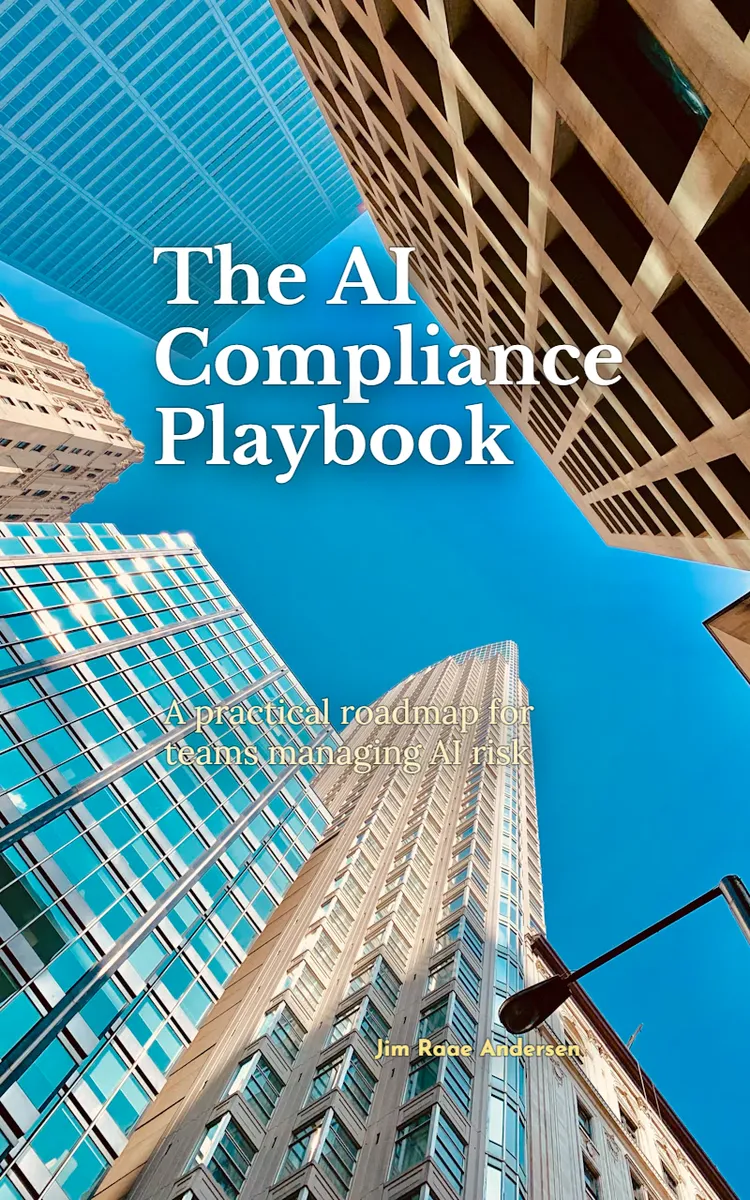
"The AI Compliance Playbook" is a how-to guide book by Jim Raae Andersen with 8 chapters and approximately 17,572 words. On Monday, a customer-service team launches an AI assistant. By Friday, a customer challenges a refund answer, and nobody can say who has authority to stop the system.
This book was created using Inkfluence AI, an AI-powered book generation platform that helps authors write, design, and publish complete books. It was made with the AI Ebook Generator.
Frequently Asked Questions
What is "The AI Compliance Playbook" about?
On Monday, a customer-service team launches an AI assistant. By Friday, a customer challenges a refund answer, and nobody can say who has authority to stop the system. The AI Compliance Playbook turns that gap into a set of working controls for mid-market compliance and risk teams. Build a Governance Charter Map, assign accountable owners, and record who can approve or halt an AI use. Then create an inventory that reconciles the tools held by procurement, technology, compliance, and business teams, including the AI hidden inside vendor platforms. The eight chapters also show you how to classify risk by what a system actually does, not by its label. Set review and testing requirements to match the use, the data, and the people affected. When a regulator asks for your AI inventory, your team should have more than a list of tool names: it should know who owns each system and what it can influence.
How many chapters are in "The AI Compliance Playbook"?
The book contains 8 chapters and approximately 17,572 words. Topics covered include Building an AI Governance Strategy, Inventorying Enterprise AI Systems, Classifying AI Risk by Use, Running AI Risk Assessments, and more.
Who wrote "The AI Compliance Playbook"?
This book was written by Jim Raae Andersen and created using Inkfluence AI, an AI book generation platform that helps authors write, design, and publish books.
How can I create a similar how-to guide book?
You can create your own how-to guide book using Inkfluence AI. Describe your idea, choose your style, and the AI writes the full book for you. It's free to start.
Write your own how-to guide book with AI
Describe your idea and Inkfluence writes the whole thing. Free to start.
Start writingCreated with Inkfluence AI


